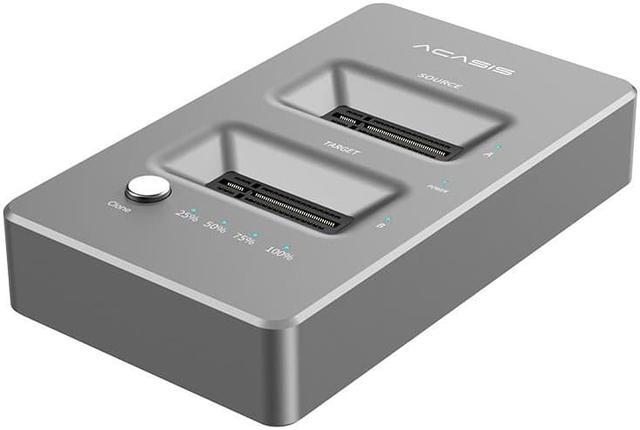
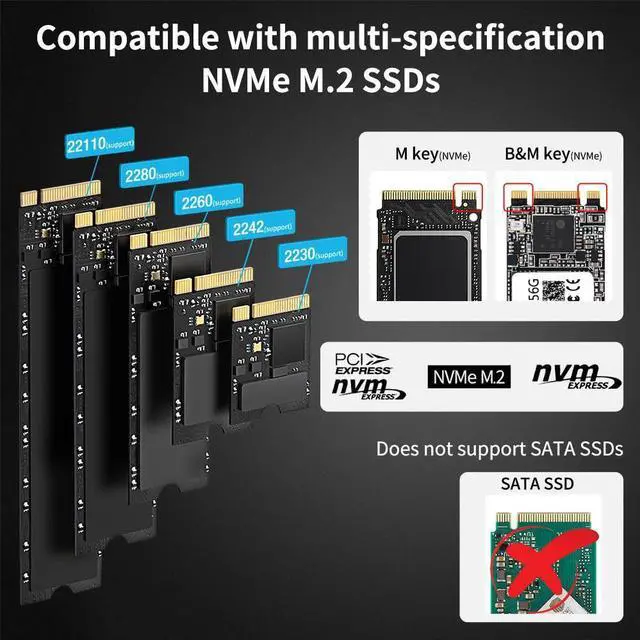
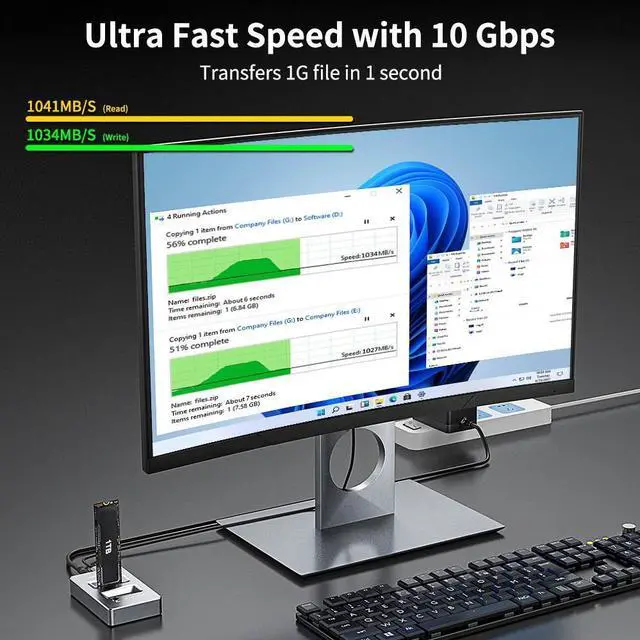
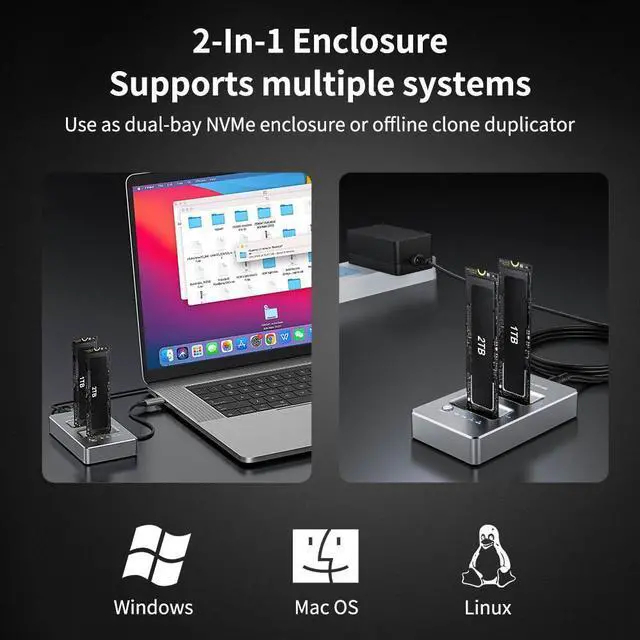
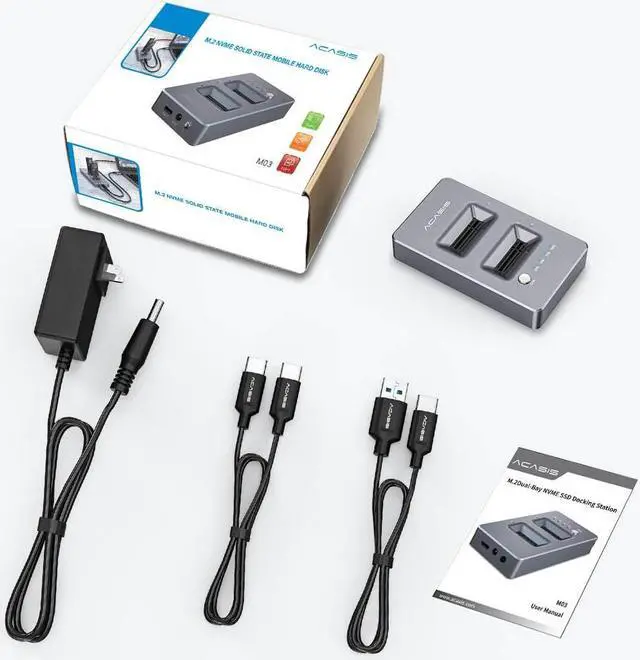
Acasis Dual-Bay NVME Clone Docking Station, USB 3.1 Gen2 10Gbps External Hard Drive Docking Station
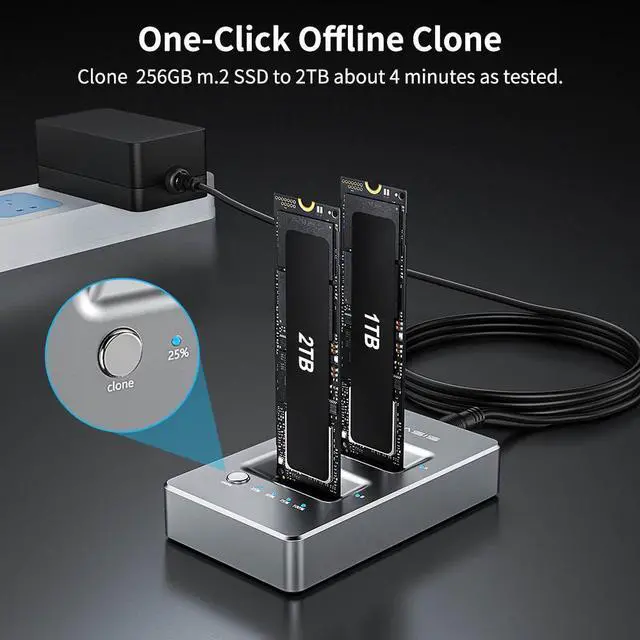
One click offline clone, no need computer, plug and play. Tools free and easy operation.
Hot plug compatible, no driver required.
[Excellent heat dissipation]
3D naked heat dissipation, can be used for a long time.
please note:
1. Do not connect to the computer during use.
2.
SSD condition: If there is a bad sector in the SSD, copying may stop. Scan the SSD once before copying to make sure there are no bad sectors.
Instructions for nvme enclosure offline Clone
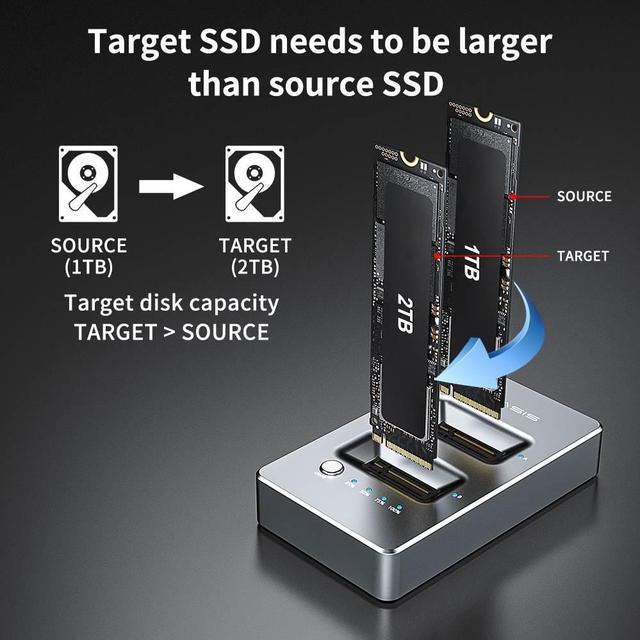
Step 1: Insert the Original disk into the A disk position and the target disk into the B disk position. (The target disk should be larger than the source disk)
Step 2: Connect the Type-C cable of the power source, connect the computer, and turn on the switch, open the computer's disk manager to check if this two hard drives are good and can be read.
Step 3: Turn off the switch, unplug the Type-C cable from the product, then turn on the clone switch, wait for 2-3 seconds after the indicators of the A and B disks light up, press the clone button for 3-5 seconds (Release the clone button after all the indicators light up)
Step 4: Wait for the clone indicator to light up without flashing, turn off the switch, connect the Type-C cable to the product, at this time the computer will only recognize the original disk (now the target disk is offline), open the disk manager to find Right-click on disk 2 in the subdisk, then click online (you can open the target disk and read the files in it)