







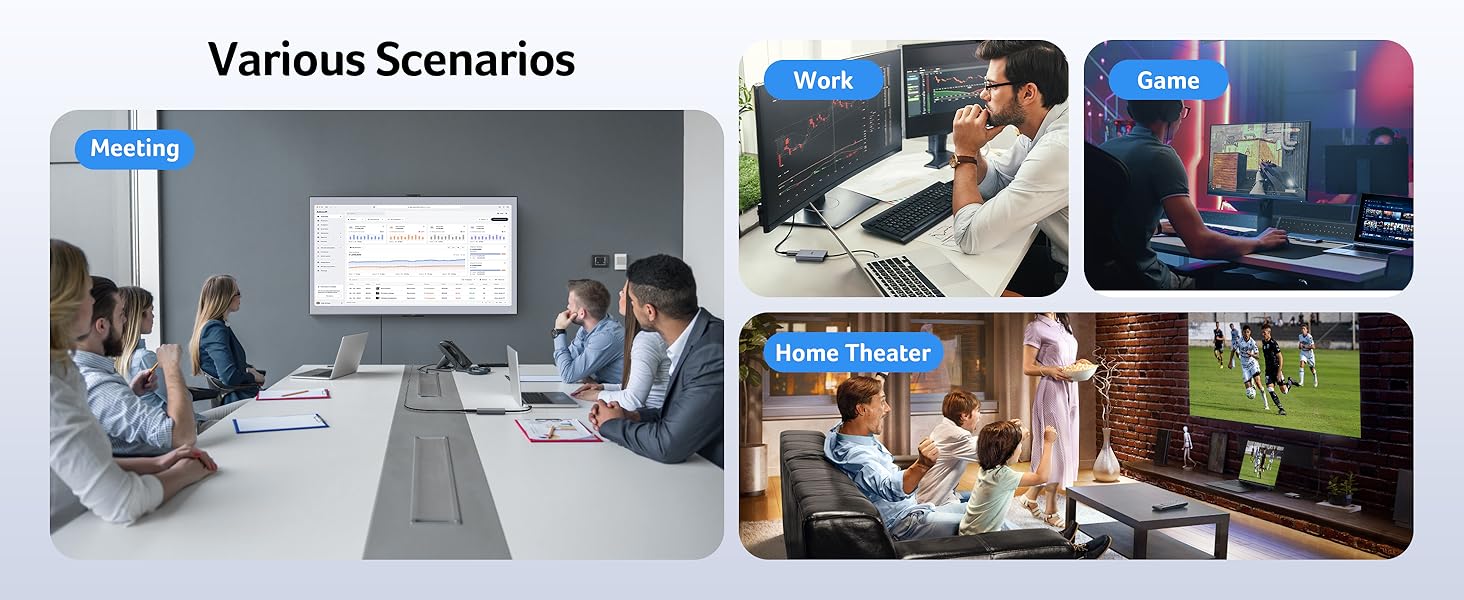
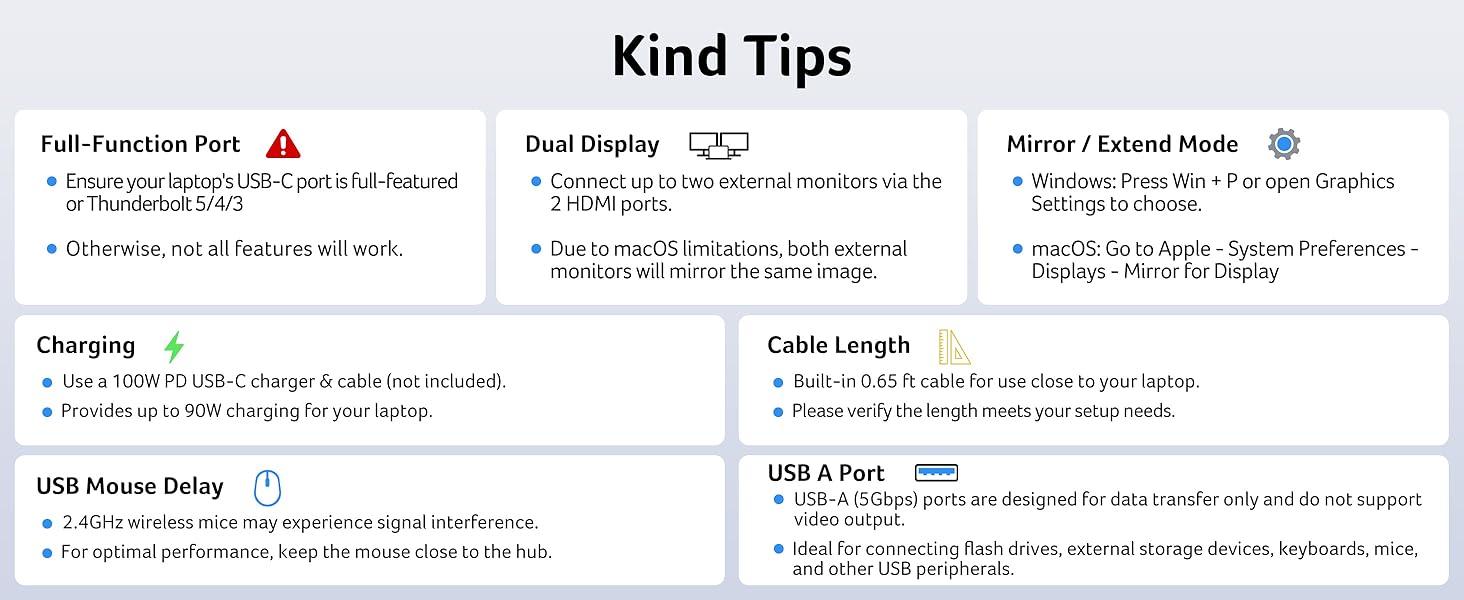
Usage Tips
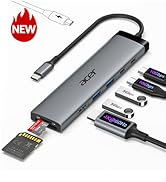
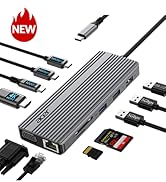
Find Your Perfect Acer USB C Multiport Hubs
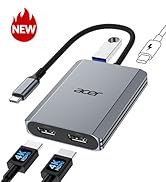
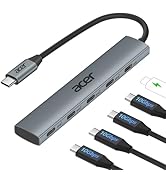
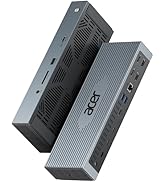
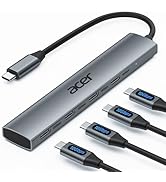
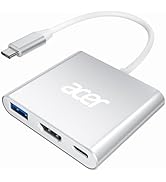
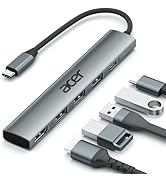
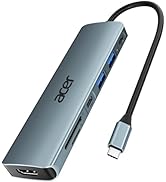
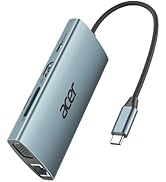
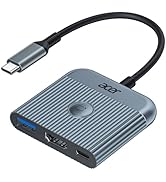
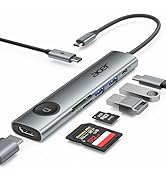
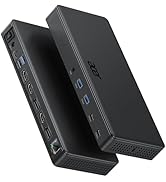
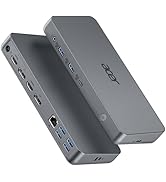
 4-in-1 USB C Hub |  4-in-1 USB C Hub | 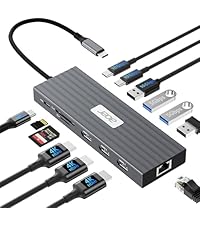 13-in-1 Docking Station | 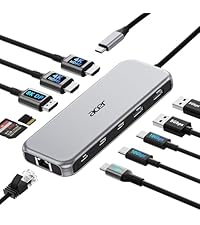 11-in-1 Docking Station | 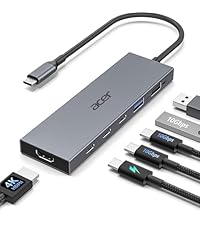 6-in-1 USB C Hub | 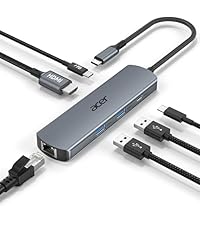 6-in-1 USB C Hub | |
|---|---|---|---|---|---|---|
Customer Reviews | — | — | — | — | — | — |
Price | — | — | — | — | — | — |
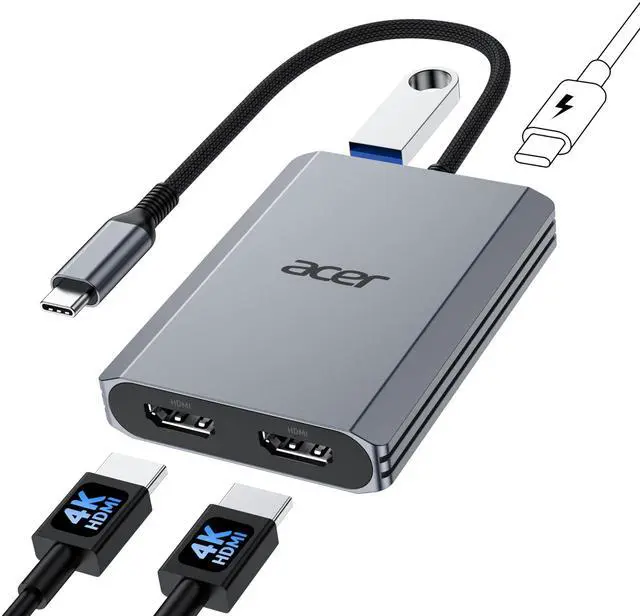
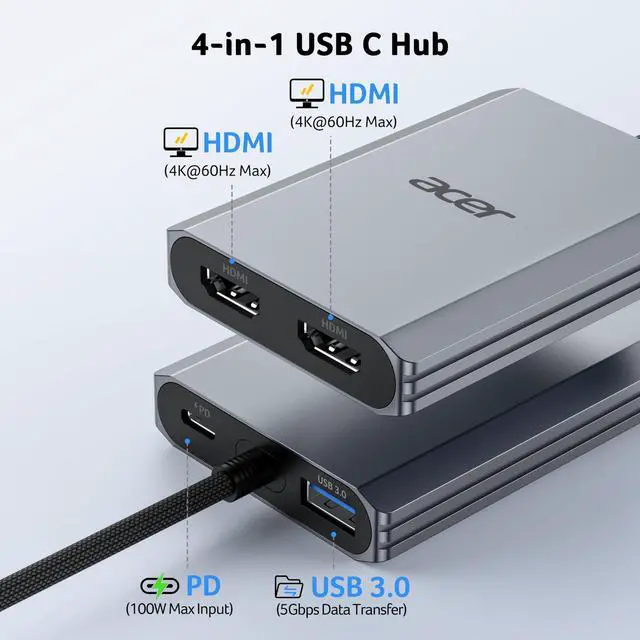
Display Ports | 2*HDMI | 1*USB-C Video Output | 3*HDMI | 2*HDMI+1*DP | 1*HDMI | 1*HDMI |
Max Connected Displays | Dual | Single | Triple | Triple | Single | Single |
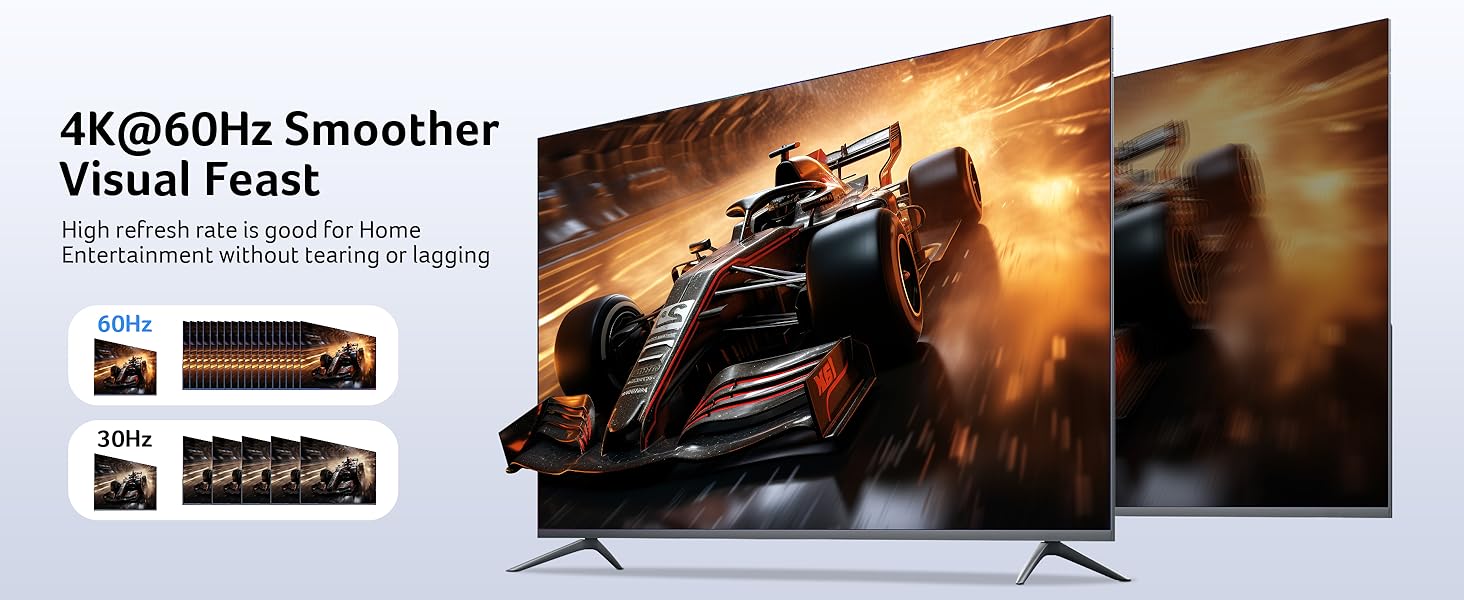
Max Display Resolution(Single) | 4K@60Hz | 4K@60Hz | 4K@60Hz | 8K@30Hz | 4K@60Hz | 4K@60Hz |
RJ45/Ethenet | / | / | 1000Mbps | 1000Mbps | / | 1000Mbps |
USB Ports | 1*USBA | 2*USBC | 4*USBA+2*USBC | 2*USBA+2*USBC | 2*USBA+2*USBC | 2*USBA+1*USBC |
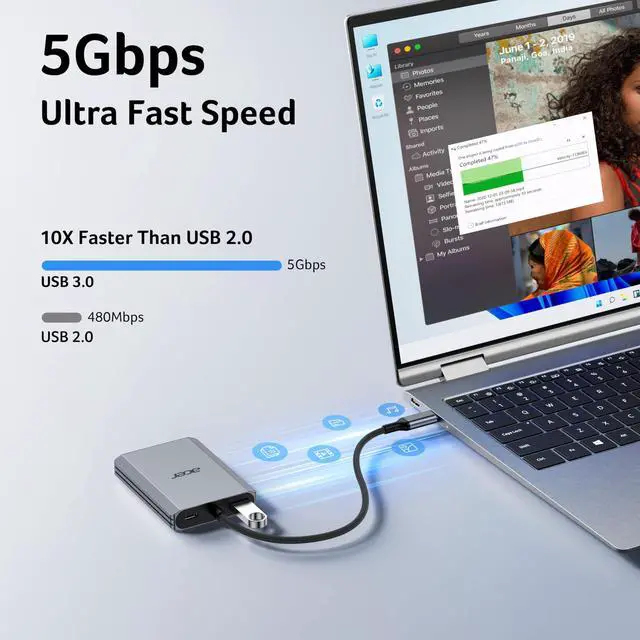
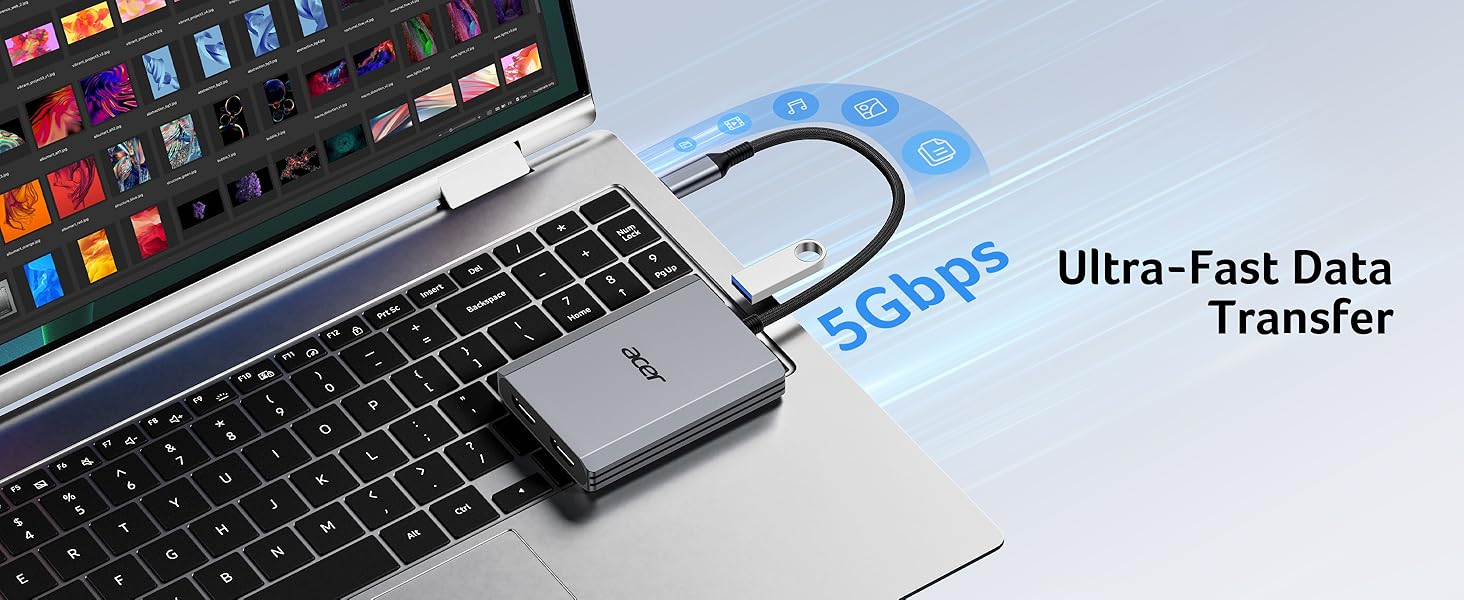
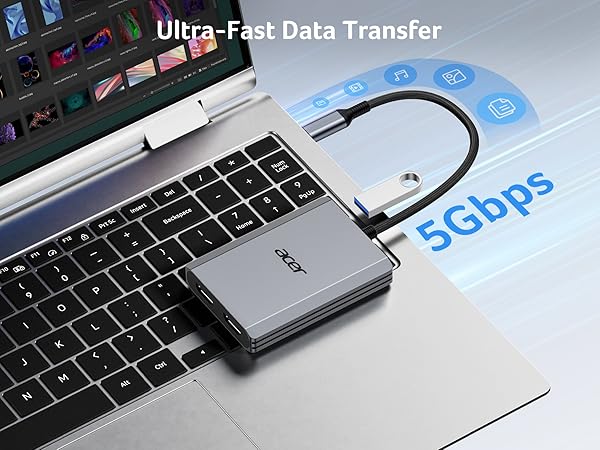
Max Transfer Speed | 5Gbps | 10Gbps | 10Gbps | 10Gbps | 10Gbps | 5Gbps |
SD/TF | / | / | 104Mbps | 104Mbps | / | / |





Usage Tips
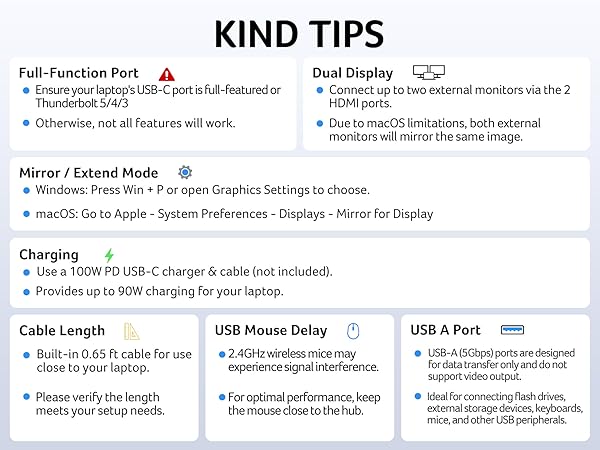
| ??Check before buy | ???????????? ???????? ???????? ???????? ????????????’?? ??????-?? ???????? ???????????????? ?????????????? ???????????????? (?????????????????????? ?????????????????? ????????). This means your USB-C port should support video output, data transfer, and Power Delivery (PD). So please check your device specs before purchasing. |
|---|---|
| ??About Compatibility | Not compatible with devices that don't support the protocol of DP Alt Mode. |
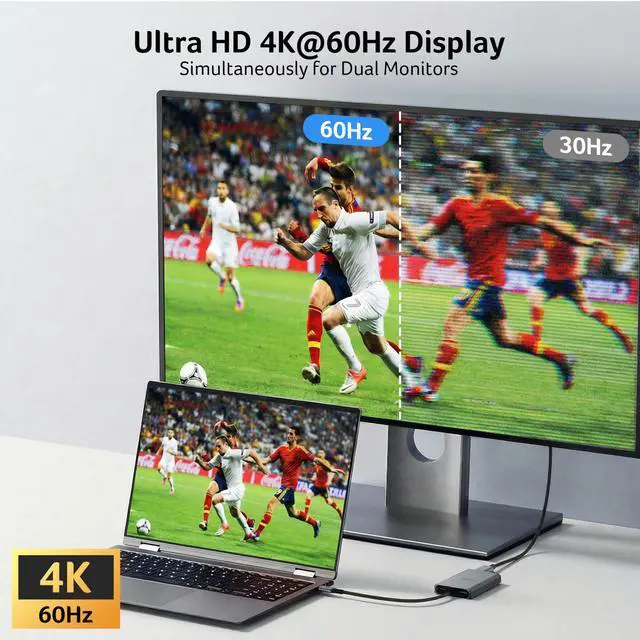
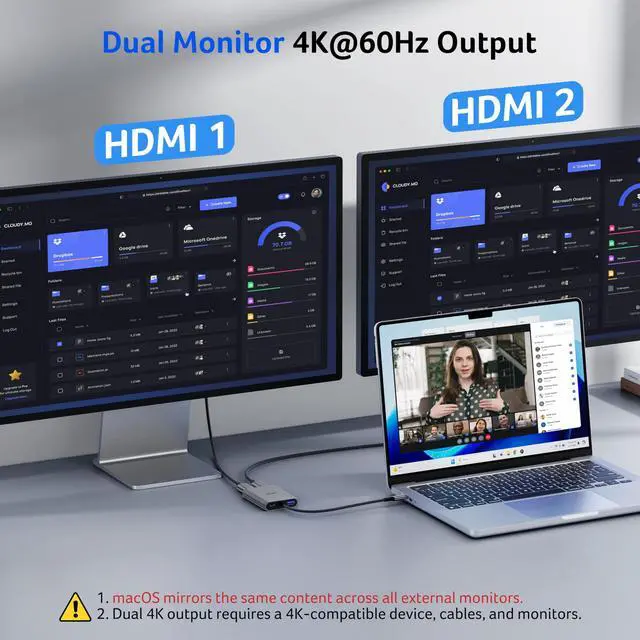
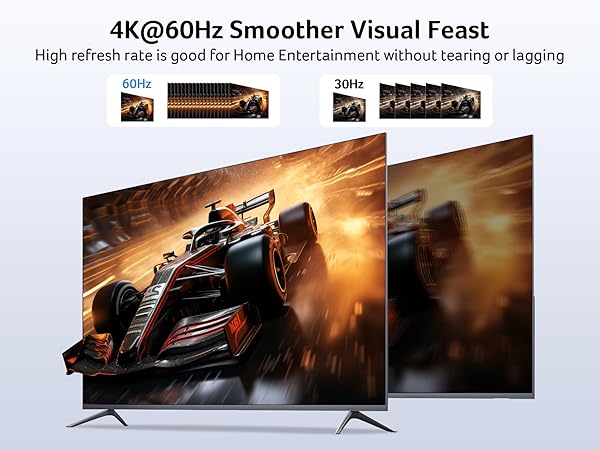
| ??About Resolution | Both HDMI ports support up to 4K@60Hz, including dual-display output at 4K@60Hz when all connected devices support it. The final resolution depends on your laptop’s bandwidth and the specifications of your monitors. If any device supports a lower resolution, the actual output may be reduced accordingly. |
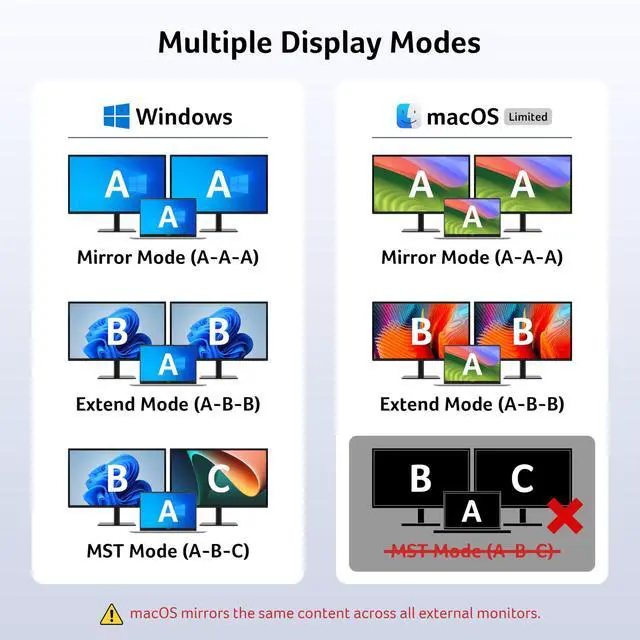
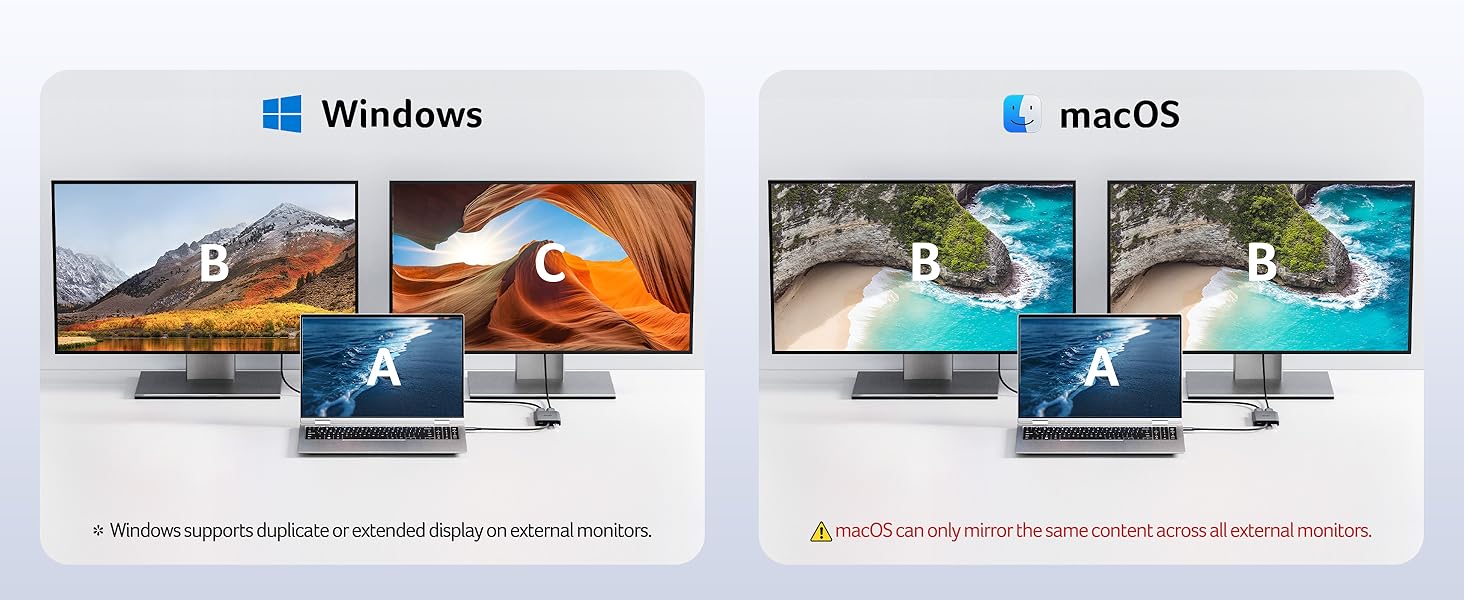
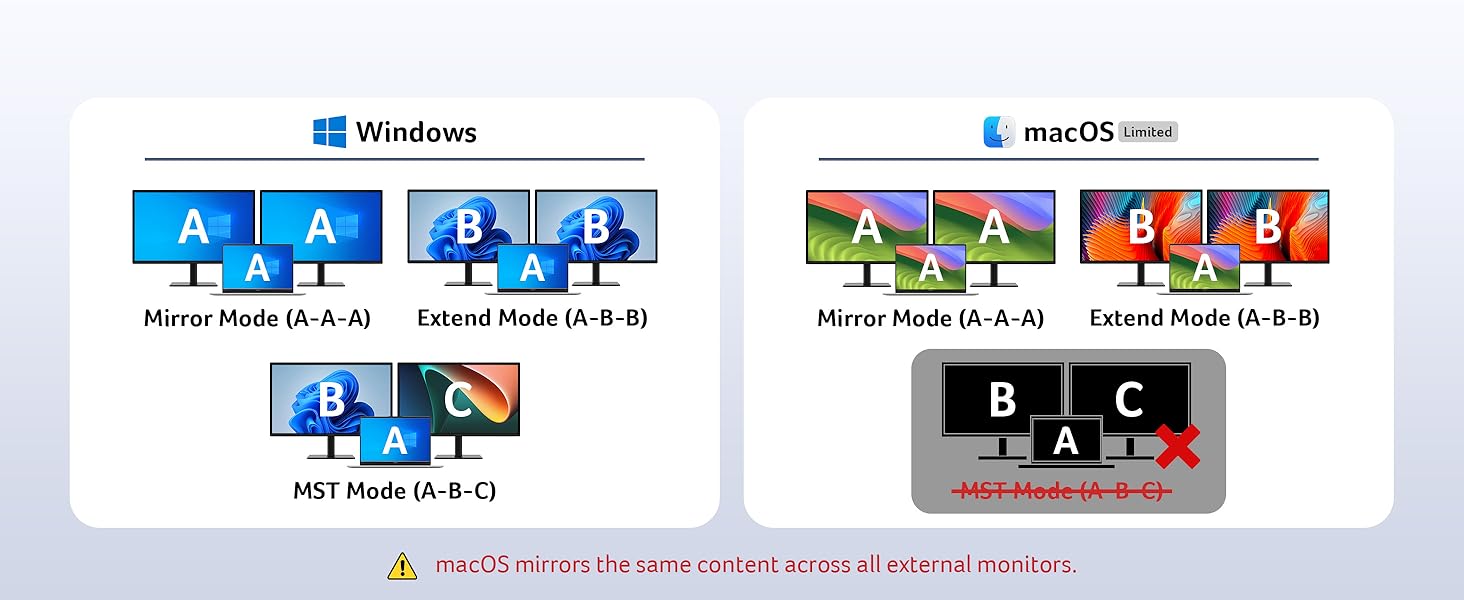
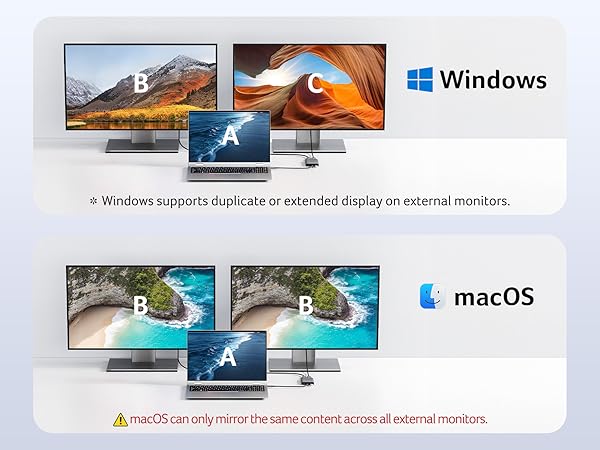
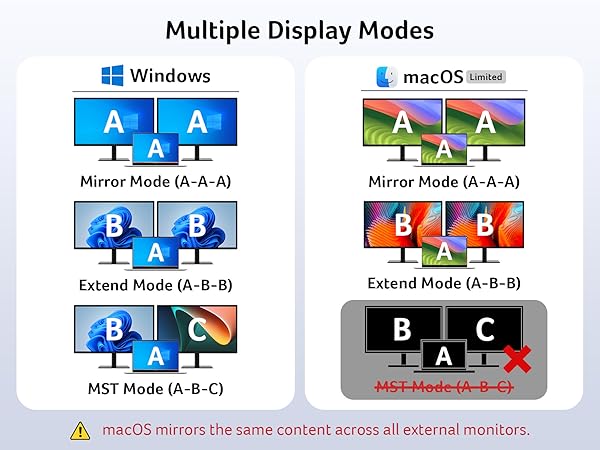
| !!Note for Mac User | For Mac Users: macOS can only mirror the same content across all external monitors. If you want two external monitors on Mac to show different content, this product will not meet your needs. |
| !!Note for Chromebook User | For Chromebook Users: Dual display support is limited to devices with MST capability; most Chromebooks do not support MST and therefore only allow mirror mode or single display. |
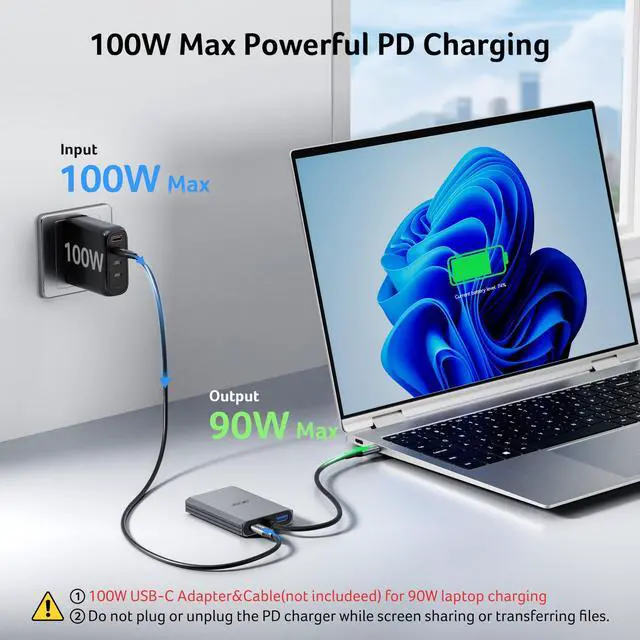
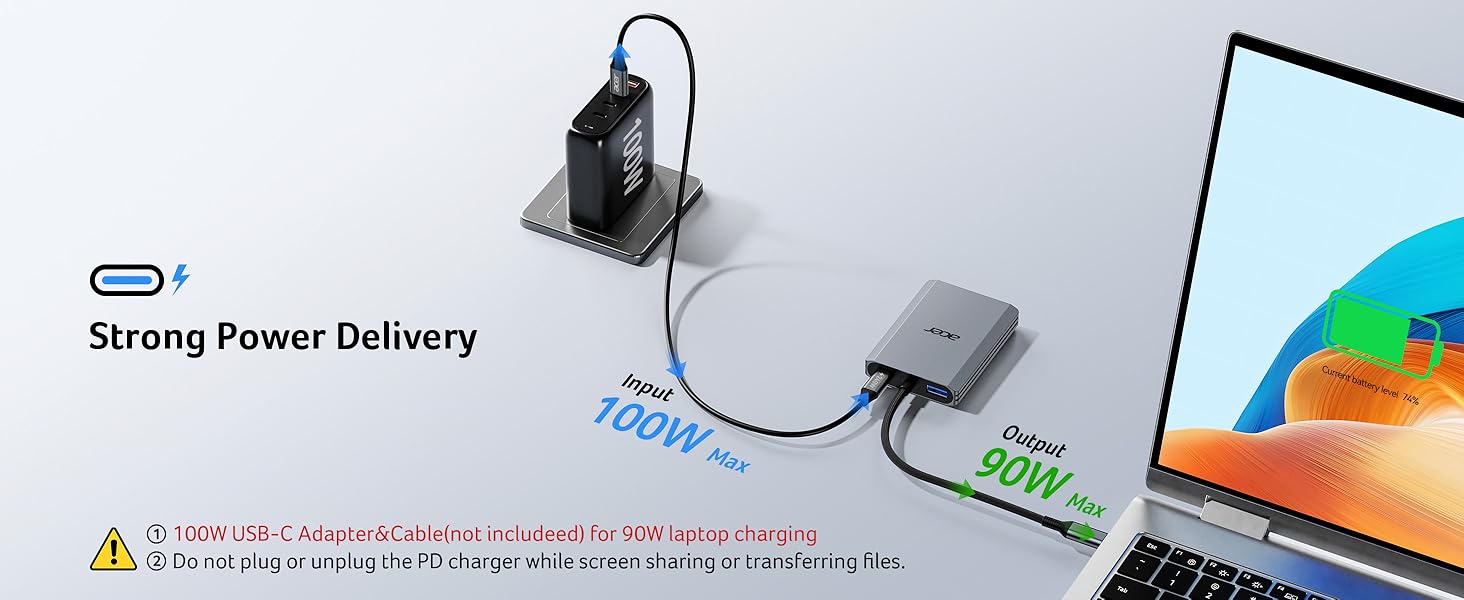
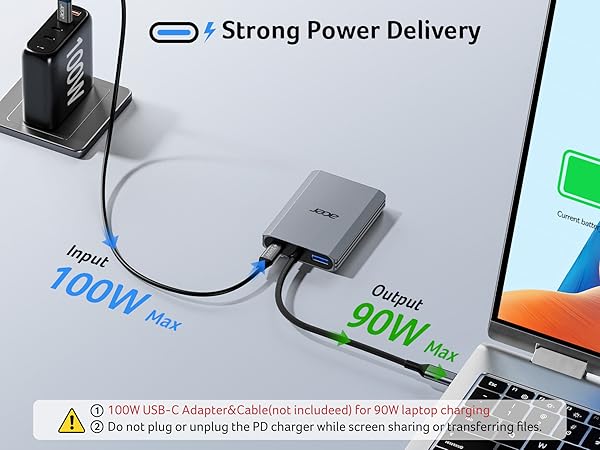
| !!Note PD Port | The PD port on this adapter is exclusively designed to charge USB-C connected host devices. It cannot be used to charge other peripheral devices, such as portable monitors. |
| !!Note PD Port | “Slow Charging” message may appear — please ignore. Actual charging speed is normal. |
| !!Note for Sound | If the sound is not transmitted to the TV, please try selecting your TV as the audio output device. For Mac: Go to System Settings ? Sound ? Output ? select your TV. |
| !!Note for Cable Length | The built-in cable is 0.65FT long. It is best suited for setups where the hub is used close to your laptop, such as on a desk or workstation. Please ensure the connection distance meets your usage needs before purchase. |
| !!Note!! | **????????: ???? ?????? ?????? ?????? ????????, ???????????? ???????? ???????? ???? ?????? ???? ????????, ???? ?????? ???????? ???????? ???? ??????????. |
Find Your Perfect Acer USB C Multiport Hubs
4-in-1 USB C Hub | 4-in-1 USB C Hub | 13-in-1 Docking Station | 11-in-1 Docking Station | 6-in-1 USB C Hub | 6-in-1 USB C Hub |
|---|---|---|---|---|---|
| Customer Reviews | |||||
| — | — | — | — | — | — |
| Price | |||||
| — | — | — | — | — | — |
| Display Ports | |||||
| 2*HDMI | 1*USB-C Video Output | 3*HDMI | 2*HDMI+1*DP | 1*HDMI | 1*HDMI |
| Max Connected Displays | |||||
| Dual | Single | Triple | Triple | Single | Single |
| Max Display Resolution(Single) | |||||
| 4K@60Hz | 4K@60Hz | 4K@60Hz | 8K@30Hz | 4K@60Hz | 4K@60Hz |
| RJ45/Ethenet | |||||
| / | / | 1000Mbps | 1000Mbps | / | 1000Mbps |
| USB Ports | |||||
| 1*USBA | 2*USBC | 4*USBA+2*USBC | 2*USBA+2*USBC | 2*USBA+2*USBC | 2*USBA+1*USBC |
| Max Transfer Speed | |||||
| 5Gbps | 10Gbps | 10Gbps | 10Gbps | 10Gbps | 5Gbps |
| SD/TF | |||||
| / | / | 104Mbps | 104Mbps | / | / |
New Product Display
USB Hub--High Parameters
USB C Multiport HUB
USB Hubs