

Your Browsing History



Any questions? Our AI beta will help you find out quickly.
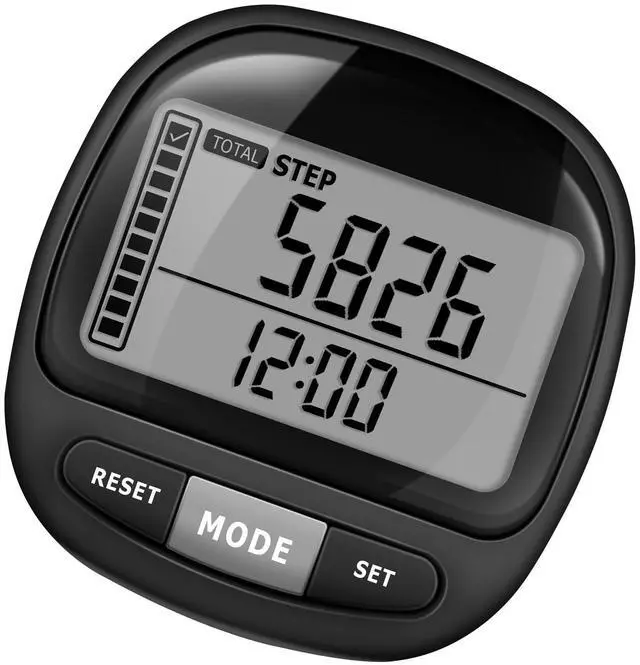
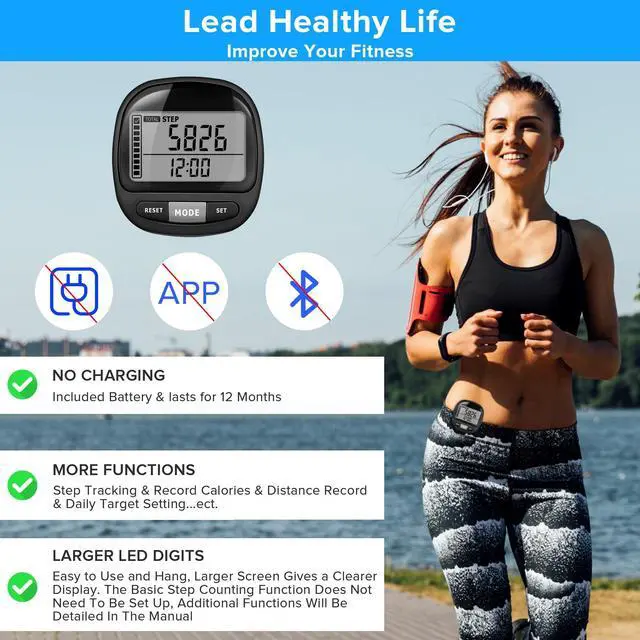
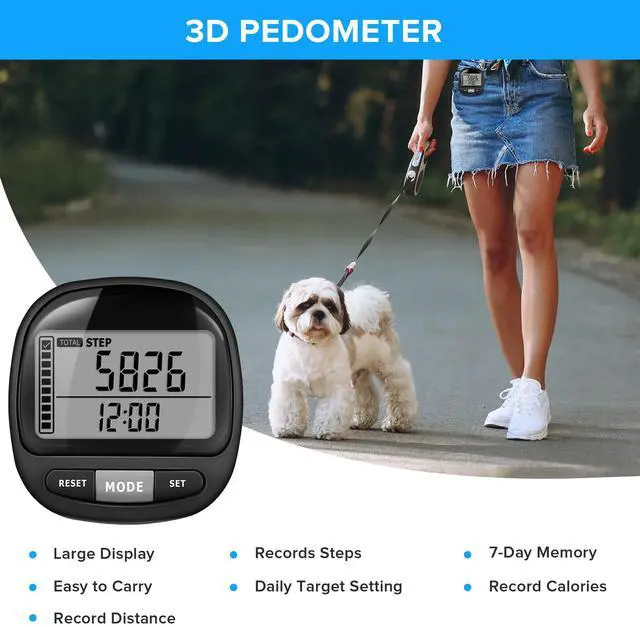
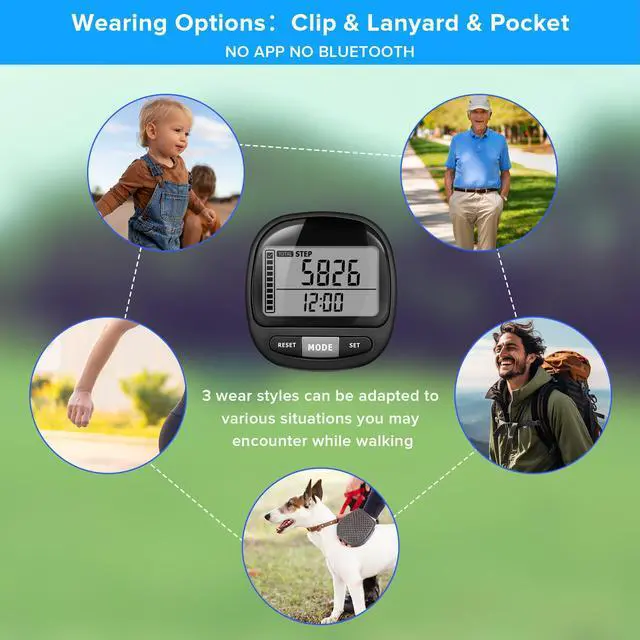
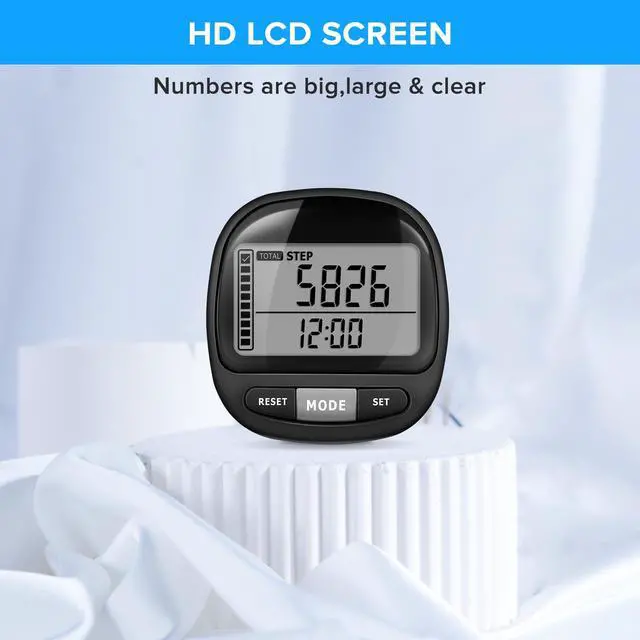
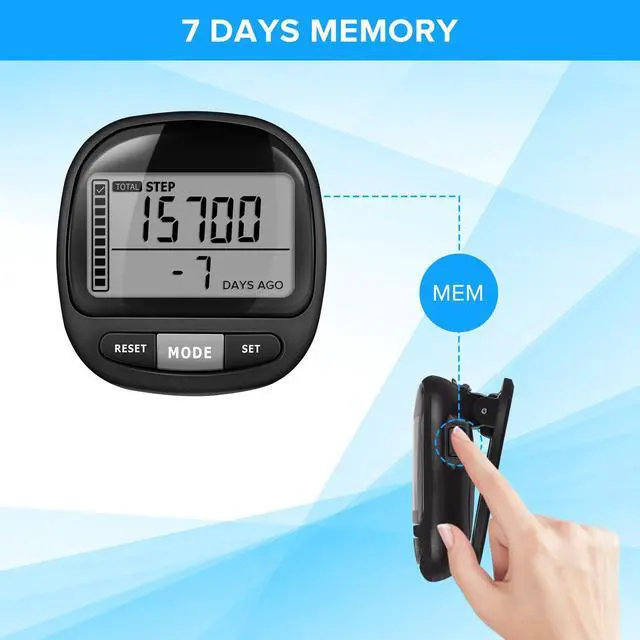
1. Easy to read The large digital display enables quick and effortless reading of the numbers at a glance. 2. Detachable Clamp and Lanyard There are numerous ways to utilize it. Clip it to your waist, clothing, jogging bra, belt, shoes, neck, or pocket. 3. Accurately record your exercise data. This walking 3d pedometer accurately tracks the number of steps taken, distance covered (in kilometers/miles), calories burned, and exercise duration. 4. Set a daily step goal It also includes a feature for setting daily step goals and a progress bar on the left to track completion. This can help motivate you to exercise and maintain a healthy lifestyle. 5. 7 Days' Memory The 7-day memory function enables you to review and analyze the specific walking steps you have taken in the past week, helping you optimize your exercise routine. 6. Reset Function: To reset the counter, press and hold the button for 5 seconds to clear all data. 7. Power-saving Mode: The included CR2032 battery has a lifespan of 12 months. To conserve battery life, the 3d step counter will automatically turn off the LCD screen after being stationary for 1 minute. 8. Perfect for Gift-giving: This is an excellent present for individuals looking to monitor their steps and enhance their health. Ideal for a wife, husband, mother, father, friend, son, daughter, and more. Especially suitable for individuals who prefer not to carry a mobile phone while exercising. Package Includes: - 1 pedometer with a CR-2032 battery - Removable clip - 1 lanyard - Instruction Manual How to set up for the first timePress the MODE key to switch to the STEP interface, and press the SET key for 5 seconds to enter the setup environment. Step 1: Set the time - Press the MODE or RESET button to select the 12/24-hour time format for display. - Press "SET" to enter the hour setup mode. Use "MODE" to decrease the value and "RESET" to increase it. - Press "SET" to enter the minute setting mode. Use "MODE" to decrease the value and "RESET" to increase it. Step 2: Set Your Height - Press "SET" to enter the height setting mode. Press "MODE" switch to select either IN or CM measurements. If you select IN, it will record the distance traveled in miles; if you select CM, it will record the distance traveled in kilometers. - Press "SET", use "MODE" to decrease the value and "RESET" to increase it. Step 3: Set Your Weight - Press "SET" to enter the weight setting mode. Press the "MODE" switch to select either KG or LB measurements. - Press "SET", use "MODE" to decrease the value and "RESET" to increase it. Step 4: Set a daily step goal. - Press "SET" to enter the step target. Use "MODE" to decrease the value and "RESET" to increase it. - Press "SET", ready to use How to use it normally: - Press the MODE button to switch and view the day's steps, exercise distance, calories, and exercise duration. - Press the MEM button on the right to view the number of steps taken in the past 7 days. - Press the RESET button, and the LCD display will return to its default setting.