




Measure Entire Meals

Weigh
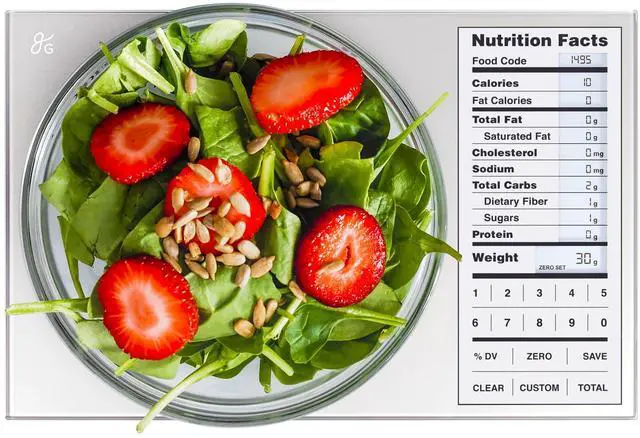
Add your first ingredient directly to the nutrition scale or zero out the weight of a bowl to keep it more contained.

Save
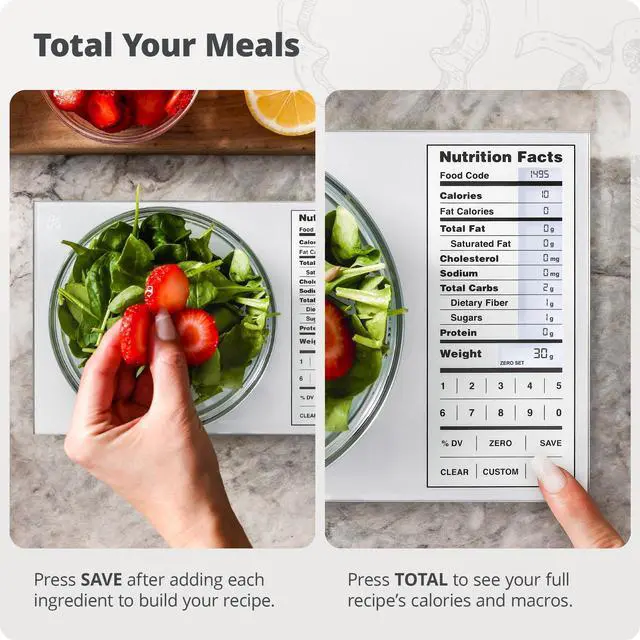
Once weighed, select Save, and the nutrition scale will store the ingredient’s nutrition values.

Weigh More
Repeat steps one and two until each ingredient of your meal has been weighed and saved on the nutrition scale.

View Total
Press Total to view the ingredients' combined nutritional value, then again to return to weighing, or select Clear to reset your meal prep scale.


Add a Custom Food Code

Select Custom
Don’t see an ingredient? Create a custom food code by holding Custom on the nutrition scale. Just be sure you have the nutrition label on hand.

Choose Digits
After pressing Custom, your calorie counting scale will prompt you to enter a food code. You can choose any 2-digit number between 01 and 99.

Enter Nutrients
Enter the nutrient values as they appear on the food label. Then, press Custom on the nutrition scale and enter the protein and weight per serving.

Use Your New Code
To use your new code, simply select Custom on the macro scale and enter your chosen 2-digit number.
Calculate Calories, Macros, and All the Nutrition Facts You Need!
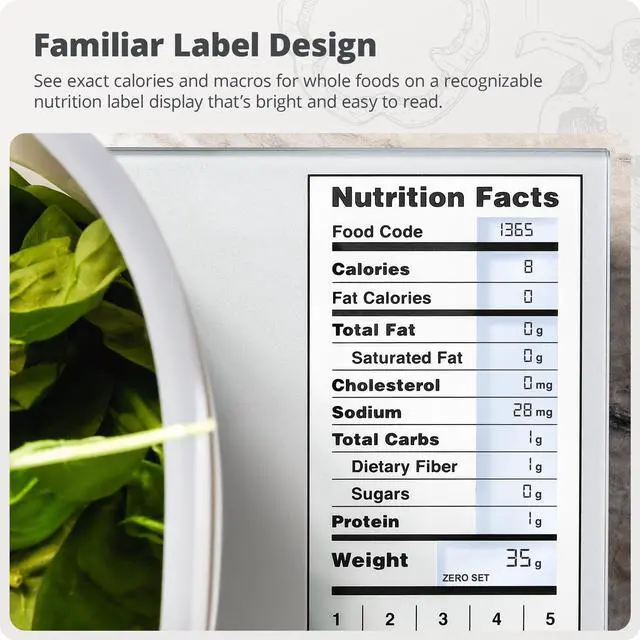
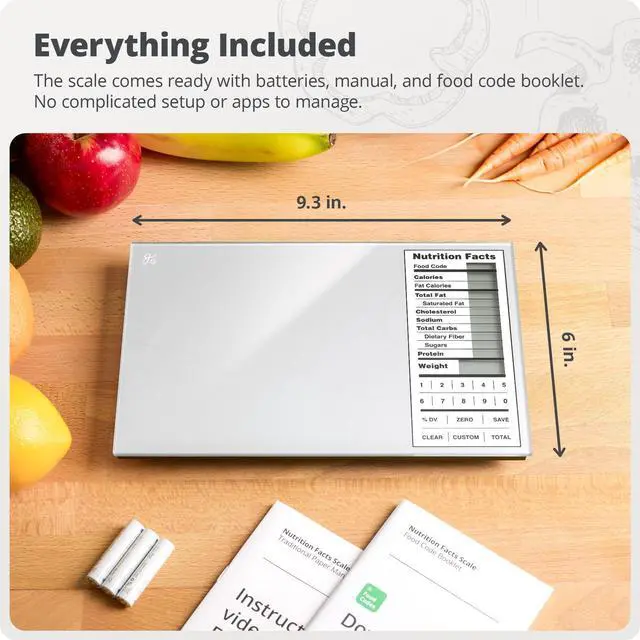
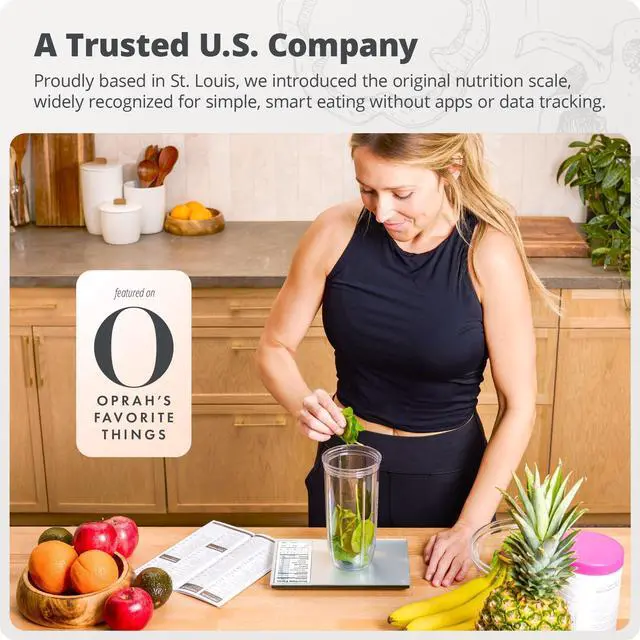
Looking for the perfect meal prep scale? The Greater Goods Nutrition Scale is like having a little nutritionist in your kitchen. It contains the nutritional facts on over 2,000 food items and can add and store up to 99 more customized entries. You can also total nutritional information by measuring and saving multiple ingredients, making it the perfect calorie counting scale.
The Greater Goods Nutrition Scale
Merchant VideoDo I need an app or internet connection to use the scale?
No. The scale works completely offline with built-in nutrition data for 2,000 foods. No apps, accounts, or internet connection are required. A free companion app is available only for quick food code lookup if needed.
What foods are included in the 2,000 food database?
The scale includes a wide range of everyday foods such as meats, fruits, vegetables, grains, and many packaged ingredients. If a food isn’t included, you can easily add and save up to 99 custom entries.
How do I find food codes quickly?
Use the included booklet to look up food codes or search by name with the optional Food Codes app. Once you find a code, enter it on the scale to view nutrition information.
Can I switch between grams and ounces?
Yes. The scale allows you to switch between grams, ounces, pounds, and milliliters with a simple button press, making it easy to measure different types of ingredients.
Where does the nutritional information come from?
The nutrition data is derived from a U.S. Department of Agriculture (USDA) database. Values are based on tested samples and provide a reliable reference for everyday tracking, though natural variation between foods may occur.

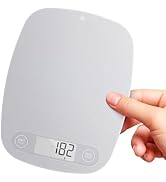
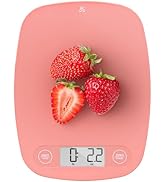
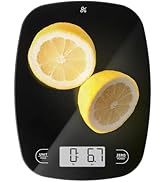
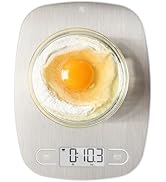
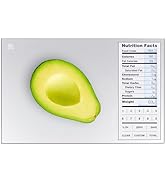
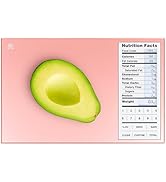
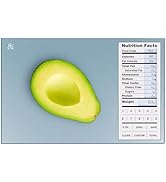
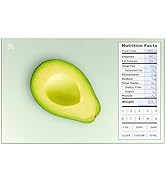

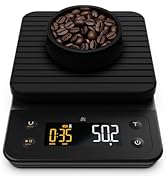
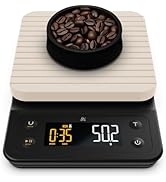
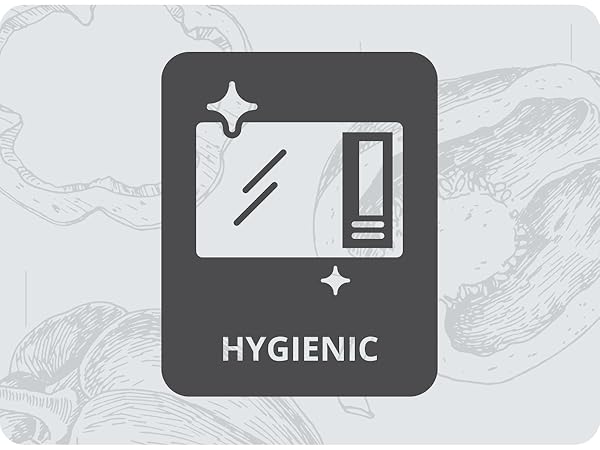
Hygienic Glass Surface
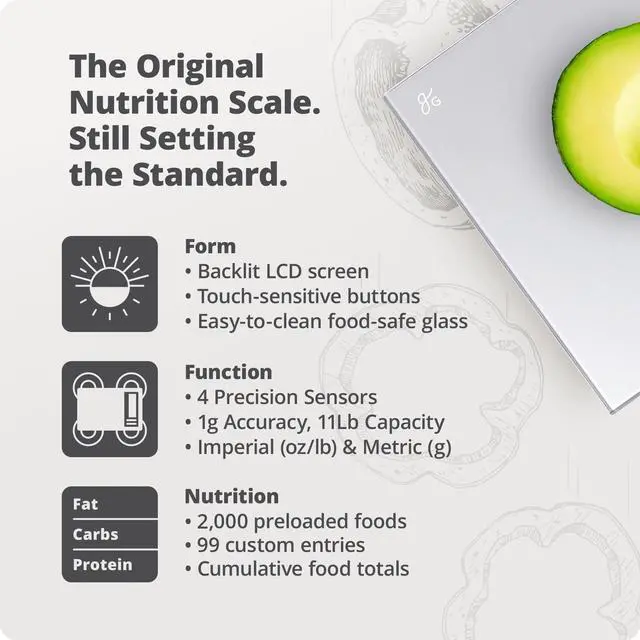
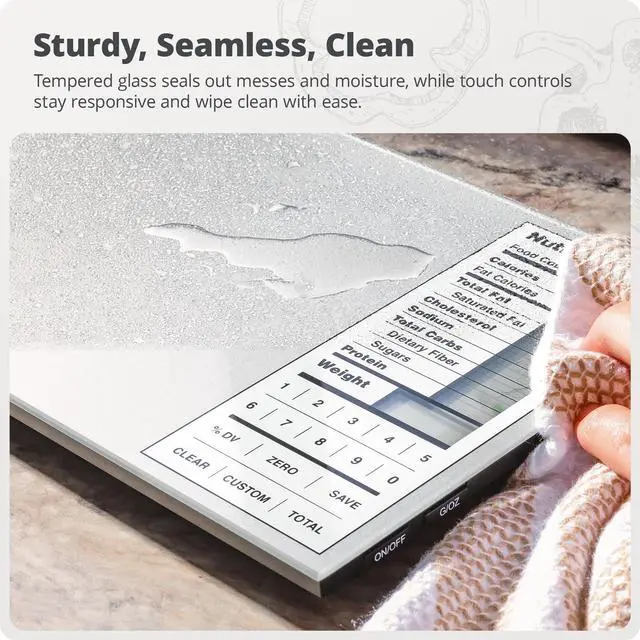
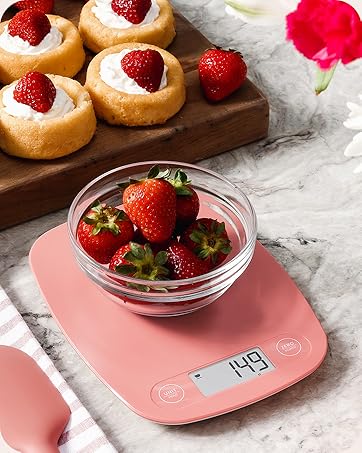
The nutrition scale is made with high-quality, food-grade glass to protect it from spills and make cleanup a breeze.
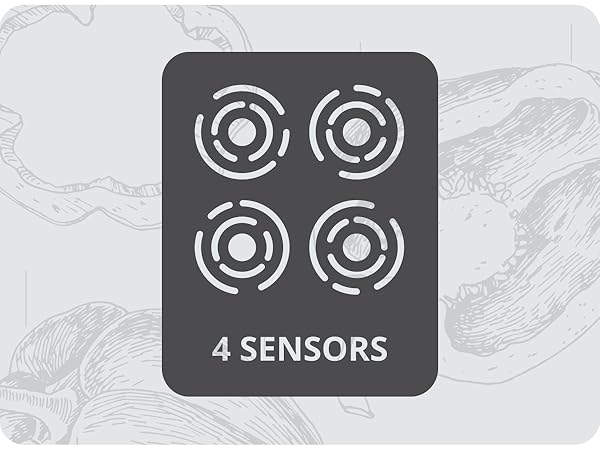
Hyper-Accurate Measurements
Weigh with precision up to 11 lbs or down to 1g.
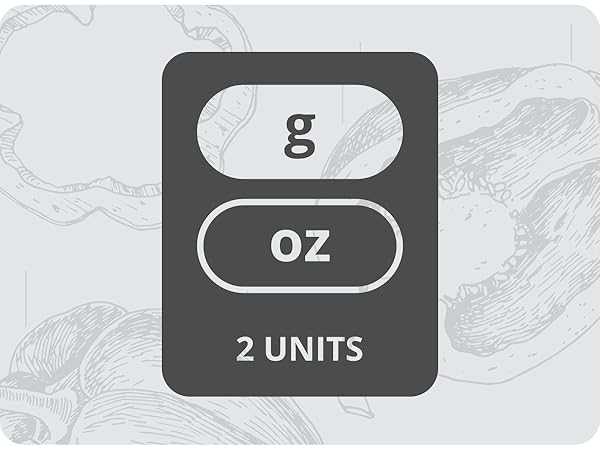
Multiple Units of Measure
Toggle between imperial and metric systems to weigh in lb/oz or grams.
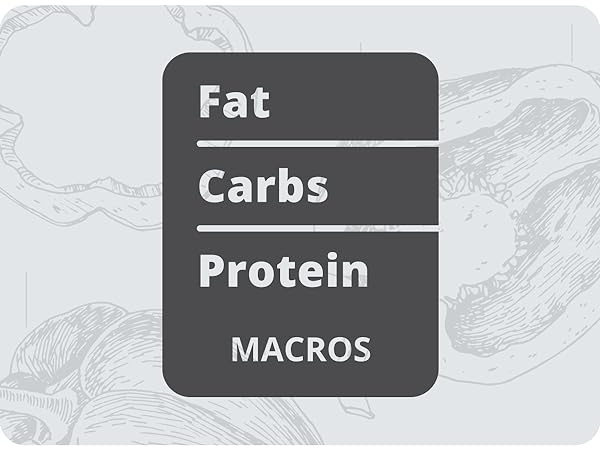
Count Macros
Keep track of proteins, carbs, and fats all on one easy-to-read screen.
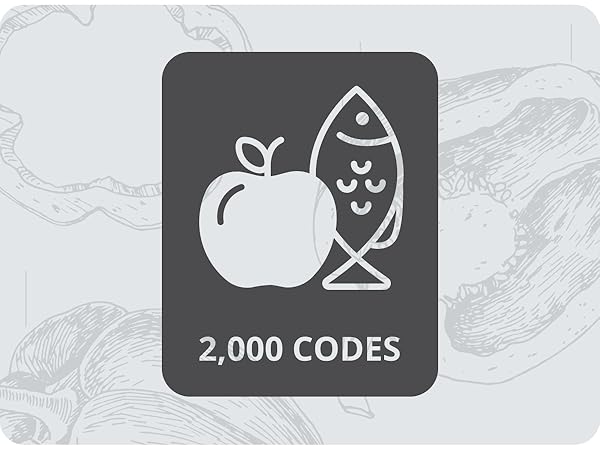
Pre-programmed Foods
The scale comes with 2,000 pre-programmed food codes. So, it’s ready to weigh out of the box.
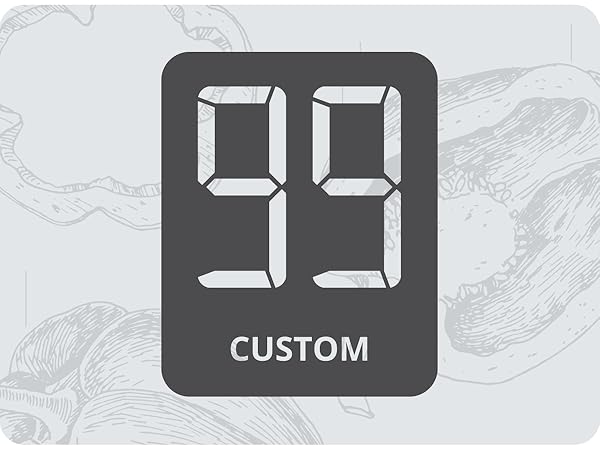
Customizable
Using a unique ingredient? You can create & customize up to 99 additional food codes!
Measure Entire Meals
Weigh
Add your first ingredient directly to the nutrition scale or zero out the weight of a bowl to keep it more contained.

Save
Once weighed, select Save, and the nutrition scale will store the ingredient’s nutrition values.
Weigh More
Repeat steps one and two until each ingredient of your meal has been weighed and saved on the nutrition scale.

View Total
Press Total to view the ingredients' combined nutritional value, then again to return to weighing, or select Clear to reset your meal prep scale.


Add a Custom Food Code
Select Custom
Don’t see an ingredient? Create a custom food code by holding Custom on the nutrition scale. Just be sure you have the nutrition label on hand.
Choose Digits
After pressing Custom, your calorie counting scale will prompt you to enter a food code. You can choose any 2-digit number between 01 and 99.
Enter Nutrients
Enter the nutrient values as they appear on the food label. Then, press Custom on the nutrition scale and enter the protein and weight per serving.
Use Your New Code
To use your new code, simply select Custom on the macro scale and enter your chosen 2-digit number.
The Greater Goods Nutrition Scale
Merchant VideoCalculate Calories, Macros, and All the Nutrition Facts You Need!
Looking for the perfect meal prep scale? The Greater Goods Nutrition Scale is like having a little nutritionist in your kitchen. It contains the nutritional facts on over 2,000 food items and can add and store up to 99 more customized entries. You can also total nutritional information by measuring and saving multiple ingredients, making it the perfect calorie counting scale.
Do I need an app or internet connection to use the scale?
No. The scale works completely offline with built-in nutrition data for 2,000 foods. No apps, accounts, or internet connection are required. A free companion app is available only for quick food code lookup if needed.
What foods are included in the 2,000 food database?
The scale includes a wide range of everyday foods such as meats, fruits, vegetables, grains, and many packaged ingredients. If a food isn’t included, you can easily add and save up to 99 custom entries.
How do I find food codes quickly?
Use the included booklet to look up food codes or search by name with the optional Food Codes app. Once you find a code, enter it on the scale to view nutrition information.
Can I switch between grams and ounces?
Yes. The scale allows you to switch between grams, ounces, pounds, and milliliters with a simple button press, making it easy to measure different types of ingredients.
Where does the nutritional information come from?
The nutrition data is derived from a U.S. Department of Agriculture (USDA) database. Values are based on tested samples and provide a reliable reference for everyday tracking, though natural variation between foods may occur.
Food Scales
Nutrition Scales
Sous Vide Family
Cast Iron Family
Coffee Family
