


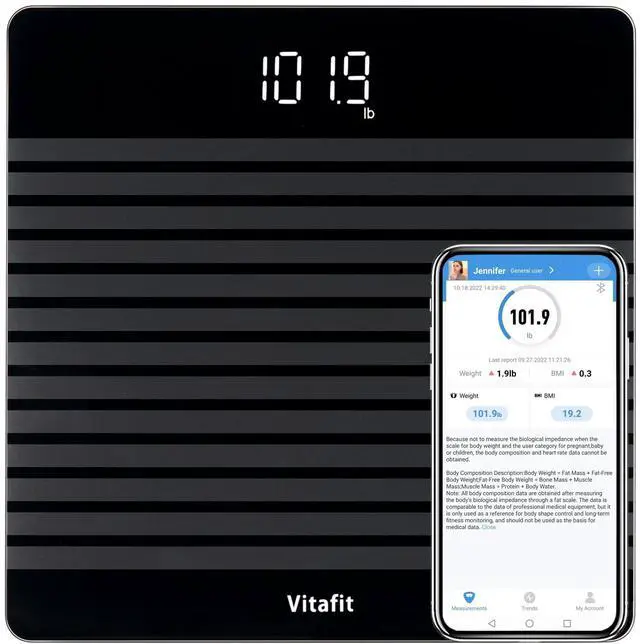
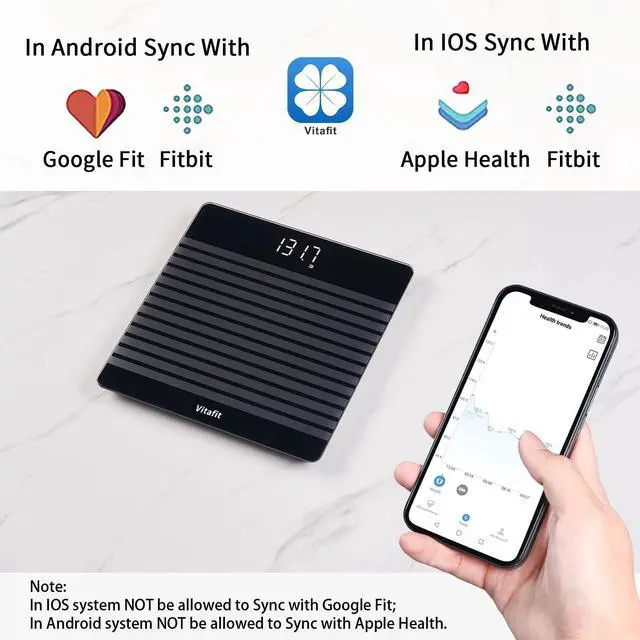

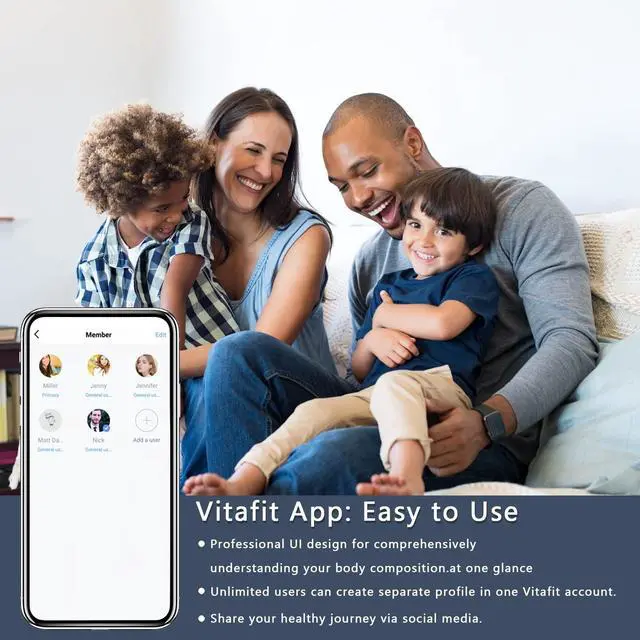
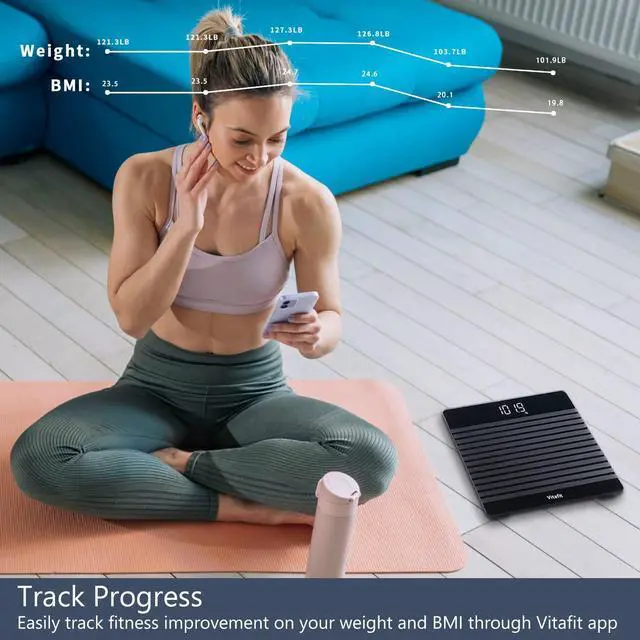



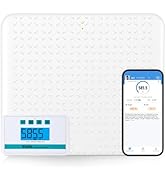
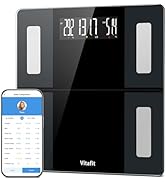
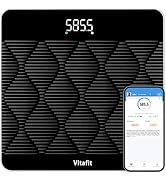
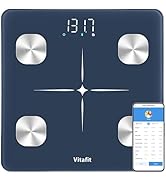
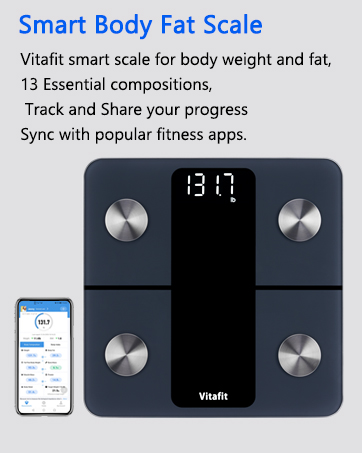

NOTE: Make sure your operation system is iOS 9.0+ or Android 4.3+. For Android 6.0 and later., please make sure location and bluetooth of your phone activated.
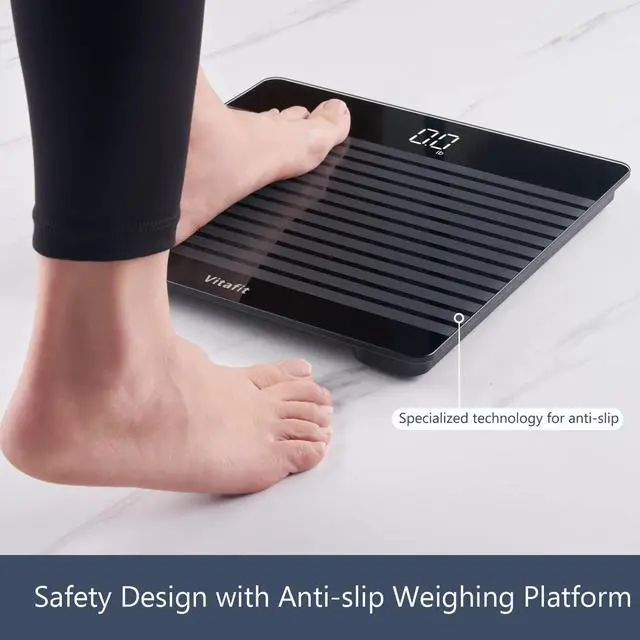
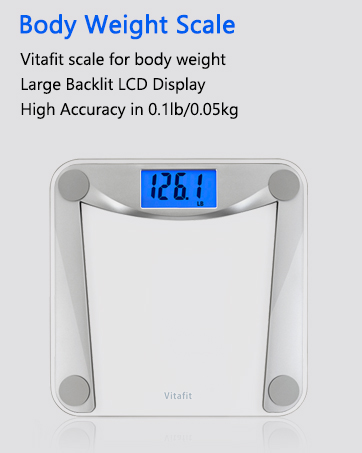
Anti-Slip Weighing Platform

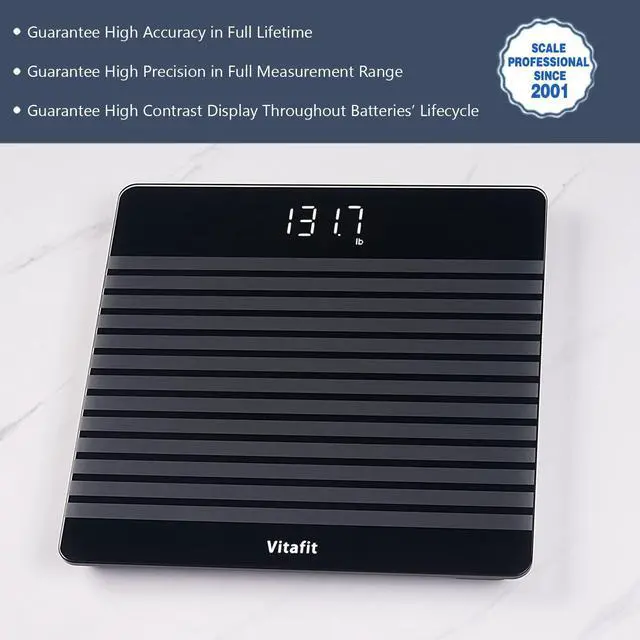
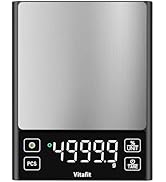
Clear LED Display


How to Connect with Google Fit ?
1. Open Vitafit App, click "Health Connect" to start authorize.
2. Open Google Fit app, click" Get started" to Sycn Fit with Health Connect.
3. After connected, the measurement data will sync with Google Fit automatically
How to Connect with Samsung Health
1. Open Vitafit App, click "Health Connect" to start authorize.
2. Open Samsung Health, click" Set" and Click"Health Connect" to allow Vitafit app to access in.
3. After connected, the measurement data will sync with Samsung Health automatically

NOTE: Make sure your operation system is iOS 9.0+ or Android 4.3+. For Android 6.0 and later., please make sure location and bluetooth of your phone activated.
Anti-Slip Weighing Platform

Clear LED Display


How to Connect with Google Fit ?
1. Open Vitafit App, click "Health Connect" to start authorize.
2. Open Google Fit app, click" Get started" to Sycn Fit with Health Connect.
3. After connected, the measurement data will sync with Google Fit automatically
How to Connect with Samsung Health
1. Open Vitafit App, click "Health Connect" to start authorize.
2. Open Samsung Health, click" Set" and Click"Health Connect" to allow Vitafit app to access in.
3. After connected, the measurement data will sync with Samsung Health automatically
Shop Vitafit
Shop Vitafit
