


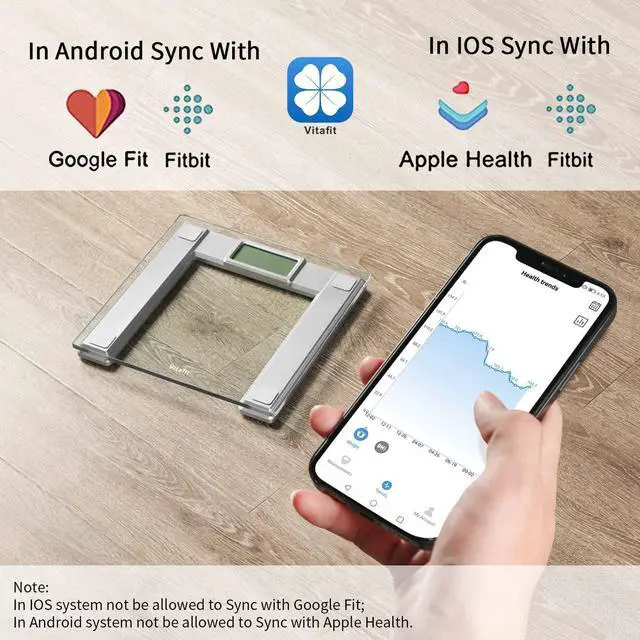


Note: In Android system not be allowed to Sync with Apple Health; and In IOS system not be allowed to Sync with Google Fit.


Vitafit Smart BMI Body Weight Scale
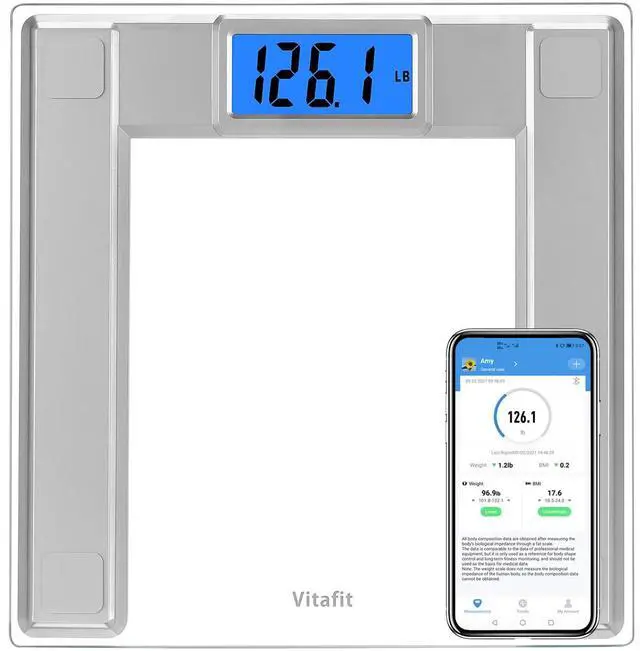
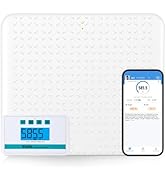
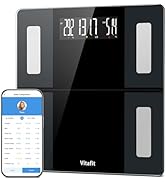
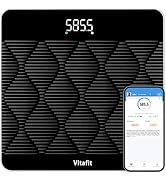
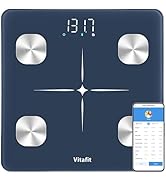
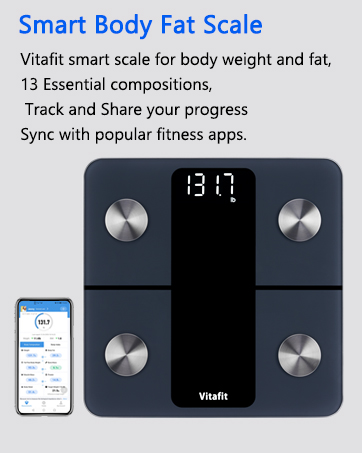
Vitafit Smart Scales not only provide your body weight but also BMI of your body.
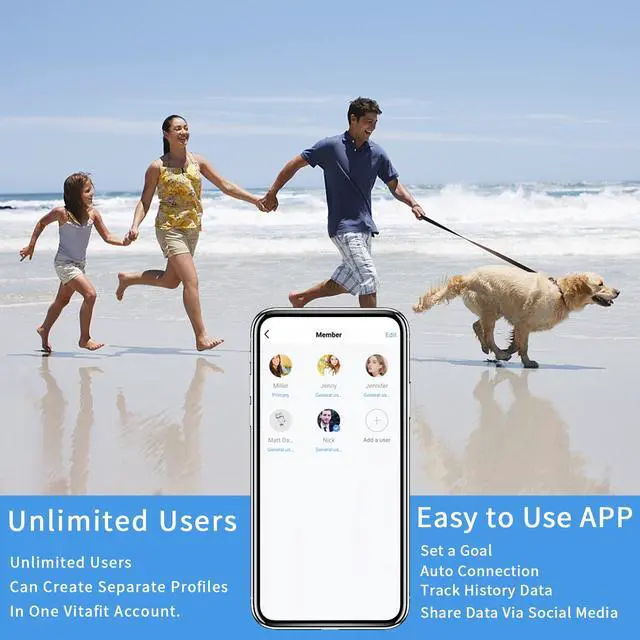
Achieving your personal best – that’s what the Vitafit smart weight scale is all about. This scale not only tracks your weight, it also delivers BMI data that keeps you in sync with the whole you. Simply sync your scale’s data to the free Vitafit tracker scale app for in-depth charts and an at-a-glance dashboard you can view anywhere, anytime. Users can automatically sync their weight to the Vitafit App. Earn badges for your progress towards your weight goal!
Features and specifications
- LCD display: 3.6 in x 2 in
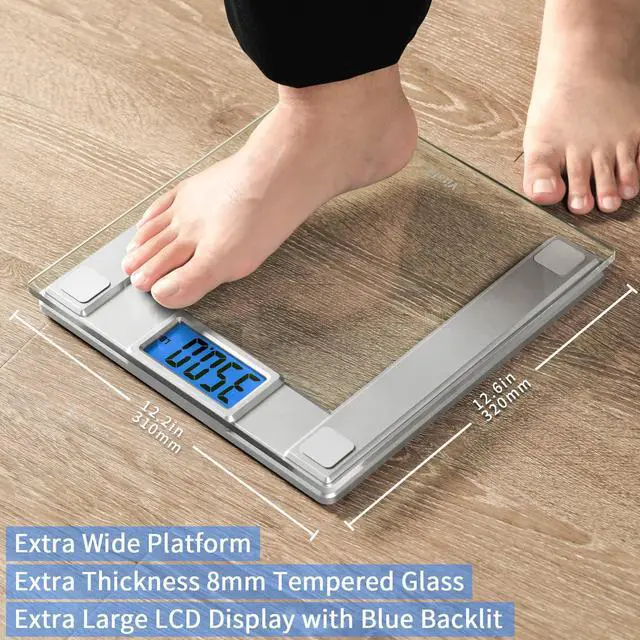
- Scale size: 12.6 x 12.2 x 1.02 in
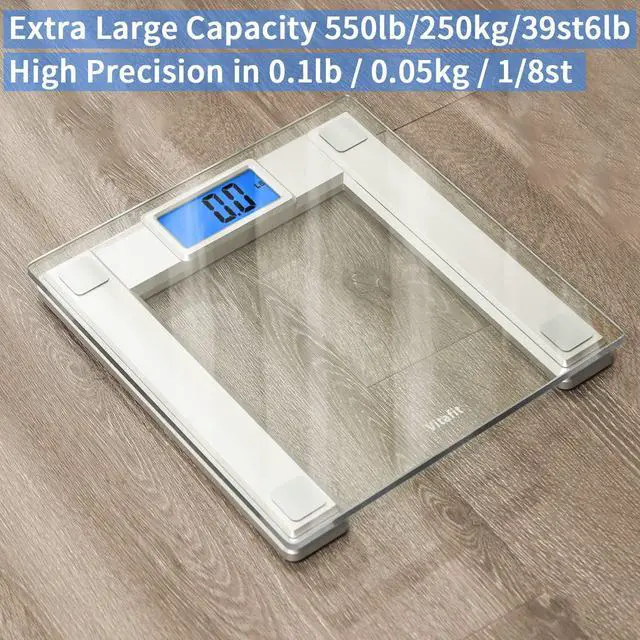
- Measuring range: 11 lb-550 lb/5 kg-250kg/ 39st6lb
- 0.1lb/0.05kg exact division
- Unit Switchable for kg,lb and st.
- Power supply: 3xAAA Batteries
- Connect with Vitafit App via Bluetooth
Scale Features

Sturdy & Safety Structure
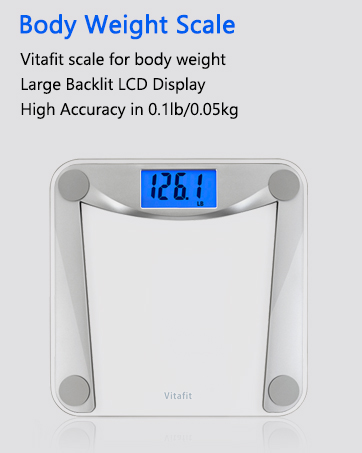
Extra Wide Platform 12.6x12.2 in and 8mm thickness Tempered Glass to ensure safety and enough room when measuring.

Ultra Large LCD Display
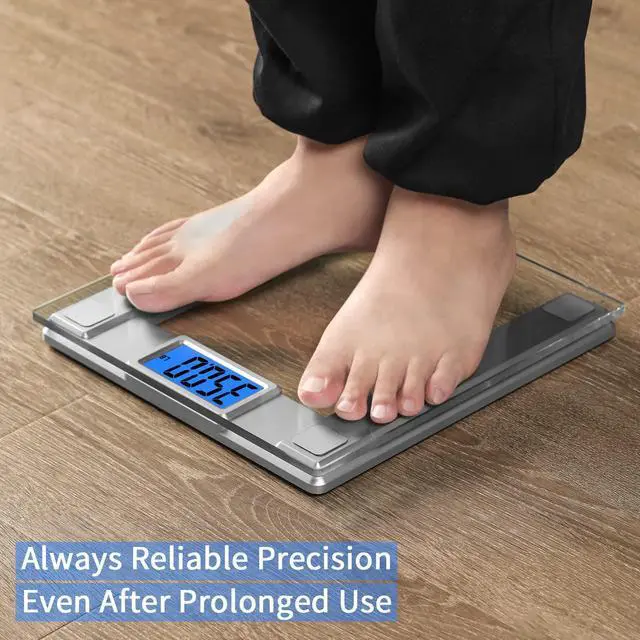
Easily view results on the bright blue backlit LCD display in any condition.

Specialized Load Cells
Heavy weight design with specialized load cells support extra high capacity up to 550 lb/ 250 kg /39st6lb ; Precise reading in 0.1 lb (0.05 kg) increments.
Vitafit App Features

Track Your Progress
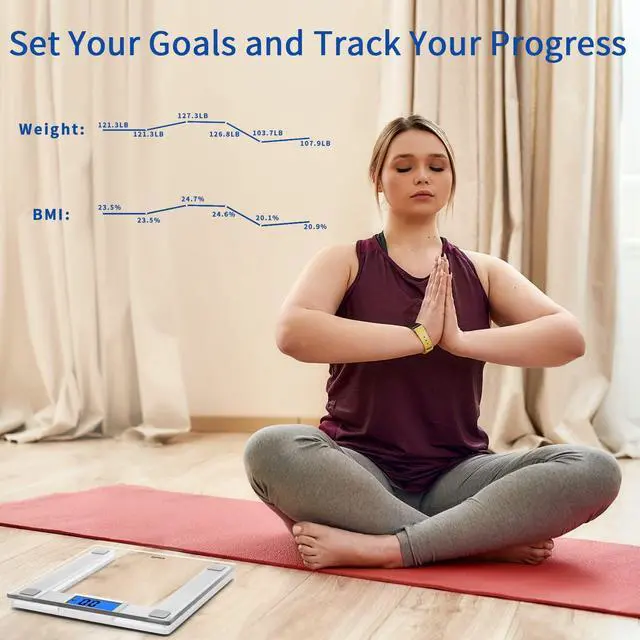
By easy slide, you will find progress charts in Vitafit App.
Set Your Goal and easily view the previous three history data by one touch.

Share Your Progress
Export your body measurement information to friends and family via social media.

Reach Your Goal
To set your goal, Easily See the Data at Glance on the App and view the previous three history data by just touch each parameter bar.
How to Connect with Google Fit ?
1. Open Vitafit App, click "Health Connect" to start authorize.
2. Open Google Fit app, click" Get started" to Sycn Fit with Health Connect.
3. After connected, the measurement data will sync with Google Fit automatically
How to Connect with Samsung Health?
1. Open Vitafit App, click "Health Connect" to start authorize.
2. Open Samsung Health, click" Set" and Click"Health Connect" to allow Vitafit app to access in.
3. After connected, the measurement data will sync with Samsung Health automatically

Shop Vitafit
Shop Vitafit
Note: In Android system not be allowed to Sync with Apple Health; and In IOS system not be allowed to Sync with Google Fit.
Vitafit Smart BMI Body Weight Scale
Vitafit Smart Scales not only provide your body weight but also BMI of your body.
Achieving your personal best – that’s what the Vitafit smart weight scale is all about. This scale not only tracks your weight, it also delivers BMI data that keeps you in sync with the whole you. Simply sync your scale’s data to the free Vitafit tracker scale app for in-depth charts and an at-a-glance dashboard you can view anywhere, anytime. Users can automatically sync their weight to the Vitafit App. Earn badges for your progress towards your weight goal!
Features and specifications
- LCD display: 3.6 in x 2 in
- Scale size: 12.6 x 12.2 x 1.02 in
- Measuring range: 11 lb-550 lb/5 kg-250kg/ 39st6lb
- 0.1lb/0.05kg exact division
- Unit Switchable for kg,lb and st.
- Power supply: 3xAAA Batteries
- Connect with Vitafit App via Bluetooth
Scale Features
Sturdy & Safety Structure
Extra Wide Platform 12.6x12.2 in and 8mm thickness Tempered Glass to ensure safety and enough room when measuring.
Ultra Large LCD Display
Easily view results on the bright blue backlit LCD display in any condition.
Specialized Load Cells
Heavy weight design with specialized load cells support extra high capacity up to 550 lb/ 250 kg /39st6lb ; Precise reading in 0.1 lb (0.05 kg) increments.
Vitafit App Features
Track Your Progress
By easy slide, you will find progress charts in Vitafit App.
Set Your Goal and easily view the previous three history data by one touch.
Share Your Progress
Export your body measurement information to friends and family via social media.
Reach Your Goal
To set your goal, Easily See the Data at Glance on the App and view the previous three history data by just touch each parameter bar.
How to Connect with Google Fit ?
1. Open Vitafit App, click "Health Connect" to start authorize.
2. Open Google Fit app, click" Get started" to Sycn Fit with Health Connect.
3. After connected, the measurement data will sync with Google Fit automatically
How to Connect with Samsung Health?
1. Open Vitafit App, click "Health Connect" to start authorize.
2. Open Samsung Health, click" Set" and Click"Health Connect" to allow Vitafit app to access in.
3. After connected, the measurement data will sync with Samsung Health automatically