

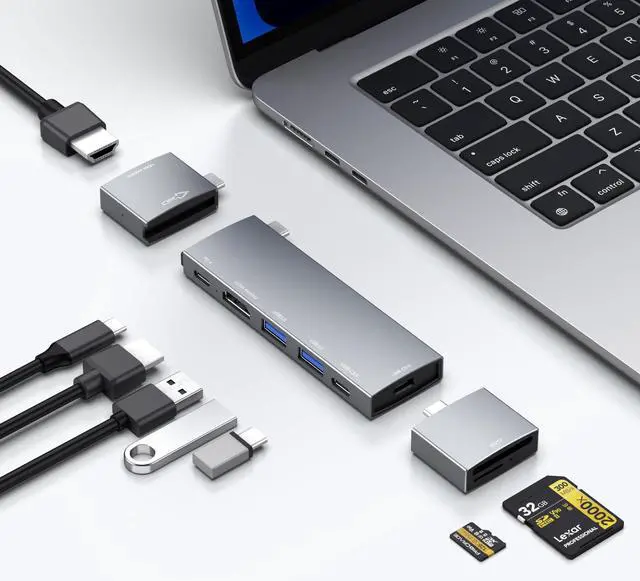
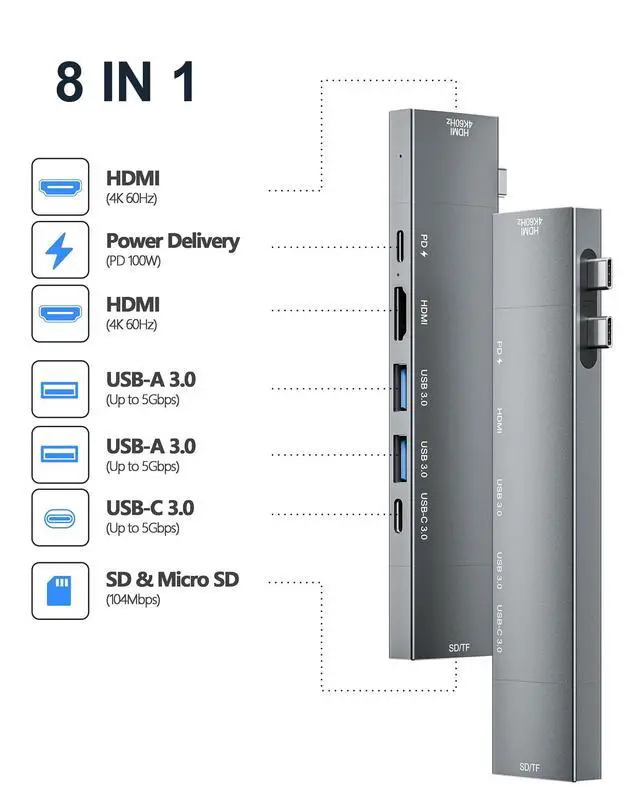
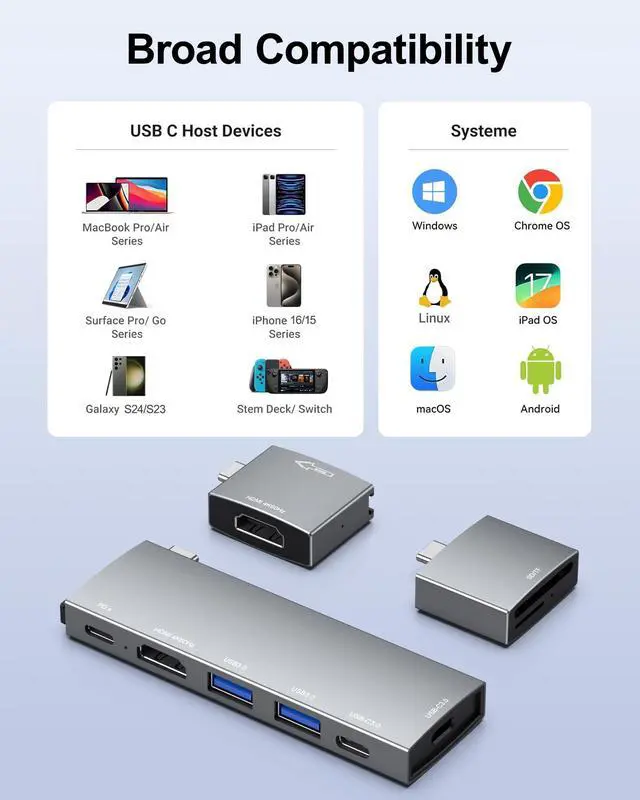
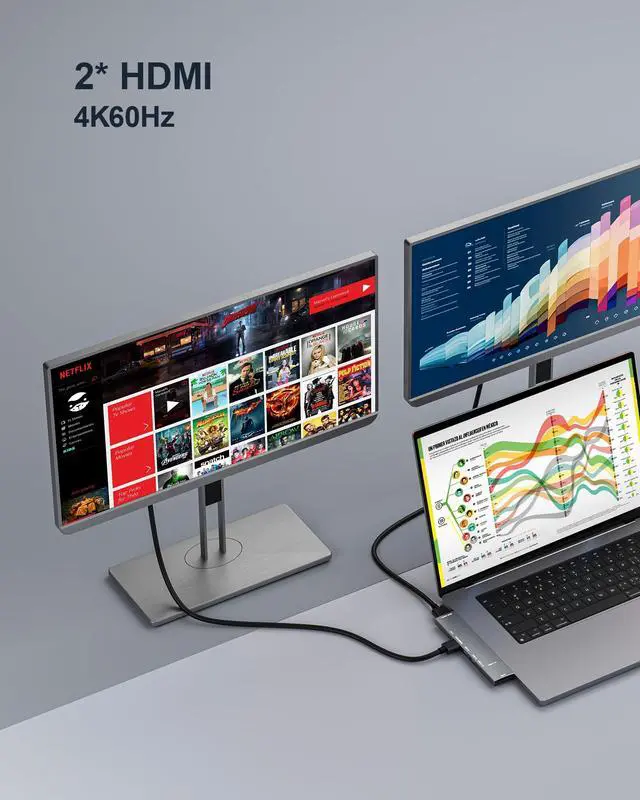



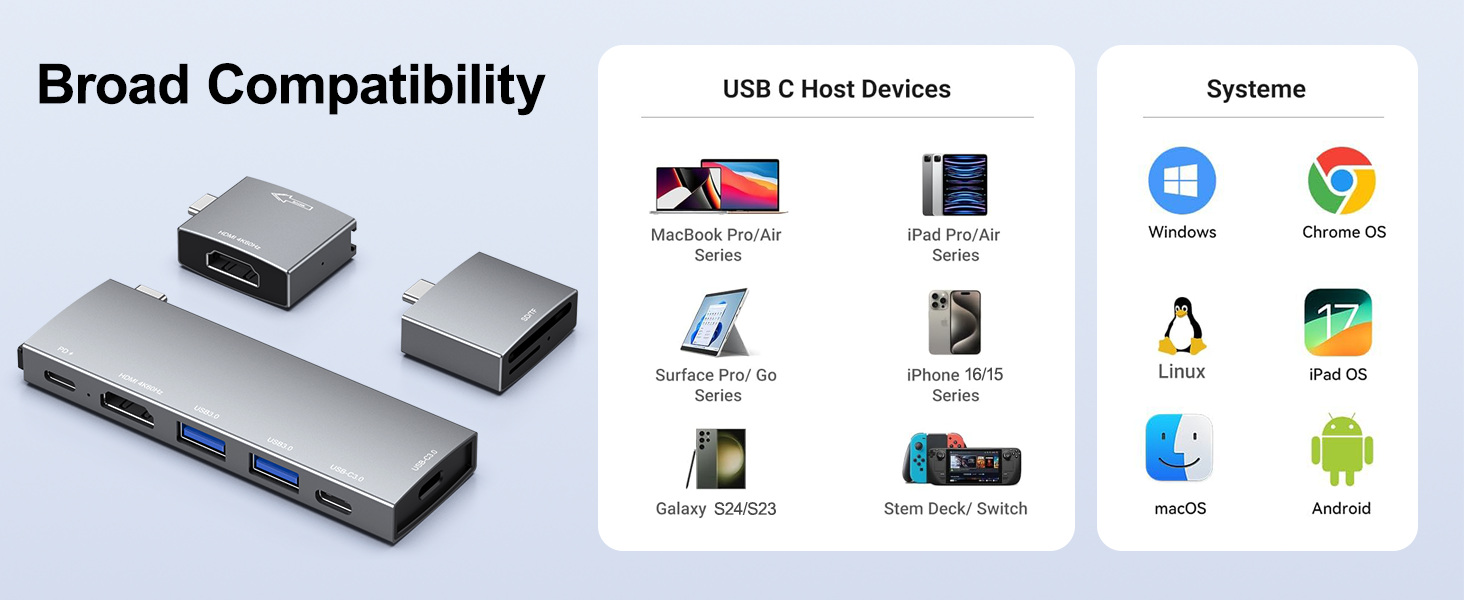
MacBook Pro M1 does not support dual HDMI for two displays.
The number of external displays that you can use at the same time depends on your Mac model and the resolution and refresh rate of each display. support.apple.com/en-us/101571
These models are compatible with two displays
- MacBook Pro with M4 chip or M4 Pro chip
- MacBook Pro with M4 Max chip
- MacBook Pro with M3 chip
- MacBook Pro with M2 Pro or M3 Pro chip
- MacBook Pro with M2 Max or M3 Max chip
You can connect two external displays simultaneously when you close the lid of your MacBook Air or MacBook Pro with M3 chip.
support.apple.com/en-us/117373
Notes:
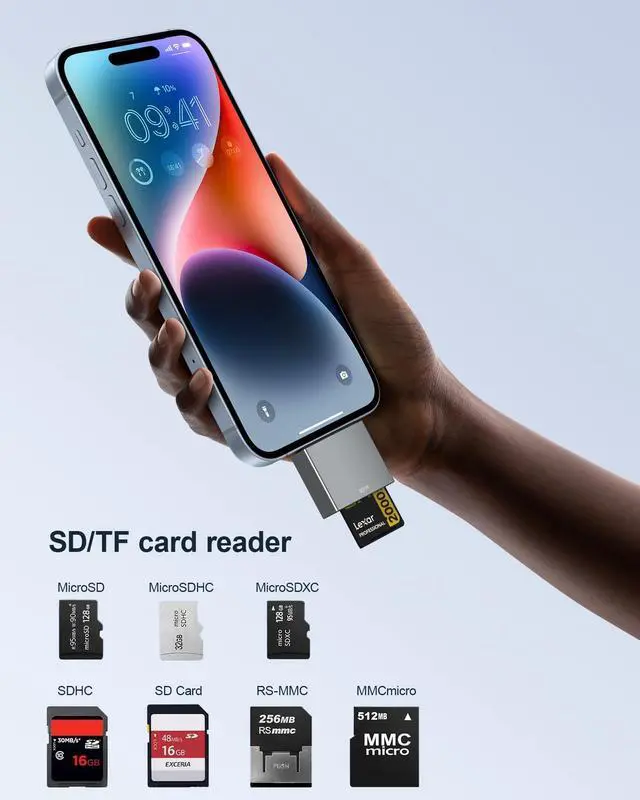
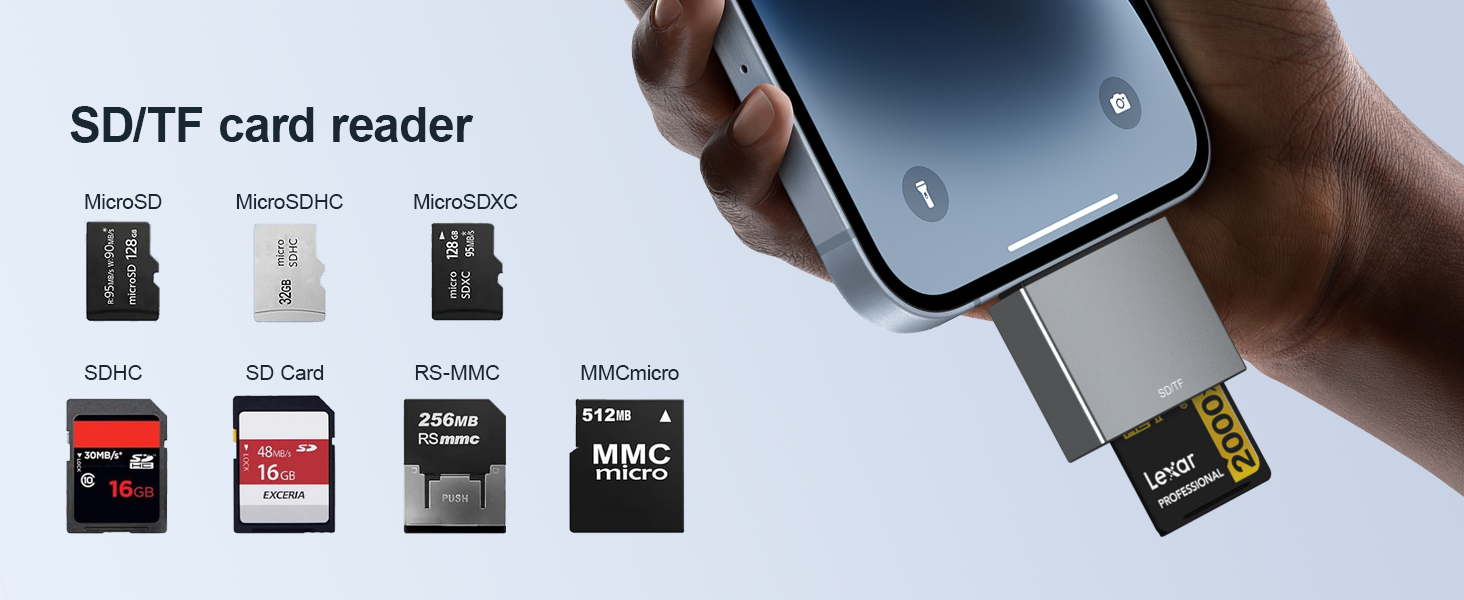
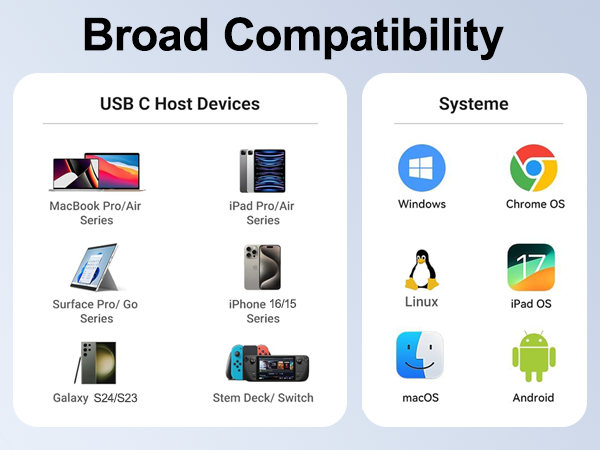
- Devices that don't support Lightning connector, such as iPhone 14, iPad 9, iPad mini 5, iPad Air 3, iPad Pro 10.5''/9.7'', etc.
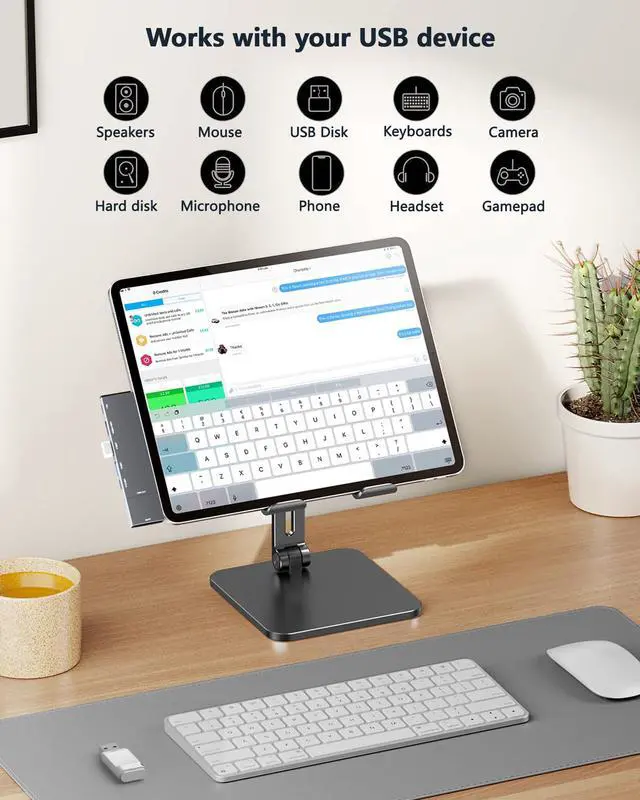
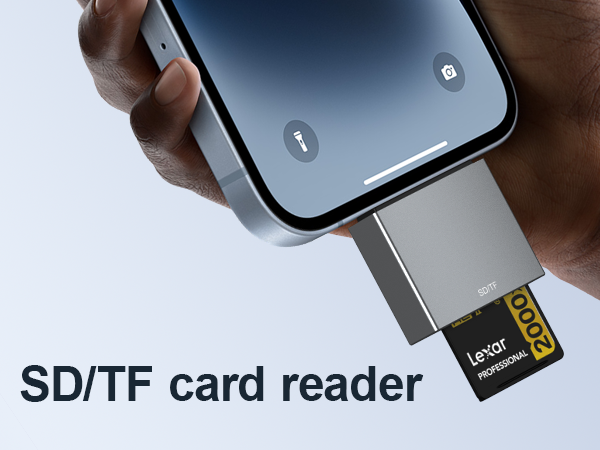
- View the contents of the USB flash drive, SD card, or hard drive: In a App "Files". It can be downloaded in the "App Store".
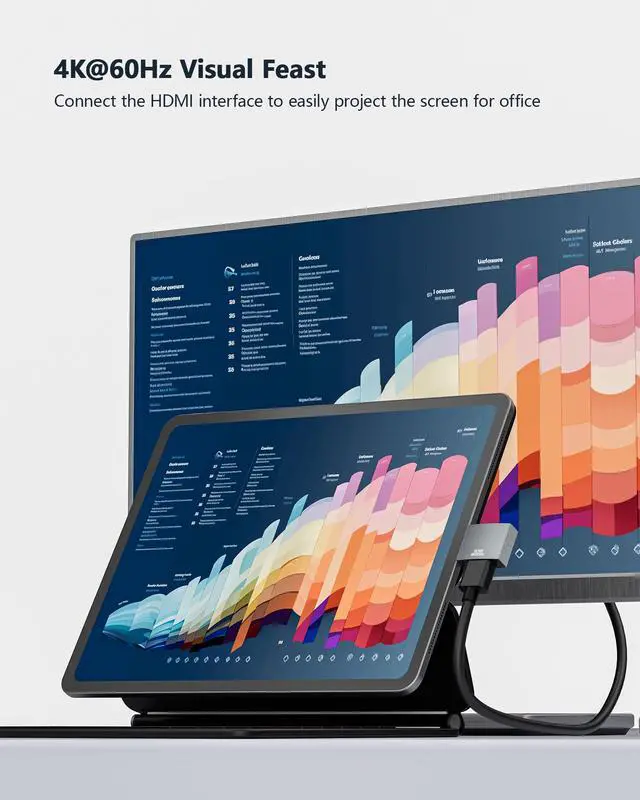
- To achieve 4K60Hz display, pay attention to whether your display screen has an HDMI 2.0 port.
- If the colors cast on your display aren't accurate enough, turn on HDR in your display settings.
- The SD card reader interface is relatively short, and you need to remove the phone case.
- Sales Service: After ordering, you will enjoy our 12-month return and exchange service.
USB C Hub
 8 in 1 USB C Hub |  7 in 1 USB C Hub |  7 in 1 USB C Hub | 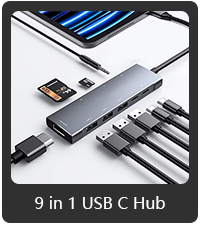 9 in 1 USB C Hub | |
|---|---|---|---|---|
Customer Reviews | — | — | — | — |
Price | — | — | — | — |
HDMI Port | ? | ? | ? | ? |
USB 3.0 Port | ? | ? | ? | ? |
SD/Micro SD Port | ? | ? | ? | ? |
USB-C Power Delivery | ? | ? | ? | ? |
Ethernet Port | ? | ? | ? | ? |
3.5mm Audio Jack | ? | ? | ? | ? |


NXPGKEA: Innovation Built on Integrity. We stand behind exceptional quality and lasting reliability.
- Rigorous Materials Selection: Crafted exclusively with premium components for consistent, stable, and secure performance.
- Sustained Support: Every product includes our 1-year support commitment, designed for sustained confidence in every use.
NXPGKEA - Where Quality Endures.
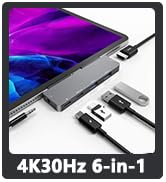
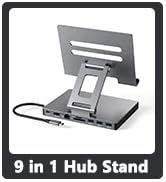
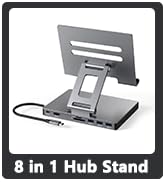
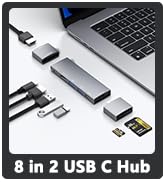
USB C Hub
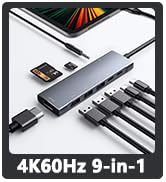
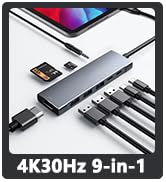
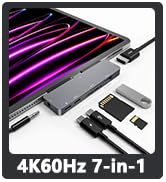
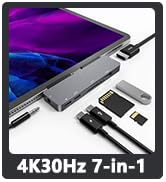
USB C Hub
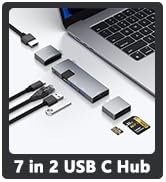
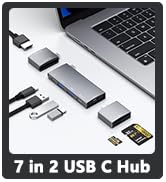
USB C Hub
MacBook Pro M1 does not support dual HDMI for two displays.
The number of external displays that you can use at the same time depends on your Mac model and the resolution and refresh rate of each display. support.apple.com/en-us/101571
These models are compatible with two displays
- MacBook Pro with M4 chip or M4 Pro chip
- MacBook Pro with M4 Max chip
- MacBook Pro with M3 chip
- MacBook Pro with M2 Pro or M3 Pro chip
- MacBook Pro with M2 Max or M3 Max chip
You can connect two external displays simultaneously when you close the lid of your MacBook Air or MacBook Pro with M3 chip.
support.apple.com/en-us/117373
Notes:
- Devices that don't support Lightning connector, such as iPhone 14, iPad 9, iPad mini 5, iPad Air 3, iPad Pro 10.5''/9.7'', etc.
- View the contents of the USB flash drive, SD card, or hard drive: In a App "Files". It can be downloaded in the "App Store".
- To achieve 4K60Hz display, pay attention to whether your display screen has an HDMI 2.0 port.
- If the colors cast on your display aren't accurate enough, turn on HDR in your display settings.
- The SD card reader interface is relatively short, and you need to remove the phone case.
- Sales Service: After ordering, you will enjoy our 12-month return and exchange service.
USB C Hub
8 in 1 USB C Hub | 7 in 1 USB C Hub | 7 in 1 USB C Hub | 9 in 1 USB C Hub |
|---|---|---|---|
| Customer Reviews | |||
| — | — | — | — |
| Price | |||
| — | — | — | — |
| HDMI Port | |||
| ? | ? | ? | ? |
| USB 3.0 Port | |||
| ? | ? | ? | ? |
| SD/Micro SD Port | |||
| ? | ? | ? | ? |
| USB-C Power Delivery | |||
| ? | ? | ? | ? |
| Ethernet Port | |||
| ? | ? | ? | ? |
| 3.5mm Audio Jack | |||
| ? | ? | ? | ? |
NXPGKEA: Innovation Built on Integrity. We stand behind exceptional quality and lasting reliability.
- Rigorous Materials Selection: Crafted exclusively with premium components for consistent, stable, and secure performance.
- Sustained Support: Every product includes our 1-year support commitment, designed for sustained confidence in every use.
NXPGKEA - Where Quality Endures.
USB C Hub
USB C Hub
USB C Hub