


Out of stock
This item is currently out of stock and it may or may not be restocked.
Sold by Newegg

Shipped by Newegg

Shop it at NeweggBusiness.

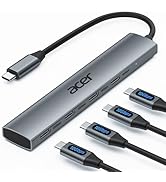
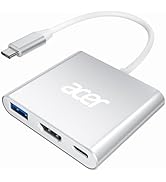
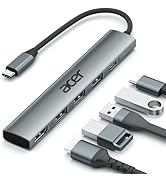
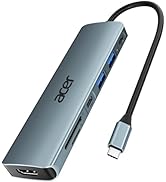
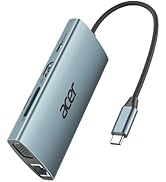
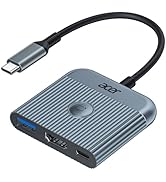
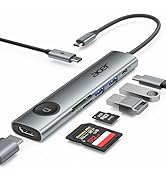
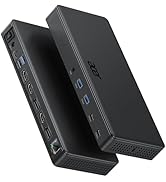
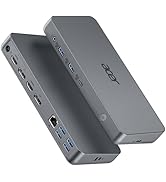
7 in 1 USB C Hub Multiport Adapter, USB C to HDMI Adapter 4K@60Hz, 100W PD, 2 USB A 3.1 + Type-C 3.1 5Gbps Data, SD Card Reader, USBC Hub HDMI Compatible with Laptop, Macbook Neo, iphone 17/16/15

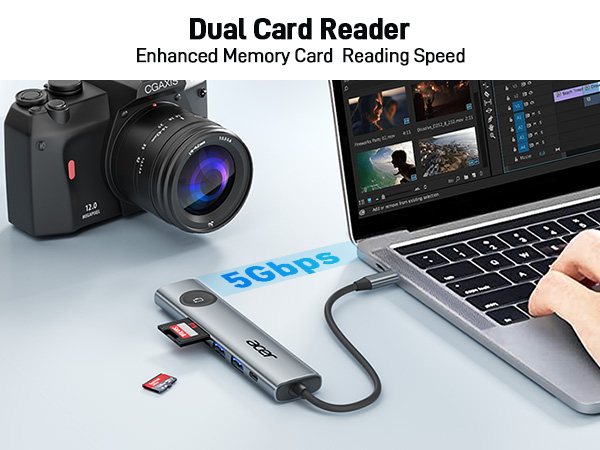
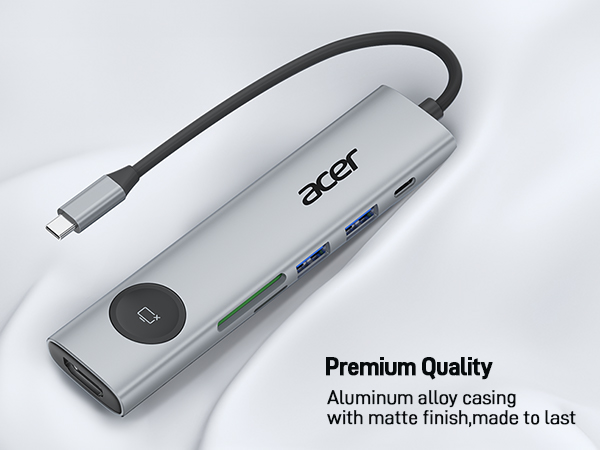
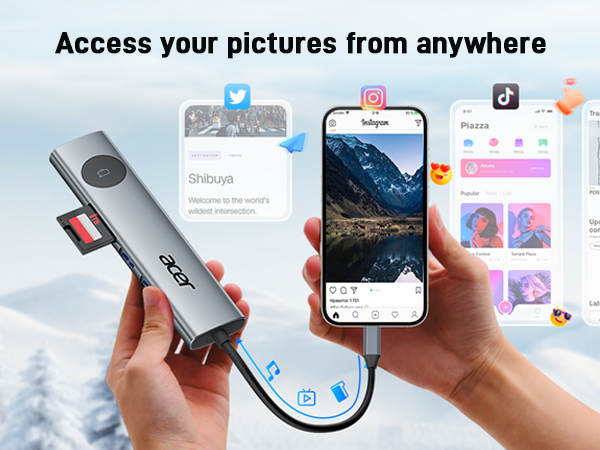
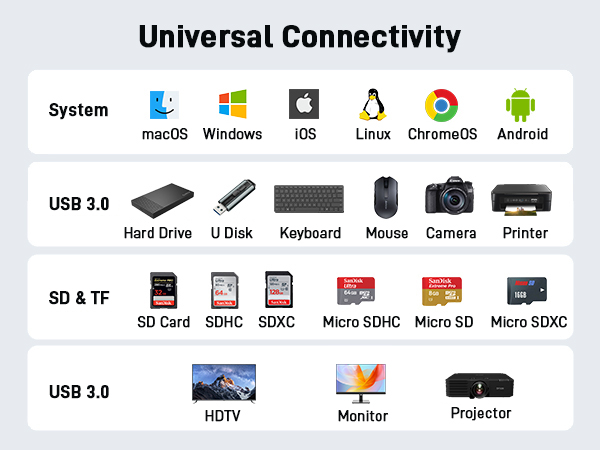
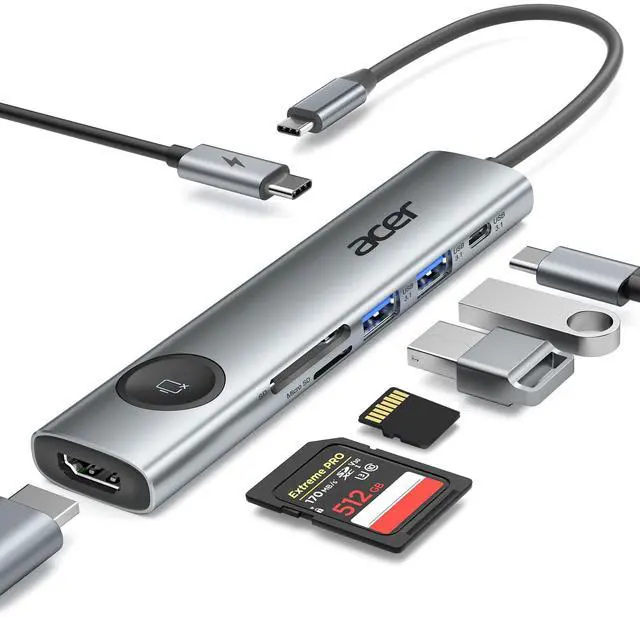
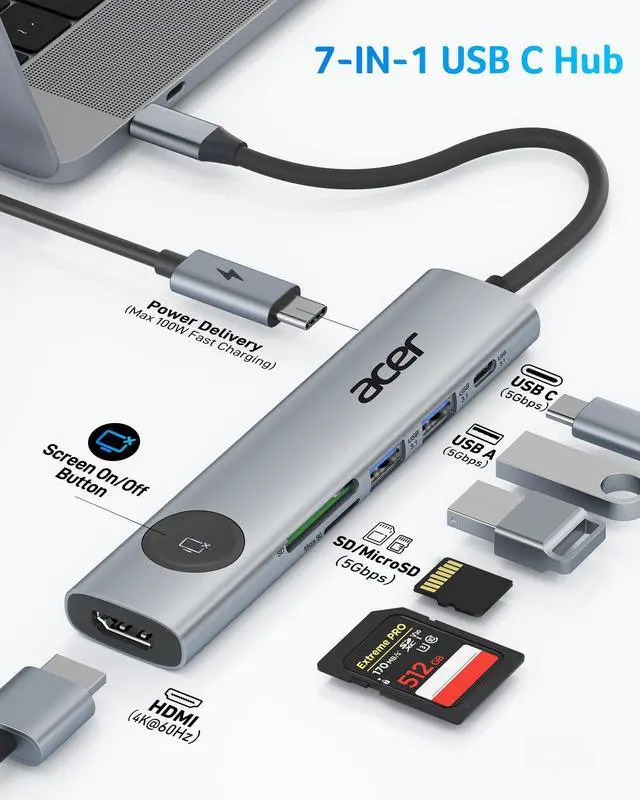
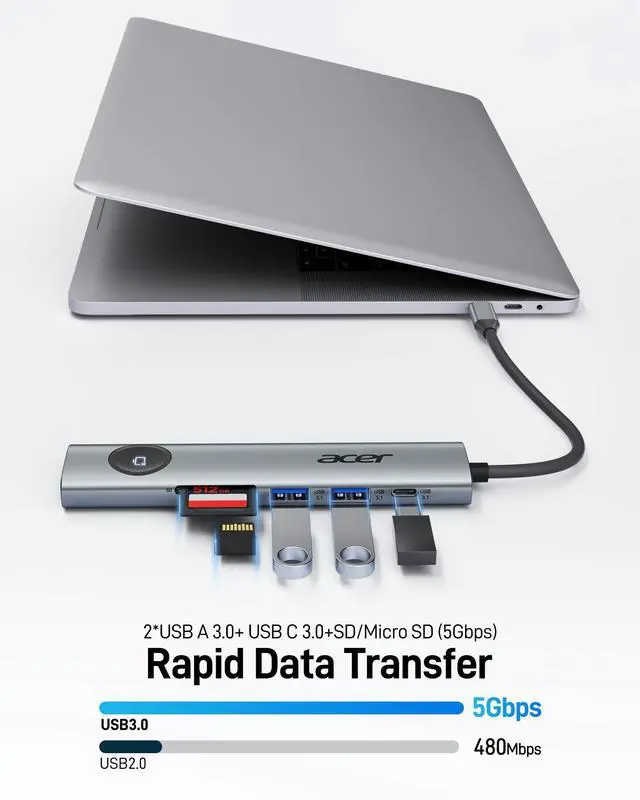
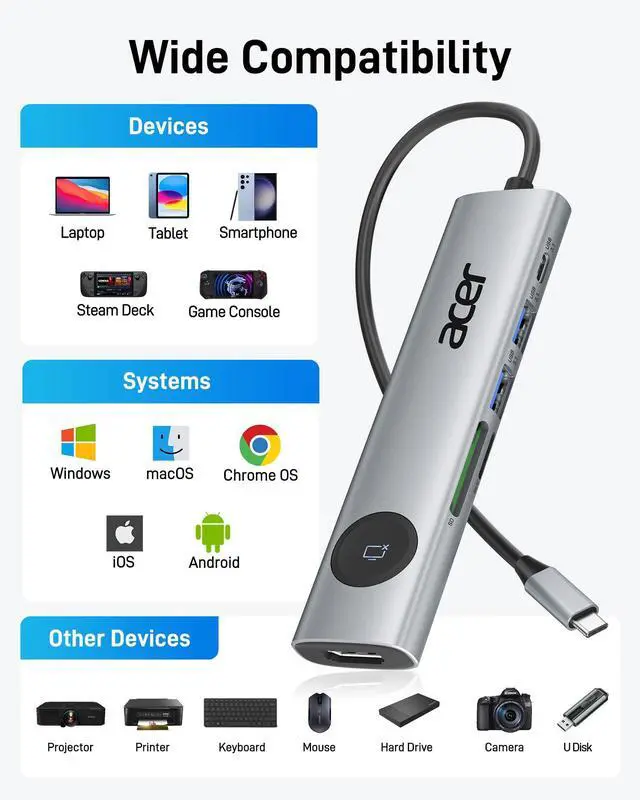
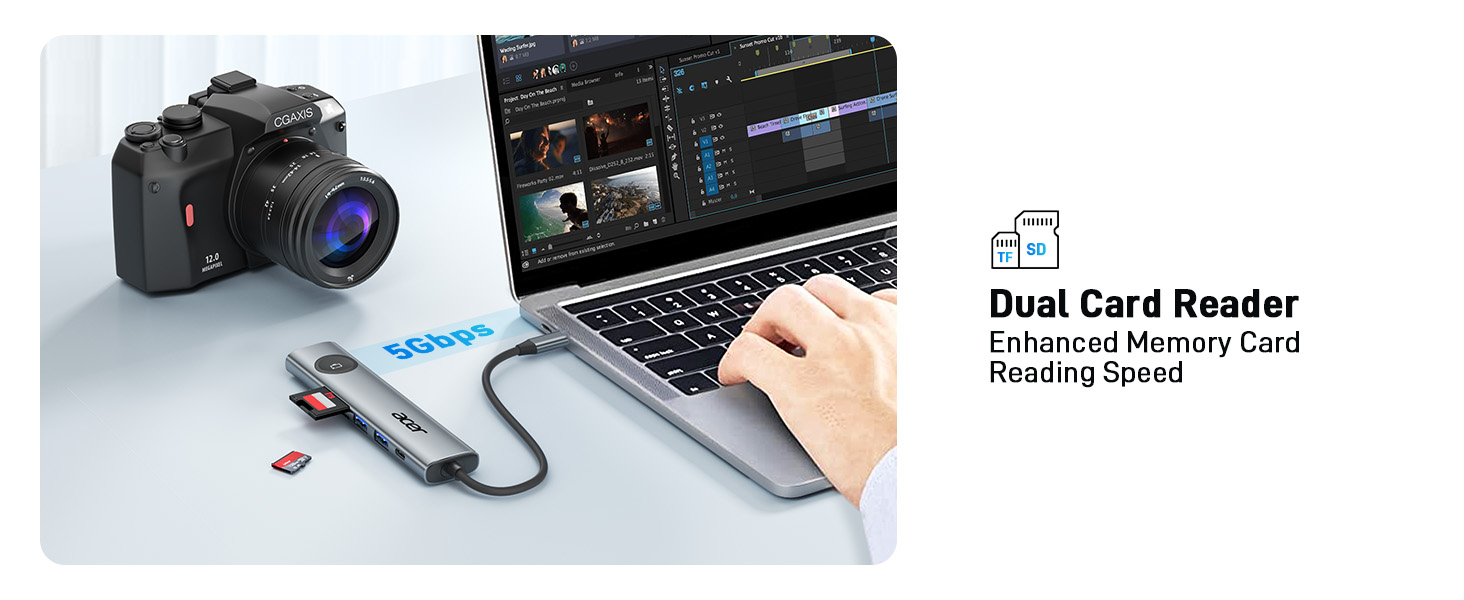
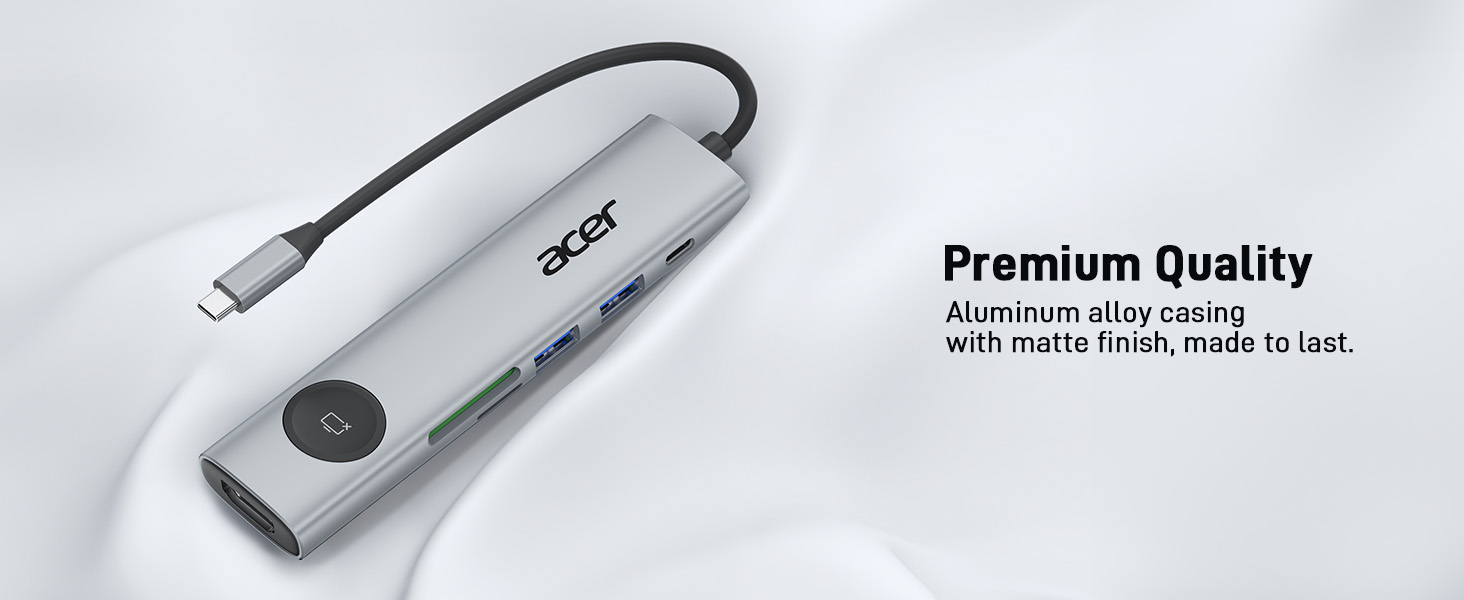
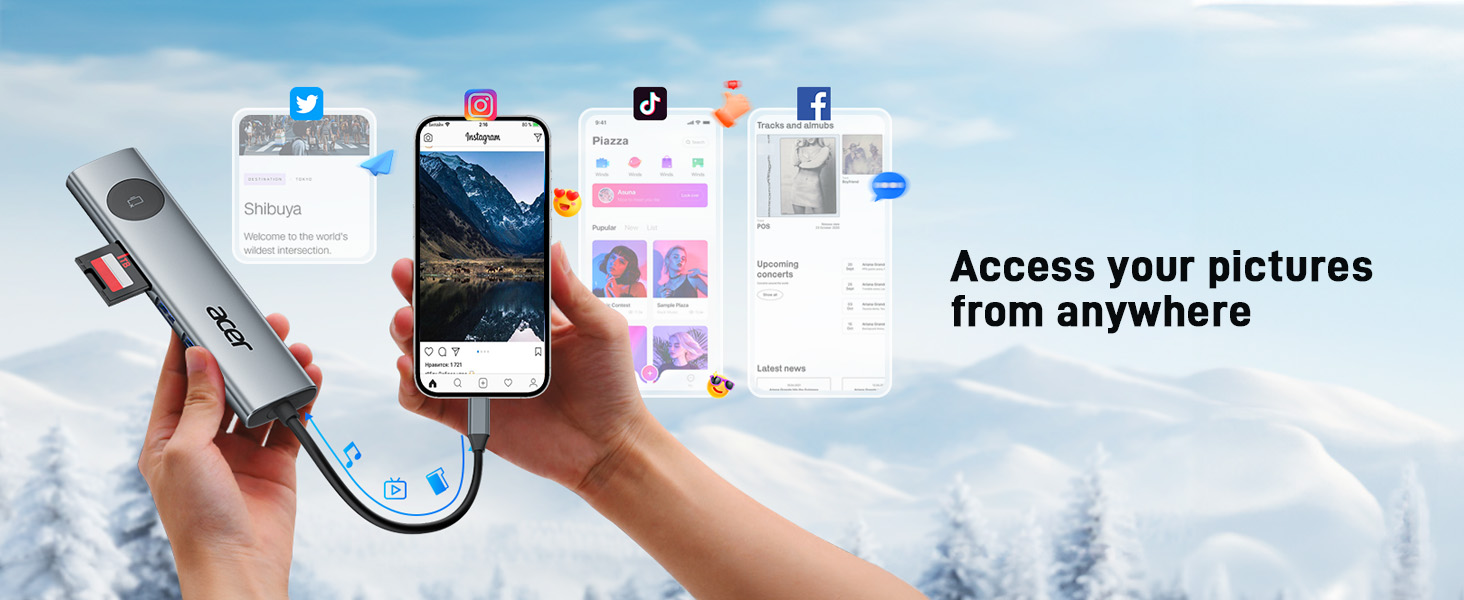
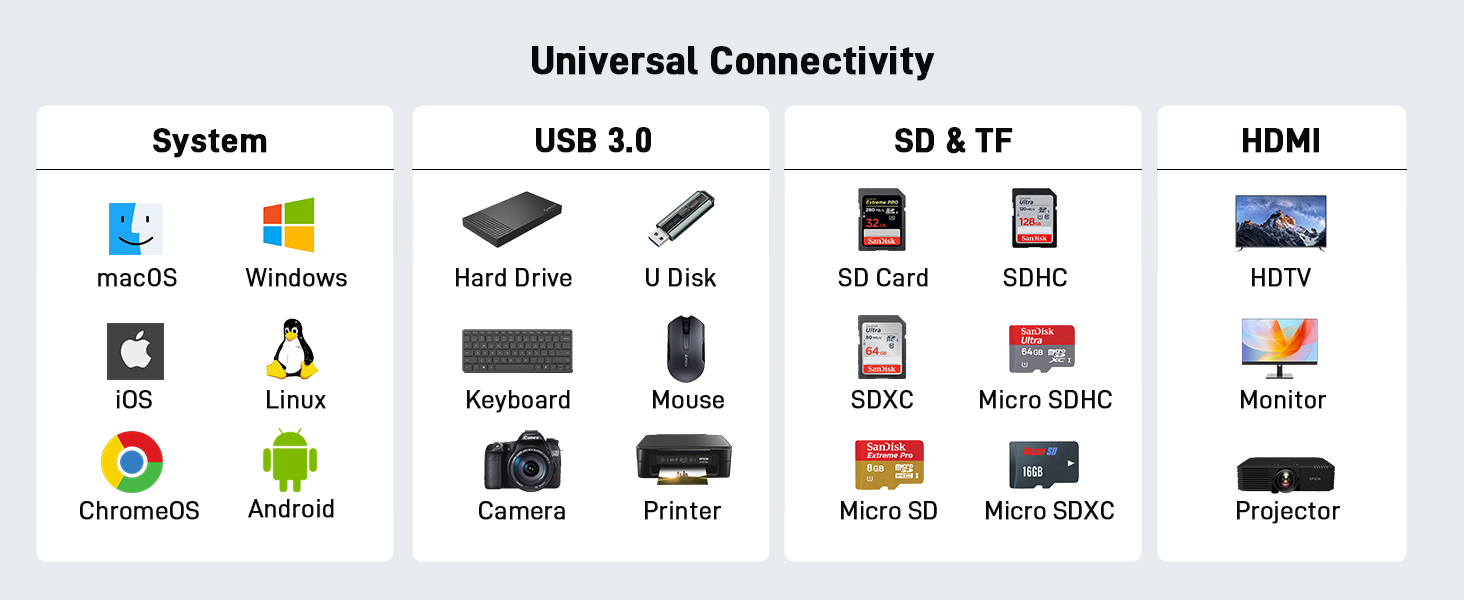
  • Powerful 7-in-1 USB-C Hub Acer USB-C Hub multiport adapter expands a single USB-C port into 4K HDMI, 2 USB-A ports, and 1 USB-C data port with 5Gbps speed, a 100W PD charging port, and SD/Micro SD(104Mbps) card slots, providing essential connectivity for laptops, tablets, and phones. Note: USB C devices should support USB Type-C DP Alt Mode(Video transmission function)
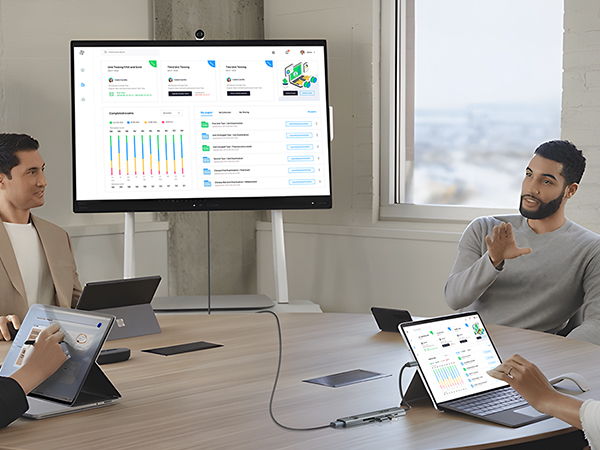
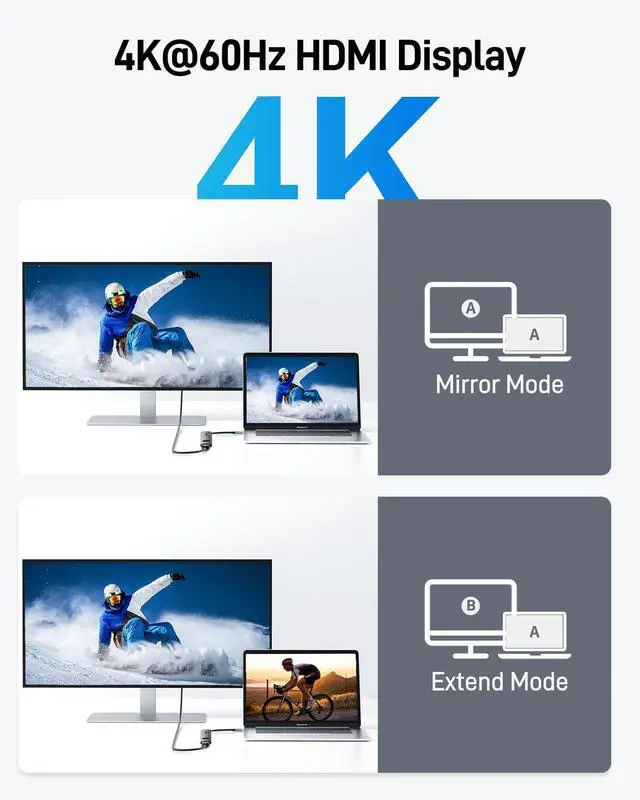
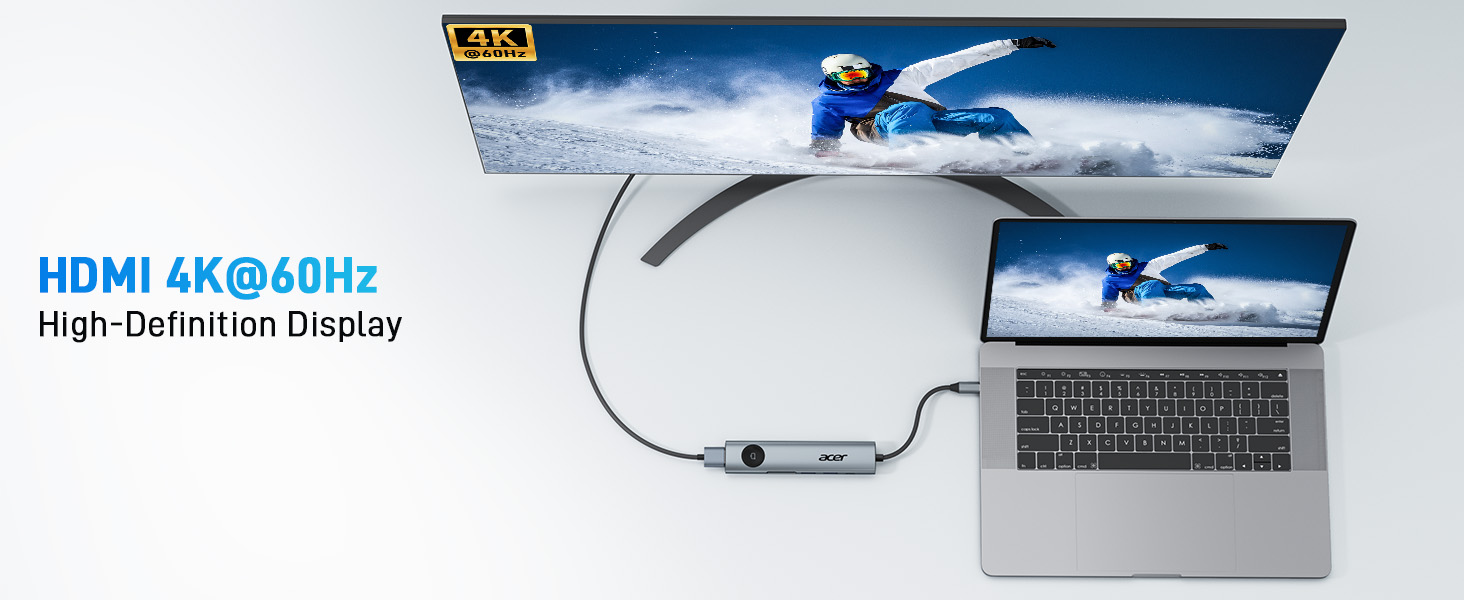
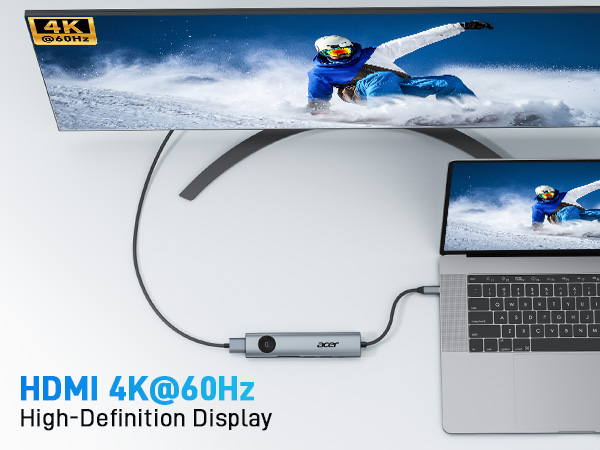
  • Crisp 4K@60Hz HDMI Display The USB-C to HDMI adapter delivers stable 4K@60Hz output for external displays, supporting UHD visuals for work, presentations, and video playback.Note: This USB-C hub HDMI requires that your device(including laptop, cables, and monitors) support HDMI 2.0 or higher resolution.
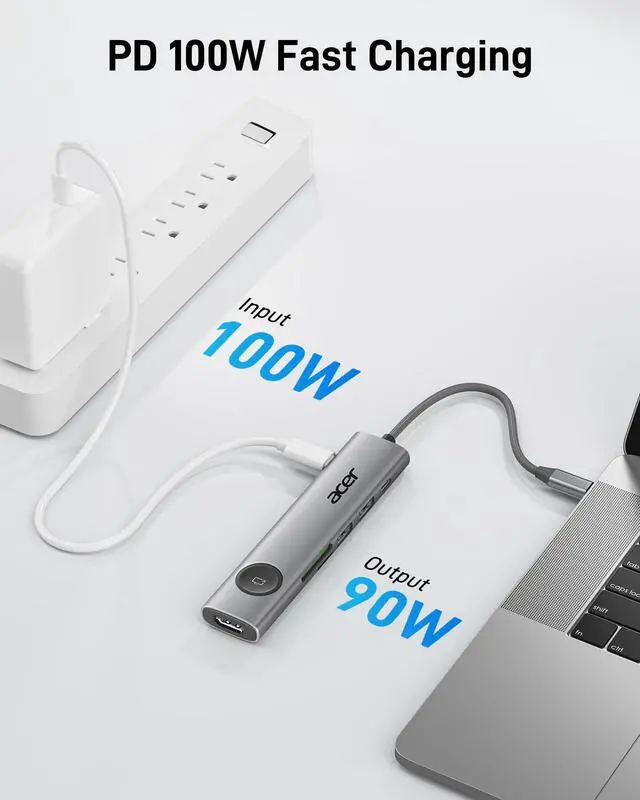
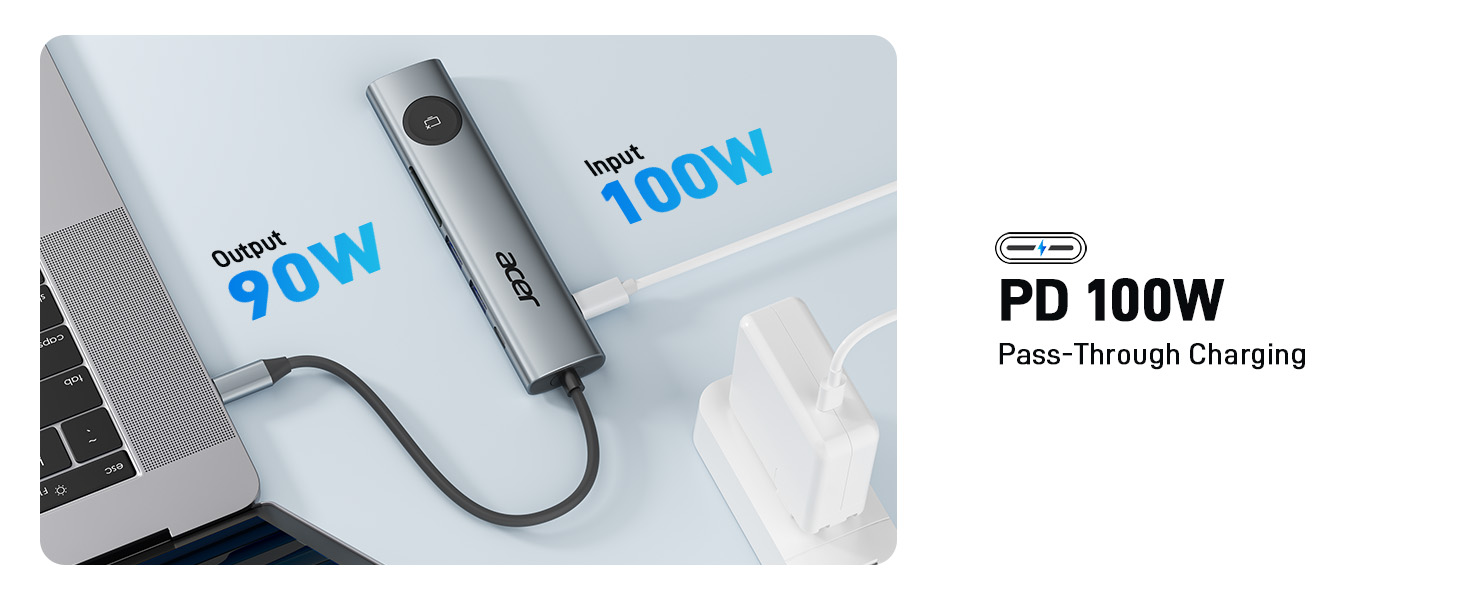
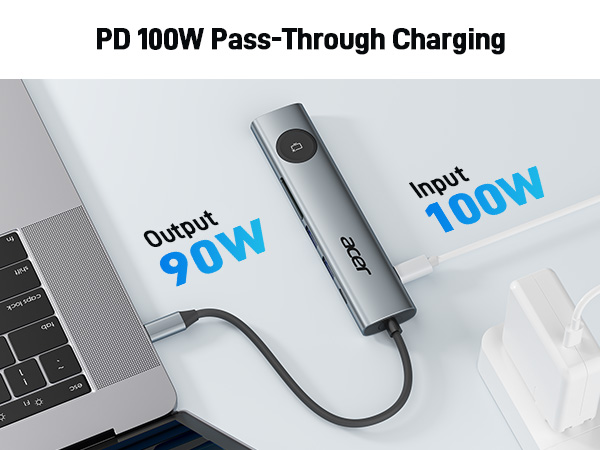
  • Reliable 100W PD Support Equipped with Power Delivery (PD) technology, the USB-C hub multiport adapters maximum output power reaches 90 watts, ensuring fast and efficient charging for your devices and enabling uninterrupted work and entertainment. Note: This USB-C port supports PD charging only; it does not support data transmission or video output
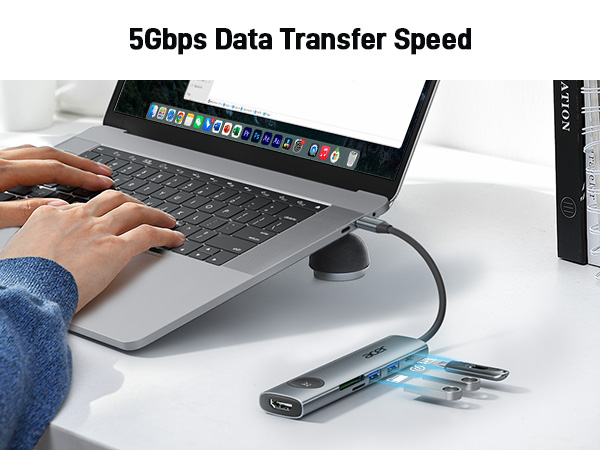
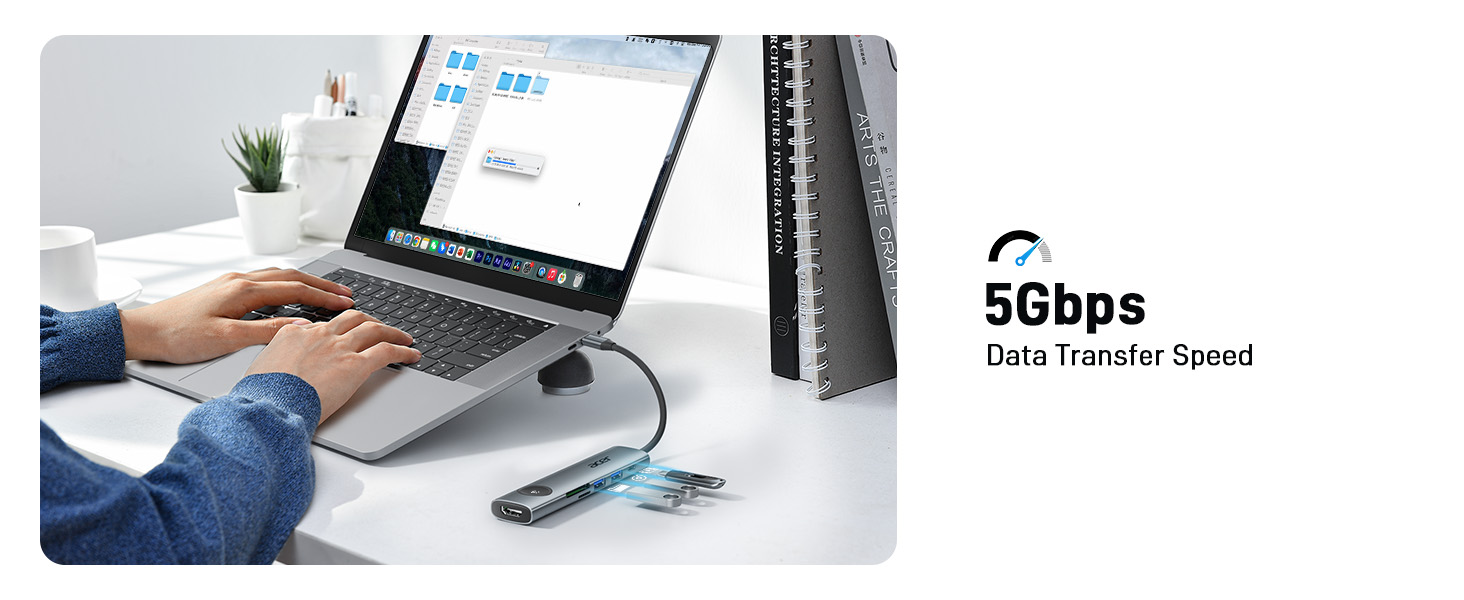
  • 5Gbps High-Speed Data Transfer Equipped with two USB 3.1 ports and one USB-C data port, this Type-C multiport hub delivers transfer speeds up to 5Gbps making file access and transfers fast and efficient. Note: The USB-C port supports data transfer only and does not support video output.
Overview
Specs
Reviews
avatar

Any questions? Our AI beta will help you find out quickly.

Acer 7-in-1 USB C Hub

Merchant Video
Usage Tips

??Check before buy ???????????? ???????? ???????? ???????? ????????????’?? ??????-?? ???????? ???????????????? ?????????????? ???????????????? (?????????????????????? ?????????????????? ????????). This means your USB-C port should support video output, data transfer, and Power Delivery (PD). So please check your device specs before purchasing.
??Cable Length Note For best performance, use a cable no longer than 10 ft.
Q1 ?????? ??????'?? ???? ???????????? ???? ?????????????? ?????? ?????? ?????? ?? ?????????
A1 1) Please connect an external power source to the DC port of the product first, and then connect the laptop to the USB-C port of the product
- 2) Please confirm whether the USB-C port of the laptop supports charging function
- 3) Disconnect the product from the computer, and then reconnect it
Q2 ?????? ???????? ???? ???????????? ?????? ?????? ???????? ???? ???? ?????????????????? ???? ?????? ?????? ?? ???????
A2 When the product works at full load for a long time, the built-in chip will operate at high speed, resulting in increased power and temperature. The maximum working temperature of docking is controlled within the range of 0?-50?, so please feel free to use it.
Q3 ?????? ???? ?????????? ???? ?????????? ???????????? ???????? ???????? ?????????? ?????????????????????
A3 1) Make sure the USB-C port of the laptop supports the video function
- 2) Check the port is firmly plugged in; Adjust the resolution setting of the laptop
- 3) Select the correct input signal source (some require manual selection of the signal source
Q4 ?????? ???? ?????? ?????? ???????????? ???????? ???? ???????????????? ?????????
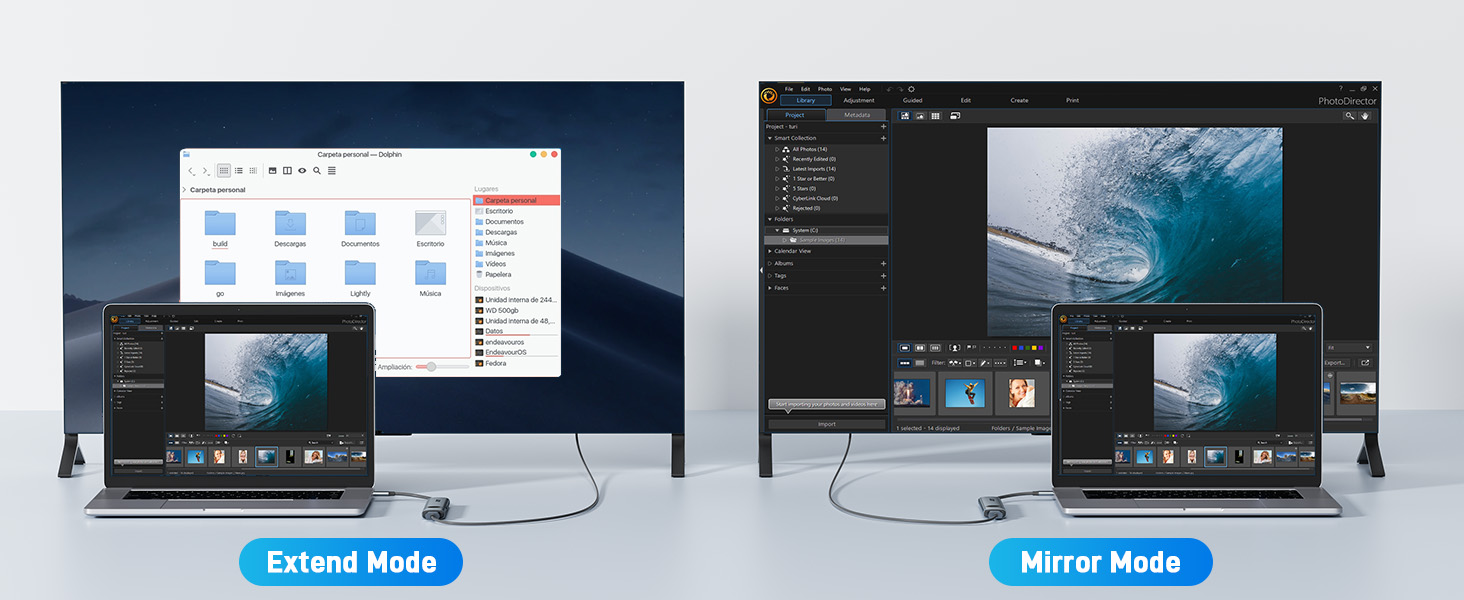
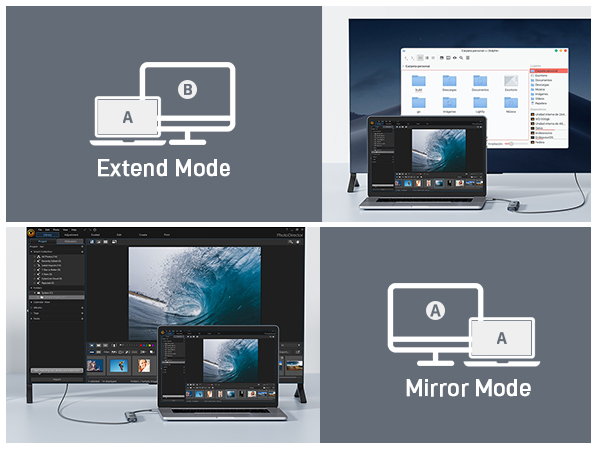
A4 ??For Win laptops: Click Graphics Settings or Win+P to select Mirror or Extend mode. ??For MacBook laptops: Apple logo-System Preferences-Display-Mirror Displays (Yes or No).
Q5 ?????? ???? ???? ?????? ?? ?????? ?????????????????? ?????????????? ?????? ?????????????? ???? ???????????????????????????
A5 ?? Test another cable ? Rule out cable damage ?? Try another device ? Confirm Compatibility ?? Clean ports ? Remove dust or debris ?? Adjust resolution and refresh rate ? Please Try 1080p @ 60Hz ?? Update drivers ? Ensure latest graphics and system drivers ??Check power supply ? Please connect an external power supply to ensure sufficient power for the adapter and video output.

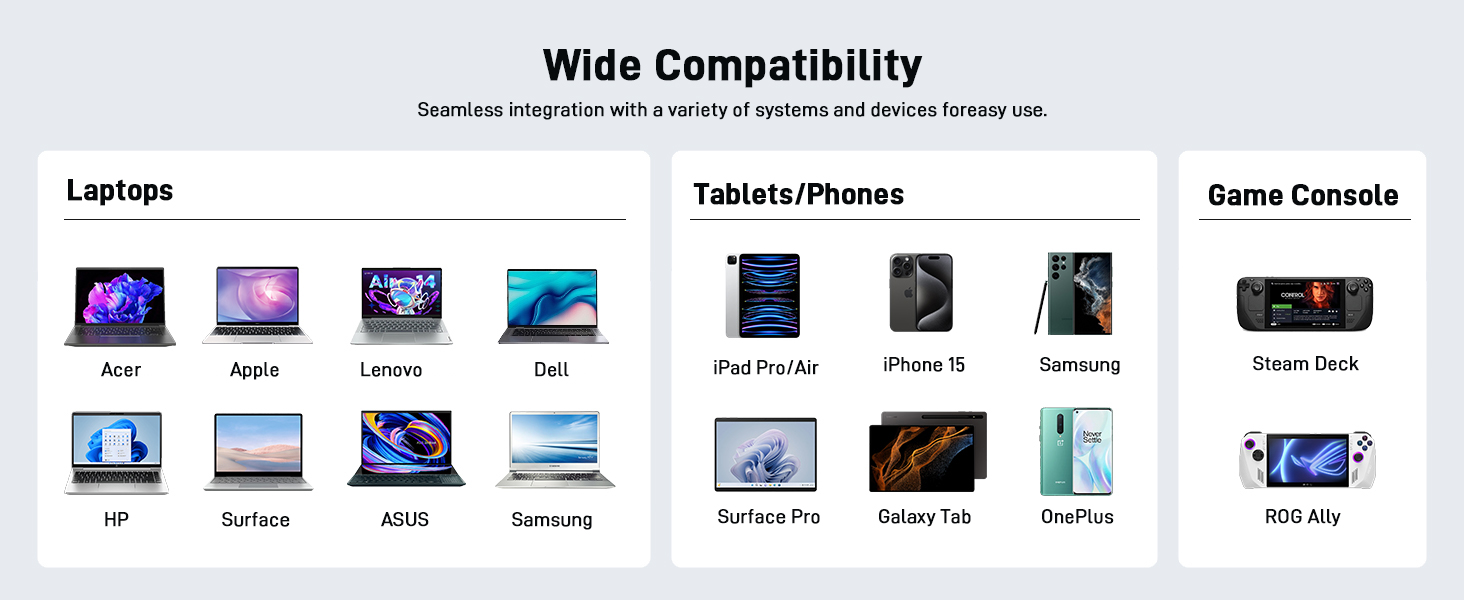
COMPATIBLE LIST (not a full list)

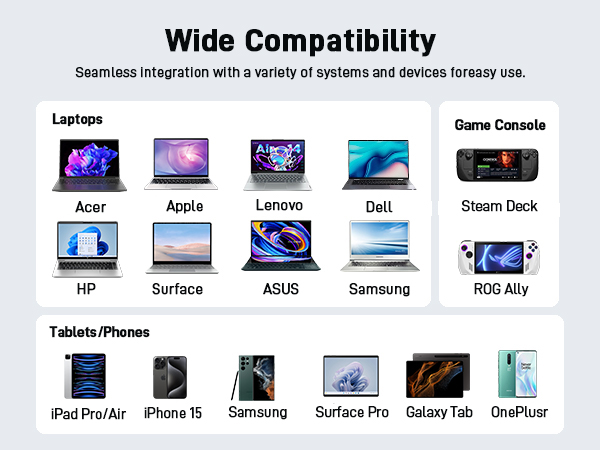
?? (?) Compatible With USB-C 3.1 or thunderbolt 3/4 port interfaces which support "DisplayPort Alternate Mode".
??MacBook MacBook Pro (2025 /2024 /2023 / 2022 / 2021 / 2020 / 2019 / 2018 / 2017 / 2016), MacBook (Early 2015 and newer), MacBook Air (Late 2018 and newer)
??Apple iPad Pro (2021 / 2020 / 2018), iMac (Mid 2017 and newer), iMac Pro, Mac Mini (Late 2018 and newer), iPhone 17 Pro / 17 Pro Max, iPhone 16 Pro / 16 Pro Max, iPhone 15 Pro / 15 Pro Max
??Microsoft Surface Book 2 / 3, Surface Laptop 3 / 4, Surface 8 / 7, Surface Go / Go 2 / Go 3, Surface Pro 7 / 7+ / 8 / X, Surface Studio 2
??Samsung Samsung Galaxy S23 / S22 / S21 / S20 / S20+ / S20 Ultra / S10e / S10 / S10+ / Note 20 / Note 9, S8 / S8+ / S9 / S9+
??Phones HTC 10 / U Ultra / U11 / U11+ / U12+, Asus ZenFone / ROG Phone and more
??Dell Dell Latitude 7373 / 5570 / 5490 / 5400 (2019), XPS 13 / 15 / 17
?? Chromebook Google Chromebook Pixel (2015), Pixelbook, Pixel Slate, Asus Chromebook
(?) (?) Not compatible with devices that don't support the protocol of DP Alt Mode.
(?) Other (?) iPhone (Lightning), iPad (Lightning), X Box, PS5/PS4, ???????????? Fire Tablet, Fire HD, DVD/CD Player
(?) Samsung (?) Galaxy Xcover Pro, Samsung Galaxy Flip series, Samsung A series phone/J6/J7/M20/M30s, Galaxy Tab A series, Galaxy Tab3/S3
(?) Phones (?) Huawei Series; Xiaomi Series; One Plus Series, LG Stylo 3/4/5; Pixel phones; OnePlus 2/3/3T/5/5T/6/6T;
(?) More (?) Car, GoPro, ????????????. **Note: If you are not sure, please feel free to let us know, we are very glad to check.
(?) Motorola series (?) ALL Motorola series, such as Moto 6, Moto 8, etc.
!!Note!! **????????: ???? ?????? ?????? ?????? ????????, ???????????? ???????? ???????? ???? ?????? ???? ????????, ???? ?????? ???????? ???????? ???? ??????????.

Acer 7-in-1 USB C Hub

Merchant Video
Usage Tips

??Check before buy ???????????? ???????? ???????? ???????? ????????????’?? ??????-?? ???????? ???????????????? ?????????????? ???????????????? (?????????????????????? ?????????????????? ????????). This means your USB-C port should support video output, data transfer, and Power Delivery (PD). So please check your device specs before purchasing.
??Cable Length Note For best performance, use a cable no longer than 10 ft.
Q1 ?????? ??????'?? ???? ???????????? ???? ?????????????? ?????? ?????? ?????? ?? ?????????
A1 1) Please connect an external power source to the DC port of the product first, and then connect the laptop to the USB-C port of the product
- 2) Please confirm whether the USB-C port of the laptop supports charging function
- 3) Disconnect the product from the computer, and then reconnect it
Q2 ?????? ???????? ???? ???????????? ?????? ?????? ???????? ???? ???? ?????????????????? ???? ?????? ?????? ?? ???????
A2 When the product works at full load for a long time, the built-in chip will operate at high speed, resulting in increased power and temperature. The maximum working temperature of docking is controlled within the range of 0?-50?, so please feel free to use it.
Q3 ?????? ???? ?????????? ???? ?????????? ???????????? ???????? ???????? ?????????? ?????????????????????
A3 1) Make sure the USB-C port of the laptop supports the video function
- 2) Check the port is firmly plugged in; Adjust the resolution setting of the laptop
- 3) Select the correct input signal source (some require manual selection of the signal source
Q4 ?????? ???? ?????? ?????? ???????????? ???????? ???? ???????????????? ?????????
A4 ??For Win laptops: Click Graphics Settings or Win+P to select Mirror or Extend mode. ??For MacBook laptops: Apple logo-System Preferences-Display-Mirror Displays (Yes or No).
Q5 ?????? ???? ???? ?????? ?? ?????? ?????????????????? ?????????????? ?????? ?????????????? ???? ???????????????????????????
A5 ?? Test another cable ? Rule out cable damage ?? Try another device ? Confirm Compatibility ?? Clean ports ? Remove dust or debris ?? Adjust resolution and refresh rate ? Please Try 1080p @ 60Hz ?? Update drivers ? Ensure latest graphics and system drivers ??Check power supply ? Please connect an external power supply to ensure sufficient power for the adapter and video output.

COMPATIBLE LIST (not a full list)

?? (?) Compatible With USB-C 3.1 or thunderbolt 3/4 port interfaces which support "DisplayPort Alternate Mode".
??MacBook MacBook Pro (2025 /2024 /2023 / 2022 / 2021 / 2020 / 2019 / 2018 / 2017 / 2016), MacBook (Early 2015 and newer), MacBook Air (Late 2018 and newer)
??Apple iPad Pro (2021 / 2020 / 2018), iMac (Mid 2017 and newer), iMac Pro, Mac Mini (Late 2018 and newer), iPhone 17 Pro / 17 Pro Max, iPhone 16 Pro / 16 Pro Max, iPhone 15 Pro / 15 Pro Max
??Microsoft Surface Book 2 / 3, Surface Laptop 3 / 4, Surface 8 / 7, Surface Go / Go 2 / Go 3, Surface Pro 7 / 7+ / 8 / X, Surface Studio 2
??Samsung Samsung Galaxy S23 / S22 / S21 / S20 / S20+ / S20 Ultra / S10e / S10 / S10+ / Note 20 / Note 9, S8 / S8+ / S9 / S9+
??Phones HTC 10 / U Ultra / U11 / U11+ / U12+, Asus ZenFone / ROG Phone and more
??Dell Dell Latitude 7373 / 5570 / 5490 / 5400 (2019), XPS 13 / 15 / 17
?? Chromebook Google Chromebook Pixel (2015), Pixelbook, Pixel Slate, Asus Chromebook
(?) (?) Not compatible with devices that don't support the protocol of DP Alt Mode.
(?) Other (?) iPhone (Lightning), iPad (Lightning), X Box, PS5/PS4, ???????????? Fire Tablet, Fire HD, DVD/CD Player
(?) Samsung (?) Galaxy Xcover Pro, Samsung Galaxy Flip series, Samsung A series phone/J6/J7/M20/M30s, Galaxy Tab A series, Galaxy Tab3/S3
(?) Phones (?) Huawei Series; Xiaomi Series; One Plus Series, LG Stylo 3/4/5; Pixel phones; OnePlus 2/3/3T/5/5T/6/6T;
(?) More (?) Car, GoPro, ????????????. **Note: If you are not sure, please feel free to let us know, we are very glad to check.
(?) Motorola series (?) ALL Motorola series, such as Moto 6, Moto 8, etc.
!!Note!! **????????: ???? ?????? ?????? ?????? ????????, ???????????? ???????? ???????? ???? ?????? ???? ????????, ???? ?????? ???????? ???????? ???? ??????????.
7 in 1 USB C Hub Multiport Adapter, USB C to HDMI Adapter 4K@60Hz, 100W PD, 2 USB A 3.1 + Type-C 3.1 5Gbps Data, SD Card Reader, USBC Hub HDMI Compatible with Laptop, Macbook Neo, iphone 17/16/15

Warranty & Returns

Warranty, Returns, And Additional Information

Return Policies

LOADING...