




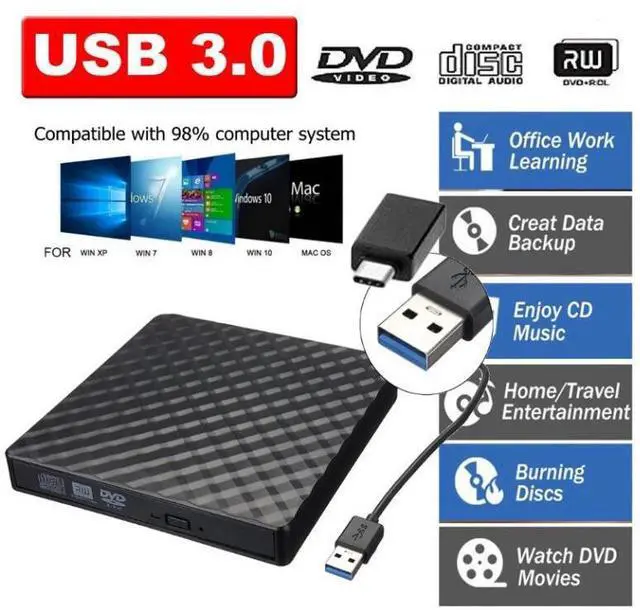
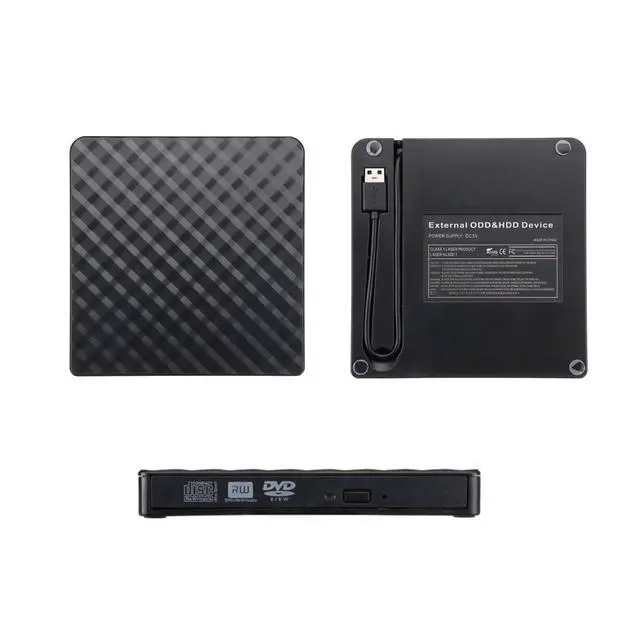
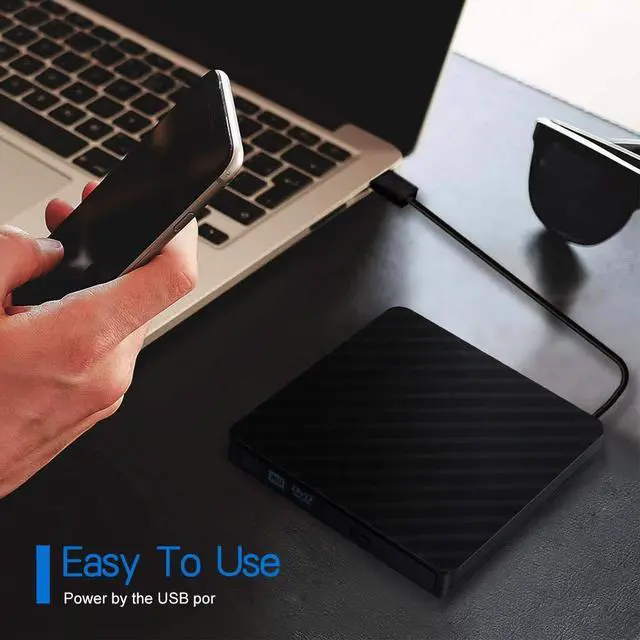


Plug & Play: This AUBEAMTO external CD DVD drive is powered by USB port, no additional drivers and power supply required! Just plug the USB type-A or type-C connector on the data cable to your computer and the CD burner will be detected by computer automatically, you can then use the corresponding software to read and write the discs with no complex settings. As for Mac system, please note that the computer will not display the device icon until the disc is placed and read successfully.
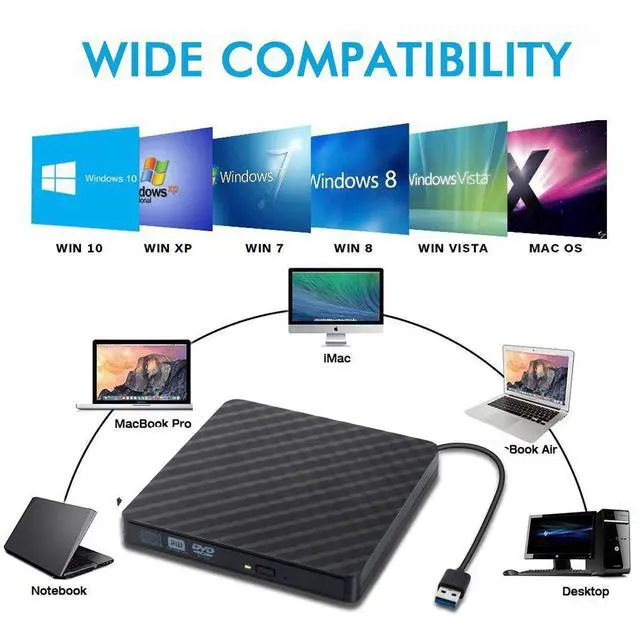
Wide Compatibility: This external cd drive supports various devices. It's compatible with Windows 11/ 10 / 8 / 7 / XP / 98 / SE / ME / 2000, Vista 7 / 8, Linux, Mac OS 10.6 or above such as Apple MacBook Air, iMac, Mac Mini and MacBook Pro. For desktops, please connect the DVD burner to the back USB port of the motherboard to avoid power shortage. (Not support for Cars, TV, Tablet, Phones, iPads, PS4/5, Xbox, Switch, Projectors, Chromebook, Surface (some models), Ubuntu system and blu ray disk)
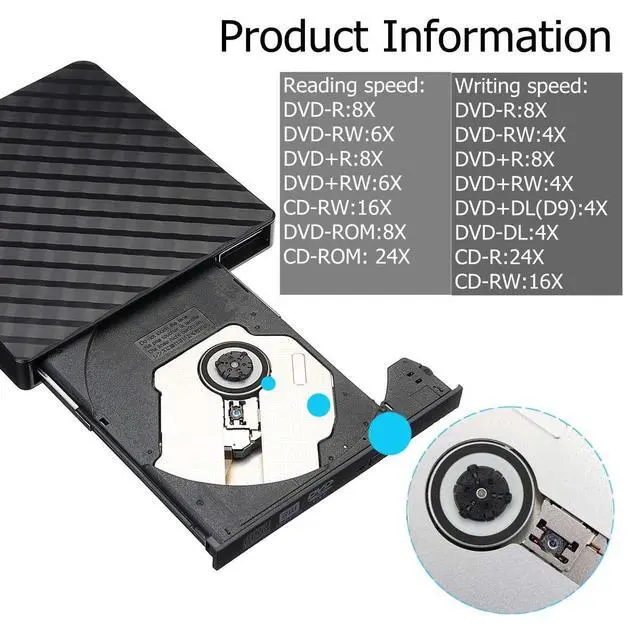
High-Speed: The external DVD drive supports USB 3.0 high speed data transmission and is backward compatible with USB 2.0 / 1.1. It delivers max 8x DVD read/write speeds and max 24x CD read/write speeds, provides faster data transfer rates of up to 5 Gbps (625MB/S) without lag or distortion, get more done in less time! It also boasts strong error correction capability, noise reduction, shock resistance and low power consumption.
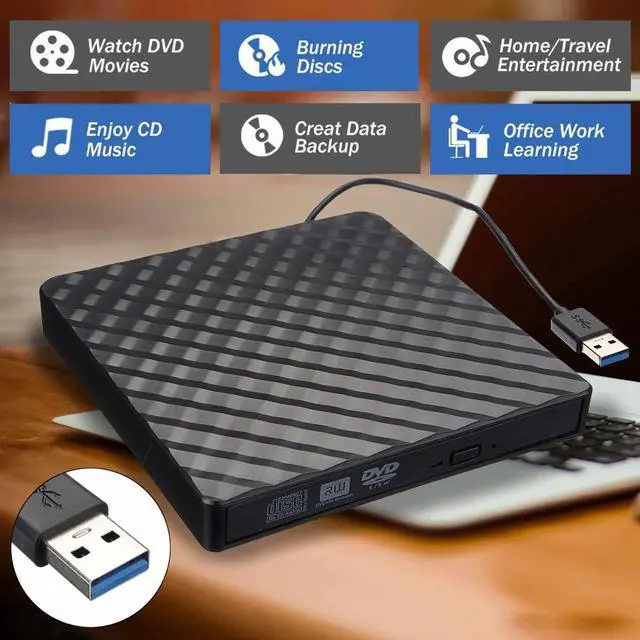
All Kinds of Disc: This CD player for laptop support read and write various formats discs, e.g. CD±R/RW, CD-ROM, DVD±R/RW, DVD-ROM, DVD-RAM, DVD+R DL, DVD-R DL, VCD e SVCD. The CD drive also can be used to listen to music, watch movies, data backup, burn files, install software, operating systems or games. If the CDs or DVDs can't be read by computer, use the charging cable included in the packge to connect to 5V charger or power bank to get extra power, that's because some computer doesn't have enough power to support the operation of the USB DVD drive external.


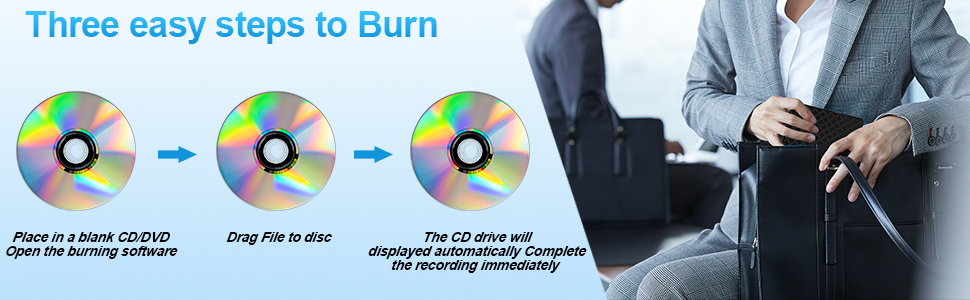

How to use on windows and Mac system computer?
First, Plug the usb 3.0/usb c port into your laptop usb port or type c port. (If your device is desktop, please connect the cd drive to the motherboard usb port).
Then, click the windows laptop's "my computer", you will see the cd/dvd icon. You need confirm that the laptop's has recognized the external cd drive.
Third, use VLC Media Player to play the video. If you want to burn cd, please use the NERO software. It can help you quickly finish.
For Mac
First, you need insert a cd into the external cd drive. Then you will see the cd/dvd icon.
Second, put the cd into the cd drive.Waite a moment, you will see the cd content. (If the files was can't be seen, the external cd drive may have problem.)
Third, use VLC Media Player to play the video. If you want to burn cd, please use the NERO software. It can help you quickly finish.
AUBEAMTO External cd dvd drive is compatible with many system devices:
Windows: Windows XP/2003/Vista/7/8.1/10/11, Linux Mac OS: all version Mac OS (8.6 to 10.14) system Laptop, Notebook, PC, Desktop Computer Not support: Cars, TV, Tablets, Smartphones, Projectors, Xbox, Chrombook, iPad, Phones, Surface,Blu-ray disk ,m1 chip and m2 chip
Setting Refion Code: Notice: Remember you can only reset the country 5 times.
Windows : This PC- dvd drive- Properties - Hardware Tab - Properties button - Choose Region
Mac: Menu-System Preference-Language & Region - Region - Select Country - Apply

Some things to note about this USB 3.0 external CD DVD drive
1.The dvd drive should be connected with USB port on laptop rather than connect with USB HUB. In addition, please connect the item with USB port behind of computer host if you use a desktop.
2.Ensure CDs is placed well and not scratched. The raised fixing post in the middle of the CD drive tray has three spring buckles. You need to gently press the CD disc into the spring buckles to secure the disc.
3.Make sure your computer's CD/DVD driver is intact before using an external optical drive. The computer operating system comes with a CD/DVD driver. If the program is damaged or removed, the CD/DVD driver needs to be updated or reinstalled.
4.Once you plug this external dvd player for laptop into your computer, it will bring up your downloaded Media Player, select it, and from that point forward whatever disc you put in will automatically open through it. You download a Media Player program onto your computer if don't already have one before you hook it up.
5.Remember to set the DVD Region to United States on the player - Windows : This PC- dvd drive- Properties - Hardware Tab - Properties button - Choose Region (US is 1) - Apply. Mac: Menu-System Preference-Language & Region - Region - Select Country - Apply Remember you can only reset the country 5 times.
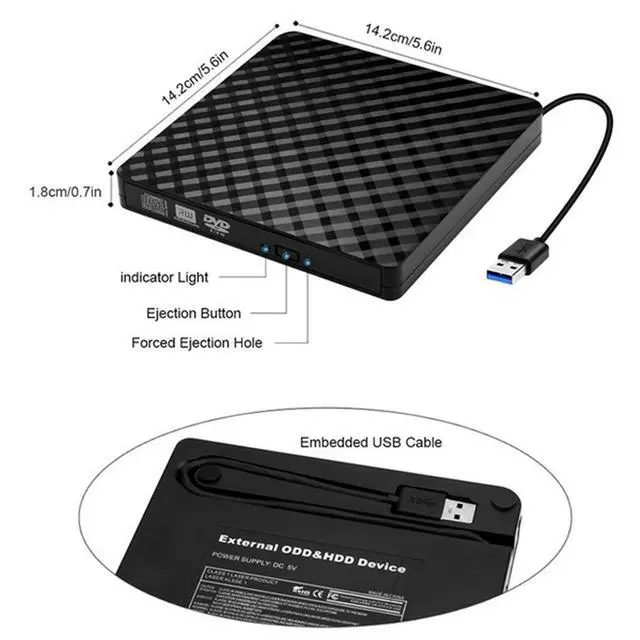
6.Mac OS computers do not display the device icon before placing a disc into disc tray & drive reads successfully the disc. For Mac OS, use the mac command to eject disc. If eject button/computer command not working, stick emergency hole to force eject a disc.
7.Computers often do not natively support DVD movie playing, so a third-party media player (such as VLC) must be downloaded and installed to watch DVDs using this CD/DVD player. You can download and install a playing/burning software you like. You can also refer to the following software:
No fee playing software: Any Media Player, Any DVD
No fee burning software for Windows OS: InfraRecorder, Ones, Express Disc Burner
No fee burning software for mac OS: Burn for mac
No fee burning software for Linux OS/Unix OS: K3b (KDE Burn Baby Burn)
8.Because the video formats of most computers and mobile phones are not compatible with DVD, you need third-party software to convert the file format to a format that can be displayed on the disc, otherwise, even if you burn the file to a disc, it will not work.