







1.Why is there an exception when I connect to the screen?
a.Make sure your laptop's USB-C port supports video output; b. Lower your monitor's resolution or refresh rate; c. Replace another high standard HDMI cable.
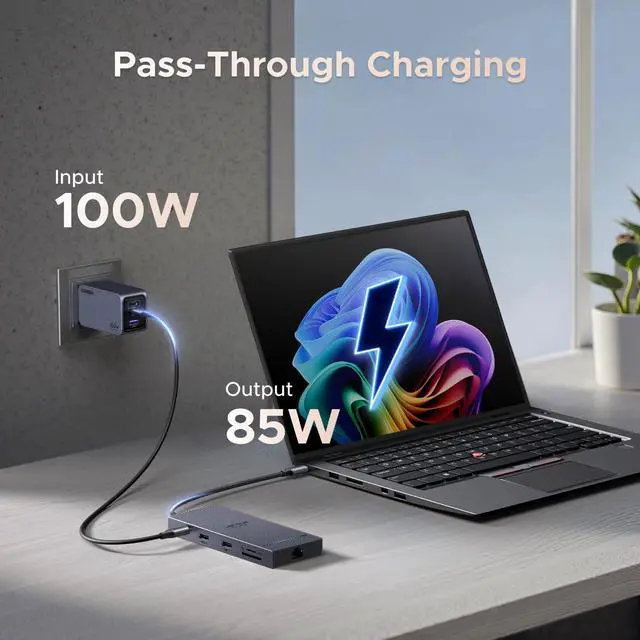
2.Why am I charging my docking station so slowly, it doesn't reach 100w?
a. Please confirm whether the USB-C interface of the laptop supports the charging function. If your computer uses a DC interface, please connect the original adapter. b. When your computer is charging slowly, please use the original adapter of the computer or a charger above 65W.
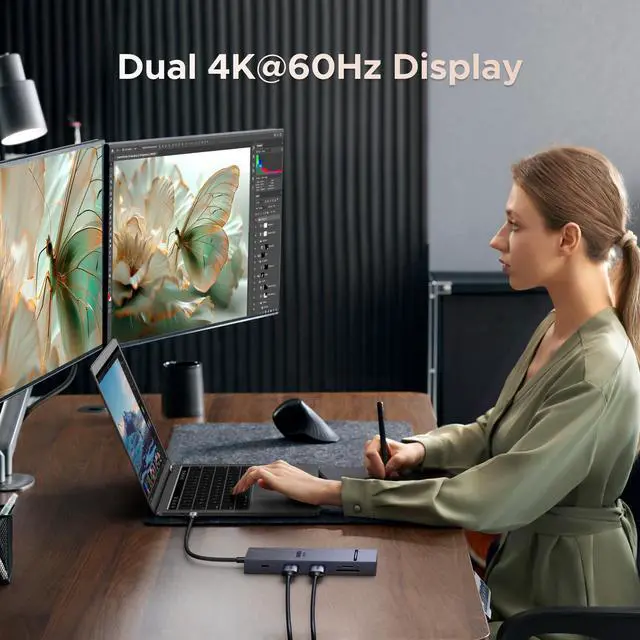
3.Why can’t both monitors support 4K@60Hz resolutions simultaneously after connecting two monitors?
a. Ensure that your laptops supports DP 1.4 first b. Replace another high standard HDMI cable. c. Make sure your monitor supports 4K@60Hz,if it still displays abnormally,lower your monitor's resolution or refresh rate.
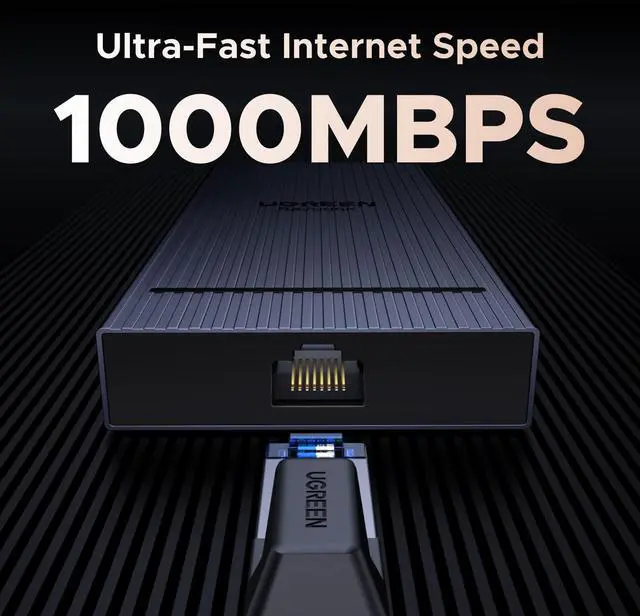
4.Why does my computer's Ethernet connection not work?
a. If the ethernet port cannot work, please install the driver first. b. If it is the Mac device, you need to add this adapter in the Network setting page.Go to "System Preferences"--->"Network"--->Click on the "+" sign--->Select the network card with the corresponding name (USB 10/100/1000 LAN)--->Click on "Create"
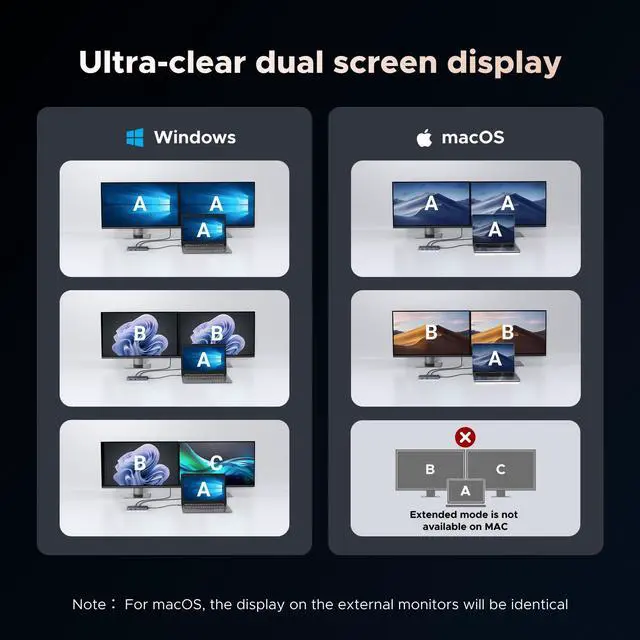
5.Why can't dual HDMI display at the same time?
a) Check the graphics card performance of the laptop or ask the computer manufacturer whether it supports extending two displays at the same time; b) Check the power management settings. In the power options, you can adjust the power plan and select "High performance" or similar settings; c) Check the display settings. In Windows, you need to go to "Display Settings" to configure the display. Make sure you have set the display mode to "Extend these displays" instead of "Show desktop only on 1" or "Show desktop only on 2"; d) Macbook only supports SST mode. If the color gamut of the two HDMI screens is different, it may cause single-screen output. It is recommended to swap the devices connected to HDMI1 and HDMI2; e) Mobile phones and iPads can only support single-screen display but not dual-screen display; It is recommended to connect to HDMI2 first when using mobile phones and iPads.
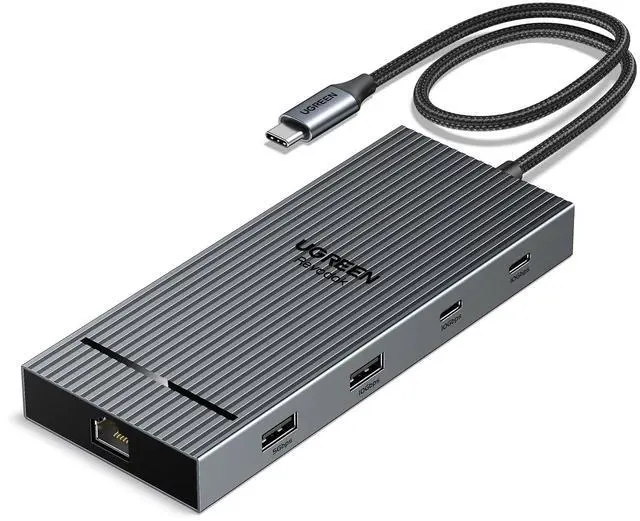
UGREEN Revodok Docks
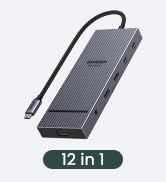
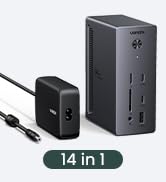
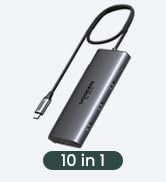
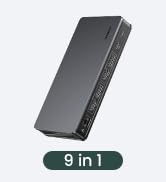
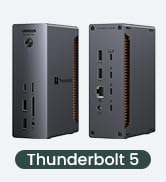
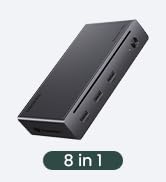
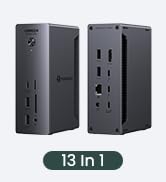
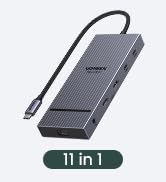
 Revodok Pro 10 in 1 |  UGREEN Docking Station | 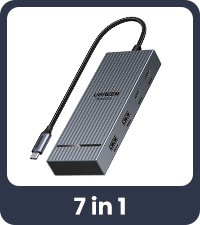 Revodok Pro 7 in 1 |  Revodok 8 in 1 |  Revodok 10 in 1 |  UGREEN Docking Station |  UGREEN Thunderbolt 4 Dock | |
|---|---|---|---|---|---|---|---|
Customer Reviews | — | — | — | — | — | — | — |
Price | — | — | — | — | — | — | — |
Extended Monitor(s) | 2 Monitors | 3 Monitors | 2 Monitors | 3 Monitors | 2 Monitors | 2 Monitors | 2 Monitors |
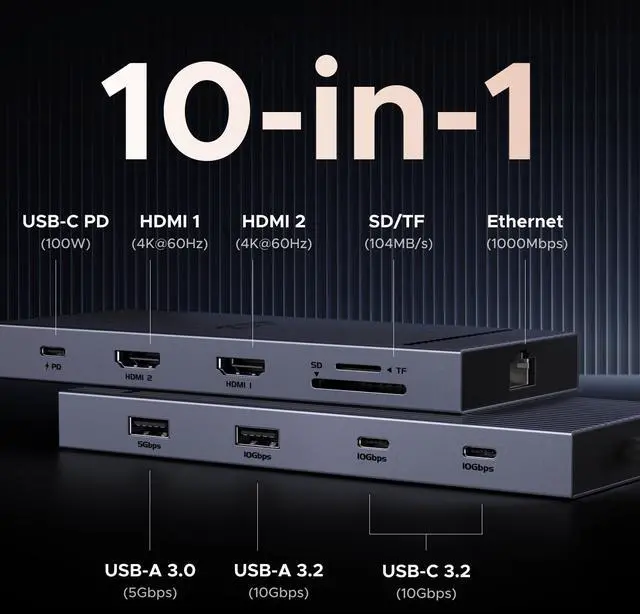
Display Ports | 2*HDMI | 2*HDMI+DP | 2*HDMI | 2*HDMI+DP | 2*HDMI | 2*HDMI+2*DP | 3*TBT 4 |
Display Scheme | MST | MST | MST | MST | MST | DisplayLink | Thunderbolt |
Max Display Resolution | 4K@60Hz | 4K@120Hz | 4K@60Hz | 4K@60Hz | 8K@30Hz | 4K@60Hz | 8K@30Hz |
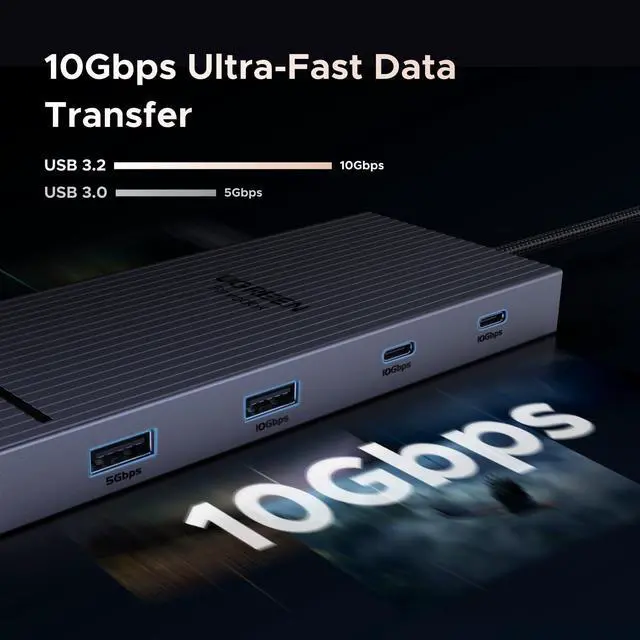
Max Transfer Speed | 10Gbps | 10Gbps | 10Gbps | 10Gbps | 5Gbps | 10Gbps | 40Gbps |
USB Data Ports | 2*USB A + 2*USB C | 3*USB A + 2*USB C | 2*USB A + 2*USB C | 2*USB A + 2*USB C | 2*USB A + 2*USB C | 2*USBA+1*USBC | 3*USB A+3*TBT 4 |
Charging Adapter | 100W | 140W | 100W | 100W | 100W | 100W | 140W (Charger Included) |
Gigabit Ethernet | 1000Mbps | 1000Mbps | ? | ? | 1000Mbps | 1000Mbps | 1000Mbps |
SD/TF Card Reader | 104MB/S | 170MB/s | ? | ? | 104MB/S | ? | ? |


1.Why is there an exception when I connect to the screen?
a.Make sure your laptop's USB-C port supports video output; b. Lower your monitor's resolution or refresh rate; c. Replace another high standard HDMI cable.
2.Why am I charging my docking station so slowly, it doesn't reach 100w?
a. Please confirm whether the USB-C interface of the laptop supports the charging function. If your computer uses a DC interface, please connect the original adapter. b. When your computer is charging slowly, please use the original adapter of the computer or a charger above 65W.
3.Why can’t both monitors support 4K@60Hz resolutions simultaneously after connecting two monitors?
a. Ensure that your laptops supports DP 1.4 first b. Replace another high standard HDMI cable. c. Make sure your monitor supports 4K@60Hz,if it still displays abnormally,lower your monitor's resolution or refresh rate.
4.Why does my computer's Ethernet connection not work?
a. If the ethernet port cannot work, please install the driver first. b. If it is the Mac device, you need to add this adapter in the Network setting page.Go to "System Preferences"--->"Network"--->Click on the "+" sign--->Select the network card with the corresponding name (USB 10/100/1000 LAN)--->Click on "Create"
5.Why can't dual HDMI display at the same time?
a) Check the graphics card performance of the laptop or ask the computer manufacturer whether it supports extending two displays at the same time; b) Check the power management settings. In the power options, you can adjust the power plan and select "High performance" or similar settings; c) Check the display settings. In Windows, you need to go to "Display Settings" to configure the display. Make sure you have set the display mode to "Extend these displays" instead of "Show desktop only on 1" or "Show desktop only on 2"; d) Macbook only supports SST mode. If the color gamut of the two HDMI screens is different, it may cause single-screen output. It is recommended to swap the devices connected to HDMI1 and HDMI2; e) Mobile phones and iPads can only support single-screen display but not dual-screen display; It is recommended to connect to HDMI2 first when using mobile phones and iPads.
UGREEN Revodok Docks
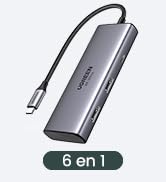
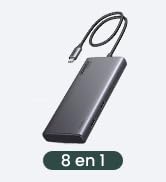
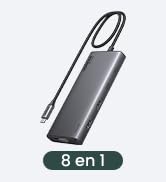
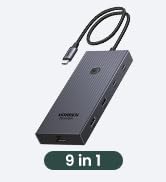
Revodok Pro 10 in 1 | UGREEN Docking Station | Revodok Pro 7 in 1 | Revodok 8 in 1 | Revodok 10 in 1 | UGREEN Docking Station | UGREEN Thunderbolt 4 Dock |
|---|---|---|---|---|---|---|
| Customer Reviews | ||||||
| — | — | — | — | — | — | — |
| Price | ||||||
| — | — | — | — | — | — | — |
| Extended Monitor(s) | ||||||
| 2 Monitors | 3 Monitors | 2 Monitors | 3 Monitors | 2 Monitors | 2 Monitors | 2 Monitors |
| Display Ports | ||||||
| 2*HDMI | 2*HDMI+DP | 2*HDMI | 2*HDMI+DP | 2*HDMI | 2*HDMI+2*DP | 3*TBT 4 |
| Display Scheme | ||||||
| MST | MST | MST | MST | MST | DisplayLink | Thunderbolt |
| Max Display Resolution | ||||||
| 4K@60Hz | 4K@120Hz | 4K@60Hz | 4K@60Hz | 8K@30Hz | 4K@60Hz | 8K@30Hz |
| Max Transfer Speed | ||||||
| 10Gbps | 10Gbps | 10Gbps | 10Gbps | 5Gbps | 10Gbps | 40Gbps |
| USB Data Ports | ||||||
| 2*USB A + 2*USB C | 3*USB A + 2*USB C | 2*USB A + 2*USB C | 2*USB A + 2*USB C | 2*USB A + 2*USB C | 2*USBA+1*USBC | 3*USB A+3*TBT 4 |
| Charging Adapter | ||||||
| 100W | 140W | 100W | 100W | 100W | 100W | 140W (Charger Included) |
| Gigabit Ethernet | ||||||
| 1000Mbps | 1000Mbps | ? | ? | 1000Mbps | 1000Mbps | 1000Mbps |
| SD/TF Card Reader | ||||||
| 104MB/S | 170MB/s | ? | ? | 104MB/S | ? | ? |
UGREEN Multi Display Dock
Multi Display Docking Station
UGREEN Multi Display Dock
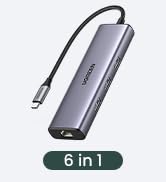
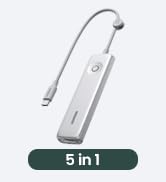
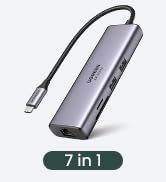
UGREEN 10Gbps USB C Hub
UGREEN Revedok USB C HUB
Revodok Max
Revodok Pro
Revodok Basic
