









In the age of digital innovation, Aibilangose stands as a beacon of simplicity and efficiency. Our mission is to provide innovative solutions that simplify digital lives.
Our flagship product the docking station offers numerous ports and connectivity options, allowing seamless connection of laptops, monitors, and peripherals, and storage devices.
We believe a well-organized workspace significantly boosts efficiency and creativity.
USB C Docking Station
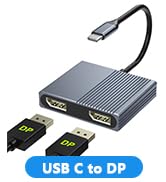
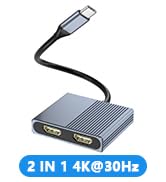
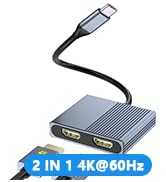
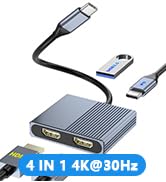
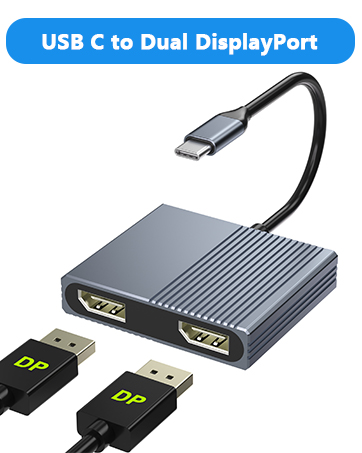
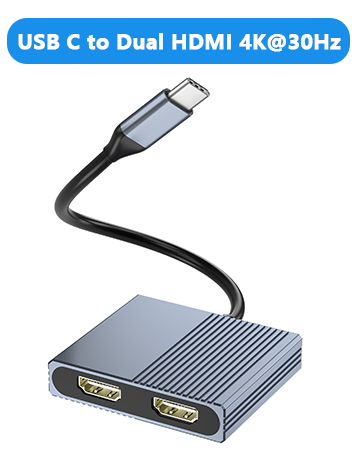
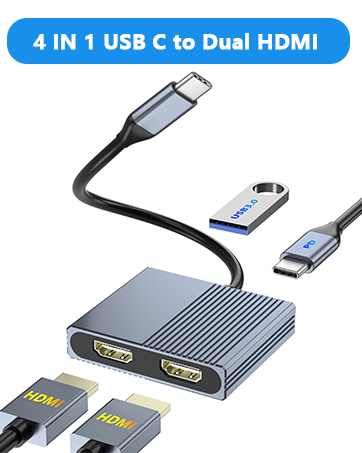
USB C to Dual DP/Dual HDMI
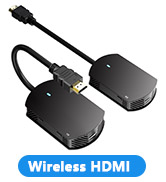
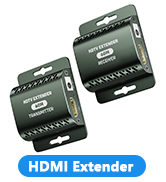
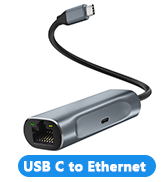
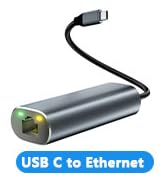
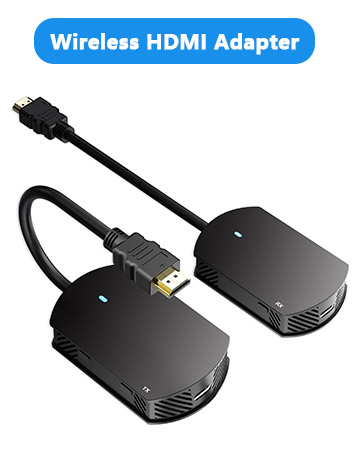
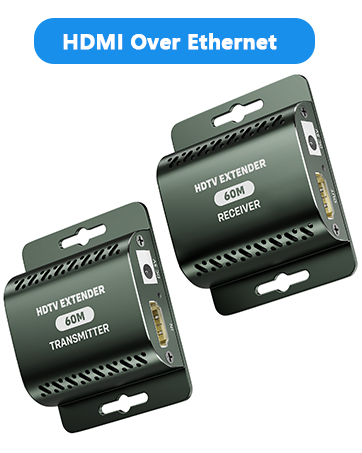
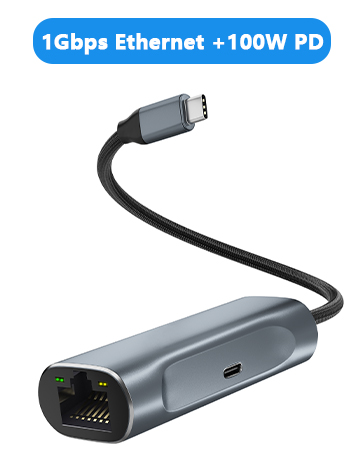
HDMI Extender/USB to Ethernet
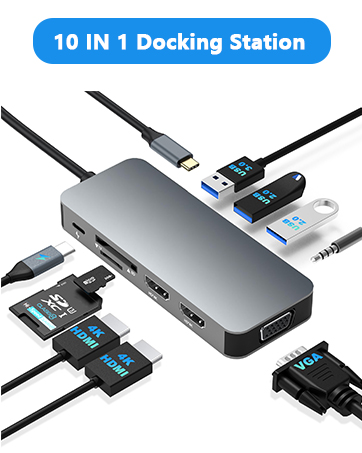
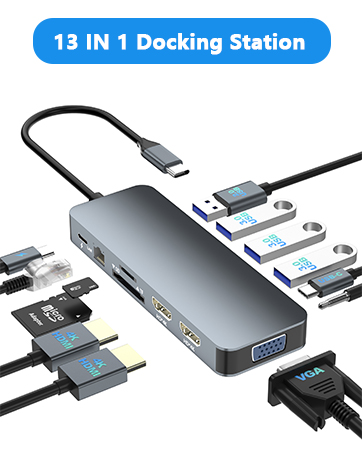
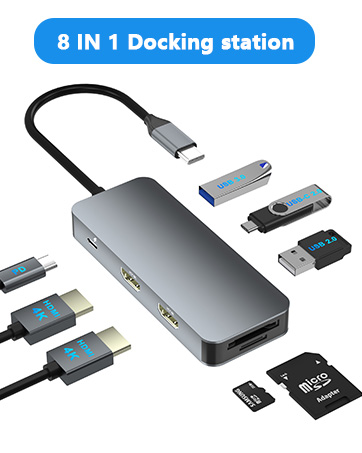
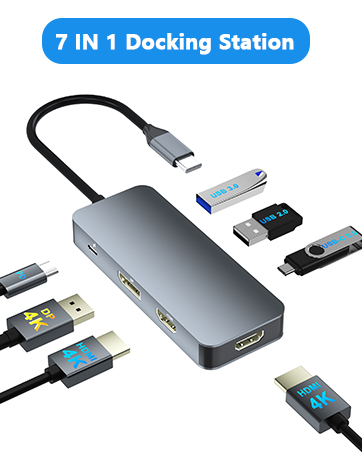

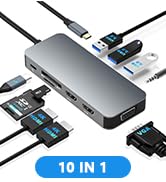
10 in 1 USB C Dual HDMI Adapter USB C Docking Station Dual HDMI Monitors for Window/iOS/Linux/Android System
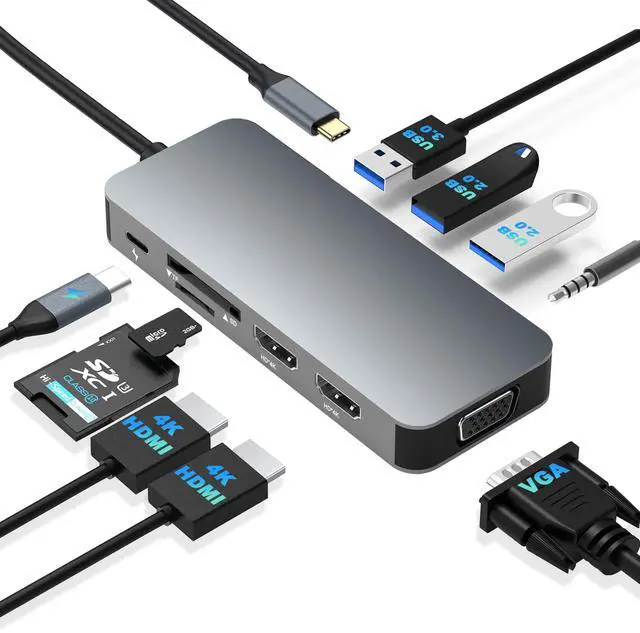
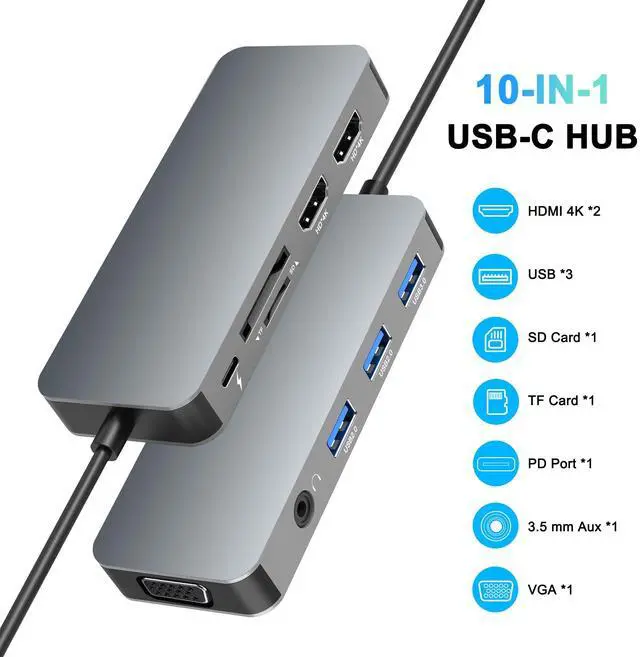
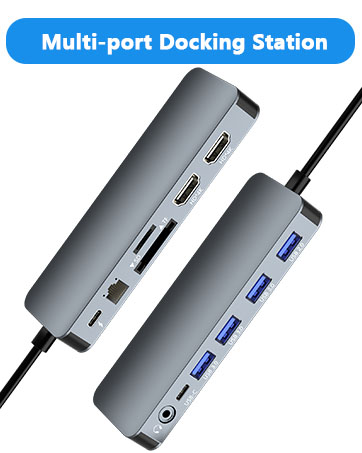
10 IN 1 :
1*PD3.0 Charging Port: Up to 100W input and 85W output
HDMI 1 Max resolution: 4K@30Hz
HDMI 2 Max resolution: 4K@30Hz
1*VGA: 1080P@60Hz (When VGA is connected, each monitors Max resolution: 1080P@60Hz)
1* USB3.0 port: Data transfer up to 5Gbps
2*USB 2.0 keyboard/mouse
1* 3.5mm port: Audio function (Microphone voice function not supported)
1*SD/TF Card reader: Up to 104MB/S
Note:
Please provide power for USB C Docking Station first when connecting monitors or multiple devices or high power devices.

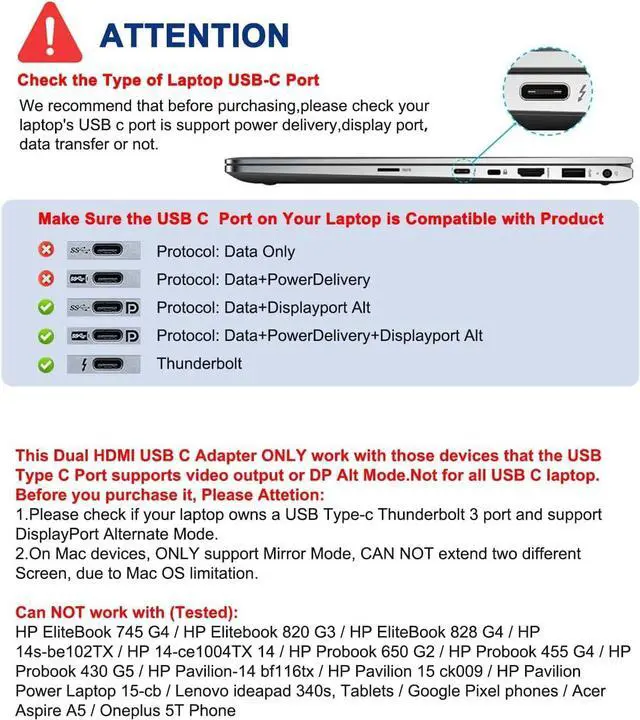
Note: NOT for all USB-C port laptops, Make sure your laptop or PC supports ” Thunderbolt 3” ” Thunderbolt 4”or “displayport output mode(DP ALT mode)
What is USB-C DP ALT Mode?
DP Alt Mode allows USB-C ports to transfer dataideo via multiple interfaces, including the increasingly popular DisplayPort video interface. USB-C ports capable of transferring DisplayPort signals are either called USB-C DisplayPort or DP Alt Mode. They allow you to connect video sources (e.g. PCs, Blu-Ray players, etc.) and display devices (e.g. TVs, projectors, etc.) that support DisplayPort to each other via their USB-C ports to broadcast high-definition video.
But now not all USB-C ports feature DisplayPort Alt Mode functionality.
How do I know if my device supports DisplayPort over USB-C?
The best method to decipher whether your device supports DisplayPort over USB-C is to check either the product specs on the manufacturer’s official website or to check websites with in-depth product reviews and/or information. Within those sites you’ll be able to find detailed breakdowns of each port on the device.
Basically, Thunderbolt 3, Thunderbolt 4, and USB C 3.1 Gen 2 (or above) support video output. If you are not sure, you are welcome to ask us for a device compatibility check before purchase.

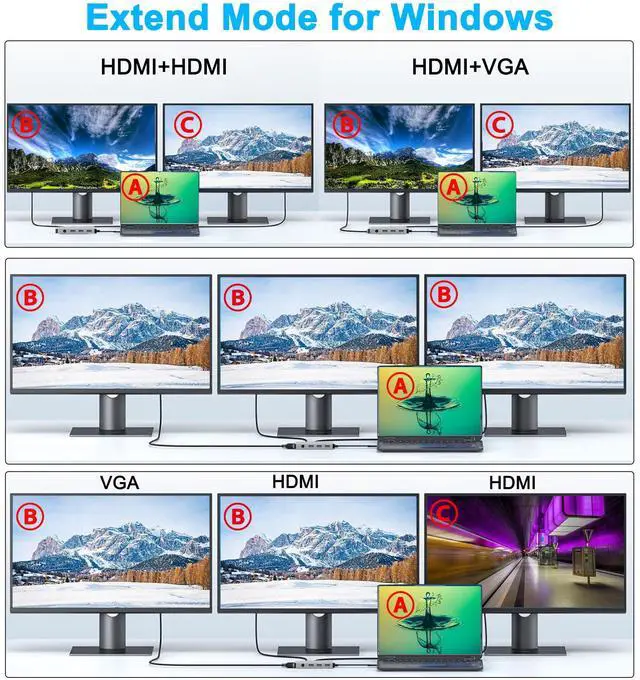
Windows System-Multiple Display Mode-Mirror Mode & Extend Mode:
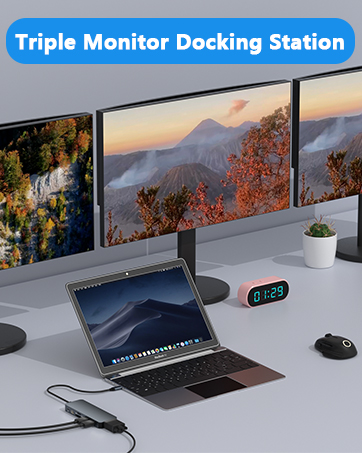
Mirror Mode (AAAA Mode):Laptop shows same images with external triple displays.
Extend Mode (ABBB and ABBC Mode):Laptop shows different images with external triple displays,and VGA follow HDM1 (near VGA port).
How to extend monitor on Windows: When the HUB is connected to the laptop and connected to the display with an HDMI cable, you can use the shortcut key combination Win+P to select other modes such as expansion and copy, and support multiple expansion combinations such as ABC. In Windows Settings-System-Screen Settings, you can select the display order and resolution of the secondary screen through the settings, and you can change the refresh rate of the secondary screen in advanced display settings.
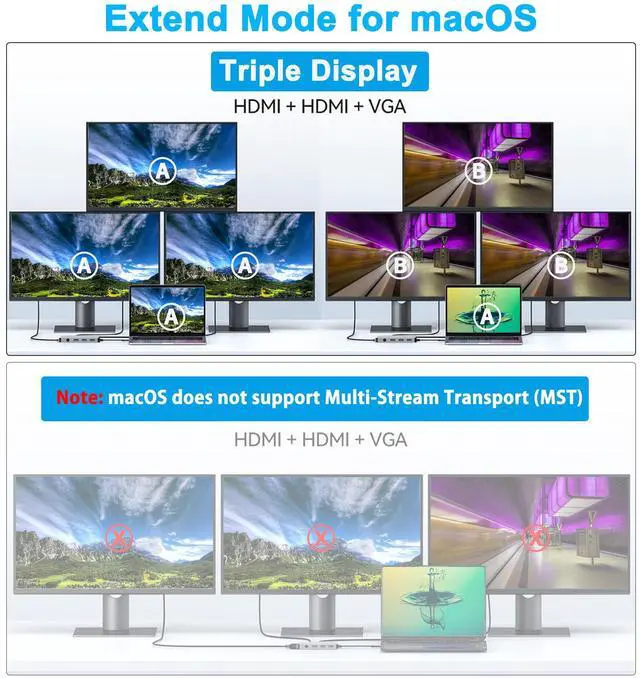
MacOS System -Mirror Mode & Extend Mode -Only SST Supported:
Mirror Mode (AAAA Mode):Laptop shows same images with displays.
Extend Mode (ABBB Mode):3 external screen display same images but different with laptop.
Note: ON MacOS only SST mode (AAAA and ABBB mode) supported due to MacOS limitation.
How to extend monitor on Mac: When the HUB is connected to the laptop and connected to the display with an HDMI cable, you can change the resolution, refresh rate, mirroring and extension mode of the secondary screen in System Preferences-Display Settings, and support ABB’s extension mode and AAA’s copy mode.

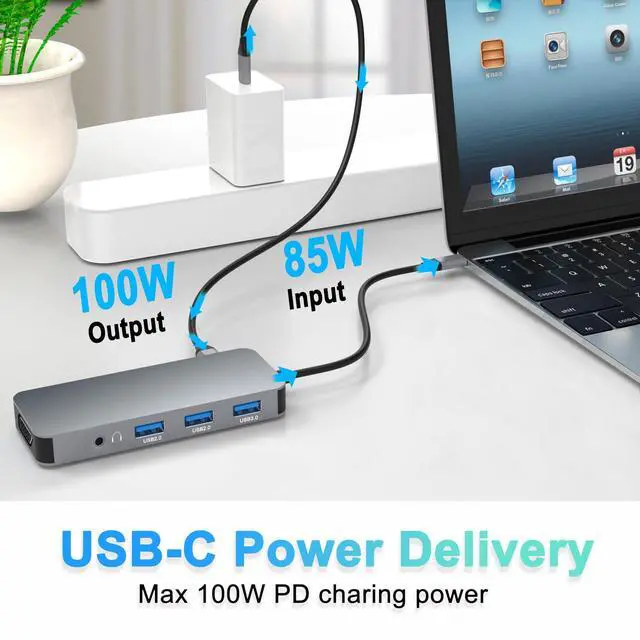
100W Power Delivery
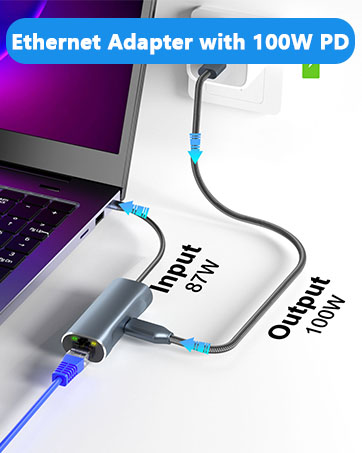
Provide 100W Power Delivery for your usb c laptops. Use your laptop while charging without worrying about your laptop running out of power.
Note: Make sure your laptop supports USB-C charging

SD/TF Card Read
SD/TF Card reader support writing /reading spped 20MB/S, which can access files for Type-C devices, quickly view your photos or videos, good for Photographer or Designer or Video editor,etc.
Note: SD/TF can not be read simutaneously.

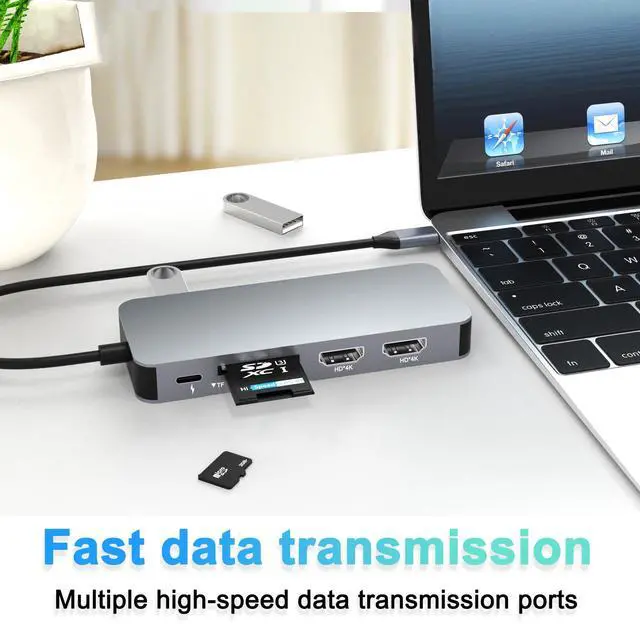
Super Fast Data Transfer
1x USB A 3.0 port ensure instant sync and file transfer at 5Gbps transfer speed accordingly, and easily connect smartphones, tablet, hard drives for effortless data transfer with USB C port. 2 extra USB A 2.0 allows you to connect keyboard or mouse without any lag.

Lightweight and Portable
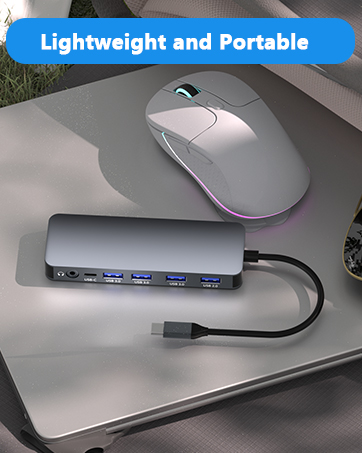
With a compact and portable design, all ports are in one hand. The USB C for laptop weighs about 2.9 oz and works well at the office, business trips and also for everyday use.

HDMI & VGA Port
HDMI Port: Max resolution up to 4K @30hz
VGA Port: Max resolution up to 1080P@60HZ
Note:The Resolution would be up to 1920*1080 when HDMI and VGA using simultaneously.

3.5mm Audio
The 3.5mm Audio Port with audio-out function. It will be very convenient if your laptop is lack of 3.5mm Audio port.
Note:Microphone voice function not supported

Please note:
1.If one of the display does not display, How to do?
- Right-click desktop > Graphics Settings > Select One or More Active Displays.
- The docking station can support a maximum resolution of 4K@30Hz. Please adjust your monitor resolution to 4K@30Hz or below to ensure that the monitor can be recognized.
2.Insufficient power supply may cause unstable image output. This adapter does not provide additional power to your computer. To ensure normal and stable image output, you should use a separate power adapter to charge your computer.
3.ONLY when your devices support 4K resolution, the video output will be 4K,please make sure to use a HDMI 2.0 cable or better.
10 in 1 USB C Dual HDMI Adapter USB C Docking Station Dual HDMI Monitors for Window/iOS/Linux/Android System
10 IN 1 :
1*PD3.0 Charging Port: Up to 100W input and 85W output
HDMI 1 Max resolution: 4K@30Hz
HDMI 2 Max resolution: 4K@30Hz
1*VGA: 1080P@60Hz (When VGA is connected, each monitors Max resolution: 1080P@60Hz)
1* USB3.0 port: Data transfer up to 5Gbps
2*USB 2.0 keyboard/mouse
1* 3.5mm port: Audio function (Microphone voice function not supported)
1*SD/TF Card reader: Up to 104MB/S
Note:
Please provide power for USB C Docking Station first when connecting monitors or multiple devices or high power devices.
Note: NOT for all USB-C port laptops, Make sure your laptop or PC supports ” Thunderbolt 3” ” Thunderbolt 4”or “displayport output mode(DP ALT mode)
What is USB-C DP ALT Mode?
DP Alt Mode allows USB-C ports to transfer dataideo via multiple interfaces, including the increasingly popular DisplayPort video interface. USB-C ports capable of transferring DisplayPort signals are either called USB-C DisplayPort or DP Alt Mode. They allow you to connect video sources (e.g. PCs, Blu-Ray players, etc.) and display devices (e.g. TVs, projectors, etc.) that support DisplayPort to each other via their USB-C ports to broadcast high-definition video.
But now not all USB-C ports feature DisplayPort Alt Mode functionality.
How do I know if my device supports DisplayPort over USB-C?
The best method to decipher whether your device supports DisplayPort over USB-C is to check either the product specs on the manufacturer’s official website or to check websites with in-depth product reviews and/or information. Within those sites you’ll be able to find detailed breakdowns of each port on the device.
Basically, Thunderbolt 3, Thunderbolt 4, and USB C 3.1 Gen 2 (or above) support video output. If you are not sure, you are welcome to ask us for a device compatibility check before purchase.
Windows System-Multiple Display Mode-Mirror Mode & Extend Mode:
Mirror Mode (AAAA Mode):Laptop shows same images with external triple displays.
Extend Mode (ABBB and ABBC Mode):Laptop shows different images with external triple displays,and VGA follow HDM1 (near VGA port).
How to extend monitor on Windows: When the HUB is connected to the laptop and connected to the display with an HDMI cable, you can use the shortcut key combination Win+P to select other modes such as expansion and copy, and support multiple expansion combinations such as ABC. In Windows Settings-System-Screen Settings, you can select the display order and resolution of the secondary screen through the settings, and you can change the refresh rate of the secondary screen in advanced display settings.
MacOS System -Mirror Mode & Extend Mode -Only SST Supported:
Mirror Mode (AAAA Mode):Laptop shows same images with displays.
Extend Mode (ABBB Mode):3 external screen display same images but different with laptop.
Note: ON MacOS only SST mode (AAAA and ABBB mode) supported due to MacOS limitation.
How to extend monitor on Mac: When the HUB is connected to the laptop and connected to the display with an HDMI cable, you can change the resolution, refresh rate, mirroring and extension mode of the secondary screen in System Preferences-Display Settings, and support ABB’s extension mode and AAA’s copy mode.
100W Power Delivery
Provide 100W Power Delivery for your usb c laptops. Use your laptop while charging without worrying about your laptop running out of power.
Note: Make sure your laptop supports USB-C charging
SD/TF Card Read
SD/TF Card reader support writing /reading spped 20MB/S, which can access files for Type-C devices, quickly view your photos or videos, good for Photographer or Designer or Video editor,etc.
Note: SD/TF can not be read simutaneously.
Super Fast Data Transfer
1x USB A 3.0 port ensure instant sync and file transfer at 5Gbps transfer speed accordingly, and easily connect smartphones, tablet, hard drives for effortless data transfer with USB C port. 2 extra USB A 2.0 allows you to connect keyboard or mouse without any lag.
Lightweight and Portable
With a compact and portable design, all ports are in one hand. The USB C for laptop weighs about 2.9 oz and works well at the office, business trips and also for everyday use.
HDMI & VGA Port
HDMI Port: Max resolution up to 4K @30hz
VGA Port: Max resolution up to 1080P@60HZ
Note:The Resolution would be up to 1920*1080 when HDMI and VGA using simultaneously.
3.5mm Audio
The 3.5mm Audio Port with audio-out function. It will be very convenient if your laptop is lack of 3.5mm Audio port.
Note:Microphone voice function not supported
Please note:
1.If one of the display does not display, How to do?
- Right-click desktop > Graphics Settings > Select One or More Active Displays.
- The docking station can support a maximum resolution of 4K@30Hz. Please adjust your monitor resolution to 4K@30Hz or below to ensure that the monitor can be recognized.
2.Insufficient power supply may cause unstable image output. This adapter does not provide additional power to your computer. To ensure normal and stable image output, you should use a separate power adapter to charge your computer.
3.ONLY when your devices support 4K resolution, the video output will be 4K,please make sure to use a HDMI 2.0 cable or better.
In the age of digital innovation, Aibilangose stands as a beacon of simplicity and efficiency. Our mission is to provide innovative solutions that simplify digital lives.
Our flagship product the docking station offers numerous ports and connectivity options, allowing seamless connection of laptops, monitors, and peripherals, and storage devices.
We believe a well-organized workspace significantly boosts efficiency and creativity.
USB C Docking Station
USB C to Dual DP/Dual HDMI
HDMI Extender/USB to Ethernet