




15 in 1 USB C Docking Station
B0FWC3861S
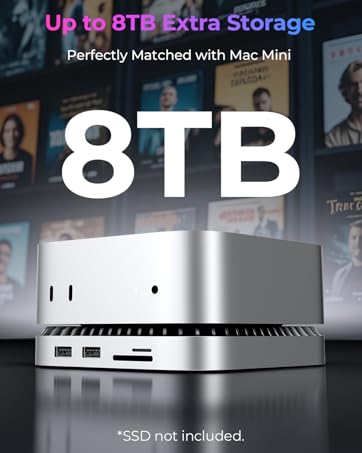
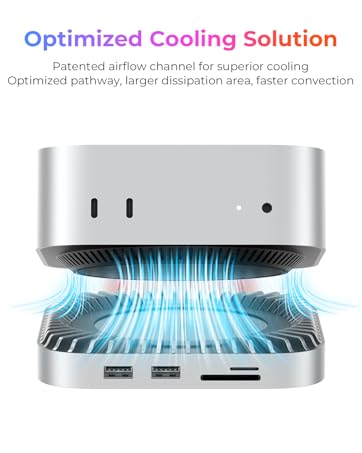
Mac mini M4 Dock
B0FMDZ63WM
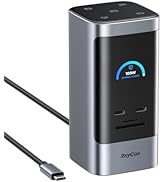
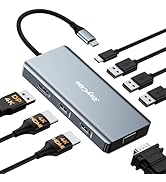
All-Type Docking Stations
USB C Charging Docking Station
B0FPR4WTT5

Expand Connectivity
Raycue is specialized in providing kinds of USB C hub for your laptops during working or living. With the purpose of making your MacBook more versatile, providing several different ports, we are dedicated to providing high-quality and functional USB C hubs.
Our mission is to expand your laptop’s connectivity and act as a faithful companion to your work setup.


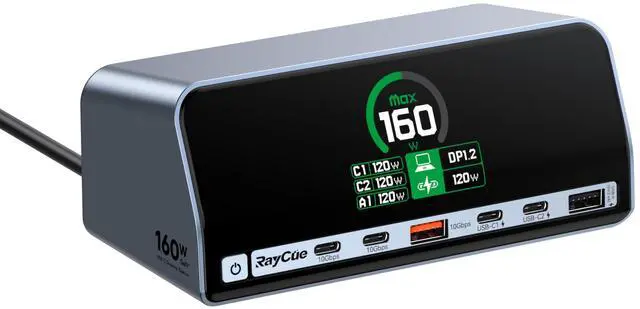
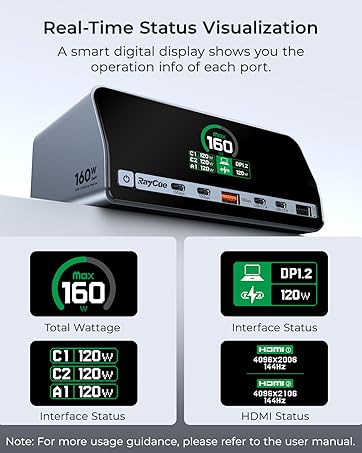
RayCue Charging Docking Station (13-in-1, Dual Display, 160W)
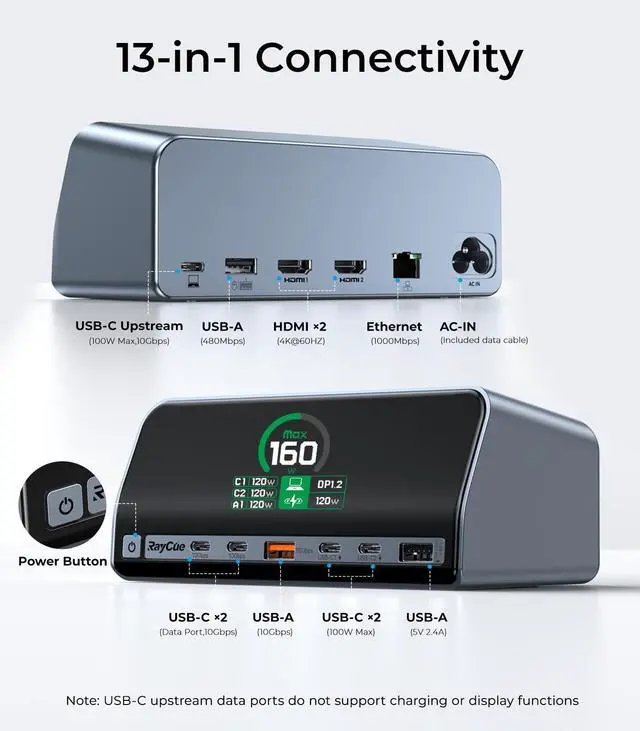
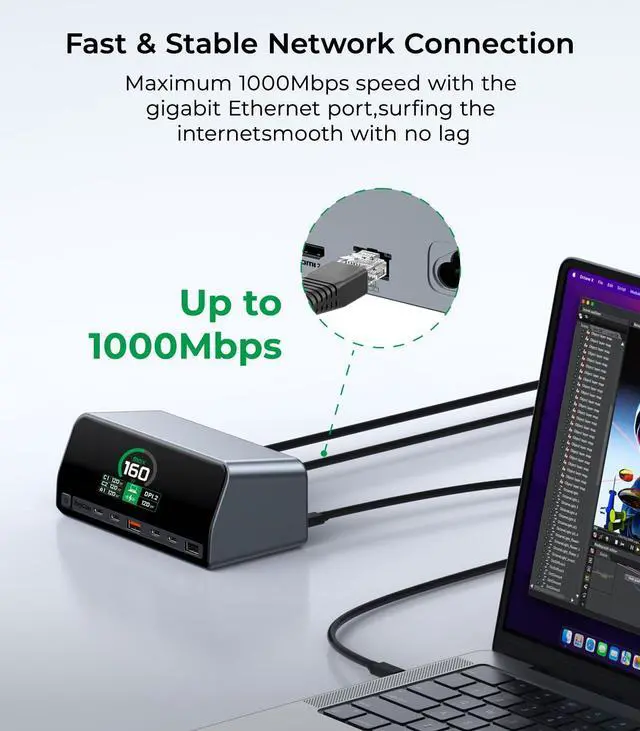
| All Your Ports in One Place | Equipped with 5 USB-C (including 100W PD, 2x 10Gbps data ports, and 2x charging-only), 3 USB-A (1x 10Gbps + 1x 480Mbps + 1x 2.4A charging), dual HDMI 2.0, Gigabit Ethernet, AC port, and a display toggle button. |
|---|---|
| Compact Vertical Design | Space-saving vertical design with built-in cooling system for sustained performance. |
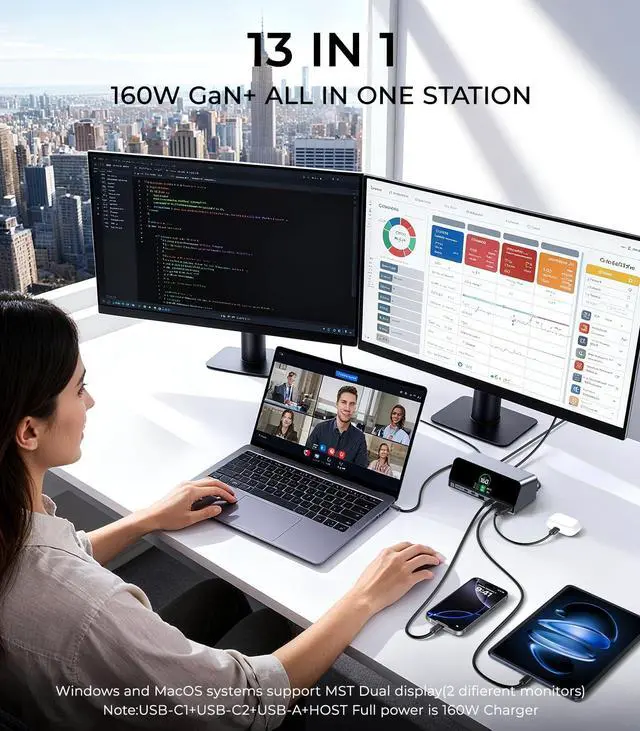
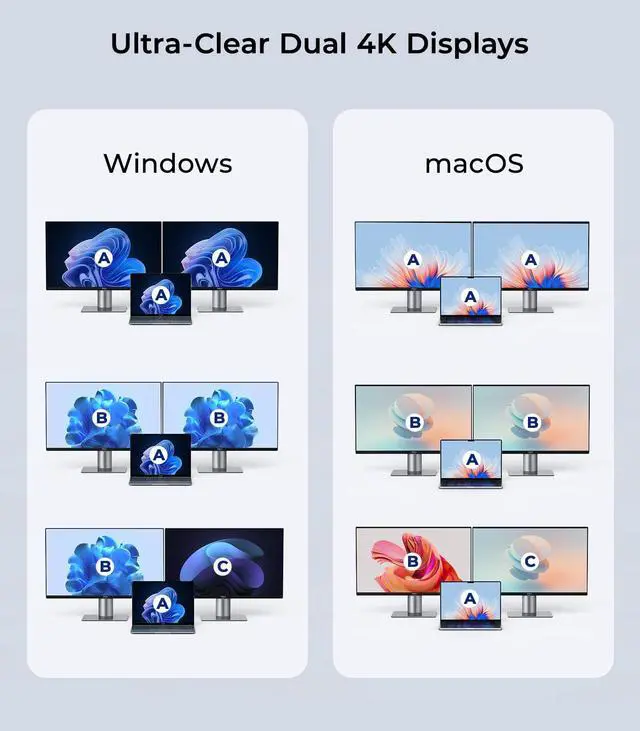
| Dual 4K@60Hz Ultra HD Output | Dual HDMI 2.0 ports deliver 4K@60Hz with HDCP 1.4/2.3 support for vivid visuals. |
| Blazing-Fast Data Transfer | USB4 uplink (40Gbps), USB-C/A downlink (10Gbps max), backward compatible with Thunderbolt 3/USB 3.1. |
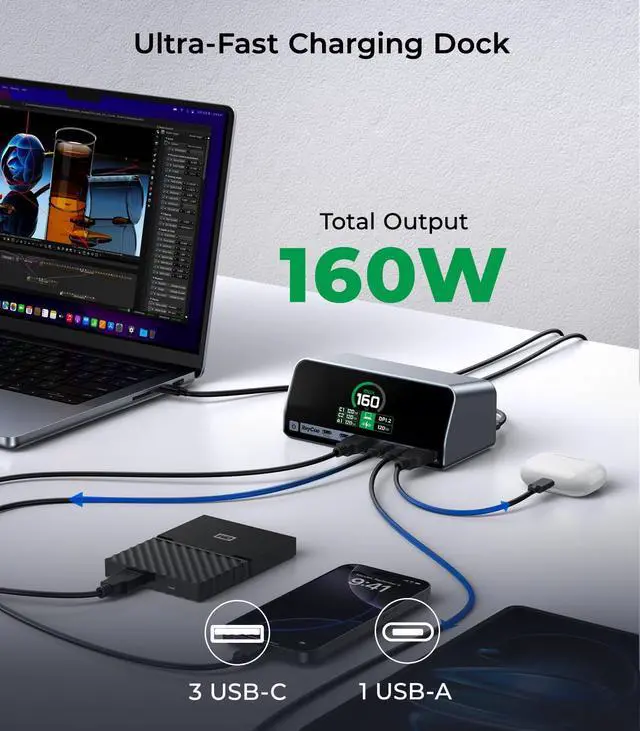
| 100W PD Fast Charging | USB-C uplink supports 100W PD3.0 charging, with additional 5V/2.4A USB-A power ports.Not compatible with Lenovo Legion charging due to protocol restrictions. |
| Broad Compatibility | Compatible with Windows 10/11, macOS 12+, Linux, and USB-C host devices. |
| Package Includes | 1*Docking Station,1* 220V AC Power Adapter and 1*Quick Start Guide |
| Note 1: | Dual monitors are supported on both Windows and Mac without restrictions. |
| Note 2: | High-Speed Device Tips.For SSDs, use USB-C 10Gbps ports for optimal transfer speeds. |
| Note 3: | Charging Power Allocation.Total charging power may adjust dynamically when multiple devices are connected. |
| Note 4: | Dedicated Charging Ports.The USB-C1 and USB-C2 ports are marked as being for charging only and does not support data transfer. |
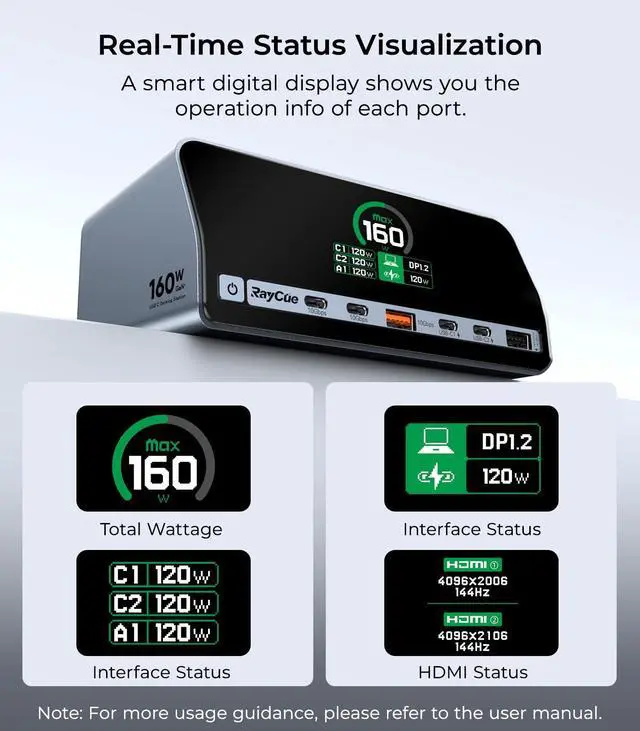
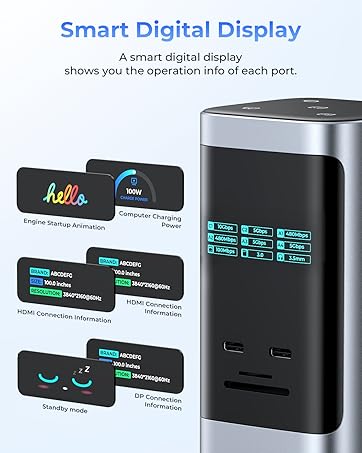
| Note 5: | Resolution Compatibility.DP1.4: Dual 4K@60Hz; DP1.2: Max 1080p@60Hz. |
| Note 6: | Key Functions.Click to toggle display mode; press & hold 2s for power on/off. |
| Note 7: | Power Input Requires 220V/50Hz AC input for stable operation. |
| Note 8: | Thermal Management.Ensure proper ventilation during heavy usage. |
15 in 1 USB C Docking Station
B0FWC3861S
Mac mini M4 Dock
B0FMDZ63WM
All-Type Docking Stations
USB C Charging Docking Station
B0FPR4WTT5
Expand Connectivity
Raycue is specialized in providing kinds of USB C hub for your laptops during working or living. With the purpose of making your MacBook more versatile, providing several different ports, we are dedicated to providing high-quality and functional USB C hubs.
Our mission is to expand your laptop’s connectivity and act as a faithful companion to your work setup.