








MOKiN USB C DOCKING & HUB
Fulfill Your Multiple Needs
- MOKiN, a well-known and extremely professional 3C electronic brand, established in the year of 2011, who engaged in developing and creating various kinds of usb c hub multiport adapter and high-valued usb c docking stations, aims to provide the customers with much conveniences by extending more ports from your usb c laptops. which has been receiveing much pupularity overseas so far.
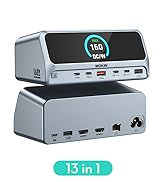
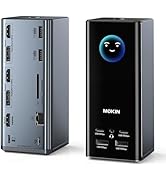
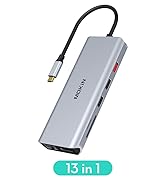
usb c docking station
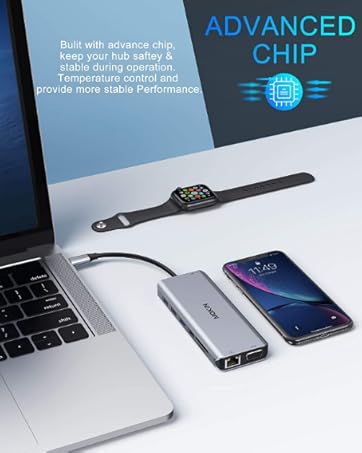
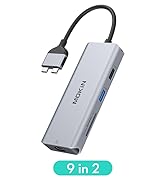
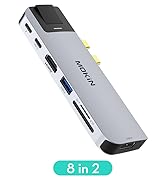
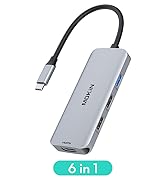
usb c hub
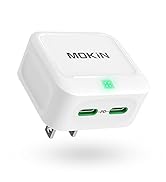
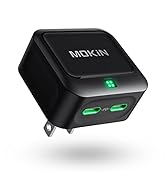
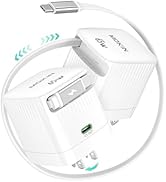
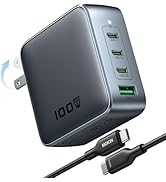
usb c charger
What makes our products unique?
Concentration and love are the core of our company, MOKiN is a professional hub business with 10 years of experience, the company has a strong R&D team and professional after-sales service, and will always provide you with support
Are our products of high quality?
MOKiN's products are checked by professional and firm companies to ensure that each product is of high quality


Does this hub support video output?
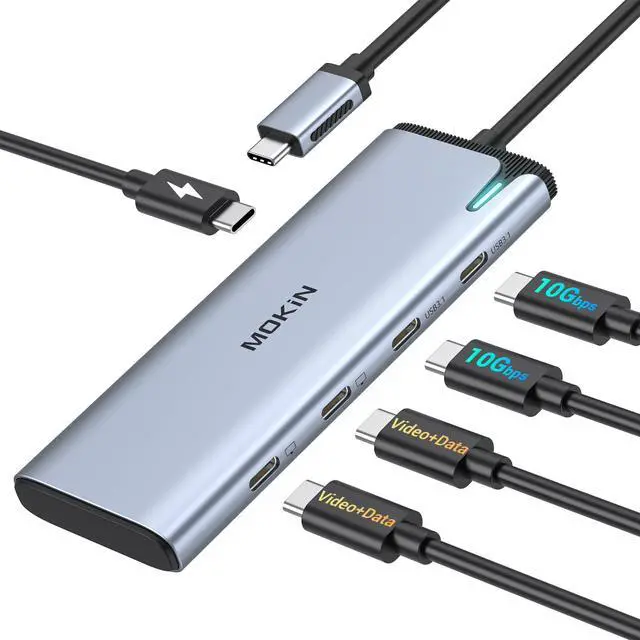
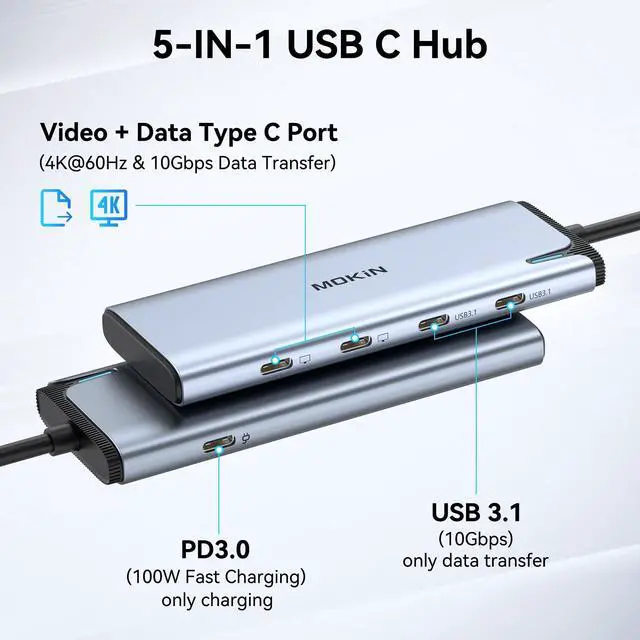
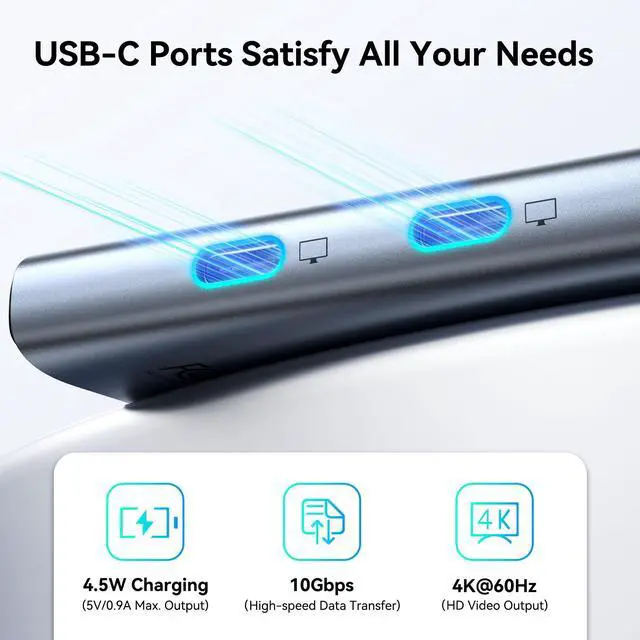
Yes! Use the two right-side Full-Function USB-C ports:
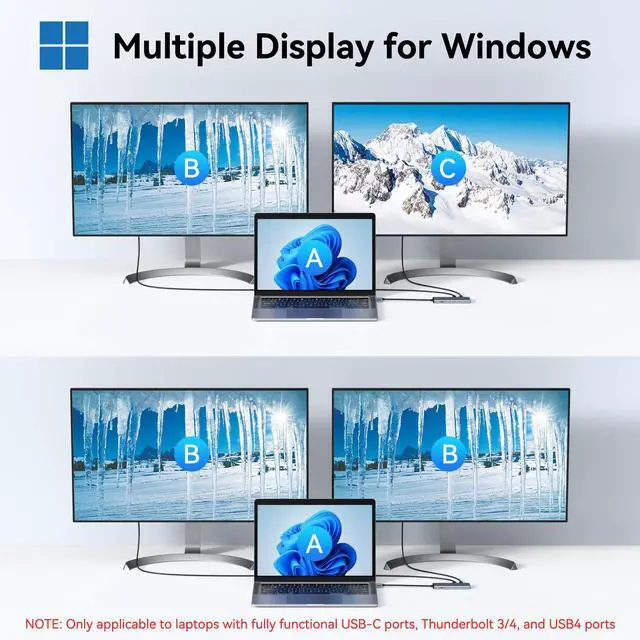
-Dual 4K@60Hz (Windows)
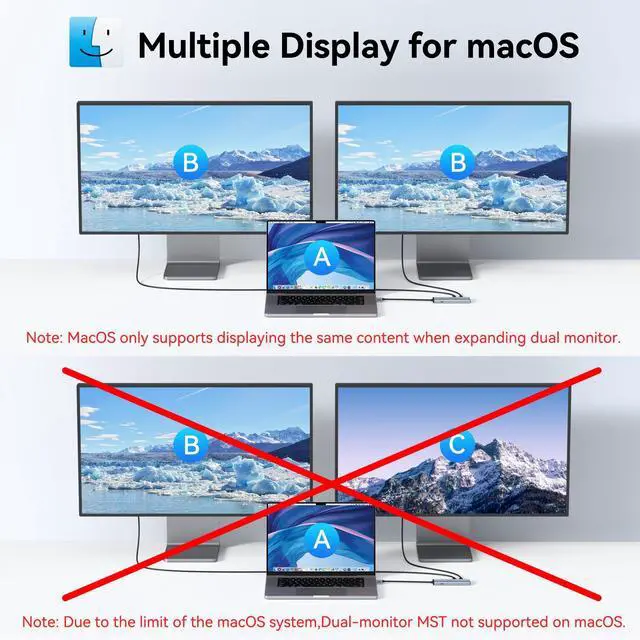
-Single 4K@120Hz (Mac M1/M2) NOTE: MST functionality is not supported on macOS system.
Requires Thunderbolt 3/4, USB4, or DP Alt Mode
Can I charge my laptop through this hub?
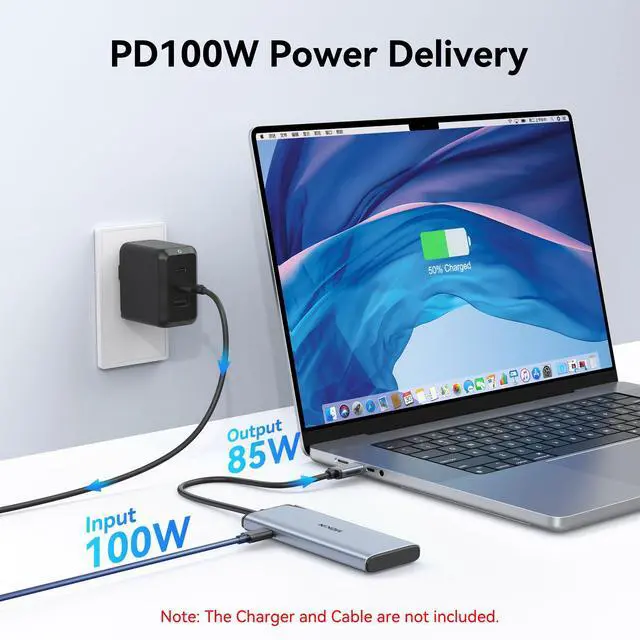
Yes! The PD-C port provides:
-85W laptop charging
-15W for other devices
Power adapter sold separately
Why is charging slower than expected?
Try these steps:
-Check PD indicator status
-Use original laptop charger
-Avoid high-power device overload
Some Dell/HP restrict third-party chargers
Is a power cord included?
No power cord included.
Recommended options:
-100W USB-C charger
-Existing PD-compatible charger
Do I need to install drivers?
True plug-and-play convenience - no software required!
Instant Recognition:
-Works immediately with Windows 10/11 | macOS Ventura+ | ChromeOS


Display Specs
Windows: DP1.4+DSC: Dual 4K@60Hz | DP1.4: 4K@30Hz+1080p | DP1.2: 1080p@165Hz
macOS: DP1.4: 4K@60Hz(Intel) ? 4K@120Hz(M1/M2) | Dual: 4K@60Hz×2 | DP1.2: 4K@30Hz (Single/Dual)
- For macOS, the display on both external monitors will be identical.


? 2x productivity boost within 1 week


Note: When connecting a portable monitor, please confirm your USB-C port supports DP Alt Mode. To verify, check the interface symbol on your portable monitor or refer to the product’s official specifications.
Does this hub support video output?
Yes! Use the two right-side Full-Function USB-C ports:
-Dual 4K@60Hz (Windows)
-Single 4K@120Hz (Mac M1/M2) NOTE: MST functionality is not supported on macOS system.
Requires Thunderbolt 3/4, USB4, or DP Alt Mode
Can I charge my laptop through this hub?
Yes! The PD-C port provides:
-85W laptop charging
-15W for other devices
Power adapter sold separately
Why is charging slower than expected?
Try these steps:
-Check PD indicator status
-Use original laptop charger
-Avoid high-power device overload
Some Dell/HP restrict third-party chargers
Is a power cord included?
No power cord included.
Recommended options:
-100W USB-C charger
-Existing PD-compatible charger
Do I need to install drivers?
True plug-and-play convenience - no software required!
Instant Recognition:
-Works immediately with Windows 10/11 | macOS Ventura+ | ChromeOS
MOKiN USB C DOCKING & HUB
Fulfill Your Multiple Needs
- MOKiN, a well-known and extremely professional 3C electronic brand, established in the year of 2011, who engaged in developing and creating various kinds of usb c hub multiport adapter and high-valued usb c docking stations, aims to provide the customers with much conveniences by extending more ports from your usb c laptops. which has been receiveing much pupularity overseas so far.
usb c docking station
usb c hub
usb c charger
What makes our products unique?
Concentration and love are the core of our company, MOKiN is a professional hub business with 10 years of experience, the company has a strong R&D team and professional after-sales service, and will always provide you with support
Are our products of high quality?
MOKiN's products are checked by professional and firm companies to ensure that each product is of high quality