


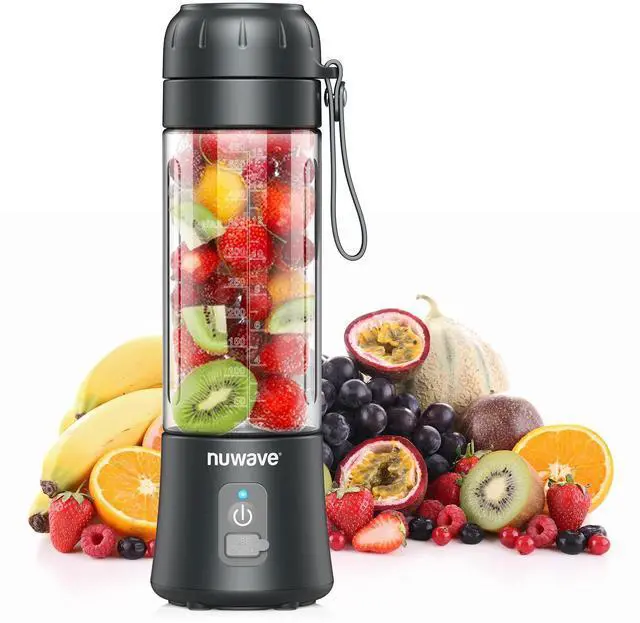
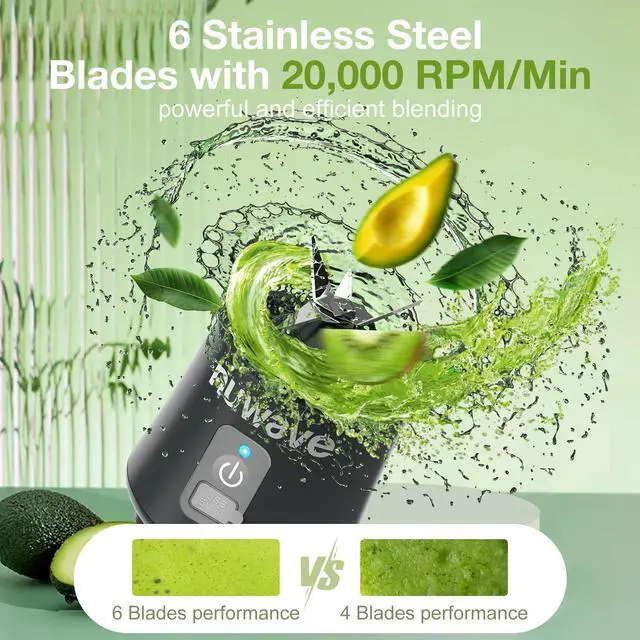

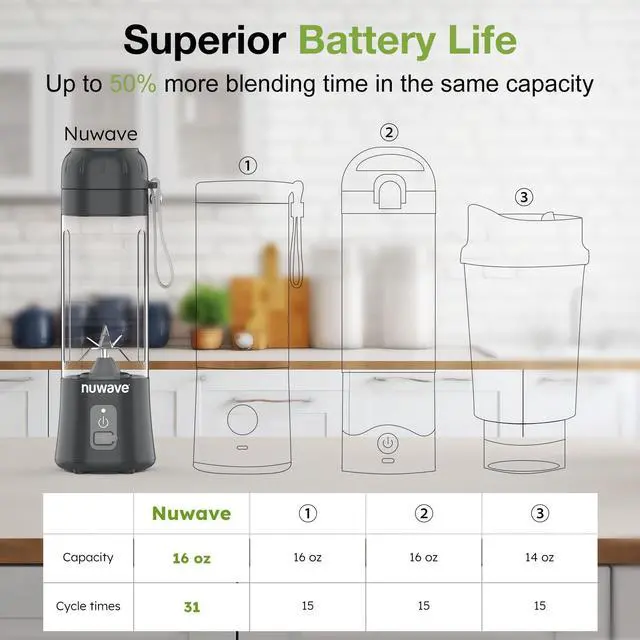
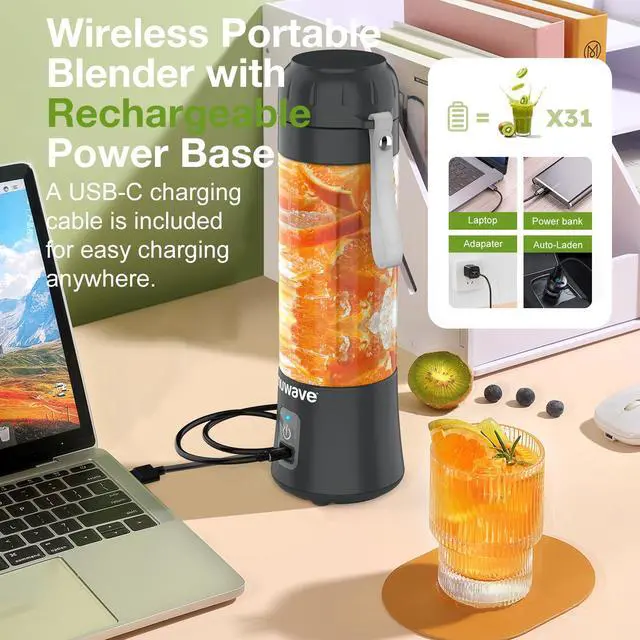


Nuwave is an American manufacturer based in Vernon Hills, IL that is focused on developing affordable, green conscious appliances using the latest culinary technology.
Our customers are always our top priority, and we are absolutely dedicated to building a foundation of trust and dependability to help people Live Well For Less.
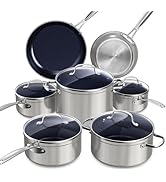
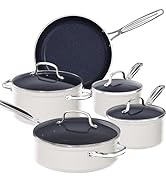
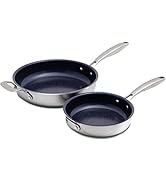
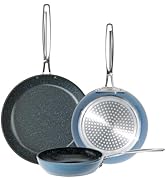
Cookware Set
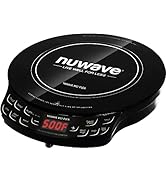
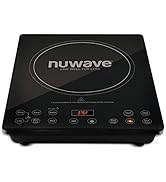
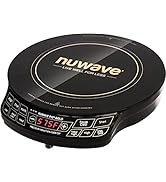
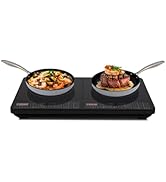
Induction Cooktops
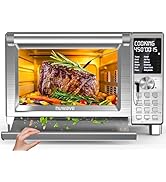
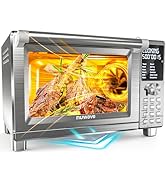
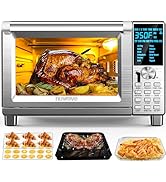
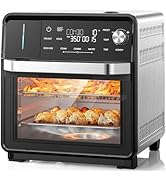
Convection Ovens
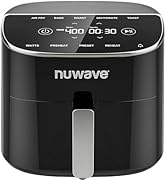
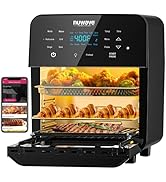
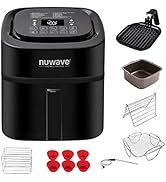
Air Fryers
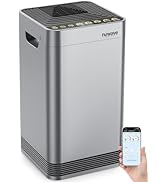
Air Purifiers
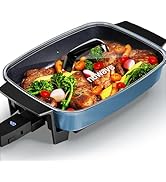
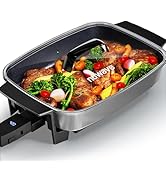
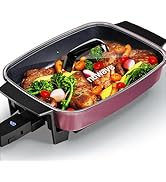
Electric Skillet
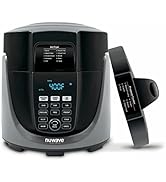
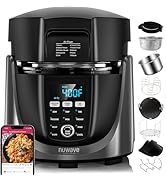
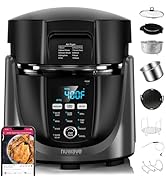
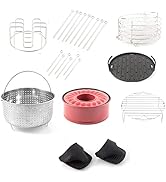
Airfryer Pressure Cooker Combo

Live Well for Less
We are driven by the pursuit of safe, green products that can improve the quality of life for less.

Never Fail Quick Start Guide
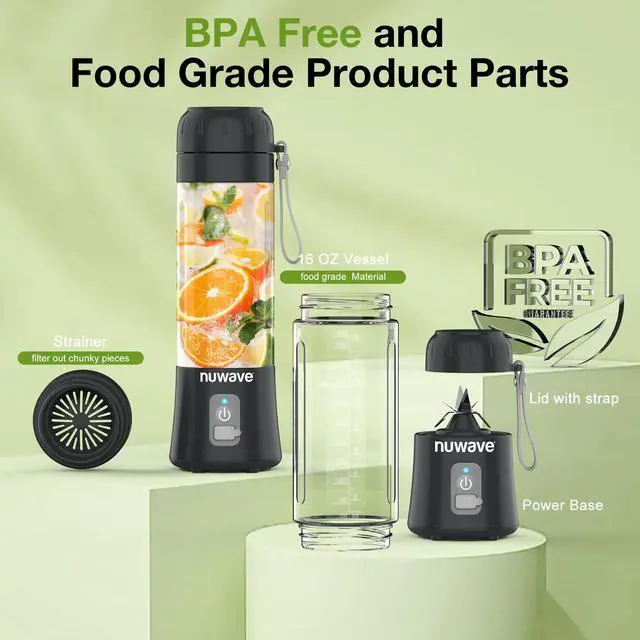
1. Secure the Jar onto the Power Base. Turn clockwise until the indicator light flashes blue.
2. Cut food into smaller chunks. Add the food and the liquid into the jar.
3. Double-click the power button to blend.
4. If the indicator light flashes blue and red, retighten the jar until secure.
Portable Blender Quick Start Guide
Merchant Video


Trouble Shooting Guide for Nuwave Portable Blender On-The-Go
Nuwave is an American manufacturer based in Vernon Hills, IL that is focused on developing affordable, green conscious appliances using the latest culinary technology.
Our customers are always our top priority, and we are absolutely dedicated to building a foundation of trust and dependability to help people Live Well For Less.
Cookware Set
Induction Cooktops
Convection Ovens
Air Fryers
Air Purifiers
Electric Skillet
Airfryer Pressure Cooker Combo
Live Well for Less
We are driven by the pursuit of safe, green products that can improve the quality of life for less.

Portable Blender Quick Start Guide
Merchant VideoNever Fail Quick Start Guide
1. Secure the Jar onto the Power Base. Turn clockwise until the indicator light flashes blue.
2. Cut food into smaller chunks. Add the food and the liquid into the jar.
3. Double-click the power button to blend.
4. If the indicator light flashes blue and red, retighten the jar until secure.


Trouble Shooting Guide for Nuwave Portable Blender On-The-Go
| Not working | 1. Indicator light flashes five times - The jar and power base are not properly positioned. Unscrew and re-tighten the jar and power base until the indicator lights are steadily blue. |
|---|---|
| Not working | 2. Indicator light will not turn on – Battery depleted, please charge the blender using the provided charging cable. |
| Not working | 3. Red indicator light flashing – Blades may be frozen. Position the blender. |
| Not working | 4. Red indicator light flashing – The battery may be too hot. Power off and allow it to cool for 30 minutes. |
| Leakage | Ingredients added are above the MAX LINE – Remove some ingredients to below the MAX LINE, and then use it normally. |
| Red lights during mixing | Low power – please charge the blender using the provided charging cable. |
| Red lights flashes | The battery temperature in the power base is too hot—power off and allow it to cool. |
| Blender stops while blending | Blades are stuck, double-click the button to restart and shake it from side to side while blending. |