

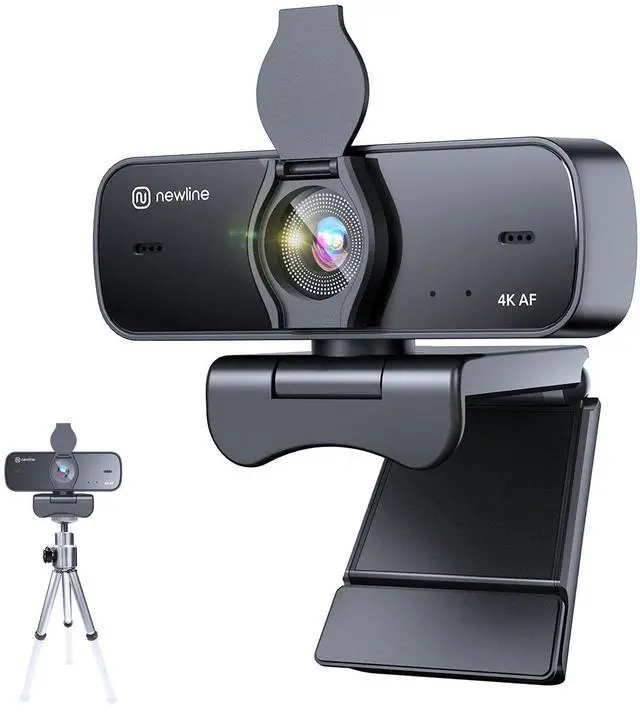




NewEye 60 Webcam
Merchant Video

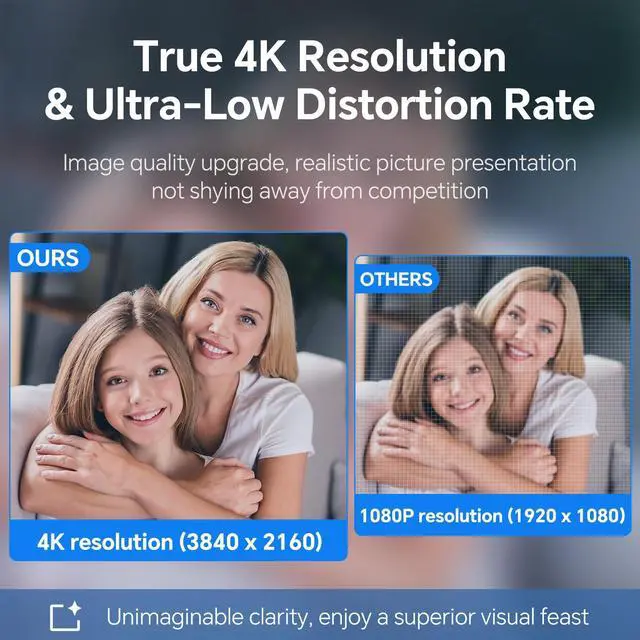
1/2.55" Sony Sensor
It can more effectively reduce the distortion of edge image and achieve higher contrast and clarity.

Auto-Focus
Capture faces and objects quickly and accurately, ensuring the images' clarity and stability.

Light Auto-Correction
Adjusts image brightness & restores color automatically, helping you get a true visual presentation.

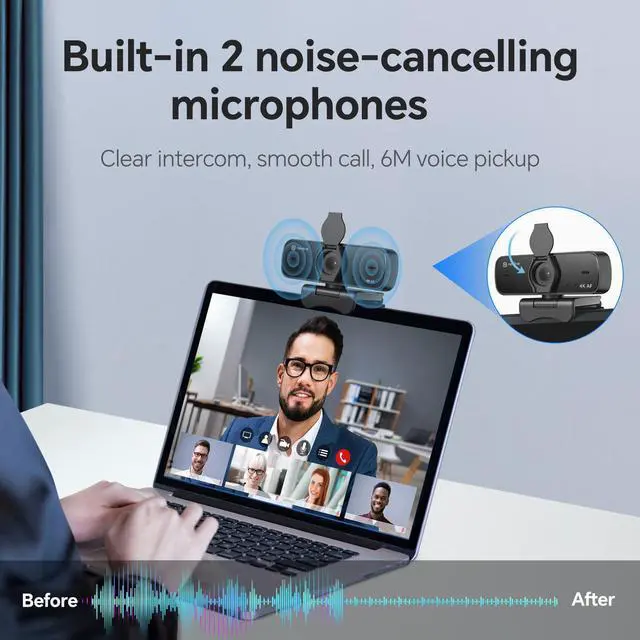
Noice-Canceling Dual Mic
Auto reduces background noise to provide clear and crisp audio recording.
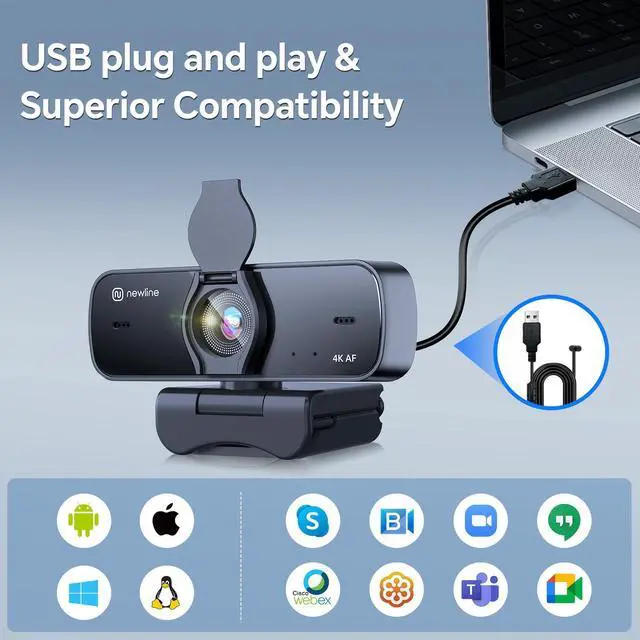
USB Plug & Play
No driver required and no apps required.

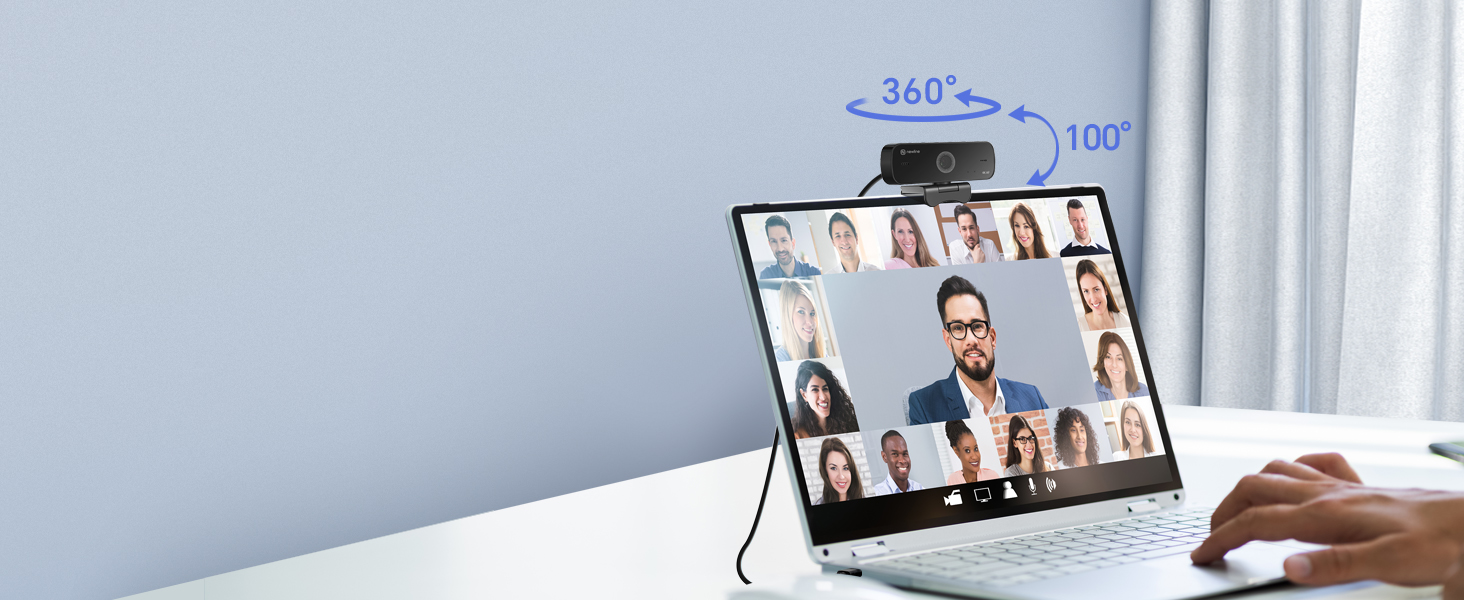
Feel Free To Choose Your Direction
Adapting to various usage scenarios easily to show only your face and what's behind you.
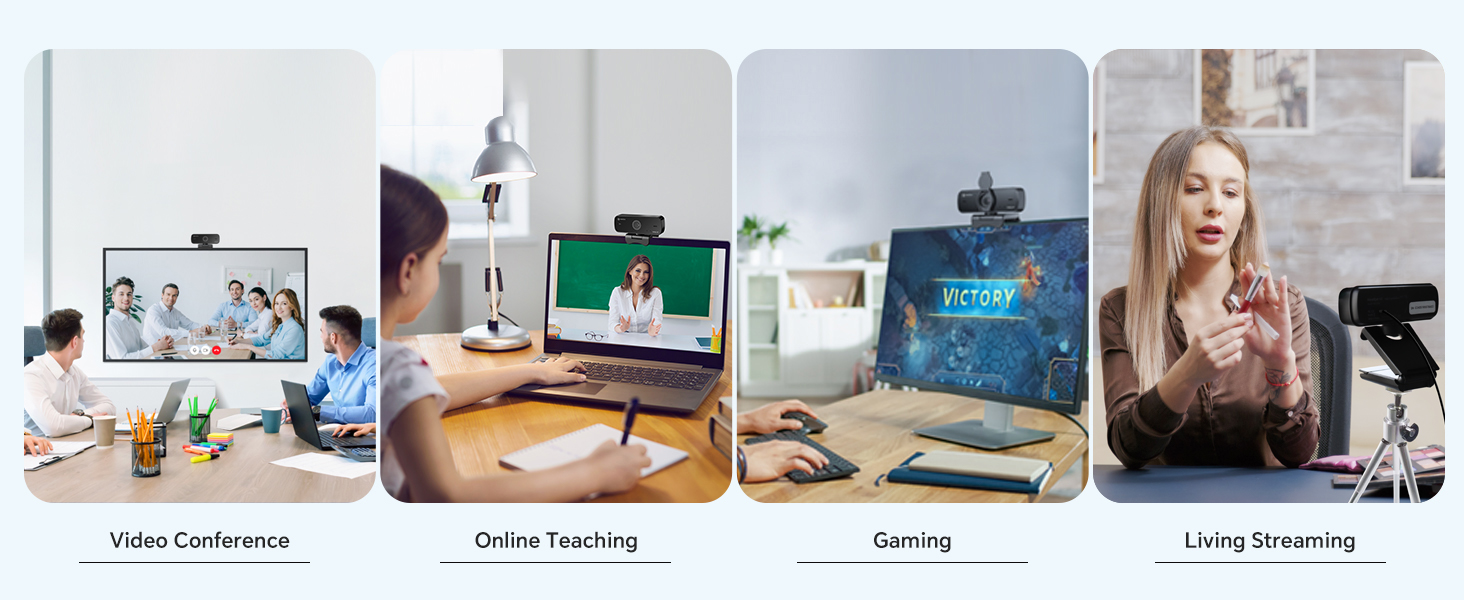

Wide Compatibility
It is compatible with Windows 7/8/10/11, Android, Mac 10.10 or Later, Linux, and other systems.
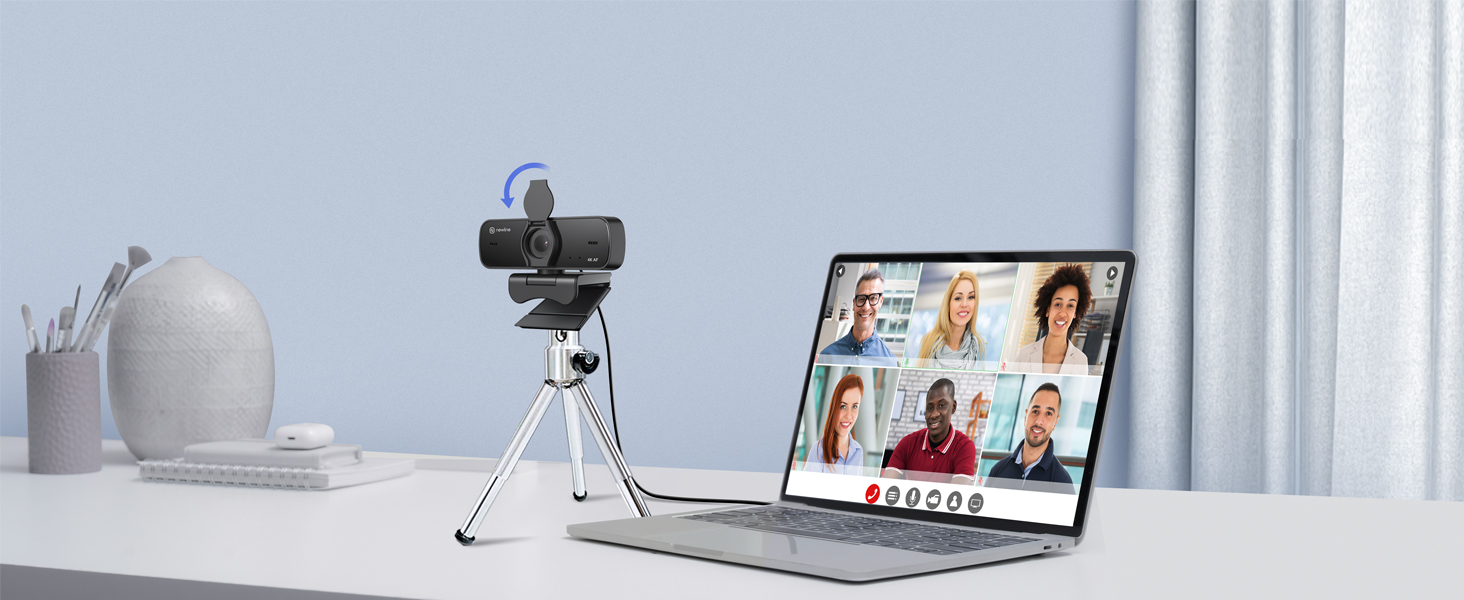
Protecting Your Privacy
Prevent your privacy from being leaked with the detachable flap, making video conferencing safer.
FIND OUT MORE WEBCAMS
 NewEye 60 |  NewEye 60s |  NewEye 62 Kit-PDAF Webcam |  NewEye 62-PDAF Webcam |  NewEye 61-AI Webcam | |
|---|---|---|---|---|---|
Customer Reviews | — | — | — | — | — |
Price | — | — | — | — | — |
Resolution | 4K HD | 4K HD | 4K HD | 4K HD | 4K HD |
Focus | AutoFocus | AutoFocus | PDAF/CDAF | PDAF/CDAF | AutoFocus |
Frame Rate | 30 FPS | 30 FPS | 4K@30FPS,1080P@60FPS | 4K@30FPS,1080P@60FPS | 30 FPS |
FOV | 77° | 77° | 79° | 79° | 95°/78°/65° |
Connection Type | USB-A 2.0 | USB-A 2.0 | USB-A 2.0 | USB-A 2.0 | USB-A 2.0 |
Built-in Mics | ? | ? | ? | ? | ? |
AI Zoom | ? | ? | ? | ? | ? |
AI Auto Framing | ? | ? | ? | ? | ? |
AI Presenter Tracking | ? | ? | ? | ? | ? |
OK Gesture Control | ? | ? | ? | ? | ? |
Privacy Cover | ? | ? | ? | ? | ? |
Is the NewEye 60 webcam truly 4K?
NewEye 60 can produce image signals at various resolutions, with the highest being 2160P (3840 x 2160 pixels). You may verify NewEye 60's maximum resolution (4K) through your computer's system settings for cameras.
Why does the webcam change its focus so often?
Unlike other webcams that take too long to respond, NewEye 60 is designed to provide a quicker focusing experience, allowing you to always look sharp during online meetings.
Why do I look blurry while zooming?
Most online meeting platforms only support lower than 2160P (4K). Poor network or hardware can sometimes cause even lower resolutions, leading to blurriness. We suggest you adjust the meeting software settings to achieve the highest output resolution


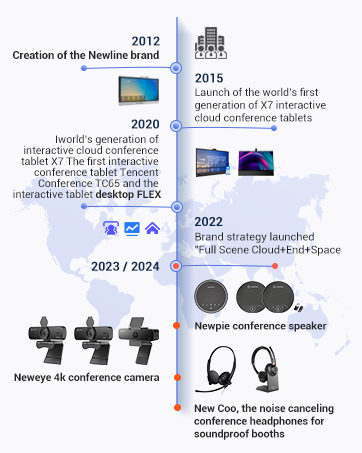
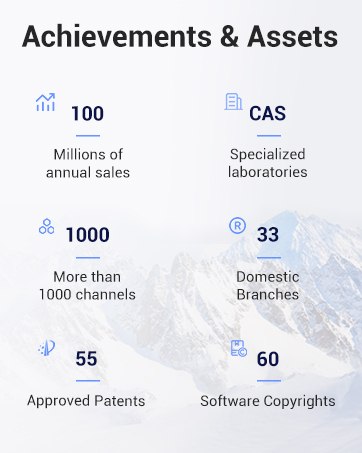
Newline is a "provider of digital office products and services" with a global corporate structure.
Newline is a leading provider of digital office products based on meeting room scenarios, hybrid offices and mobile scenarios, and is committed to providing digital office products and services to thousands of industries and creating value for enterprises!
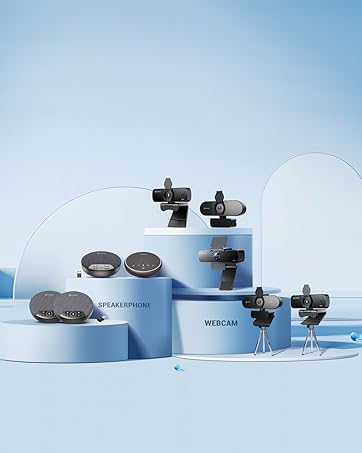
N newline
Focus on office products
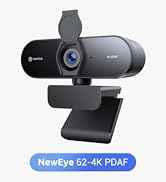
4K Webcam for PC
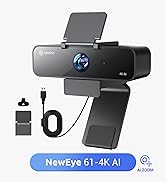
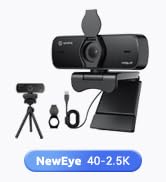

FIND OUT MORE

Featured Offers


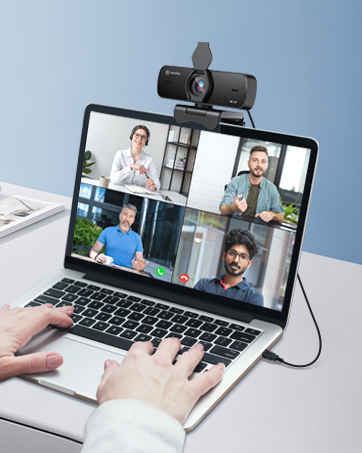
N newline 4K Webcam for PC
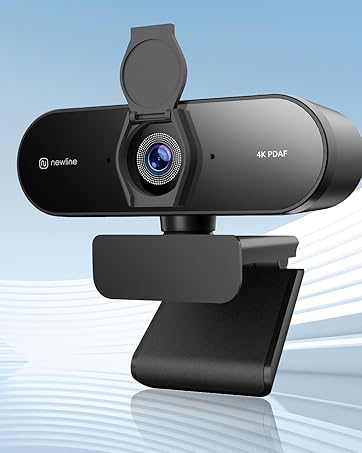
N newline 4K PDAF Webcam

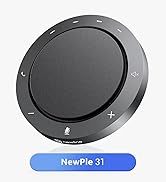
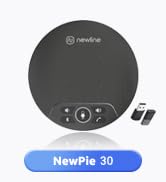
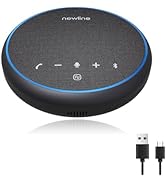
Bluetooth Speakerphone
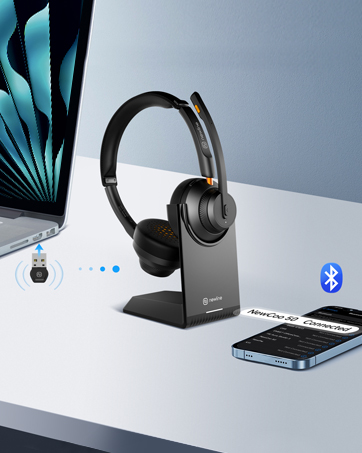
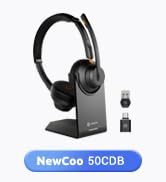
N newline Wireless Headsets




Smart Portable TV on Wheels
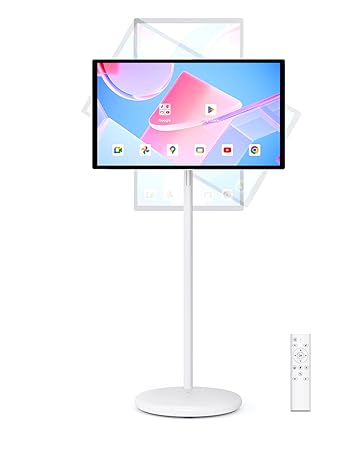
Smart Portable TV on Wheels
Your Ultimate Entertainment Companion

NewEye 60 Webcam
Merchant Video
1/2.55" Sony Sensor
It can more effectively reduce the distortion of edge image and achieve higher contrast and clarity.
Auto-Focus
Capture faces and objects quickly and accurately, ensuring the images' clarity and stability.
Light Auto-Correction
Adjusts image brightness & restores color automatically, helping you get a true visual presentation.
Noice-Canceling Dual Mic
Auto reduces background noise to provide clear and crisp audio recording.
USB Plug & Play
No driver required and no apps required.


Feel Free To Choose Your Direction
Adapting to various usage scenarios easily to show only your face and what's behind you.
Wide Compatibility
It is compatible with Windows 7/8/10/11, Android, Mac 10.10 or Later, Linux, and other systems.
Protecting Your Privacy
Prevent your privacy from being leaked with the detachable flap, making video conferencing safer.


FIND OUT MORE WEBCAMS
NewEye 60 | NewEye 60s | NewEye 62 Kit-PDAF Webcam | NewEye 62-PDAF Webcam | NewEye 61-AI Webcam |
|---|---|---|---|---|
| Customer Reviews | ||||
| — | — | — | — | — |
| Price | ||||
| — | — | — | — | — |
| Resolution | ||||
| 4K HD | 4K HD | 4K HD | 4K HD | 4K HD |
| Focus | ||||
| AutoFocus | AutoFocus | PDAF/CDAF | PDAF/CDAF | AutoFocus |
| Frame Rate | ||||
| 30 FPS | 30 FPS | 4K@30FPS,1080P@60FPS | 4K@30FPS,1080P@60FPS | 30 FPS |
| FOV | ||||
| 77° | 77° | 79° | 79° | 95°/78°/65° |
| Connection Type | ||||
| USB-A 2.0 | USB-A 2.0 | USB-A 2.0 | USB-A 2.0 | USB-A 2.0 |
| Built-in Mics | ||||
| ? | ? | ? | ? | ? |
| AI Zoom | ||||
| ? | ? | ? | ? | ? |
| AI Auto Framing | ||||
| ? | ? | ? | ? | ? |
| AI Presenter Tracking | ||||
| ? | ? | ? | ? | ? |
| OK Gesture Control | ||||
| ? | ? | ? | ? | ? |
| Privacy Cover | ||||
| ? | ? | ? | ? | ? |
Is the NewEye 60 webcam truly 4K?
NewEye 60 can produce image signals at various resolutions, with the highest being 2160P (3840 x 2160 pixels). You may verify NewEye 60's maximum resolution (4K) through your computer's system settings for cameras.
Why does the webcam change its focus so often?
Unlike other webcams that take too long to respond, NewEye 60 is designed to provide a quicker focusing experience, allowing you to always look sharp during online meetings.
Why do I look blurry while zooming?
Most online meeting platforms only support lower than 2160P (4K). Poor network or hardware can sometimes cause even lower resolutions, leading to blurriness. We suggest you adjust the meeting software settings to achieve the highest output resolution
Newline is a "provider of digital office products and services" with a global corporate structure.
Newline is a leading provider of digital office products based on meeting room scenarios, hybrid offices and mobile scenarios, and is committed to providing digital office products and services to thousands of industries and creating value for enterprises!
N newline
Focus on office products
4K Webcam for PC
FIND OUT MORE
Featured Offers
N newline 4K Webcam for PC
N newline 4K PDAF Webcam
Bluetooth Speakerphone
N newline Wireless Headsets
Smart Portable TV on Wheels
Smart Portable TV on Wheels
Your Ultimate Entertainment Companion