



How to connect the indoor camera?
1. Plug in the indoor security camera.
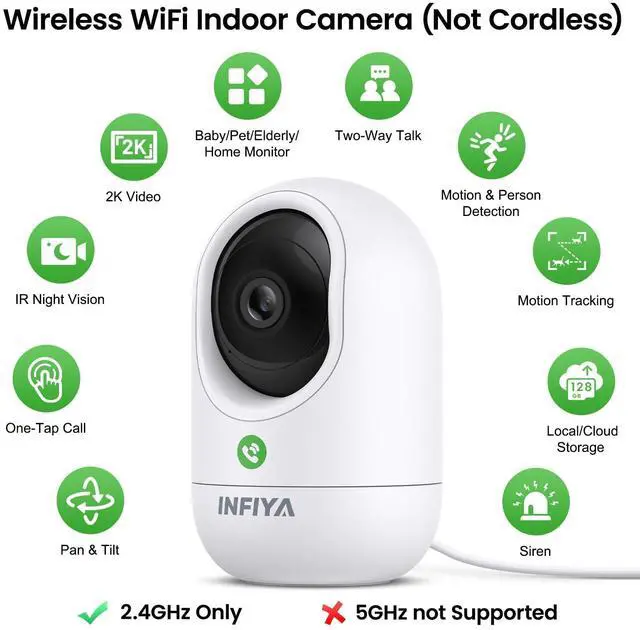
2. Keep the phone and security camera connected to the same 2.4G Wi-Fi during setup. *Donnot 5GHz Wi-Fi
2. Follow the in-app guide to connect. *Keep the camera within 3 feet of the router during setup.
Is cloud subscription a must?
Cloud subscription is not mandatory, it enhances features like alert length and storage duration. If you do not want subscription, you can use a memory card for these features. Rotate the camera lens upwards to find the card slot under the lens.
What if the home security camera is offline?
1. Make sure the router is working properly. Place the indoor camera closer to the router. Restart the router and let the security camera reconnect automatically.
2. If not reconnected, reset the camera. Reconnect the security camera step by step.
What if the camera won't rotate?
Please manually rotate the indoor security camera to check if there is any object that prevents it from rotating, and verify the camera's network connection to ensure it is in good condition.
Why does my surveillance camera make a whistling sound?
This usually occurs when the phone is too close to the camera, causing electrical interference. To stop the noise, please move the phone farther away from the camera.


INFIYA is committed to providing each family with convenient, high-end and trustworthy security monitoring cameras, ensuring a secure, smart and efficient life.
With a team of professional technicians ready to serve you anytime, all your camera-related questions and issues can be answered and solved effectively and quickly. At INFIYA, you can choose the products and services that fit your needs.
Join INFIYA. Guard the safety; Record the moment.
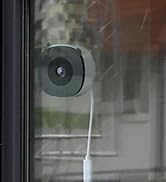
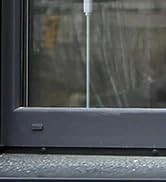
K1 window camera
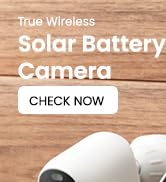
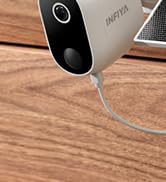
Z1 Solar Battery Outdoor Cam

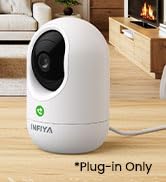
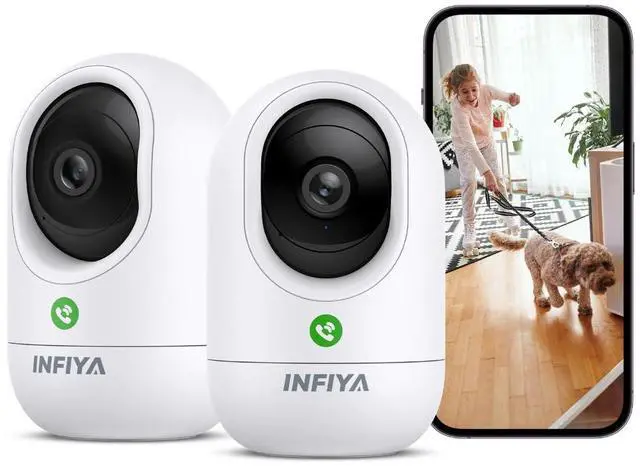
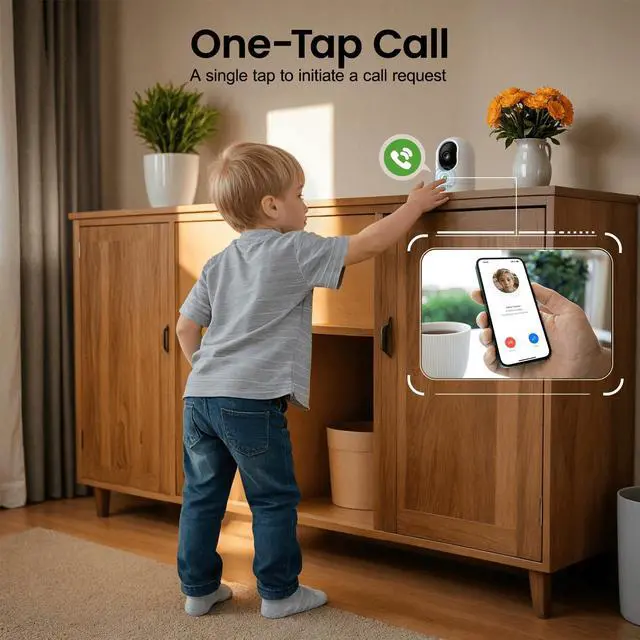
K7 Indoor One-Tap Call Camera


How to connect the indoor camera?
1. Plug in the indoor security camera.
2. Keep the phone and security camera connected to the same 2.4G Wi-Fi during setup. *Donnot 5GHz Wi-Fi
2. Follow the in-app guide to connect. *Keep the camera within 3 feet of the router during setup.
Is cloud subscription a must?
Cloud subscription is not mandatory, it enhances features like alert length and storage duration. If you do not want subscription, you can use a memory card for these features. Rotate the camera lens upwards to find the card slot under the lens.
What if the home security camera is offline?
1. Make sure the router is working properly. Place the indoor camera closer to the router. Restart the router and let the security camera reconnect automatically.
2. If not reconnected, reset the camera. Reconnect the security camera step by step.
What if the camera won't rotate?
Please manually rotate the indoor security camera to check if there is any object that prevents it from rotating, and verify the camera's network connection to ensure it is in good condition.
Why does my surveillance camera make a whistling sound?
This usually occurs when the phone is too close to the camera, causing electrical interference. To stop the noise, please move the phone farther away from the camera.
INFIYA is committed to providing each family with convenient, high-end and trustworthy security monitoring cameras, ensuring a secure, smart and efficient life.
With a team of professional technicians ready to serve you anytime, all your camera-related questions and issues can be answered and solved effectively and quickly. At INFIYA, you can choose the products and services that fit your needs.
Join INFIYA. Guard the safety; Record the moment.
K1 window camera
Z1 Solar Battery Outdoor Cam
K7 Indoor One-Tap Call Camera