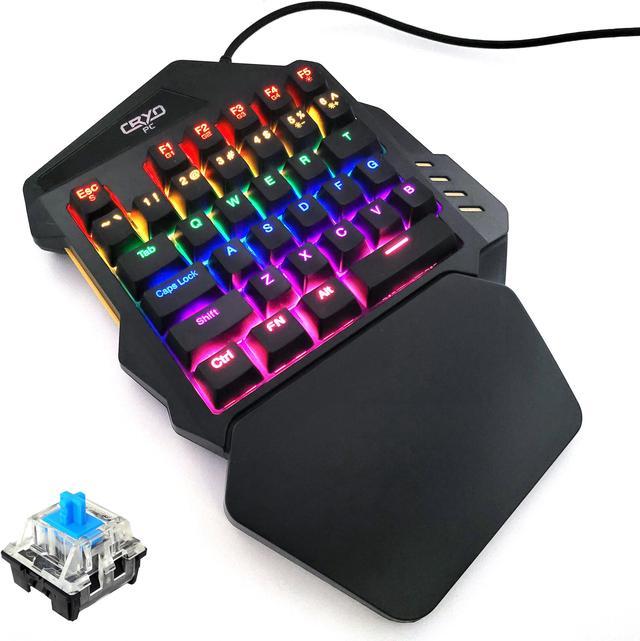
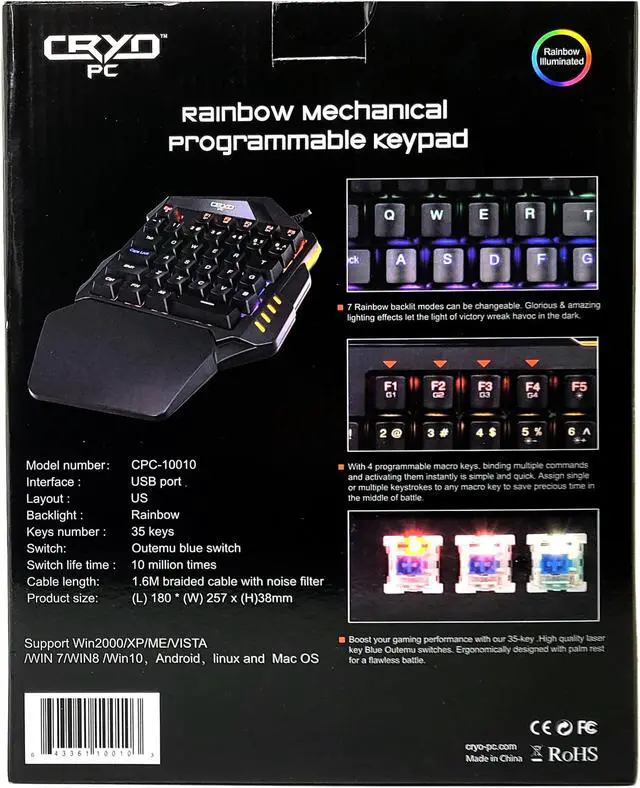
Mechanical blue switches give the keys a solid and tactile feel for maximum speed and accuracy as well as a nice crisp clicky sound.
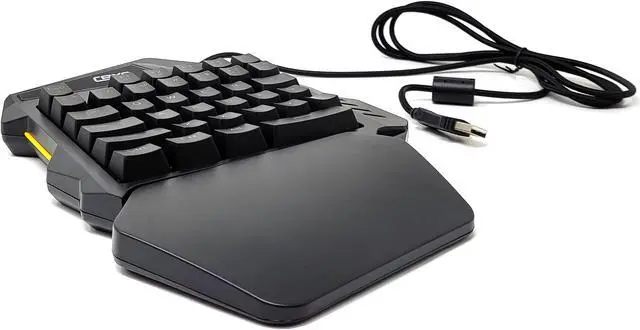
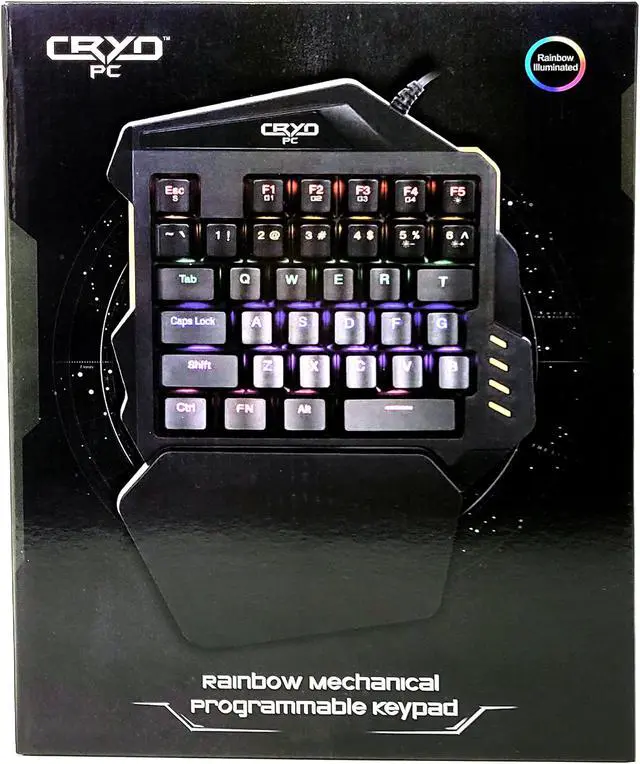
Ergonomic design with palm rest, one-handed keypad is designed with ergonomics in mind which can reduce fatigue. A keypad with a large hand palm rest area, allows you to use it with less strain. New button layout, fast and flexible operation, perfect for game playing.
Rainbow backlighting provides illumination at night and has 8 different pattern and keypress effects. You can also adjust the brightness or turn off the backlight completely.
Portable and comfortable, the 35 key one-handed keyboard features all non-conflict keys, you can press them all at once. Curved keycap layout and ergonomic one-hand palm rest support provide comfortable game playing experience.
Compatible with all laptops and computers; Windows 2000/XP/7/ 8.1 /10/11, Linux, MacOS, Android. Plug and play wired USB connection, no software required.
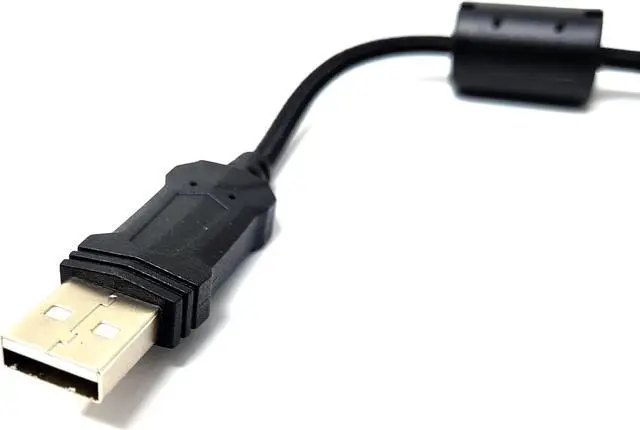
Durable cloth braided cable helps prevent damage and unwanted tangles. 5ft long cable ensures that it can plug in to your pc wherever it's located.
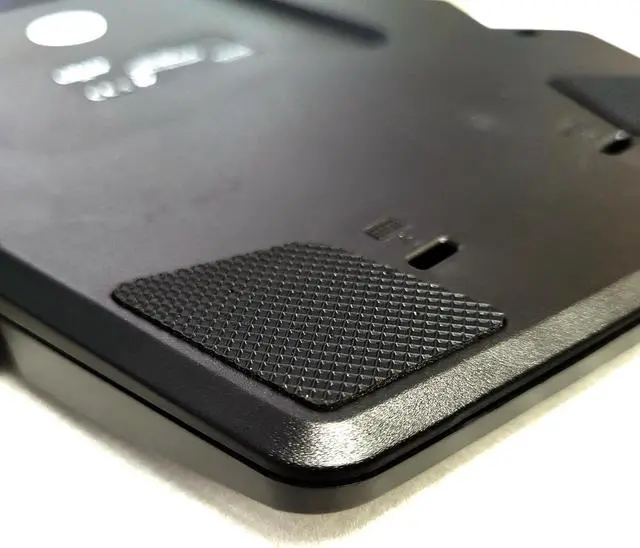
Anti-slip feet pads grip the keypad to your desk to prevent unwanted movement.
Throw this portable keyboard in your bag for your next LAN party or use for macros in addition to your existing keyboard for more gaming versatility.
Instructions
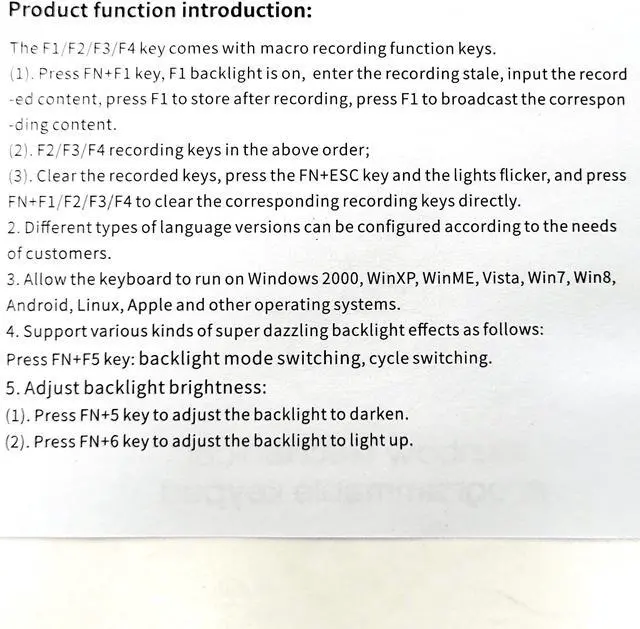
The F1/F2/F3/F4 keys have macro recording function
Press FN+F1. When the F1 backlight is on you are in the macro recording state
Enter your macro
Press FN+F1 to save the macro
Repeat the same steps with the F2/F3/F4 keys.
To clear a macro, press FN+ESC, the lights will flicker once, then press the F-key of the macro you wish to clear.
FN+F5 to cycle through different effects. Some effects respond to key presses.
FN+5 to lower brightness.
FN+6 to increase brightness.