






TSKYBEAR INC, an enterprise specialized in manufacturing & selling electronic products for more than 10 years in US.
IEFUU and Tskybear are two excellent brands belongs to TSKYBEAR INC which sells laptop batteries as well as chargers.
We are proud to stand behind our products and put our customers first in everything we do.
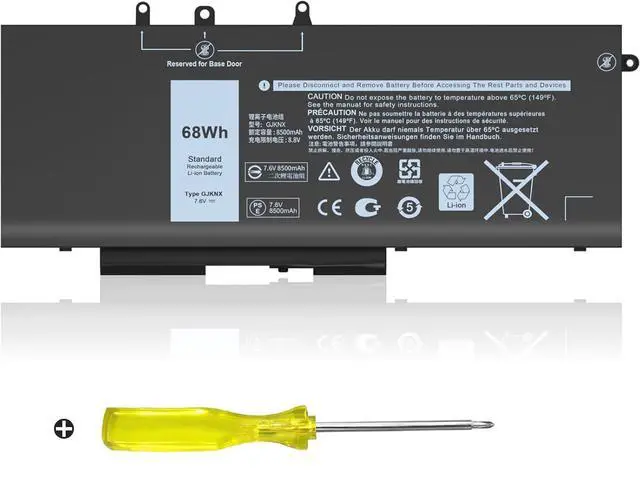
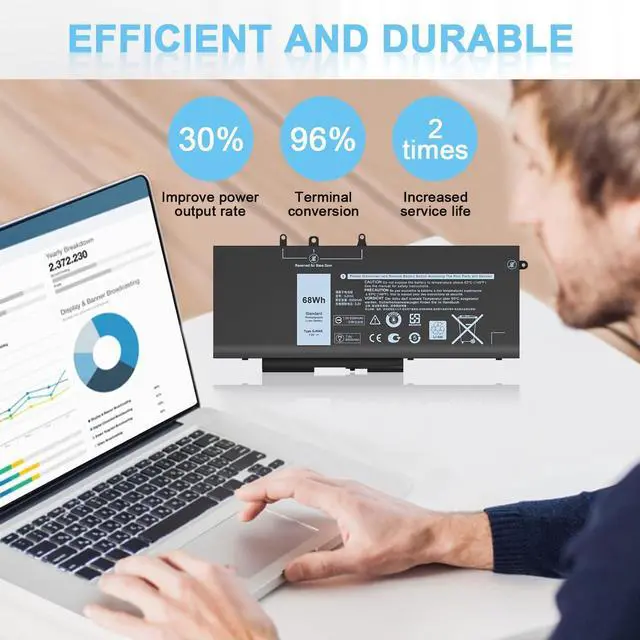
IEFUU New GJKNX Compatible with Laptop Battery
IEFUU Compatible with dell latitude 5580 battery 5590 5490 5480 5280 E5480 E5580 E5490 5495 E5590 5288 5491 5488 E5280 5290 5591 E5288 E5591 E5491
IEFUU Compatible with dell Precision 3530 3520
IEFUU Compatible with Dell Latitude 14-5491 15-5591 15-5590 Battery
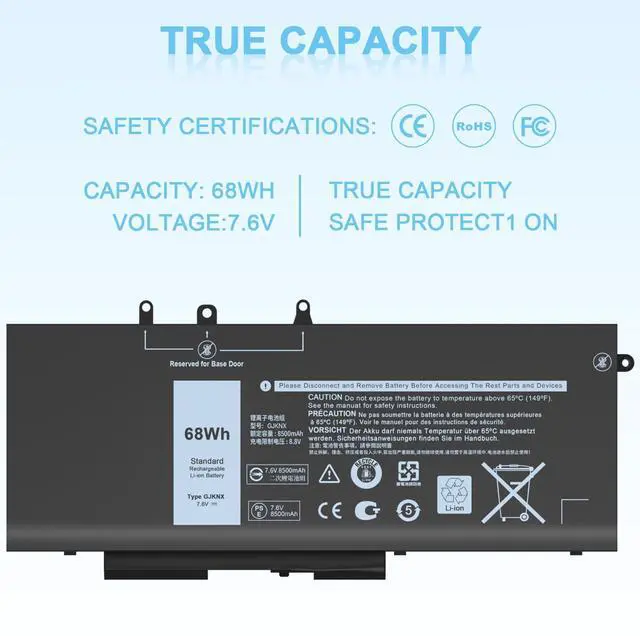
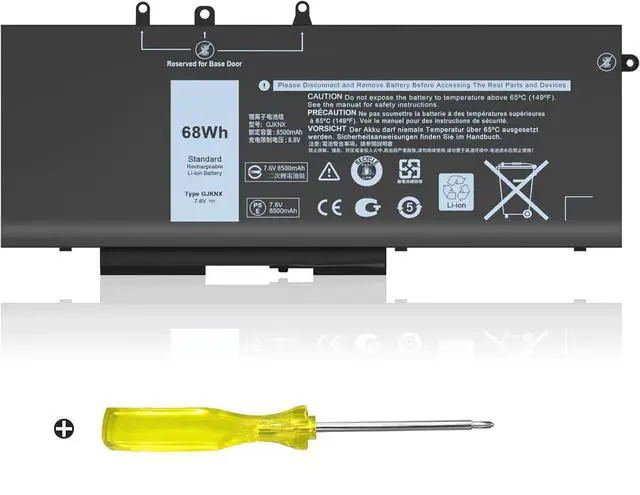
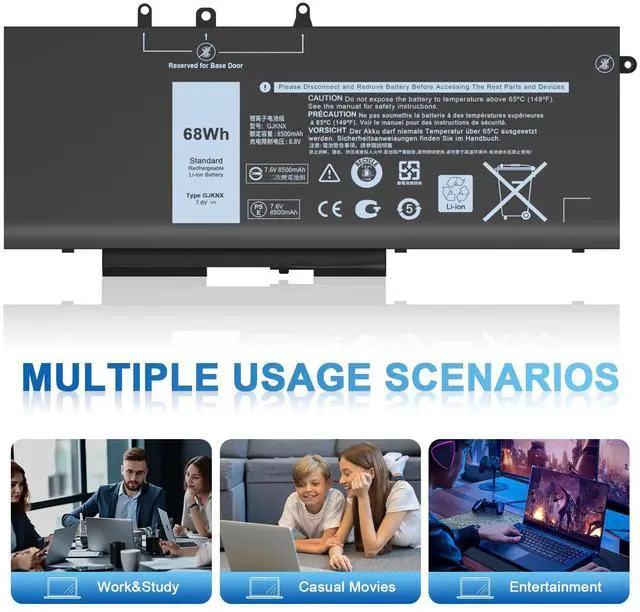
Battery Type: Li-ion
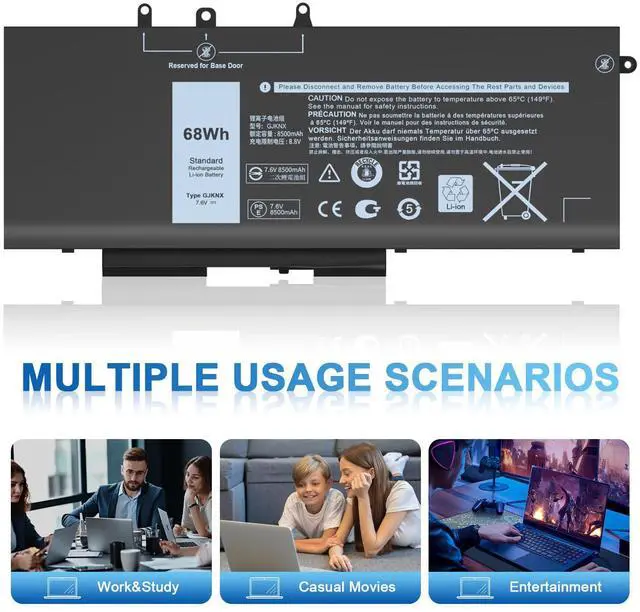
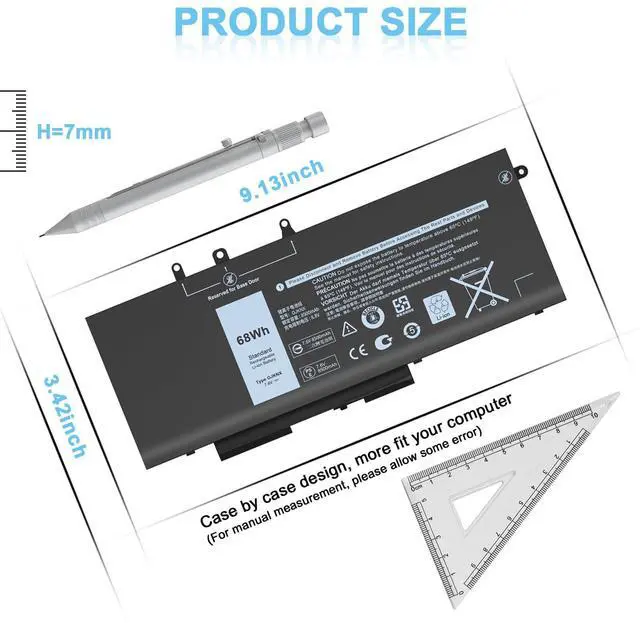
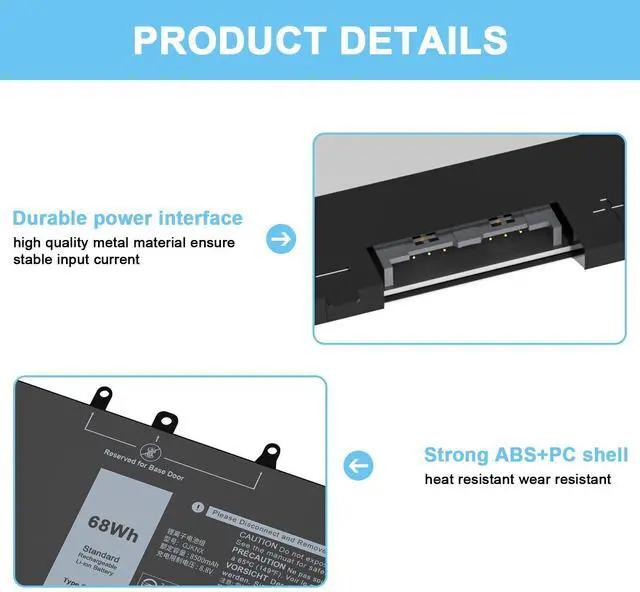
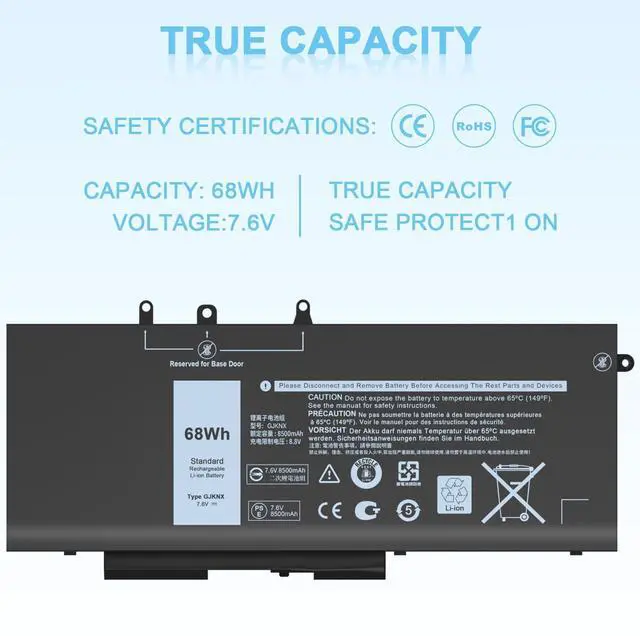
Capacity: 68 Wh
Voltage: 7.6 V
Color: Black
- Part Number:GJKNX 5YHR4 GD1JP 0GD1JP 0DY9NT
- GJKNX, GD1JP, 0GD1JP, DY9NT, 0DY9NT, 5YHR4, 451-BBZG,FPT1C, KCM82, MT31P
IEFUU Compatible with Dell: (NOTE:Please press [Ctrl + F] to serach your model.)
Compatible Models:
Latitude 5280 Series, Latitude 5288 Series,Latitude 5290 Series
Latitude 5488 Series, Latitude 5490 Series
Latitude 5491 Series, Latitude 5495 Series
Latitude 5590 Series, Latitude 5591 Series
Latitude E5280 Series, Latitude E5288 Series
Latitude E5480 Series, Latitude E5490 Series
Latitude E5491 Series, Latitude E5580 Series
Latitude E5590 Series, Latitude E5591 Series
Precision 15 3520 Series, Precision 15 3530 Series and more
Latitude 5480 Series, Latitude 5580 Series (only with M.2 storage)
This battery is compatible with Latitude 5580 systems that use only a M.2 ssd storage drive. This battery is NOT compatible with 5580 systems that use a 2.5" storage drive.
There are many other models, if you are not sure if they are suitable, please feel free to ask me!

Maintenance knowledge of laptop battery
The battery should be fully charged for the first time (usually more than 12 hours) and discharged 2-3 times to make the new battery fully awake.
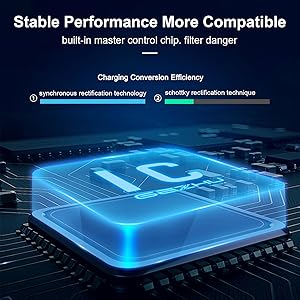
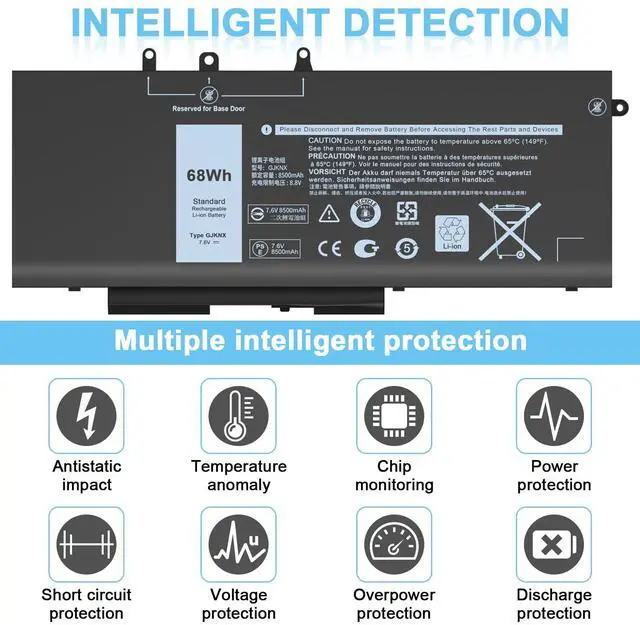
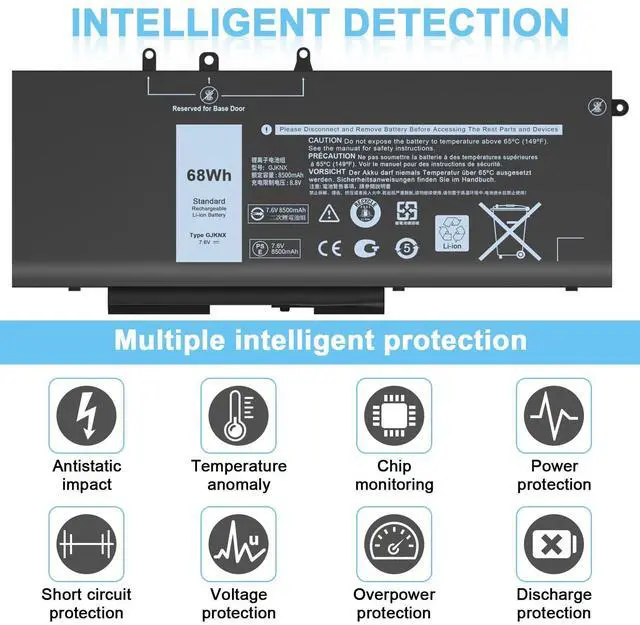
Built-in Circuit Protection
The internal integrated chip is designed to identify overheating, overcurrent, overvoltage and overcharge protection to ensure your safe charging.

TSKYBEAR--Your best choice
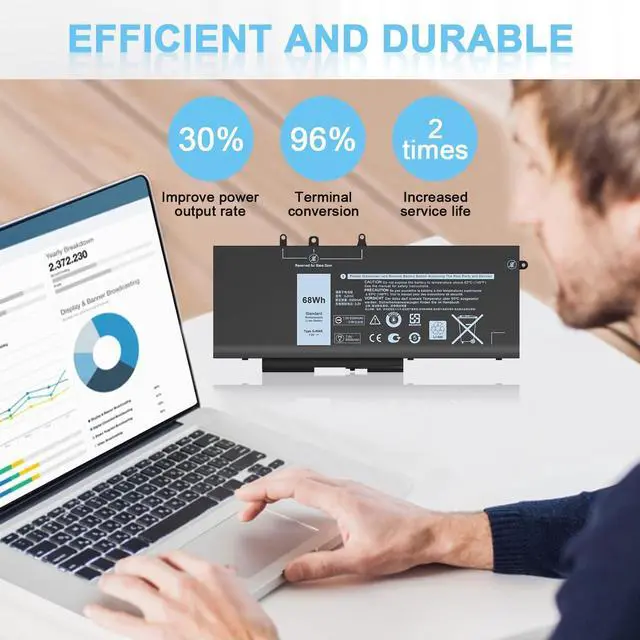
Our products are more stable operation, more efficient, more durable,and have super battery life.

Pls kindly noted that the battery must be full charged before first use.
- You need to turn off your laptop and disconnect the power.
- Turn the laptop to the back, install a new battery, and fix it with a tool.
- When the computer is turned on, if it is not recognised, it is recommended to update the BIOS settings or please disconnecting the old battery, and holding down the power button for 20 seconds, then connect the new battery.
- Do Discharge the new battery use to 5%(not to 0%) and then charge to 95%, and cycle 3-4 times.

TSKYBEAR Inc
We Provide Valuable Products & Service for Each Customer. Tskybear Wishes You a Happy Shopping Experience.

TSKYBEAR INC, an enterprise specializing in manufacturing & selling electronic products for more than 10 years in the US, has two excellent brands, IEFUU and Tskybear, Focus on laptop batteries and adapters.
Our strict product quality standards protect the health of your computer accessories.
Here you can find your own charging companion for your laptop. Tskybear wishes you a happy shopping experience and thank you for your trust!

Gift Your Laptop New Life
TSKYBEAR Compatible with HP Charger & Battery
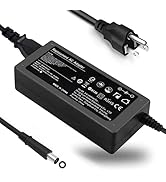
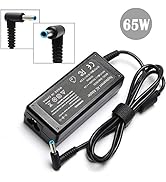
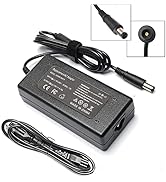
Charger Compatible with HP
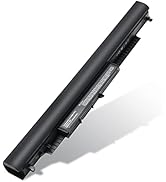
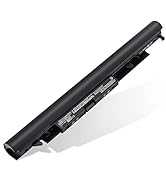
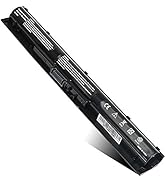
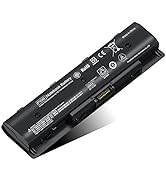
TSKYBEAR Compatible with HP

Gift Your Laptop New Life
TSKYBEAR Compatible with Dell Charger & Battery
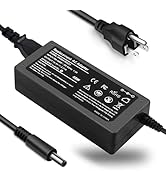

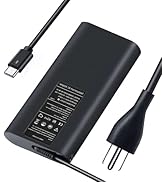
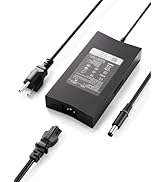
TSKYBEAR Compatible with Dell
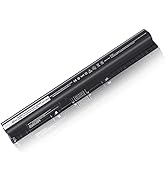
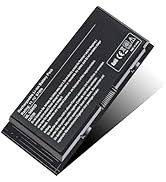
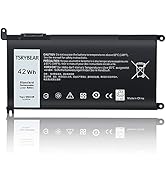
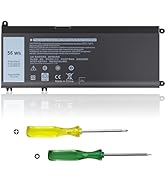
Batteries Compatible with Dell

IEFUU New GJKNX Compatible with Laptop Battery
TSKYBEAR INC, an enterprise specialized in manufacturing & selling electronic products for more than 10 years in US.
IEFUU and Tskybear are two excellent brands belongs to TSKYBEAR INC which sells laptop batteries as well as chargers.
We are proud to stand behind our products and put our customers first in everything we do.
IEFUU Compatible with dell latitude 5580 battery 5590 5490 5480 5280 E5480 E5580 E5490 5495 E5590 5288 5491 5488 E5280 5290 5591 E5288 E5591 E5491
IEFUU Compatible with dell Precision 3530 3520
IEFUU Compatible with Dell Latitude 14-5491 15-5591 15-5590 Battery
Battery Type: Li-ion
Capacity: 68 Wh
Voltage: 7.6 V
Color: Black
- Part Number:GJKNX 5YHR4 GD1JP 0GD1JP 0DY9NT
- GJKNX, GD1JP, 0GD1JP, DY9NT, 0DY9NT, 5YHR4, 451-BBZG,FPT1C, KCM82, MT31P
IEFUU Compatible with Dell: (NOTE:Please press [Ctrl + F] to serach your model.)
Compatible Models:
Latitude 5280 Series, Latitude 5288 Series,Latitude 5290 Series
Latitude 5488 Series, Latitude 5490 Series
Latitude 5491 Series, Latitude 5495 Series
Latitude 5590 Series, Latitude 5591 Series
Latitude E5280 Series, Latitude E5288 Series
Latitude E5480 Series, Latitude E5490 Series
Latitude E5491 Series, Latitude E5580 Series
Latitude E5590 Series, Latitude E5591 Series
Precision 15 3520 Series, Precision 15 3530 Series and more
Latitude 5480 Series, Latitude 5580 Series (only with M.2 storage)
This battery is compatible with Latitude 5580 systems that use only a M.2 ssd storage drive. This battery is NOT compatible with 5580 systems that use a 2.5" storage drive.
There are many other models, if you are not sure if they are suitable, please feel free to ask me!
Maintenance knowledge of laptop battery
The battery should be fully charged for the first time (usually more than 12 hours) and discharged 2-3 times to make the new battery fully awake.
Built-in Circuit Protection
The internal integrated chip is designed to identify overheating, overcurrent, overvoltage and overcharge protection to ensure your safe charging.
TSKYBEAR--Your best choice
Our products are more stable operation, more efficient, more durable,and have super battery life.
Pls kindly noted that the battery must be full charged before first use.
- You need to turn off your laptop and disconnect the power.
- Turn the laptop to the back, install a new battery, and fix it with a tool.
- When the computer is turned on, if it is not recognised, it is recommended to update the BIOS settings or please disconnecting the old battery, and holding down the power button for 20 seconds, then connect the new battery.
- Do Discharge the new battery use to 5%(not to 0%) and then charge to 95%, and cycle 3-4 times.
TSKYBEAR Inc
We Provide Valuable Products & Service for Each Customer. Tskybear Wishes You a Happy Shopping Experience.
TSKYBEAR INC, an enterprise specializing in manufacturing & selling electronic products for more than 10 years in the US, has two excellent brands, IEFUU and Tskybear, Focus on laptop batteries and adapters.
Our strict product quality standards protect the health of your computer accessories.
Here you can find your own charging companion for your laptop. Tskybear wishes you a happy shopping experience and thank you for your trust!
Gift Your Laptop New Life
TSKYBEAR Compatible with HP Charger & Battery
Charger Compatible with HP
TSKYBEAR Compatible with HP
Gift Your Laptop New Life
TSKYBEAR Compatible with Dell Charger & Battery
TSKYBEAR Compatible with Dell
Batteries Compatible with Dell