


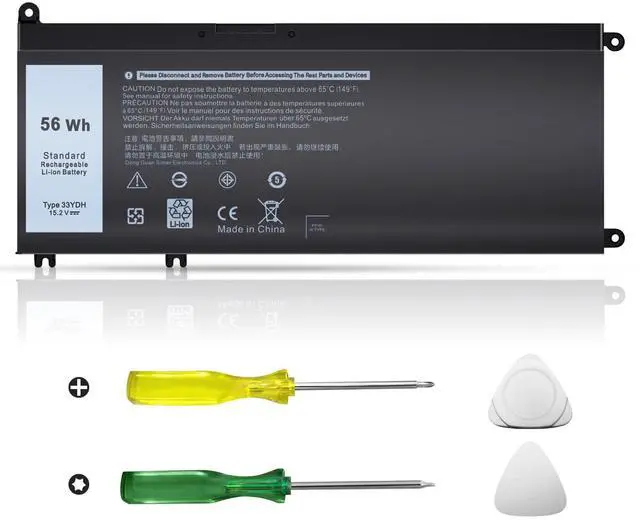
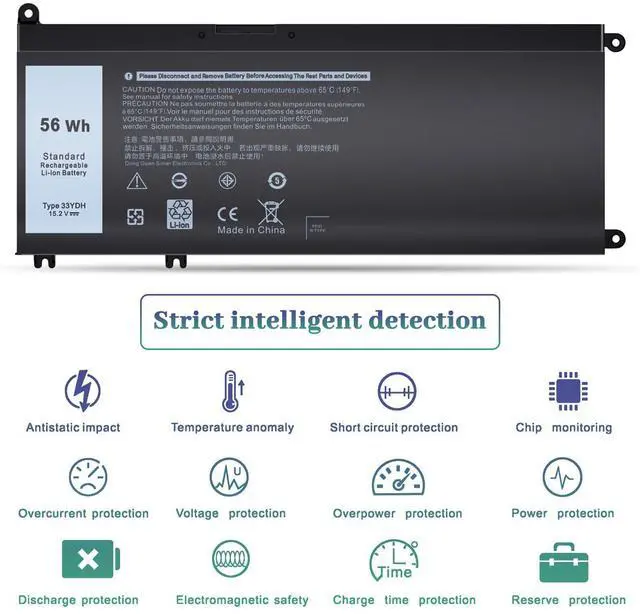
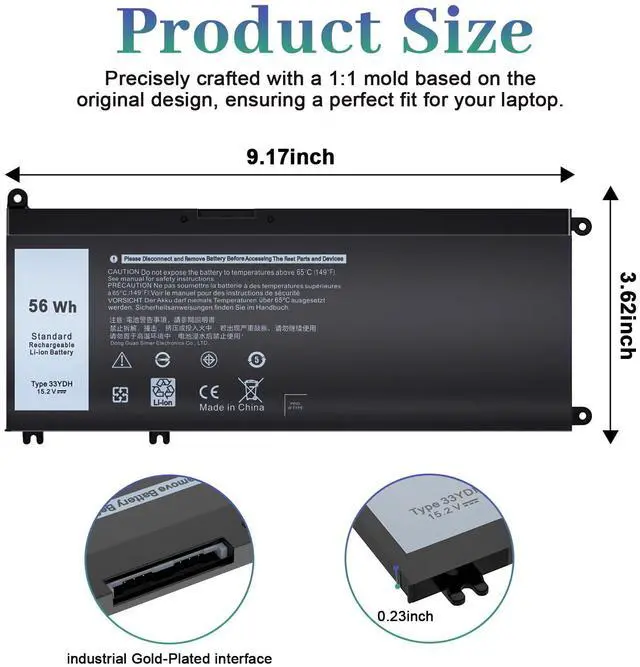
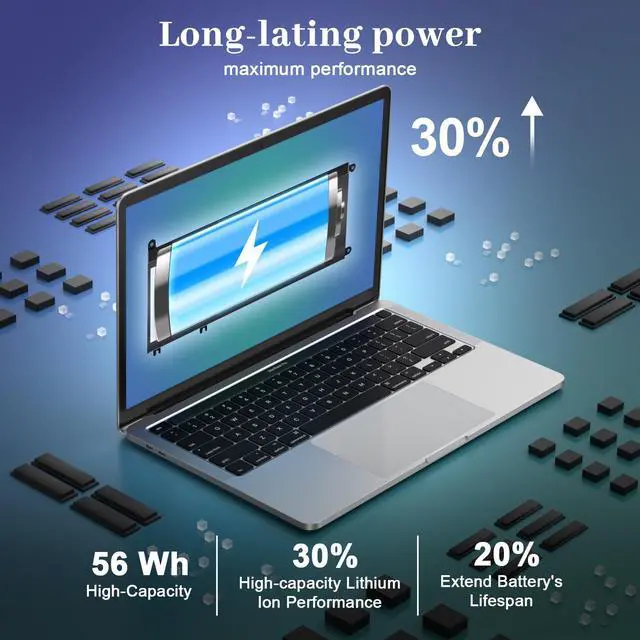



The 33YDH battery is an essential accessory for your computer, guaranteeing you never run out of power, no matter where you are. Whether you're traveling, camping, attending a business meeting, or working remotely, it’s the perfect companion to keep you powered up.


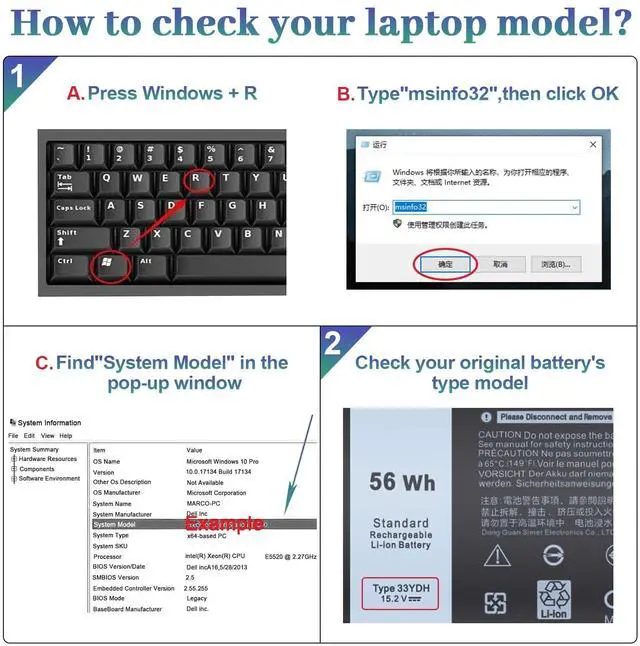
Compatible with DELL Laptop models: Press [Ctrl + F] to search for your type

To avoid possible injury, Please read it carefully:
- Pls kindly noted that the battery must be full charged before first use.
- You need to turn off your laptop and disconnect the power.
- Turn the laptop to the back, install a new battery, and fix it with a tool.
- When the computer is turned on, if it is not recognised, it is recommended to update the BIOS settings or please disconnecting the old battery, and holding down the power button for 20 seconds, then connect the new battery.
- Do Discharge the new battery use to 5%(not to 0%) and then charge to 95%, and cycle 3-4 times.
What should I consider when using a Dell 33YDH battery for the first time?
Fully charge the battery before its first use, especially in models like Dell Inspiron 17 7000, 7577, 7773, or 7779, to ensure optimal performance.
What if the battery is not recognized by my laptop?
Try updating the BIOS or disconnect the old battery, hold the power button for 20 seconds, then reconnect the Dell 33YDH battery for models like Dell G5 15 5587 or Inspiron 17 7000.
What if the battery doesn't work?
Contact Easy Style Inc. We offer a 12-month replacement and 60-day money-back. We’ll replace faulty batteries for free, applicable for models like Dell Latitude 3490 or G7 15 7588.
How should I charge my laptop battery?
Charge your Dell 33YDH battery when it reaches 5-10% on models like Dell Latitude 3580 or Inspiron 15 7577. Avoid full discharge, and charge in a dry place for longer battery life.
How should I store my battery when not in use?
Turn off your laptop, discharge the battery to 5-7%, then recharge to 95% after 3-4 cycles for optimal performance. This applies to models like Dell Inspiron 17 7000 or Latitude 3490.

The 33YDH battery is an essential accessory for your computer, guaranteeing you never run out of power, no matter where you are. Whether you're traveling, camping, attending a business meeting, or working remotely, it’s the perfect companion to keep you powered up.


Compatible with DELL Laptop models: Press [Ctrl + F] to search for your type
| Specifications: | Shipped from either our US warehouse or warehouse. Battery model: 33YDH. Enjoy a 60-day money-back, 12 months replacement |
|---|---|
| Part Number | Compatible with: 56Wh 33YDH, 99NF2, PVHT1, DNCWSCB6106B, 81PF3, 081PF3, P30E, P30E001 |
| Dell Inspiron 15 7000 Series | Dell Inspiron 15 7577 Series |
| Dell Inspiron 17 7000 Series | Dell Inspiron 17 7773, 7773 2-in-1, 7778, 7778 2-in-1, 7779, 7779 2-in-1, 7786, 7786 2-in-1 |
| Dell G3 Series | Dell G3 15 3579 Series |
| Dell G3 Series | Dell G3 17 3779 Series |
| Dell G5 Series | Dell G5 15 5587 Series |
| Dell G7 Series | Dell G7 15 7588 Series |
| Dell Latitude 13 Series | Dell Latitude 13 3000, 3380 Series |
| Dell Latitude 15 Series | Dell Latitude 15 3590, 3580 Series |
| Dell Latitude 14 Series | Dell Latitude 14 3490 Series |
| Dell Vostro 15 Series | Dell Vostro 15 7580, 7570 Series |

To avoid possible injury, Please read it carefully:
- Pls kindly noted that the battery must be full charged before first use.
- You need to turn off your laptop and disconnect the power.
- Turn the laptop to the back, install a new battery, and fix it with a tool.
- When the computer is turned on, if it is not recognised, it is recommended to update the BIOS settings or please disconnecting the old battery, and holding down the power button for 20 seconds, then connect the new battery.
- Do Discharge the new battery use to 5%(not to 0%) and then charge to 95%, and cycle 3-4 times.
What should I consider when using a Dell 33YDH battery for the first time?
Fully charge the battery before its first use, especially in models like Dell Inspiron 17 7000, 7577, 7773, or 7779, to ensure optimal performance.
What if the battery is not recognized by my laptop?
Try updating the BIOS or disconnect the old battery, hold the power button for 20 seconds, then reconnect the Dell 33YDH battery for models like Dell G5 15 5587 or Inspiron 17 7000.
What if the battery doesn't work?
Contact Easy Style Inc. We offer a 12-month replacement and 60-day money-back. We’ll replace faulty batteries for free, applicable for models like Dell Latitude 3490 or G7 15 7588.
How should I charge my laptop battery?
Charge your Dell 33YDH battery when it reaches 5-10% on models like Dell Latitude 3580 or Inspiron 15 7577. Avoid full discharge, and charge in a dry place for longer battery life.
How should I store my battery when not in use?
Turn off your laptop, discharge the battery to 5-7%, then recharge to 95% after 3-4 cycles for optimal performance. This applies to models like Dell Inspiron 17 7000 or Latitude 3490.