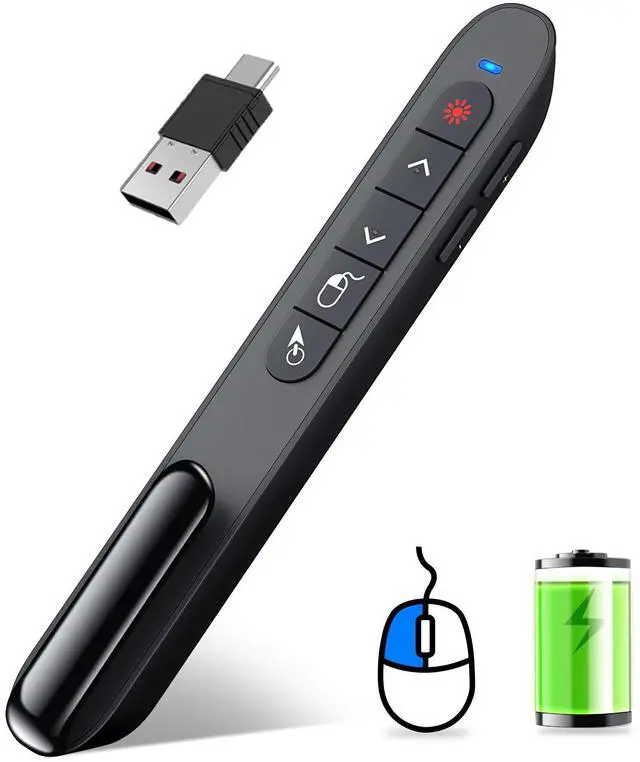
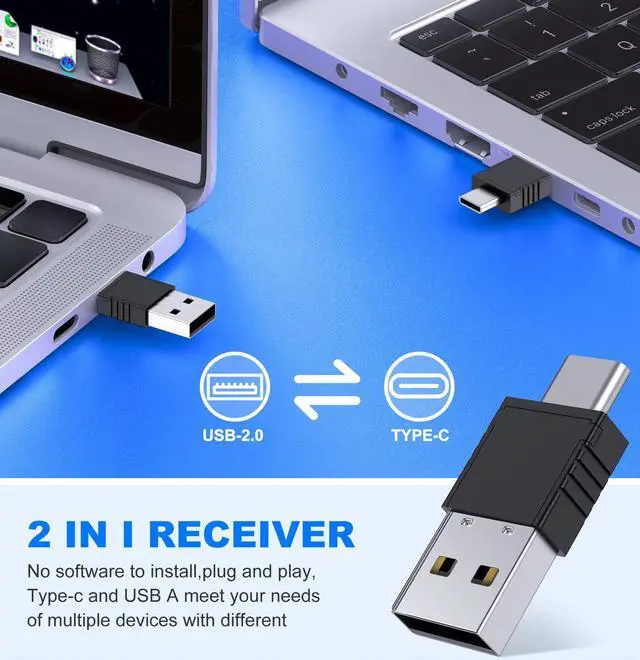
DINOSTRIKE Wireless Presenter Remote with Air Mouse Control, Rechargeable USB A&C Presentation Clicker PPT Pointer RF 2.4GhZ PowerPoint Clicker Slide Advancer for Computer Laptop Mac
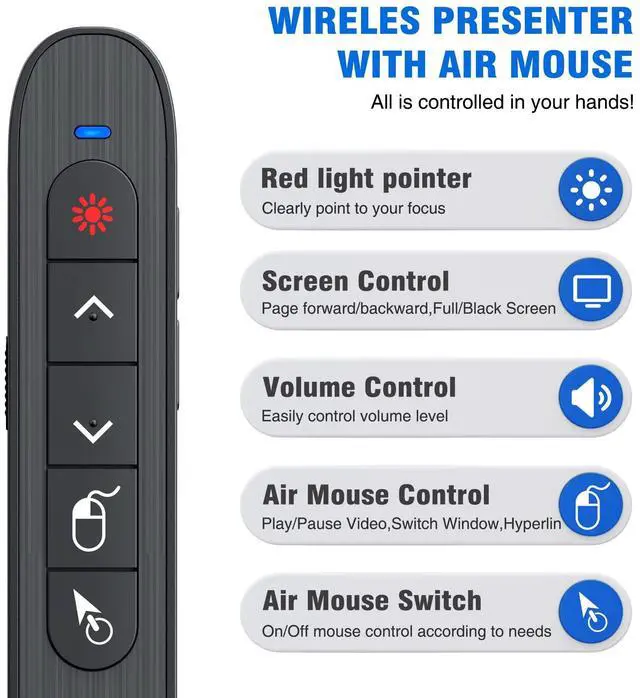
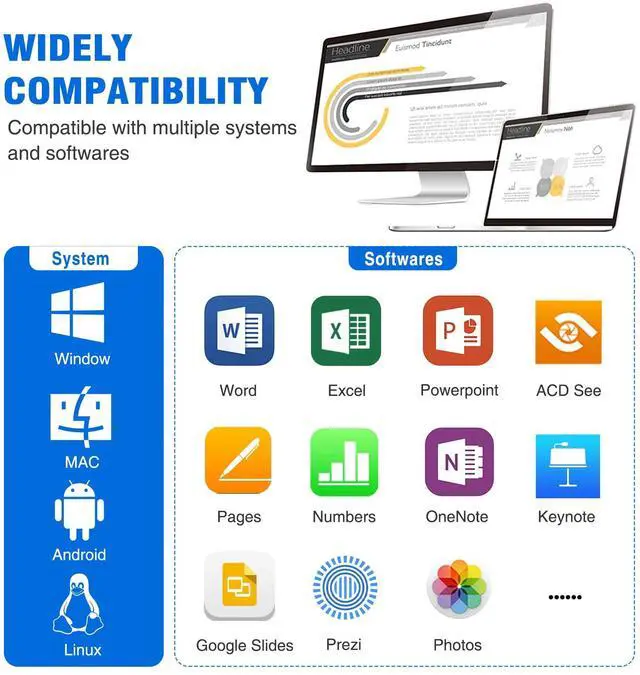
Functions & SupportsPresenter remote support function: Black/Full screen, Page forward/ backward, Volume control, Mouse Feature, Open hyperlink, Switch windows and etc. Presentation pointer support systemsWindows 7/8 or aboveMac OS / Linux / Android. Powerpoint clicker support software: PowerPoint, Keynote, PDF, Word, Excel, Google Slides, Prezi and etc
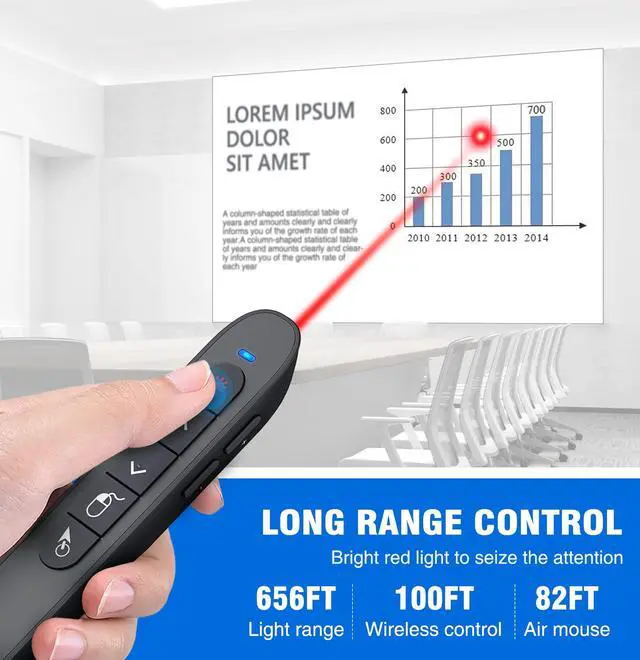
Bright Red Light & Long Control DistanceA bright red light that is easy to see against most backgrounds, clearly pointing out the key points you want to emphasize; Long control distance: Air mouse range: 82FT, Wireless control range: 164FT, Light range: 656FT, makes you can freely move around the room
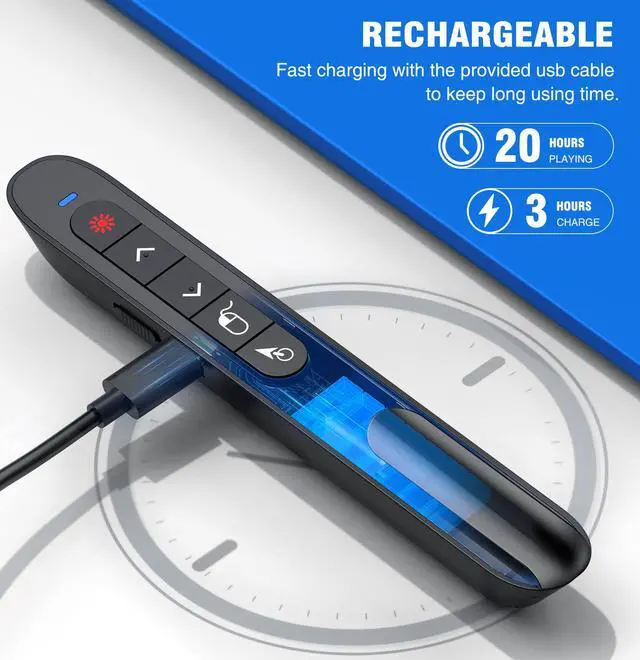
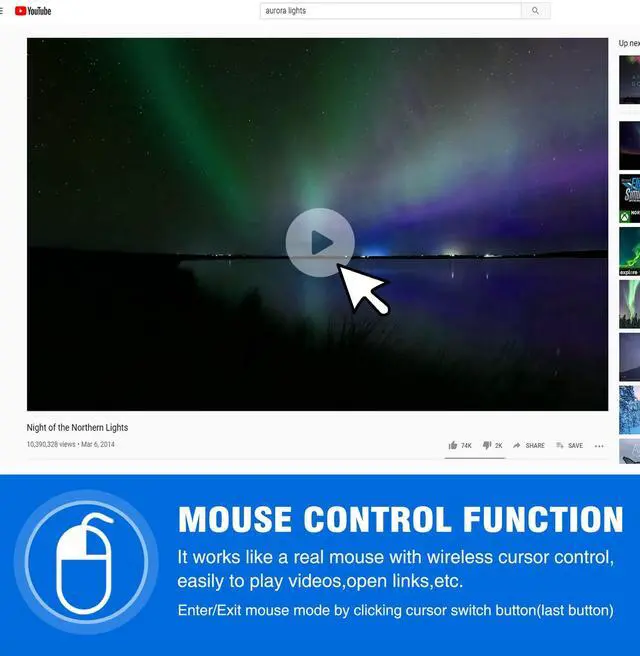
Rechargeable Air Mouse presentation Remote Control The computer clicker for presentations is not only a powerpoint remote clicker, but also an air mouse, with terrifically sensitive wireless cursor control,which serves like a real mouse, enter/exit mouse mode by clicking cursor switch button (last button). Built in 300 mAh battery, charge 3H to get weeks of use time, the slide clicker will go into sleep mode and turn itself off when not in use to save power
Overview
Specs
Reviews
Any questions? Our AI beta will help you find out quickly.
Try me now
DINOSTRIKE Wireless Presenter Remote with Air Mouse Control, Rechargeable USB A&C Presentation Clicker PPT Pointer RF 2.4G hZ PowerPoint Clicker Slide Advancer for Computer Laptop Mac
Learn more about the Generic Brand TK701
Model
Brand
DINOSTRIKE
Model
TK701
Part Number
TK701
Type
Radio Frequency
Wireless
Distance
164 feet
Details
Receiver Interface
Radio Frequency
Control
Button Control
Color
Black
System Requirement
Operating System Supported
Button Control
Features
Features
Rechargeable
Dimensions & Weight
Weight
27 grams
Additional Information
First Listed on Newegg
April 13, 2026
Customer Reviews of the Generic Brand TK701
There are no reviews yet.
Do you own this product?
Warranty & Returns
Warranty, Returns, And Additional Information
Return Policies
Return for refund within: 30 days
Return for replacement within: 30 days
This item is covered by Newegg.com's 30-Day Return Policy.