


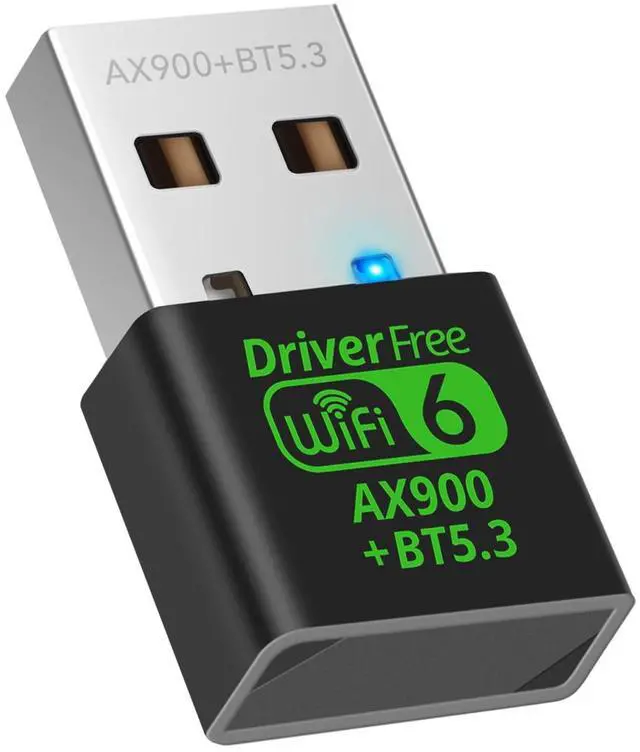
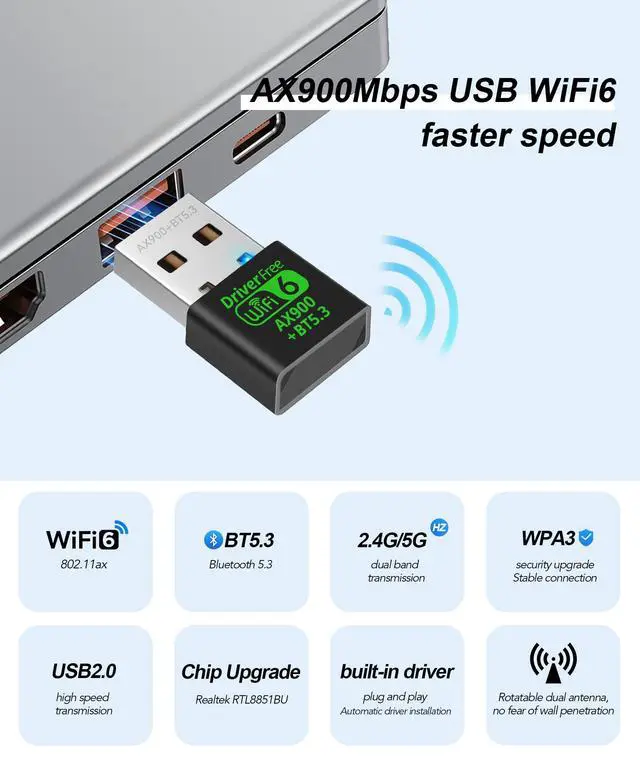




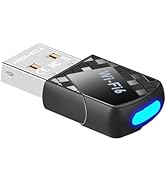
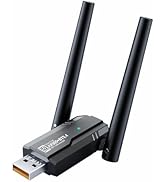
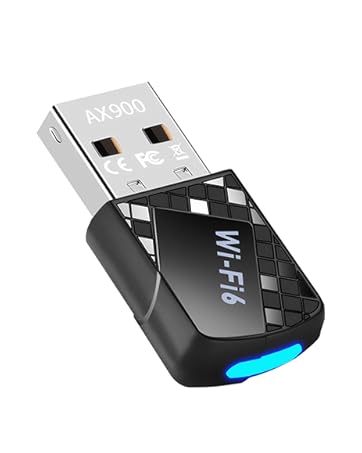
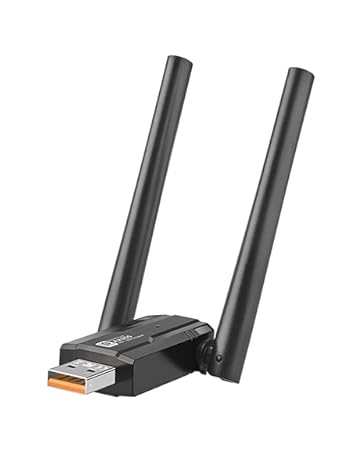
2-IN-1 Wi-Fi 6 and Bluetooth 5.3 Adapter for PC/Laptop/Desktop


USB Wi-Fi 6 Latest technology
MU-MIMO Support – Connect multiple devices at once without slowing down. This Wi-Fi 6 feature delivers full-speed, lag-free performance in busy households, so everyone can game, stream, and browse seamlessly.

Advanced Bluetooth 5.3
Enjoy low-latency performance with dual-mode BLE and EDR support—for smoother
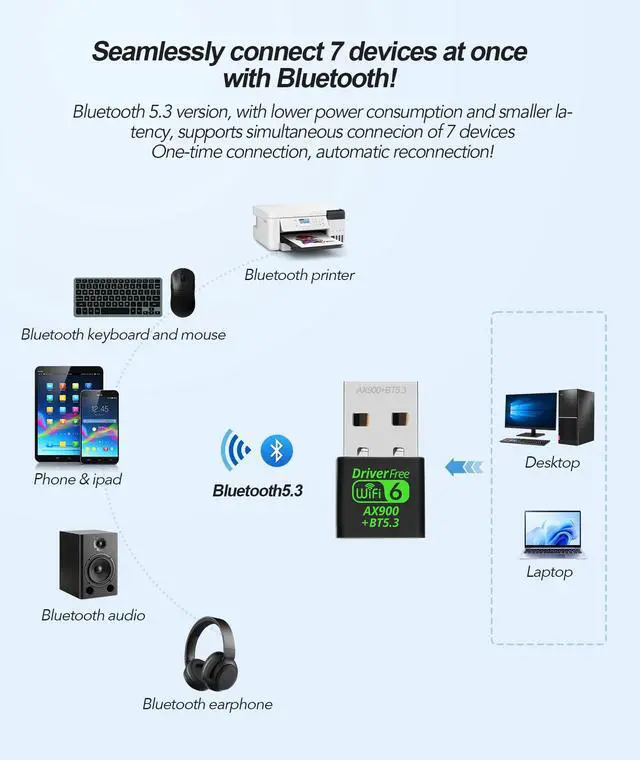
Connect up to 7 Bluetooth devices—like your PC, laptop, Bluetooth headphones, speakers, keyboard, mouse printer IPhone iPad
Easily transfer files, stream stereo music, make clear calls, play lifestyle


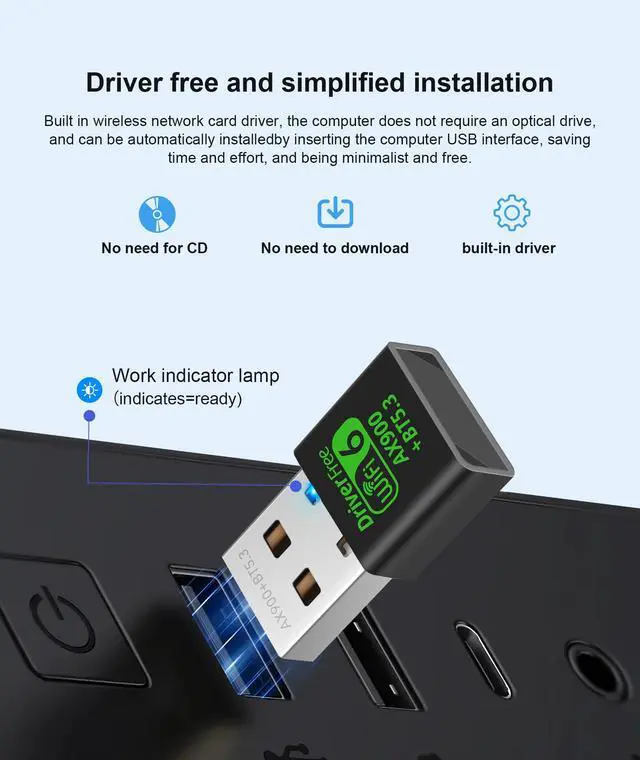
WIFI Adapter Installation Steps

- Step 1: Insert the wireless network card.
- Step 2: The driver will pop up automatically, install it, and restart the computer.
- Step 3: If the driver doesn't auto-launch, go to "This pc" ? double-click "Wireless" to install.
- Step 4: Select your Wi-Fi name and enter the password to get started.
Smart WIFI and Bluetooth USB adapter with chip upgrade for more stability
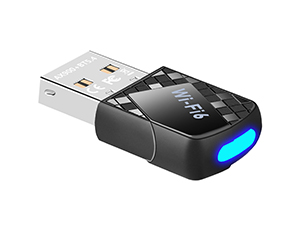 Upgraded WiFi 6 Bluetooth 5.4 | 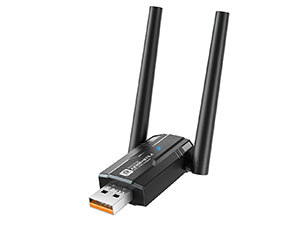 Upgraded WiFi 6 Bluetooth 5.4 | 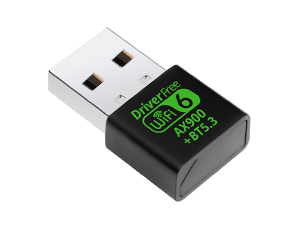 Chip upgrade WiFi 6 Bluetooth |
|---|---|---|
Dual Band AX900Mbps and BT5.4 Built-in high gain 4dBi antennas | Dual Band AX900Mbps and BT5.4 Dual High Gain 5dBi Antenna Expand YourCoverage Range | Dual Band AX900Mbps and BT5.3 Wireless transmit power up to 20dBm (MAX EIRP) |
System Compatibility for Windows 7 or above | System Compatibility for Windows7 or above | System Compatibility for Windows10 or above |
WiFi Signal Coverage General Chip, Up to 55 Meters | WiFi Signal Coverage General Chip, Up to 80 Meters | WiFi Signal Coverage Upgraded chip, up to 100 meters |
Plug n Play for Windows OS Plug n Play for Win 11 10 | Plug n Play for Windows OS Plug n Play for Win 11 10 | Plug n Play for Windows OS Plug n Play for Win 11 10 |
2-IN-1 Wi-Fi 6 and Bluetooth 5.3 Adapter for PC/Laptop/Desktop
Q: Does the WiFi adapter require driver installation?A: The adapter has built-in drivers for easy setup. After plugging it into your PC, the driver installation should begin automatically—just follow the on-screen prompts to complete setup. Once installed, it will connect and automatically reconnect in the future.
Q: What if the driver doesn't start automatically when I plug in the adapter?A: If the installation does not begin automatically, please go to My Computer (This PC) and open the removable drive associated with the adapter. Locate and run the file named windows_driver_bt to start the setup manually. The driver can also be downloaded using the instructions or web link provided in the printed product manual included in the box.
Q: Why is my WiFi still not working after installing the driver?A: Please try the following steps:
- Check if any previous WiFi adapter drivers are installed on your computer. If so, please uninstall them via Control Panel > Programs and Features before reinstalling the new driver.
- Restart your computer and attempt to reconnect.
- Ensure your home internet router is functioning normally.
Q: Is the driver installation safe for my PC?A: Yes. The driver is verified and secure, designed solely to enable your adapter's function. It runs quietly in the background with minimal system impact, allowing for smooth streaming, gaming, and browsing.
Q: How do I connect a Bluetooth device if my computer's built-in Bluetooth is interfering?
A: Disable your PC's built-in Bluetooth before using the WiFi adapter.1. Disable Existing Bluetooth:Open via Win+X ? Device Manager. In Device Manager, expand Bluetooth.Right-click Bluetooth adapters ? Disable 2. Device connection:Turn on Bluetooth on your device ?Double-click the icon {Bluetooth} status bar of the computer, click icon [+], click {Bluetooth} to enter the Bluetooth devices list ?Find the device name in the list and click “Connect”
Q: What kind of support do you offer after purchase?A: We provide complimentary initial setup assistance to help you get connected. If you encounter any issues with the adapter itself, please contact our support team. After verifying the details, we will help resolve the issue promptly, which may include a replacement if necessary.
2-IN-1 Wi-Fi 6 and Bluetooth 5.3 Adapter for PC/Laptop/Desktop

USB Wi-Fi 6 Latest technology
MU-MIMO Support – Connect multiple devices at once without slowing down. This Wi-Fi 6 feature delivers full-speed, lag-free performance in busy households, so everyone can game, stream, and browse seamlessly.
Advanced Bluetooth 5.3
Enjoy low-latency performance with dual-mode BLE and EDR support—for smoother
Connect up to 7 Bluetooth devices—like your PC, laptop, Bluetooth headphones, speakers, keyboard, mouse printer IPhone iPad
Easily transfer files, stream stereo music, make clear calls, play lifestyle
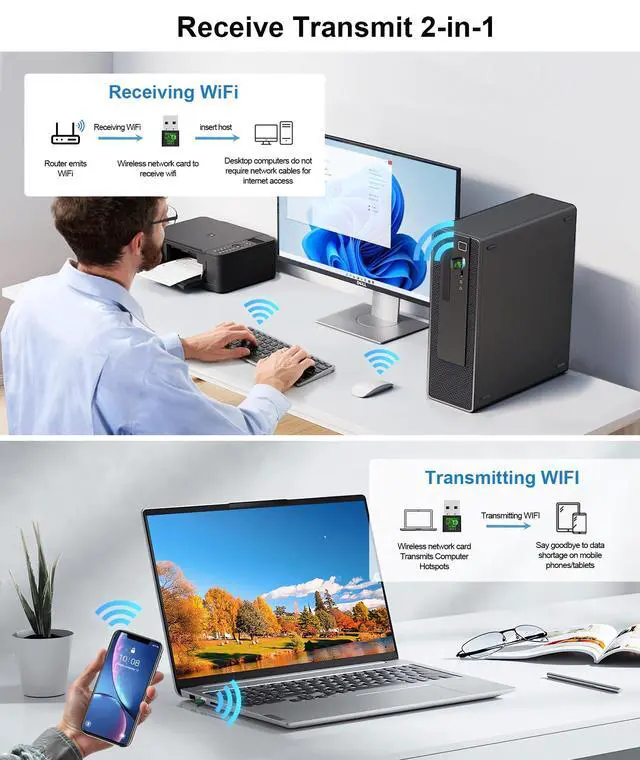
Create a portable Wi-Fi hotspot from your desktop to share your wired connection


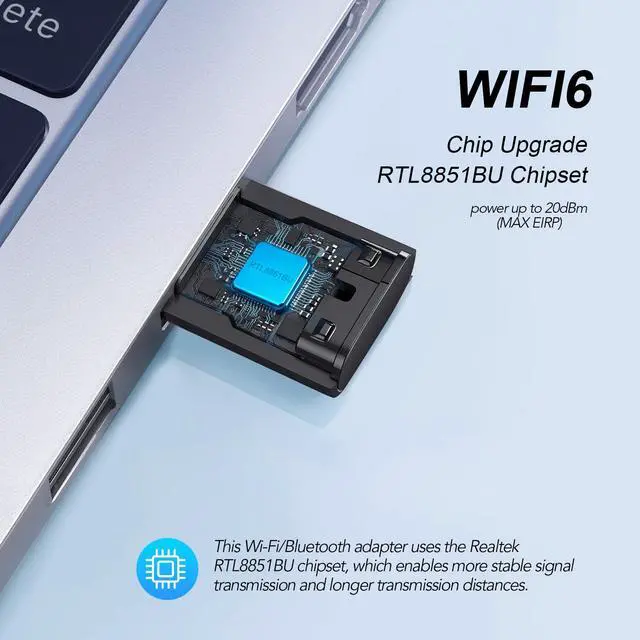
Chip Upgrade RTL8851BU Chipset


This Wi-Fi/Bluetooth adapter uses the Realtek RTL8851BU chipset, which enables more stable signal transmission and longer transmission distances.
WIFI Adapter Installation Steps

- Step 1: Insert the wireless network card.
- Step 2: The driver will pop up automatically, install it, and restart the computer.
- Step 3: If the driver doesn't auto-launch, go to "This pc" ? double-click "Wireless" to install.
- Step 4: Select your Wi-Fi name and enter the password to get started.
Smart WIFI and Bluetooth USB adapter with chip upgrade for more stability
2-IN-1 Wi-Fi 6 and Bluetooth 5.3 Adapter for PC/Laptop/Desktop
Q: Does the WiFi adapter require driver installation?A: The adapter has built-in drivers for easy setup. After plugging it into your PC, the driver installation should begin automatically—just follow the on-screen prompts to complete setup. Once installed, it will connect and automatically reconnect in the future.
Q: What if the driver doesn't start automatically when I plug in the adapter?A: If the installation does not begin automatically, please go to My Computer (This PC) and open the removable drive associated with the adapter. Locate and run the file named windows_driver_bt to start the setup manually. The driver can also be downloaded using the instructions or web link provided in the printed product manual included in the box.
Q: Why is my WiFi still not working after installing the driver?A: Please try the following steps:
- Check if any previous WiFi adapter drivers are installed on your computer. If so, please uninstall them via Control Panel > Programs and Features before reinstalling the new driver.
- Restart your computer and attempt to reconnect.
- Ensure your home internet router is functioning normally.
Q: Is the driver installation safe for my PC?A: Yes. The driver is verified and secure, designed solely to enable your adapter's function. It runs quietly in the background with minimal system impact, allowing for smooth streaming, gaming, and browsing.
Q: How do I connect a Bluetooth device if my computer's built-in Bluetooth is interfering?
A: Disable your PC's built-in Bluetooth before using the WiFi adapter.1. Disable Existing Bluetooth:Open via Win+X ? Device Manager. In Device Manager, expand Bluetooth.Right-click Bluetooth adapters ? Disable 2. Device connection:Turn on Bluetooth on your device ?Double-click the icon {Bluetooth} status bar of the computer, click icon [+], click {Bluetooth} to enter the Bluetooth devices list ?Find the device name in the list and click “Connect”
Q: What kind of support do you offer after purchase?A: We provide complimentary initial setup assistance to help you get connected. If you encounter any issues with the adapter itself, please contact our support team. After verifying the details, we will help resolve the issue promptly, which may include a replacement if necessary.
At DragoBud, we combine technological innovation with user-centric design, delivering high-quality products and thoughtful service to empower your digital life. Choose DragoBud for simpler, more efficient wireless connectivity!
USB WiFi Adapter for PC
