

Out of stock
This item is currently out of stock and it may or may not be restocked.
Sold by Newegg

Shipped by Newegg

Shop it at NeweggBusiness.

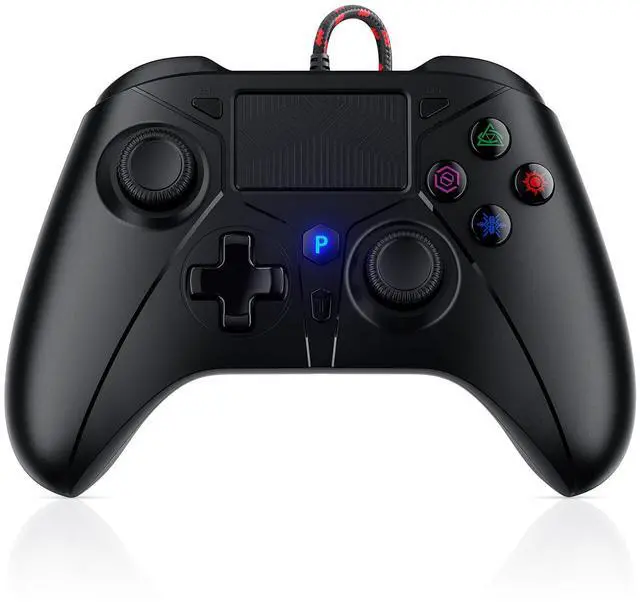
Wired PS5 Controller, Compatible with PlayStation 5/PS-4, PC/Steam, Support Turbo, Macro, Dual Vibration, Multi-Touch Pad & 3.5mm Audio Jack

  • How to connect to a PS5? ::: Enter the PS5 system settings > Accessories > Controller (General) > Communication Metho > Use USB Cable >After the setup is complete, insert our PS5 wired controller on the PS5 console>Pairing and connection
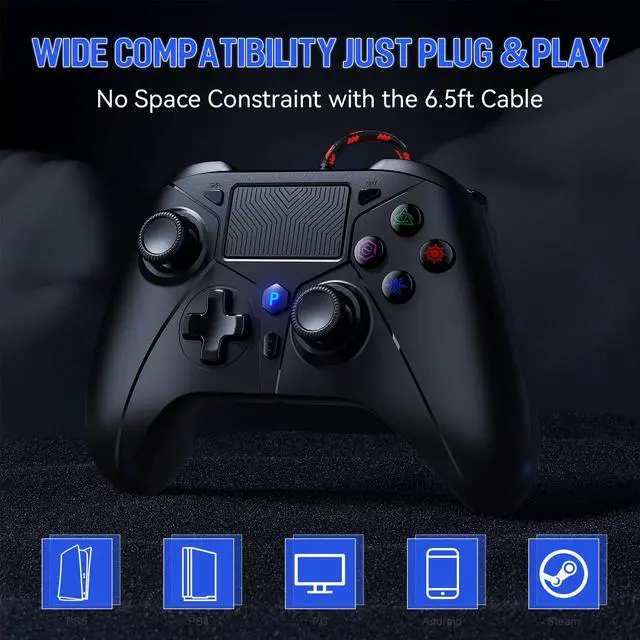
  • Broad Compatibility: Compatible with PlayStation 5, PS5 Pro, PS5 Slim, PS4, and PC/Steam platforms, ensuring seamless performance across systems.
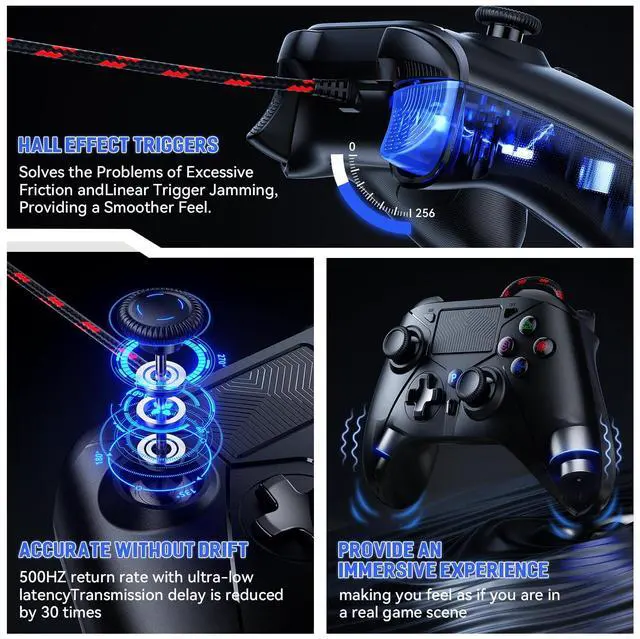
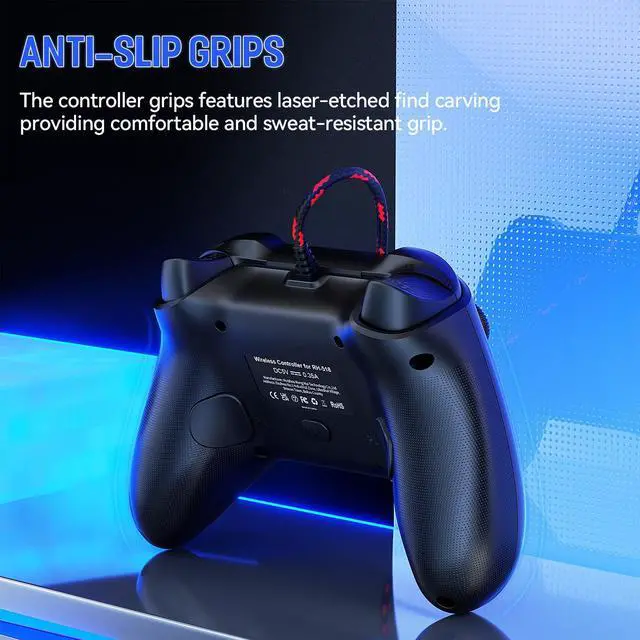
  • Enhanced Gaming Features: Lightweight and customizable controls allow players to perform better and win. Dual analog joysticks and trigger buttons feel and are sensitive using a special lightweight vibration system designed to provide a better sense of control and realism.
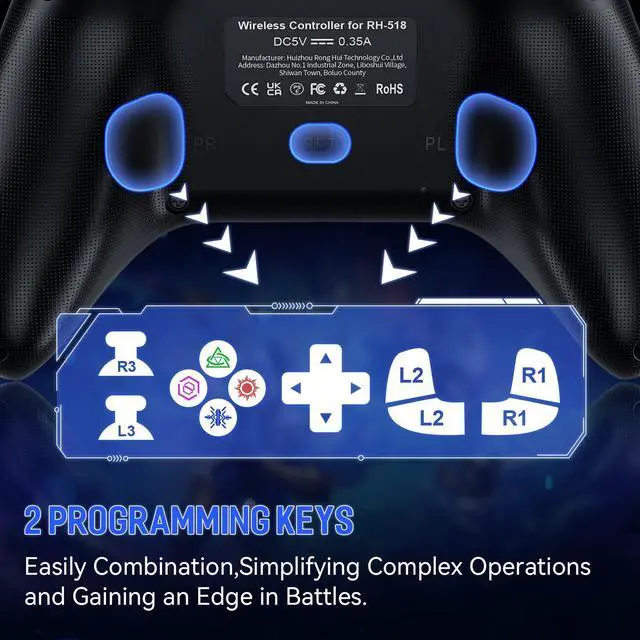
  • Best Game Experience: The "TURBO" button toggles between different combos for a better gaming experience, and the PL/PR mappable advanced game button allows you to quickly program your game to help you take it to the next level.
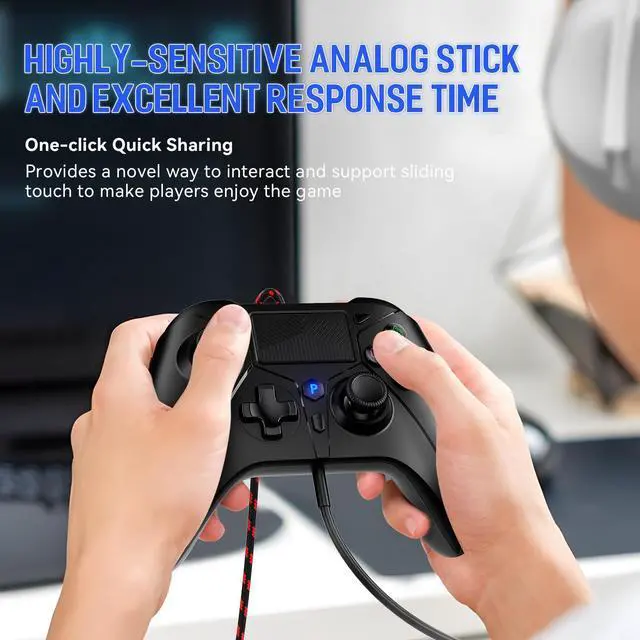
  • High sensitivity joystick: Our PC controller rejects button delay, the new chip increases sensitivity by 90%, and the joystick does not drift or delay, allowing players to enjoy a new experience while controlling the game more precisely.
  • Durable Wired Connection: Includes a 10ft USB cable for reliable, delay-free performance; ideal for competitive gamers using the PS5 controller setup.
Overview
Specs
Reviews
avatar

Any questions? Our AI beta will help you find out quickly.

  • You need to enter the for PS5 system settings: Settings > Accessories > Controller (General) > Communication Method > Use USB Cable

  • After the system setup is complete, if there is still a connection problem, please unplug the USB cable and then plug it back into the console.

  • To ensure that there is no connection problem, please disconnect other controllers and prioritize connecting our controller to the PS5 console.

1
2
4
5
3
6
  • You need to enter the for PS5 system settings: Settings > Accessories > Controller (General) > Communication Method > Use USB Cable

  • After the system setup is complete, if there is still a connection problem, please unplug the USB cable and then plug it back into the console.

  • To ensure that there is no connection problem, please disconnect other controllers and prioritize connecting our controller to the PS5 console.

1
2
4
5
3
6
Wired PS5 Controller, Compatible with PlayStation 5/PS-4, PC/Steam, Support Turbo, Macro, Dual Vibration, Multi-Touch Pad & 3.5 mm Audio Jack

Warranty & Returns

Warranty, Returns, And Additional Information

Return Policies

LOADING...