





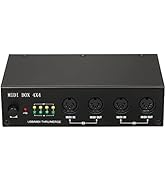
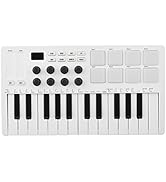
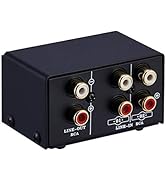
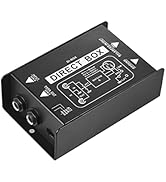
 Midi Drum Pad |  Live Sound Card Audio Mixer |  MIDI Effector |  MIDI Control Keyboard |  MIDI Keyboard |  Audio Switcher | |
|---|---|---|---|---|---|---|
| Customer Reviews | — | — | — | — | — | — |
| Price | — | — | — | — | — | — |
| no data | no data | no data | no data | no data | no data |


How to use
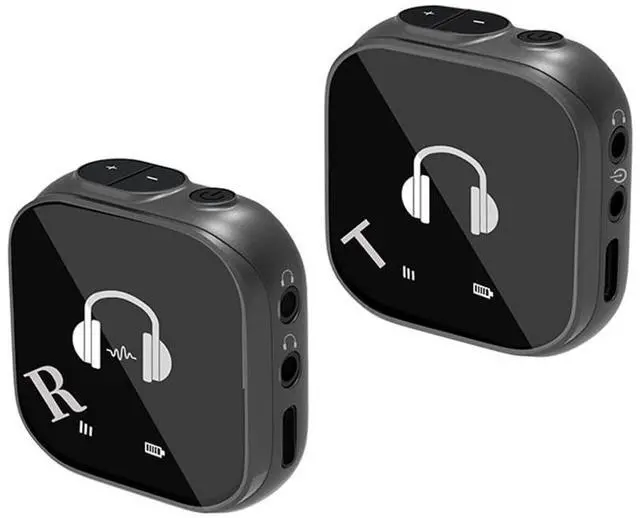
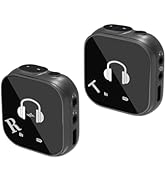
1. Power on: Press and hold the power button of transmitter T and receiver R for 3 seconds to turn on. The power indicator light is always on, indicating that the power on is successful. Press and hold the power button to turn off the power, and the indicator lights are all off!
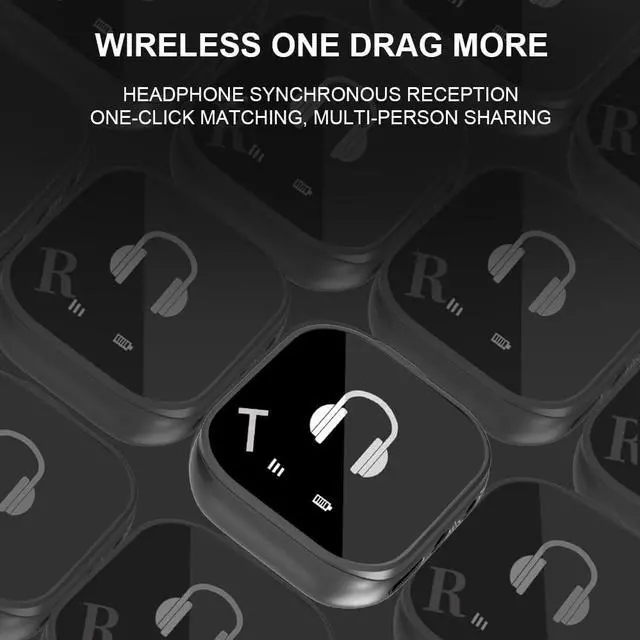
2. Pairing: The signal indicator light of transmitter T flashes, and the signal indicator light of receiver R flashes, indicating that the pairing is automatically entered. After the pairing is successful, the signal indicator lights of transmitter T and receiver R are always on, indicating that the pairing is successful! If the pairing is not successful for more than three minutes, the machine will automatically shut down and enter power saving mode! If the pairing indicator light of the receiver keeps flashing and cannot be paired, double-click the receiver power button to force pairing.
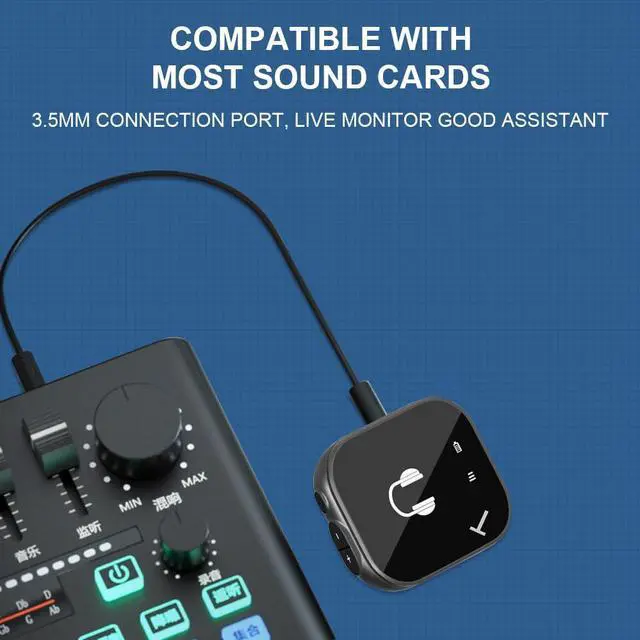
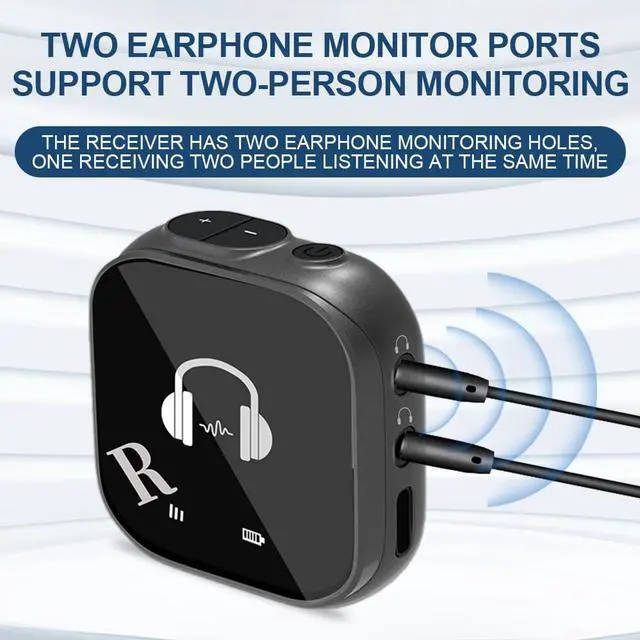
3. Use: After the pairing is successful, use a 3.5-head audio cable to insert one end into the audio input hole in the middle of transmitter T, and the other end into the 3.5MM headphone hole of the sound card/computer/mobile phone. Insert the headphone into the headphone hole of the receiver to monitor! If the sound card/computer/mobile phone does not have a 3.5MM headphone jack, you can connect the transmitter to the TYPE-C port at the bottom of the T or use an adapter cable to connect.


Integrate the rhythm
The pursuit of excellence, let music into life, become the perfect expression of the soul

Heartbeat melody
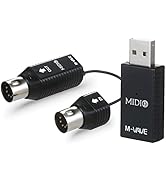
Outstanding musical instrument
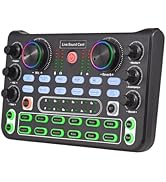
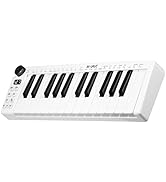
Captivating Tunes of a Music
Note magic
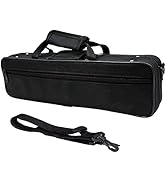
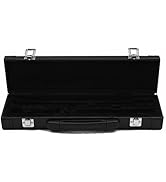
musical journey
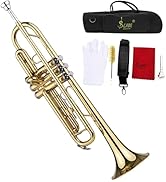
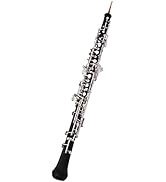
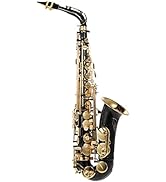
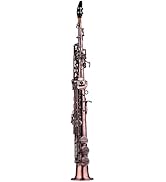
Musical Fantasy

Quality and Capacity Assured

Summina brand with the pursuit of heavenly music, we are committed to creating a unique high-quality musical instruments for sale, professional musical instruments can improve your artistic flavor and appreciation, enhance the charisma, so that ordinary you have a wonderful musical life.
Midi Drum Pad | Live Sound Card Audio Mixer | MIDI Effector | MIDI Control Keyboard | MIDI Keyboard | Audio Switcher | |
|---|---|---|---|---|---|---|
| Customer Reviews | — | — | — | — | — | — |
| Price | — | — | — | — | — | — |
| no data | no data | no data | no data | no data | no data |

How to use
1. Power on: Press and hold the power button of transmitter T and receiver R for 3 seconds to turn on. The power indicator light is always on, indicating that the power on is successful. Press and hold the power button to turn off the power, and the indicator lights are all off!
2. Pairing: The signal indicator light of transmitter T flashes, and the signal indicator light of receiver R flashes, indicating that the pairing is automatically entered. After the pairing is successful, the signal indicator lights of transmitter T and receiver R are always on, indicating that the pairing is successful! If the pairing is not successful for more than three minutes, the machine will automatically shut down and enter power saving mode! If the pairing indicator light of the receiver keeps flashing and cannot be paired, double-click the receiver power button to force pairing.
3. Use: After the pairing is successful, use a 3.5-head audio cable to insert one end into the audio input hole in the middle of transmitter T, and the other end into the 3.5MM headphone hole of the sound card/computer/mobile phone. Insert the headphone into the headphone hole of the receiver to monitor! If the sound card/computer/mobile phone does not have a 3.5MM headphone jack, you can connect the transmitter to the TYPE-C port at the bottom of the T or use an adapter cable to connect.
| Directivity | 5.8G wireless Omnidirectional (2.4g wireless headset) |
| Standby time | About 24 hours |
| Receiver distance | About 30 meters |
| Mode | Monitoring 5.8G wireless |
| Frequency response | 10 Hz- 20KHz (Hz) |
| Audio quantization sampling | 24BIT/48K |
| Transmission delay | About 6.5MS |
| Charging input | 5V/1A |
| Carrier frequency band | ISM band 5.8GHZ |
| Headphone output | 2X10OMW(32 ohms) |
| Headphone capacity transmitter | 1000MHA |
| Li-battery (receiver) | 1000MHA |
Integrate the rhythm
The pursuit of excellence, let music into life, become the perfect expression of the soul
Heartbeat melody
Outstanding musical instrument
Captivating Tunes of a Music
Note magic
musical journey
Musical Fantasy

Quality and Capacity Assured
Summina brand with the pursuit of heavenly music, we are committed to creating a unique high-quality musical instruments for sale, professional musical instruments can improve your artistic flavor and appreciation, enhance the charisma, so that ordinary you have a wonderful musical life.
