


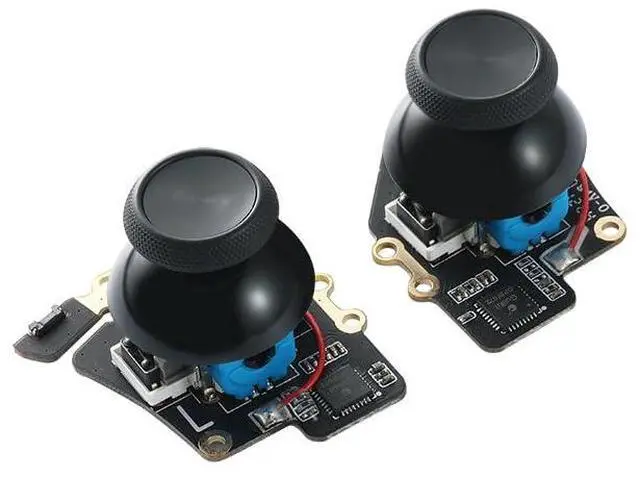
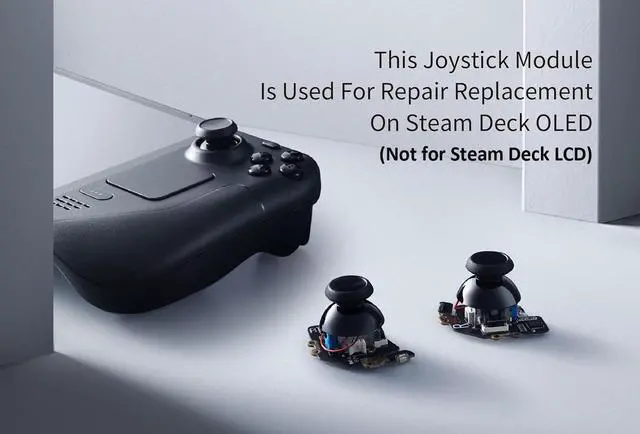
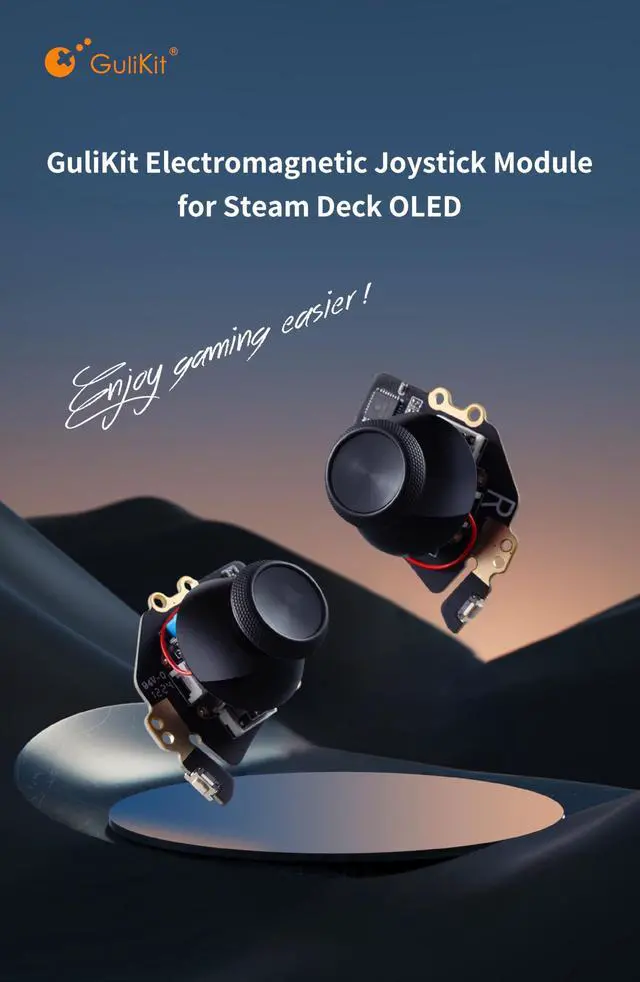
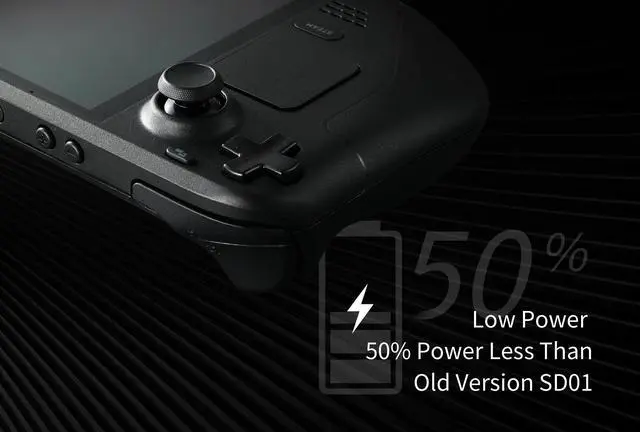
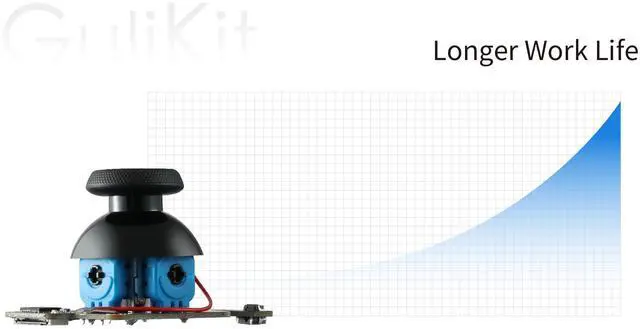


Follow the instruction to replace the original joysticks with GuliKit electromagnetic joystick modules on your Steam Deck OLED. The replacement procedure for both left and right joysticks is same.


A.Turn on steam deck oled. (Had better not install back case before finishing the calibration)
B.Press the tiny switch on the board of joystick module to get joysticks calibrated. (Please Not Touch Joysticks During The Process)
C.Enter joystick calibration interface on Steam Deck OLED to ensure the spot return to center position (0,0).
D.Then you are good to screw up the shells and use Steam Deck OLED.
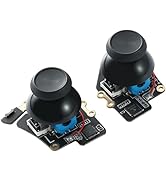
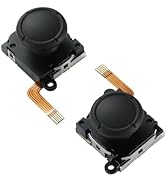
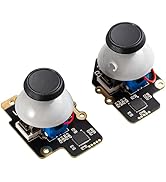
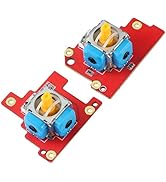
 GuliKit Hall Effect Joystick Module For Steam Deck OLED, Electromagnetic Thum... |  GuliKit Official Analog Joystick For Steam Deck |  GuliKit Hall Effect Joystick Module For ROG Ally X, Anti Drift Electromagneti... | |
|---|---|---|---|
| Customer Reviews | — | — | — |
| Price | — | — | — |
| Fit for | STEAM DECK OLED | STEAM DECK LCD (Type A&B) | ROG Ally X |
| Joystick | Hall Effect Anti-Drift | Hall Effect Anti-Drift | Hall Effect Anti-Drift |
| No Soldering | Not Needed | Not Needed | Not Needed |
| Touch Sense Stick Cap | ? | ? | / |
| Calibration Button | ? | ? | / |

GuliKit
Enjoy game easier
About Us
GuliKit is a design-driven brand of game accessories.
Everything we do is for breakthroughs and innovations. We firmly believe in thinking differently and we strive to make gaming easier and more fun.
The way we challenge the status quo is to design our products very beautiful, simple to use and user-friendly.
GuliKit,Enjoy Gaming Easier!
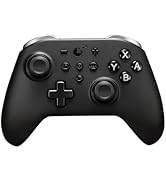
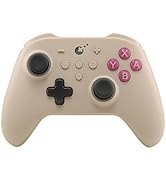
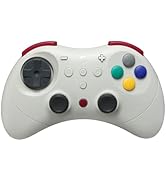
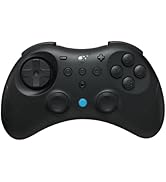
GuliKit Controllers
GuliKit Joysticks Replacement

GuliKit
Enjoy game easier
About Us
GuliKit is a design-driven brand of game accessories.
Everything we do is for breakthroughs and innovations. We firmly believe in thinking differently and we strive to make gaming easier and more fun.
The way we challenge the status quo is to design our products very beautiful, simple to use and user-friendly.
GuliKit,Enjoy Gaming Easier!
GuliKit Controllers
GuliKit Joysticks Replacement
Follow the instruction to replace the original joysticks with GuliKit electromagnetic joystick modules on your Steam Deck OLED. The replacement procedure for both left and right joysticks is same.
A.Turn on steam deck oled. (Had better not install back case before finishing the calibration)
B.Press the tiny switch on the board of joystick module to get joysticks calibrated. (Please Not Touch Joysticks During The Process)
C.Enter joystick calibration interface on Steam Deck OLED to ensure the spot return to center position (0,0).
D.Then you are good to screw up the shells and use Steam Deck OLED.
GuliKit Hall Effect Joystick Module For Steam Deck OLED, Electromagnetic Thum... | GuliKit Official Analog Joystick For Steam Deck | GuliKit Hall Effect Joystick Module For ROG Ally X, Anti Drift Electromagneti... | |
|---|---|---|---|
| Customer Reviews | — | — | — |
| Price | — | — | — |
| Fit for | STEAM DECK OLED | STEAM DECK LCD (Type A&B) | ROG Ally X |
| Joystick | Hall Effect Anti-Drift | Hall Effect Anti-Drift | Hall Effect Anti-Drift |
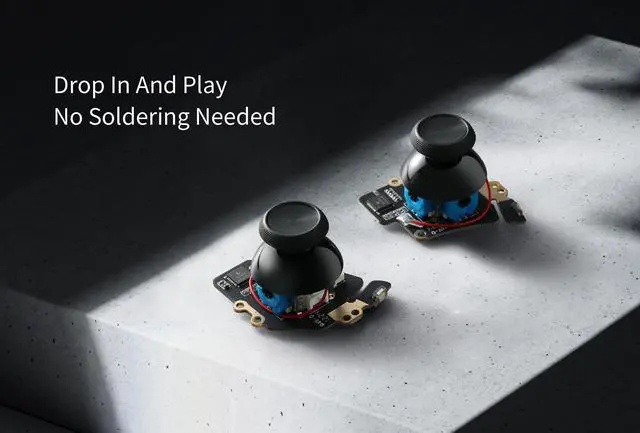
| No Soldering | Not Needed | Not Needed | Not Needed |
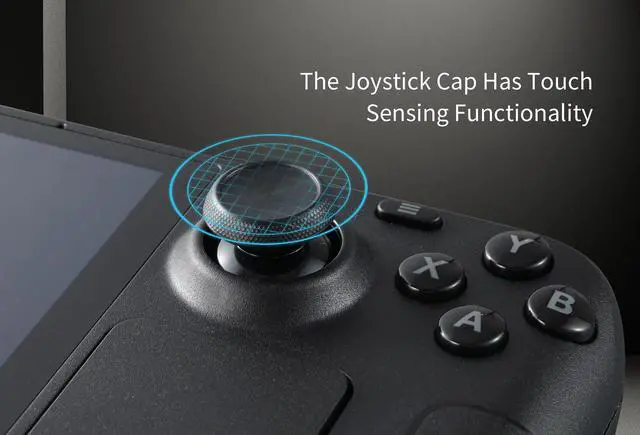
| Touch Sense Stick Cap | ? | ? | / |
| Calibration Button | ? | ? | / |