





- From conception to production, Haiway upholds a staunch commitment to quality and innovation, incorporating cutting-edge technology into every step of the process.
- We believe that our monitors are not just tools, but rather sources of inspiration, unlocking new possibilities and helping users to achieve their goals.
- We are unwavering in providing the best service to our customers.
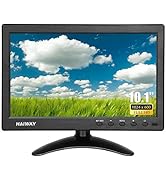
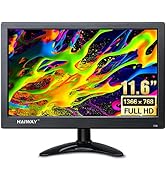
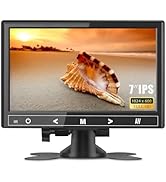
Productivity On-the-Go
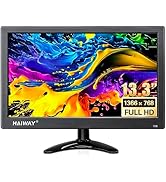
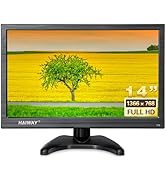
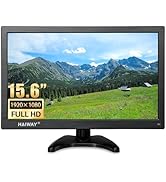
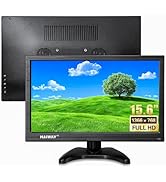
Haiway Small Monitor Series
Meeting Various Daily Needs
Plug and Play Technology
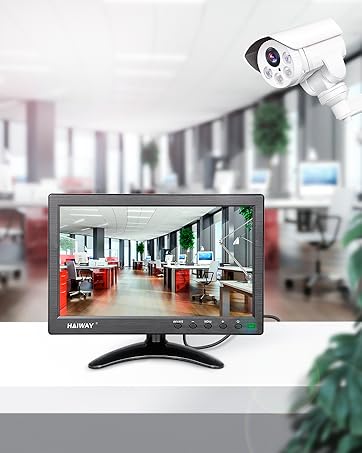
Monitor For Security System
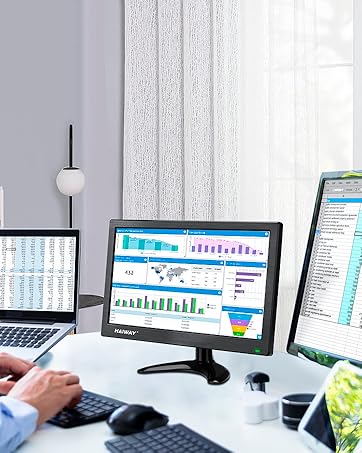
Second Monitor For Home Office
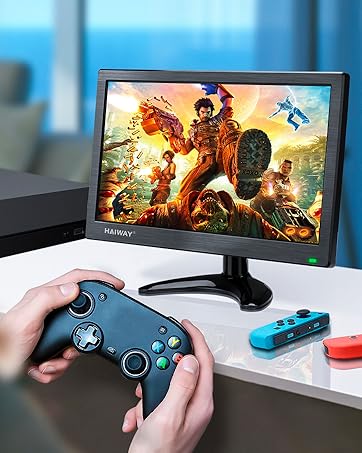
HDMI/VGA Hook Up Game Devices
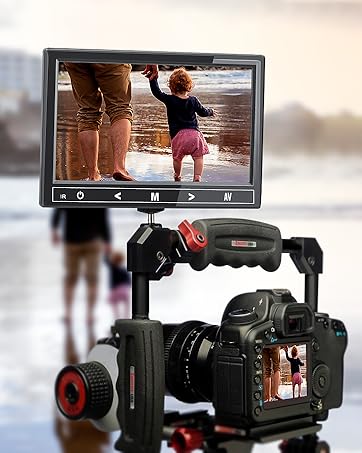
Small HD Monitor For Camera

Your All-in-One Solution for Enhanced Connectivity and Optimal CD DVD Experience
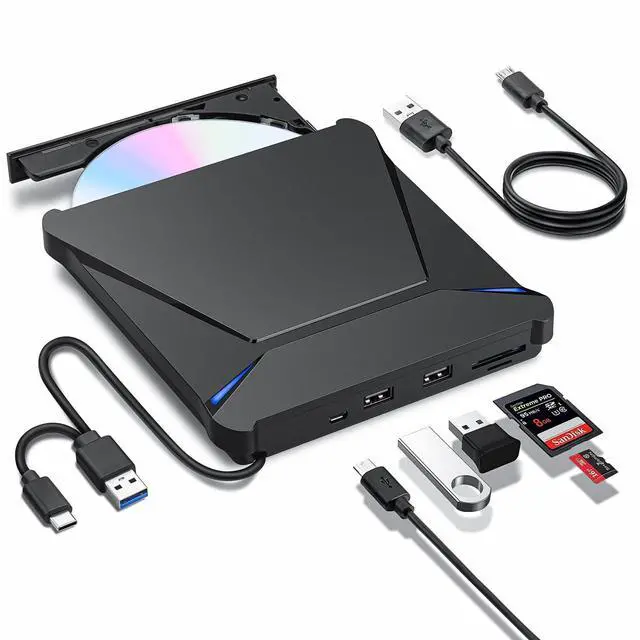
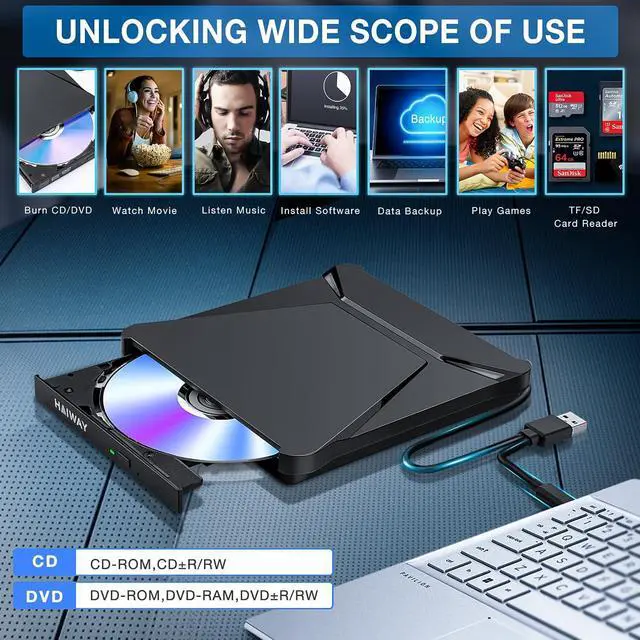
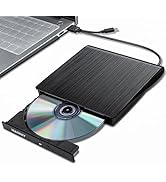
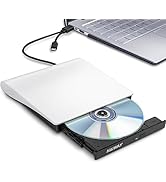
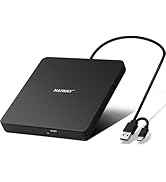
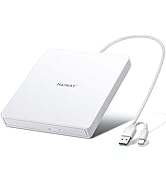
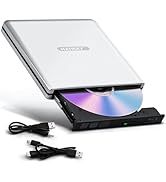
Since many modern laptops and desktop computers lack an internal CD/DVD drive, this Haiway USB 3.0 Type-C External CD/DVD Drive for laptop is an excellent solution for reading, writing, and rewriting CDs and DVDs, as easy as a built-in optical drive.
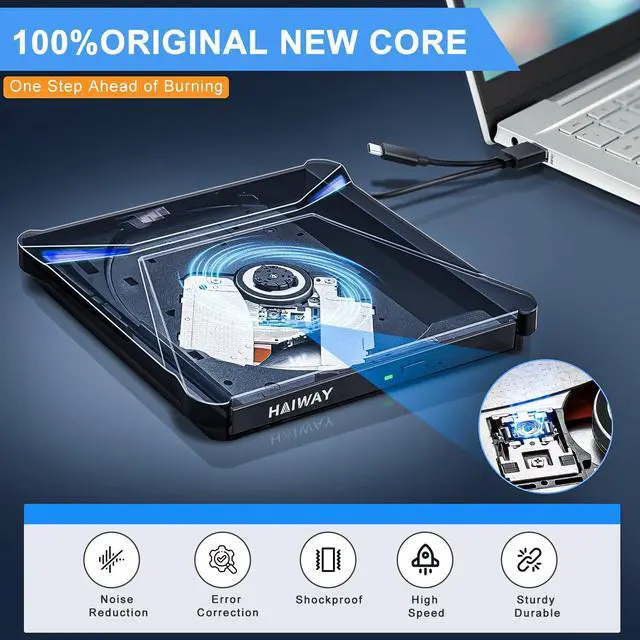
Haiway external usb cd/dvd drive features a sleek and sophisticated design inspired by the eagle’s sharp vision

USB 3.0 Type-C High-Speed External CD DVD Drive for Mac PC
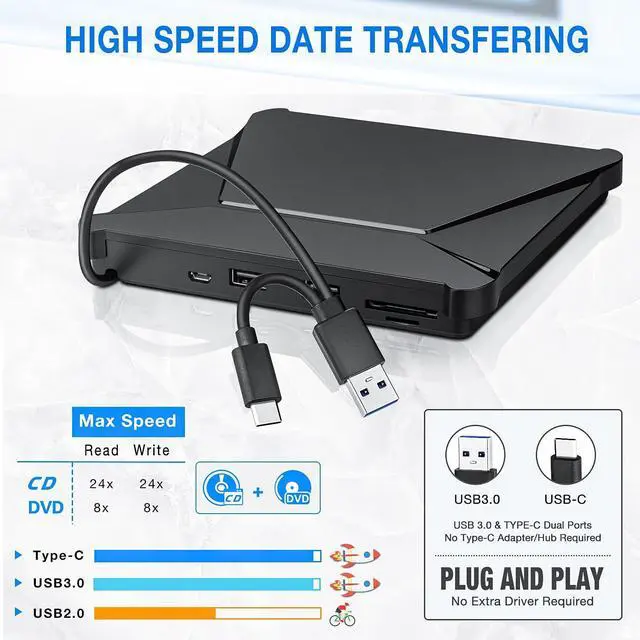
The CD/DVD Burner utilizes USB 3.0 for lightning-fast performance, boasting a blazing 5 Gigabits per second (625MB/s) data transfer rate, about 10 times faster than USB 2.0.
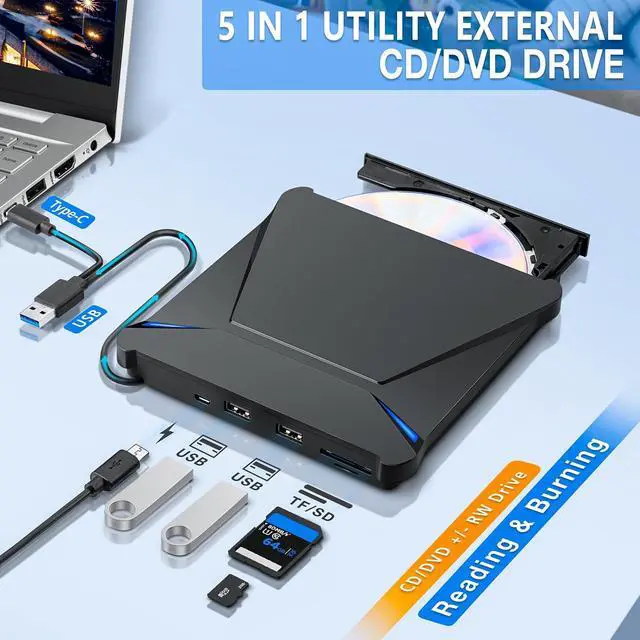
Supported Disc Types: CD-ROM, CD-R, CD±RW, DVD-ROM, DVD-RAM, DVD±R, DVD±RW, DVD±R DL, VCD and SVCD
Supported Discs Read and Write Speeds: CD-ROM 24x, CD-R 24x, CD±RW 8x, DVD-ROM 8x, DVD±R 8x, DVD±RW 8x, DVD±R DL 4x

External CD DVD Burner and Reader with USB Ports SD/TF Slots
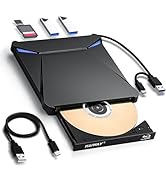
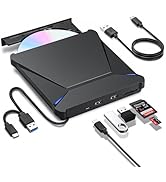
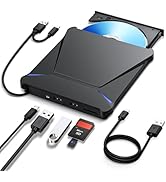
This drive can not only read, burn, and copy CD and DVD discs, but also be used as a USB hub, alleviating the trouble of insufficient interfaces on your computer.
2x USB 3.0 Input Ports: Compatible with the external hard drive, wired mouse or keyboard, flash drive, and other USB accessories;
1x SD/micro-SD Card Slots: The SD/TF card reader are perfect for transferring photos and video files by your camera from cards to computer.

Multi-functional External CD/DVD RW Drive
Plug and Play
You can use this usb cd dvd drive to play movie DVDs or music CDs, burn music/ photos/ videos/ files to blank CDs/DVDs, copy media or data files from CDs/DVDs to your computer (digitize your discs), install software/ system/ games, etc.
* Please make sure your computer has an available media player, burning, or ripping software before using it.

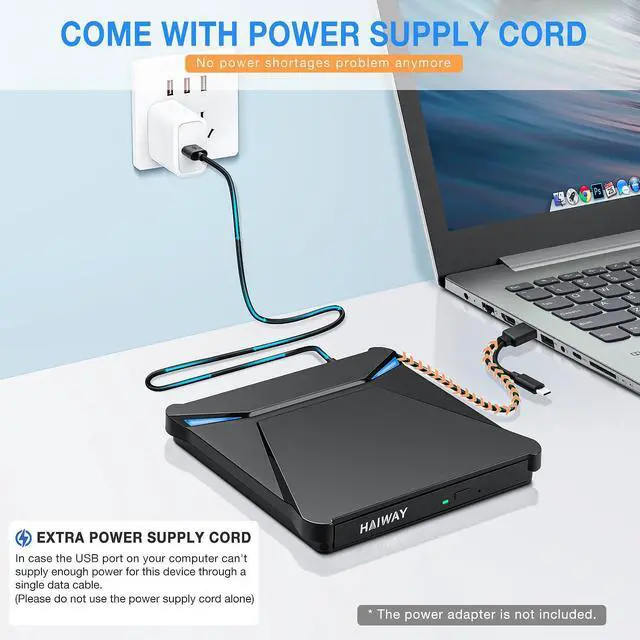
Additional Extra Power Supply Cable
When the external CD/DVD drive for laptop power is insufficient, please use the included power cord to connect an additional power source.
* If your computer can provide enough power through the USB 3.0 or USB-C data cable, you do not need to use this power supply cable.

Designed to be slim and lightweight, our External DVD Drive allows you to carry it with you wherever you go.

Say goodbye to compatibility worries and enjoy the convenience and fun brought by this external DVD drive
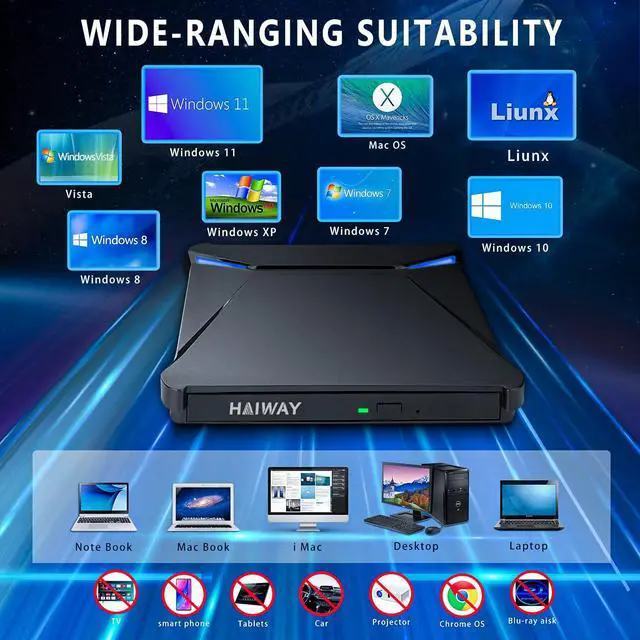
Compatible Operating System: Windows 11/10/8/7/XP, Windows Vista7/8, Mac OS, Linux
Compatible Devices: MacBook, Mac, iMac, laptop, desktop, PC and notebook computers
Warm Tips:
1.This external DVD/CD drive Not compatible with tablet, TV, car, smart phone, projector, Surface Pro series, Chromebook and Blu-ray disc.
2.Customers who use Windows 10 and above Windows system are advised to install VLC Media Player to play DVD/CD discs.
3.There is a reset hole next to the eject button. If the tray does not eject normally, you can use the pin to eject the tray from the reset hole.
4.Please hook up the external CD burner to the direct USB C or USB port on your computer. If you connect it to a USB hub or extension cords, it maybe can't recognize the Driver.
5.For the desktops, please connect the external DVD drive to the USB port of the motherboard for normal use.
6.For Mac OS computers, to eject a disc, please right-click on the icon on the desktop and select the "eject", or choose "File" > "Eject" button, the eject button on the drive is disabled due to macOS limitations.
7.If the data cable is too short for you, you can try a <3ft extension cord.
8.Please keep your CD/DVD drive flat and ensure that your disc is securely fixed on the tray.
9.Data transfer speed is also affected by the computer and system environments.
Your All-in-One Solution for Enhanced Connectivity and Optimal CD DVD Experience
Since many modern laptops and desktop computers lack an internal CD/DVD drive, this Haiway USB 3.0 Type-C External CD/DVD Drive for laptop is an excellent solution for reading, writing, and rewriting CDs and DVDs, as easy as a built-in optical drive.
Haiway external usb cd/dvd drive features a sleek and sophisticated design inspired by the eagle’s sharp vision
USB 3.0 Type-C High-Speed External CD DVD Drive for Mac PC
The CD/DVD Burner utilizes USB 3.0 for lightning-fast performance, boasting a blazing 5 Gigabits per second (625MB/s) data transfer rate, about 10 times faster than USB 2.0.
Supported Disc Types: CD-ROM, CD-R, CD±RW, DVD-ROM, DVD-RAM, DVD±R, DVD±RW, DVD±R DL, VCD and SVCD
Supported Discs Read and Write Speeds: CD-ROM 24x, CD-R 24x, CD±RW 8x, DVD-ROM 8x, DVD±R 8x, DVD±RW 8x, DVD±R DL 4x
External CD DVD Burner and Reader with USB Ports SD/TF Slots
This drive can not only read, burn, and copy CD and DVD discs, but also be used as a USB hub, alleviating the trouble of insufficient interfaces on your computer.
2x USB 3.0 Input Ports: Compatible with the external hard drive, wired mouse or keyboard, flash drive, and other USB accessories;
1x SD/micro-SD Card Slots: The SD/TF card reader are perfect for transferring photos and video files by your camera from cards to computer.
Multi-functional External CD/DVD RW Drive
Plug and Play
You can use this usb cd dvd drive to play movie DVDs or music CDs, burn music/ photos/ videos/ files to blank CDs/DVDs, copy media or data files from CDs/DVDs to your computer (digitize your discs), install software/ system/ games, etc.
* Please make sure your computer has an available media player, burning, or ripping software before using it.
Additional Extra Power Supply Cable
When the external CD/DVD drive for laptop power is insufficient, please use the included power cord to connect an additional power source.
* If your computer can provide enough power through the USB 3.0 or USB-C data cable, you do not need to use this power supply cable.
Designed to be slim and lightweight, our External DVD Drive allows you to carry it with you wherever you go.
Say goodbye to compatibility worries and enjoy the convenience and fun brought by this external DVD drive
Compatible Operating System: Windows 11/10/8/7/XP, Windows Vista7/8, Mac OS, Linux
Compatible Devices: MacBook, Mac, iMac, laptop, desktop, PC and notebook computers
Warm Tips:
1.This external DVD/CD drive Not compatible with tablet, TV, car, smart phone, projector, Surface Pro series, Chromebook and Blu-ray disc.
2.Customers who use Windows 10 and above Windows system are advised to install VLC Media Player to play DVD/CD discs.
3.There is a reset hole next to the eject button. If the tray does not eject normally, you can use the pin to eject the tray from the reset hole.
4.Please hook up the external CD burner to the direct USB C or USB port on your computer. If you connect it to a USB hub or extension cords, it maybe can't recognize the Driver.
5.For the desktops, please connect the external DVD drive to the USB port of the motherboard for normal use.
6.For Mac OS computers, to eject a disc, please right-click on the icon on the desktop and select the "eject", or choose "File" > "Eject" button, the eject button on the drive is disabled due to macOS limitations.
7.If the data cable is too short for you, you can try a <3ft extension cord.
8.Please keep your CD/DVD drive flat and ensure that your disc is securely fixed on the tray.
9.Data transfer speed is also affected by the computer and system environments.
- From conception to production, Haiway upholds a staunch commitment to quality and innovation, incorporating cutting-edge technology into every step of the process.
- We believe that our monitors are not just tools, but rather sources of inspiration, unlocking new possibilities and helping users to achieve their goals.
- We are unwavering in providing the best service to our customers.
Productivity On-the-Go
Haiway Small Monitor Series
Meeting Various Daily Needs
Plug and Play Technology
Monitor For Security System
Second Monitor For Home Office
HDMI/VGA Hook Up Game Devices
Small HD Monitor For Camera