
Your Browsing History






Any questions? Our AI beta will help you find out quickly.
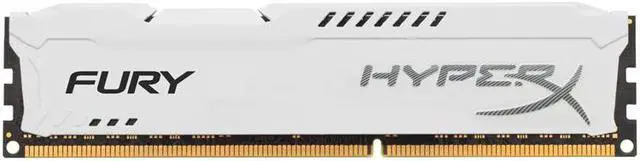
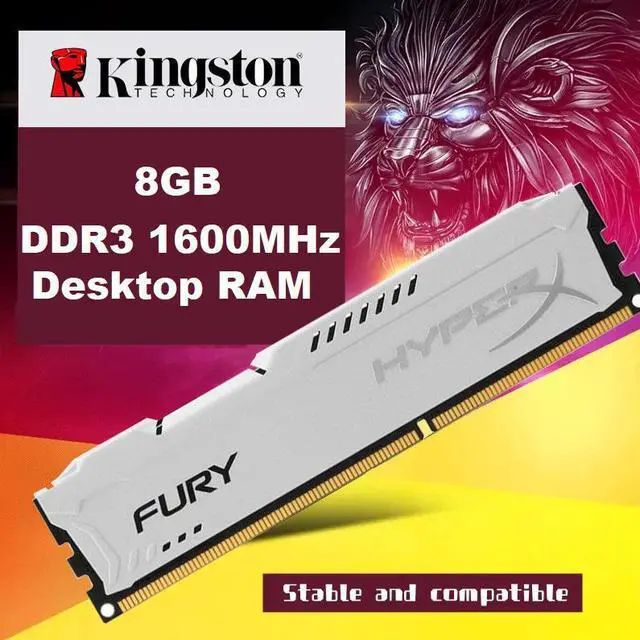
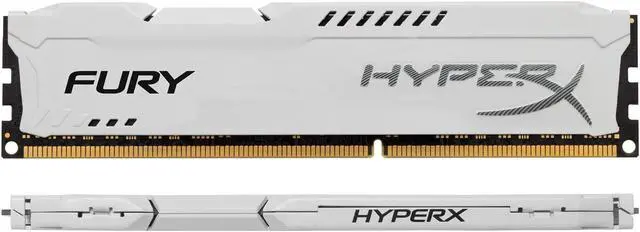
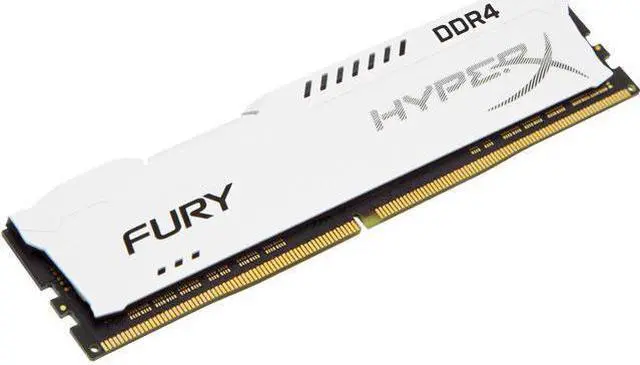
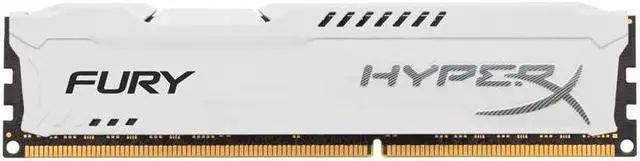
* Brand: HyperX
* Application: Desktop
* Memory Type: DDR3
* Memory Capacity: 4GB / 8GB
* Mail Frequency: 1600MHz
* Voltage: 1.5V
* Number of Pins: 240 Pins
Some usefully tips to solve the problems when the ram can not work well
1. Windows often boot into safe mode automatically
----Please try to slow the speed of data read in BIOS setting.
2. Computer crash randomly
----Please try to slow the speed of data read in BIOS setting. If no work, same frequency RAM should be used.
3. Computer no boot or blue screen of death
----Please check your device's specifications and ensure that ram model is correct, ram slot are all in good condition, ram installed dont exceed the maximum memory.
----Please wipe connection figure gently with eraser gently and clean out RAM slots with canned air prior to installing, then reinstall. (dont use corrosives, such as ethyl alcohol. )