Out of stock
This item is currently out of stock and it may or may not be restocked.
Sold by Newegg

Shipped by Newegg

Shop it at NeweggBusiness.

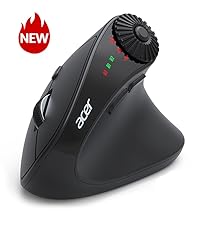
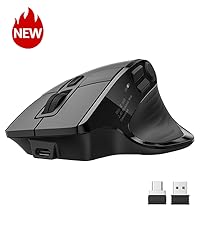
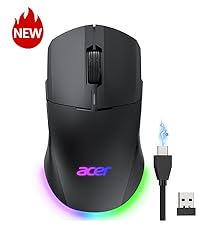
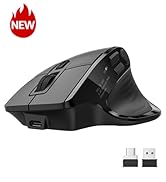
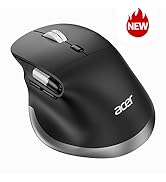
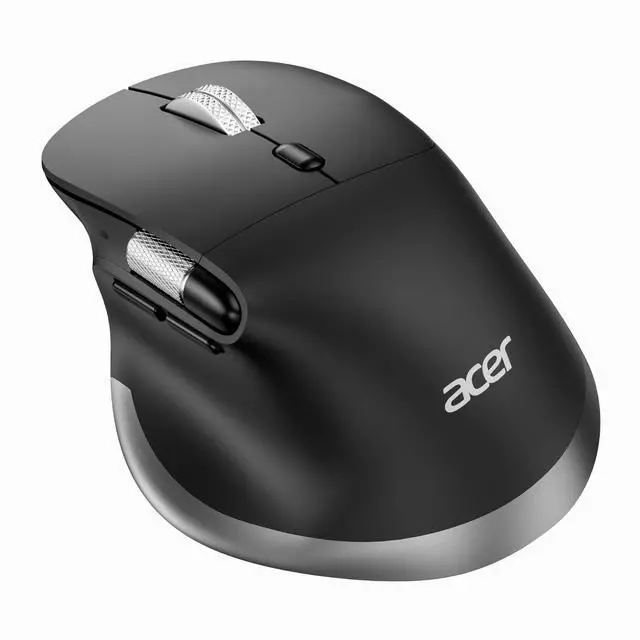
Ergonomic Mouse Wireless Rechargeable with Side Scroll (BT5.2+2.4GHz), Bluetooth Computer Mouse for Laptop, Medium to Large Sized Hands, Office USB Mice, 8 Buttons, 4800 DPI for PC, MacBook Neo

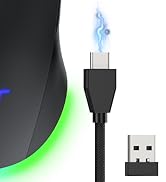
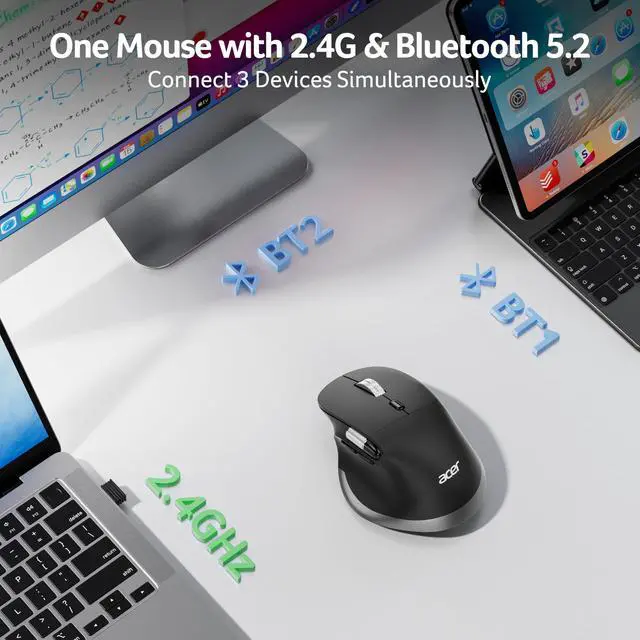
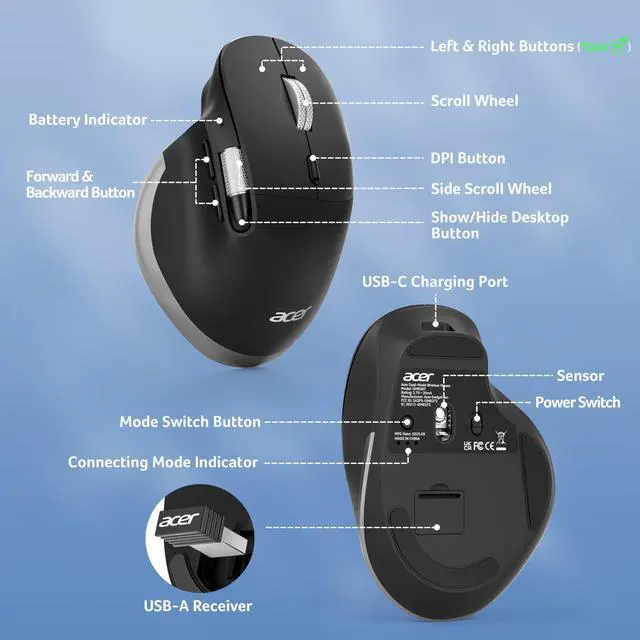
  • Switch Effortlessly Across 3 DevicesThis dual-mode bluetooth mouse for laptop allows you to switch between 2.4G and Bluetooth (2.4G, BT1, BT2) with a single click of the Mode Switch Button, allowing for seamless connection across three devices. Boost your productivity by effortlessly switching between your computer, laptop, tablet and Macbook Neo. Note: Bluetooth mode and 2.4G mode cannot be used simultaneously.
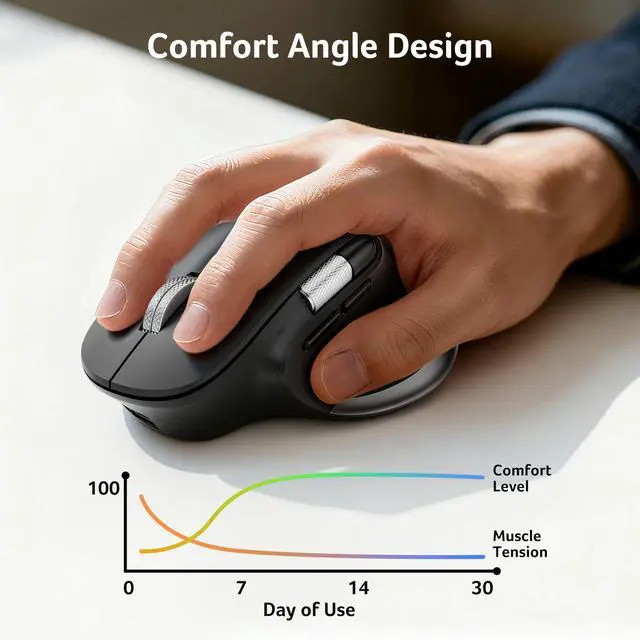
  • Ergonomic Design for Lasting ComfortThis ergonomic mouse wireless positions medium to large sized hands in a natural handshake posture. The computer mouse maintains neutral wrist and arm alignment to reduce pressure and pain. With a moderate weight of 108g, it ensures smoother operation, less strain, and prolonged comfort during extended use. For comfort, require 1-2 weeks of adjustment.
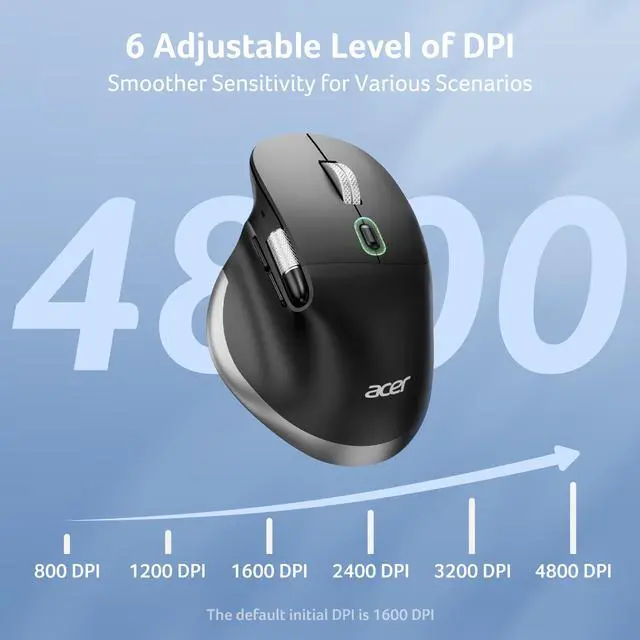
  • 6-Level DPI ControlThis cordless mouse offers 6 adjustable DPI settings (800/1200/1600/2400/3200/4800), allowing you to adjust sensitivity for precise design work. Easily switch sensitivity for a seamless workflow and enhance productivity.
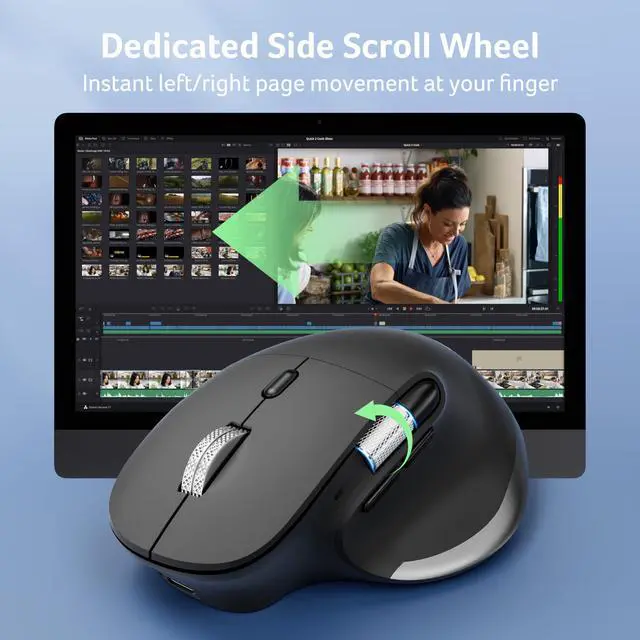
  • Seamless Thumb-ScrollingExperience instant left and right page movement right under your thumb. This side scroll wheel enables effortless horizontal navigation, perfect for video editing, spreadsheets, timelines, and wide documents. Glide seamlessly through your work without lifting your hand. Note: .
Overview
Specs
Reviews
avatar

Any questions? Our AI beta will help you find out quickly.

wireless mouse

Dual-mode and Rechargeable Mouse for Medium to Large Hand-sized Users

Q1 Why is my wireless mouse not working?
- 1. Ensure the mouse is fully charged. 2. Make sure the power switch at the bottom of the mouse is turned on. 3. Ensure the USB receiver is properly connected to your computer. 4. Keep the mouse within 10 meters of your computer for optimal performance.
Q2 Why does the ergonomic mouse feel uncomfortable?
- 1. Switching from a traditional to an ergonomic mouse may require 1-2 weeks of adjustment. 2. Please adjust your grip to allow your palm to naturally fit the curve of the mouse to reduce hand fatigue.
Q3 How to wake up the mouse?
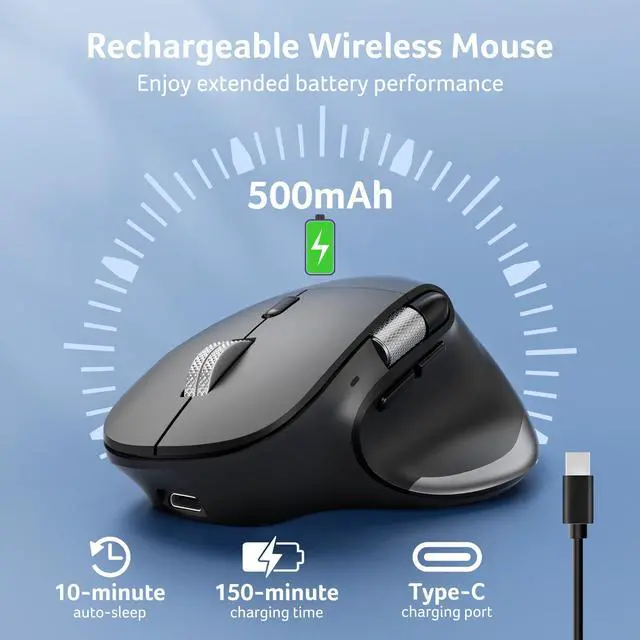
- The wireless mouse enters sleep mode after 10 minutes of inactivity, you can move the mouse to wake up.
Q4 How to solve the problem of mouse lagging?
- 1. Please fully charge the mouse. 2. The mouse can be used within an 8m range from the computer. 3. Long press the Left & Right Buttons and Scroll Wheel, plug in the USB receiver and re-match the code.
Q5 Can this mouse be connected via Bluetooth?
- Yes, you can connect with "OMR272 BT-1 / BT-2" via Bluetooth
Q6 Is this mouse suitable for all hand sizes?
- This mouse prefer medium to large sized hands users. This mouse is L 4.7 inches, W 3.1 inches, H 1.9 inches, and a weight of 3.8oz.
Q7 Does this mouse make clicking sounds when used?
- Yes, this mouse has a crisp clicks.
Q8 Does this mouse have programmable buttons?
- No, this mouse cannot be programmed.

Acer Mouse

https://m.media-amazon.com/images/S/aplus-media-library-service-media/107bdc4c-dd46-47a9-a56f-8998d487aa6a.__AC_SR200,225___.jpg

Ergonomic Mouse OMR272

https://m.media-amazon.com/images/S/aplus-media-library-service-media/869d7f7f-67e4-4c9d-8632-063ff54de349.__CR0,0,400,450_PT0_SX200_V1___.jpg

Ergonomic Mouse OMR290

https://m.media-amazon.com/images/S/aplus-media-library-service-media/e2522394-a0e8-432a-9620-2877572c185f.__CR0,0,400,450_PT0_SX200_V1___.jpg

Ergonomic Mouse OMR289

https://m.media-amazon.com/images/S/aplus-media-library-service-media/b325ea94-f0a9-409b-a70a-6d1c25cbfe61.__CR0,0,400,450_PT0_SX200_V1___.jpg

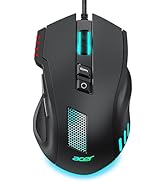
Gaming Mouse OMR279

https://m.media-amazon.com/images/S/aplus-media-library-service-media/ff1aadfc-f04f-485f-bd81-33a77003e6b6.__CR0,0,400,450_PT0_SX200_V1___.jpg

Keyboard and Mouse Combo

Customer Reviews
Price
DPI
800,1200,1600,2400,3200,4800 1200,2400,3200,4000 1200,1600,2400,3200,4000 1200,1600,2400,5000,12K,24K 800,1200,1600
Side Butoon
? ? ? ? ?
Power Supply
Rechargeable 2 AAA batteries (Not included) Rechargeable Rechargeable 1 AA + 2 AAA (Not Included)
Bluetooth
? ? ? ? ?
Connection
Bluetooth and 2.4Ghz Wireless Bluetooth and 2.4Ghz Wireless Bluetooth, 2.4Ghz and Wired 2.4Ghz Wireless and Wired 2.4Ghz Wireless
Buttons
8 8 9 8 6
Visible Indicator Light
? ? ? ? ?
OLED Screen
? ? ? ? ?
mouse

Dual-mode and Rechargeable Mouse for Medium to Large Hand-sized Users

Q1 Why is my wireless mouse not working?
- 1. Ensure the mouse is fully charged. 2. Make sure the power switch at the bottom of the mouse is turned on. 3. Ensure the USB receiver is properly connected to your computer. 4. Keep the mouse within 10 meters of your computer for optimal performance.
Q2 Why does the ergonomic mouse feel uncomfortable?
- 1. Switching from a traditional to an ergonomic mouse may require 1-2 weeks of adjustment. 2. Please adjust your grip to allow your palm to naturally fit the curve of the mouse to reduce hand fatigue.
Q3 How to wake up the mouse?
- The wireless mouse enters sleep mode after 10 minutes of inactivity, you can move the mouse to wake up.
Q4 How to solve the problem of mouse lagging?
- 1. Please fully charge the mouse. 2. The mouse can be used within an 8m range from the computer. 3. Long press the Left & Right Buttons and Scroll Wheel, plug in the USB receiver and re-match the code.
Q5 Can this mouse be connected via Bluetooth?
- Yes, you can connect with "OMR272 BT-1 / BT-2" via Bluetooth
Q6 Is this mouse suitable for all hand sizes?
- This mouse prefer medium to large sized hands users. This mouse is L 4.7 inches, W 3.1 inches, H 1.9 inches, and a weight of 3.8oz.
Q7 Does this mouse make clicking sounds when used?
- Yes, this mouse has a crisp clicks.
Q8 Does this mouse have programmable buttons?
- No, this mouse cannot be programmed.

Acer Mouse

https://m.media-amazon.com/images/S/aplus-media-library-service-media/107bdc4c-dd46-47a9-a56f-8998d487aa6a.__AC_SR200,225___.jpg

Ergonomic Mouse OMR272

https://m.media-amazon.com/images/S/aplus-media-library-service-media/869d7f7f-67e4-4c9d-8632-063ff54de349.__CR0,0,400,450_PT0_SX200_V1___.jpg

Ergonomic Mouse OMR290

https://m.media-amazon.com/images/S/aplus-media-library-service-media/e2522394-a0e8-432a-9620-2877572c185f.__CR0,0,400,450_PT0_SX200_V1___.jpg

Ergonomic Mouse OMR289

https://m.media-amazon.com/images/S/aplus-media-library-service-media/b325ea94-f0a9-409b-a70a-6d1c25cbfe61.__CR0,0,400,450_PT0_SX200_V1___.jpg

Gaming Mouse OMR279

https://m.media-amazon.com/images/S/aplus-media-library-service-media/ff1aadfc-f04f-485f-bd81-33a77003e6b6.__CR0,0,400,450_PT0_SX200_V1___.jpg

Keyboard and Mouse Combo

Customer Reviews
Price
DPI
800,1200,1600,2400,3200,4800 1200,2400,3200,4000 1200,1600,2400,3200,4000 1200,1600,2400,5000,12K,24K 800,1200,1600
Side Butoon
? ? ? ? ?
Power Supply
Rechargeable 2 AAA batteries (Not included) Rechargeable Rechargeable 1 AA + 2 AAA (Not Included)
Bluetooth
? ? ? ? ?
Connection
Bluetooth and 2.4Ghz Wireless Bluetooth and 2.4Ghz Wireless Bluetooth, 2.4Ghz and Wired 2.4Ghz Wireless and Wired 2.4Ghz Wireless
Buttons
8 8 9 8 6
Visible Indicator Light
? ? ? ? ?
OLED Screen
? ? ? ? ?
Ergonomic Mouse Wireless Rechargeable with Side Scroll (BT 5.2 + 2.4GH z), Bluetooth Computer Mouse for Laptop, Medium to Large Sized Hands, Office USB Mice, 8 Buttons, 4800 DPI for PC, MacBook Neo

Warranty & Returns

Warranty, Returns, And Additional Information

Return Policies

LOADING...