




ProtoArc Bluetooth Rechargeable Vertical Mouse

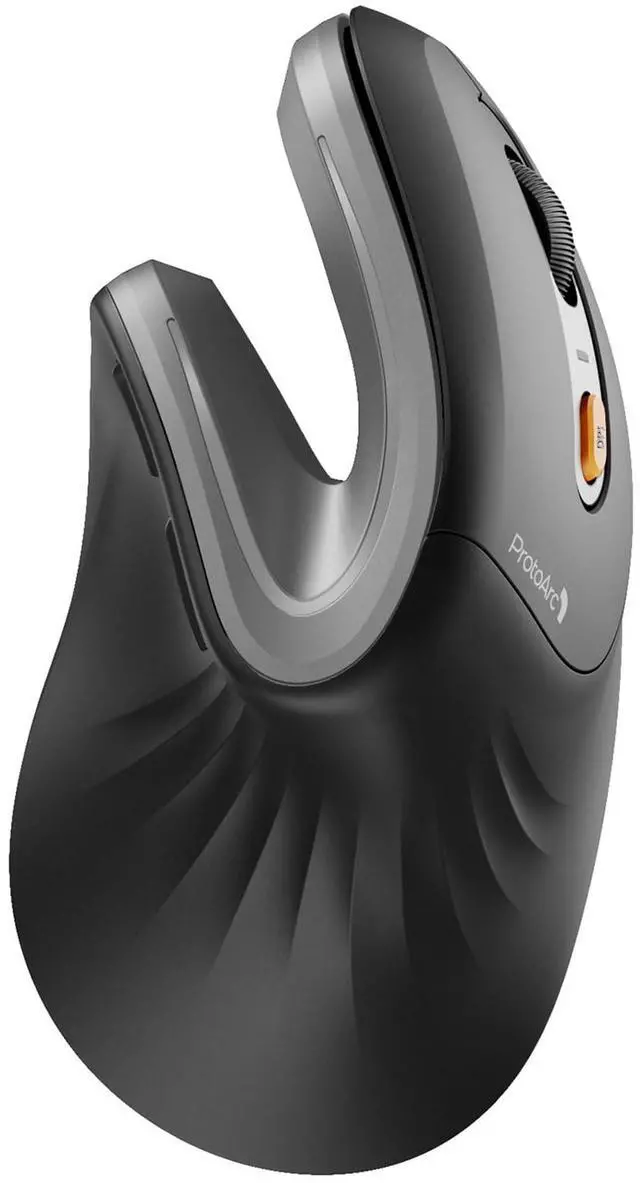
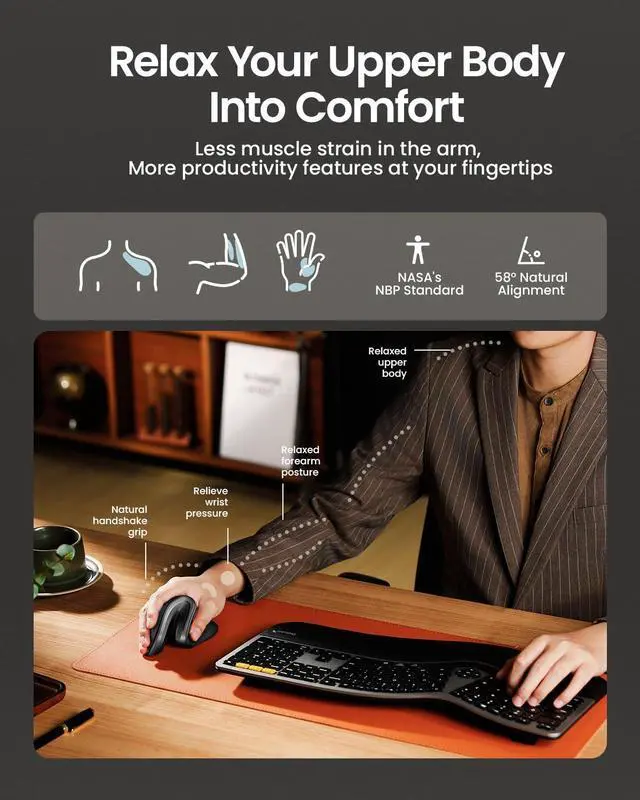
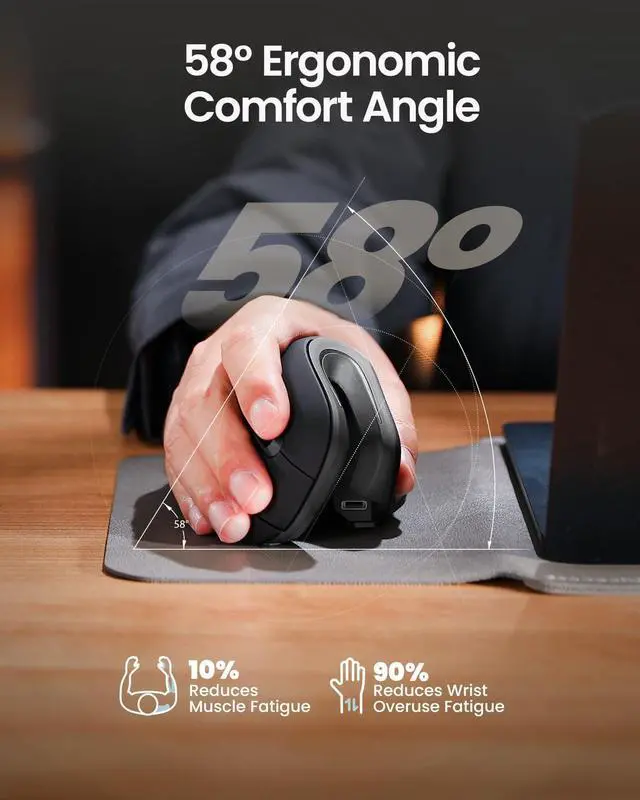
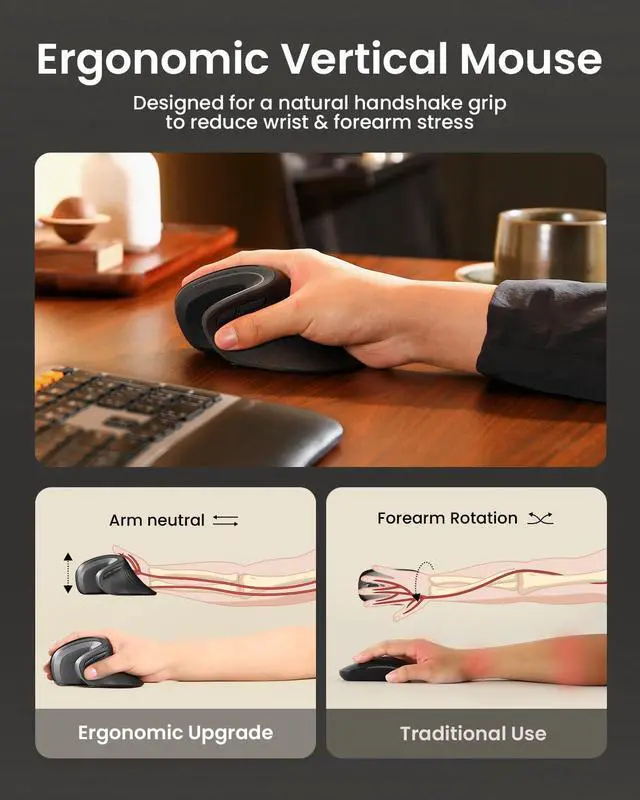
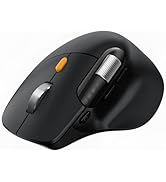
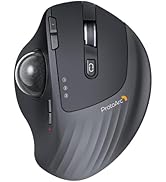
ProtoArc ergonomic mouse features an ergonomic design, specifically crafted for users who spend long hours on the computer, effectively reducing wrist strain
Note: All buttons are not programmable and the forward and back buttons are not compatible with Mac OS systems


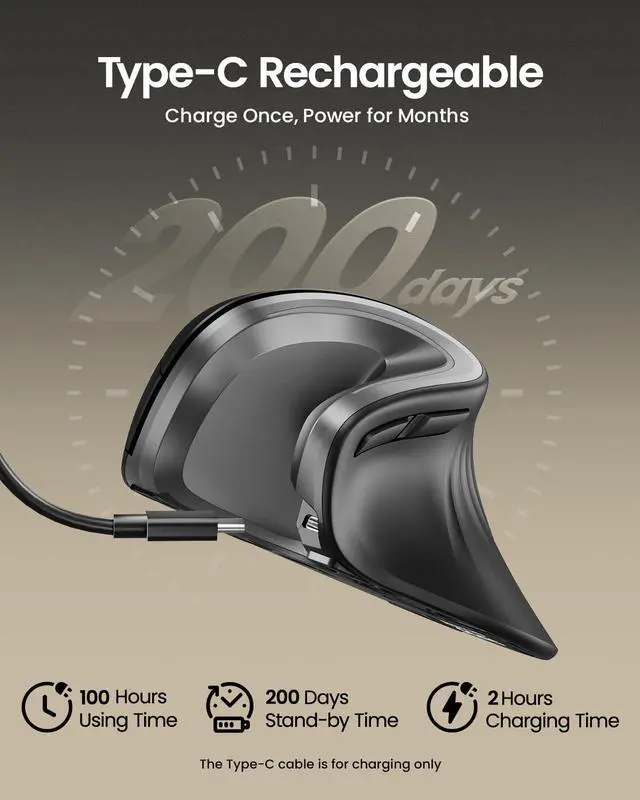
All-Day Power with Fast USB-C Charging

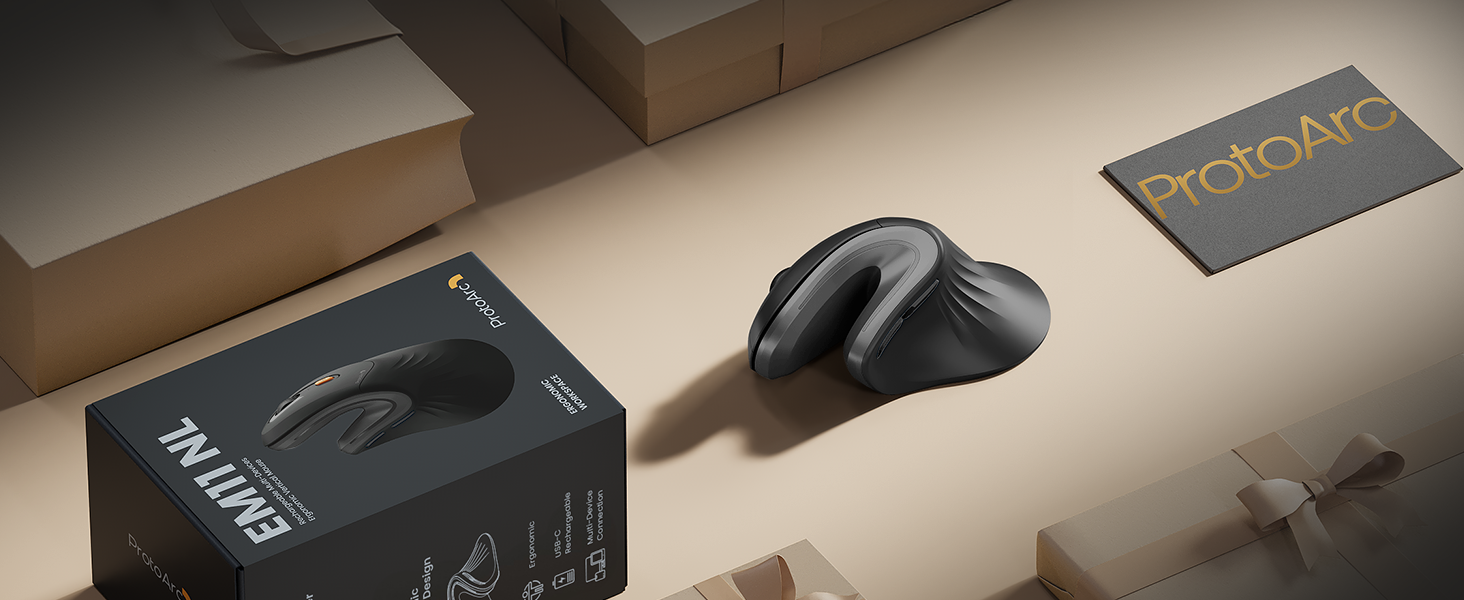
ProtoArc EM11 NL ergonomic mouse delivers exceptional comfort for long hours, seamless multi-device connectivity, and impressive battery life in a premium ergonomic design.


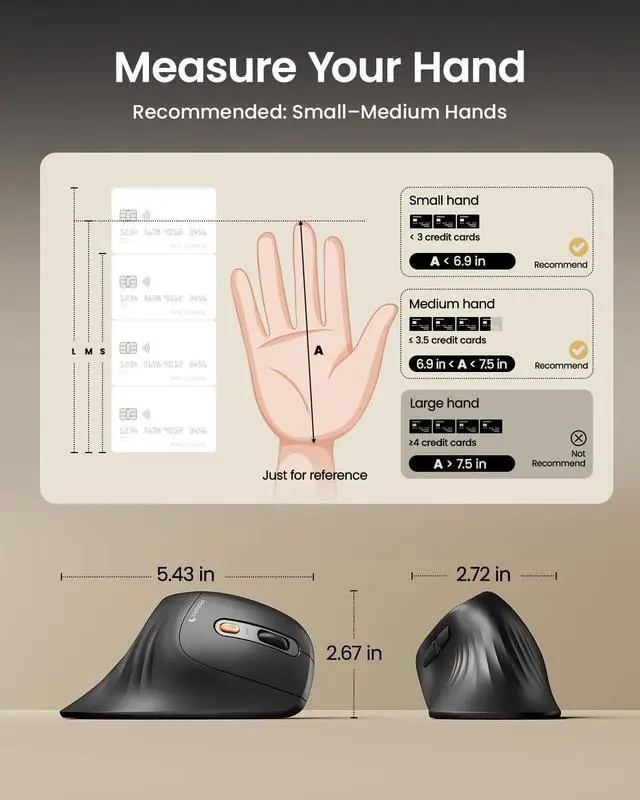
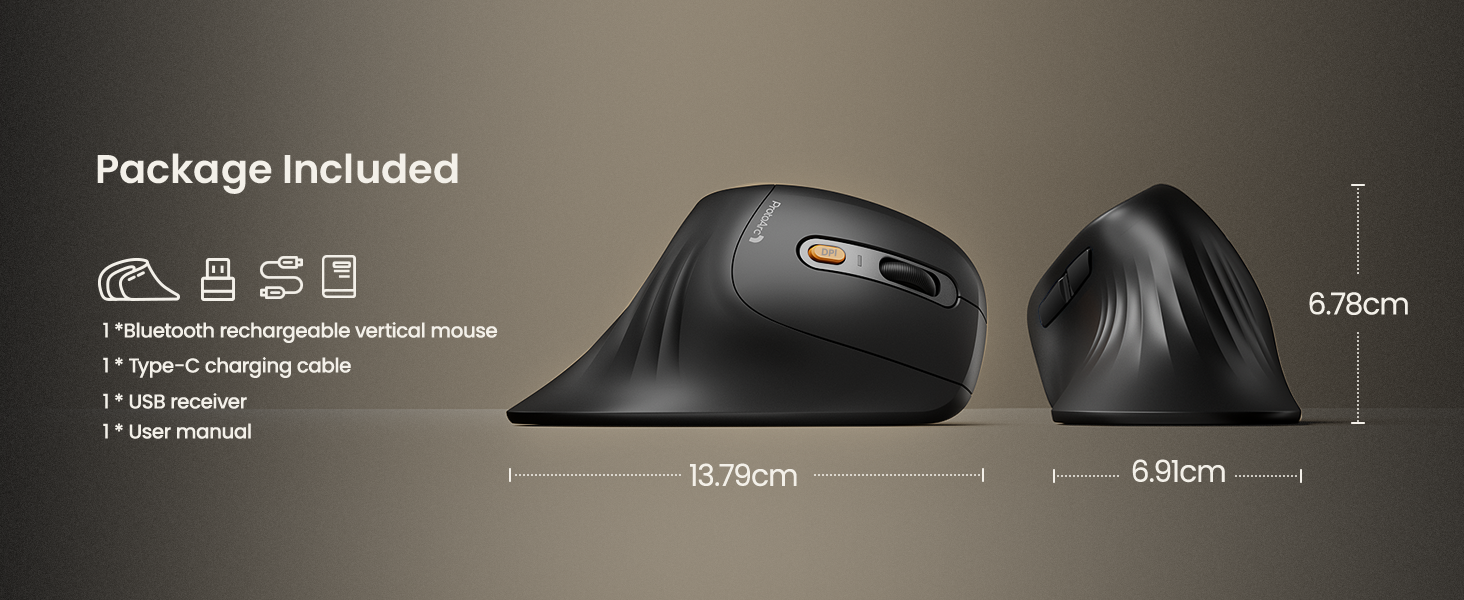
Measure Your Hand First

Warm tips: Since it takes a learning curve to get used to the shape when using our ergonomic mouse for the first time, it may cause inconvenience to your mouse grip, but our ergonomic design will help reduce the pressure and pain on your wrist caused by long-term use of the mouse
Wireless Ergonomic Combo is Designed for Premium Comfort and Productivity
Pair with EK01 Plus Backlit Ergonomic Keyboard
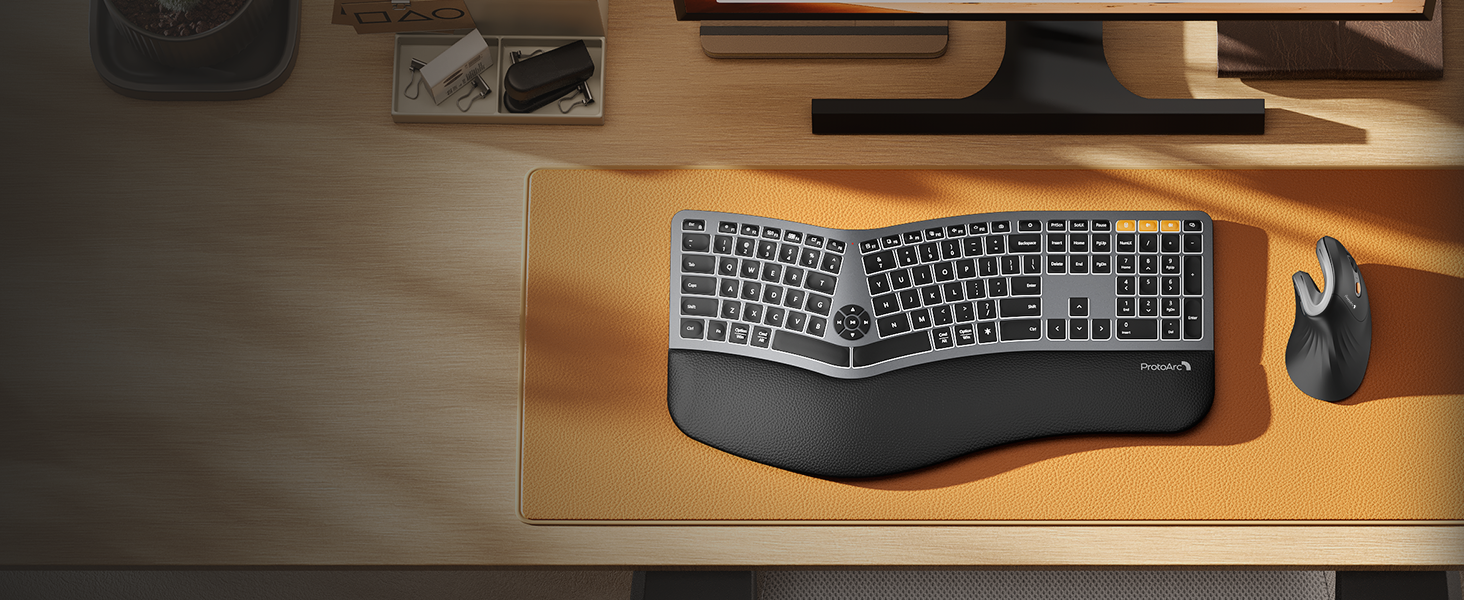
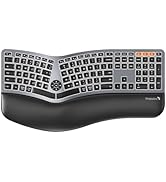
Type more naturally with ProtoArc EK01 Plus. The ergo keyboard with cushioned palm rest, curved split keyframe and responsive scissor keys - Reduces wrist strain, keep your hands and shoulder relaxed
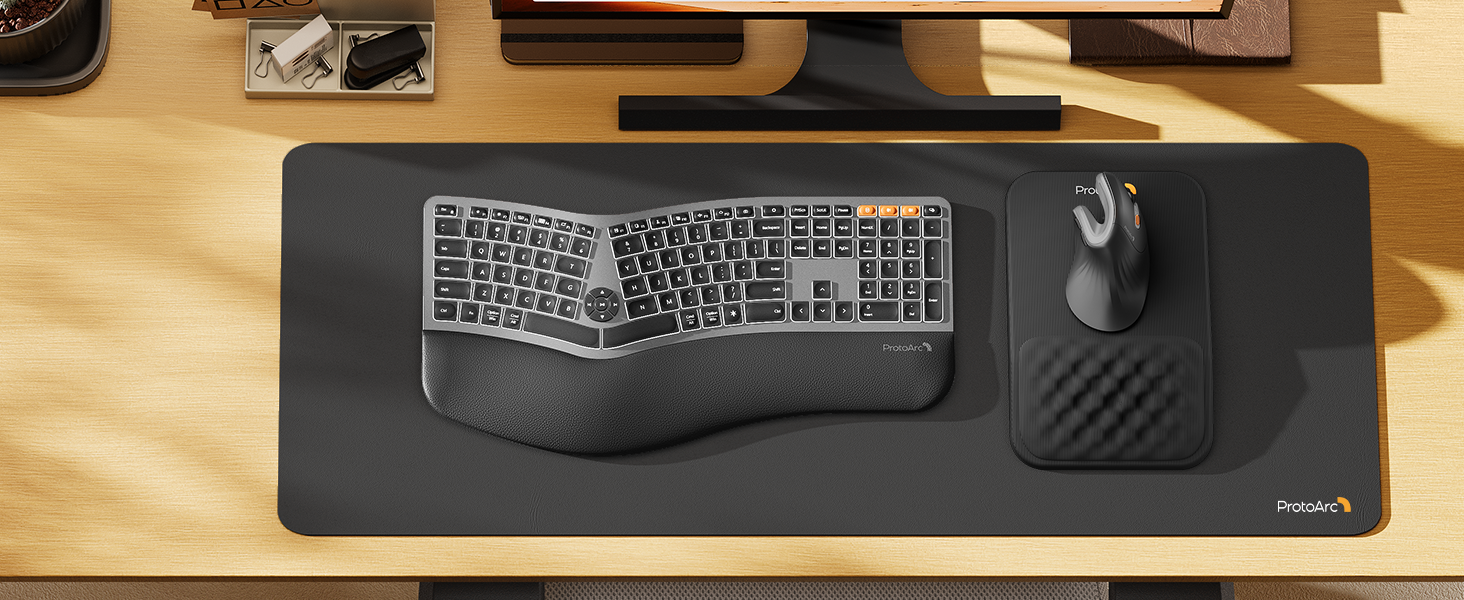
Pair with MP50 Ergonomic Mouse Pad with Wrist Rest
ProtoArc ergonomic mouse pad features an 8-degree tilt to provides stable support for your wrist and palm, effectively alleviating fatigue from prolonged use, while also helping to improve discomfort
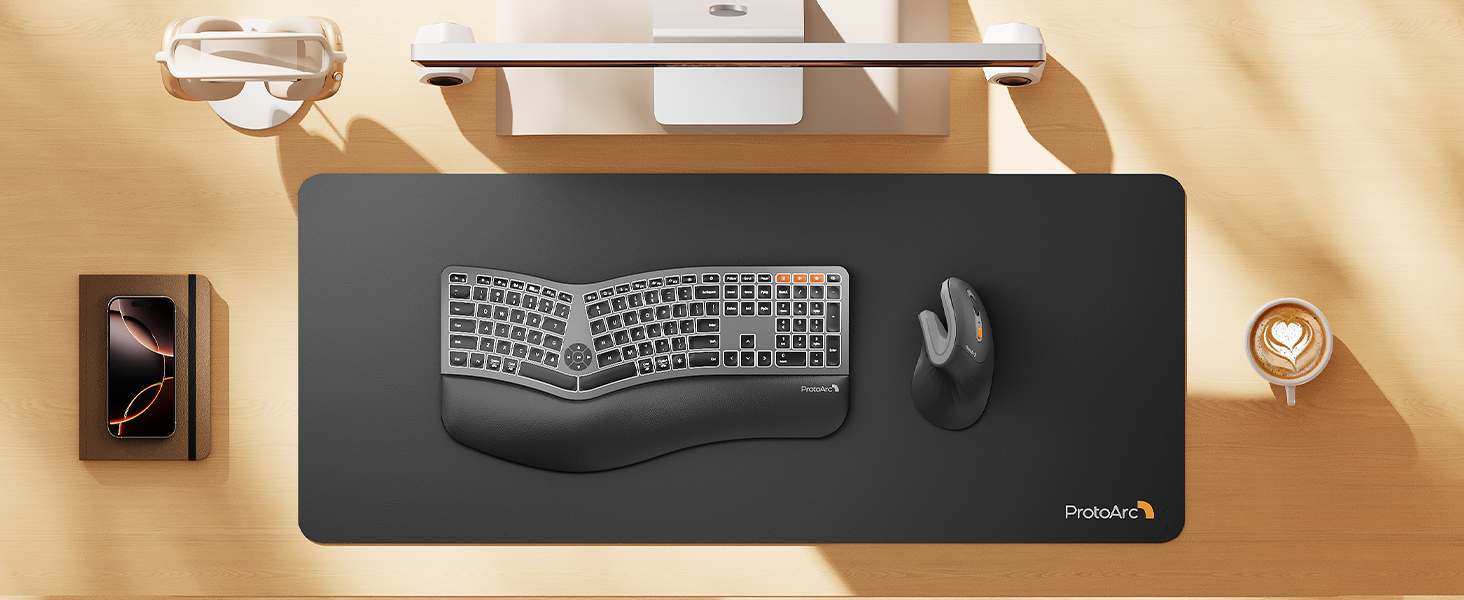
Pair with MP10 Leather Office Desk Pad Protector
ProtoArc MP10 Leather Office Desk Pad Protector features high-quality vegan PU leather, it shields your desk from scratches caused by hard surfaces like phones and watches

Is the EM11 NL ergonomic mouse compatible with Mac OS?
EM11 NL is compatible with Windows 8, Windows 10 or higher, Mac OS X 10.12 or higher, and Android 4.3 or higher. Please note: the side buttons are not compatible with Mac OS
Does the EM11 NL support programming?
We're sorry, the EM11 NL currently does not support customization. However, our upcoming upgraded version, the EM11 Pro will offer this feature
What hand size is the EM11 NL designed for?
Recommendations for Hand Size: We recommend that small to medium hands use our ergonomic vertical mouse. Please measure the size before ordering for a better fit and more comfort.(Hand size: <17.5cm or 17.5cm-19.05 cm is suitable)
Does the EM11 NL have LED or RGB lighting?
No, the EM11 NL does not feature LED or RGB lighting
What is the battery life of the EM11 NL?
It takes only 2 hours to fully charge. The mouse offers up to 200 days of standby time and provides 100 hours of continuous usage. Based on 4 hours of use per day, this translates to approximately 25 days of battery life


Mission
At ProtoArc, our mission is to deliver innovative workspace solutions that enhance comfort, boost productivity, and foster overall wellness.
Vision
We believe that everyone deserves a workspace that not only meets their functional needs but also empowers them to thrive. Our vision is a world where work environments promote health, happiness, and high performance.
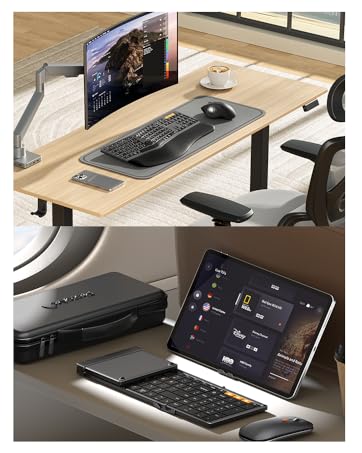
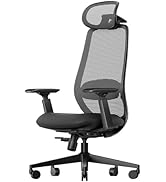
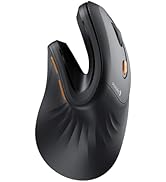
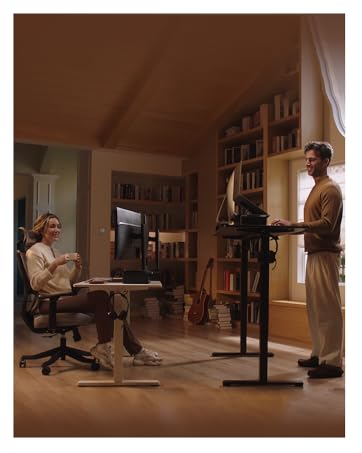
Ergonomic WorkSpace
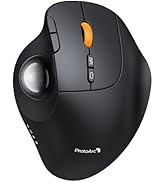
Bluetooth Mouse
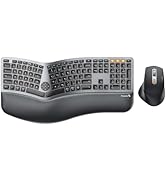
Ergonomic Keyboard & Mouse
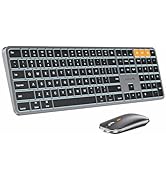
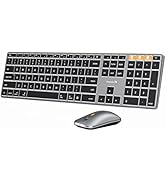
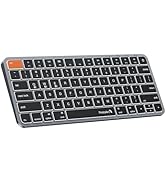
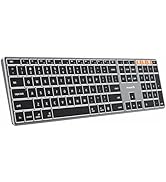
Mac Keyboard and Mouse

ProtoArc Bluetooth Rechargeable Vertical Mouse

ProtoArc ergonomic mouse features an ergonomic design, specifically crafted for users who spend long hours on the computer, effectively reducing wrist strain
Note: All buttons are not programmable and the forward and back buttons are not compatible with Mac OS systems


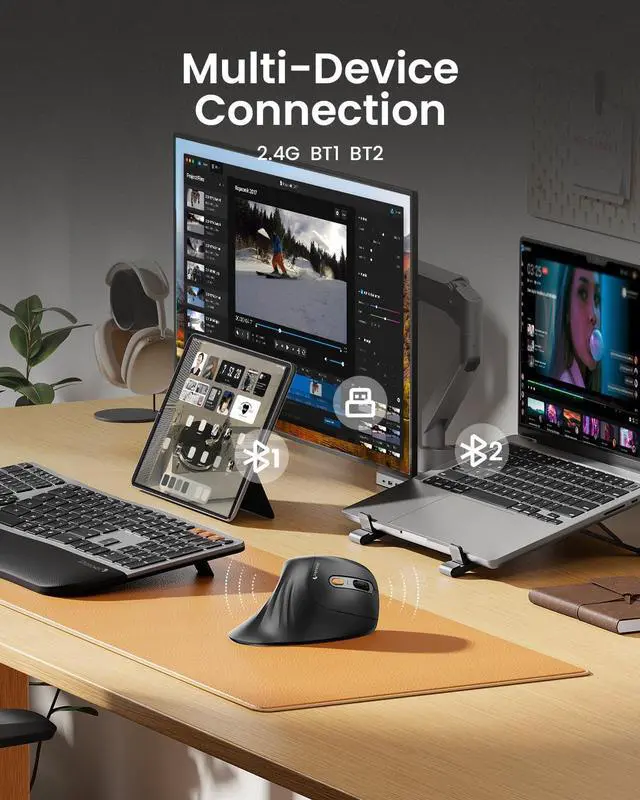
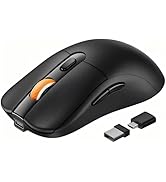
Connection Guide: This mouse pairs via Bluetooth or the included USB-A receiver only. Note: A USB-C receiver is not included. The Type-C cable is for charging
All-Day Power with Fast USB-C Charging

ProtoArc EM11 NL ergonomic mouse delivers exceptional comfort for long hours, seamless multi-device connectivity, and impressive battery life in a premium ergonomic design.


Measure Your Hand First

Warm tips: Since it takes a learning curve to get used to the shape when using our ergonomic mouse for the first time, it may cause inconvenience to your mouse grip, but our ergonomic design will help reduce the pressure and pain on your wrist caused by long-term use of the mouse
Wireless Ergonomic Combo is Designed for Premium Comfort and Productivity
Pair with EK01 Plus Backlit Ergonomic Keyboard
Pair with MP50 Ergonomic Mouse Pad with Wrist Rest
Pair with MP10 Leather Office Desk Pad Protector


Type more naturally with ProtoArc EK01 Plus. The ergo keyboard with cushioned palm rest, curved split keyframe and responsive scissor keys - Reduces wrist strain, keep your hands and shoulder relaxed
ProtoArc ergonomic mouse pad features an 8-degree tilt to provides stable support for your wrist and palm, effectively alleviating fatigue from prolonged use, while also helping to improve discomfort
ProtoArc MP10 Leather Office Desk Pad Protector features high-quality vegan PU leather, it shields your desk from scratches caused by hard surfaces like phones and watches
Is the EM11 NL ergonomic mouse compatible with Mac OS?
EM11 NL is compatible with Windows 8, Windows 10 or higher, Mac OS X 10.12 or higher, and Android 4.3 or higher. Please note: the side buttons are not compatible with Mac OS
Does the EM11 NL support programming?
We're sorry, the EM11 NL currently does not support customization. However, our upcoming upgraded version, the EM11 Pro will offer this feature
What hand size is the EM11 NL designed for?
Recommendations for Hand Size: We recommend that small to medium hands use our ergonomic vertical mouse. Please measure the size before ordering for a better fit and more comfort.(Hand size: <17.5cm or 17.5cm-19.05 cm is suitable)
Does the EM11 NL have LED or RGB lighting?
No, the EM11 NL does not feature LED or RGB lighting
What is the battery life of the EM11 NL?
It takes only 2 hours to fully charge. The mouse offers up to 200 days of standby time and provides 100 hours of continuous usage. Based on 4 hours of use per day, this translates to approximately 25 days of battery life
Mission
At ProtoArc, our mission is to deliver innovative workspace solutions that enhance comfort, boost productivity, and foster overall wellness.
Vision
We believe that everyone deserves a workspace that not only meets their functional needs but also empowers them to thrive. Our vision is a world where work environments promote health, happiness, and high performance.
Ergonomic WorkSpace
Bluetooth Mouse
Ergonomic Keyboard & Mouse
Mac Keyboard and Mouse