



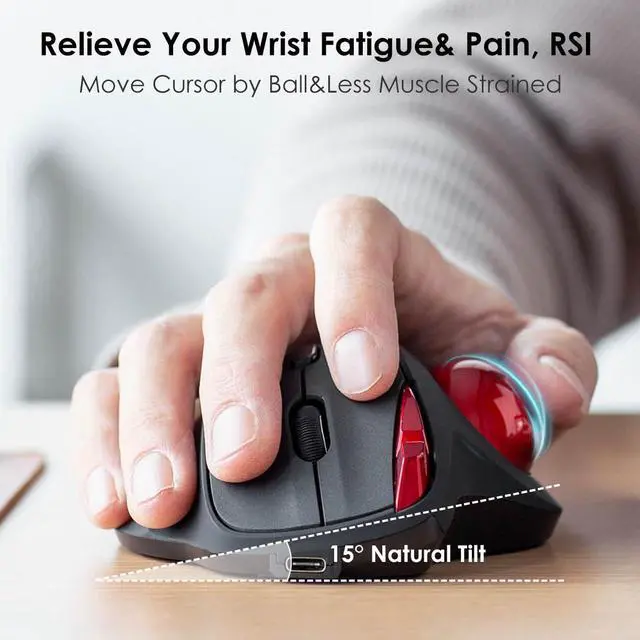


Are you tired of your wrists hurting after using your computer? Common RSI such as carpal tunnel syndrome, tendentious, and hand cramps happen due to the shape of a regular mouse and the posture required to operate it.
To be exact, your traditional mouse.
Now it is the time to invest in an Ergonomic Trackball Mouse!
A good choice for people who work at length at the computer.
- Office staff
- Stock operator
- Designer & Developer

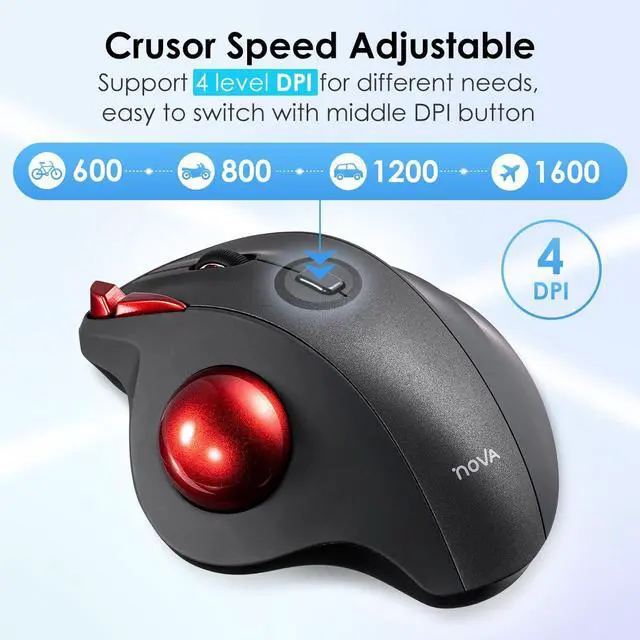
You can adjust the mouse among 4 resolutions of 600 / 800 / 1200 / 1600 DPI depending on your needs.
When the count switch button is pressed, the DPI is notified by the number of flashes.
You can position the cursor exactly where you want to on the screen, move your hand away from the trackball, then do whatever you need to do your job (like Photoshop or CAD).
No driver is required. Once you get used to it, you will love it!

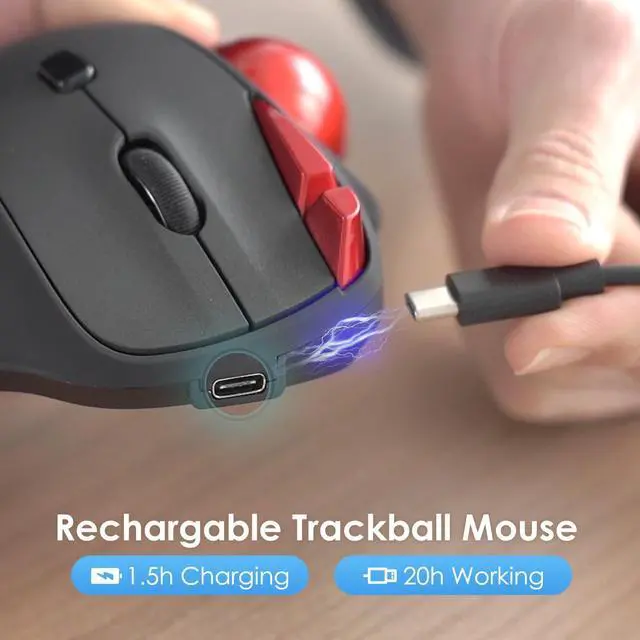
Built-in high quality rechargeable battery means you can recharge whenever you want. Do not need to buy a separate dry battery, cost saving.
When you leave your mouse more than 5 minutes, it will automatically get into sleep mode which saves electricity for the mouse, and click any button for waking up the mouse again.
- Please recharge for 1.5 hours when the mouse is new before use.

Equipped with a 34mm trackball, you will not need to mouse around to move the cursor as thumb controlled trackball stays in one place. Not only work on flat surfaces, but also on your leg, sofa and other surfaces as well.
It lets you switch between your left and right hand to operate, distributing the stress evenly across the two sides.
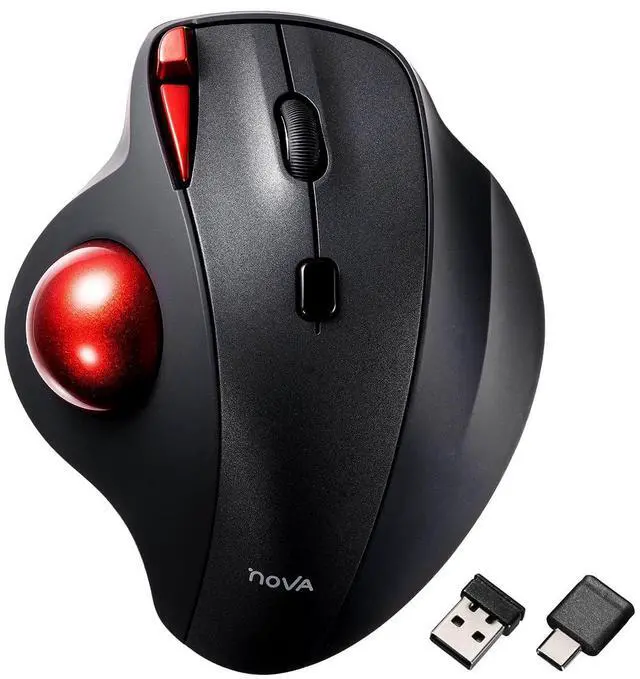
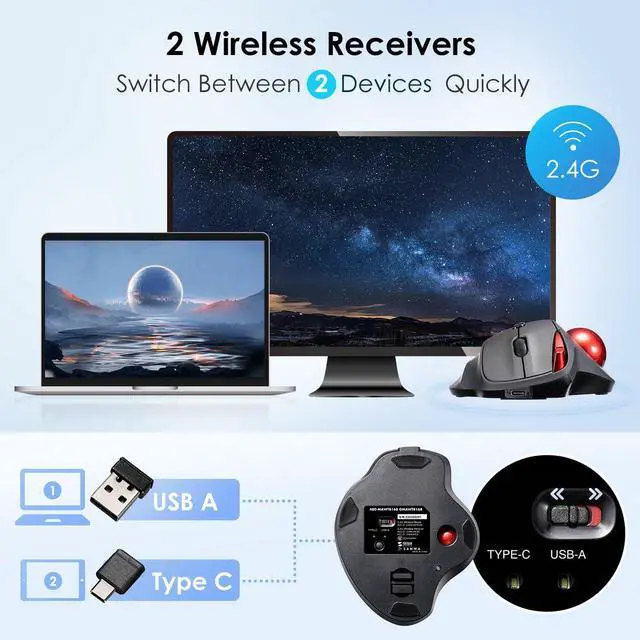
This mouse can be connected to one USB-A device and one Type-C device.

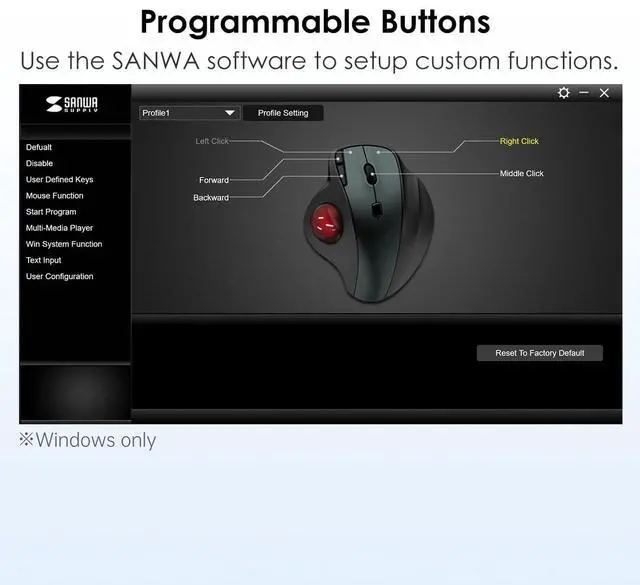
Download SANWA Trackball mouse software to program mouse buttons. Programming with a single click has never been easier. Work and play more efficiently and quickly.
Note:
- The software does not work with mac OS or Chrome OS.
- All programmable keystrokes only take effect when SANWA Trackball Soft-X software is enabled.
- Software is available in English, Japanese and simplified Chinese. It is available on Windows computers around the world.

If you often take your laptop to cafes or outside where a flat surface area is scarce, a trackball mouse is a perfect alternative to a regular mouse.
The device itself stays completely stationary as you navigate web pages, highlight text, or close and open applications. It’s so convenient to control the laptop from the comfort of the couch.
Specifications


At SANWA, we create solutions that make life more comfortable and satisfying, whether at work or at home. Our products are designed to be functional, high-quality, and stylish, making your spaces for family, friends, and colleagues more comfortable and enjoyable.
Our Philosophy
- Think People First
- Create with Empathy
- Growing together
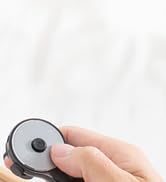
Fingers Fly, Tasks Done.
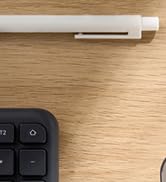
Twist. Click. Command.
Hot Pick
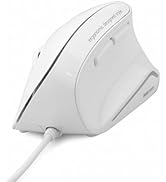
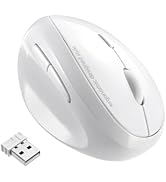
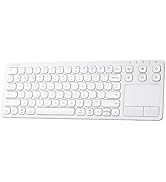
Ergonomic Mouse & Keyboard
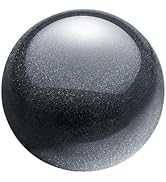

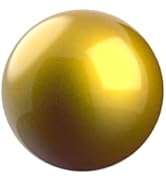
Colorful Precision at Play.
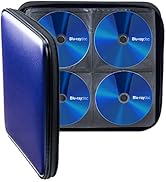
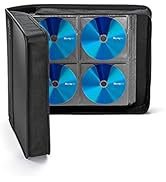
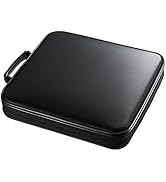
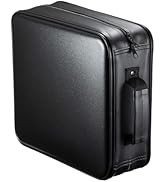
DVD / CD Case
What problem are we solving?
We make life more comfortable by addressing everyday needs and evolving with changing times.
What makes our products unique?
Our products are designed with empathy, focusing on functionality, quality, and creating a WOW experience. We make items that feel essential and delightful to use.
Why do we love what we do?
We’re passionate about improving lives through thoughtful design. Seeing our products bring comfort and happiness makes every effort worthwhile.
Are you tired of your wrists hurting after using your computer? Common RSI such as carpal tunnel syndrome, tendentious, and hand cramps happen due to the shape of a regular mouse and the posture required to operate it.
To be exact, your traditional mouse.
Now it is the time to invest in an Ergonomic Trackball Mouse!
A good choice for people who work at length at the computer.
- Office staff
- Stock operator
- Designer & Developer
You can adjust the mouse among 4 resolutions of 600 / 800 / 1200 / 1600 DPI depending on your needs.
When the count switch button is pressed, the DPI is notified by the number of flashes.
You can position the cursor exactly where you want to on the screen, move your hand away from the trackball, then do whatever you need to do your job (like Photoshop or CAD).
No driver is required. Once you get used to it, you will love it!
Built-in high quality rechargeable battery means you can recharge whenever you want. Do not need to buy a separate dry battery, cost saving.
When you leave your mouse more than 5 minutes, it will automatically get into sleep mode which saves electricity for the mouse, and click any button for waking up the mouse again.
- Please recharge for 1.5 hours when the mouse is new before use.
Equipped with a 34mm trackball, you will not need to mouse around to move the cursor as thumb controlled trackball stays in one place. Not only work on flat surfaces, but also on your leg, sofa and other surfaces as well.
It lets you switch between your left and right hand to operate, distributing the stress evenly across the two sides.
This mouse can be connected to one USB-A device and one Type-C device.
Download SANWA Trackball mouse software to program mouse buttons. Programming with a single click has never been easier. Work and play more efficiently and quickly.
Note:
- The software does not work with mac OS or Chrome OS.
- All programmable keystrokes only take effect when SANWA Trackball Soft-X software is enabled.
- Software is available in English, Japanese and simplified Chinese. It is available on Windows computers around the world.
If you often take your laptop to cafes or outside where a flat surface area is scarce, a trackball mouse is a perfect alternative to a regular mouse.
The device itself stays completely stationary as you navigate web pages, highlight text, or close and open applications. It’s so convenient to control the laptop from the comfort of the couch.
Specifications
| Interface | USB 3.2/3.1/3.0/2.0/1.1 |
| DPI Levels | 600 / 800 / 1200 / 1600 DPI |
| Buttons | 2 Buttons, 2 Side Buttons, Wheel Button(Scroll), Count Switch Button |
| Size | W5.04×D4.13×H1.85 inches |
| Weight | 0.28 Pound |
| Wireless System | 2.4GHz RF Radio Wave System |
| Communication Range | Approx. Radius 33 Feet (nonmagnetic material, without any obstructions) |
| Sensor | Optical |
| Connector Shape | USB A & USB Type-C |
| Compatibility | Windows 11/10/8.1/8/7, Android 3.0~, macOS 10.12~10.15, Mac OS X 10.6~10.11, Chrome OS, iOS 13, iPadOS 13.4, Android 7~10 |
At SANWA, we create solutions that make life more comfortable and satisfying, whether at work or at home. Our products are designed to be functional, high-quality, and stylish, making your spaces for family, friends, and colleagues more comfortable and enjoyable.
Our Philosophy
- Think People First
- Create with Empathy
- Growing together
Fingers Fly, Tasks Done.
Twist. Click. Command.
Hot Pick
Ergonomic Mouse & Keyboard
Colorful Precision at Play.
DVD / CD Case
What problem are we solving?
We make life more comfortable by addressing everyday needs and evolving with changing times.
What makes our products unique?
Our products are designed with empathy, focusing on functionality, quality, and creating a WOW experience. We make items that feel essential and delightful to use.
Why do we love what we do?
We’re passionate about improving lives through thoughtful design. Seeing our products bring comfort and happiness makes every effort worthwhile.