



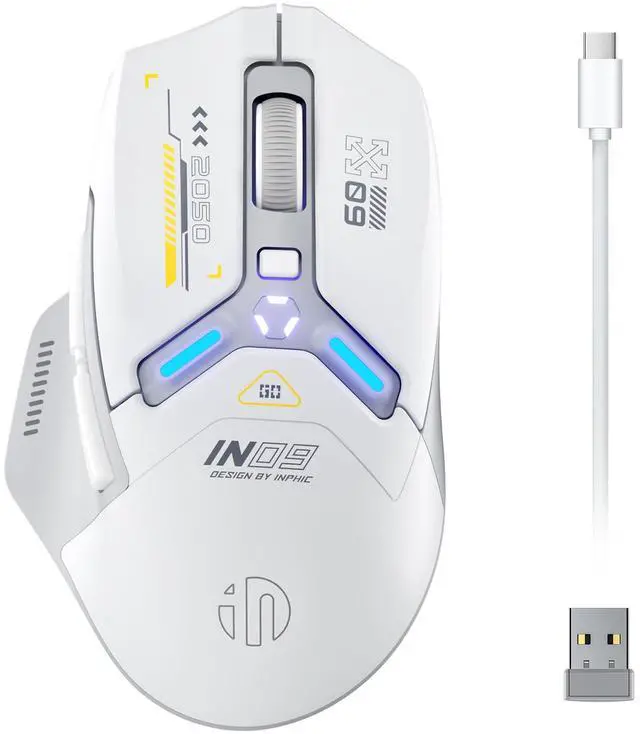


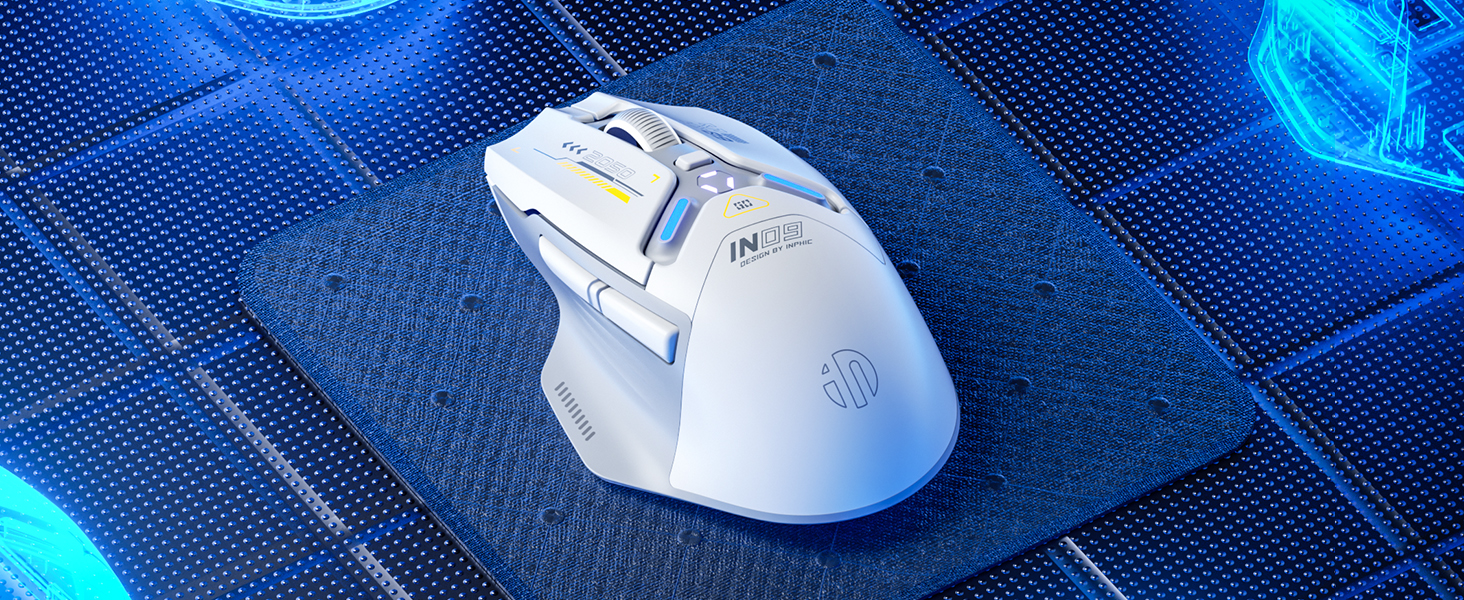
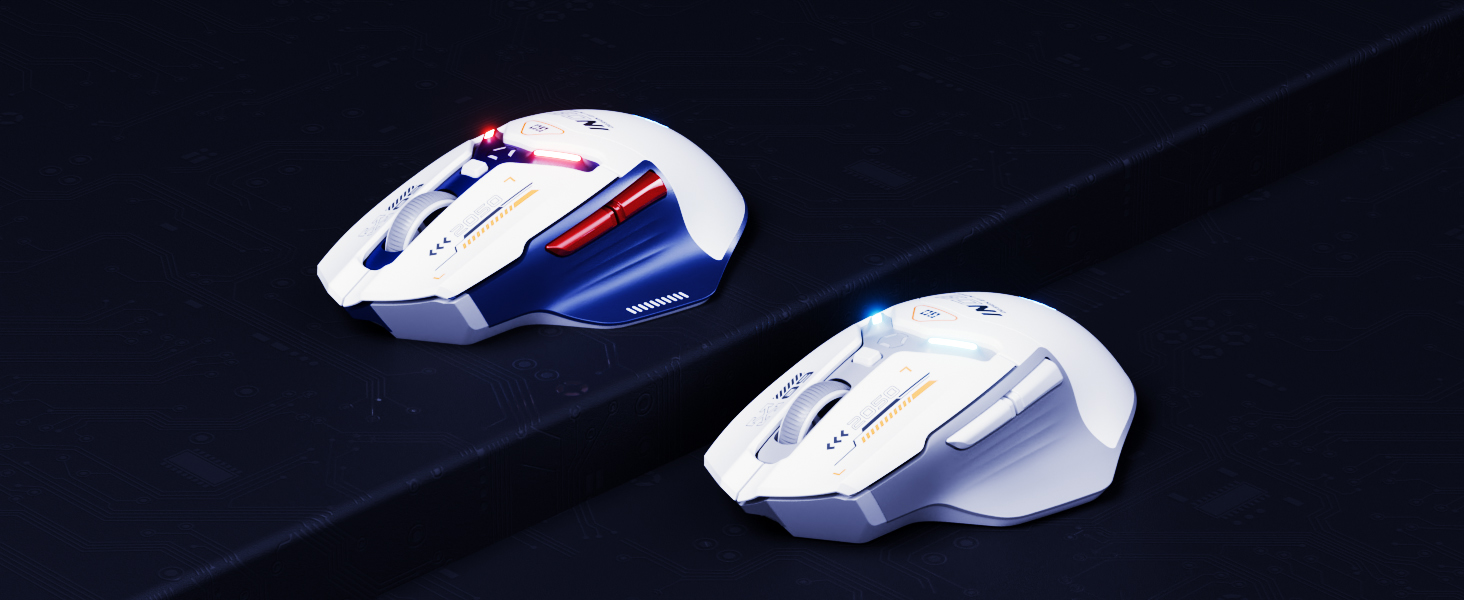
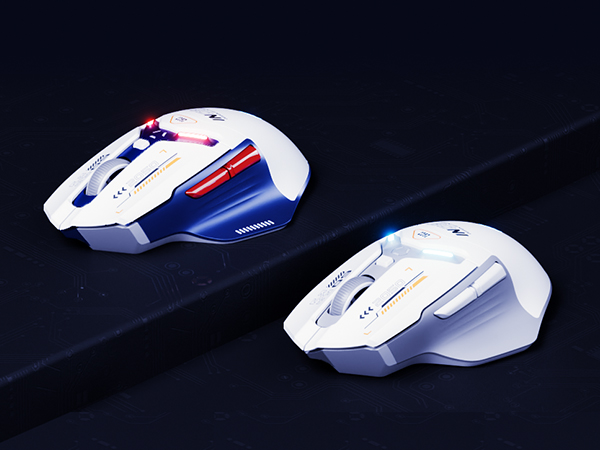
INPHIC IN9 Triple Mode Wirelss Gaming Mouse
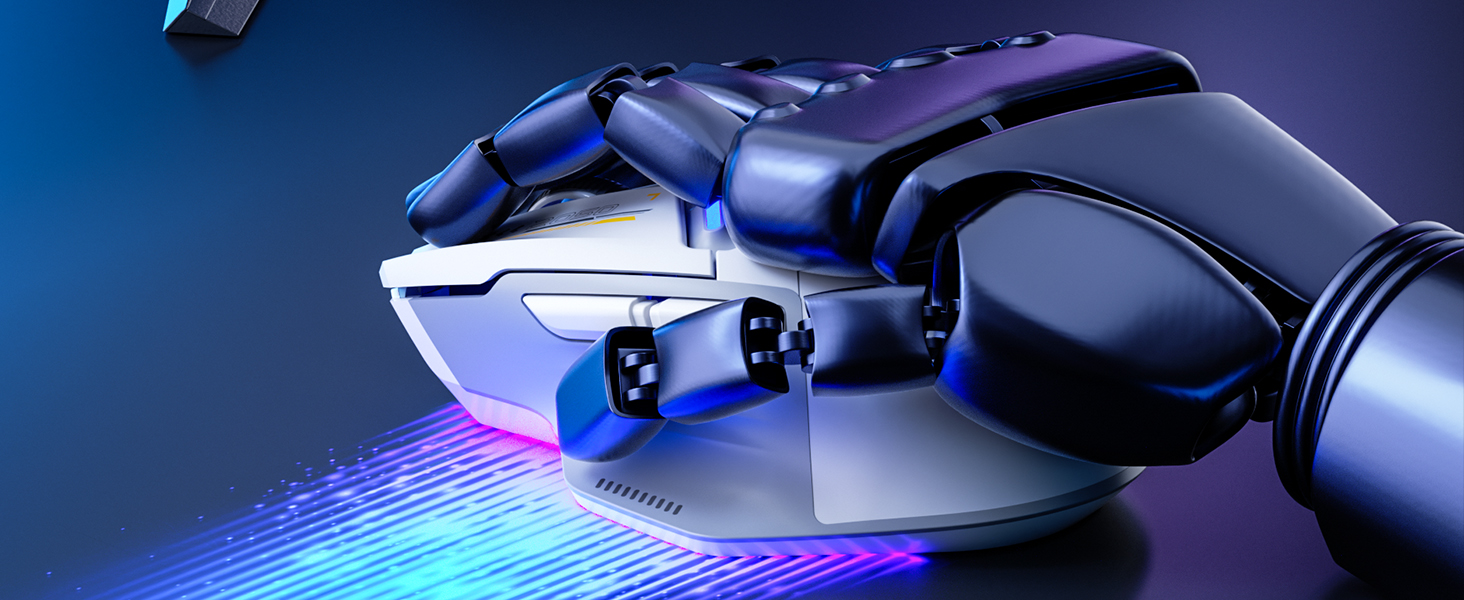
Ergonomic design boosts comfort and performance, reducing hand and wrist strain during gameplay/work
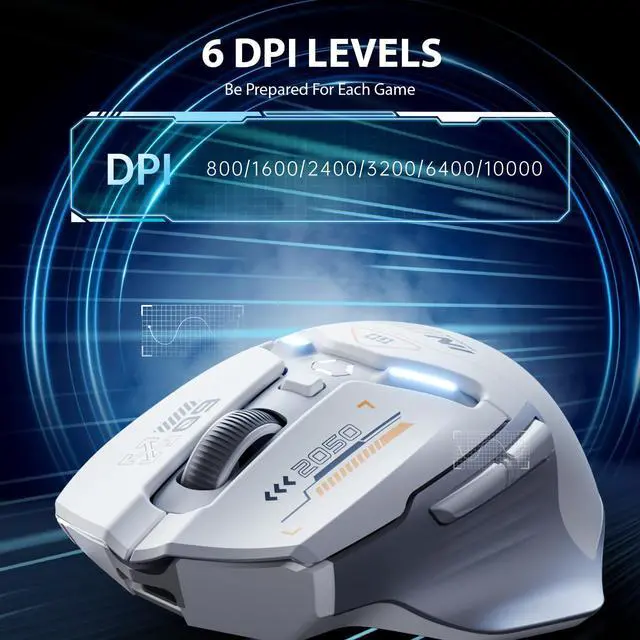
Customize DPI 200-10000; press DPI for 800/1600/2400/3200/6400/10000; swift gaming, easy daily use.

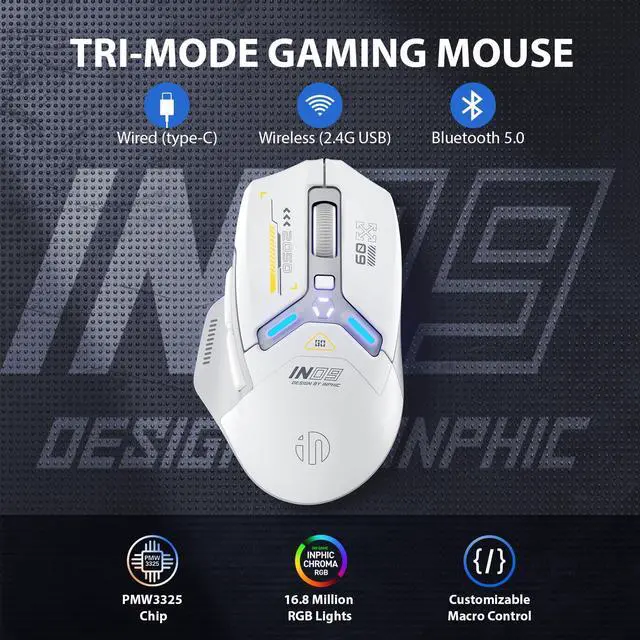
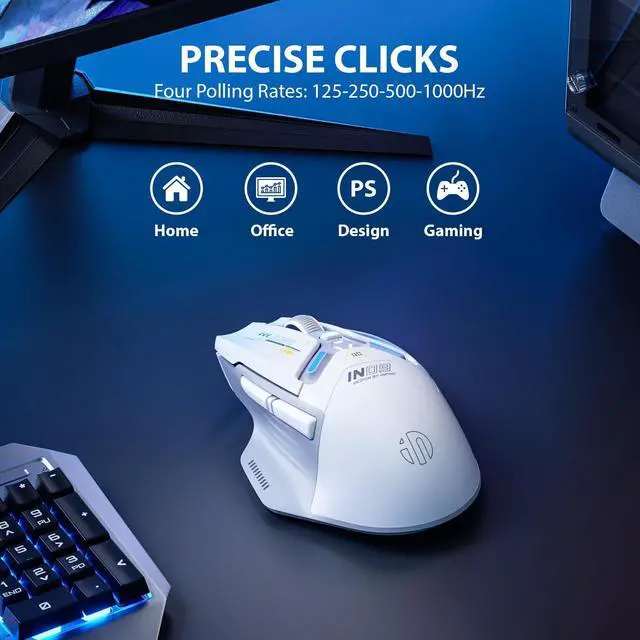
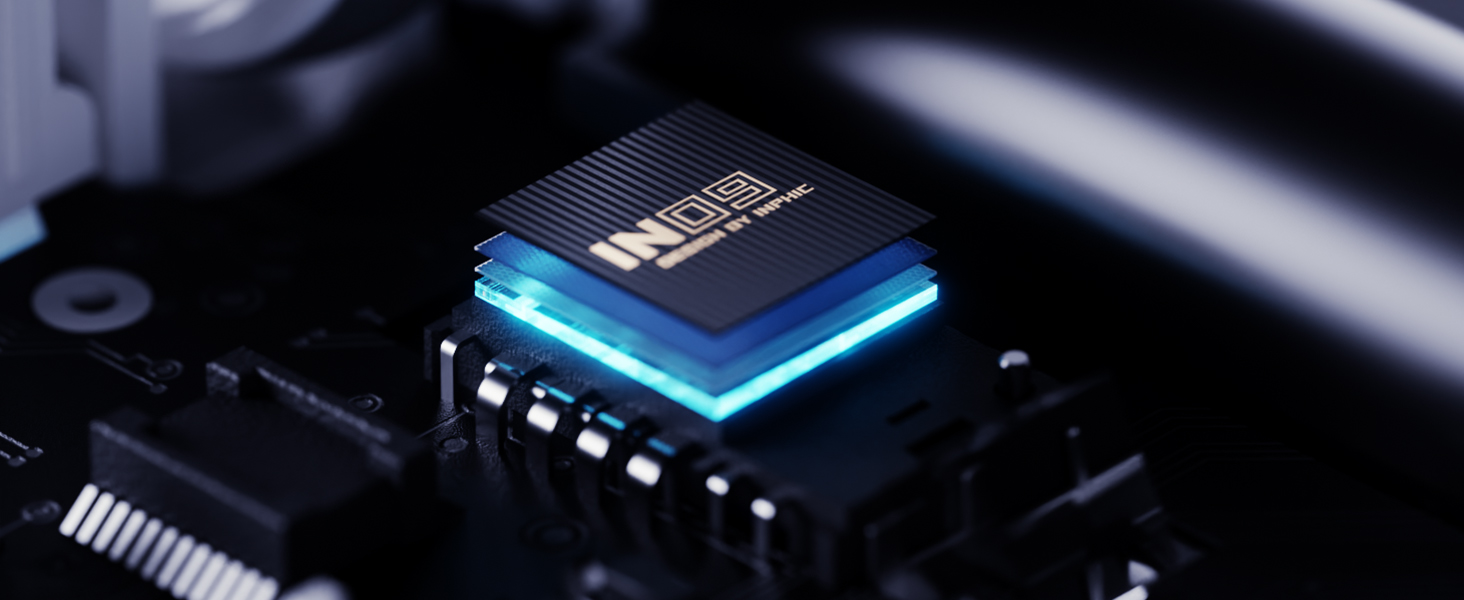
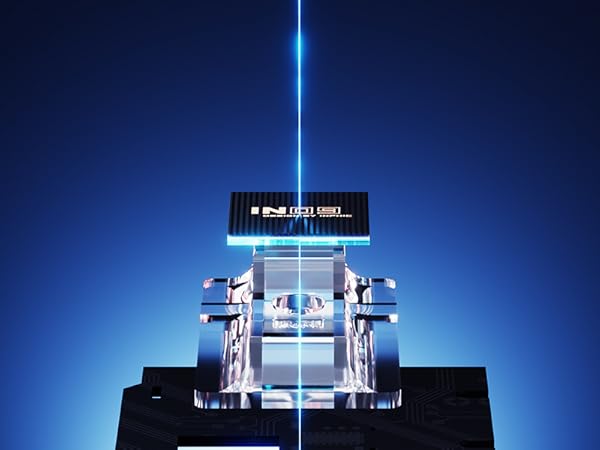
Professional gaming sensor ensures precise, smooth, and lag-free clicks for uninterrupted gameplay.
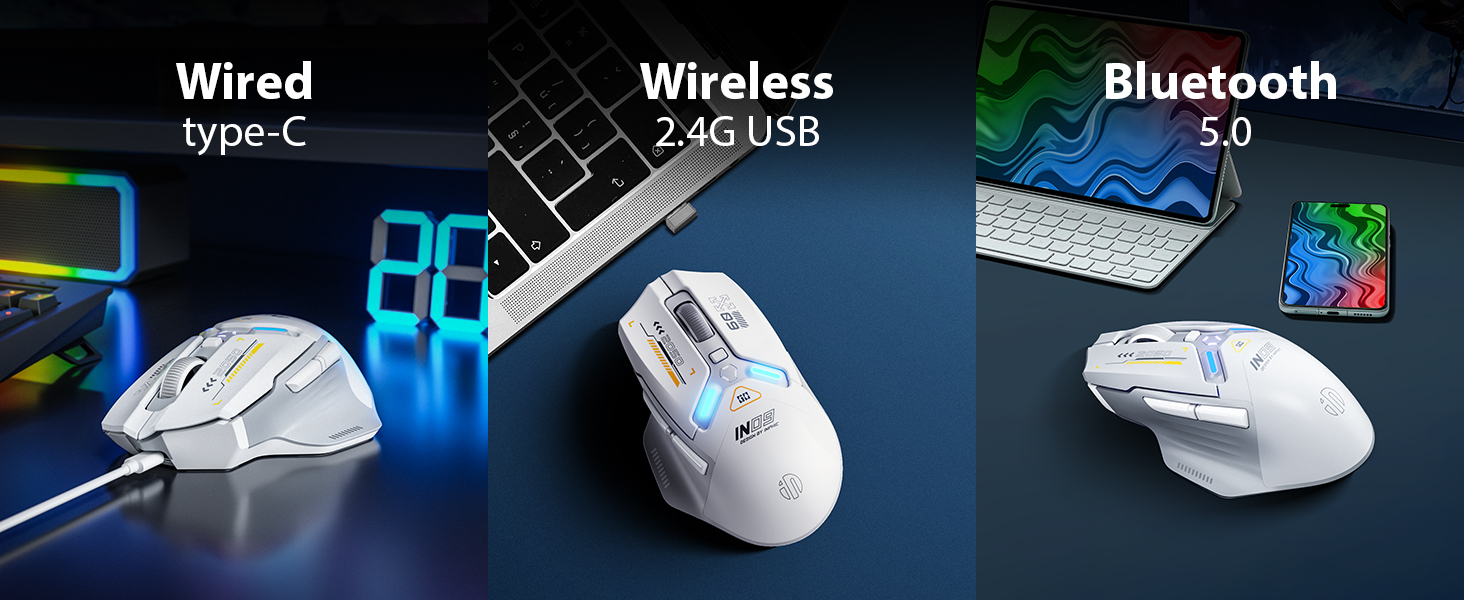
3 CONNECTION METHODS
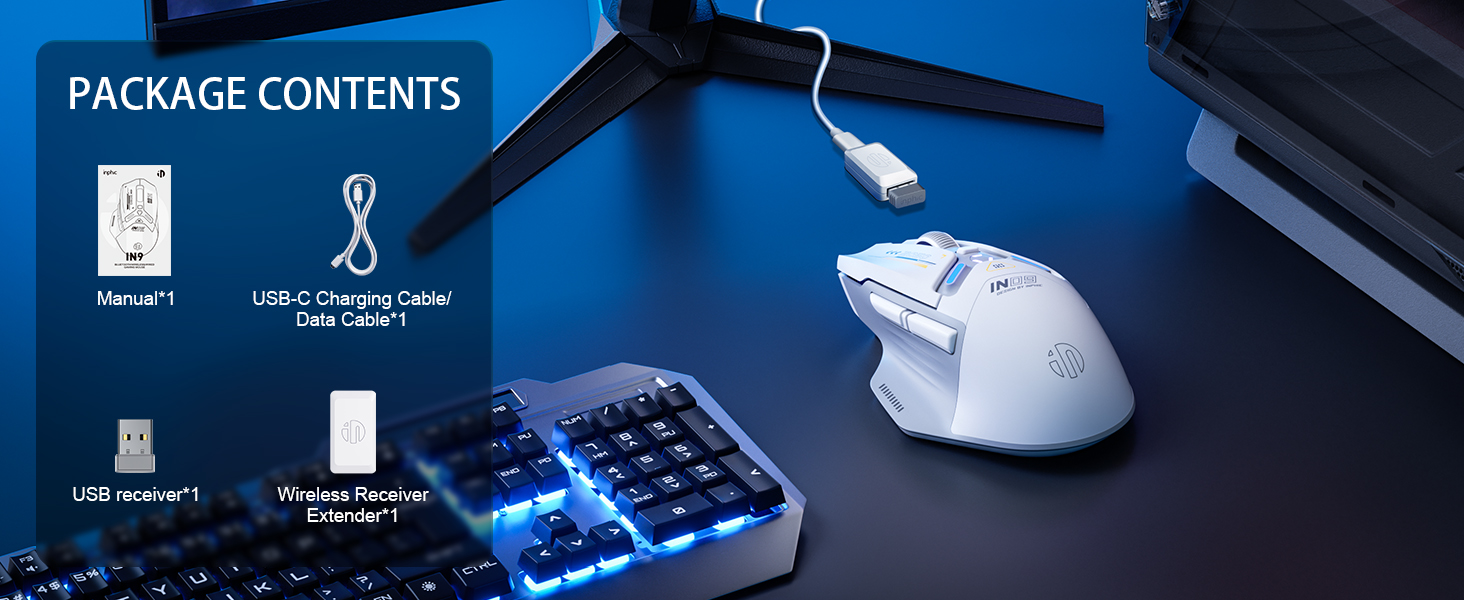
- Wired Mode: Connect the computer mouse using the provided USB cable to enter wired mode. The"WIRED" light will stay on constantly, indicating that mode switching is not supported at this time.
- 2.4G Mode: Press the mode button until the 2.4G light starts blinking. Insert the receiver into your computer, After 3-5 rapid blinks, the wireless mouse is connected to the receiver and ready for use.
While using 2.4G mode, press the mode button once to turn on the 2.4G light, and again to switch to BT5.0 mode.
- Bluetooth Mode (3 different status displays):
1. Rapid blinking (bottom BT5.0 light and decorative light blink simultaneously): the Bluetooth Mouse is waiting to pair. Search for "inphicln9 Mouse" on your device and pair within 60 seconds. After successful pairing, the BT5.0 light will blink rapidly 3-5 times.
2. Slow blinking: Press and hold the mode button for 5 seconds to enter pairing mode. Follow the same pairing process as the first status.
3. Rapid blinking followed by turning off: the Mouse has reconnected to the last device.
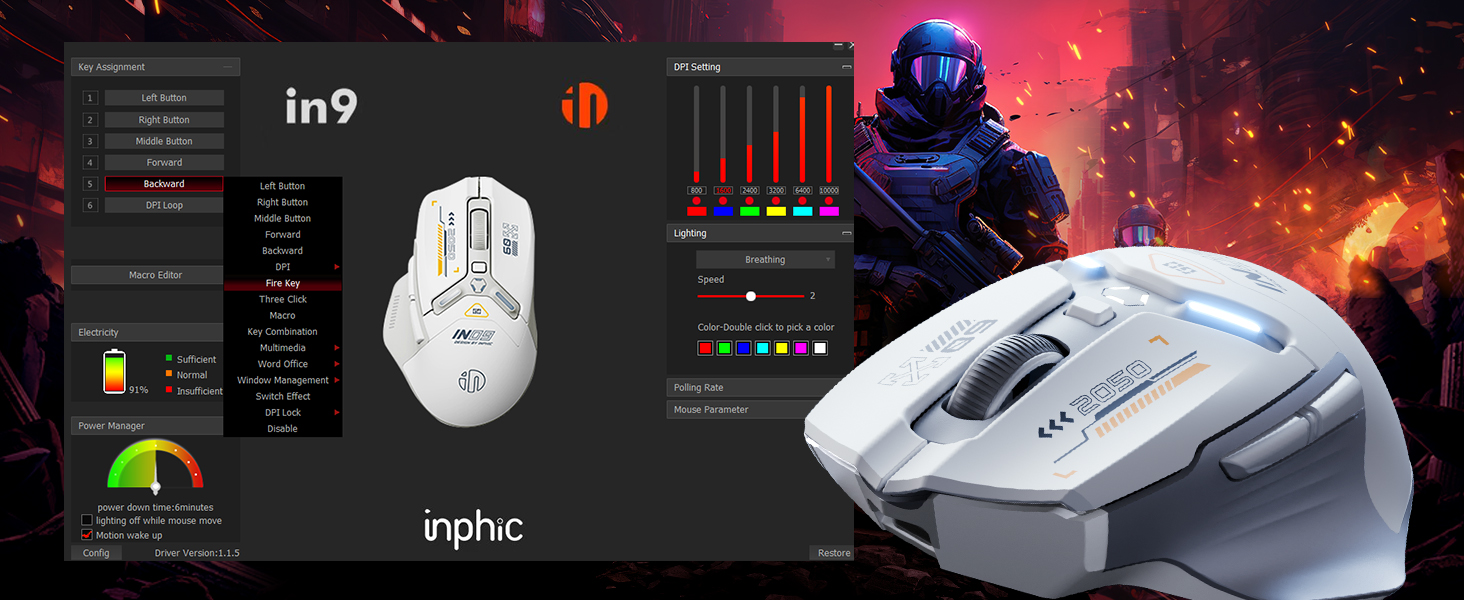

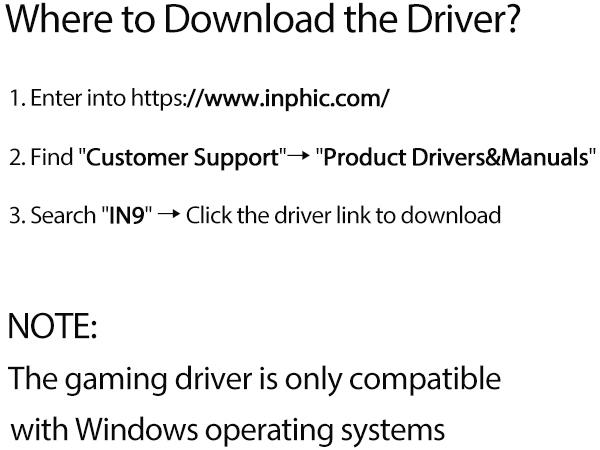
Download the Driver to Explore More Fun



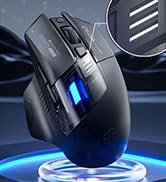
INPHIC Computer Mouse
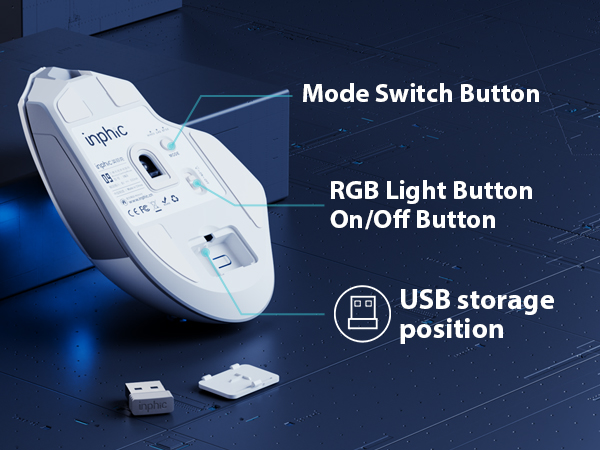
Where is the USB receiver placed?
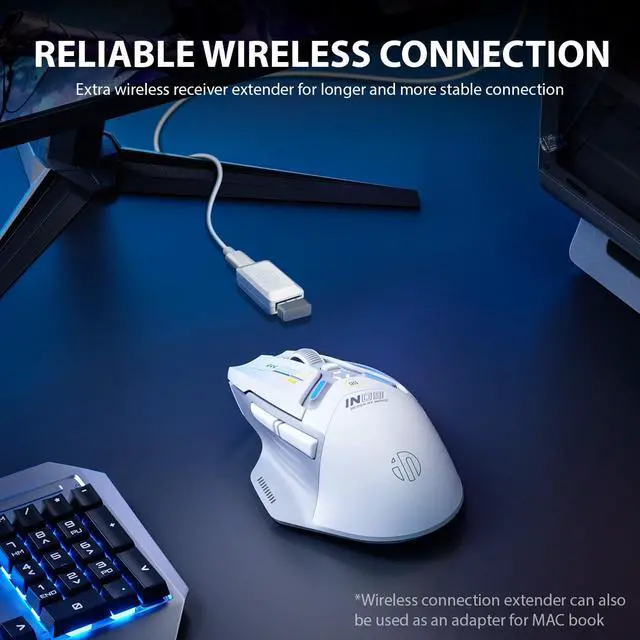
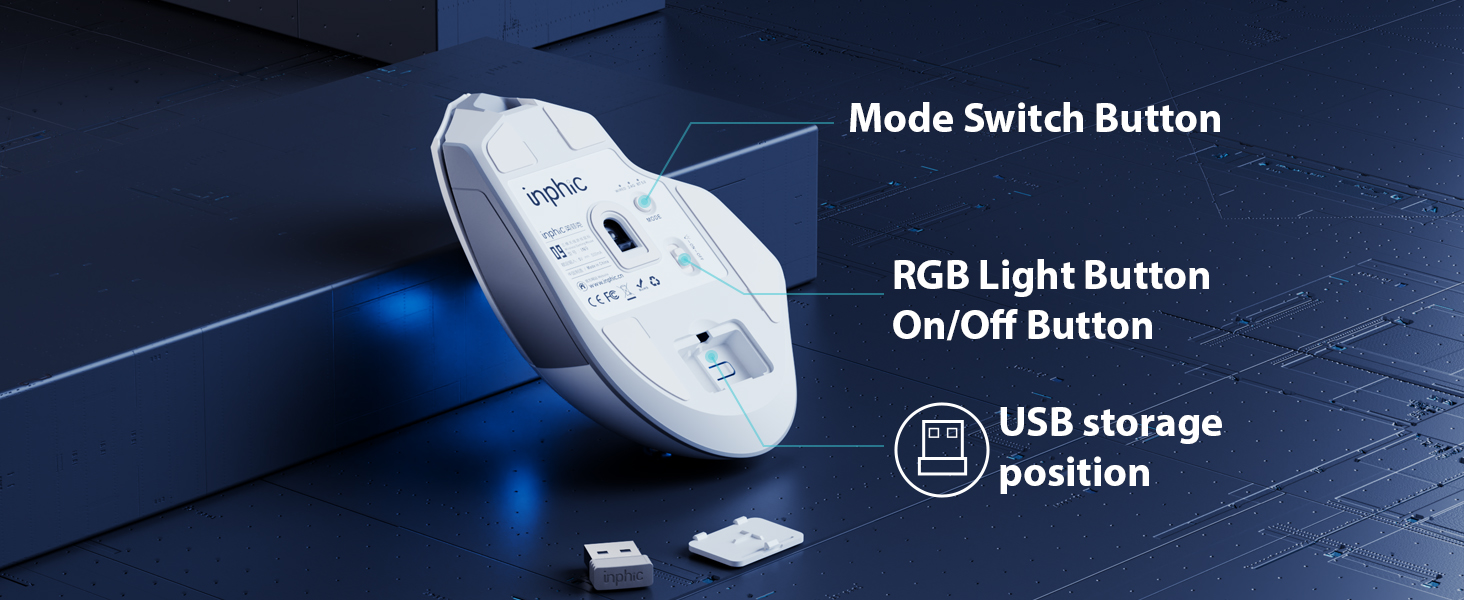
It is usually built-in at the bottom of the mouse, where you can easily see it
Is this mouse compatible with macbook?
This is a USB mouse without type c port, but you can still use it on your macbook with a type c adapter (not inclued)
Are the products worth to buy?
Of course, All products have undergone strict quality testing before leaving the factory
INPHIC IN9 Triple Mode Wirelss Gaming Mouse
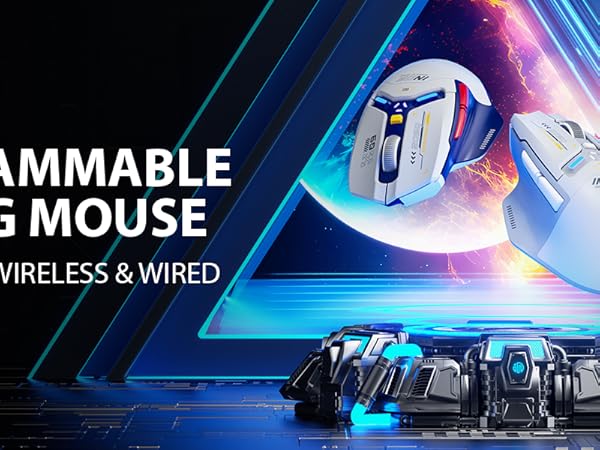
Ergonomic design boosts comfort and performance, reducing hand and wrist strain during gameplay/work
Customize DPI 200-10000; press DPI for 800/1600/2400/3200/6400/10000; swift gaming, easy daily use.
Professional gaming sensor ensures precise, smooth, and lag-free clicks for uninterrupted gameplay.
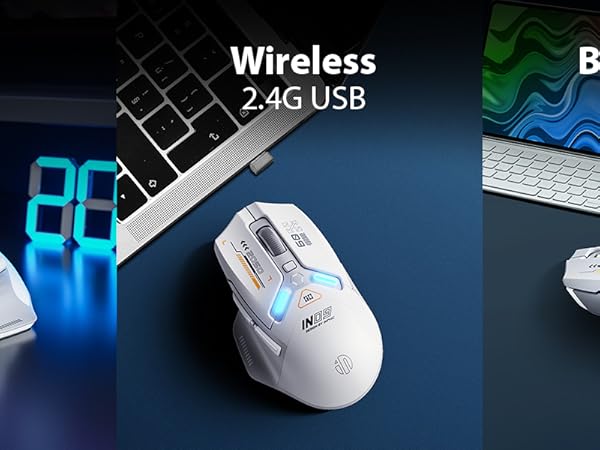
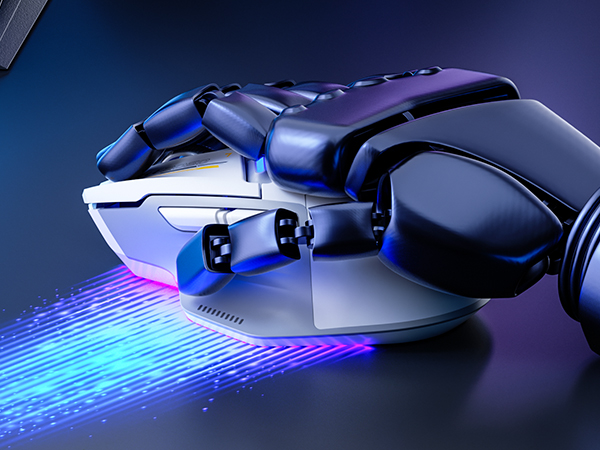
3 CONNECTION METHODS
- Wired Mode: Connect the computer mouse using the provided USB cable to enter wired mode. The"WIRED" light will stay on constantly, indicating that mode switching is not supported at this time.
- 2.4G Mode: Press the mode button until the 2.4G light starts blinking. Insert the receiver into your computer, After 3-5 rapid blinks, the wireless mouse is connected to the receiver and ready for use.
While using 2.4G mode, press the mode button once to turn on the 2.4G light, and again to switch to BT5.0 mode.
- Bluetooth Mode (3 different status displays):
1. Rapid blinking (bottom BT5.0 light and decorative light blink simultaneously): the Bluetooth Mouse is waiting to pair. Search for "inphicln9 Mouse" on your device and pair within 60 seconds. After successful pairing, the BT5.0 light will blink rapidly 3-5 times.
2. Slow blinking: Press and hold the mode button for 5 seconds to enter pairing mode. Follow the same pairing process as the first status.
3. Rapid blinking followed by turning off: the Mouse has reconnected to the last device.
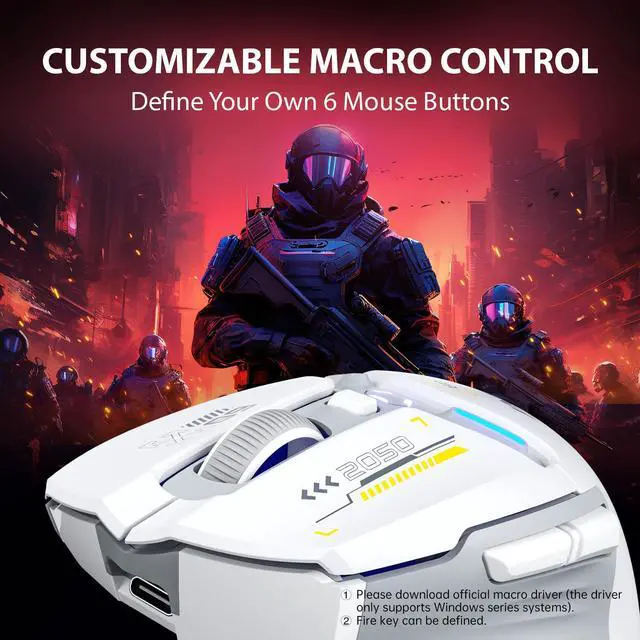
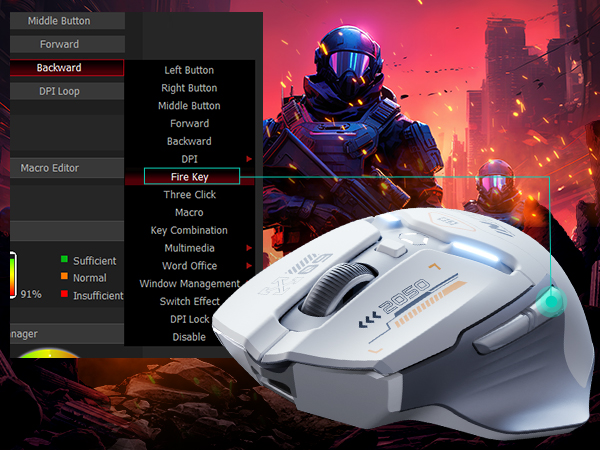
Customize keys for better mouse control; smoother gaming with tailored fire keys.
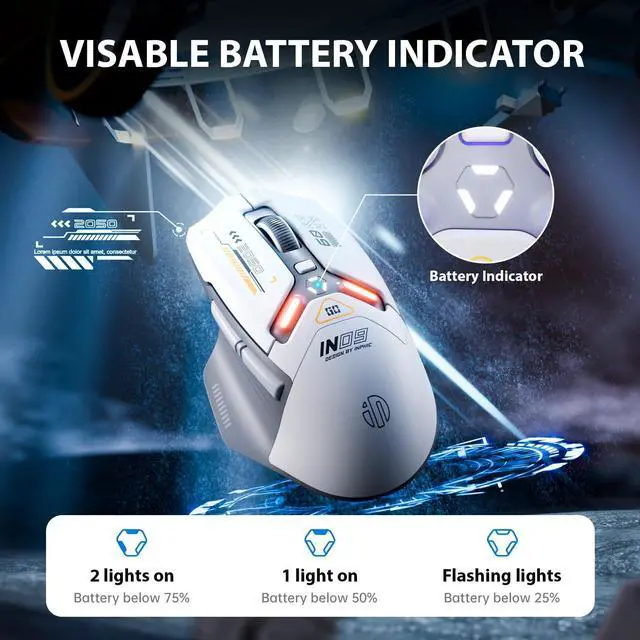
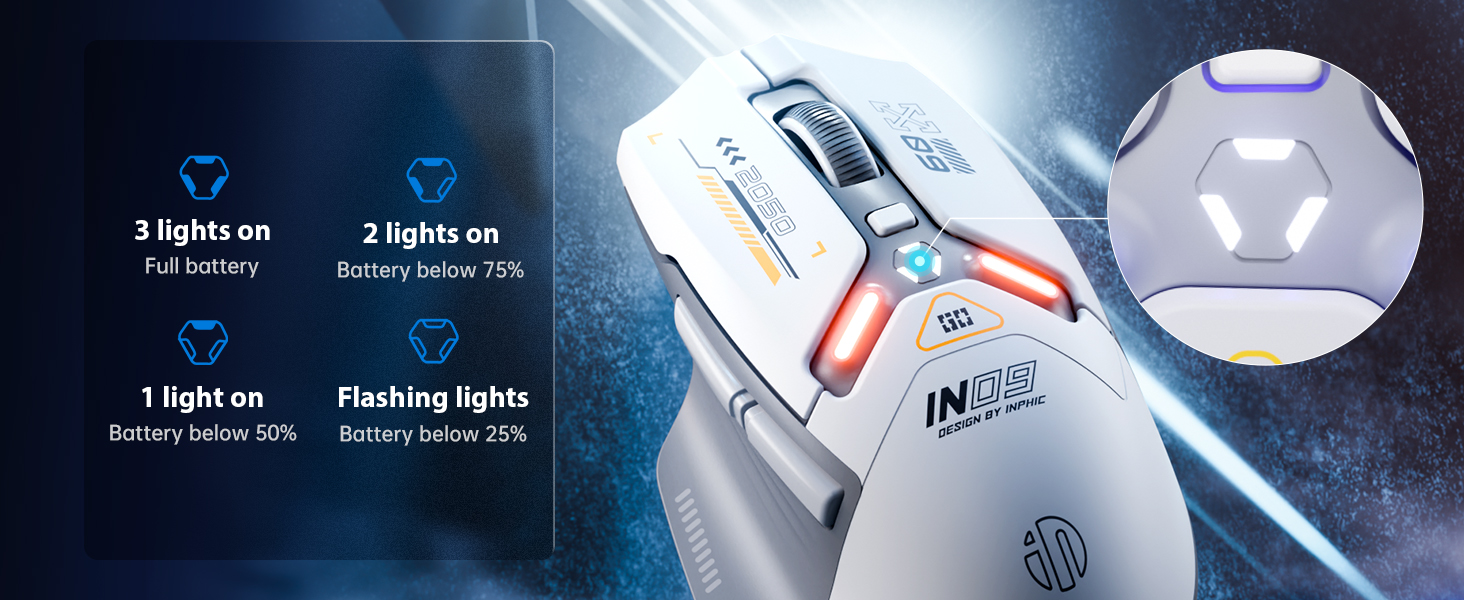
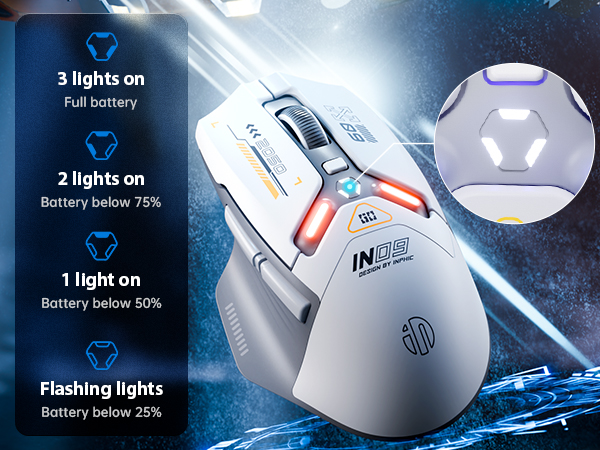
Power Display On The Mouse Top
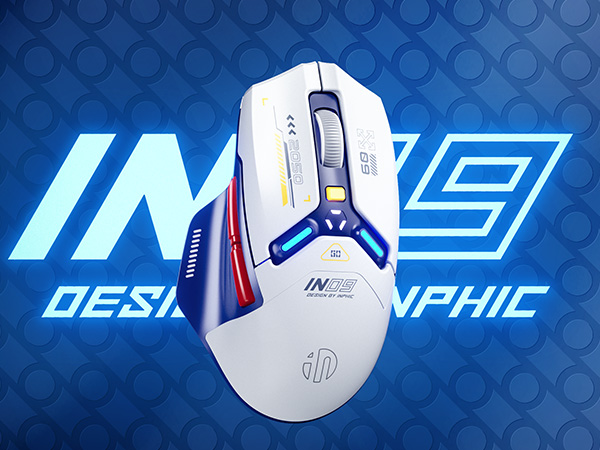
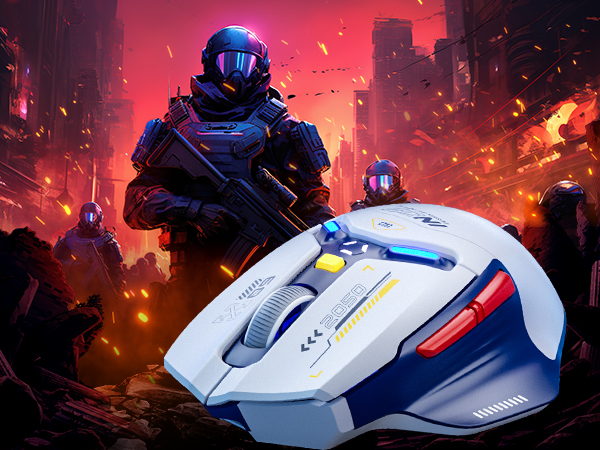
Elevate gaming immersion with vibrant RGB mouse lighting.
USB is stored underneath the mouse for easy and secure storage.
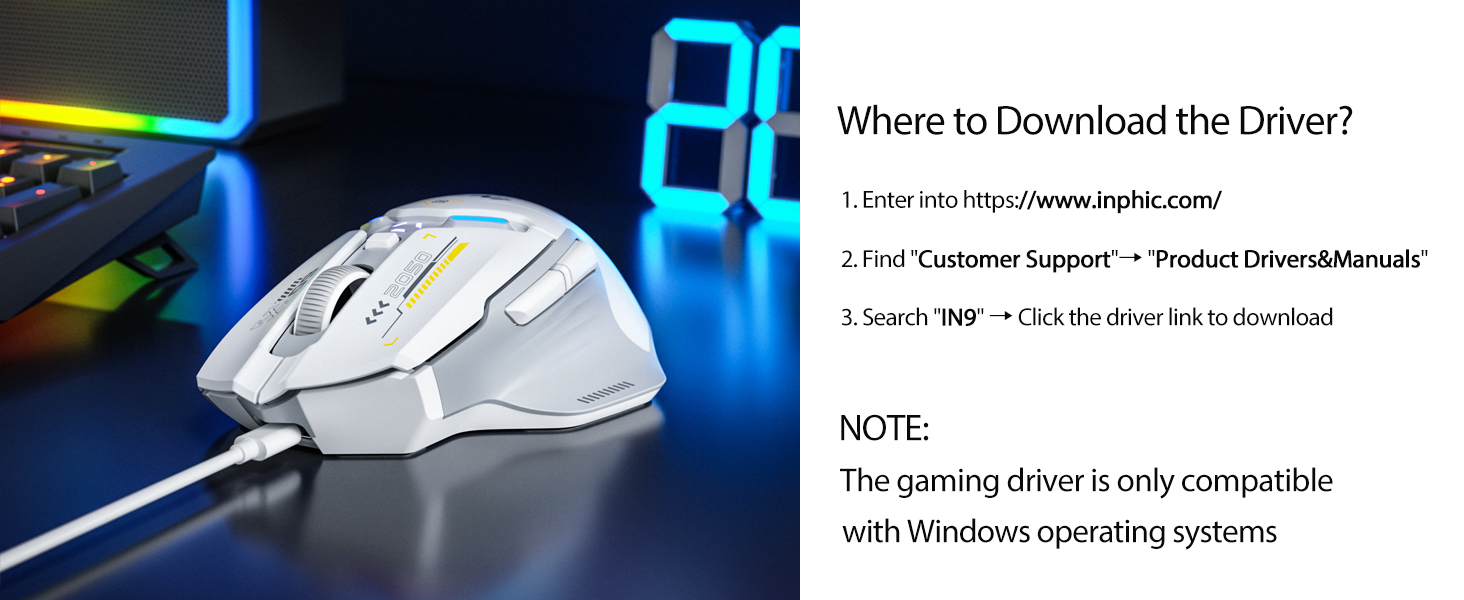
Download the Driver to Explore More Fun
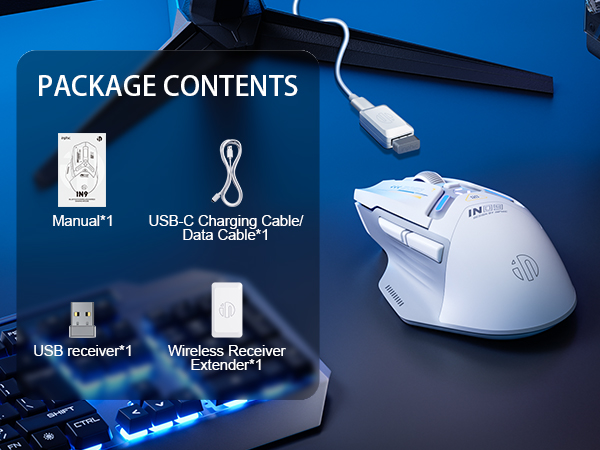
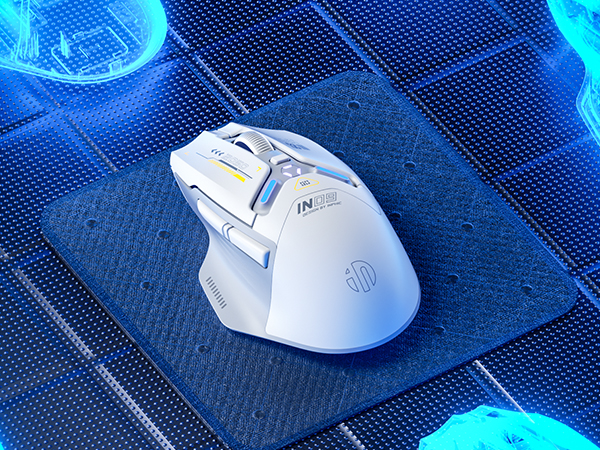
INPHIC Computer Mouse
Where is the USB receiver placed?
It is usually built-in at the bottom of the mouse, where you can easily see it
Is this mouse compatible with macbook?
This is a USB mouse without type c port, but you can still use it on your macbook with a type c adapter (not inclued)
Are the products worth to buy?
Of course, All products have undergone strict quality testing before leaving the factory