



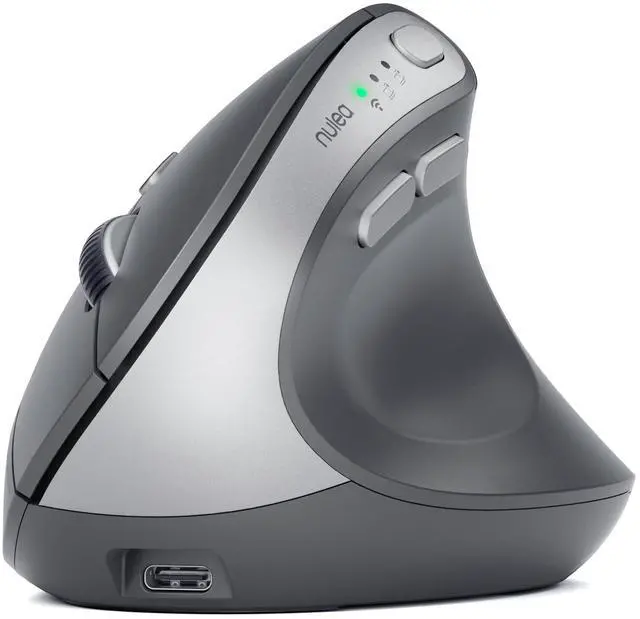
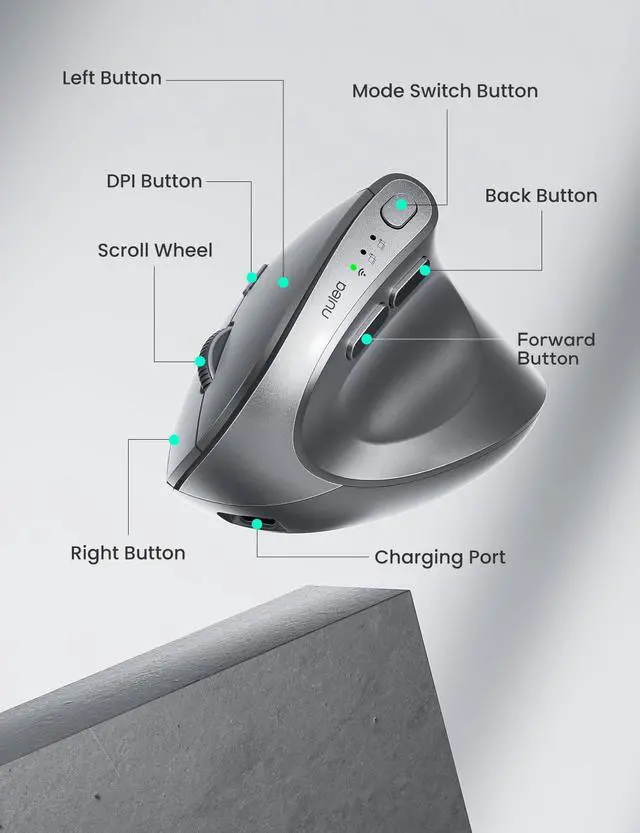
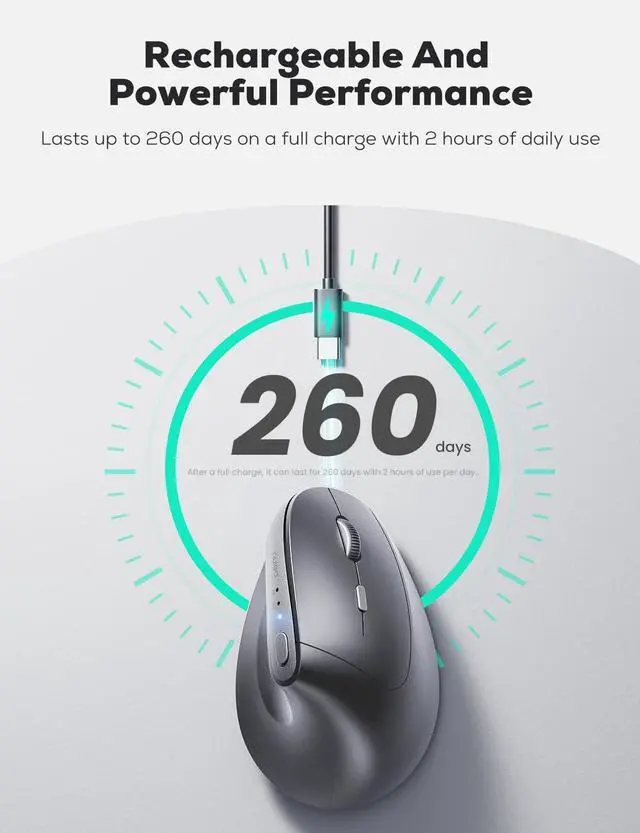


How to charge the mouse?
1. Please use our included charging cable to charge the mouse.
2. Use the output 5V charger or directly use the USB port of the computer to charge the mouse. (Do not use the fast charger to charge the mouse)
How to know if it is charging or fully charged?
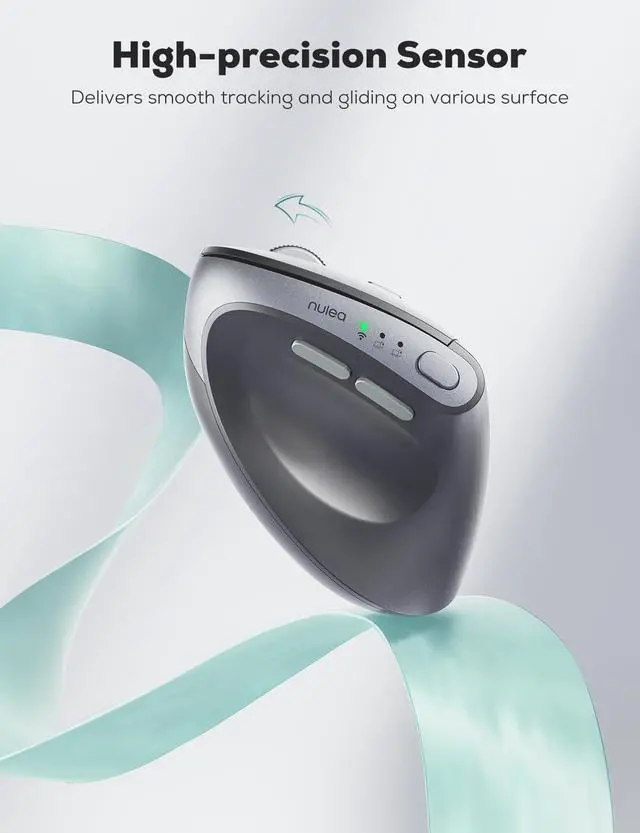
1.After plugging in the power, the third Bluetooth connection indicator light is used as the charging indicator light.
2.When charging, the indicator light turns blue and goes out after charging is complete.


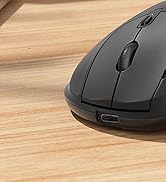





How to charge the mouse?
1. Please use our included charging cable to charge the mouse.
2. Use the output 5V charger or directly use the USB port of the computer to charge the mouse. (Do not use the fast charger to charge the mouse)
How to know if it is charging or fully charged?
1.After plugging in the power, the third Bluetooth connection indicator light is used as the charging indicator light.
2.When charging, the indicator light turns blue and goes out after charging is complete.
For Ergonomic Mouse
For Ergonomic Keyboard
