




ProtoArc EM01 NL Wireless Trackball Mouse
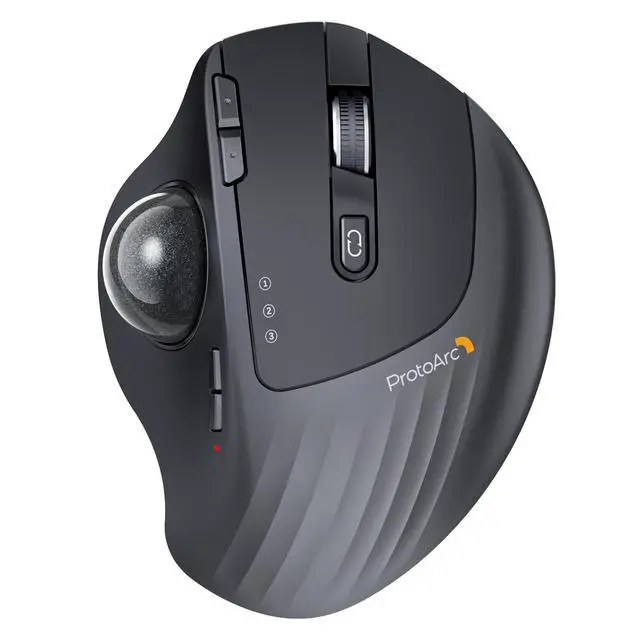
EM01 NL wireless trackball mouse
Merchant Video


Keep Your Trackball Rolling Smoothly
Is your trackball feeling sticky, jumpy, or less responsive? Over time, dust, oil, and dead skin cells build up inside the mechanism, causing the ball to drag or the cursor to skip. In this video, we’ll show you how to give it a proper clean. Regular maintenance restores that silky-smooth glide, ensures precise cursor control, and extends the life of your device. A few minutes of care makes all the difference!
EM01 NL Trackball cleaning video
Merchant VideoWarm Tips for EM01 NL Wireless Trackball Mouse
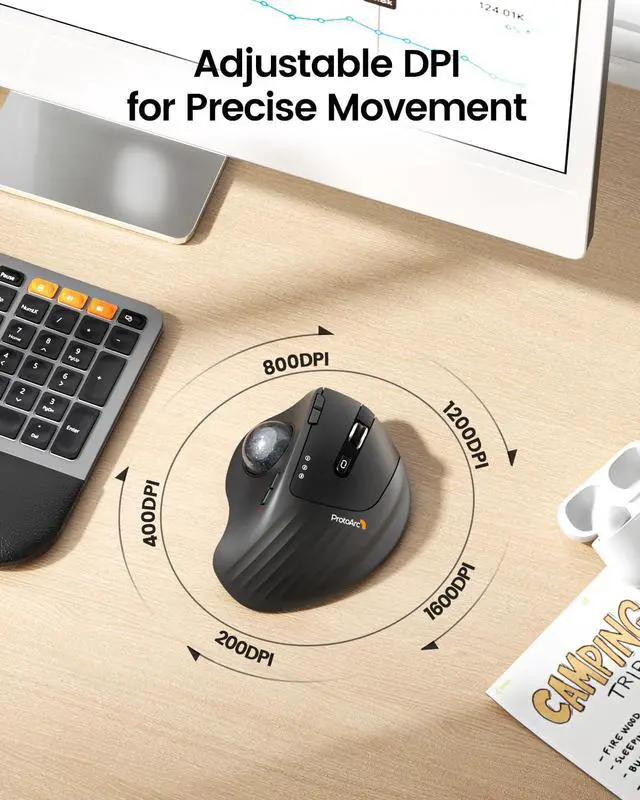
- The trackball mouse offers a distinctly different feel compared to traditional mice and may require some time to get used to. For first-time users, we recommend starting at 200/400 DPI and adjusting only once you feel comfortable.
- This product does not support horizontal scrolling (tilt function).
- This product is not recommended for tasks that demand extremely fine cursor control or high precision, such as image editing or CAD design.
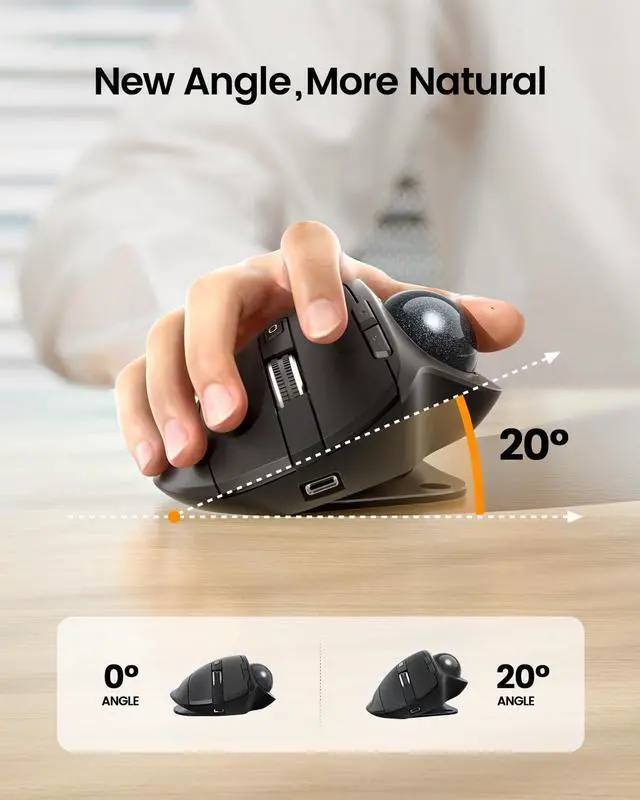
- For users with smaller hands (measured less than 17.5 cm from the base of the palm to the center), the size of this product may be too large to hold comfortably.
- Please note that using a USB charging cable purchased separately may not charge the device. Always use the included USB cable.
- All the buttons are non-programmable and the backward forward buttons are not compatible with Mac OS system.
Wireless Ergo Combo is Designed for Comfort and Productivity
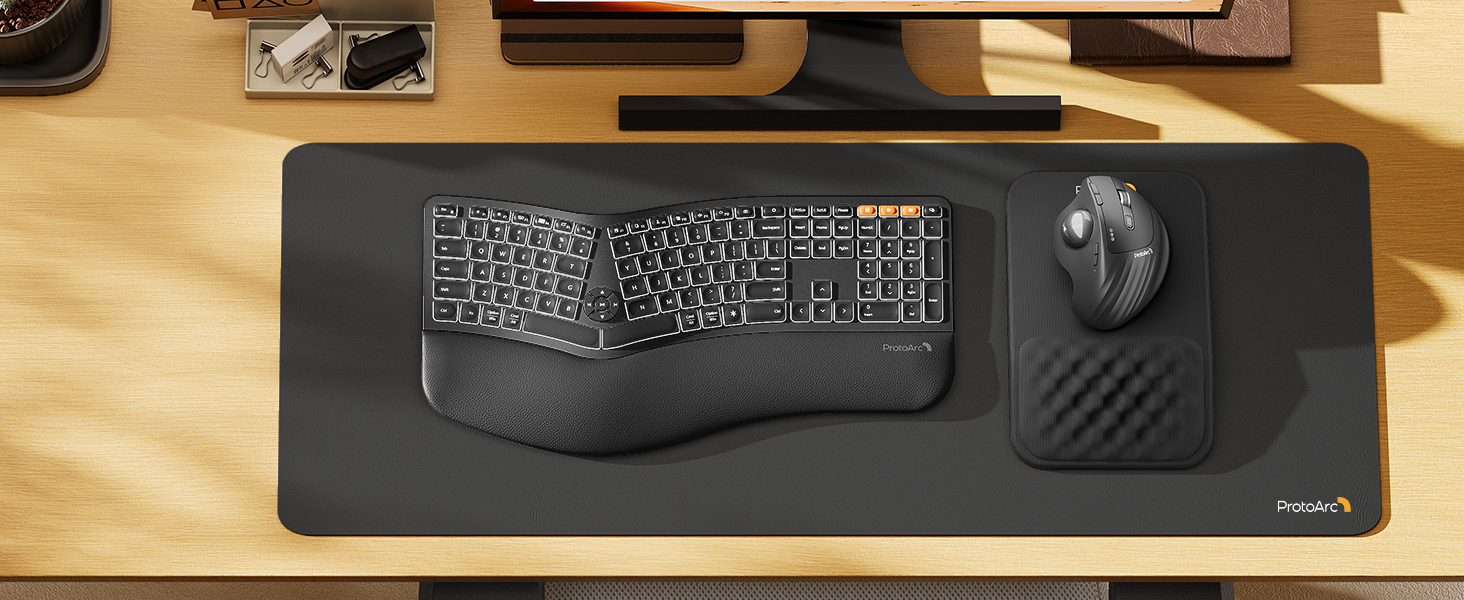
Pair with EK01 Plus Backlit Ergonomic Keyboard
Type more naturally with ProtoArc EK01 Plus. The ergo keyboard with cushioned palm rest, curved split keyframe and responsive scissor keys - Reduces wrist strain, keep your hands and shoulder relaxed
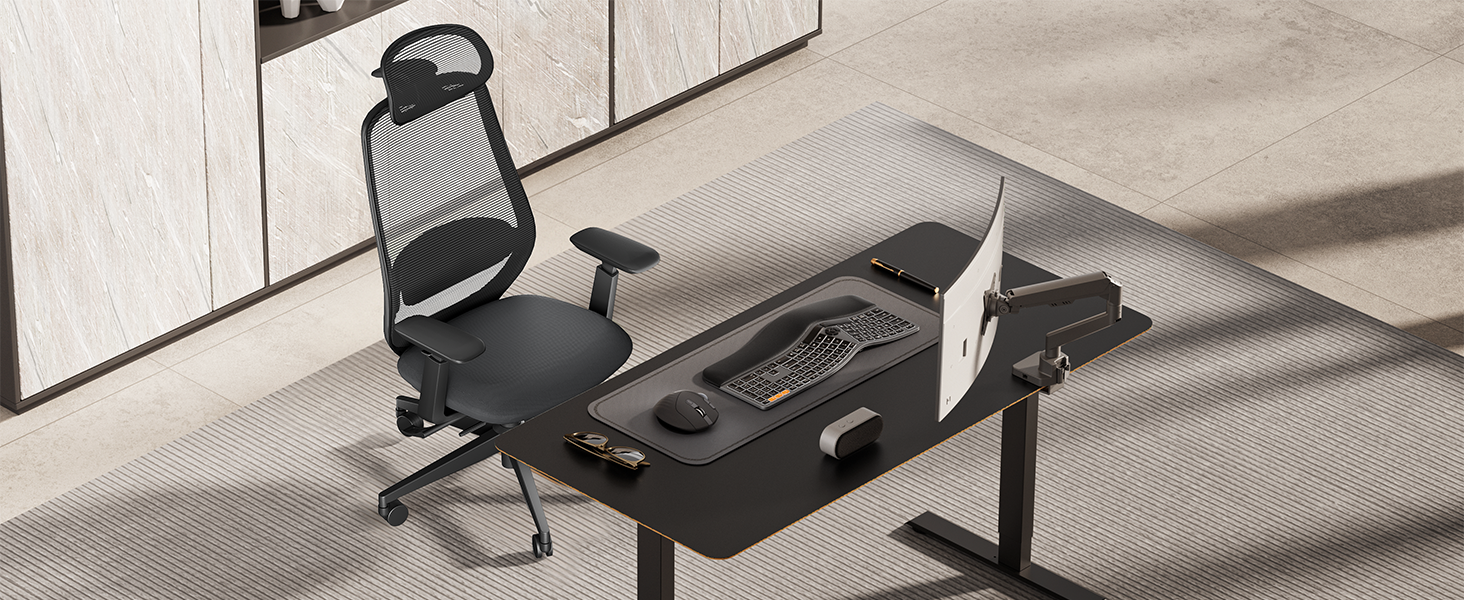
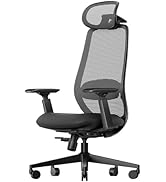
Pair with ProtoArc EC200 Ergonomic Chair
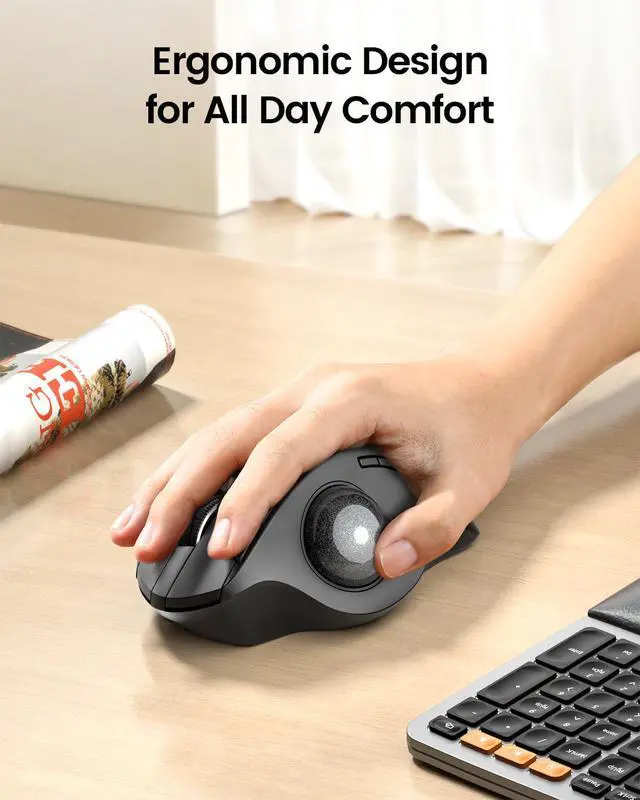
Transform your home office into a productivity haven with our ergonomic trackball mouse and chair. Designed to provide all-day comfort
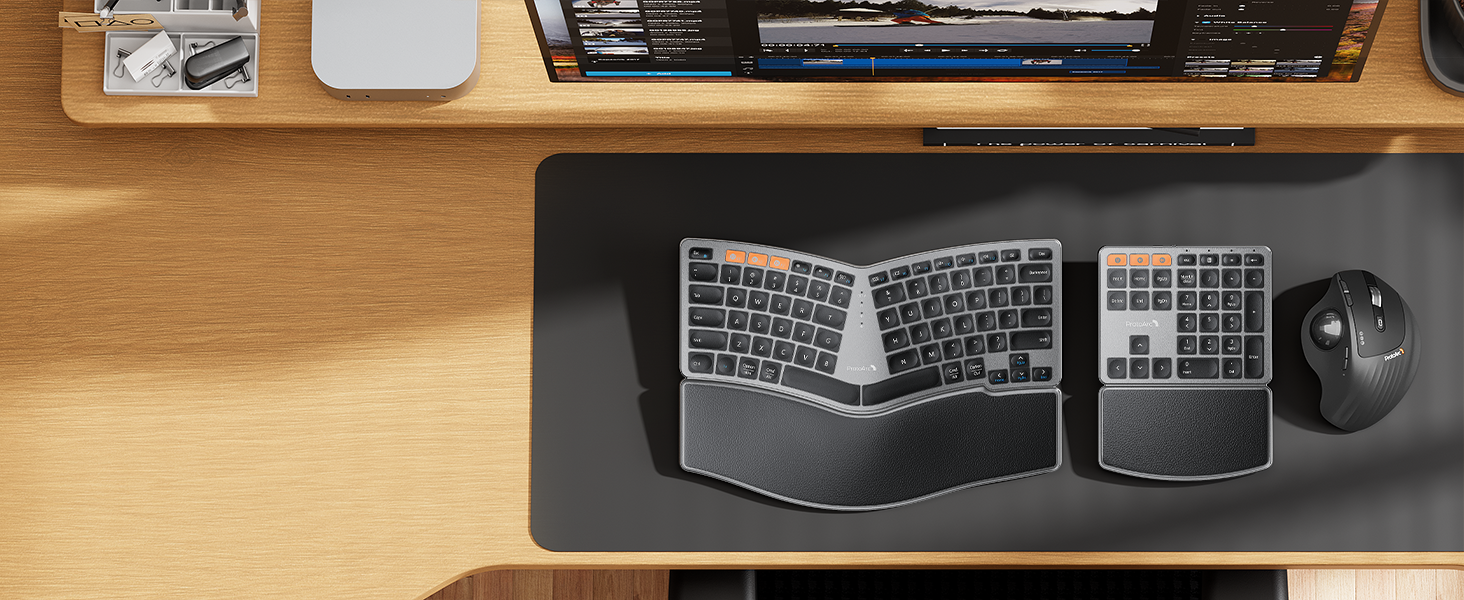
Pair with EK04 2-in-1 Wireless Ergonomic Keyboard
ProtoArc EK04 wireless ergonomic keyboard with separate number pad provides greater flexibility for your workspace setup, greatly helps to improve your work productivity.
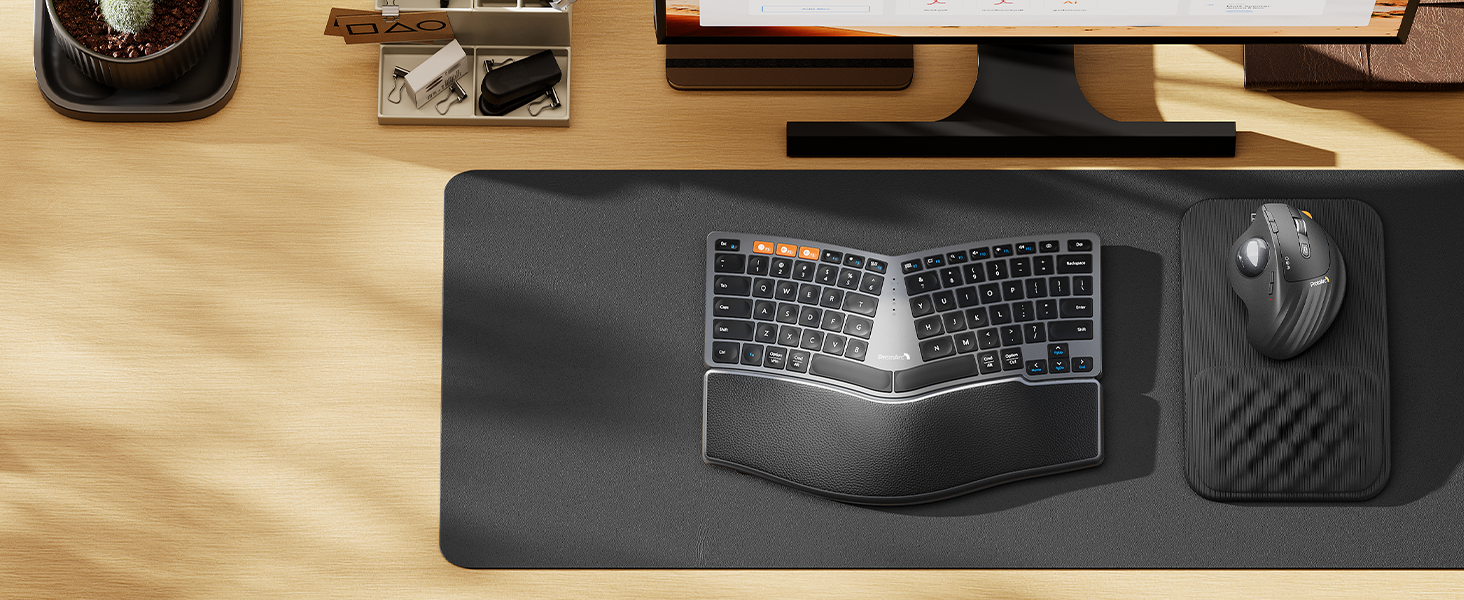
Pair with EK04 Mini Wireless Ergonomic Keyboard
ProtoArc EK04 Mini compact ergonomic keyboard offers a space-saving solution to maximize workspace efficiency without sacrificing comfort and functionality.
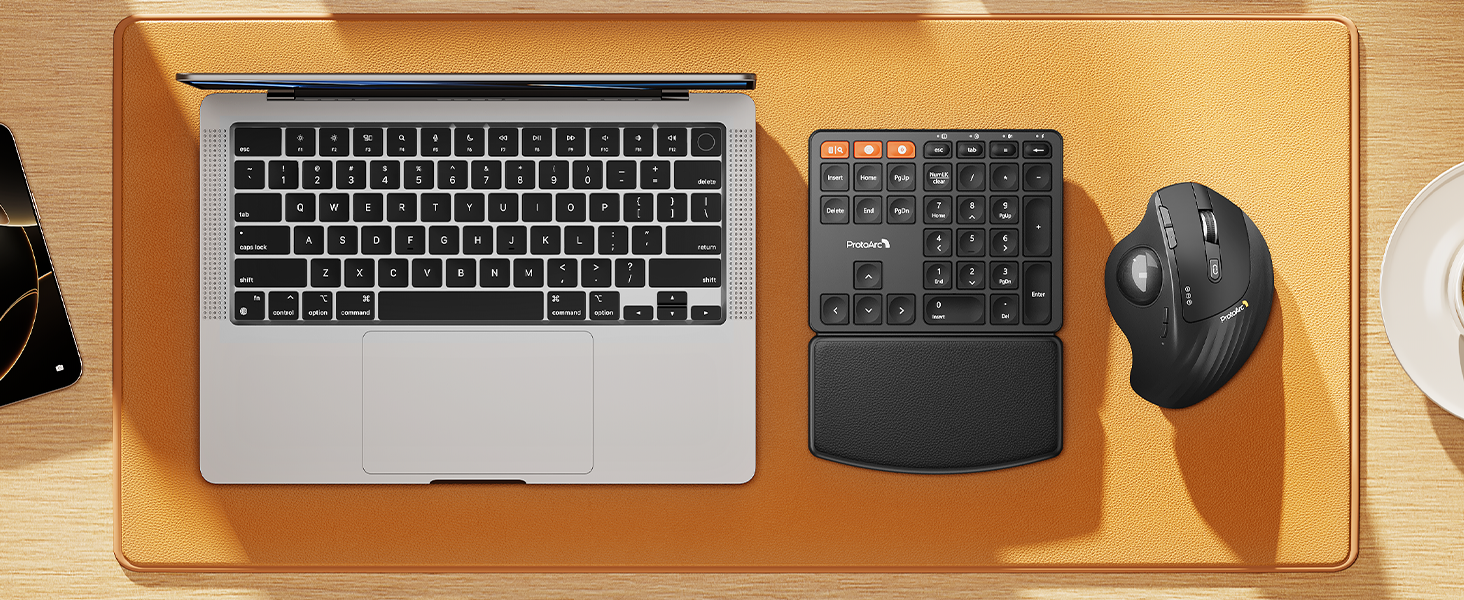
Pair with EK04 N Ergonomic Number Pad
ProtoArc EK04 N wireless ergonomic number pad with wrist rest can enhance work efficiency and provide typing comfort for long-term data entry work.

ProtoArc Wireless Bluetooth Mouse
 EM01 NL Trackball Mouse |  EM02 Trackball Mouse |  EM05NL Vertical Trackball |  EM04 Trackball Mouse |  EM11 Vertical Mouse |  EM03 NL Trackball Mouse |  EM01 NL Trackball Mouse | |
|---|---|---|---|---|---|---|---|
Customer Reviews | — | — | — | — | — | — | — |
Price | — | — | — | — | — | — | — |
Connection Type | 2.4G + Dual Bluetooth | 2.4G + Dual Bluetooth | 2.4G + Dual Bluetooth | 2.4G + Dual Bluetooth | 2.4G + Dual Bluetooth | 2.4G + Dual Bluetooth | 2.4G + Dual Bluetooth |
Compatibility | MacOS,iOS, iPadOS, Win,Android | MacOS,iOS, iPadOS, Win,Android | MacOS,iOS, iPadOS, Win,Android | MacOS,iOS, iPadOS, Win,Android | MacOS,iOS, iPadOS, Win,Android | MacOS,iOS, iPadOS, Win,Android | MacOS,iOS, iPadOS, Win,Android |
Color | Black-Gray Ball | Black-Gray Ball | Black-Gray Ball | Black | Black | Black-Gray Ball | Black-Purple Ball |
USB-C Charging | ? | ? | ? | ? | ? | ? | ? |
Mouse Type | Thumb Type | Thumb Type | Thumb Type | Thumb Type | Vertical Mouse | Index Finger Type | Thumb Type |
Hand Size | Great for Medium Hand | Great for Medium Hand | Great for Medium Hand | Great for Small Hand | Great for Medium Hand | Great for Medium to Large Hand | Great for Medium Hand |


Mission
At ProtoArc, our mission is to deliver innovative workspace solutions that enhance comfort, boost productivity, and foster overall wellness.
Vision
We believe that everyone deserves a workspace that not only meets their functional needs but also empowers them to thrive. Our vision is a world where work environments promote health, happiness, and high performance.
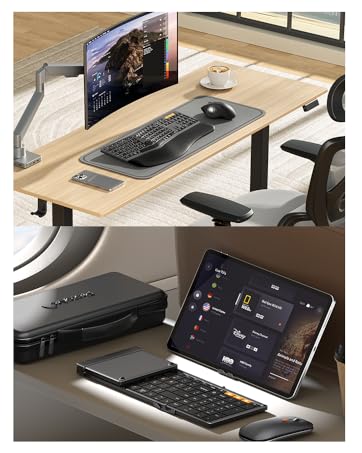
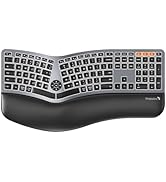
Ergonomic WorkSpace
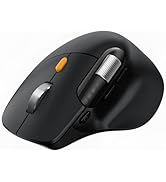
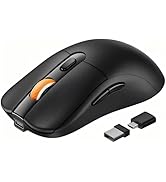
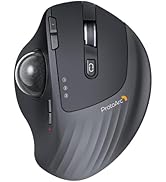
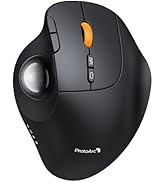
Bluetooth Mouse
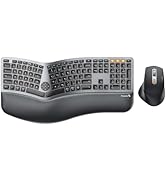
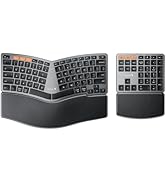
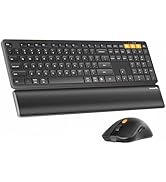
Ergonomic Keyboard & Mouse
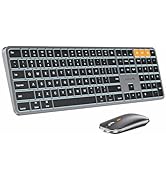
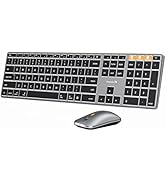
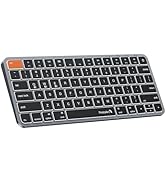
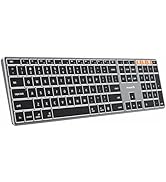
Mac Keyboard and Mouse


ProtoArc EM01 NL Wireless Trackball Mouse
EM01 NL wireless trackball mouse
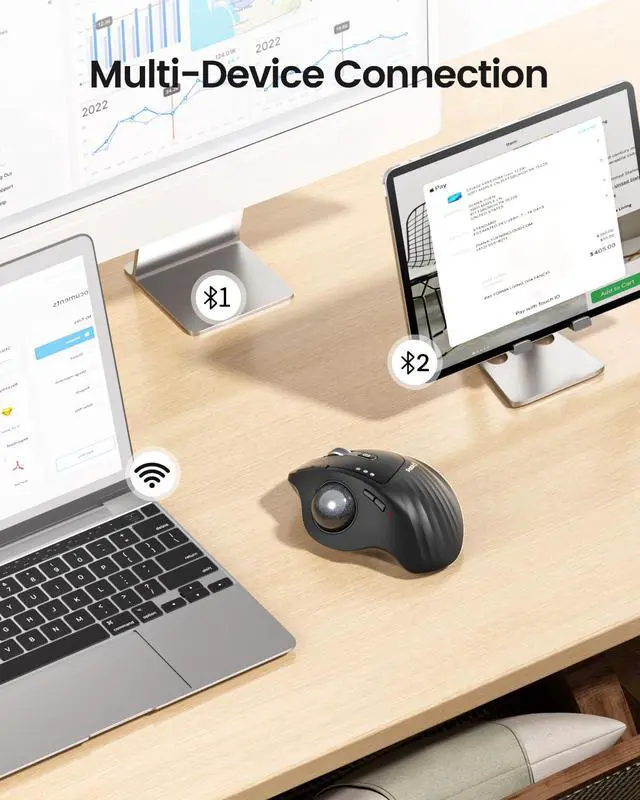
Merchant VideoBluetooth & 2.4G Wireless
Switch freely between Android, tablet and Mac with just one button
900mAh Large Battery Capacity
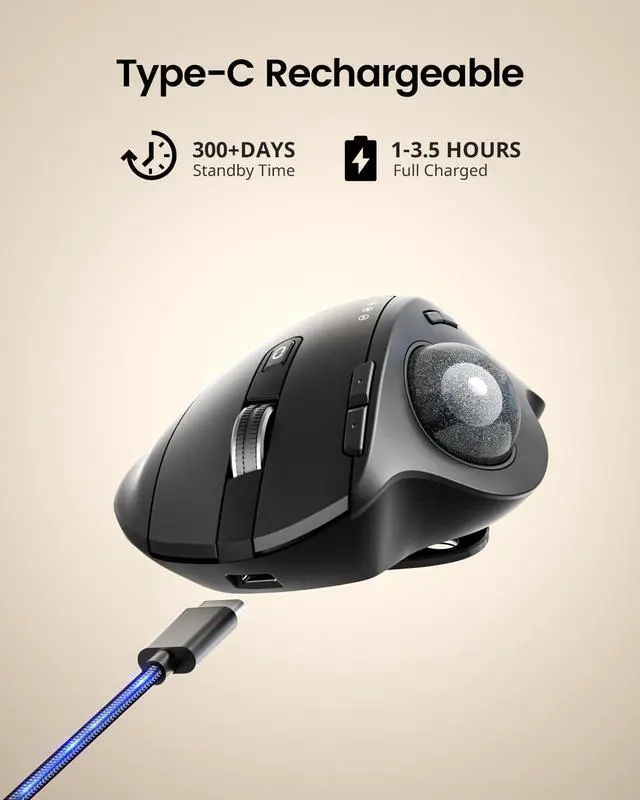
Easily charge the mouse with the included usb c charging cable anytime anywhere


EM01 NL Trackball cleaning video
Merchant VideoKeep Your Trackball Rolling Smoothly
Is your trackball feeling sticky, jumpy, or less responsive? Over time, dust, oil, and dead skin cells build up inside the mechanism, causing the ball to drag or the cursor to skip. In this video, we’ll show you how to give it a proper clean. Regular maintenance restores that silky-smooth glide, ensures precise cursor control, and extends the life of your device. A few minutes of care makes all the difference!
Warm Tips for EM01 NL Wireless Trackball Mouse
- The trackball mouse offers a distinctly different feel compared to traditional mice and may require some time to get used to. For first-time users, we recommend starting at 200/400 DPI and adjusting only once you feel comfortable.
- This product does not support horizontal scrolling (tilt function).
- This product is not recommended for tasks that demand extremely fine cursor control or high precision, such as image editing or CAD design.
- For users with smaller hands (measured less than 17.5 cm from the base of the palm to the center), the size of this product may be too large to hold comfortably.
- Please note that using a USB charging cable purchased separately may not charge the device. Always use the included USB cable.
- All the buttons are non-programmable and the backward forward buttons are not compatible with Mac OS system.
Wireless Ergo Combo is Designed for Comfort and Productivity
Pair with EK01 Plus Backlit Ergonomic Keyboard
Pair with ProtoArc EC200 Ergonomic Chair
Pair with EK04 2-in-1 Wireless Ergonomic Keyboard
Pair with EK04 Mini Wireless Ergonomic Keyboard
Pair with EK04 N Ergonomic Number Pad


Type more naturally with ProtoArc EK01 Plus. The ergo keyboard with cushioned palm rest, curved split keyframe and responsive scissor keys - Reduces wrist strain, keep your hands and shoulder relaxed
Transform your home office into a productivity haven with our ergonomic trackball mouse and chair. Designed to provide all-day comfort
ProtoArc EK04 wireless ergonomic keyboard with separate number pad provides greater flexibility for your workspace setup, greatly helps to improve your work productivity.
ProtoArc EK04 Mini compact ergonomic keyboard offers a space-saving solution to maximize workspace efficiency without sacrificing comfort and functionality.
ProtoArc EK04 N wireless ergonomic number pad with wrist rest can enhance work efficiency and provide typing comfort for long-term data entry work.
ProtoArc Wireless Bluetooth Mouse
EM01 NL Trackball Mouse | EM02 Trackball Mouse | EM05NL Vertical Trackball | EM04 Trackball Mouse | EM11 Vertical Mouse | EM03 NL Trackball Mouse | EM01 NL Trackball Mouse |
|---|---|---|---|---|---|---|
| Customer Reviews | ||||||
| — | — | — | — | — | — | — |
| Price | ||||||
| — | — | — | — | — | — | — |
| Connection Type | ||||||
| 2.4G + Dual Bluetooth | 2.4G + Dual Bluetooth | 2.4G + Dual Bluetooth | 2.4G + Dual Bluetooth | 2.4G + Dual Bluetooth | 2.4G + Dual Bluetooth | 2.4G + Dual Bluetooth |
| Compatibility | ||||||
| MacOS,iOS, iPadOS, Win,Android | MacOS,iOS, iPadOS, Win,Android | MacOS,iOS, iPadOS, Win,Android | MacOS,iOS, iPadOS, Win,Android | MacOS,iOS, iPadOS, Win,Android | MacOS,iOS, iPadOS, Win,Android | MacOS,iOS, iPadOS, Win,Android |
| Color | ||||||
| Black-Gray Ball | Black-Gray Ball | Black-Gray Ball | Black | Black | Black-Gray Ball | Black-Purple Ball |
| USB-C Charging | ||||||
| ? | ? | ? | ? | ? | ? | ? |
| Mouse Type | ||||||
| Thumb Type | Thumb Type | Thumb Type | Thumb Type | Vertical Mouse | Index Finger Type | Thumb Type |
| Hand Size | ||||||
| Great for Medium Hand | Great for Medium Hand | Great for Medium Hand | Great for Small Hand | Great for Medium Hand | Great for Medium to Large Hand | Great for Medium Hand |
Mission
At ProtoArc, our mission is to deliver innovative workspace solutions that enhance comfort, boost productivity, and foster overall wellness.
Vision
We believe that everyone deserves a workspace that not only meets their functional needs but also empowers them to thrive. Our vision is a world where work environments promote health, happiness, and high performance.
Ergonomic WorkSpace
Bluetooth Mouse
Ergonomic Keyboard & Mouse
Mac Keyboard and Mouse