




How do I enable Remote Control for the ZN-S12 Smart Door Lock?
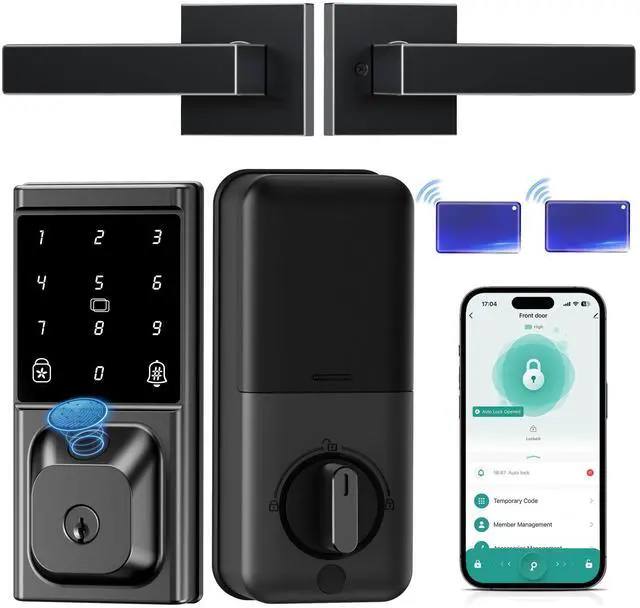
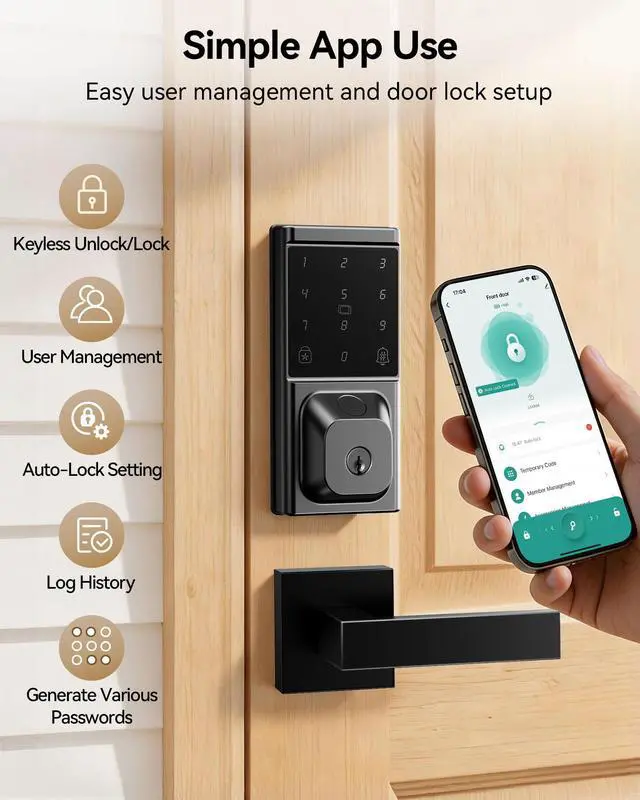
Connect the smart lock to the Smart Life APP or Tuya App, then connect it to the G2 gateway to enable remote control of the smart lock.
How many passwords and fingerprints can the IBLOG ZN-S12 smart lock store?
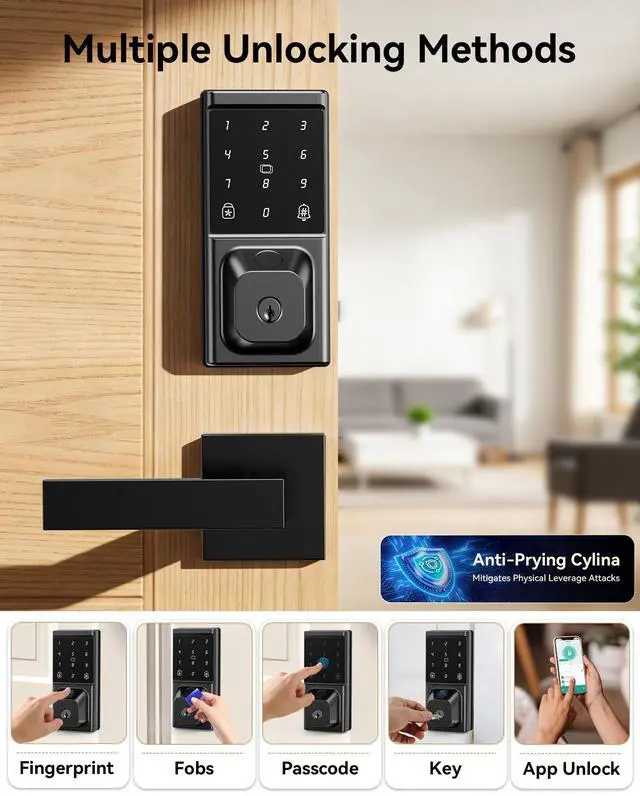
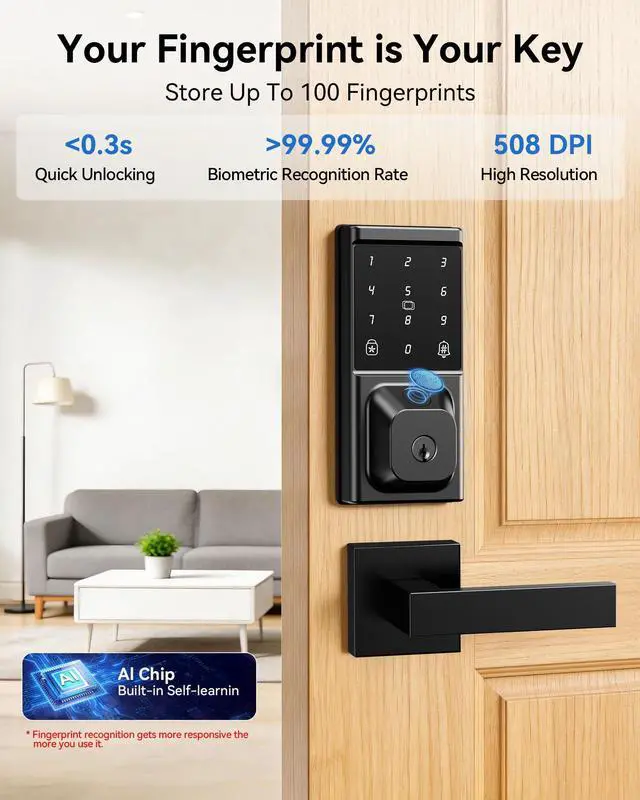
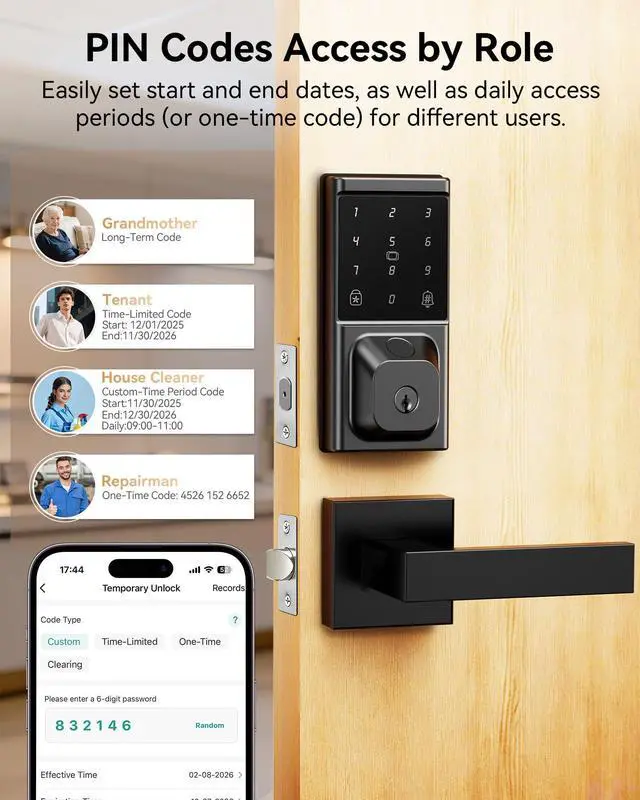
It can store up to 100 fingerprints and 100 different permanent passwords, and an unlimited number of temporary or one-time passwords.
Does the auto-lock function only work when the smart lock is connected to Wi-Fi or Bluetooth?
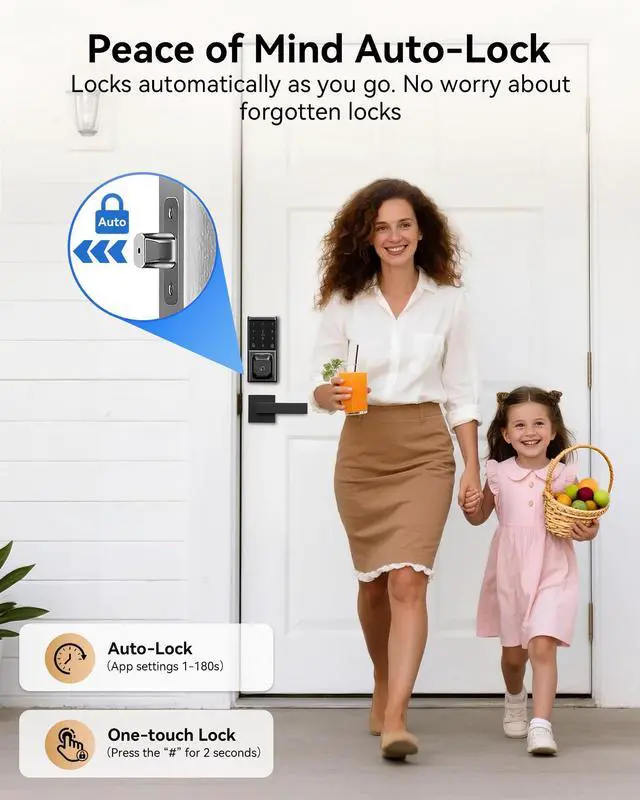
The auto-lock setting only requires a Wi-Fi or Bluetooth connection during setup in the app. Once configured, the function will remain active as long as the lock is powered on.
Does this smart deabolt come with batteries included? Approximately how long does the battery last?
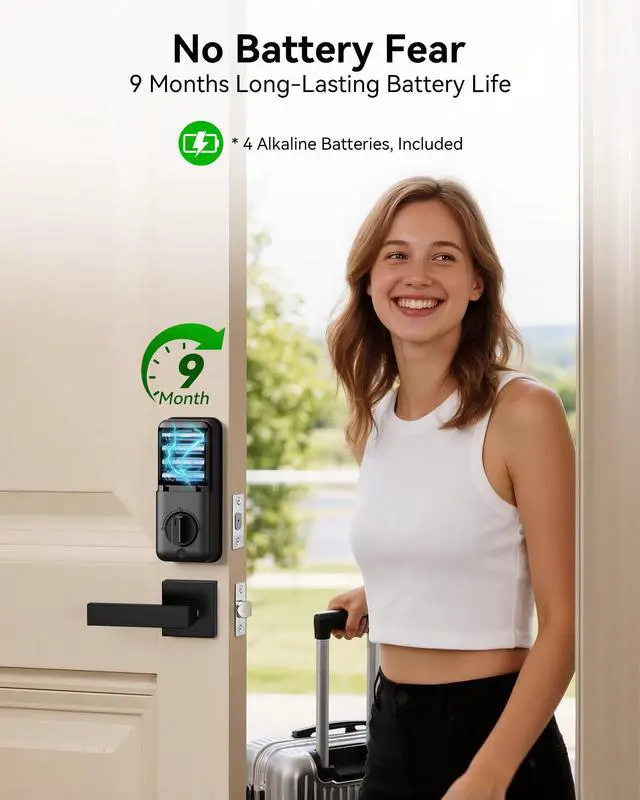
The package includes 4 AA alkaline batteries, which provide approximately 9 months of battery life under normal usage conditions—though actual duration may vary depending on usage frequency.
How can the smart lock be unlocked once the batteries have run out?
Using a Type-C power bank to unlock it, and then proceed to replace the batteries. Note: The Type-C port is intended solely for temporary emergency power supply; the lock does not support recharging via a power bank.


How do I enable Remote Control for the ZN-S12 Smart Door Lock?
Connect the smart lock to the Smart Life APP or Tuya App, then connect it to the G2 gateway to enable remote control of the smart lock.
How many passwords and fingerprints can the IBLOG ZN-S12 smart lock store?
It can store up to 100 fingerprints and 100 different permanent passwords, and an unlimited number of temporary or one-time passwords.
Does the auto-lock function only work when the smart lock is connected to Wi-Fi or Bluetooth?
The auto-lock setting only requires a Wi-Fi or Bluetooth connection during setup in the app. Once configured, the function will remain active as long as the lock is powered on.
Does this smart deabolt come with batteries included? Approximately how long does the battery last?
The package includes 4 AA alkaline batteries, which provide approximately 9 months of battery life under normal usage conditions—though actual duration may vary depending on usage frequency.
How can the smart lock be unlocked once the batteries have run out?
Using a Type-C power bank to unlock it, and then proceed to replace the batteries. Note: The Type-C port is intended solely for temporary emergency power supply; the lock does not support recharging via a power bank.