| Features | 2-Port USB-C KVM Switch with Power Delivery
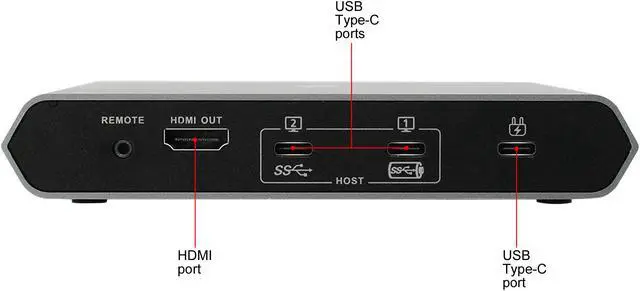
Control and share 2 USB-C devices with DP Alt Mode from one keyboard, mouse, and an HDMI monitor
Power Delivery*1 (USB-C external power included) with up to 75W charging for laptop*2 and up to10W for smartphone*3
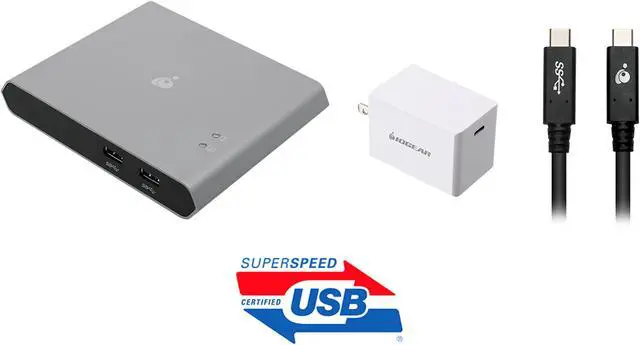
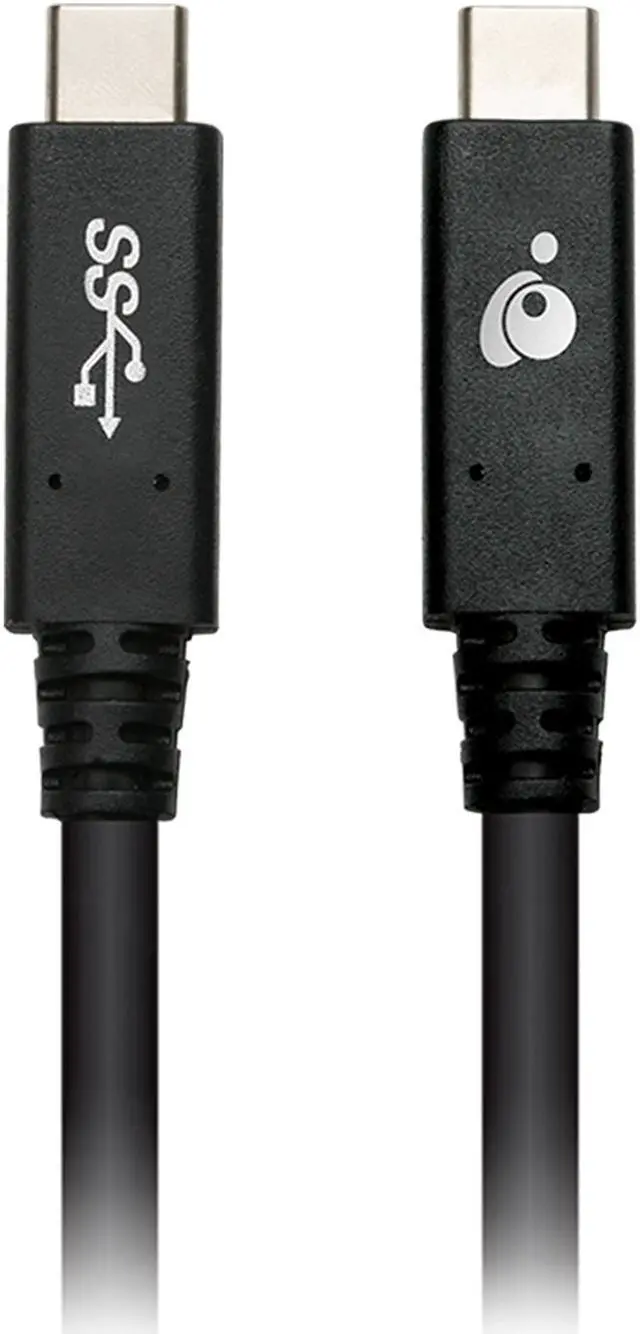
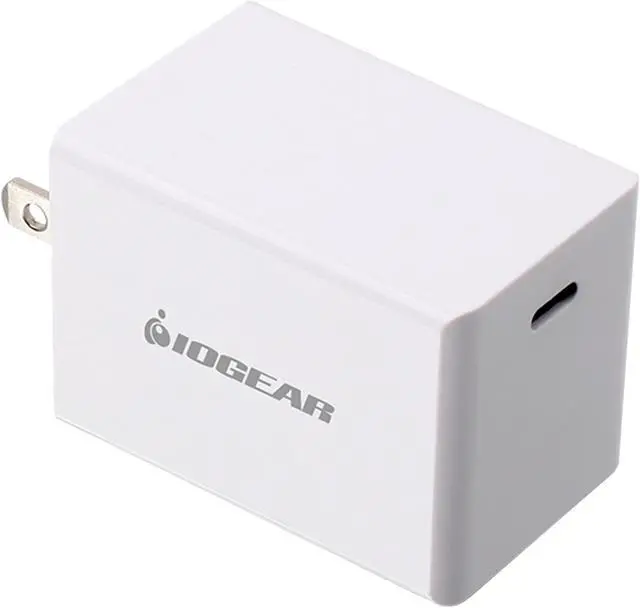
Includes 60W USB-C GaN charger (GPAWC60W) & USB-C to USB-C cable (G2LU3CCM01E)
Supports USB-C/Thunderbolt 3 MacBook Air, MacBook Pro, iPad Pro, Windows & Android 8+ devices
Resolution up to 4K UHD 3840 x 2160 @30Hz for USB-C laptops
Resolution up to 1080p @60 for USB-C tablets and smartphones
Thunderbolt 3 laptop compatible
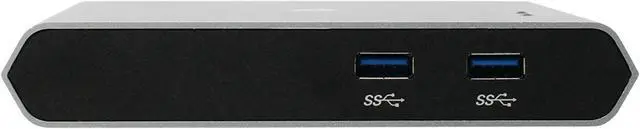
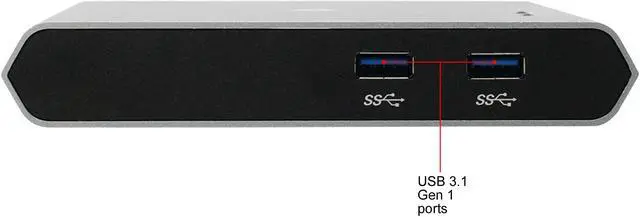
USB 3.1 Gen1 supports data transfer rates up to 5 Gbps
Convenient switching between devices via a push-button remote
Supports DeX Mode*4 on Samsung USB-C smartphones
Plug-n-Play; no software or driver needed
HDCP 1.4 Compliant
Note:
1.For optimal performance, Limited Power Source (LPS) certified USB-C power adapter
2.Must be plugged into Primary USB-C port 1
3.When plugged into Secondary USB-C port 2
4.Samsung DeX Mode is only supported on Samsung Galaxy S8, S8+, S9, S9+, S10, S10+, and Note 8, Note 9, and Tab S4; other Android devices support mirror screen |
|---|