



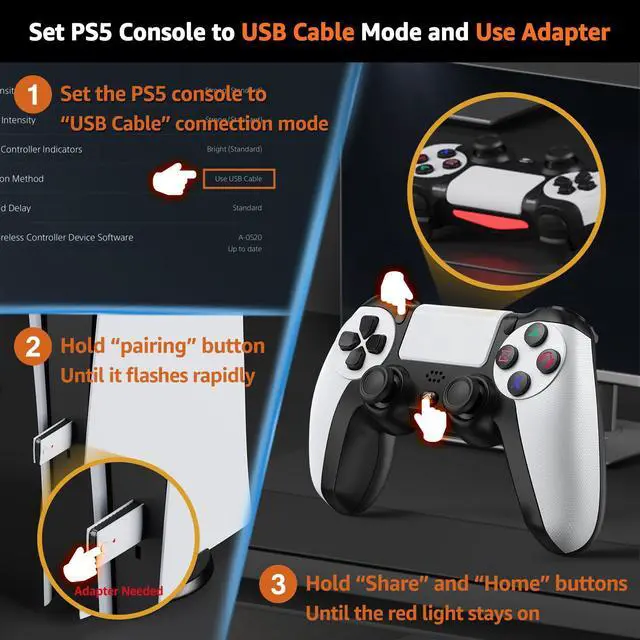


How to Connect the PS-5 Console by Adapter
How to connect the PS-5 by adapter
Merchant Video


Why does the console display “Cannot use the PS-4 wireless controller to play PS-5 games”? How to fix it
1. The PS-5 needs set to USB mode. Settings > Accessories > Controller (General) > Communication Metho > Use USB Cable.
2. The USB adapter needs to be paired with the controller. Please refer to the tutorial video for proper operation.
Why is the 2.4G controller not working after using another controller?
Unplug and reinsert the 2.4G adapter, then restart the controller to reconnect.
If I want to use the original PS-5 controller wirelessly, do I need to switch the connection mode to Bluetooth?
No, the original controller supports both wireless and wired connections. Setting the USB mode will not affect its wireless connection. Simply turn on the original controller, and it will reconnect automatically.
Why does the PS-5 console prompt for an update after inserting the 2.4G adapter?
Please ensure the PS-5 console is configured to USB connection mode in the settings.
After charging the PS-5 controller using the ps-5console, the system displays that not support PS5 games?
1. Do not use cable to conmect to the ps-5 console. 2. lf you are using a cable to connect to the Ps-5 console, you need to re-plug the USB adapter and re-pair it with the controller (must be re-paired)

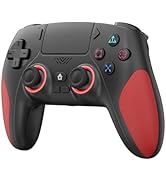
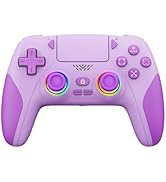
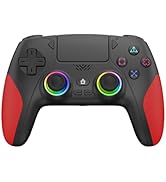
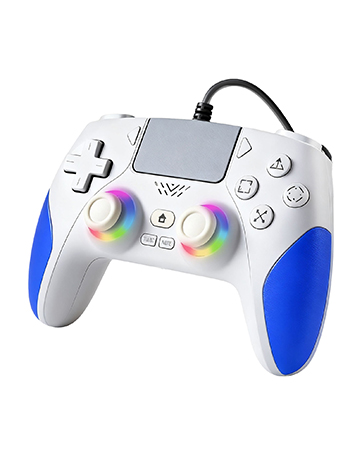
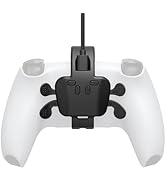
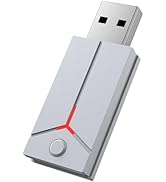
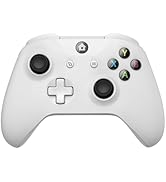
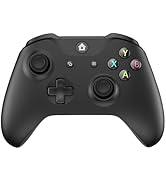
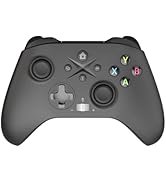
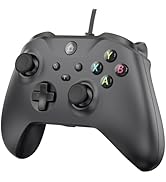
IWGAME Game Series
More Fun
Wireless Controller for PS-5
Wired Controller for PS-5
RGB Lght Wired Controller for PS-5
Accessories for PS-5/PS-4
Controller for X-BOX
2.4G Controller for PS-5
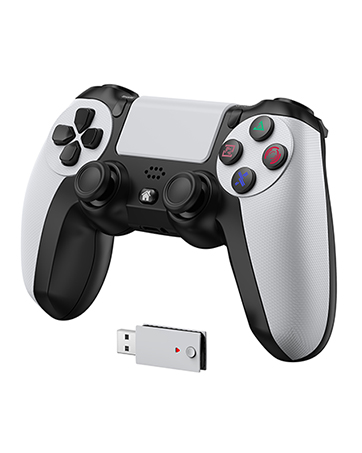
2.4G Wireless Controller for PS-5
How to Connect the PS-5 Console by Adapter
How to connect the PS-5 by adapter
Merchant Video


Why does the console display “Cannot use the PS-4 wireless controller to play PS-5 games”? How to fix it
1. The PS-5 needs set to USB mode. Settings > Accessories > Controller (General) > Communication Metho > Use USB Cable.
2. The USB adapter needs to be paired with the controller. Please refer to the tutorial video for proper operation.
Why is the 2.4G controller not working after using another controller?
Unplug and reinsert the 2.4G adapter, then restart the controller to reconnect.
If I want to use the original PS-5 controller wirelessly, do I need to switch the connection mode to Bluetooth?
No, the original controller supports both wireless and wired connections. Setting the USB mode will not affect its wireless connection. Simply turn on the original controller, and it will reconnect automatically.
Why does the PS-5 console prompt for an update after inserting the 2.4G adapter?
Please ensure the PS-5 console is configured to USB connection mode in the settings.
After charging the PS-5 controller using the ps-5console, the system displays that not support PS5 games?
1. Do not use cable to conmect to the ps-5 console. 2. lf you are using a cable to connect to the Ps-5 console, you need to re-plug the USB adapter and re-pair it with the controller (must be re-paired)