


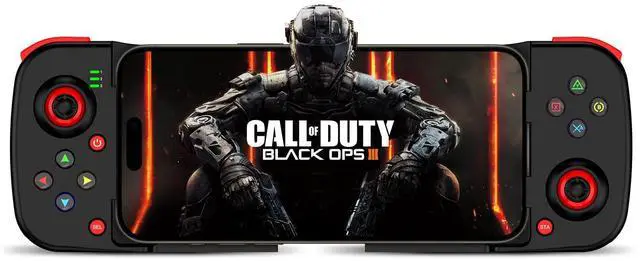


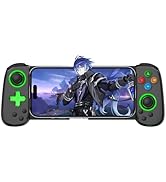
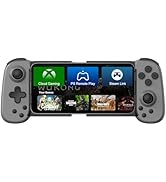
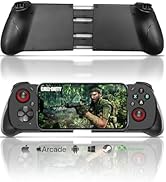
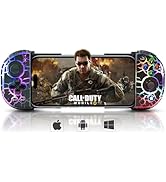
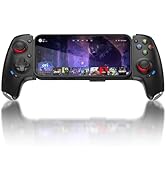
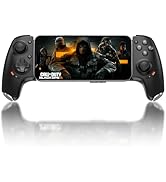
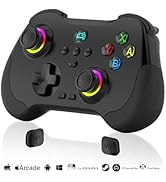
Joso Phone Controller for iPhone, Android with Cloud Gaming Support


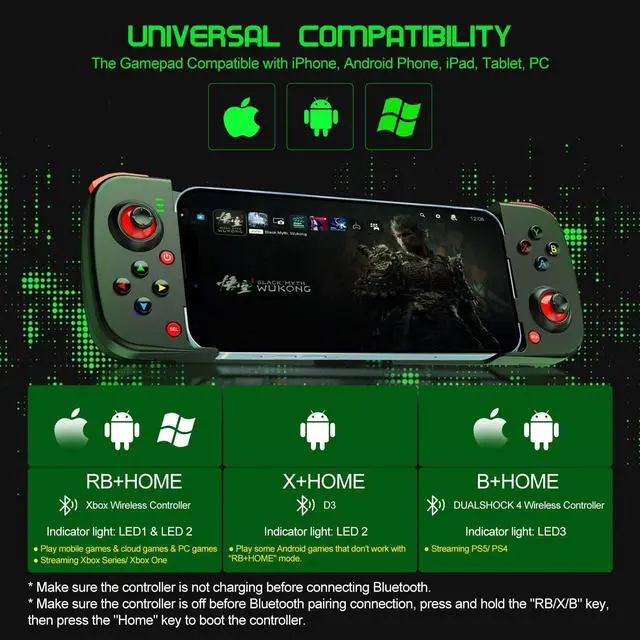
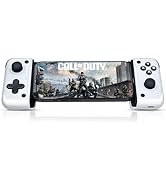
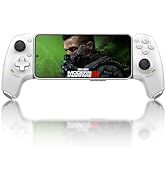
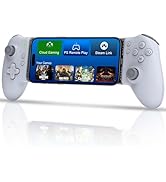
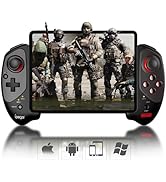
- Multi-platform compatible: Compatible for iOS, Android, PC, Cloud, Streaming, and Mobile Gaming
- For iOS 13.4 and higher: Compatible withiPhone 16, iPhone 16 Plus, iPhone 16 Pro, iPhone 16 Pro Max,iPhone 15, iPhone 15 Plus, iPhone 15 Pro, iPhone 15 Pro Max, iPhone 14, iPhone 14 Plus, iPhone 14Pro, iPhone 14 Pro Max, iPhone 13 mini, iPhone 13, iPhone 13 Pro, iPhone 13 Pro Max, iPhone 12, 12 Pro, 12 Pro Max, X, XR, XS, XS Max, 11 Pro, 11 Pro Max, 11, 7, 7Plus, 8, 8Plus, etc.. (Not support Apple TV&iPod, Fire TV/TV Box.)
- For Android 6.0 and higher: Compatible with Samsung Galaxy S24 Series, Galaxy S23 Series, Galaxy S22 Series, Galaxy S21 Series, and more Galaxy Series; For X-iaomi, m-oto, Pixel 9/8/7/6 Series, TCL, oppo, vivo, and more Android phones.
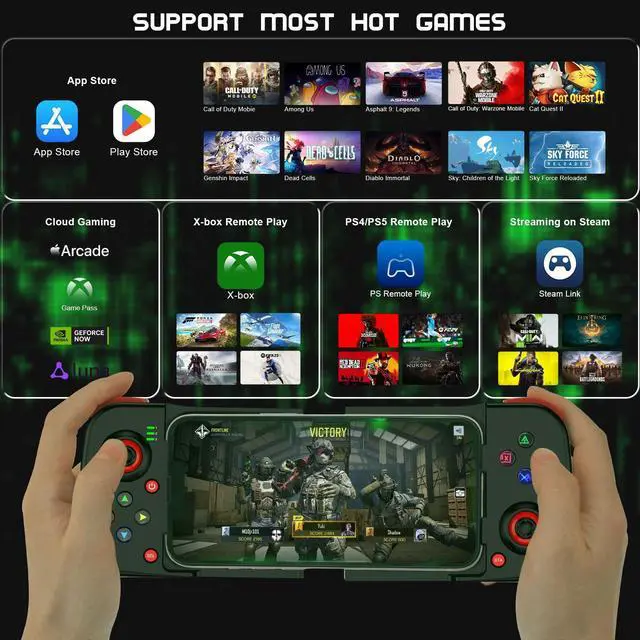
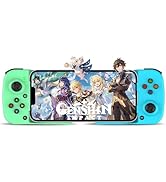
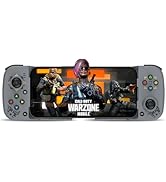
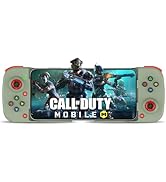
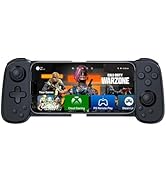
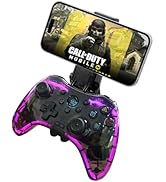
- Play Controller Supported Games: The mobile gaming controller supports games from the App Store/Play Store such as COD Mobile, Warzone Mobile, Genshin Impact (works with iPhone only), stream through cloud gaming services such as Game Pass, or play games with Remote Play from your PS5/PS5, Xbox or PC.
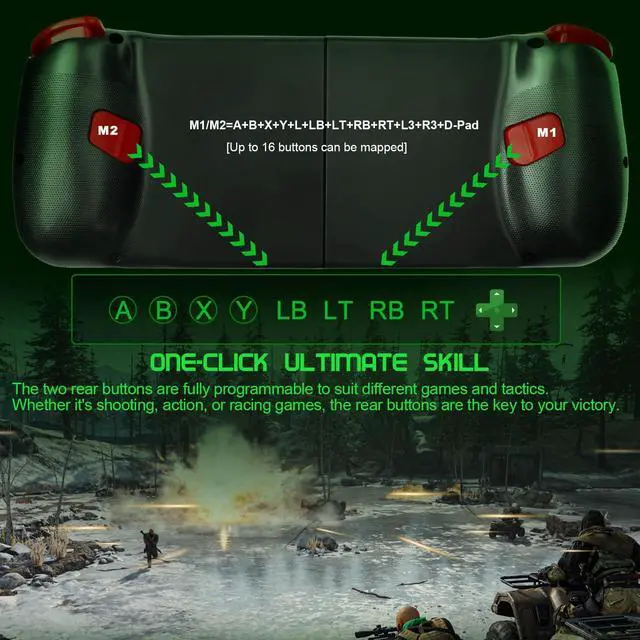
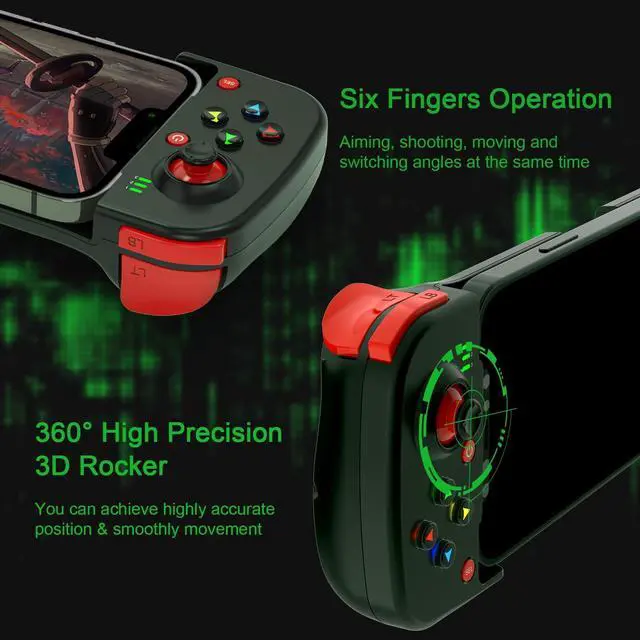
- Custom programming function: The phone controller with 2 buttons allow to do key mapping, set Turbo mode, or even edit Macro, helping gamers achieve advanced game techniques.
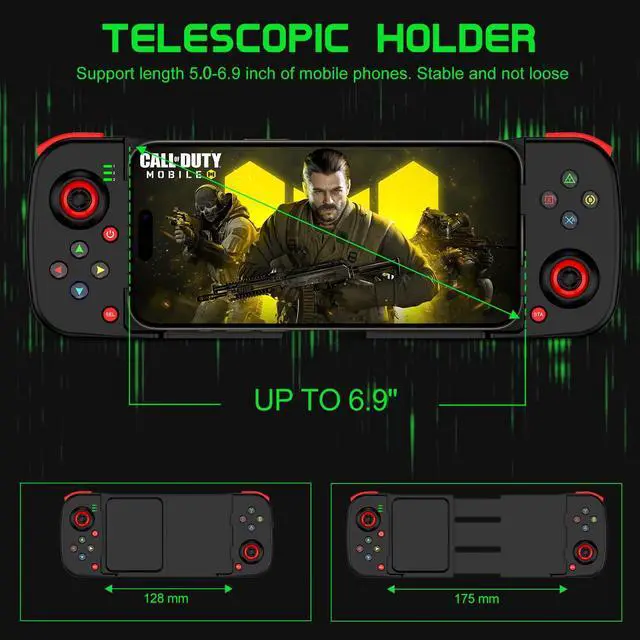
- Support Phone Case: Supported length of devices is between 5.0 - 6.9 inches. ( The controller's telescopic holder can support up to 6.9 inches, so it does not support the iPad on the controller)


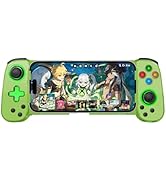
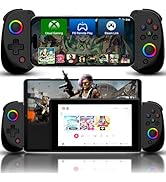
More Controller Colors for Gamers

Joso Mobile Gaming Controller
 Joso Simhon 01 |  Joso D6 |  Joso D8 |  Joso 6321 |  Joso 6109 (RGB Edition) |  Joso N01 |  Joso Z01 | |
|---|---|---|---|---|---|---|---|
Customer Reviews | — | — | — | — | — | — | — |
Price | — | — | — | — | — | — | — |
Connection Mode | Type-C & Wireless | Wireless | Wireless | Type-C & Wireless | Wireless | Type-C | Wireless |
Working Platform | For iPhone 15 Series & Android | For iPhone & Android | For iOS/Android & N-Switch | For iPhone 15 Series & Android | For iPhone & Android | For iPhone 15 Series & Android | For iOS/Android/PC & N-Switch |
Back Button | 2 Back Buttons | No | No | 2 Back Buttons | No | 2 Back Buttons | 2 Back Buttons |
Maximum Length | 193mm | 180mm | 252mm | 176mm | 200mm | 180mm | / |
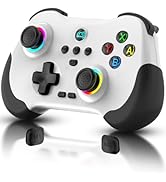
Colors Available | Black, White | Black, White, Grey, Pink, etc. | Black, White, Grey, Pink, etc. | White | RGB, Black | Black, White | Black, White, Green, etc. |

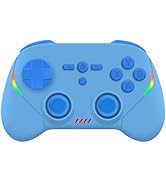
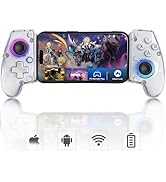
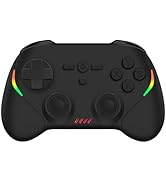
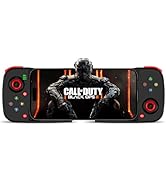
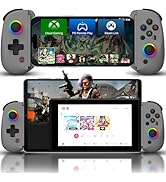
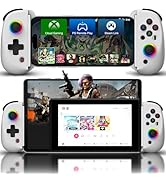
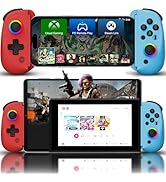
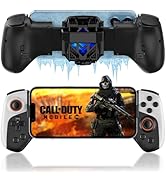
Joso
Established in 2015, dedicated to developing professional game controllers.
For more gamepads, please open Joso brand flagship store.
Joso New Release
Joso D3
Joso D6 & D7
Joso D8
Bluetooth Controller
USB C Controller
iPad Controller
Joso Phone Controller for iPhone, Android with Cloud Gaming Support


- Multi-platform compatible: Compatible for iOS, Android, PC, Cloud, Streaming, and Mobile Gaming
- For iOS 13.4 and higher: Compatible withiPhone 16, iPhone 16 Plus, iPhone 16 Pro, iPhone 16 Pro Max,iPhone 15, iPhone 15 Plus, iPhone 15 Pro, iPhone 15 Pro Max, iPhone 14, iPhone 14 Plus, iPhone 14Pro, iPhone 14 Pro Max, iPhone 13 mini, iPhone 13, iPhone 13 Pro, iPhone 13 Pro Max, iPhone 12, 12 Pro, 12 Pro Max, X, XR, XS, XS Max, 11 Pro, 11 Pro Max, 11, 7, 7Plus, 8, 8Plus, etc.. (Not support Apple TV&iPod, Fire TV/TV Box.)
- For Android 6.0 and higher: Compatible with Samsung Galaxy S24 Series, Galaxy S23 Series, Galaxy S22 Series, Galaxy S21 Series, and more Galaxy Series; For X-iaomi, m-oto, Pixel 9/8/7/6 Series, TCL, oppo, vivo, and more Android phones.
- Play Controller Supported Games: The mobile gaming controller supports games from the App Store/Play Store such as COD Mobile, Warzone Mobile, Genshin Impact (works with iPhone only), stream through cloud gaming services such as Game Pass, or play games with Remote Play from your PS5/PS5, Xbox or PC.
- Custom programming function: The phone controller with 2 buttons allow to do key mapping, set Turbo mode, or even edit Macro, helping gamers achieve advanced game techniques.
- Support Phone Case: Supported length of devices is between 5.0 - 6.9 inches. ( The controller's telescopic holder can support up to 6.9 inches, so it does not support the iPad on the controller)

Joso Wireless Controller Connection Guideline

Mobile Controller for iPhone
Tips for Boot the iOS Controller:
- Please fully charge the controller before first use;
- Make sure the controller is off before Bluetooth pairing connection;
- Select the corresponding controller boot mode: Hold down the function key (e.g. 'RB'), then press the 'HOME' button to boot the controller.
Controller for Android
Tips for Boot the Android Game Controller:
- Please fully charge the controller before first use;
- Make sure the controller is off before Bluetooth pairing connection;
- Select the corresponding controller boot mode: Hold down the function key (e.g. 'RB'), then press the 'HOME' button to boot the controller.
PC Wireless Controller
The gaming PC needs to come with Bluetooth capability.
- Hold down the 'RB' key, then press the 'HOME' key to boot the controller.
- Turn on the Bluetooth connection 'Xbox Wireless Controller' on your PC.
- Start Playing.
More Controller Colors for Gamers

Joso Mobile Gaming Controller
Joso Simhon 01 | Joso D6 | Joso D8 | Joso 6321 | Joso 6109 (RGB Edition) | Joso N01 | Joso Z01 |
|---|---|---|---|---|---|---|
| Customer Reviews | ||||||
| — | — | — | — | — | — | — |
| Price | ||||||
| — | — | — | — | — | — | — |
| Connection Mode | ||||||
| Type-C & Wireless | Wireless | Wireless | Type-C & Wireless | Wireless | Type-C | Wireless |
| Working Platform | ||||||
| For iPhone 15 Series & Android | For iPhone & Android | For iOS/Android & N-Switch | For iPhone 15 Series & Android | For iPhone & Android | For iPhone 15 Series & Android | For iOS/Android/PC & N-Switch |
| Back Button | ||||||
| 2 Back Buttons | No | No | 2 Back Buttons | No | 2 Back Buttons | 2 Back Buttons |
| Maximum Length | ||||||
| 193mm | 180mm | 252mm | 176mm | 200mm | 180mm | / |
| Colors Available | ||||||
| Black, White | Black, White, Grey, Pink, etc. | Black, White, Grey, Pink, etc. | White | RGB, Black | Black, White | Black, White, Green, etc. |