


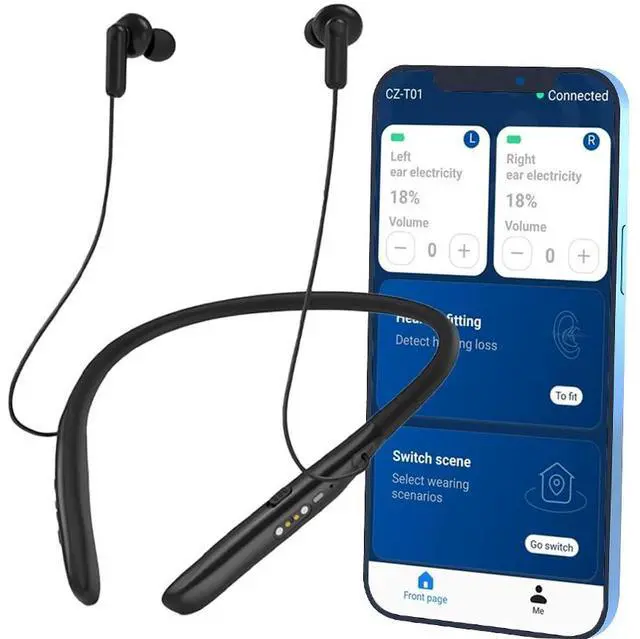






JS HEARING APP: ONE-TAP ADJUST

IDEALLY MEETS THE NEEDS OF SENIORS WITH MODERATE TO SEVERE HEARING LOSS

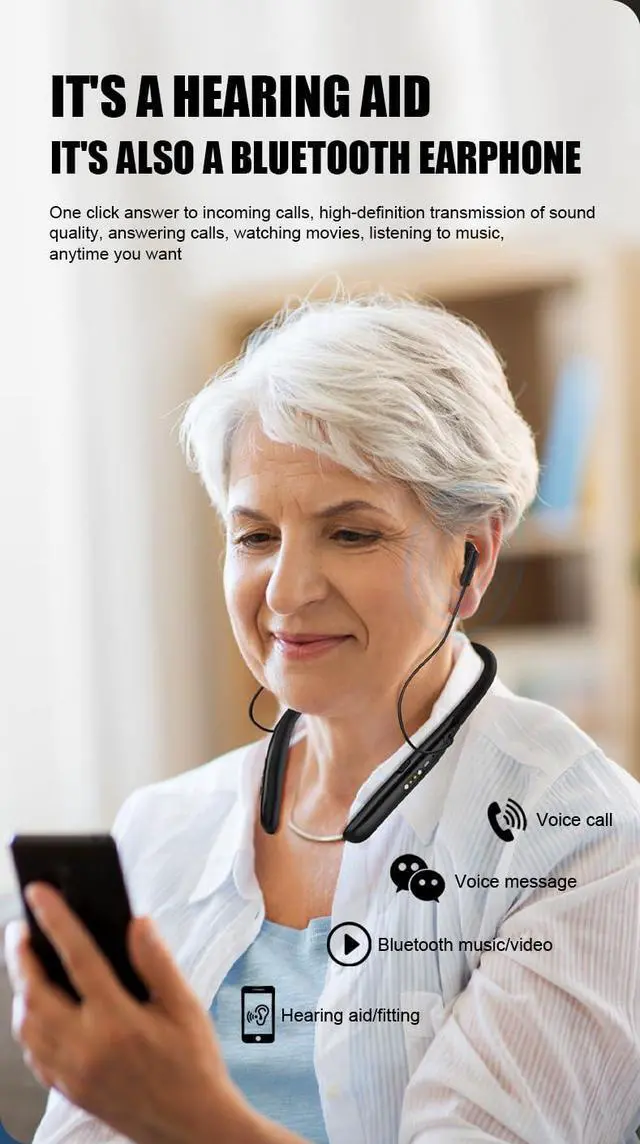
2 IN 1:A HEARING AID AND A BLUETOOTH EARPHONE

More Secure Won't lose


How to Use the "JS Hearing" App

1. Download "JS Hearing" APP
In the Google Play store or Apple Store search for "JS Hearing" and download the app

2. Phone Bluetooth Connection
1. Turn on your phone's Bluetooth.
2. Search for and connect to "CZ-T01".

3. Connect to App
Open the app. Tap the "Add device" button to pair the hearing aids.

4. Customized Settings
Visual controls for effortless adjustments - volume & modes at your fingertips





JS HEARING APP: ONE-TAP ADJUST
IDEALLY MEETS THE NEEDS OF SENIORS WITH MODERATE TO SEVERE HEARING LOSS
2 IN 1:A HEARING AID AND A BLUETOOTH EARPHONE
More Secure Won't lose
How to Use the "JS Hearing" App
1. Download "JS Hearing" APP
In the Google Play store or Apple Store search for "JS Hearing" and download the app
2. Phone Bluetooth Connection
1. Turn on your phone's Bluetooth.
2. Search for and connect to "CZ-T01".
3. Connect to App
Open the app. Tap the "Add device" button to pair the hearing aids.
4. Customized Settings
Visual controls for effortless adjustments - volume & modes at your fingertips
Jusha hearing aids
Jusha Bed Rails
Jusha blood glucose monitor