

Out of stock
This item is currently out of stock and it may or may not be restocked.
Sold by Newegg

Shipped by Newegg

Shop it at NeweggBusiness.

External CD DVD Drive for Laptop, USB 3.0 Optical Disc Drive,4 USB Ports and 2 TF/SD Card Slots,Portable CD/DVD Burner CD ROM External DVD Drive for Laptop Desktop PC Windows 11/10/8/7/XP Linux Mac OS

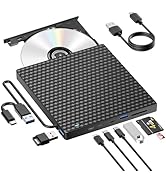
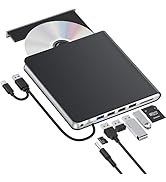
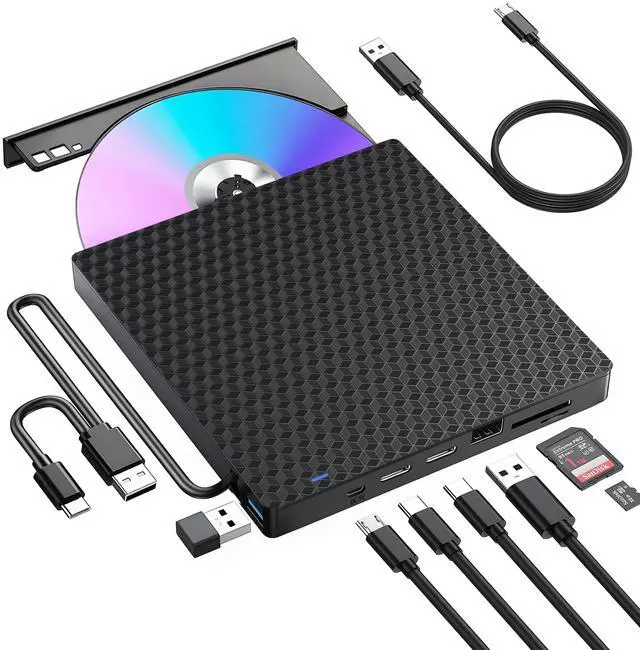
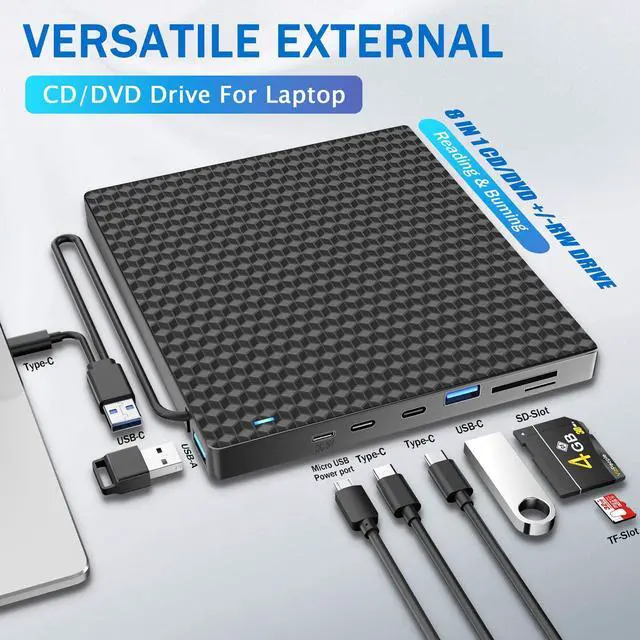
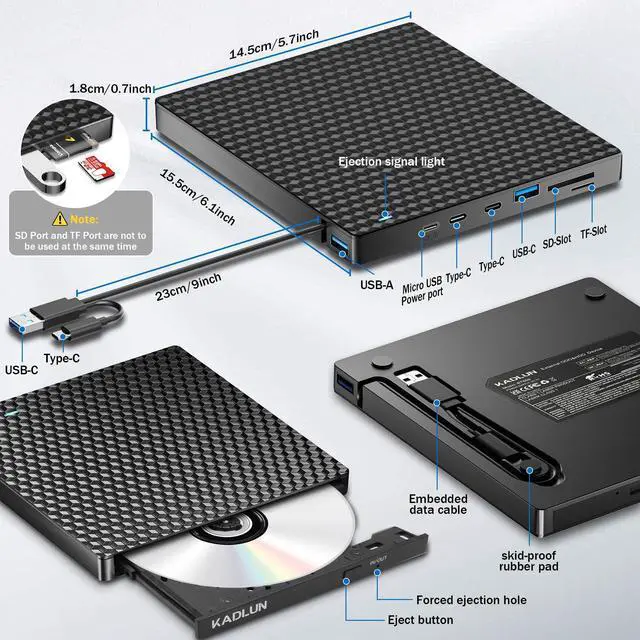
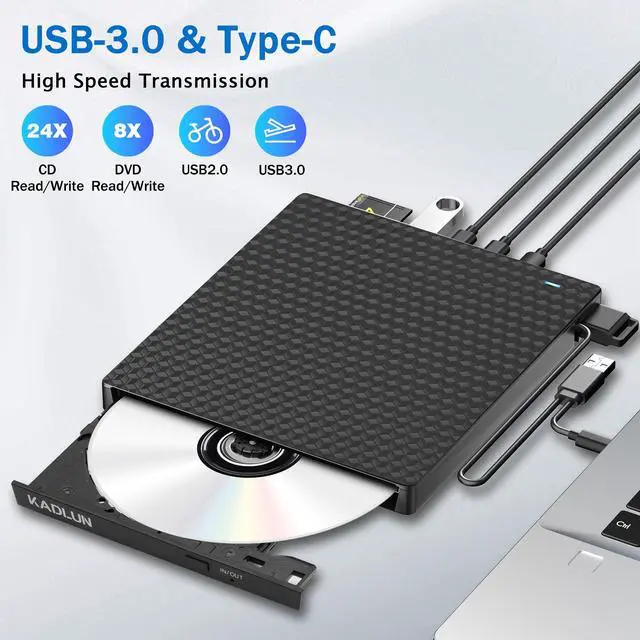
  • [Multifunctional CD DVD +/-RW Drive]Kadlun External CD DVD Drive for laptop has an independent SD / TF card slot, It can transfer photos and videos directly from SD / TF card into the computer, USB Hard Drive and flash drive. CD drive has additional 1 USB 3.0 and 1 USB 2.0 and 2 type C Slots. which can be used to connect the U disk and charge your phone or other electronic devices.
  • [Note]: SD card and TF card can't work together at the same time, only choose one each time.The removable hard disk drive is available only for USB 2.0 ports, not for USB 3.0 ports.
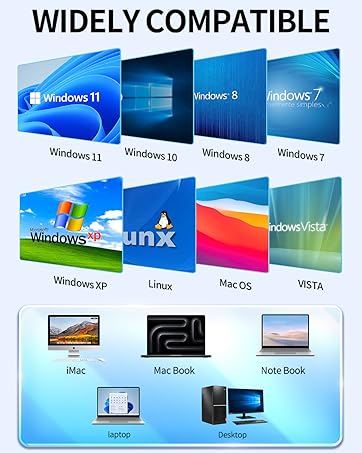
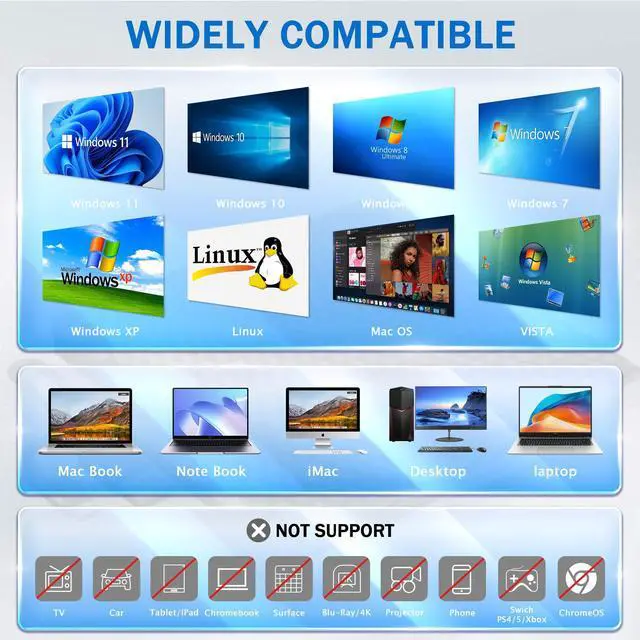
  • [Wide Compatibility]This USB external CD/DVD drive is compatible with Windows 11/ 10/ 8.1/ 7/ Vista/ XP, Linux, and all versions of Mac OS. It can run on any brand of laptop and desktop computer (including Apple, HP, LG, Dell, MS, Acer, Lenovo, Thinkpad, Samsung, Microsoft, etc. ) without restrictions as long as the system matches. For Mac computers, to eject a disc, please right-click on the icon on the desktop and select "eject", or choose "File" > "Eject" button. The eject button on the drive is disabled due to macOS limitations.
  • [Note]This drive can not work with Chromebook, Android phone/tablet, TV, iPad, iPhone, projectors, trucks, cars, and Blu-ray discs
Overview
Specs
Reviews
avatar

Any questions? Our AI beta will help you find out quickly.

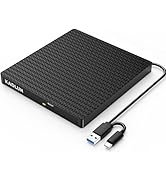
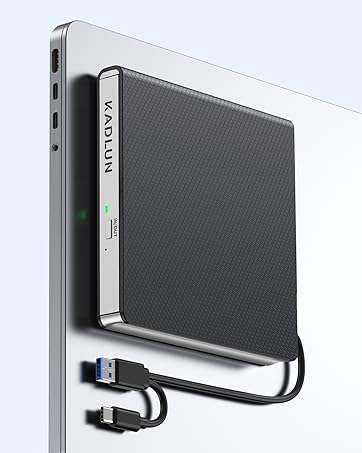
External CD/DVD drive product image showing a slim black device with carbon fiber texture connected to a laptop.
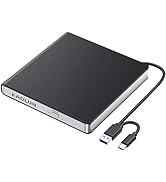
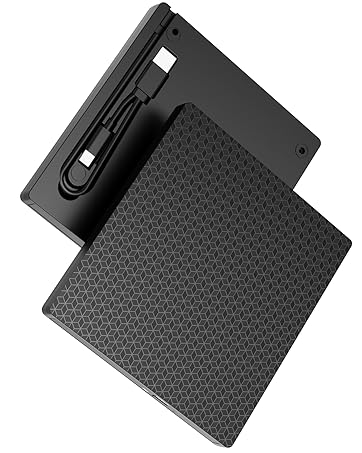
Carbon fiber or mesh textured cooling pad or platform for electronic devices, shown against white background with technical specifications display.
External CD Drive
External CD Drive

How to use on windows and Mac system computer?

For Windows

First, Plug the usb 3.0/usb c port into your laptop usb port or type c port. (If your device is desktop, please connect the cd drive to the motherboard usb port).

Then, click the windows laptop's "my computer", you will see the cd/dvd icon. You need confirm that the laptop's has recognized the external cd drive.

Third, use VLC Media Player to play the video. If you want to burn cd, please use the NERO software. It can help you quickly finish.

For Mac OS

First, you need insert a cd into the External CD Drive. Then you will see the cd/dvd icon.

Second, put the cd into the cd drive.Waite a moment, you will see the cd content. (If the files was can't be seen, the External CD Drive may have problem.)

Third, use VLC Media Player to play the video. If you want to burn cd, please use the NERO software. It can help you quickly finish.

External DVD Drive
External CD Drive
External DVD Player for Laptop
External DVD Drive for Laptop

How to use on windows and Mac system computer?

For Windows

First, Plug the usb 3.0/usb c port into your laptop usb port or type c port. (If your device is desktop, please connect the cd drive to the motherboard usb port).

Then, click the windows laptop's "my computer", you will see the cd/dvd icon. You need confirm that the laptop's has recognized the external cd drive.

Third, use VLC Media Player to play the video. If you want to burn cd, please use the NERO software. It can help you quickly finish.

For Mac OS

First, you need insert a cd into the External CD Drive. Then you will see the cd/dvd icon.

Second, put the cd into the cd drive.Waite a moment, you will see the cd content. (If the files was can't be seen, the External CD Drive may have problem.)

Third, use VLC Media Player to play the video. If you want to burn cd, please use the NERO software. It can help you quickly finish.

External CD DVD Drive, USB 3.0 & Type-C Portable CD/DVD +/-RW ROM Burner Rewriter with SD/TF & 2 USB and 2 type C slot,

Slim Optical DVD Player for Laptop Mac Macbook Pro Air PC Apple iMac WindowsHardware interface: USB3.0 type-C

Hardware Platform: Laptop, PC, MacBook Pro/Air,iMac,Notebook,Desktop

System Platform: Windows,Linux,Mac OS Catalina

Suitable Systems: Mac OS, Windows 11, Windows 10, Windows 8.1 / 8 / 7, Windows Vista, Linux

Write Speed: 24x CD-R , 8x CD-RW, DVD±R: 8X Max; DVD±R DL: 4X Max; DVD-R±9: 2.4x Max

Read Speed: CD-ROM: 24x Max; DVD-ROM: 8x Max; DVD-ROM (DL): 6x Max

Brand: Kadlun

Model: SY910

Size:1.5*8*10cm

Weight: 0.49kg

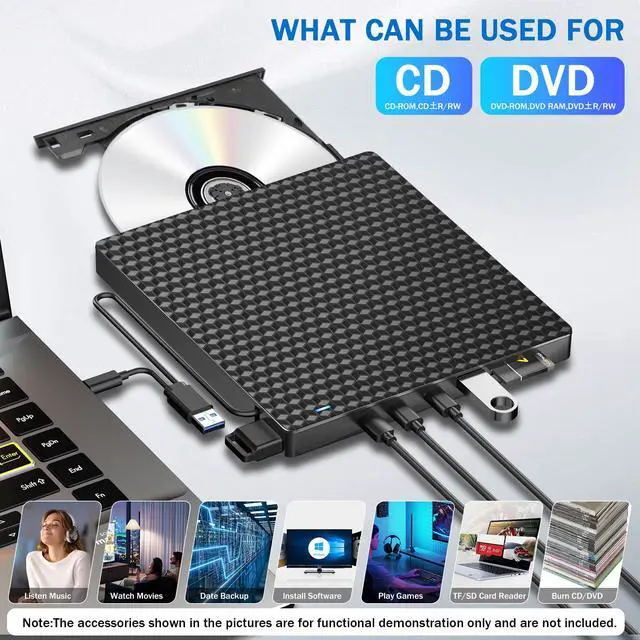
Support Disc: CD-R, CD-RW, DVD-R, DVD-RW, DVD + R, DVD + RW, DVD-RAM, DVD-R DL, DVD + R DL, DVD-ROM

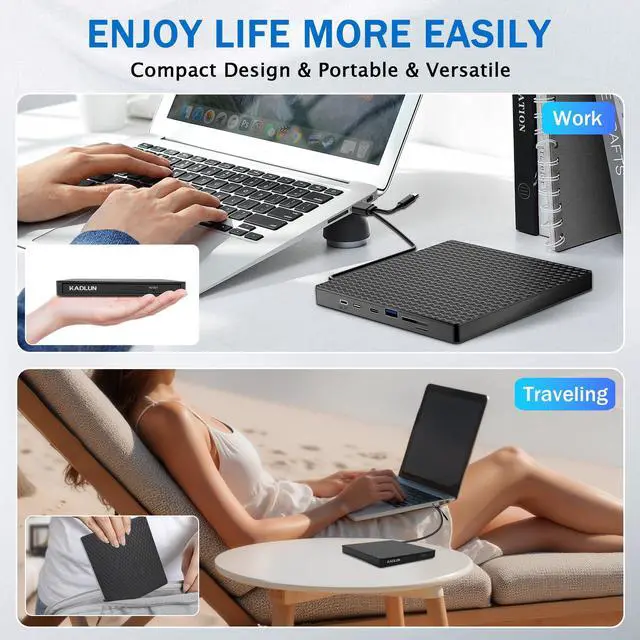
The ultra-thin portable DVD drive is lightweight and easy to use and carry at home or on the go.

Package Includes.

1 x External CD DVD Drive

1 x User Manual

1 x USB Power Cable


Product information

Special Feature Lightscribe, Plug & Play
Hardware Interface USB 3.0 Type C
Brand Kadlun
Optical Storage Write Speed 24x
Optical Storage Read Speed 24x
Additional Features Lightscribe, Plug & Play
Hardware Platform Laptop, PC, Laptop, PC, MacBook Pro/Air,iMac,Notebook,Desktop
Compatible Devices Windows (11/10/8/7/XP/Vista), Linux, Mac OS, Laptop, Desktop
Data Transfer Rate 24 Gigabits Per Second
Media Speed 3.6 MB/s
Connectivity Technology USB
Form Factor Slim, Portable
Operating System Windows 10, Windows 8, Windows Vista, Windows XP, Windows,Linux,Mac OS
Enclosure Material Acrylonitrile Butadiene Styrene (ABS)
Item Dimensions L x W x H 6.1"L x 5.7"W x 0.7"H
Color Black-7in1
Model Number SY910
Manufacturer Kadlun
Mfr Part Number BT669
Model Name SY910
Built-In Media 1 x External CD DVD Drive, 1 x USB Power Cable, 1 x User Manual
Unit Count 1.0 Count
Warranty Description 2 year

Warranty & Returns

Warranty, Returns, And Additional Information

Return Policies

LOADING...