Out of stock
This item is currently out of stock and it may or may not be restocked.
Sold by Newegg

Shipped by Newegg

Shop it at NeweggBusiness.

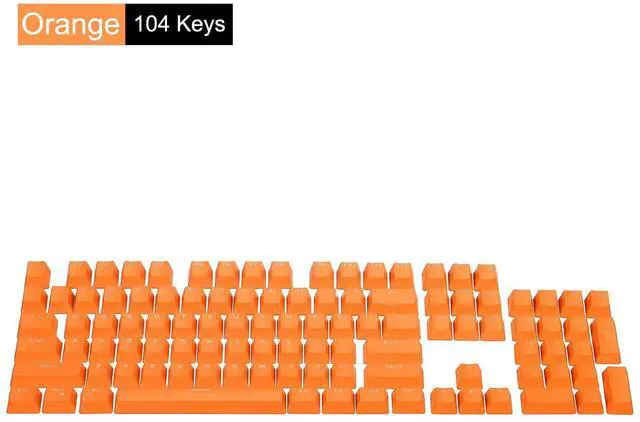
Mechanical Keyboard Keycaps, Universal Keycaps ABS Keyboard Replacement Accessories Symbol Translucent for 68/84/87/104 Keys, Orange

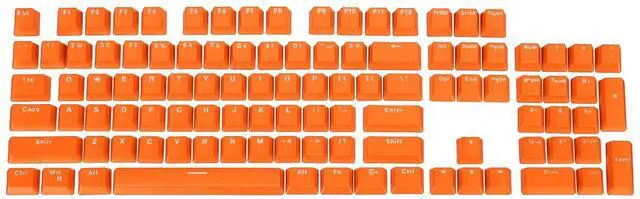
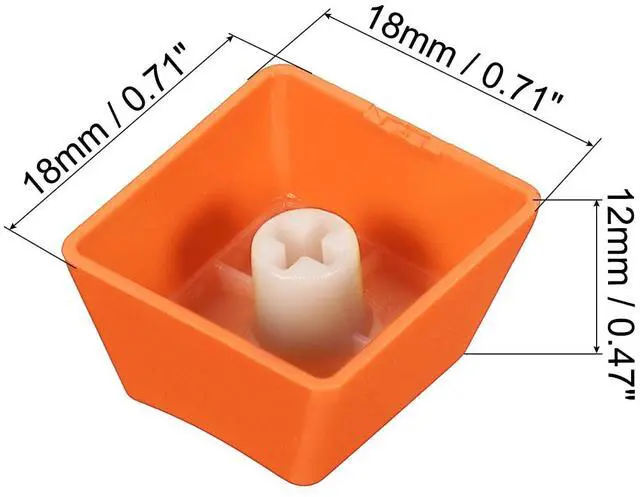
  • Color: Orange; Material: ABS; Fit for: Mechanical Keyboard of 68/84/87/104 Keys
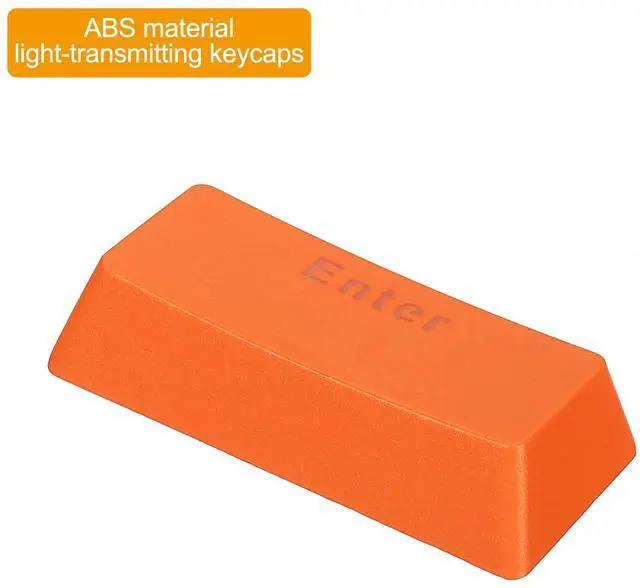
  • Advantage: Made of ABS plastic, strong and durable, it has the advantages of hardness, impact resistance, scratch resistance, moisture resistance, corrosion resistance, etc. Adopt ergonomic step radian design and line flow. Allows you to tap the keyboard in a natural posture and feel the ease of long-term hitting. Light-transmitting keycaps can enhance the keyboard effect and create a gaming atmosphere, and the good feel and percussive feel make you immersed in the game.
  • Instruction: Press the keycap directly on the keyboard shaft, and pull it out directly when you need to replace it.
  • Application: This keyboard accessory is for the maintenance and repair of computer keyboards for home and office use.
  • Note: The package contains only keycaps, not the keyboard.
Overview
Specs
Reviews
avatar

Any questions? Our AI beta will help you find out quickly.

This keyboard accessory is for the maintenance and repair of computer and laptop keyboards for home and office use.

Specification

Color: Orange

Material: ABS

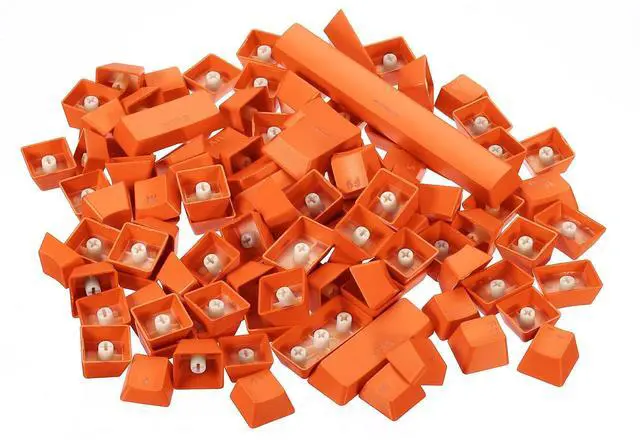
Number of keycaps: 104 keys

Fit for: Universal Mechanical Keyboard

Advantage

1. Made of ABS plastic, strong and durable, it has the advantages of hardness, impact resistance, scratch resistance, moisture resistance, corrosion resistance, etc.

2. Adopt ergonomic step radian design and line flow. Allows you to tap the keyboard in a natural posture and feel the ease of long-term hitting.

3. Light-transmitting keycaps can enhance the keyboard effect and create a gaming atmosphere, and the good feel and percussive feel make you immersed in the game.

4. The structure design of the keycap is reasonable, it can be easily pulled out, and easy to install and replace.

Instruction

Press the keycap directly on the keyboard shaft, and pull it out directly when you need to replace it.

NOTE: The package contains only keycaps, not the keyboard.

Warranty & Returns

Warranty, Returns, And Additional Information

Return Policies

LOADING...