




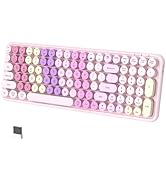
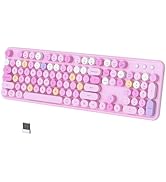
(Pink-Colorful)
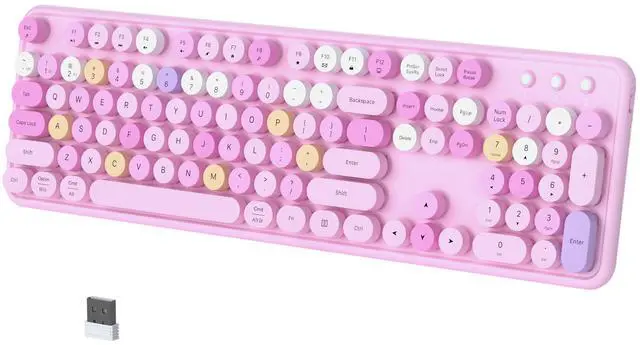
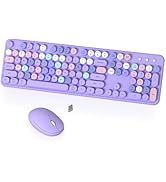
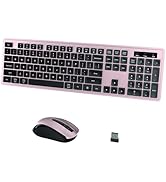
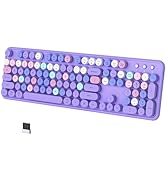
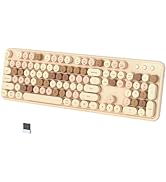
Wireless Bluetooth Keyboard

Multi-Device Wireless Keyboard
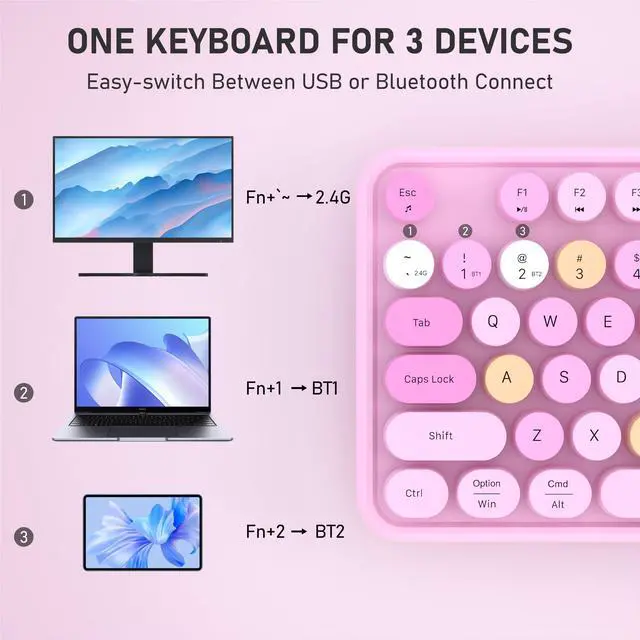
Easily connect and switch up to 3 devices


More Feacture
- Clack Clicking Sound-enjoy typing
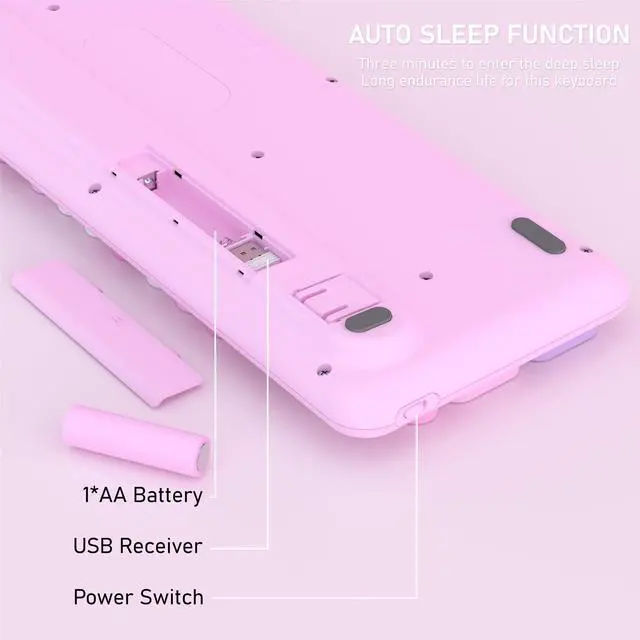
- Auto Sleep Mode Design-save power
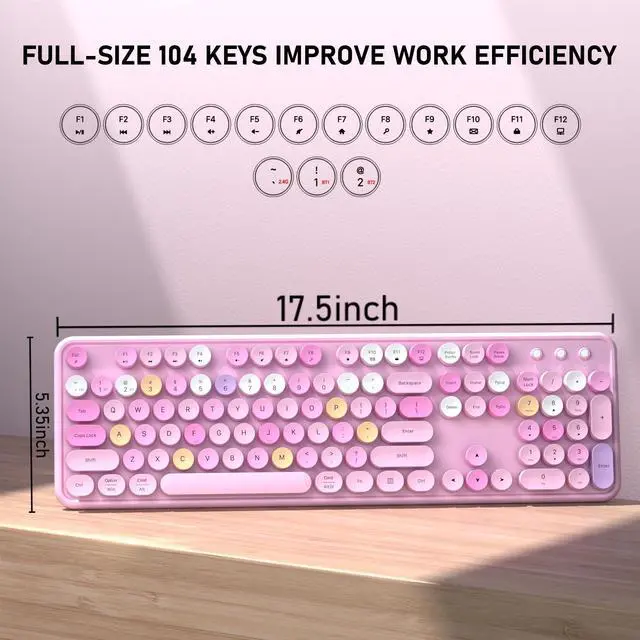
- 104 keys Full-Size Keyboard-improve efficiency
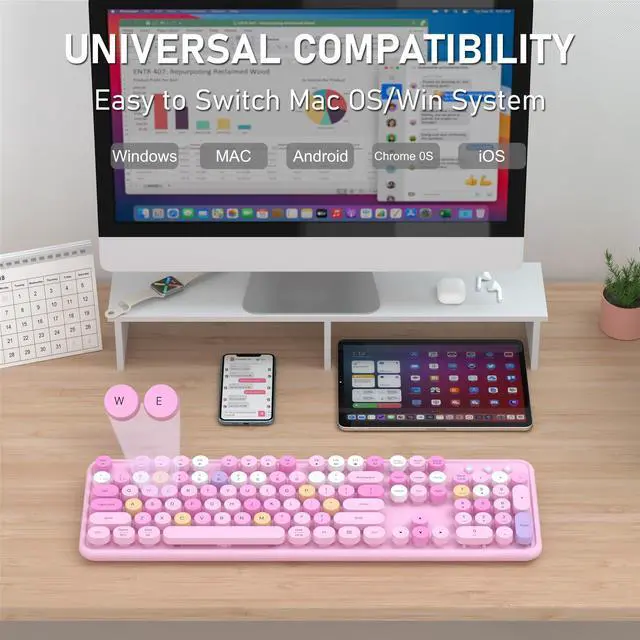
- Some shortcuts are not compatible with Mac
- 3-month free replacement for connection or function issues

BT Name:BT1/BT2 5.0 Keyboard
How to pair the Bluetooth
- Turn on Bluetooth on your device
- Hold down the "FN+1/ 2" to pair

How to connect to a computer using a 2.4GHz USB receiver?
1. Put the battery into the keyboard
2. Turn on the keyboard power switch
3. Press "FN"+"~" until the indicator flashes
4. Plug the USB receiver into a computer USB port
5. Press "FN" and "~" ("2.4G") to enter "2.4G" mode.
My phone won't pair with Bluetooth, what should I do?
1. Put the battery into the keyboard
2. Turn on the keyboard power switch
3. Turn on Bluetooth on your device
4. Press "FN" and "1/2" ("BT1/BT2") to enter "Bluetooth" mode

COVEVA Built for Desktop
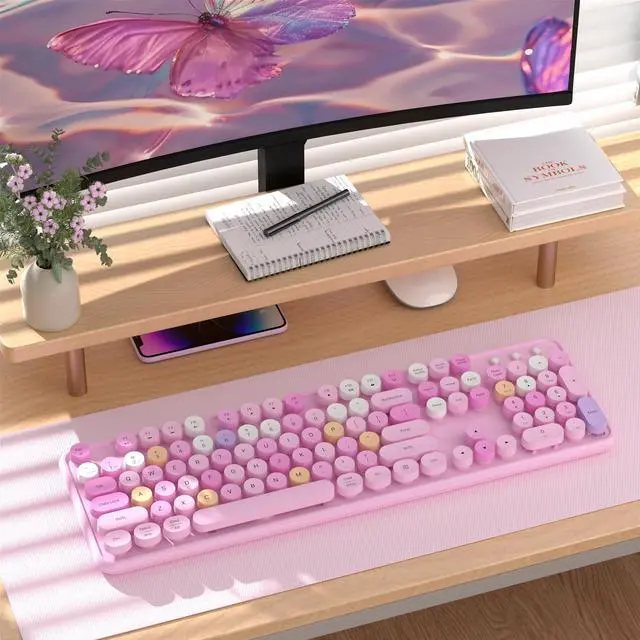
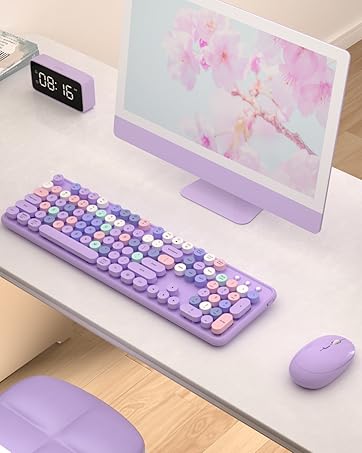
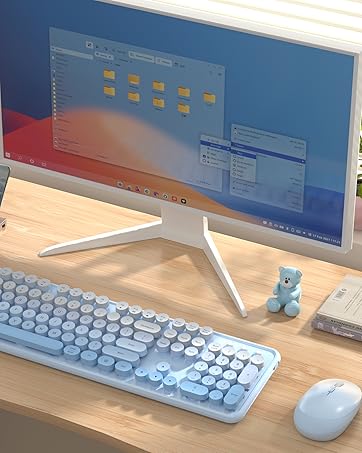
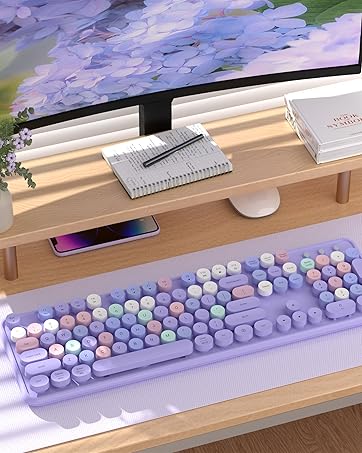
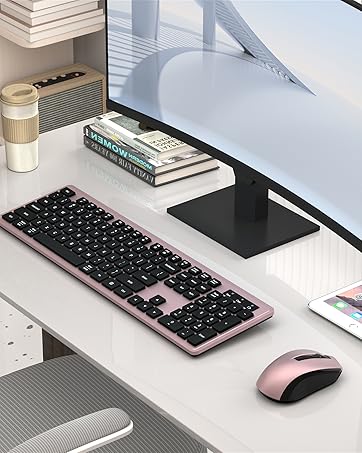
COVEVA explores more colorful possibilities in practical, to add color and fun to your desktop. Choose colorful, get more wonderful




Wireless Bluetooth Keyboard

Multi-Device Wireless Keyboard
Easily connect and switch up to 3 devices
Bluetooth or 2.4GHz USB Receiver Connect


Colorful Wireless Bluetooth Keyboard
More Feacture
- Clack Clicking Sound-enjoy typing
- Auto Sleep Mode Design-save power
- 104 keys Full-Size Keyboard-improve efficiency
- Some shortcuts are not compatible with Mac
- 3-month free replacement for connection or function issues

How to pair the Bluetooth
- Turn on Bluetooth on your device
- Hold down the "FN+1/ 2" to pair

How to connect to a computer using a 2.4GHz USB receiver?
1. Put the battery into the keyboard
2. Turn on the keyboard power switch
3. Press "FN"+"~" until the indicator flashes
4. Plug the USB receiver into a computer USB port
5. Press "FN" and "~" ("2.4G") to enter "2.4G" mode.
My phone won't pair with Bluetooth, what should I do?
1. Put the battery into the keyboard
2. Turn on the keyboard power switch
3. Turn on Bluetooth on your device
4. Press "FN" and "1/2" ("BT1/BT2") to enter "Bluetooth" mode
COVEVA Built for Desktop
COVEVA explores more colorful possibilities in practical, to add color and fun to your desktop. Choose colorful, get more wonderful
Black Friday Highly Recommend
Cyber Monday Most Favorites
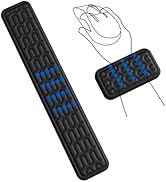
Promotion Wrist Rest Sets
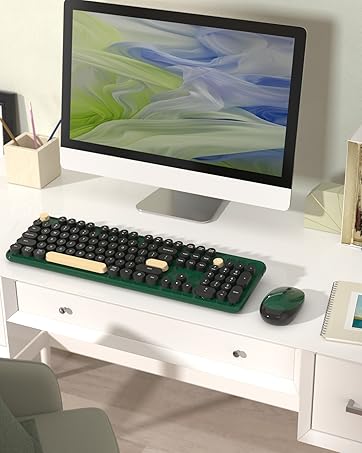
Black Gold Keyboard Collection
Colorful Keyboard Collection
Gradient Keyboard Collection
Wireless Bluetooth Keyboard
Office Keyboard Collection