









Out of stock
This item is currently out of stock and it may or may not be restocked.
Sold by Newegg

Shipped by Newegg

Shop it at NeweggBusiness.

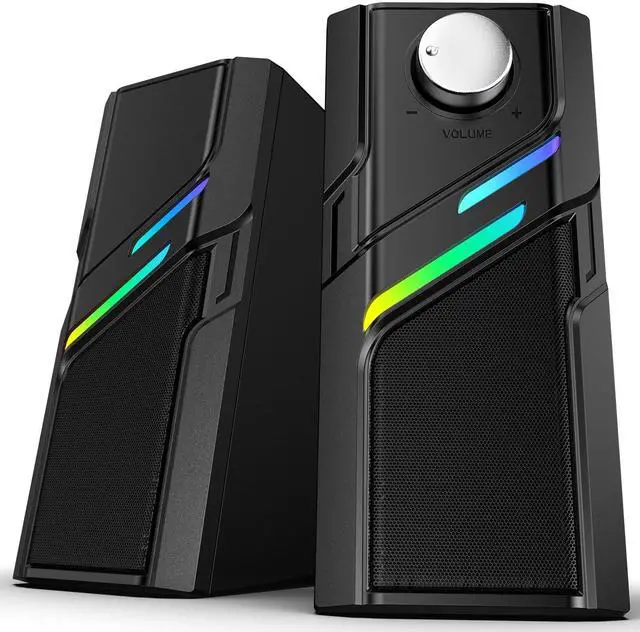
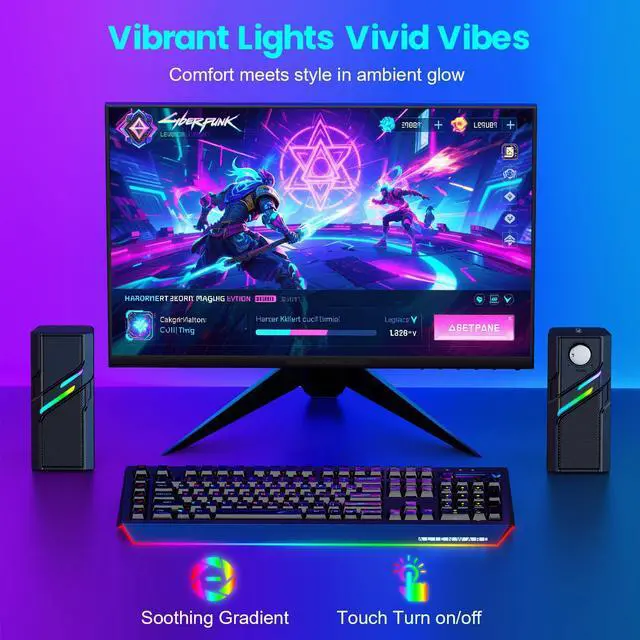
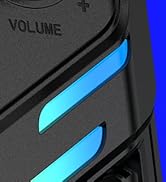
Computer Speakers for Desktop PC with Easy Knob, Clear Powerful Sound, Touch Lights, Plug and Play for Computer Desktop PC, Monitors, Laptop

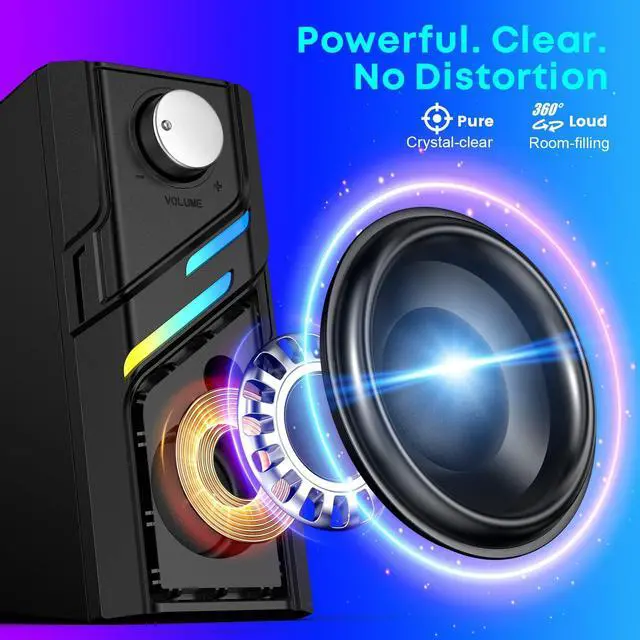
  • Powerful Clear Sound: Computer speakers deliver loud, clear audio with no noise or distortion even at max volume. Perfect for movies, music, video, work, or study.
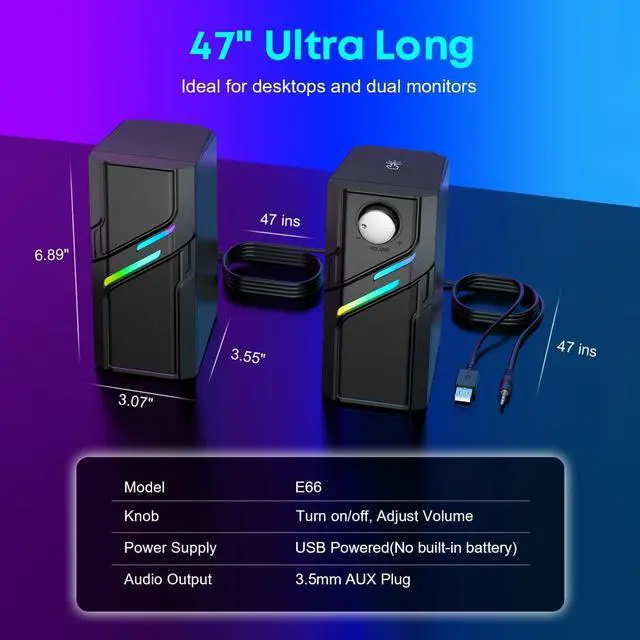
  • Oversized Volume Knob: Visibly large, eye-catching silver knob on computer speakers for desktop PC, offers a premium feel and smooth rotation. Easily power on/off and fine-tune volume with one hand.
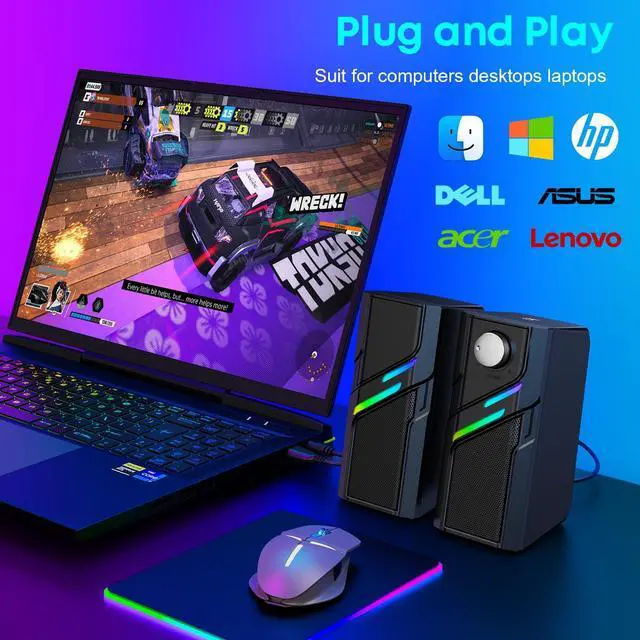
  • USB AUX Plug and Play: No software needed. These desktop speakers are USB powered with AUX audio output, just plug in and enjoy. Fully compatible with desktop PC, monitors, and laptops.
  • USB AUX Plug and Play: No software needed. These desktop speakers are USB powered with AUX audio output, just plug in and enjoy. Fully compatible with desktop PC, monitors, and laptops.
  • 47ins Extra Long Cables: Both USB and AUX cables, as well as the cable between these speakers for computer desktop, are about 47 inches long giving you more placement options with zero clutter.
Overview
Specs
Reviews
avatar

Any questions? Our AI beta will help you find out quickly.

1
1
1

How to Automatically turn off USB speaker lights when the computer shuts down

1. Enter BIOS/UEFI

Restart your computer and press DEL or F2 repeatedly during boot to enter the BIOS.

2. Locate the ERP Setting

(1)Navigate to the Power Management or Advanced Power Settings section.

(2)Look for an option labeled "ERP Mode" or "Energy-Related Products".

3. Enable ERP Mode

Set it to Enabled or S5 Mode (which ensures USB power is off when the PC is shut down).

4. Press F10 to save changes and exit BIOS.

1
1
1
1
1
1

How to Automatically turn off USB speaker lights when the computer shuts down

1. Enter BIOS/UEFI

Restart your computer and press DEL or F2 repeatedly during boot to enter the BIOS.

2. Locate the ERP Setting

(1)Navigate to the Power Management or Advanced Power Settings section.

(2)Look for an option labeled "ERP Mode" or "Energy-Related Products".

3. Enable ERP Mode

Set it to Enabled or S5 Mode (which ensures USB power is off when the PC is shut down).

4. Press F10 to save changes and exit BIOS.

1
1
1
Computer Speakers for Desktop PC with Easy Knob, Clear Powerful Sound, Touch Lights, Plug and Play for Computer Desktop PC, Monitors, Laptop

Warranty & Returns

Warranty, Returns, And Additional Information

Return Policies

LOADING...