


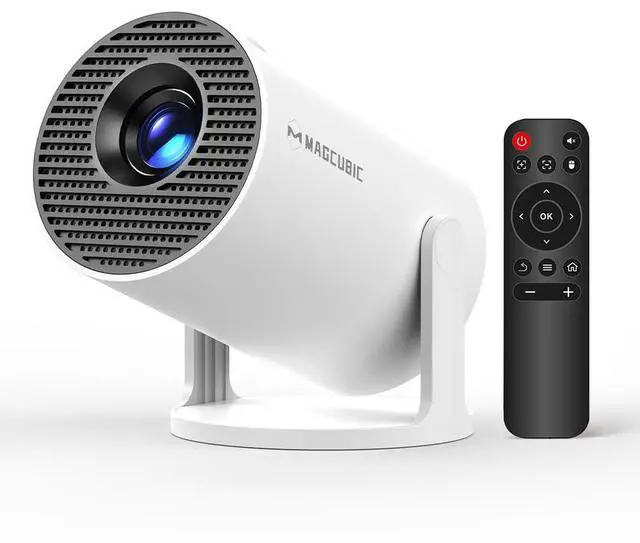
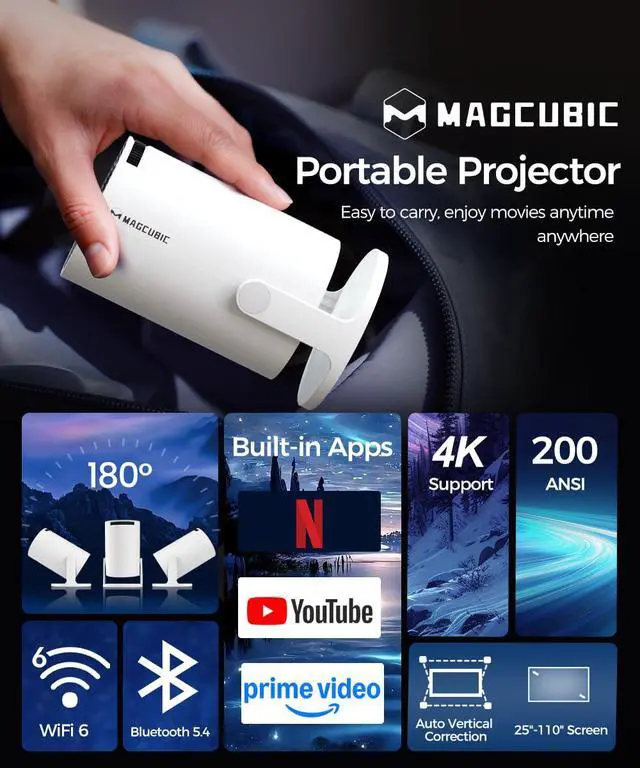
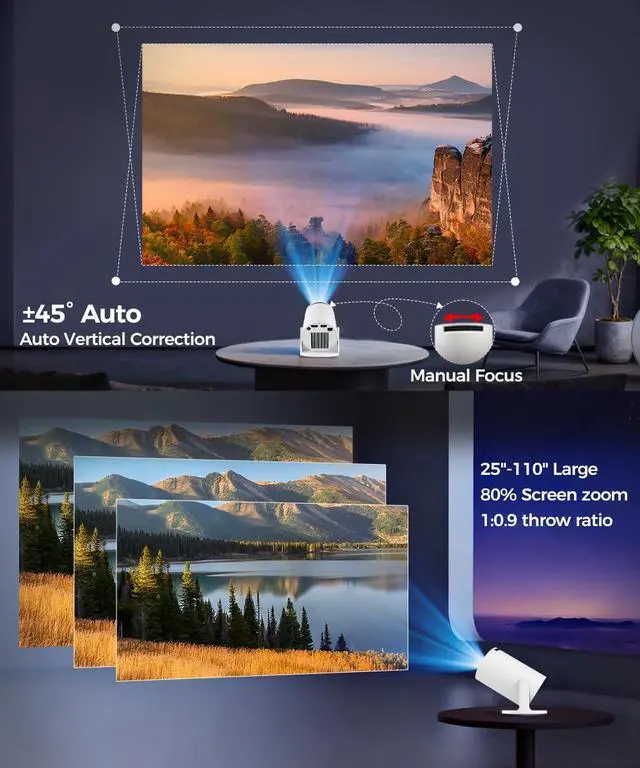
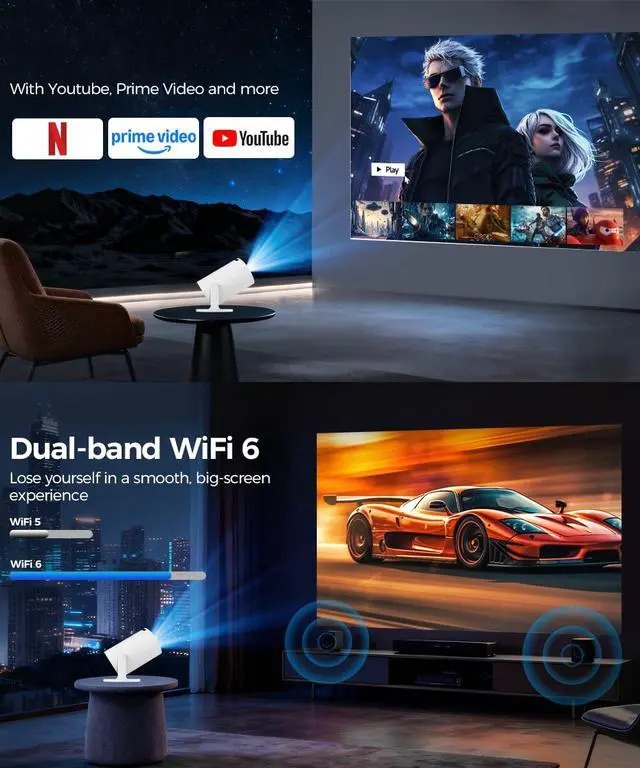
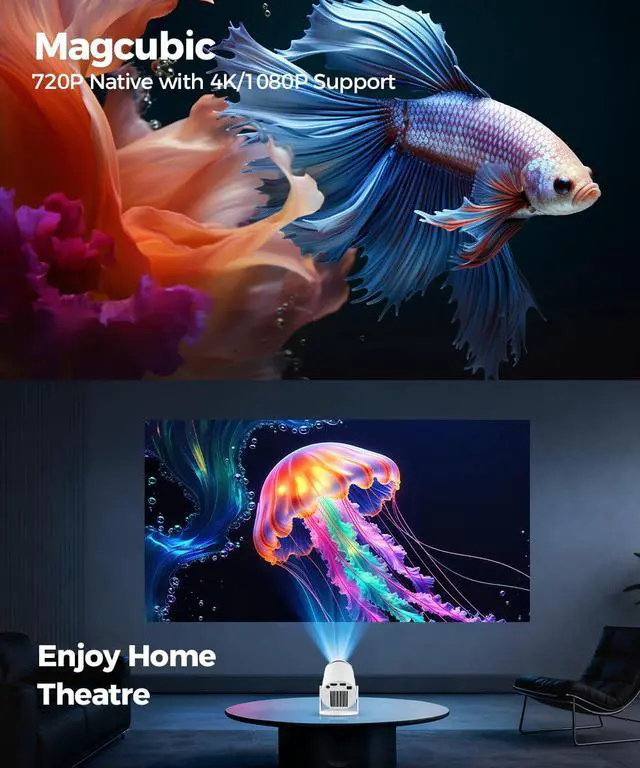
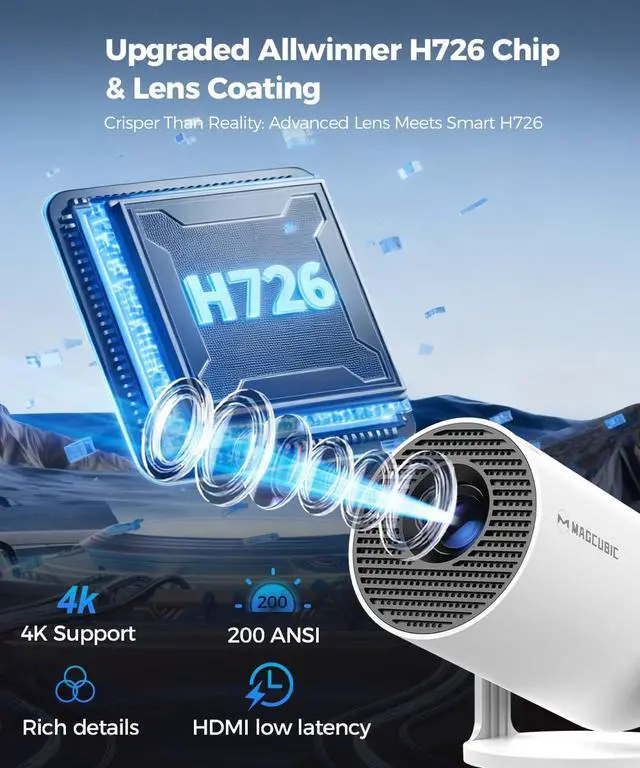
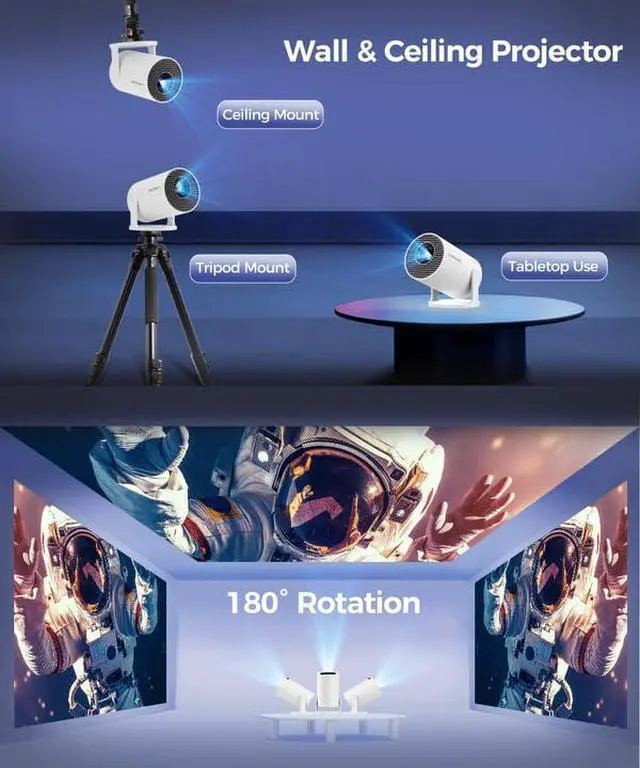


HY300Pro portable projector
Merchant Video


Magcubic: Portable Cinema Showdown
 Magcubic HY300 Pro |  Magcubic HY300 Pro+ |  Magcubic HY300 Ultra |  Magcubic HY310 | |
|---|---|---|---|---|
Customer Reviews | — | — | — | — |
Price | — | — | — | — |
Display Resolution | Native 720P | Native 720P | Native 720P | Native 1080P |
Ansi Lumens | 200ANSI | 200ANSI | 260ANSI | 260ANSI |
Speaker | 5W Soundbase Speaker | 5W Soundbase Speaker | 5W Soundbase Speaker | 5W Soundbase Speaker |
Focus Mode | Manual Focus | Manual Focus | Electric Focus | Auto Focus |
Auto Keystone Correction | Vertical | Vertical | Vertical | ? |
Connection | WiFi6 + Bluetooth 5.4 | WiFi6 + Bluetooth 5.4 | WiFi6 + Bluetooth 5.4 | WiFi6 + Bluetooth 5.4 |
Net Weight | 350g/0.77BL | 400g/0.88BL | 560g/1.23BL | 610g/1.34BL |
Important Note – Must-Read
Due to the HDCP (High-bandwidth Digital Content Protection) agreement, screen mirroring may not function properly (no image or sound) when attempting to mirror content from certain apps, such as Prime Video, Hulu, and others.
How can I access, Prime Video, and YouTube?
1.Ensure your device is updated to the latest version.
2.Go to Appstore on the home page.
3.Update the apps to the latest version to use them
How do I screen-mirror iOS devices to the HY300Pro?
1.Ensure your device is updated to the latest version.
2.Open the Airpin or ScreenCast app.
3.Use AirPlay on your iOS device, making sure both devices are connected to the same Wi-Fi network.
What Should I Do if the HY300Pro Projector Can't Connect to Wi-Fi?
1. Verify the time zone under Settings > Date and time Setting
2. Switch to another Wi-Fi network or use a mobile hotspot.
3. Test both 2.4GHz and 5GHz bands.
4. Reset via Settings>Other Settings>Factory Reset Settings.
What Should I Do if the Remote Control Doesn't Respond when Using the App?
Many apps on the projector are mobile versions, which require switching to mouse mode for proper operation. Please press the mouse button on your remote control to switch to the air mouse mode and proceed.
HY300Pro portable projector
Merchant Video


Magcubic: Portable Cinema Showdown
Magcubic HY300 Pro | Magcubic HY300 Pro+ | Magcubic HY300 Ultra | Magcubic HY310 |
|---|---|---|---|
| Customer Reviews | |||
| — | — | — | — |
| Price | |||
| — | — | — | — |
| Display Resolution | |||
| Native 720P | Native 720P | Native 720P | Native 1080P |
| Ansi Lumens | |||
| 200ANSI | 200ANSI | 260ANSI | 260ANSI |
| Speaker | |||
| 5W Soundbase Speaker | 5W Soundbase Speaker | 5W Soundbase Speaker | 5W Soundbase Speaker |
| Focus Mode | |||
| Manual Focus | Manual Focus | Electric Focus | Auto Focus |
| Auto Keystone Correction | |||
| Vertical | Vertical | Vertical | ? |
| Connection | |||
| WiFi6 + Bluetooth 5.4 | WiFi6 + Bluetooth 5.4 | WiFi6 + Bluetooth 5.4 | WiFi6 + Bluetooth 5.4 |
| Net Weight | |||
| 350g/0.77BL | 400g/0.88BL | 560g/1.23BL | 610g/1.34BL |
Important Note – Must-Read
Due to the HDCP (High-bandwidth Digital Content Protection) agreement, screen mirroring may not function properly (no image or sound) when attempting to mirror content from certain apps, such as Prime Video, Hulu, and others.
How can I access, Prime Video, and YouTube?
1.Ensure your device is updated to the latest version.
2.Go to Appstore on the home page.
3.Update the apps to the latest version to use them
How do I screen-mirror iOS devices to the HY300Pro?
1.Ensure your device is updated to the latest version.
2.Open the Airpin or ScreenCast app.
3.Use AirPlay on your iOS device, making sure both devices are connected to the same Wi-Fi network.
What Should I Do if the HY300Pro Projector Can't Connect to Wi-Fi?
1. Verify the time zone under Settings > Date and time Setting
2. Switch to another Wi-Fi network or use a mobile hotspot.
3. Test both 2.4GHz and 5GHz bands.
4. Reset via Settings>Other Settings>Factory Reset Settings.
What Should I Do if the Remote Control Doesn't Respond when Using the App?
Many apps on the projector are mobile versions, which require switching to mouse mode for proper operation. Please press the mouse button on your remote control to switch to the air mouse mode and proceed.