

• $26.99
  • Free 30-day Returns
  • Price alert

    Best Sellers

    Newegg
    • + $11.20 Shipping
    Shop it at NeweggBusiness.

    Meet Your Seller

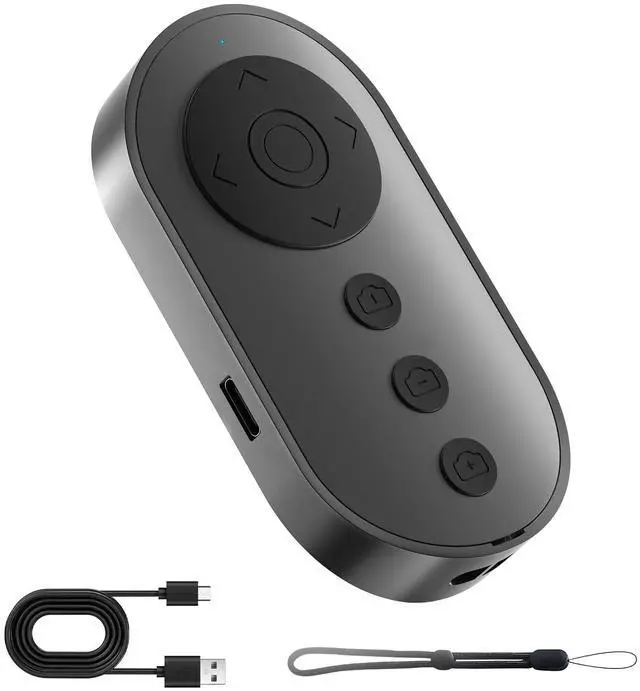
    Bluetooth Camera Remote Shutter with Zoom and Front/Rear Camera Switch for Photo and Vlogging,Cllphone Remote Clicker for iOS & Android Smartphone, Wireless Video Scrolling for Tiktok

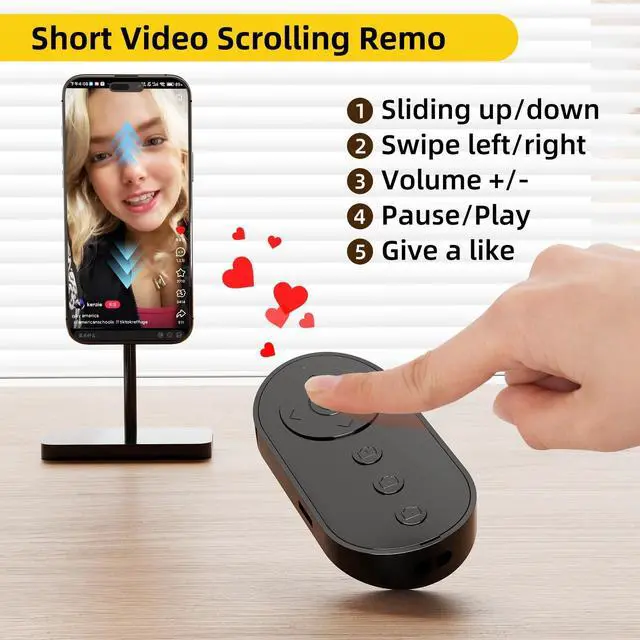
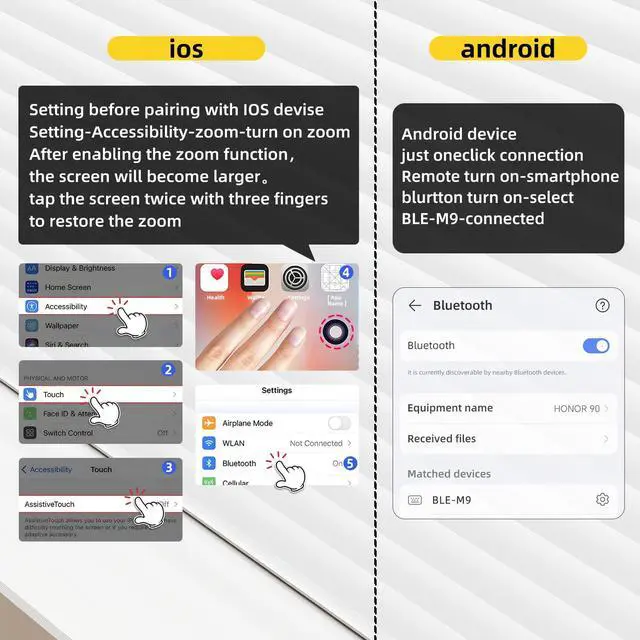
    • Wireless Remote Control for short videoyou can use the Bluetooth Scrolling Remote Control to Swipe the next/previous video, give a like, Volume +/-, left and right Swipe. Hands-free Operation with this Bluetooth remote control. iOS devices Settings: Open setting>Accessibility>Zoom>Turn on Zoom>Using three finger twice click the screen to restore, then you can connect the remote via Bluetooth Note:Only for Tiktok, not work well with other short video APPS.
    • Camera and Video Recording Remotewhen you need to take self photo or a family photo, Just open your phone camera and press the camera icon button of the remote. dont need to ask a stranger to help. Note:Do not work with iPad or any kinds pad
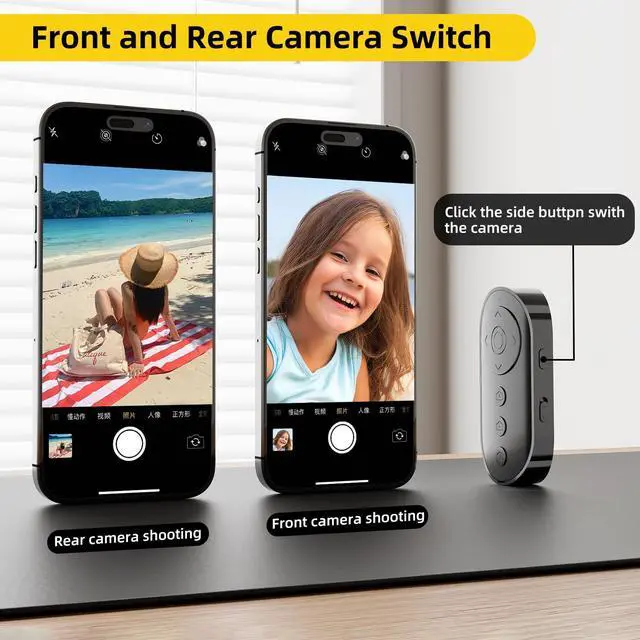
    • Unique camera Flip DesignJust one click on the side button then you can flip the original camera. With this function, you can switch the front and rear shooting freely. Note:Do not work with iPad or any kinds pad.
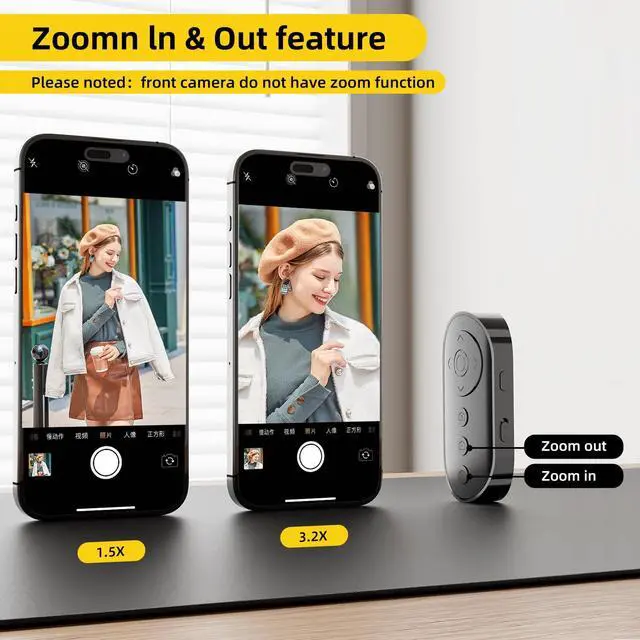
    • Zoom in and outThis is smartphone camera remote design with zoon in & out function control. With the plus or minus keys, you can freely adjust the focal length of your phone's camera. Long press the zoom +/- keys to steplessly zoom, ensuring a smooth zooming experience. Noted: Front camera do not have zoom function. Note:Do not work with iPad or any kinds pad
    +
    +
    Overview
    Specs
    Reviews
    avatar

    Any questions? Our AI beta will help you find out quickly.

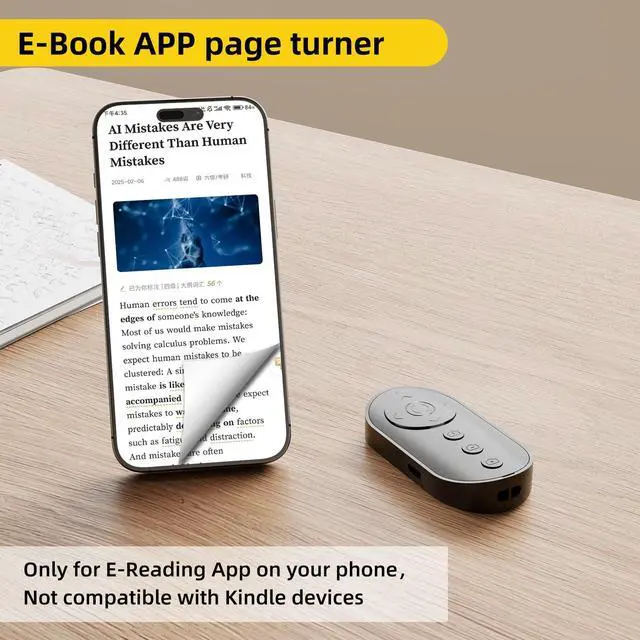
    Only compatible with mobile phones, not with iPads or Kindles devices.

    Bluetooth Camera Remote Shutter
    Wireless Video Scrolling Remote

    The front camera of the phone itself cannot zoom; zooming requires using the rear camera.

    Bluetooth Camera Remote Shutter with Zoom

    Zoom Function is only for Smartphone Original Rear Camera, it can use for smartphone photo or video taking.

    The camera cannot be switched between front and rear during video recording, but can be freely changed before starting the recording.

    camrea remote for smartphone

    iPhone: Enable Bluetooth connection and activate zoom functionality. Android: Simply connect via Bluetooth.

    Bluetooth Camera Remote

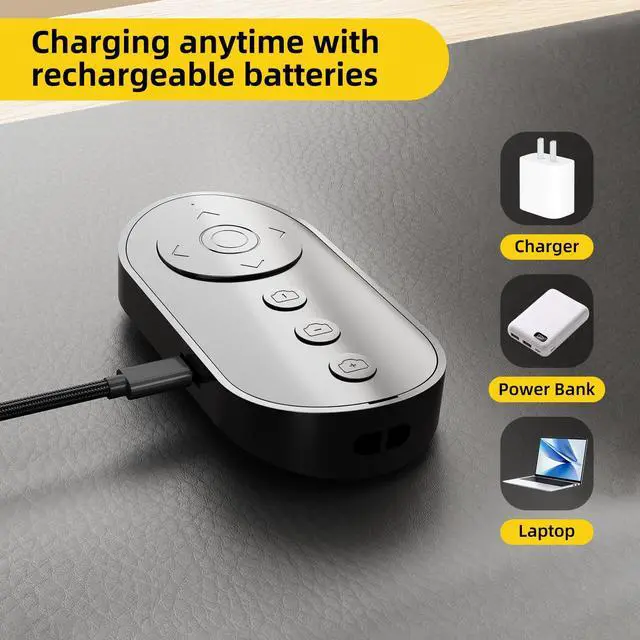
    When the zoom remote control is rarely used: charge it once every two months before storage

    Bluetooth Scrolling Remote Control
    Camera and Video Recording Remote

    Only compatible with mobile phones, not with iPads or Kindles devices.

    Bluetooth Camera Remote Shutter
    Wireless Video Scrolling Remote

    The front camera of the phone itself cannot zoom; zooming requires using the rear camera.

    Bluetooth Camera Remote Shutter with Zoom

    Zoom Function is only for Smartphone Original Rear Camera, it can use for smartphone photo or video taking.

    The camera cannot be switched between front and rear during video recording, but can be freely changed before starting the recording.

    camrea remote for smartphone

    iPhone: Enable Bluetooth connection and activate zoom functionality. Android: Simply connect via Bluetooth.

    Bluetooth Camera Remote

    When the zoom remote control is rarely used: charge it once every two months before storage

    Bluetooth Scrolling Remote Control
    Camera and Video Recording Remote
    Bluetooth Camera Remote Shutter with Zoom and Front/Rear Camera Switch for Photo and Vlogging, Cllphone Remote Clicker for iOS & Android Smartphone, Wireless Video Scrolling for Tiktok

    Warranty & Returns

    Warranty, Returns, And Additional Information

    Warranty

    • Please contact the Seller directly for warranty information. Warranty information may also be found on the Manufacturer's website.
    • CONTACT

    Return Policies

    Manufacturer Contact Info

    LOADING...
    LOADING...