


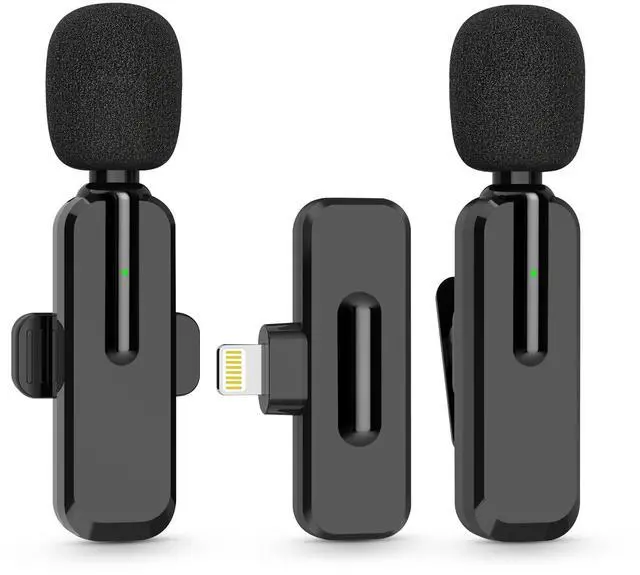
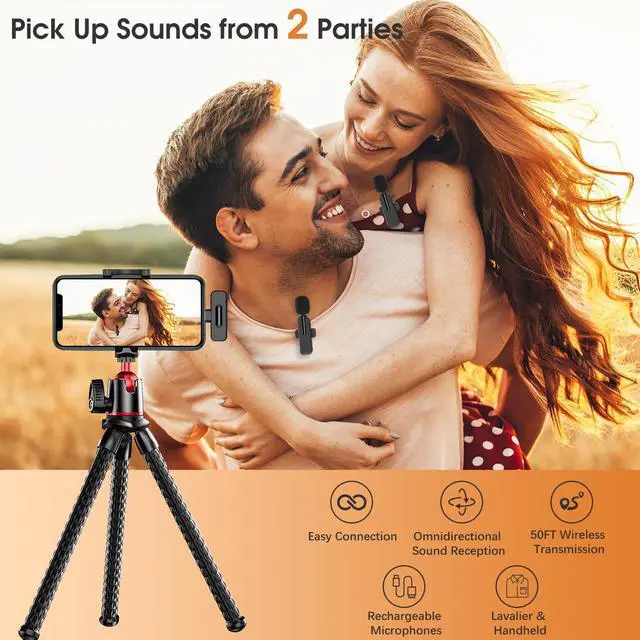
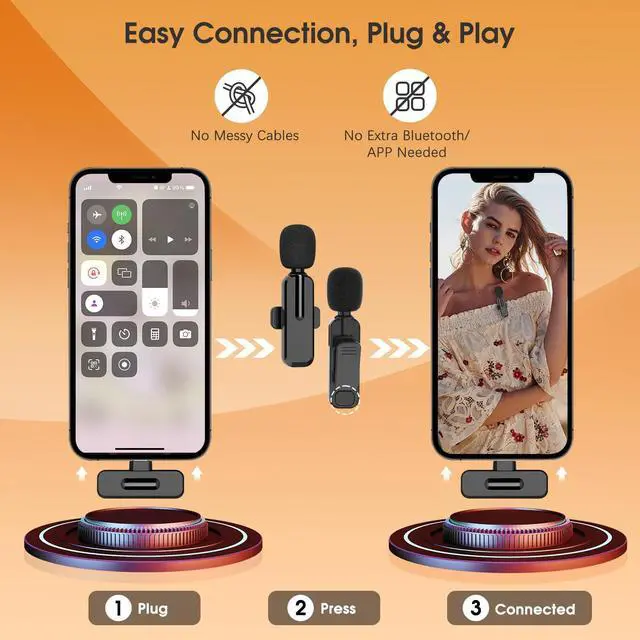
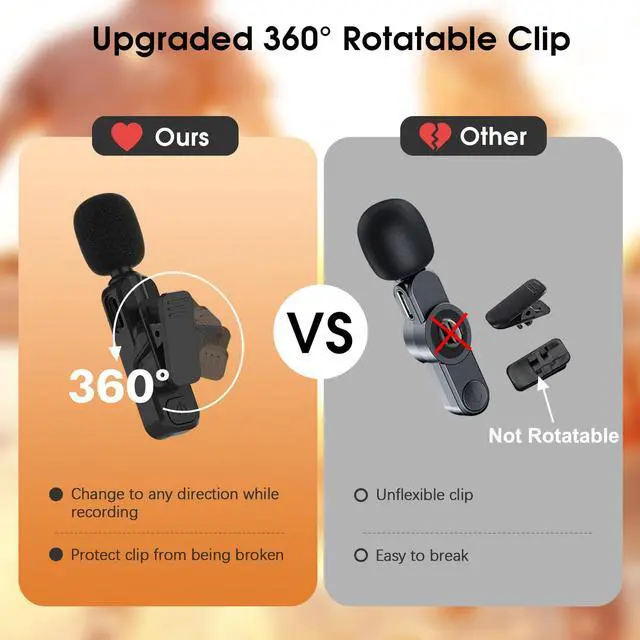


MAYBESTA Wireless Mic
for Lightning Port | Connector Type | for USB C Port |
4.5 Hours | Recording Time | 4.5 Hours |
50ft | Recording Range | 50ft |
for Lightning Port | Connector Type | 2 in 1 port |
4.5 Hours | Recording Time | 4.5 Hours |
50ft | Recording Range | 50ft |
for Lightning Port | Connector Type | 4 in 1 port |
4.5 Hours | Recording Time | 7 Hours |
50ft | Recording Range | 65ft |
for Lightning Port | Connector Type | for Lightning Port |
4.5 Hours | Recording Time | 6 Hours |
50ft | Recording Range | 65ft |


Does it work with VoiceMemo App?
No. It can't work with VoiceMemo App, which is download from App store. But you can use VoiceMemo that came with the device to make audio or video recordings.
Can l hear myself while recording?
Yes. We have the function of real-time monitoring while you are making recordings. But make sure that the earphones you are inserted into the mic is USB C interface and without button functions.
What if there is something like crackles or static in the recordings?
Please place the mic accrordingly and have the subject speak in a normal tone. Do not speak loud or yell, and keep a proper distance between your mouth and the mic.
Does the receiver need to be charged?
No. The receiver itself does not need to be charged. But you can charge your phone through the receiver's port by your phone charging cable while using the mini mic for content creation.
If the mic is waterproof?
No. This wireless mic is not waterproof. If the mic gets water in it, it will not only affect the sound quality of the recording, but also damage the microphone, resulting in a shorter lifespan.

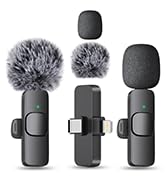
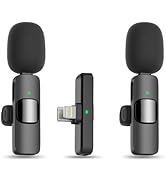
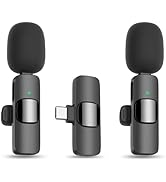
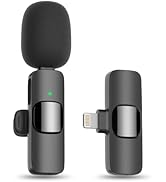
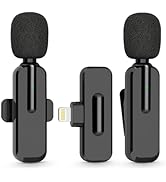
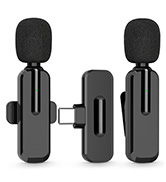
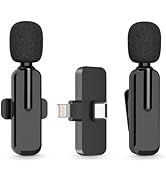
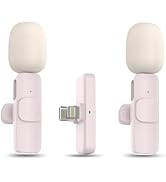


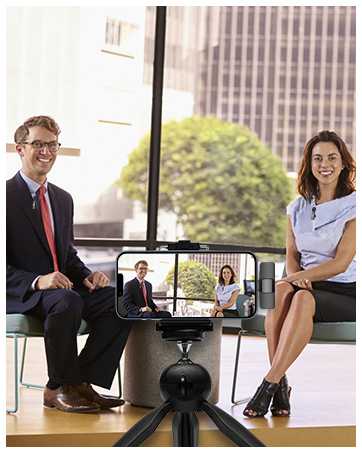
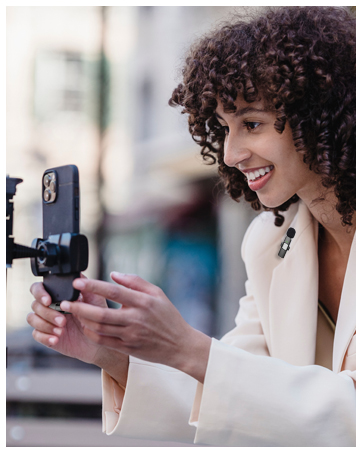


MAYBESTA Wireless Mic
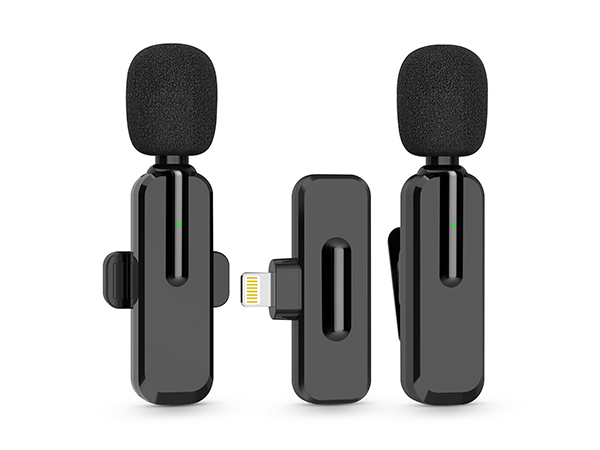
WM187
Connector Type
for Lightning Port
Recording Time
4.5 Hours
Recording Range
50ft
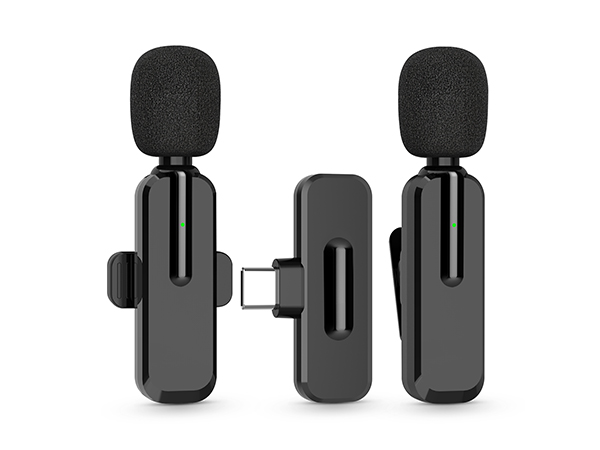
WM189
Connector Type
for USB C Port
Recording Time
4.5 Hours
Recording Range
50ft
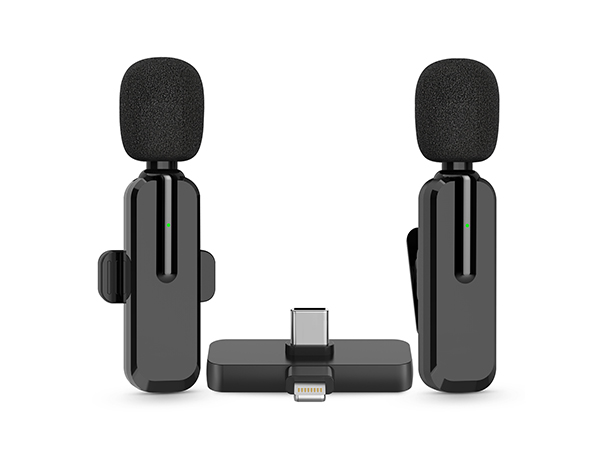
WM281
Connector Type
2 in 1 port
Recording Time
4.5 Hours
Recording Range
50ft
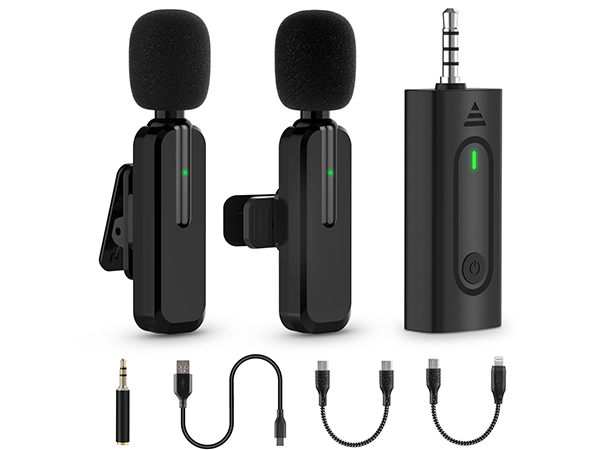
WM322
Connector Type
4 in 1 port
Recording Time
7 Hours
Recording Range
65ft
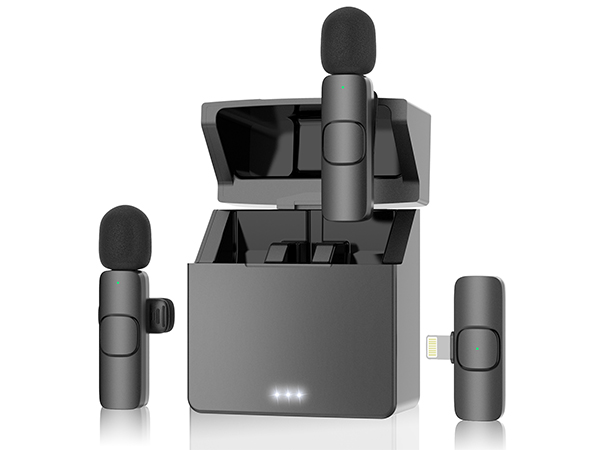
WM370
Connector Type
for Lightning Port
Recording Time
6 Hours
Recording Range
65ft
Does it work with VoiceMemo App?
No. It can't work with VoiceMemo App, which is download from App store. But you can use VoiceMemo that came with the device to make audio or video recordings.
Can l hear myself while recording?
Yes. We have the function of real-time monitoring while you are making recordings. But make sure that the earphones you are inserted into the mic is USB C interface and without button functions.
What if there is something like crackles or static in the recordings?
Please place the mic accrordingly and have the subject speak in a normal tone. Do not speak loud or yell, and keep a proper distance between your mouth and the mic.
Does the receiver need to be charged?
No. The receiver itself does not need to be charged. But you can charge your phone through the receiver's port by your phone charging cable while using the mini mic for content creation.
If the mic is waterproof?
No. This wireless mic is not waterproof. If the mic gets water in it, it will not only affect the sound quality of the recording, but also damage the microphone, resulting in a shorter lifespan.
Focus on Wireless
MAYBESTA Lapel Mic
Lapel Mic for Video Recording
Lavalier Mic for Livestreaming
Wireless Mic for Interview
Wireless Mic for Podcast