




Geeni Smart Outlet
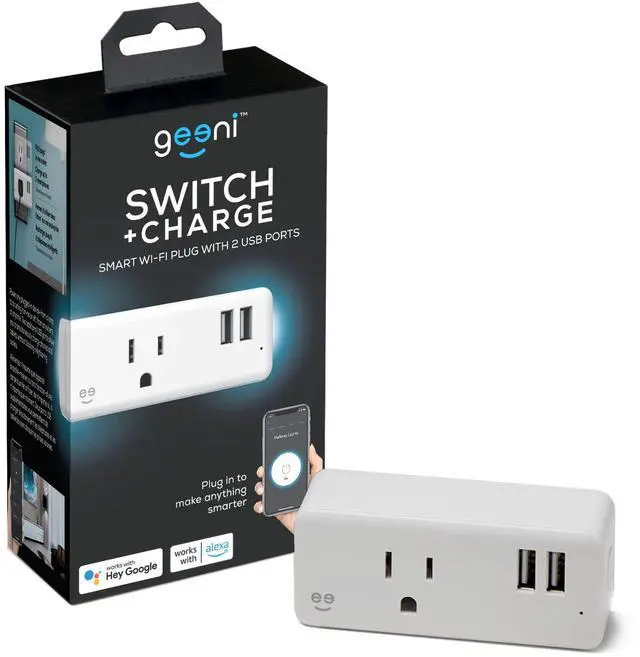
Switch + Charge
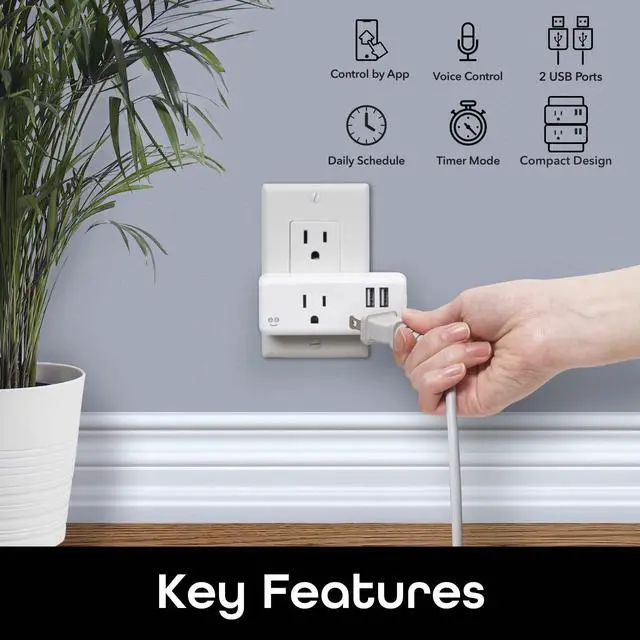
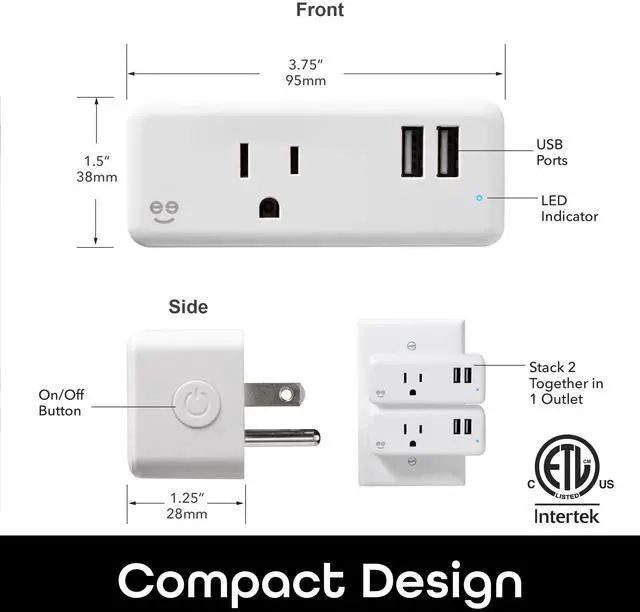
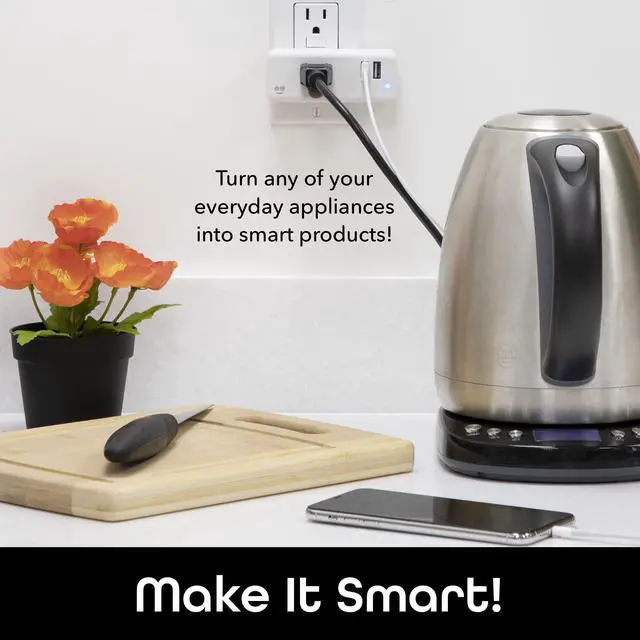
Power 3 devices or appliances at once and control the outlet from your smartphone.

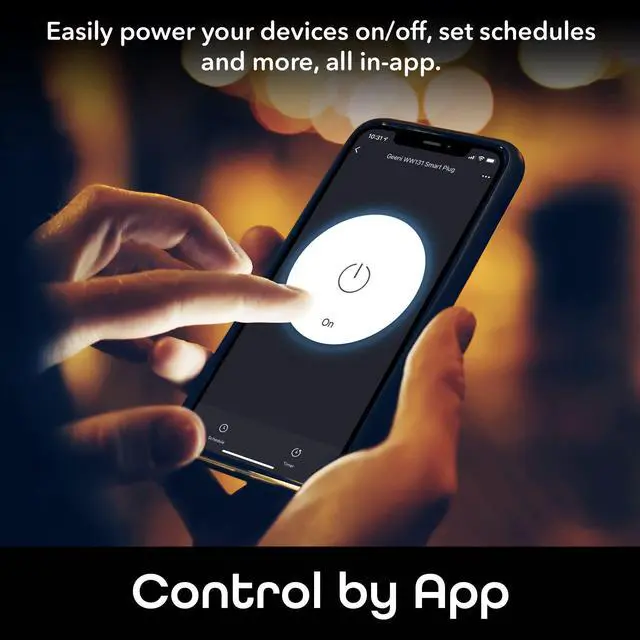
Control from Anywhere
Turn your connected appliances on or off from anywhere with the friendly Geeni app.
Save on Energy
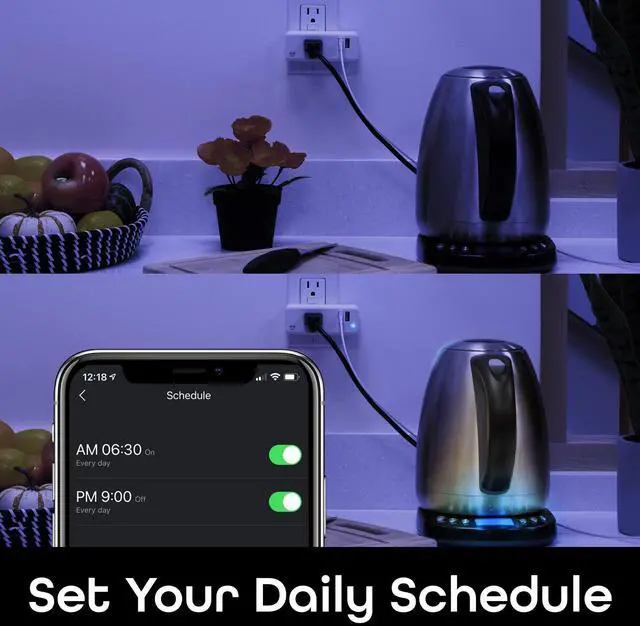
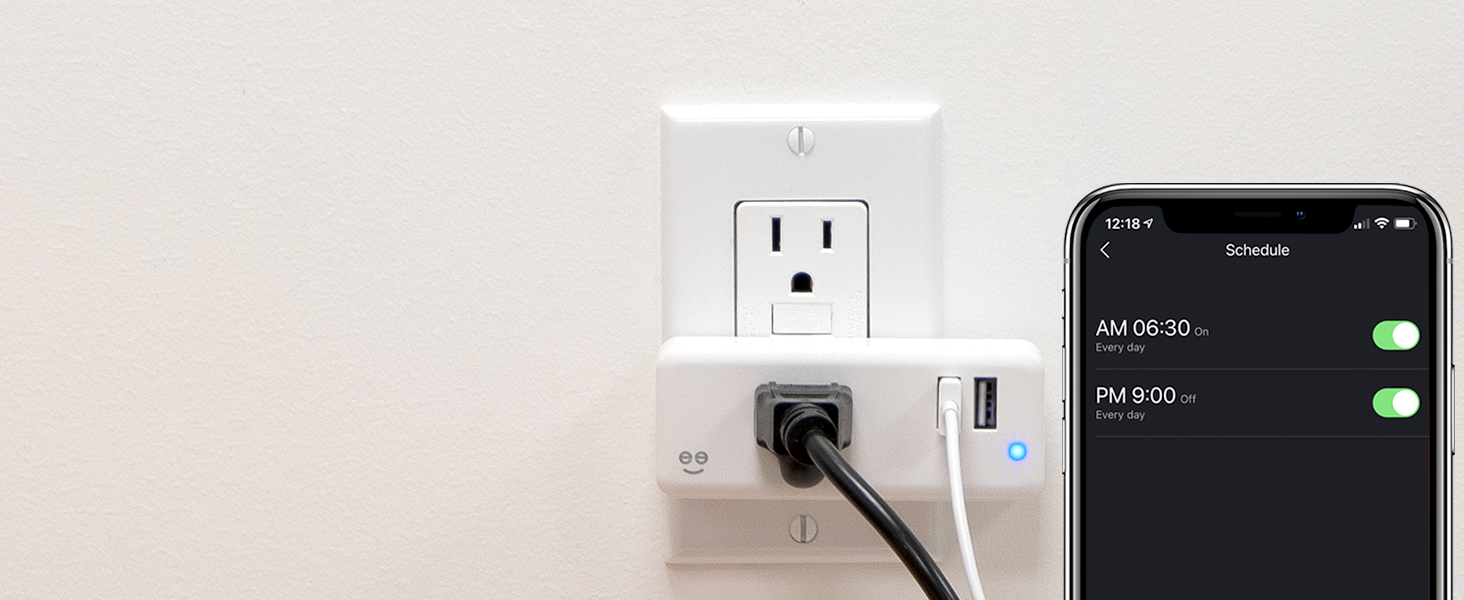
Automated Power
Set your lights, coffee maker and more to turn on/off when you need them to.
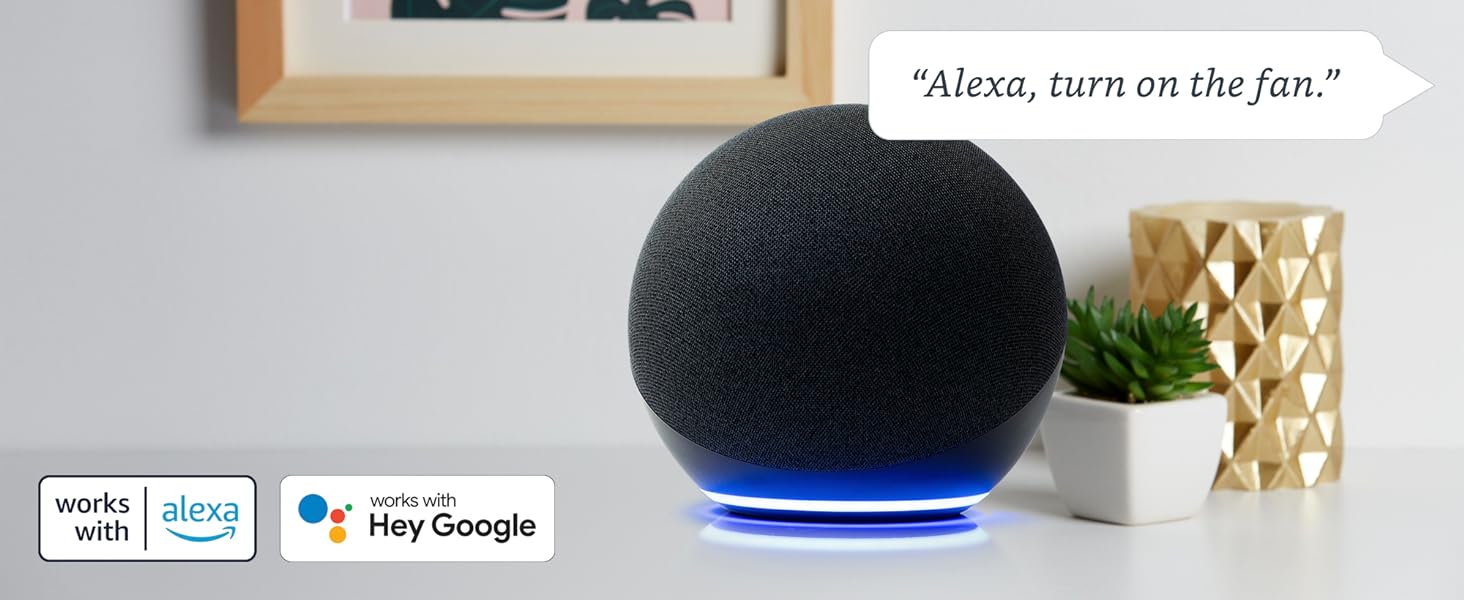
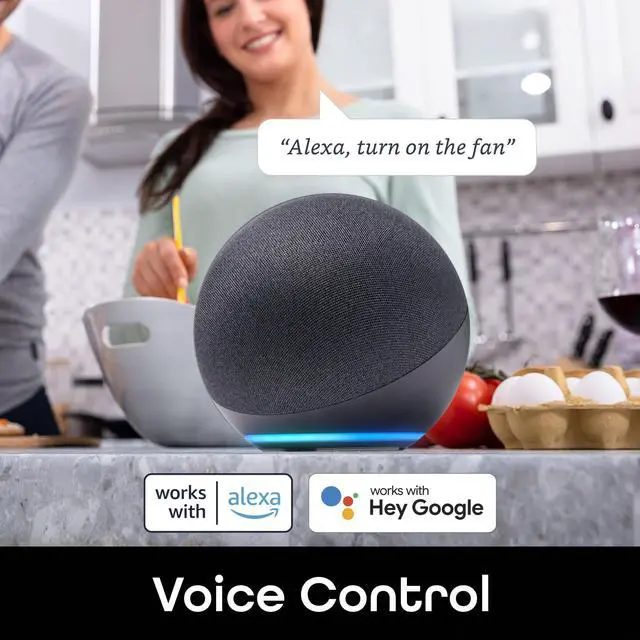
Voice Control
Free up your hands by using simple voice commands with Alexa and Google Assistant.
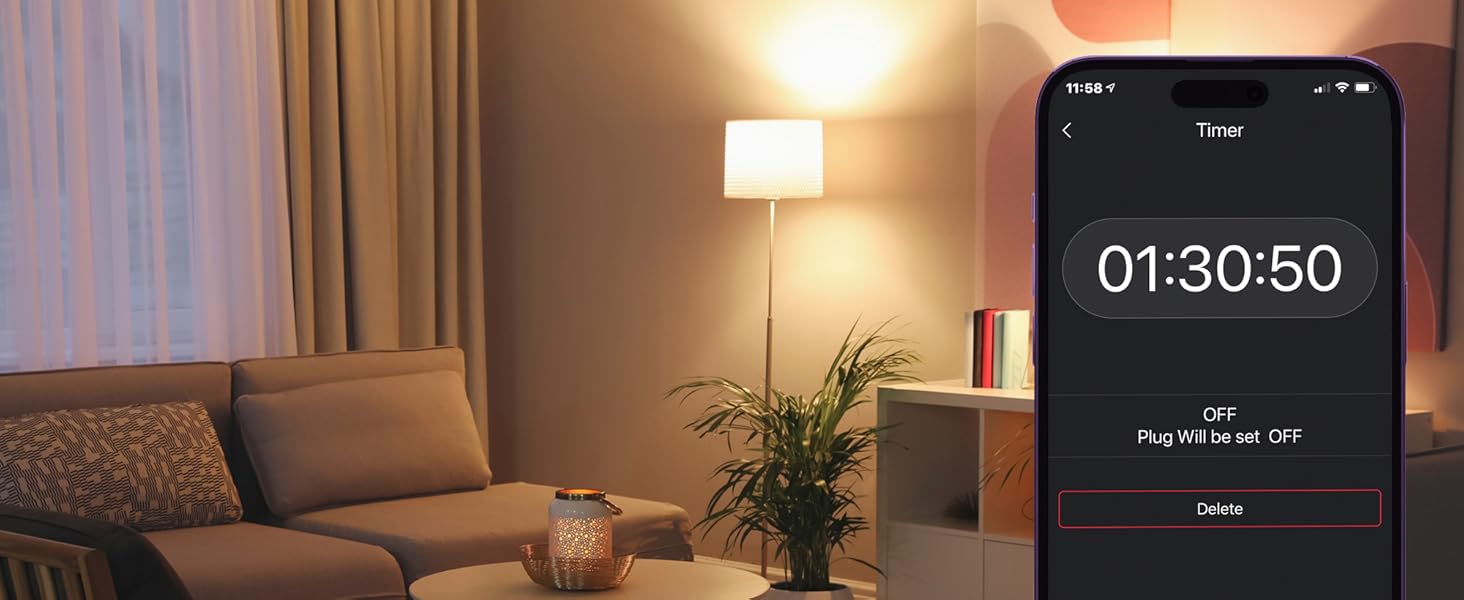
Timer Function
Conserve energy by setting your devices on customized timers. Only use the power you need.

Share Access
Give your entire household access to control through the Geeni app.


One Home. One App.
See what more than 10 million users are raving about with 4.8/5 stars.
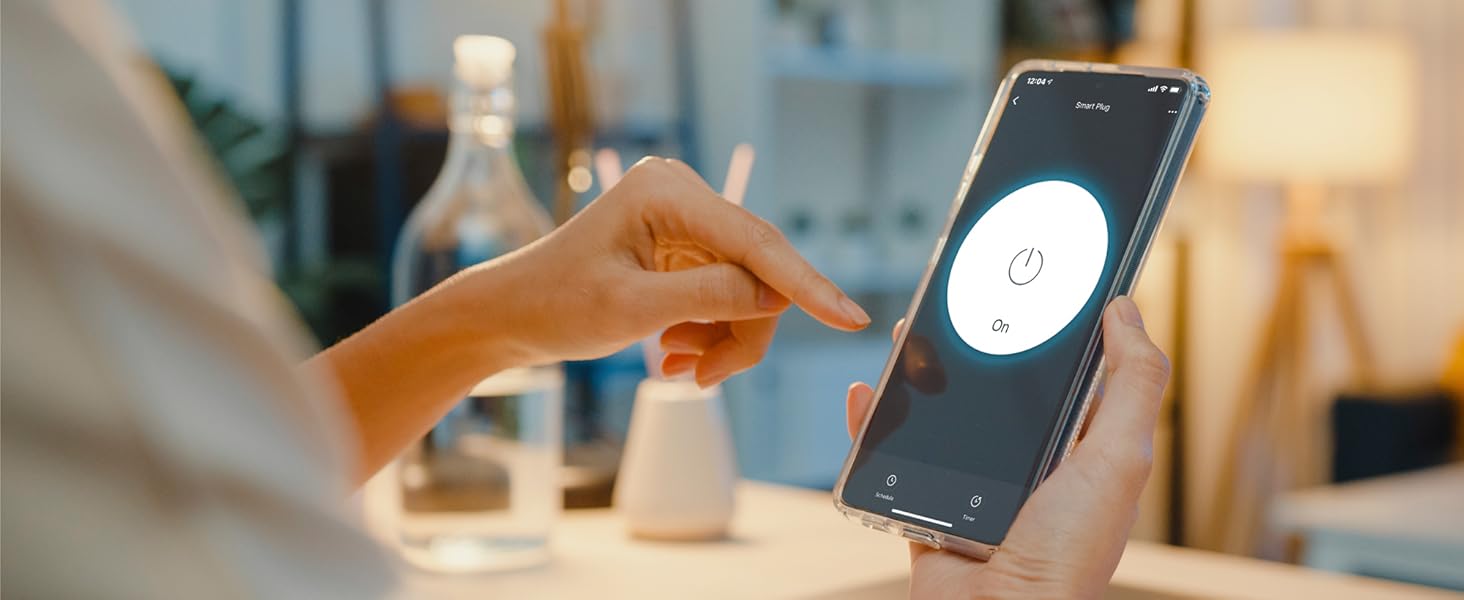
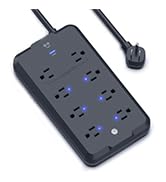
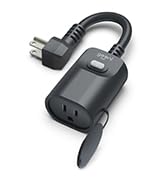
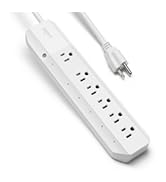
Geeni Smart Power
Plug in and control from anywhere—power your appliances on/off or set automated schedules in-app.

Geeni Smart Light
Enjoy a brilliant range of colors, advanced lighting effects, brightness control, and more.
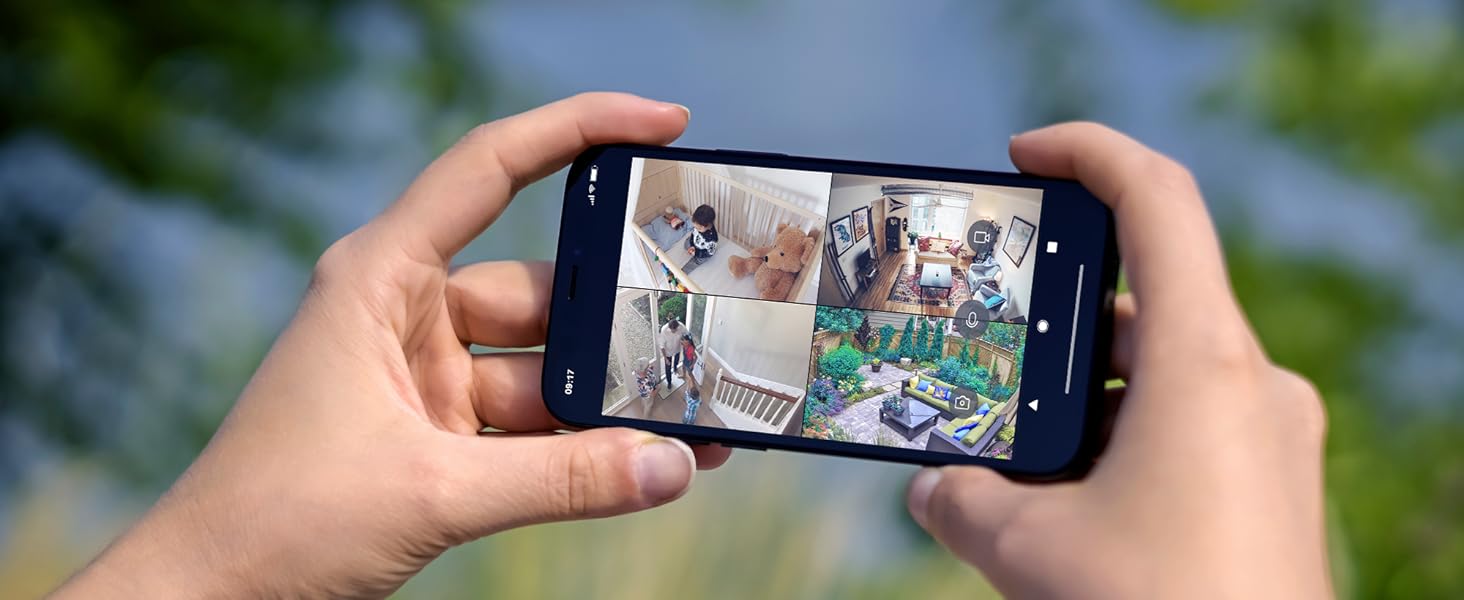
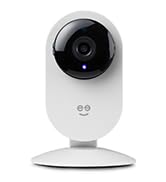
Geeni Smart Security
Keep an eye on home even while you're away—check on deliveries, greet visitors & more.
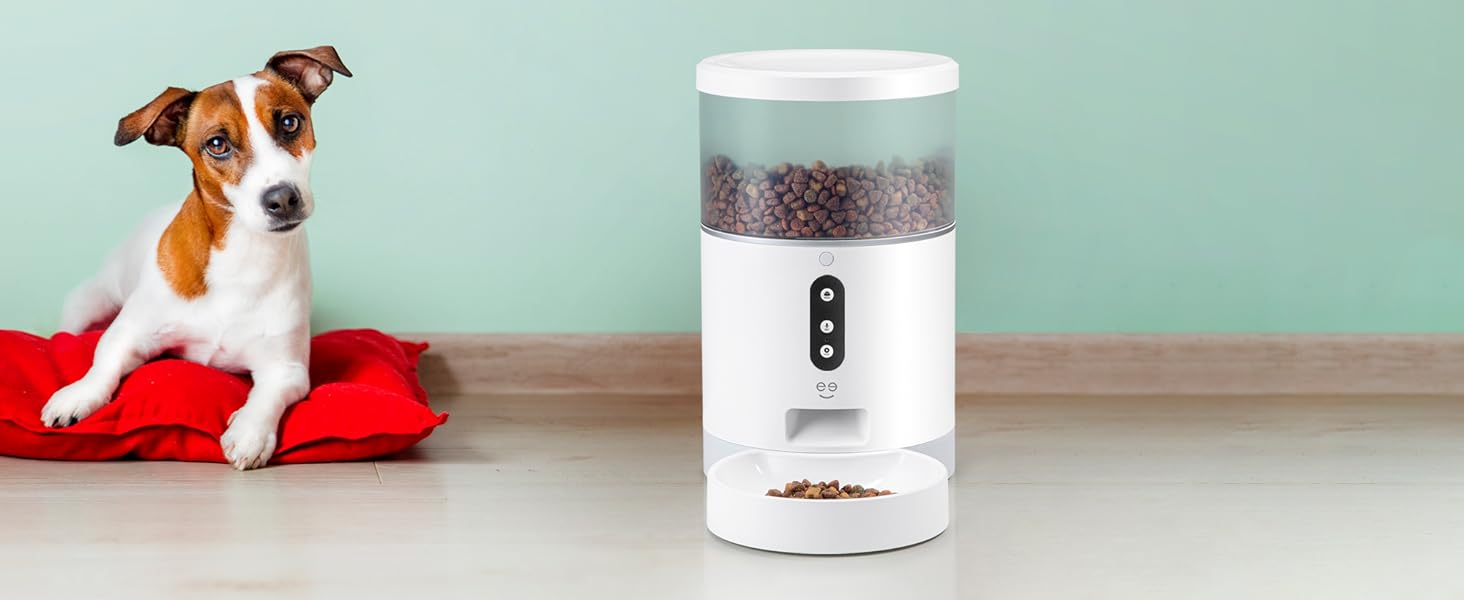
Smart Pet Feeders
Keep your furry friend cared for with our automatic feeder featuring portion control.
Why won't my plug connect to my WiFi?
Double-check your Wi-Fi password and internet connection. If the signal is weak, reset your router and try again.
What kind of WiFi does my house need for Geeni products?
Geeni products work best with 2.4GHz WiFi for wider coverage and compatibility. Ensure your router supports this band.
How do I activate the 2.4GHz band on my router?
Access your router settings through its IP address, log in, go to Advanced Settings > Network Settings, and enable the 2.4GHz band.
Can these smart plugs be controlled by Echo & Google Home?
Yes, Geeni smart plugs and other power devices work with Echo and Google Home.
Should I have Bluetooth on when connecting my product?
Enable Bluetooth and location on your smartphone for a smooth setup.
Compare Geeni Plugs
 SWITCH + CHARGE |  SWITCH DUO |  SMART DOT |  EXTEND |  OUTDOOR DUO |  SURGE | |
|---|---|---|---|---|---|---|
Customer Reviews | — | — | — | — | — | — |
Price | — | — | — | — | — | — |
Number of Outlets | 1 | 2 | 1 | 4 | 2 | 6 |
Number of USB Ports | 2 | 0 | 0 | 0 | 0 | 0 |
Surge Protection | ? | ? | ? | ? | ? | ? |
Max Load Current | 15A | 15A | 10A | 15A | 15A | 15A |
Weather Resistant | ? | ? | ? | ? | ? | ? |
Operating Temperature | -4°F - 113°F | -4°F - 113°F | -4°F - 113°F | 14°F - 122°F | 14°F - 122°F | 32°F - 104°F |
Voice Control | ? | ? | ? | ? | ? | ? |
Setup Schedule | ? | ? | ? | ? | ? | ? |
Timer Function | ? | ? | ? | ? | ? | ? |
Wi-Fi Connection | 2.4 GHz | 2.4 GHz | 2.4 GHz | 2.4 GHz | 2.4 GHz | 2.4 GHz |


At Geeni, we’re committed to making your life easier with intuitive, user-friendly smart home products. Join over 8 million users who trust Geeni to manage lights, cameras, and appliances effortlessly. With Geeni, you can automate tasks, set schedules, and share control with family, bringing seamless convenience to your daily routine. Trusted by Google, , and Microsoft, Geeni helps you create a smarter, simpler home at unbeatable value.
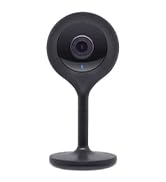
Best Sellers
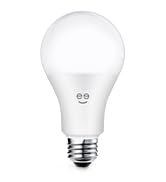
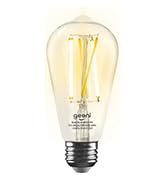
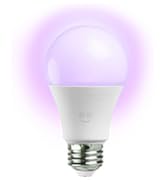
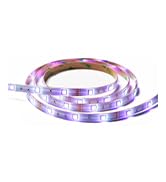
Smart Lighting
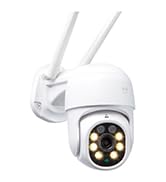
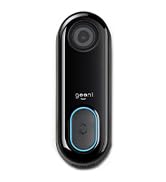
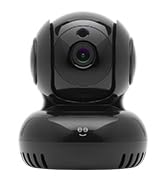
Smart Security
Smart Power

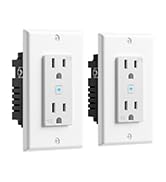
Switch + Charge
Power 3 devices or appliances at once and control the outlet from your smartphone.
Control from Anywhere
Turn your connected appliances on or off from anywhere with the friendly Geeni app.
Save on Energy
Automated Power
Set your lights, coffee maker and more to turn on/off when you need them to.
Voice Control
Free up your hands by using simple voice commands with Alexa and Google Assistant.
Timer Function
Conserve energy by setting your devices on customized timers. Only use the power you need.
Share Access
Give your entire household access to control through the Geeni app.


One Home. One App.
See what more than 10 million users are raving about with 4.8/5 stars.
Geeni Smart Power
Plug in and control from anywhere—power your appliances on/off or set automated schedules in-app.
Geeni Smart Light
Enjoy a brilliant range of colors, advanced lighting effects, brightness control, and more.
Geeni Smart Security
Keep an eye on home even while you're away—check on deliveries, greet visitors & more.
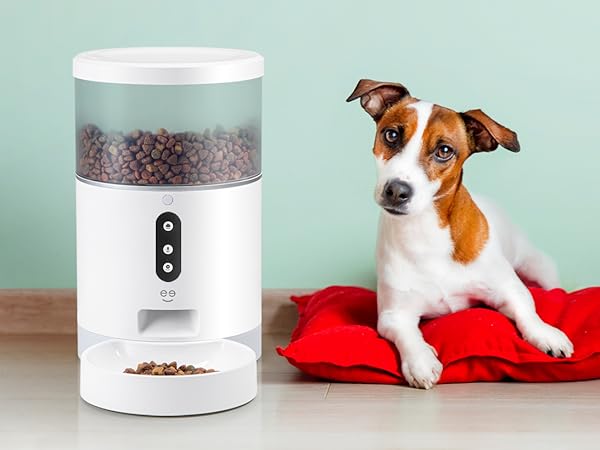
Smart Pet Feeders
Keep your furry friend cared for with our automatic feeder featuring portion control.
Why won't my plug connect to my WiFi?
Double-check your Wi-Fi password and internet connection. If the signal is weak, reset your router and try again.
What kind of WiFi does my house need for Geeni products?
Geeni products work best with 2.4GHz WiFi for wider coverage and compatibility. Ensure your router supports this band.
How do I activate the 2.4GHz band on my router?
Access your router settings through its IP address, log in, go to Advanced Settings > Network Settings, and enable the 2.4GHz band.
Can these smart plugs be controlled by Echo & Google Home?
Yes, Geeni smart plugs and other power devices work with Echo and Google Home.
Should I have Bluetooth on when connecting my product?
Enable Bluetooth and location on your smartphone for a smooth setup.
Compare Geeni Plugs
SWITCH + CHARGE |  SWITCH DUO |  SMART DOT | EXTEND | OUTDOOR DUO |  SURGE |
|---|---|---|---|---|---|
| Customer Reviews | |||||
| — | — | — | — | — | — |
| Price | |||||
| — | — | — | — | — | — |
| Number of Outlets | |||||
| 1 | 2 | 1 | 4 | 2 | 6 |
| Number of USB Ports | |||||
| 2 | 0 | 0 | 0 | 0 | 0 |
| Surge Protection | |||||
| ? | ? | ? | ? | ? | ? |
| Max Load Current | |||||
| 15A | 15A | 10A | 15A | 15A | 15A |
| Weather Resistant | |||||
| ? | ? | ? | ? | ? | ? |
| Operating Temperature | |||||
| -4°F - 113°F | -4°F - 113°F | -4°F - 113°F | 14°F - 122°F | 14°F - 122°F | 32°F - 104°F |
| Voice Control | |||||
| ? | ? | ? | ? | ? | ? |
| Setup Schedule | |||||
| ? | ? | ? | ? | ? | ? |
| Timer Function | |||||
| ? | ? | ? | ? | ? | ? |
| Wi-Fi Connection | |||||
| 2.4 GHz | 2.4 GHz | 2.4 GHz | 2.4 GHz | 2.4 GHz | 2.4 GHz |
At Geeni, we’re committed to making your life easier with intuitive, user-friendly smart home products. Join over 8 million users who trust Geeni to manage lights, cameras, and appliances effortlessly. With Geeni, you can automate tasks, set schedules, and share control with family, bringing seamless convenience to your daily routine. Trusted by Google, , and Microsoft, Geeni helps you create a smarter, simpler home at unbeatable value.
Best Sellers
Smart Lighting
Smart Security
Smart Power