



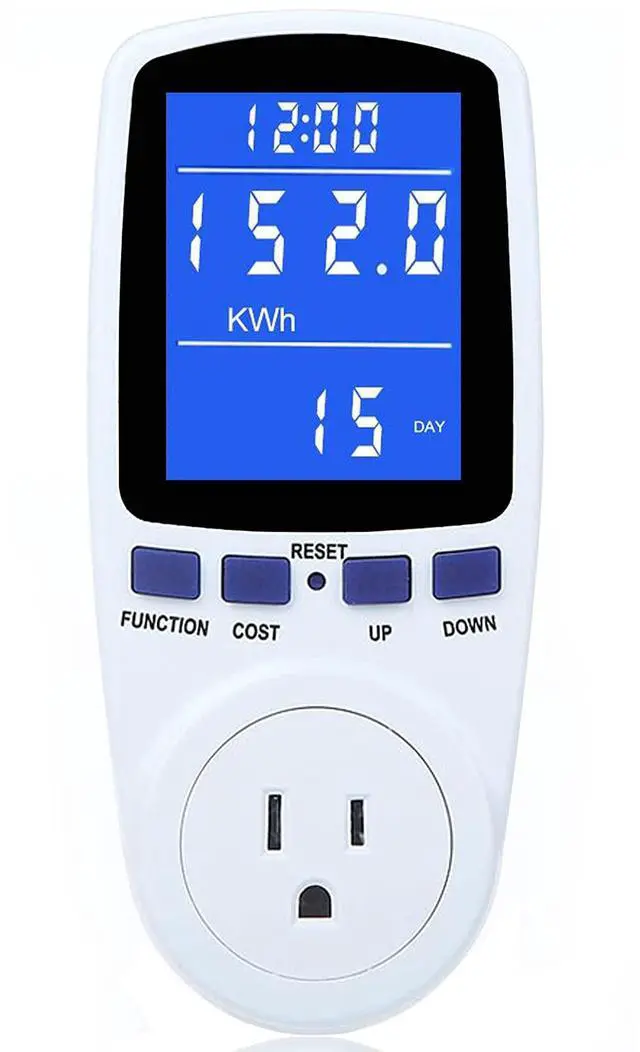
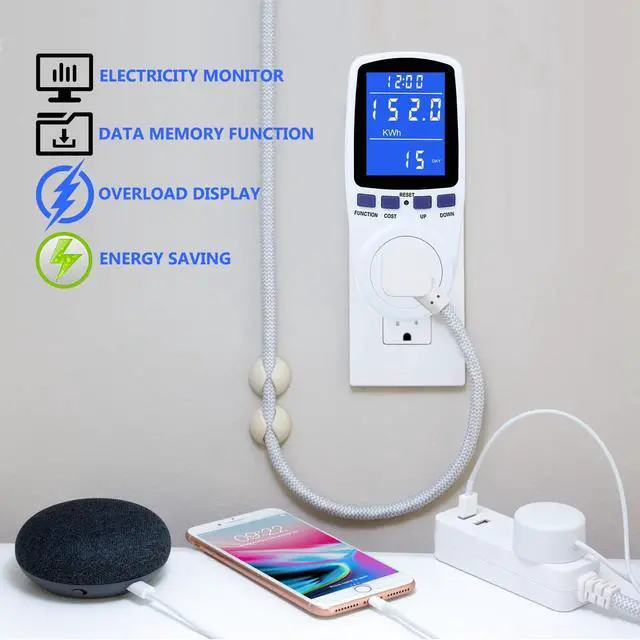
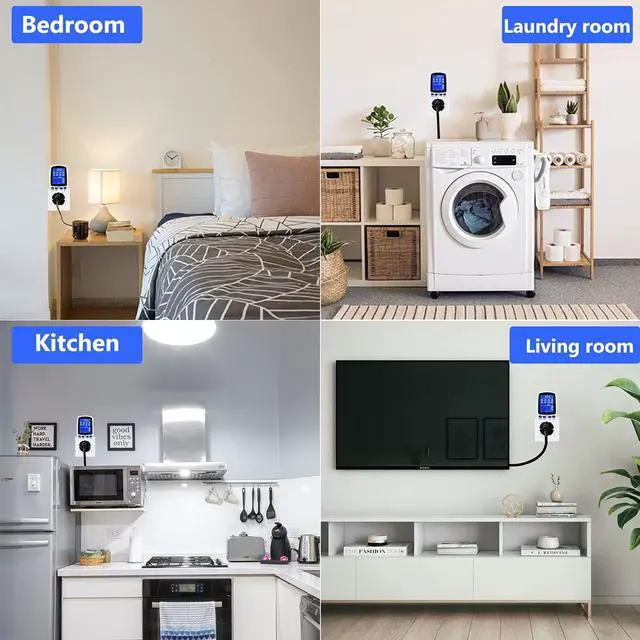


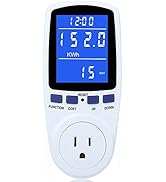
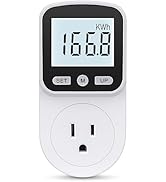
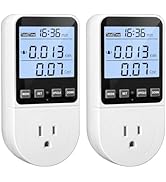
MECHEER voltage meter, kilowatt meter, amp meter, kwh meter, current meter, electricity meter. The best choice for home appliance energy monitoring!

Product Features

Easy To Read
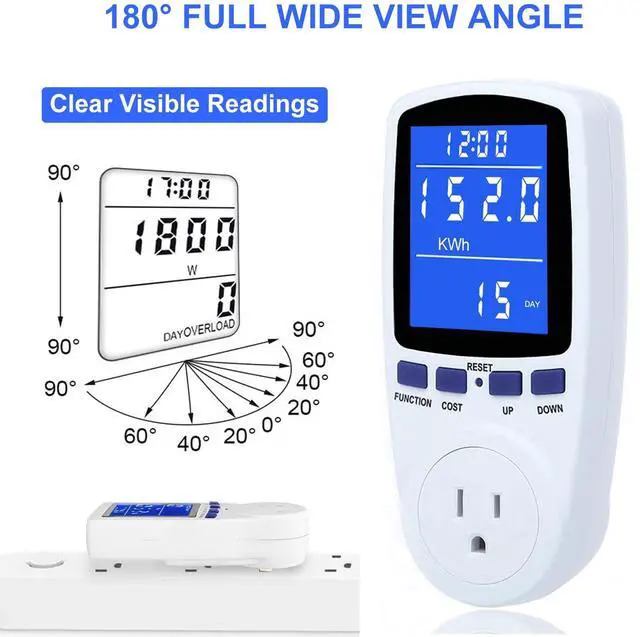
- 180° wide viewing angles: You can read the data from any angles.
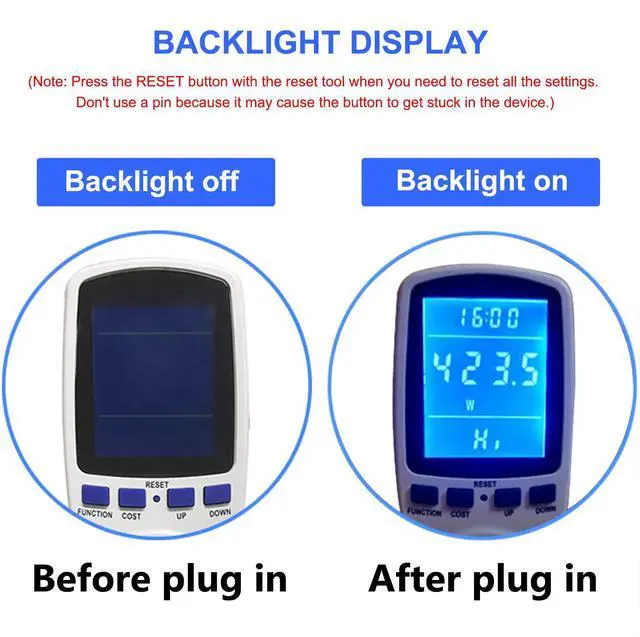
- Blue Backlight: The backlight will light immediately when connecting to AC power, and automatically turn off after the backlight time expires if not press any buttons. You can press any buttons to wake up the backlight again.
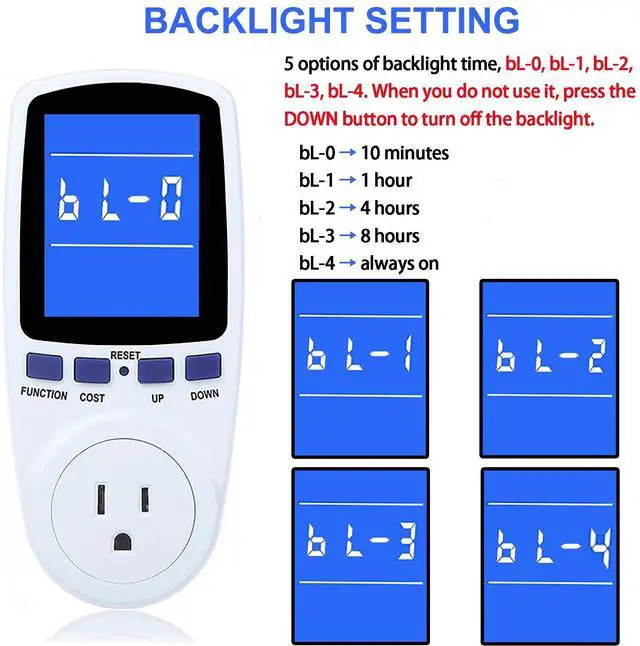
- 5 options of backlight time: bL-0 =10 minutes, bL-1=1 hour, bL-2=4 hours, bL-3=8 hours, bL-4=always on.
- Clear visible reading in day and night.

Overload Protection
- Set the OVERLOAD power to 1800W before using.
- The LCD will flash "OVERLOAD" to warn the users when the power exceeds to 1800W. All the buttons will quit working and can only be workable when you lower or remove the load power.
- Prevent your appliances from being damaged.

Data Hold Function
- Automatically save your consumption data when you remove the plug or appliances.
- Automatically save your consumption data when there was a power failure.
- Easy for reading and recording data. No data will be missed.
- Data Clear: You can press and hold the "function" button and "up" button at the same time to clear the KWH data, cost data and the cumulative time data. The electricity p rice and overload power data can only be cleared after resetting the meter plug.
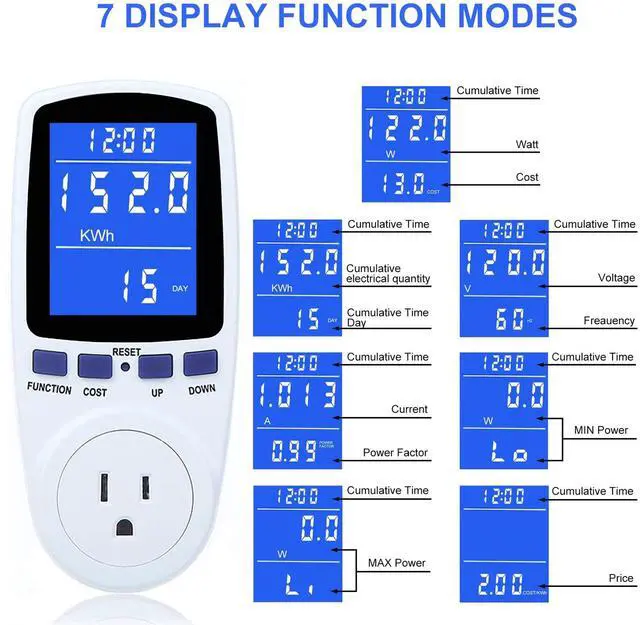
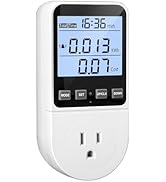
7 Display Modes- Know more about the power consumption of your home electrical appliances !


Packing Content:
- US power meter plug x 1
- User manual x 1
Get our power consumption meter to help you monitor and control the electricity usage. Save power energy and save money on bills.
Specifications:
- Operating voltage: 120V ACFrequency Display: 60Hz
- Wide voltage range: 110V-130V
- Operating current: 15A MAX
- Wattage display(watts): 0W-1800W
- Current display(amps): 0.0A-15.0A
- Price display range: 0.00COST/KWH-99.99COST/KWH
- Total KWH and cost display: 0.000KWH-9999KWH, 0.00COST-9999COST
WARNING!!!
1. DO NOT use in wet environment.
2. DO NOT connect the power meter to a multi-plug outlet to measure multiple electrical appliances at the same time, in case the total power exceeds the threshold of 1800W and cause a short circuit.
NOTICE:
- The consumption and time will NOT be measured and counted when:
- your device is in standby or not working;
- the rated power of your device is smaller than 0.5 watt, but energy consumption is always measured since the device was plugged in.
- What data will be saved? Electricity quantity, cost, electricity p rice, cumulative time. (But NOT save current, voltage, power, power factors)
- You can access to Mode 7 directly by pressing the button “COST”.
- Press any buttons to wake up the backlight after it automatically turns off (Backlight time is adjustable).
- If there is an abnormal display or no response, please reset the electric meter by pressing the RESET button.
WHEN POWER SWITCHED OFF AND BACK ON, IF THE POWER METER TURNS "0", IT MAY BECAUSE THE TESTING TIME IS LESS THAN 1 HOUR, OR TOTAL KWH LESS THAN 0.1 KWH. THAT'S WHY NO DATA SAVED.
- The power of electrical appliances can not exceed 1800W.
- HOW TO RESET:
- If you only want to clear the cumulative data (Electricity quantity, cumulative cost, cumulative time) and keep the electricity p rice setting, just press button "FUNCTION" and "UP" at the same time over 3 seconds to quickly clear the data.
- If you want to reset all the settings, you can press the reset button with the reset tool. Don't use a needle because it may cause the button to get stuck in the device.
- HOW TO SET THE BACKLIGHT TIME:
- Press and hold "UP" and "DOWN" button at the same time to enter backlight time setting. Now "bL-0" is displayed on the LCD and flashes for 10 seconds.
- Press "UP" and "DOWN" to select the backlight time. (bL-0 =10 minutes, bL-1=1 hour, bL-2=4 hours, bL-3=8 hours, bL-4=always on).
- Press the "COST" to save the backlight time settings.
- When you don't want the backlight on, press the "DOWN" button to turn off the backlight manually.
- You can also press any button to turn on the backlight again.
 Upgraded Meter Plug |  Upgraded Watt Meter |  Snap Button Kit |  Trimmer Shoulder Strap |  Crochet Kit with Yarn |  Garden Tools Set | |
|---|---|---|---|---|---|---|
| Customer Reviews | — | — | — | — | — | — |
| Price | — | — | — | — | — | — |
| Packing Quantity | 1 PACK | 1 PACK | 1 SET | 1 PACK | 67 PACK | 1 SET |


MECHEER is dedicated to creating an easy and efficient living experience for our customers. Our goal is to provide convenient, practical and long lasting solutions in all areas of daily life. We insist on strict quality control and continuous technical improvement to ensure that every product we offer meets or exceeds our customers' expectations.
We expect you to feel our persistent pursuit of quality and service when you choose our products.

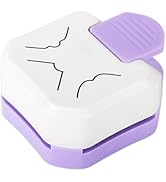
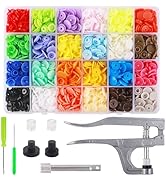
Art Crafts tools
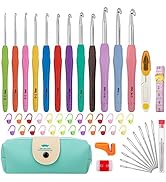
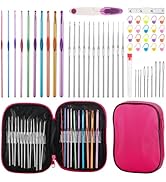
Home Gadget


Kitchen Tools
Home Energy Monitor
Woodworking Tools

Gardening Tools


Other tools
MECHEER is dedicated to creating an easy and efficient living experience for our customers. Our goal is to provide convenient, practical and long lasting solutions in all areas of daily life. We insist on strict quality control and continuous technical improvement to ensure that every product we offer meets or exceeds our customers' expectations.
We expect you to feel our persistent pursuit of quality and service when you choose our products.
Art Crafts tools
Home Gadget
Kitchen Tools
Home Energy Monitor
Woodworking Tools
Gardening Tools
Other tools
MECHEER voltage meter, kilowatt meter, amp meter, kwh meter, current meter, electricity meter. The best choice for home appliance energy monitoring!
Product Features
Easy To Read
- 180° wide viewing angles: You can read the data from any angles.
- Blue Backlight: The backlight will light immediately when connecting to AC power, and automatically turn off after the backlight time expires if not press any buttons. You can press any buttons to wake up the backlight again.
- 5 options of backlight time: bL-0 =10 minutes, bL-1=1 hour, bL-2=4 hours, bL-3=8 hours, bL-4=always on.
- Clear visible reading in day and night.
Overload Protection
- Set the OVERLOAD power to 1800W before using.
- The LCD will flash "OVERLOAD" to warn the users when the power exceeds to 1800W. All the buttons will quit working and can only be workable when you lower or remove the load power.
- Prevent your appliances from being damaged.
Data Hold Function
- Automatically save your consumption data when you remove the plug or appliances.
- Automatically save your consumption data when there was a power failure.
- Easy for reading and recording data. No data will be missed.
- Data Clear: You can press and hold the "function" button and "up" button at the same time to clear the KWH data, cost data and the cumulative time data. The electricity p rice and overload power data can only be cleared after resetting the meter plug.
7 Display Modes- Know more about the power consumption of your home electrical appliances !
Packing Content:
- US power meter plug x 1
- User manual x 1
Get our power consumption meter to help you monitor and control the electricity usage. Save power energy and save money on bills.
Specifications:
- Operating voltage: 120V ACFrequency Display: 60Hz
- Wide voltage range: 110V-130V
- Operating current: 15A MAX
- Wattage display(watts): 0W-1800W
- Current display(amps): 0.0A-15.0A
- Price display range: 0.00COST/KWH-99.99COST/KWH
- Total KWH and cost display: 0.000KWH-9999KWH, 0.00COST-9999COST
WARNING!!!
1. DO NOT use in wet environment.
2. DO NOT connect the power meter to a multi-plug outlet to measure multiple electrical appliances at the same time, in case the total power exceeds the threshold of 1800W and cause a short circuit.
NOTICE:
- The consumption and time will NOT be measured and counted when:
- your device is in standby or not working;
- the rated power of your device is smaller than 0.5 watt, but energy consumption is always measured since the device was plugged in.
- What data will be saved? Electricity quantity, cost, electricity p rice, cumulative time. (But NOT save current, voltage, power, power factors)
- You can access to Mode 7 directly by pressing the button “COST”.
- Press any buttons to wake up the backlight after it automatically turns off (Backlight time is adjustable).
- If there is an abnormal display or no response, please reset the electric meter by pressing the RESET button.
WHEN POWER SWITCHED OFF AND BACK ON, IF THE POWER METER TURNS "0", IT MAY BECAUSE THE TESTING TIME IS LESS THAN 1 HOUR, OR TOTAL KWH LESS THAN 0.1 KWH. THAT'S WHY NO DATA SAVED.
- The power of electrical appliances can not exceed 1800W.
- HOW TO RESET:
- If you only want to clear the cumulative data (Electricity quantity, cumulative cost, cumulative time) and keep the electricity p rice setting, just press button "FUNCTION" and "UP" at the same time over 3 seconds to quickly clear the data.
- If you want to reset all the settings, you can press the reset button with the reset tool. Don't use a needle because it may cause the button to get stuck in the device.
- HOW TO SET THE BACKLIGHT TIME:
- Press and hold "UP" and "DOWN" button at the same time to enter backlight time setting. Now "bL-0" is displayed on the LCD and flashes for 10 seconds.
- Press "UP" and "DOWN" to select the backlight time. (bL-0 =10 minutes, bL-1=1 hour, bL-2=4 hours, bL-3=8 hours, bL-4=always on).
- Press the "COST" to save the backlight time settings.
- When you don't want the backlight on, press the "DOWN" button to turn off the backlight manually.
- You can also press any button to turn on the backlight again.
Upgraded Meter Plug | Upgraded Watt Meter | Snap Button Kit | Trimmer Shoulder Strap | Crochet Kit with Yarn | Garden Tools Set | |
|---|---|---|---|---|---|---|
| Customer Reviews | — | — | — | — | — | — |
| Price | — | — | — | — | — | — |
| Packing Quantity | 1 PACK | 1 PACK | 1 SET | 1 PACK | 67 PACK | 1 SET |