










• $51.99
  • Free 30-day Returns
  • Price alert

    Best Sellers

    Newegg
    • + $11.20 Shipping
    Shop it at NeweggBusiness.

    Meet Your Seller

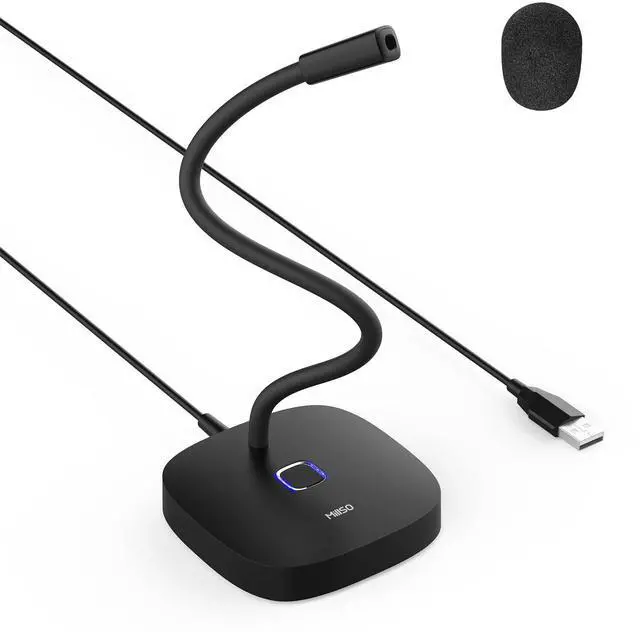
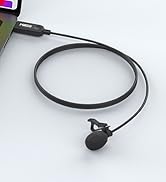
    USB Computer Microphone with Mute Button 360 Degree Adjustable Gooseneck Plug&Play Omnidirectional External USB Microphone for Laptop, PC, Desktop - 1.4M/4.6FT

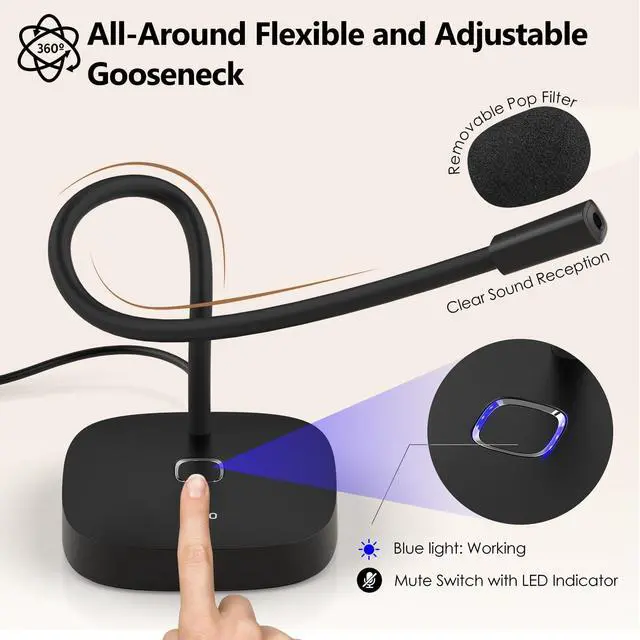
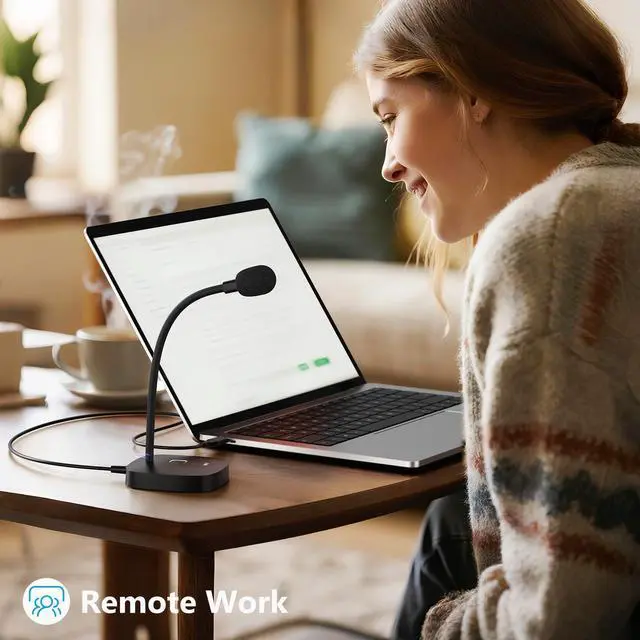
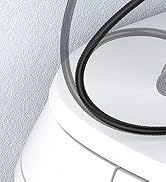
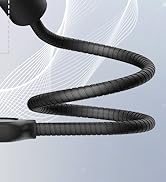
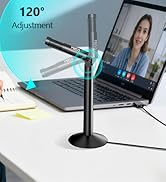
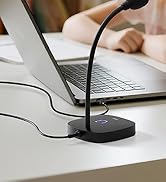
    • Adjustable Gooseneck & Sturdy Base: The MillSO USB microphone features an adjustable gooseneck and a weighted ABS base, allowing you to easily adjust it to an ideal position for user comfort and ensuring stability during use.
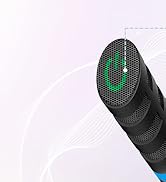
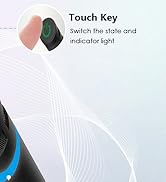
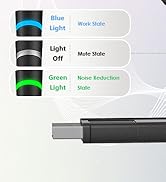
    • One-Touch Mute & LED Indicator: This USB PC microphone features an Innovative touch key design, allowing you to mute/unmute the microphone with just one tap. The LED indicator provides real-time status updates at any time. This allows users to easily control audio input without struggling with complex setups, and it is perfect for meetings, online gaming, or training.
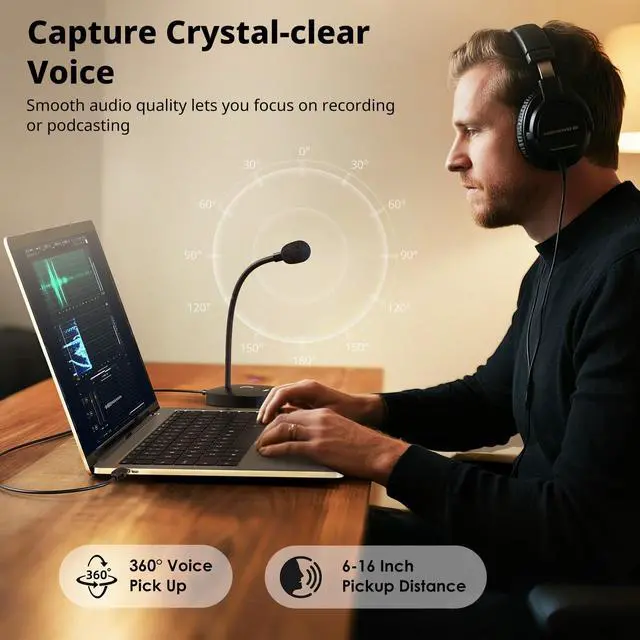
    • Capture Crystal-clear Voice: Omnidirectional pickup pattern captures sound equally in every direction, which works best when placed within 40cm of you, providing excellent and clear sound. This USB laptop microphone is ideal for recording, gaming, online classes, YouTube, interviewing, podcasting, and more.
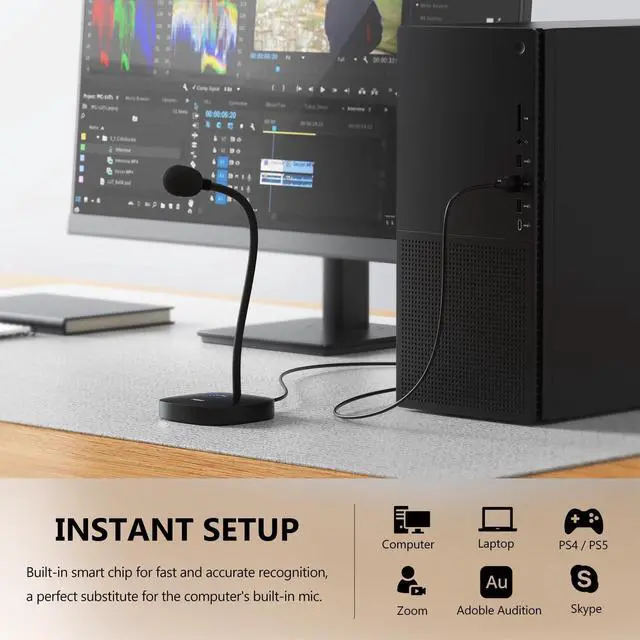
    • Perfect Substitute: When the internal microphone in your computer isn't working, this MillSO USB external microphone has been a perfect substitute, allowing users to be easily heard when communicating with others. It's also ideal for anyone who prefers not to wear heavy headsets while working from home.
    +
    +
    Overview
    Specs
    Reviews
    avatar

    Any questions? Our AI beta will help you find out quickly.

    Excellent USB External Microphone for Computer

    USB computer microphone

    Omnidirectional Pickup Pattern

    USB microphone for PC

    360° Flexible Adjustable Gooseneck Design

    USB laptop microphone

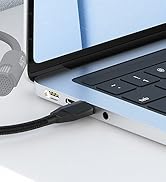
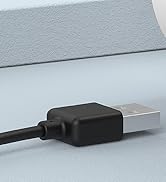
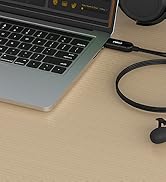
    Plug and Play with Ease

    USB external microphone

    Warm Tips for You

    Tip 1 No gain control, please adjust the volume on the device or via Windows software.
    Tip 2 Please check the system and software preferences and make sure this microphone is set as the Default Input Device, so that Windows can recognize it.
    Tip 3 Ambient noise and excessive gain may affect the sound quality and signal of the microphone. Please try to adjust the volume to an appropriate level.
    Tip 4 It is recommended to place the microphone no more than 40 cm away from you to get a great and clear sound. Once you have the microphone set up correctly for your head position, don't move it around!
    Tip 5 Connecting to an external USB hub may weaken the signal sent by the device. If the microphone can't be recognized, please connect it directly to the computer to determine whether it is a defective microphone or a compatibility issue with the USB Hub.

    MillSO Microphone Series

    https://m.media-amazon.com/images/S/aplus-media-library-service-media/d55d41c4-e4b0-454e-8235-2462114f335a.__CR0,0,400,450_PT0_SX200_V1___.jpg

    USB Computer Microphone

    https://m.media-amazon.com/images/S/aplus-media-library-service-media/1ec1cf4f-d13a-4b54-bcd3-8447bfcb46b8.__CR0,0,400,450_PT0_SX200_V1___.jpg

    USB External Microphone

    https://m.media-amazon.com/images/S/aplus-media-library-service-media/c76ff290-6abf-4af5-8b80-04334f83cabc.__CR0,0,400,450_PT0_SX200_V1___.jpg

    USB Gooseneck Microphone

    https://m.media-amazon.com/images/S/aplus-media-library-service-media/5462bce2-d0d5-4ec5-a954-004dd4e8ede4.__CR0,0,400,450_PT0_SX200_V1___.jpg

    External USB Microphone

    https://m.media-amazon.com/images/S/aplus-media-library-service-media/b7a92e8a-930c-4406-aad4-73b64f8f9492.__CR0,0,400,450_PT0_SX200_V1___.jpg

    USB PC Microphone

    https://m.media-amazon.com/images/S/aplus-media-library-service-media/be6ccaf2-f6bd-4f85-9b3f-2121dd0579fe.__CR0,0,400,450_PT0_SX200_V1___.jpg

    USB Lavalier Microphone

    https://m.media-amazon.com/images/S/aplus-media-library-service-media/4d080961-3d7b-4fba-8309-eaea1ea8ff71.__CR0,0,400,450_PT0_SX200_V1___.jpg

    USB Lapel Microphone

    Customer Reviews
    Price
    Length
    4.6 ft / 1.4 m 4 ft / 1.2 m 1 ft / 35 cm 1 ft / 35 cm 4.9 ft / 1.5 m 6.5 ft / 2 m 6.5 ft / 2 m
    Design Style
    Gooseneck Stand Stand Gooseneck Stand Gooseneck Stand Lavalier or Handheld Lavalier or Handheld Lavalier or Handheld
    Feature
    360° adjustable 120° adjustable up and down 360° adjustable 360° adjustable 360° adjustable 360° adjustable 360° adjustable
    Touch Key
    ? ? ? ? ? ? ?
    LED Indicator Lights
    ? ? ? ? ? ? ?
    One-touch Mute
    ? ? ? ? ? ? ?
    Noise Reduction
    ? ? ? ? ? ? ?

    Excellent USB External Microphone for Computer

    USB computer microphone for PC

    Omnidirectional Pickup Pattern

    USB microphone for computer

    360° Flexible Adjustable Gooseneck Design

    USB external microphone for computer

    Plug and Play with Ease

    USB PC microphone

    Warm Tips for You

    Tip 1 No gain control, please adjust the volume on the device or via Windows software.
    Tip 2 Please check the system and software preferences and make sure this microphone is set as the Default Input Device, so that Windows can recognize it.
    Tip 3 Ambient noise and excessive gain may affect the sound quality and signal of the microphone. Please try to adjust the volume to an appropriate level.
    Tip 4 It is recommended to place the microphone no more than 40 cm away from you to get a great and clear sound. Once you have the microphone set up correctly for your head position, don't move it around!
    Tip 5 Connecting to an external USB hub may weaken the signal sent by the device. If the microphone can't be recognized, please connect it directly to the computer to determine whether it is a defective microphone or a compatibility issue with the USB Hub.

    MillSO Microphone Series

    https://m.media-amazon.com/images/S/aplus-media-library-service-media/d55d41c4-e4b0-454e-8235-2462114f335a.__CR0,0,400,450_PT0_SX200_V1___.jpg

    USB Computer Microphone

    https://m.media-amazon.com/images/S/aplus-media-library-service-media/1ec1cf4f-d13a-4b54-bcd3-8447bfcb46b8.__CR0,0,400,450_PT0_SX200_V1___.jpg

    USB External Microphone

    https://m.media-amazon.com/images/S/aplus-media-library-service-media/c76ff290-6abf-4af5-8b80-04334f83cabc.__CR0,0,400,450_PT0_SX200_V1___.jpg

    USB Gooseneck Microphone

    https://m.media-amazon.com/images/S/aplus-media-library-service-media/5462bce2-d0d5-4ec5-a954-004dd4e8ede4.__CR0,0,400,450_PT0_SX200_V1___.jpg

    External USB Microphone

    https://m.media-amazon.com/images/S/aplus-media-library-service-media/b7a92e8a-930c-4406-aad4-73b64f8f9492.__CR0,0,400,450_PT0_SX200_V1___.jpg

    USB PC Microphone

    https://m.media-amazon.com/images/S/aplus-media-library-service-media/be6ccaf2-f6bd-4f85-9b3f-2121dd0579fe.__CR0,0,400,450_PT0_SX200_V1___.jpg

    USB Lavalier Microphone

    https://m.media-amazon.com/images/S/aplus-media-library-service-media/4d080961-3d7b-4fba-8309-eaea1ea8ff71.__CR0,0,400,450_PT0_SX200_V1___.jpg

    USB Lapel Microphone

    Customer Reviews
    Price
    Length
    4.6 ft / 1.4 m 4 ft / 1.2 m 1 ft / 35 cm 1 ft / 35 cm 4.9 ft / 1.5 m 6.5 ft / 2 m 6.5 ft / 2 m
    Design Style
    Gooseneck Stand Stand Gooseneck Stand Gooseneck Stand Lavalier or Handheld Lavalier or Handheld Lavalier or Handheld
    Feature
    360° adjustable 120° adjustable up and down 360° adjustable 360° adjustable 360° adjustable 360° adjustable 360° adjustable
    Touch Key
    ? ? ? ? ? ? ?
    LED Indicator Lights
    ? ? ? ? ? ? ?
    One-touch Mute
    ? ? ? ? ? ? ?
    Noise Reduction
    ? ? ? ? ? ? ?
    USB Computer Microphone with Mute Button 360 Degree Adjustable Gooseneck Plug&Play Omnidirectional External USB Microphone for Laptop, PC, Desktop - 1.4M / 4.6FT

    Warranty & Returns

    Warranty, Returns, And Additional Information

    Warranty

    • Please contact the Seller directly for warranty information. Warranty information may also be found on the Manufacturer's website.
    • CONTACT

    Return Policies

    Manufacturer Contact Info

    LOADING...
    LOADING...