



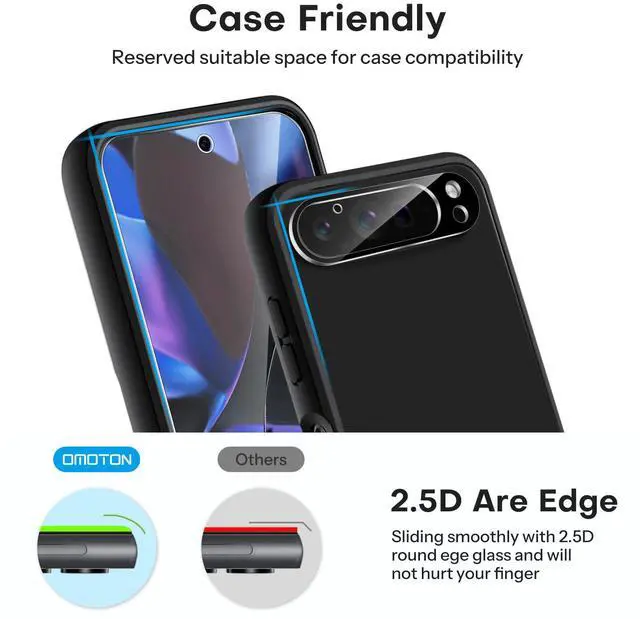
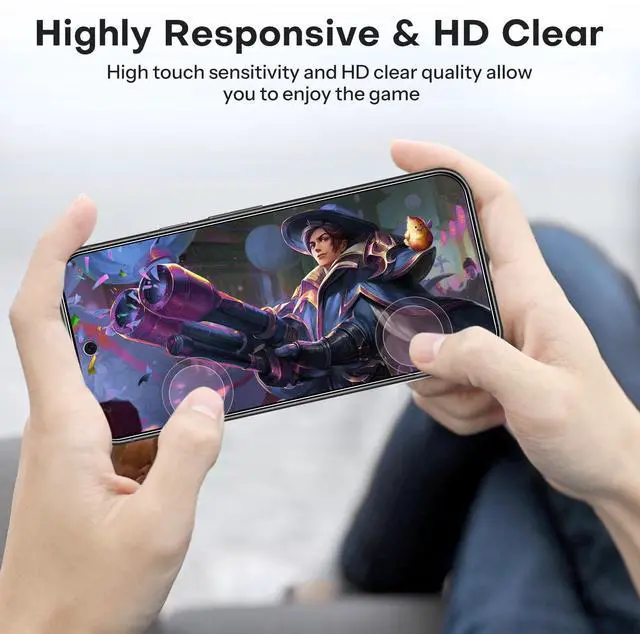


OMOTON Screen Protector for Pixel Series
 for Google Pixel 9 Pro XL | 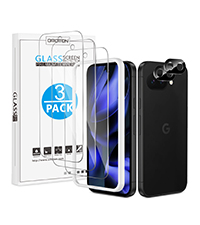 for Google Pixel 9a | 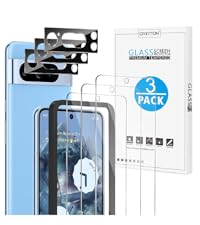 for Google Pixel 8 Pro | 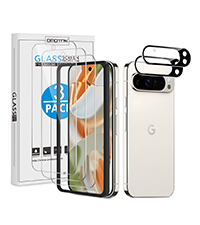 for Google Pixel 9 Pro | 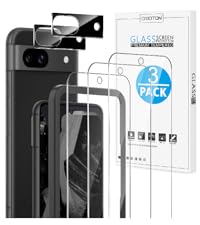 for Google Pixel 8a | 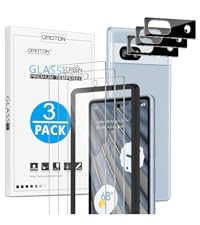 for Google Pixel 7a | |
|---|---|---|---|---|---|---|
Customer Reviews | — | — | — | — | — | — |
Price | — | — | — | — | — | — |
Brand | OMOTON | OMOTON | OMOTON | OMOTON | OMOTON | OMOTON |
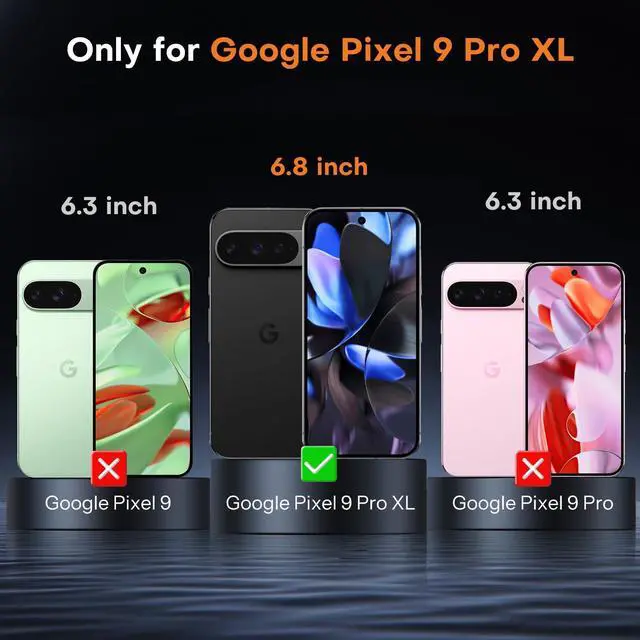
Compatible Model | Google Pixel 9 Pro XL 6.8 inch | Google Pixel 9a 6.3 inch | Google Pixel 8 Pro 6.7 inch | Google Pixel 9 Pro 6.3 inch | Google Pixel 8a 6.1 inch | Google Pixel 7a 6.1 inch |
Quantity | 3+2 Pack | 3+2 Pack | 3+3 Pack | 3+2 Pack | 3+2 Pack | 3+3 Pack |
Material | Tempered Glass | Tempered Glass | Tempered Glass | Tempered Glass | Tempered Glass | Tempered Glass |
Feature | Screen and Lens Protection | Screen and Lens Protection | Screen and Lens Protection | Screen and Lens Protection | Screen and Lens Protection | Screen and Lens Protection |
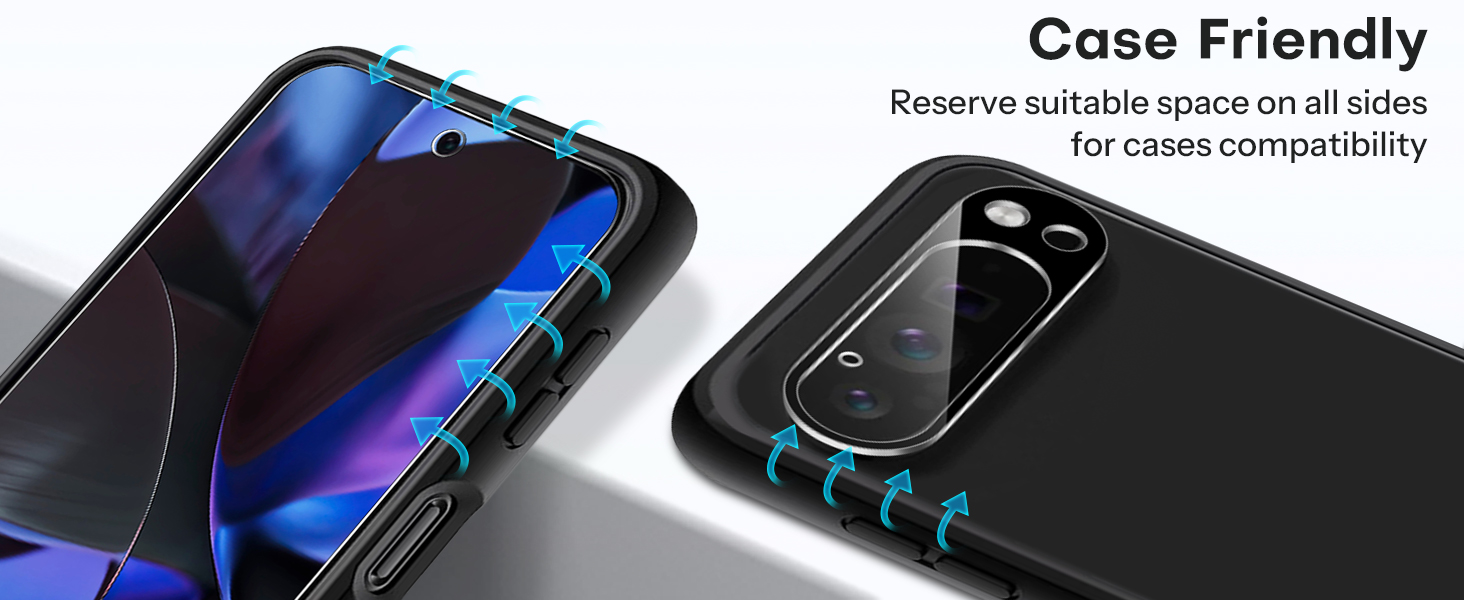
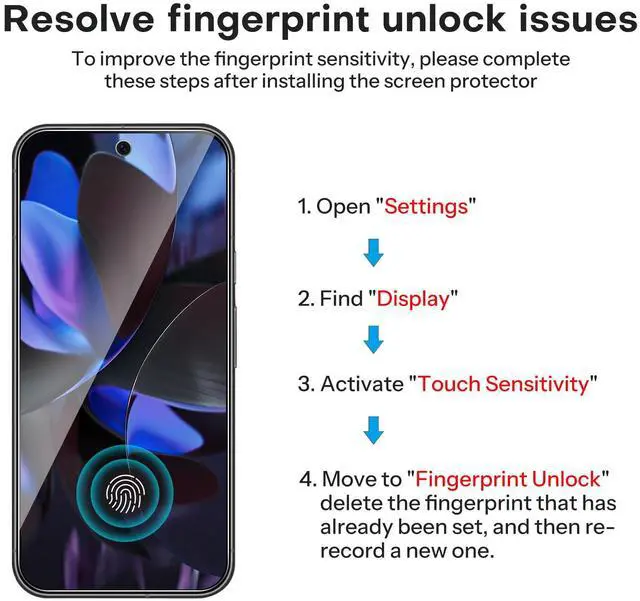
How to solve the fingerprint problem?
After installing your screen protector, please redo your fingerprints again, delete the previously registered fingerprints, then go into the Settings improving touch sensitivity and turn on Screen Protector Mode and Adaptive Touch!
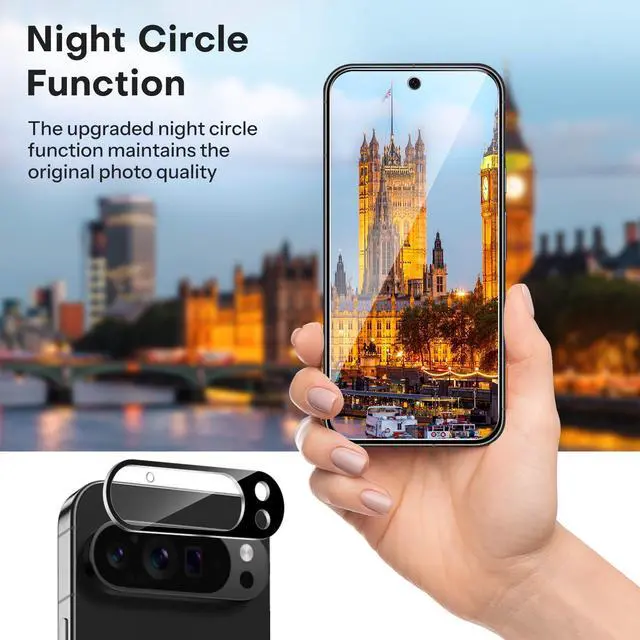
Why is this camera lens protector black? What's the purpose?
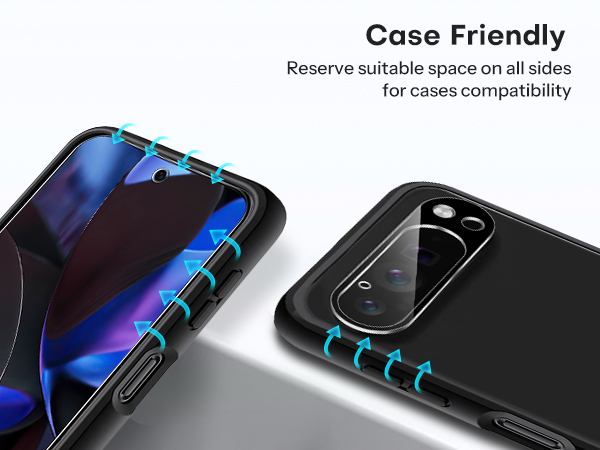
This is specially equipped with an upgraded tempered glass camera lens protection device, which can protect your camera from scratches and maintain the clarity of night shooting without being affected by flash light.
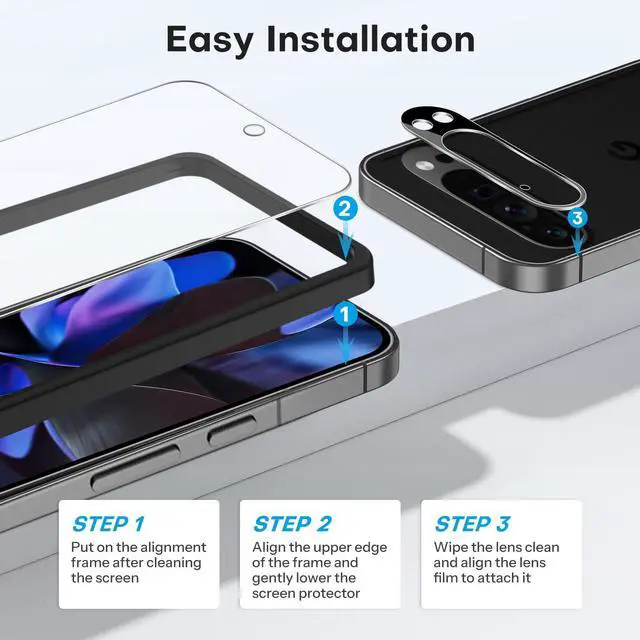
How can I remove bubbles?
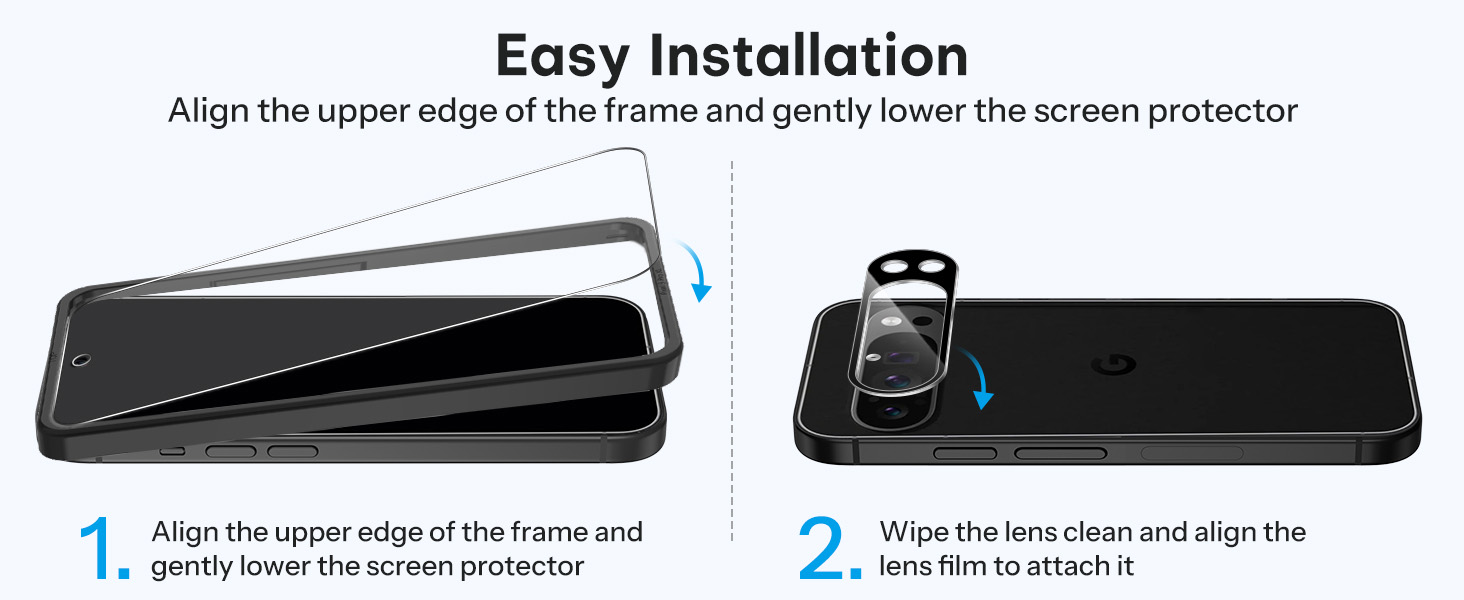
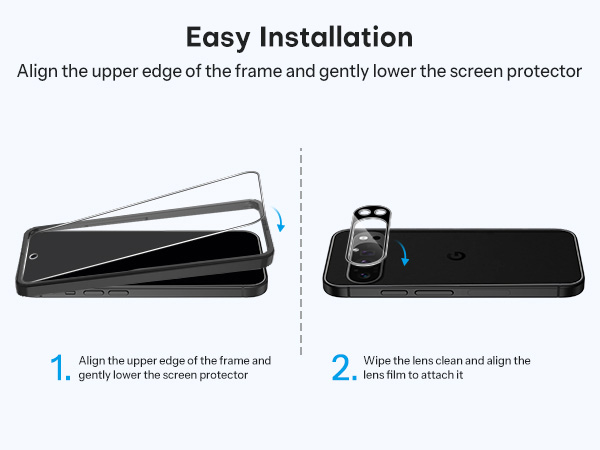
Firstly, before installing this protective film, you need to ensure that the phone screen is wiped clean. Following our installation tutorial, some small bubbles can be removed by gently pressing and squeezing.
It is tempered glass or plastic?
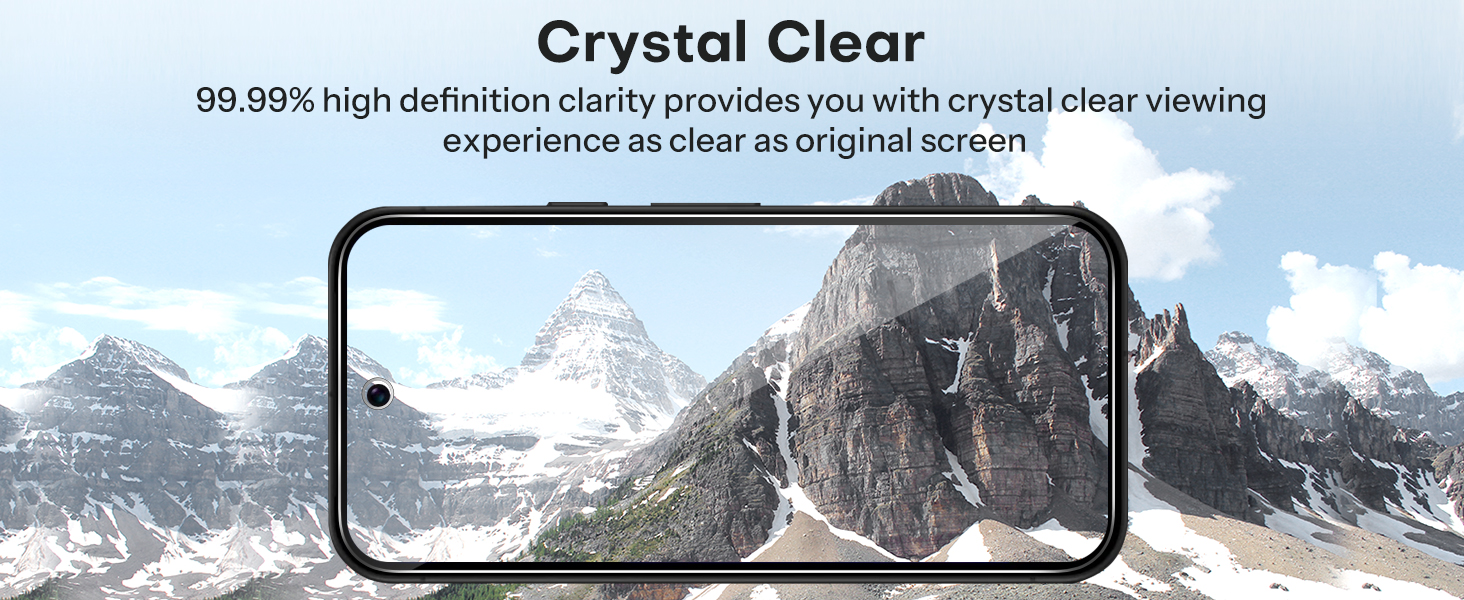
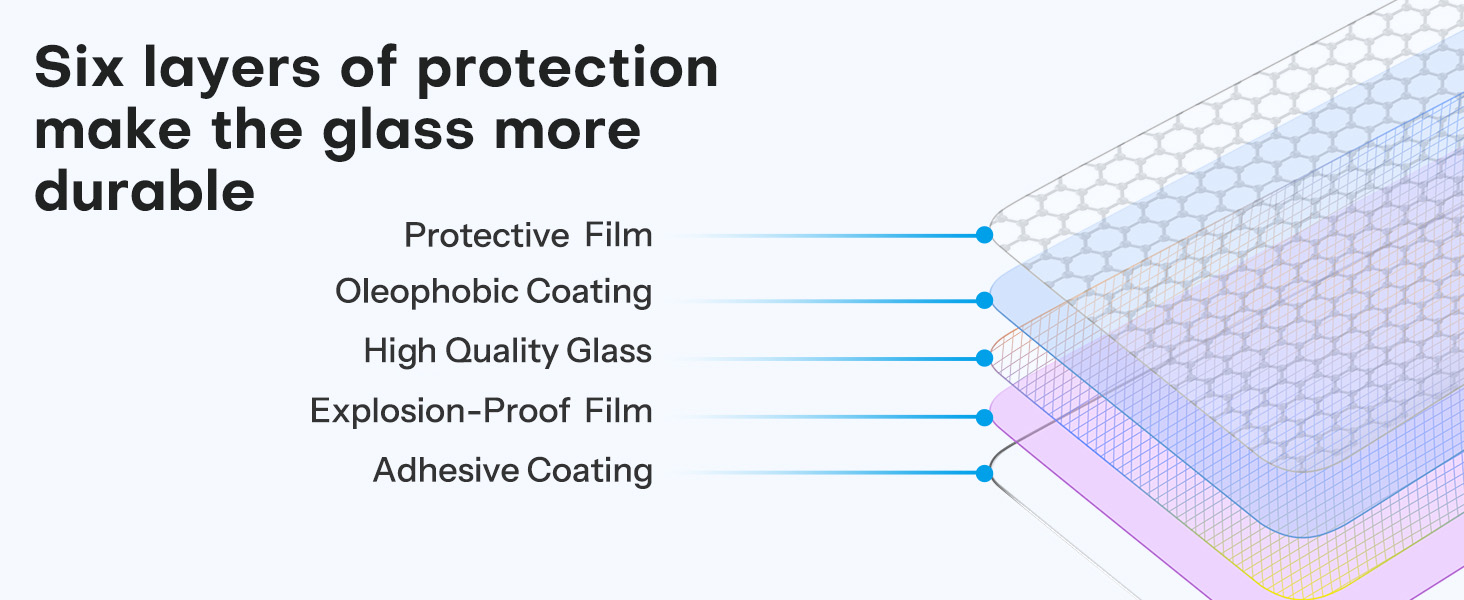
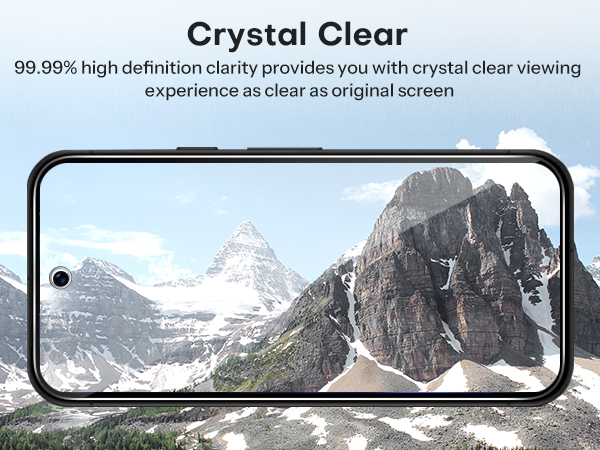
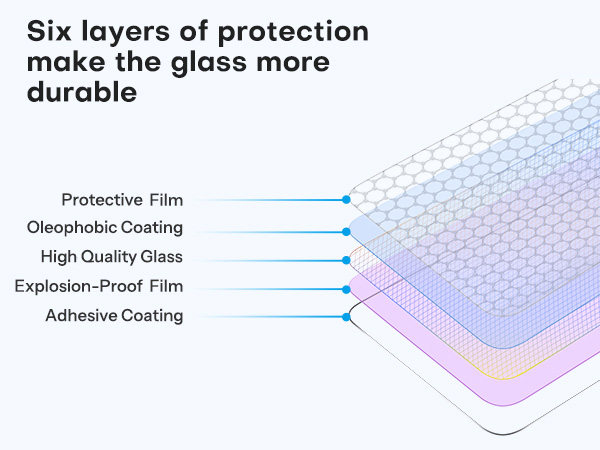
This screen protector and camera lens protector are made up of industry-grade 9H hardness tempered glass, which can effectively protect the screen and camera from accidental scuffs and scratches by knife, keys and other sharp objects.
What is included in the packaging?
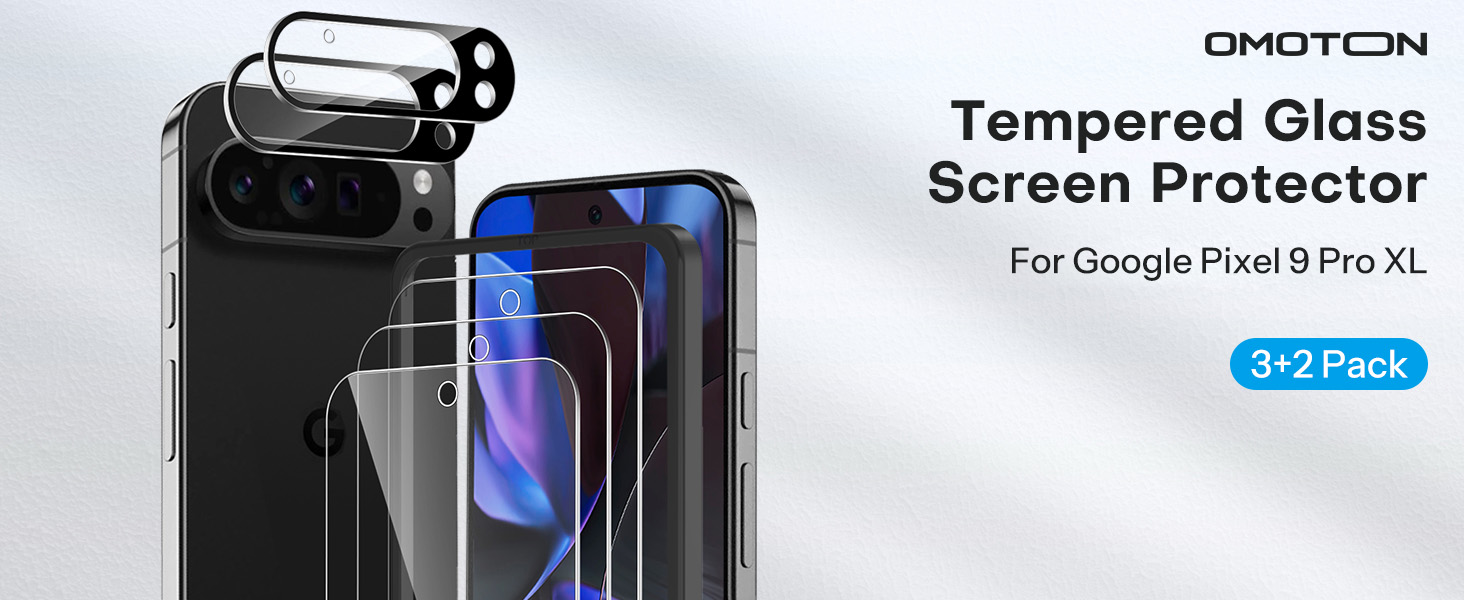
Package Includes:
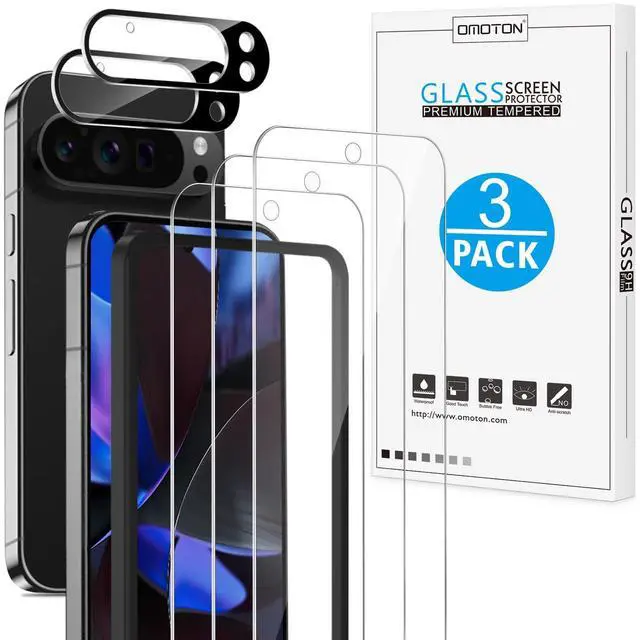
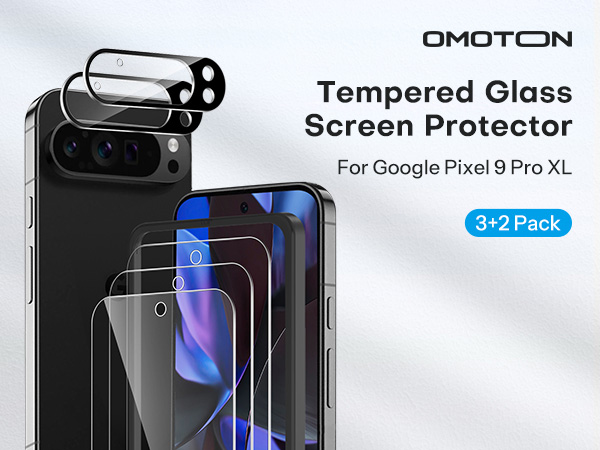
3 x Screen Protector for Google Pixel 9 Pro XL
2 x Camera Lens Protector
1 x Installation Kit
OMOTON Screen Protector for Pixel Series
for Google Pixel 9 Pro XL | for Google Pixel 9a | for Google Pixel 8 Pro | for Google Pixel 9 Pro | for Google Pixel 8a | for Google Pixel 7a |
|---|---|---|---|---|---|
| Customer Reviews | |||||
| — | — | — | — | — | — |
| Price | |||||
| — | — | — | — | — | — |
| Brand | |||||
| OMOTON | OMOTON | OMOTON | OMOTON | OMOTON | OMOTON |
| Compatible Model | |||||
| Google Pixel 9 Pro XL 6.8 inch | Google Pixel 9a 6.3 inch | Google Pixel 8 Pro 6.7 inch | Google Pixel 9 Pro 6.3 inch | Google Pixel 8a 6.1 inch | Google Pixel 7a 6.1 inch |
| Quantity | |||||
| 3+2 Pack | 3+2 Pack | 3+3 Pack | 3+2 Pack | 3+2 Pack | 3+3 Pack |
| Material | |||||
| Tempered Glass | Tempered Glass | Tempered Glass | Tempered Glass | Tempered Glass | Tempered Glass |
| Feature | |||||
| Screen and Lens Protection | Screen and Lens Protection | Screen and Lens Protection | Screen and Lens Protection | Screen and Lens Protection | Screen and Lens Protection |
How to solve the fingerprint problem?
After installing your screen protector, please redo your fingerprints again, delete the previously registered fingerprints, then go into the Settings improving touch sensitivity and turn on Screen Protector Mode and Adaptive Touch!
Why is this camera lens protector black? What's the purpose?
This is specially equipped with an upgraded tempered glass camera lens protection device, which can protect your camera from scratches and maintain the clarity of night shooting without being affected by flash light.
How can I remove bubbles?
Firstly, before installing this protective film, you need to ensure that the phone screen is wiped clean. Following our installation tutorial, some small bubbles can be removed by gently pressing and squeezing.
It is tempered glass or plastic?
This screen protector and camera lens protector are made up of industry-grade 9H hardness tempered glass, which can effectively protect the screen and camera from accidental scuffs and scratches by knife, keys and other sharp objects.
What is included in the packaging?
Package Includes:
3 x Screen Protector for Google Pixel 9 Pro XL
2 x Camera Lens Protector
1 x Installation Kit