





NexiGo Comparsion Table
 Wireless Controller | 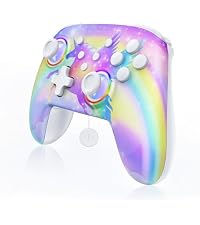 Wireless Controller | 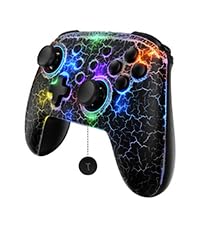 Hall Wireless Controller | 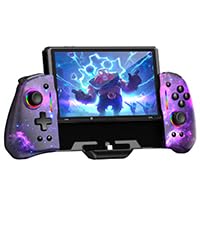 Hall Gripcon (Gen 2) | 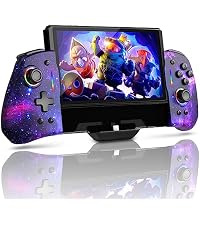 Gripcon (Gen 2) | 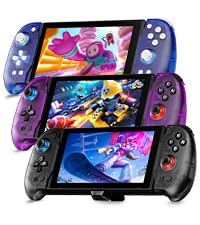 Hall Gripcon w/ Dock | 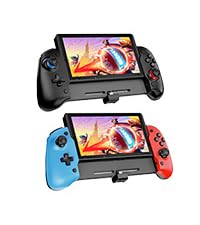 Hall Gripcon | |
|---|---|---|---|---|---|---|---|
Customer Reviews | — | — | — | — | — | — | — |
Price | — | — | — | — | — | — | — |
Compatibility | Nintendo Switch 1/2/Lite/OLED | Nintendo Switch 1/2/Lite/OLED | Nintendo Switch 1/2/Lite/OLED | Nintendo Switch/OLED | Nintendo Switch/OLED | Nintendo Switch/OLED | Nintendo Switch/OLED |
Charging Ports | At Top of Controller | At Top of Controller | At Top of Controller | At Bottom of Controller | At Bottom of Controller | At Top of Controller | At Bottom of Controller |
RGB Lights | ? | ? | ? | ? | ? | ? | ? |
HDMI Port | ? | ? | ? | ? | ? | ? | ? |
Game Slots | — | — | — | — | — | 2 | — |
Connectivity Tech | Wireless or Wired | Wireless or Wired | Wireless or Wired | Wired | Wired | Wired | Wired |
Programmable Buttons | — | — | — | 2 Programmable Buttons | 2 Programmable Buttons | 2 Programmable Buttons | 4 Programmable buttons |
Play While Charge | ? | ? | ? | ? | ? | ? | ? |
Feature | RGB Lights, Turbo | RGB Lights, Turbo | Hall Sensor, RGB Lights | Hall Effect, Mapping | Ergonomic Design, Mapping | Hall Effect, Mapping, USB3.0 | Hall Effect, Mapping |
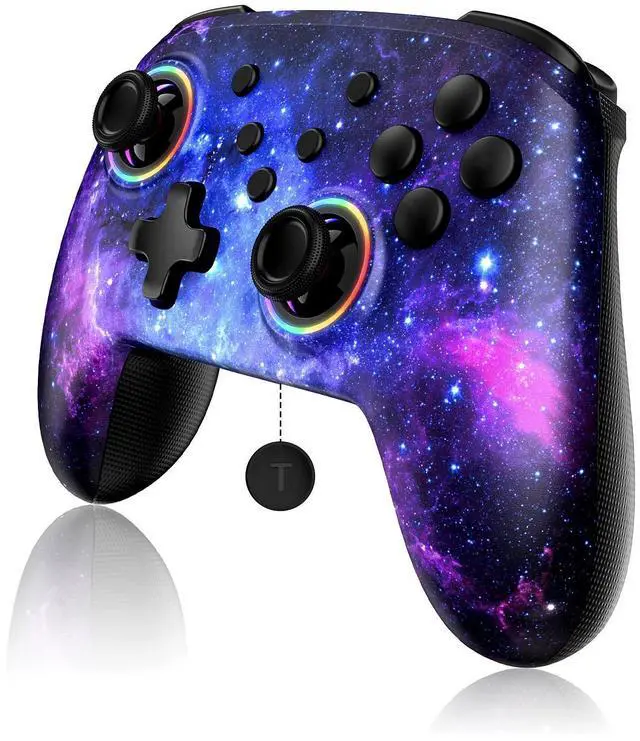
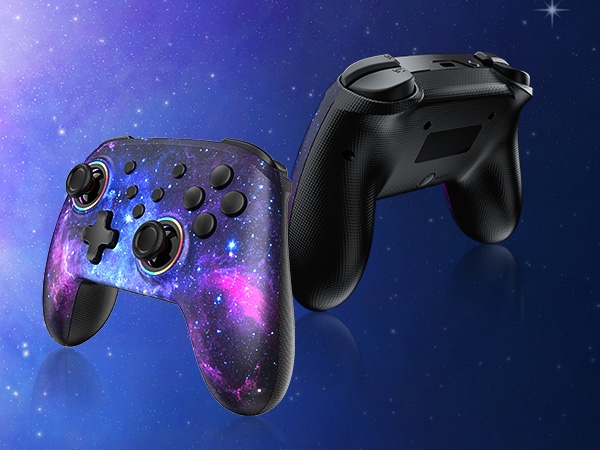
Colors | Cosmic Nebula | Violet Unicorn | Lightstorm, Atomsphere | Cosmic Nebula | Cosmic Nebula | Black, Purple, Blue | Black, Blu-Red |
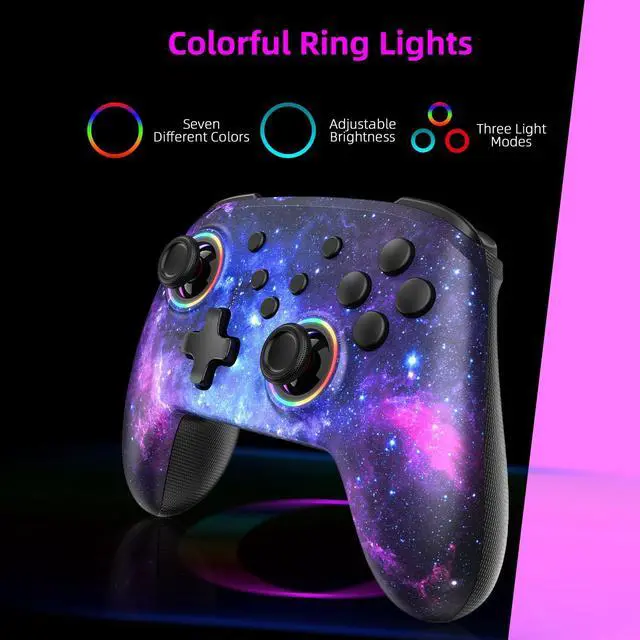
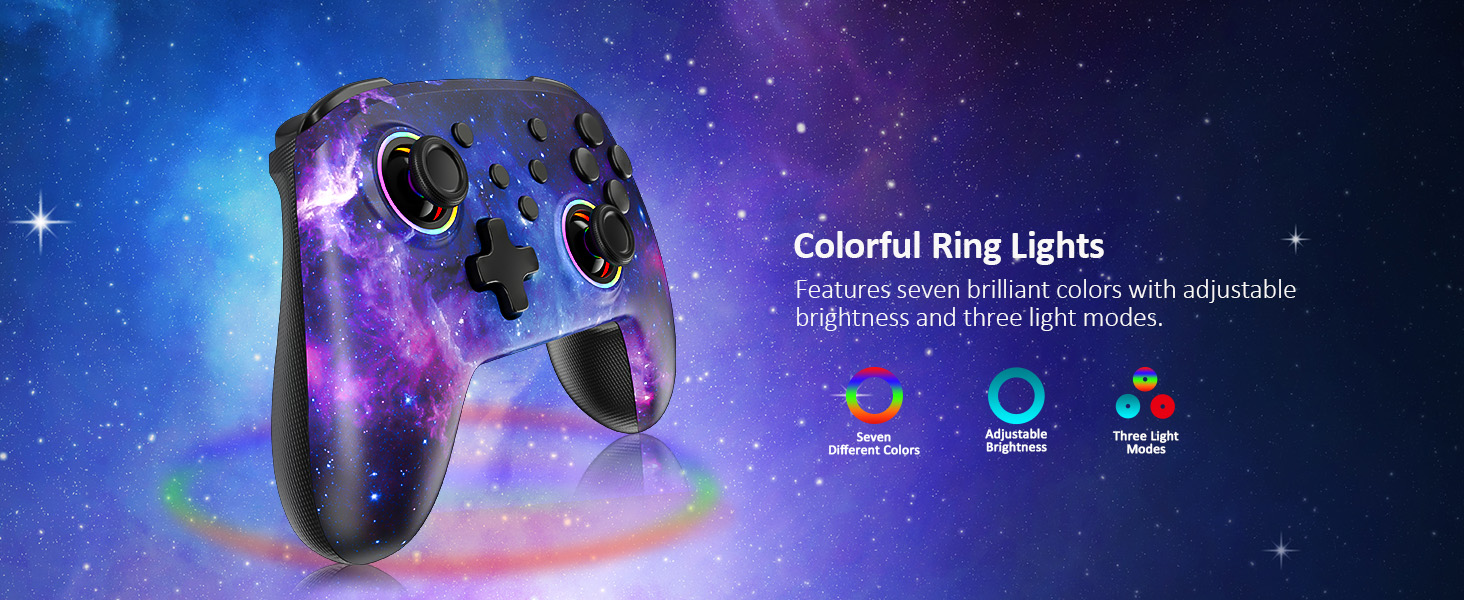
How do I use the RGB lighting function on the joysticks?
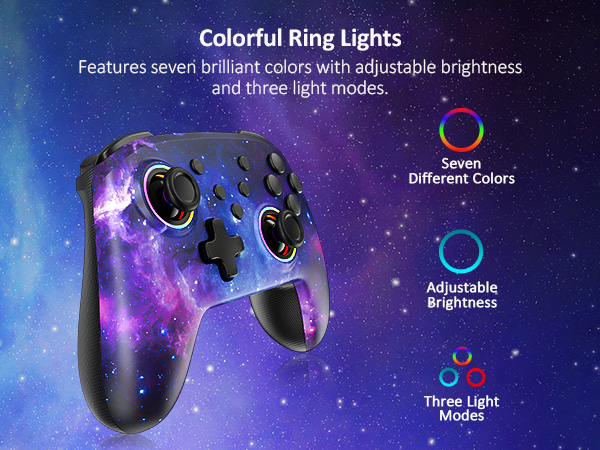
Press and hold the "Turbo" button, then press either joystick to change the lights' colors. Press and hold the "Turbo" button, then double-tap one of the joysticks to activate the special RGB lighting mode.
Does this controller work with Switch OLED?
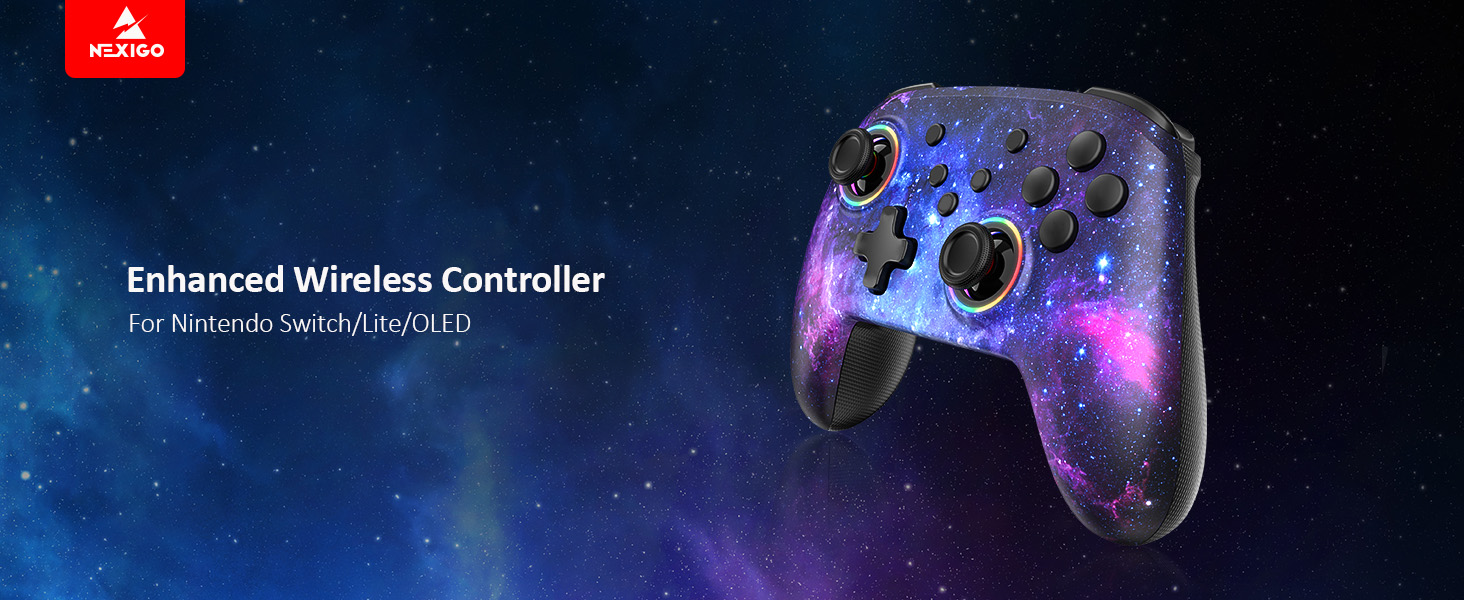
Yes, this controller is compatible with Switch OLED, as well as Nintendo Switch and Switch Lite.
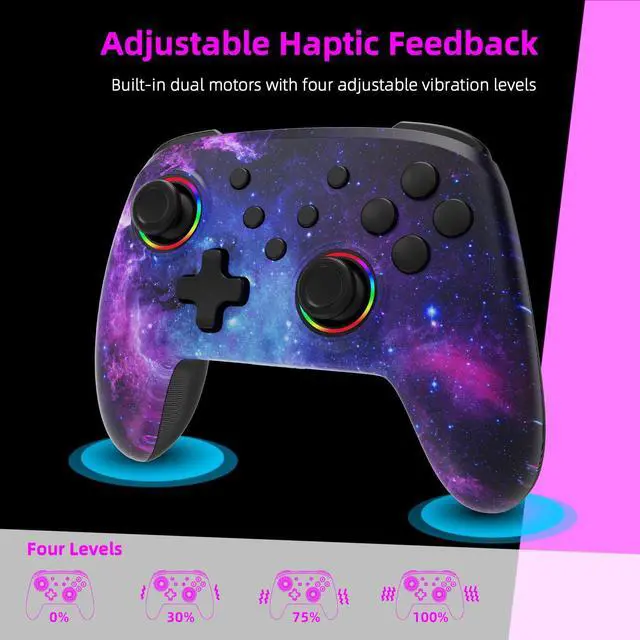
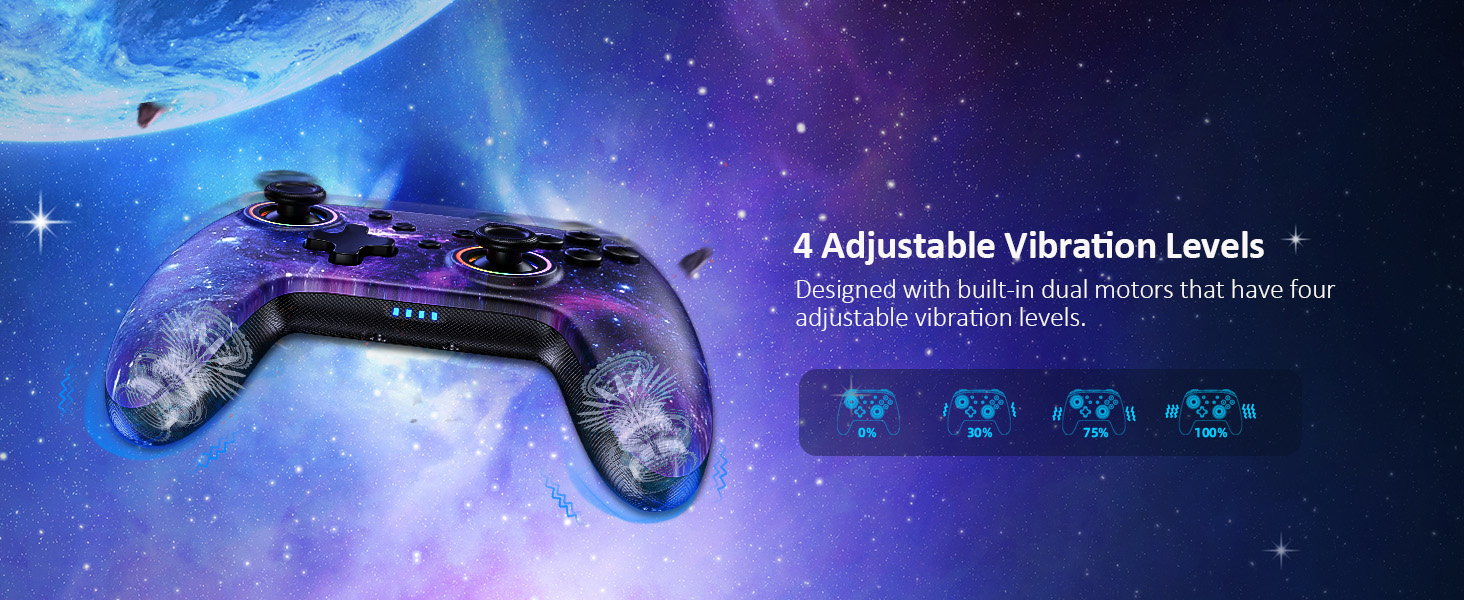
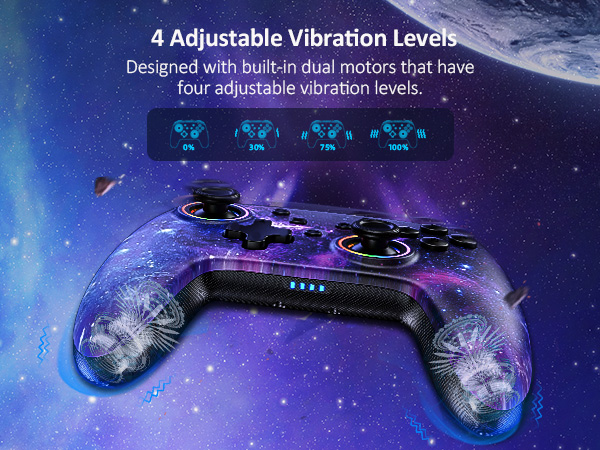
How do I adjust the vibration strength?
Press the "Turbo" button, and simultaneously nudge the joystick backward/forward to decrease/increase the vibration strength.
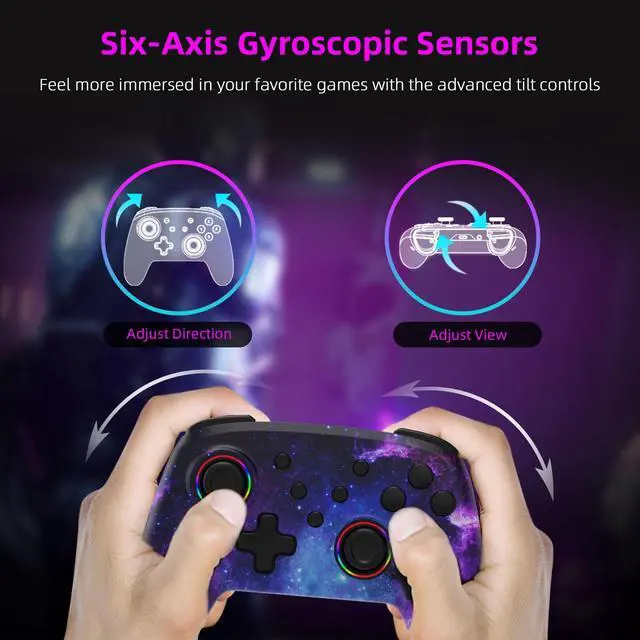
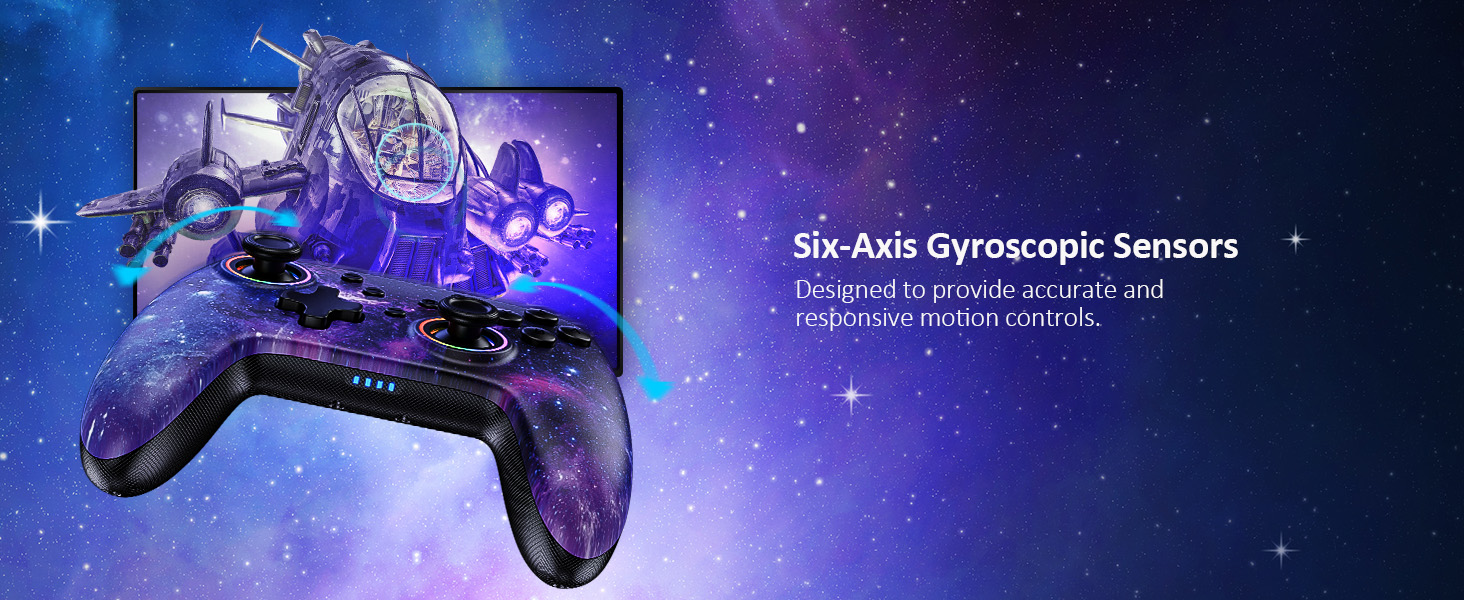
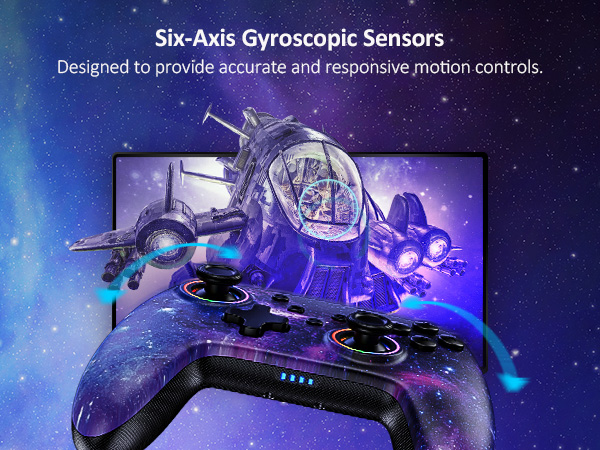
How do I calibrate the motion controls?
Use the console's built-in system menu to calibrate the motion controls. Go to System Settings > Controllers and Sensors > Calibrate Motion Controls.


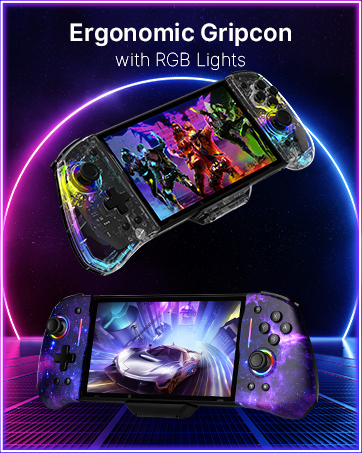
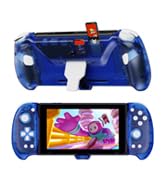
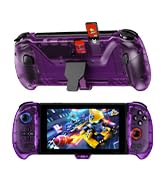
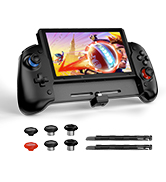
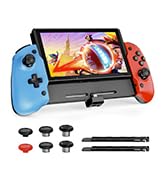
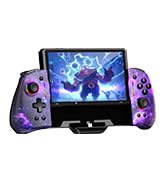
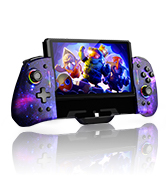
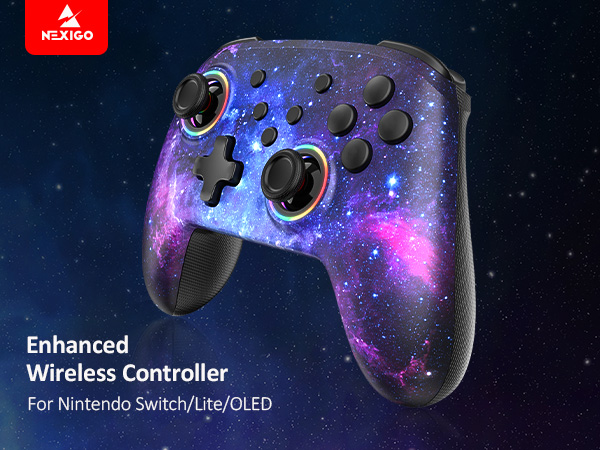
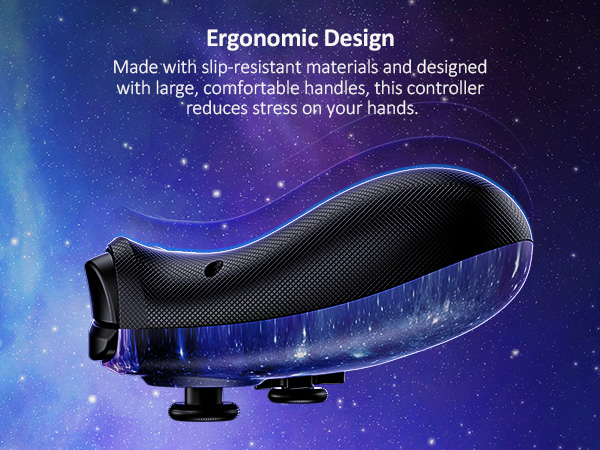
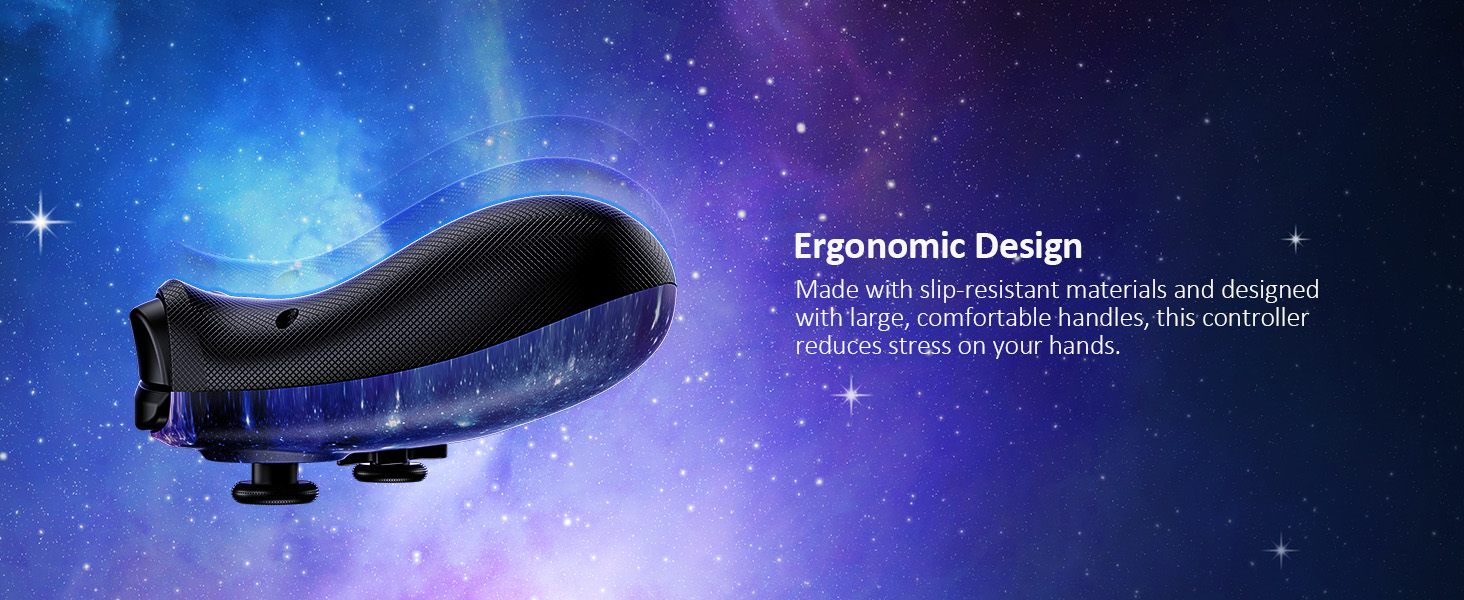
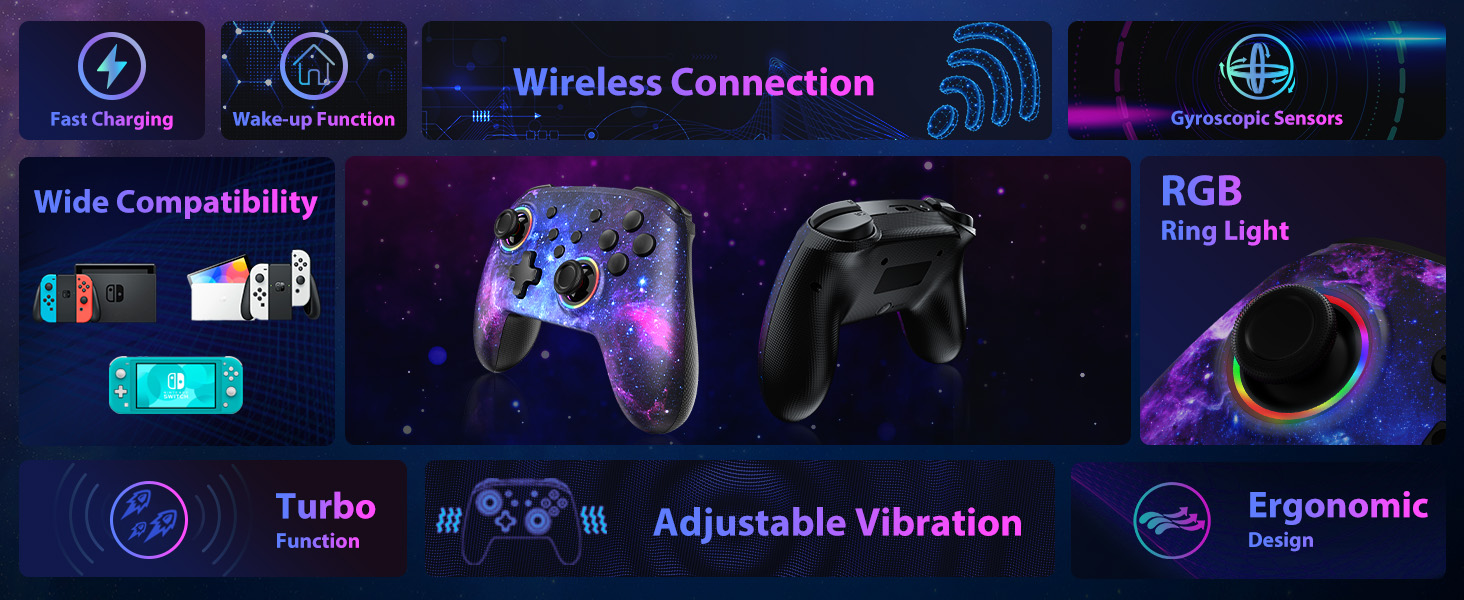
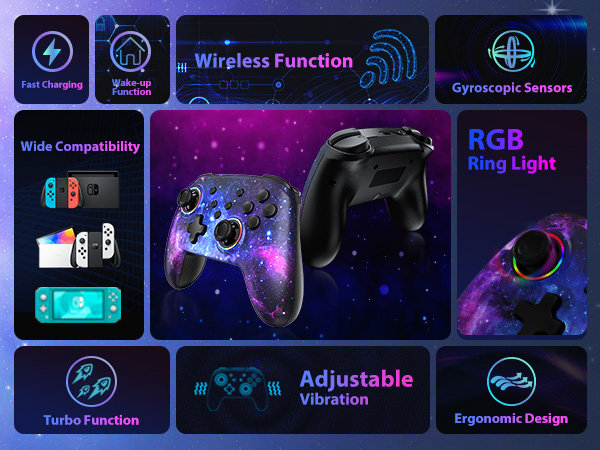
Ergonomic Design
Made of high-quality ABS material with a slip-resistant design that reduces stress on your hands while playing for longer periods of time.
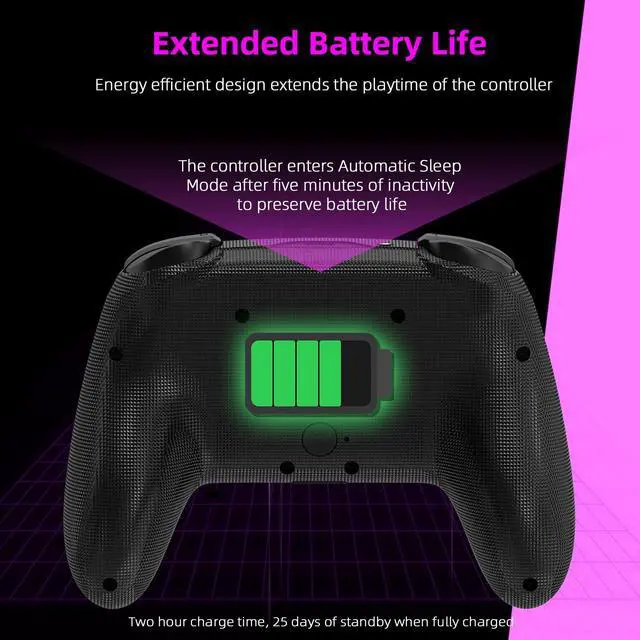
Fast Charging
The controller fully charges in 2-3 hours, and the battery will last for up to 10 hours of gameplay.
X/Y/A/B Buttons
Comfortable and sensitive button feel, enjoy more operating fun.
Home Button
Press the Home button to wake up the Switch console.
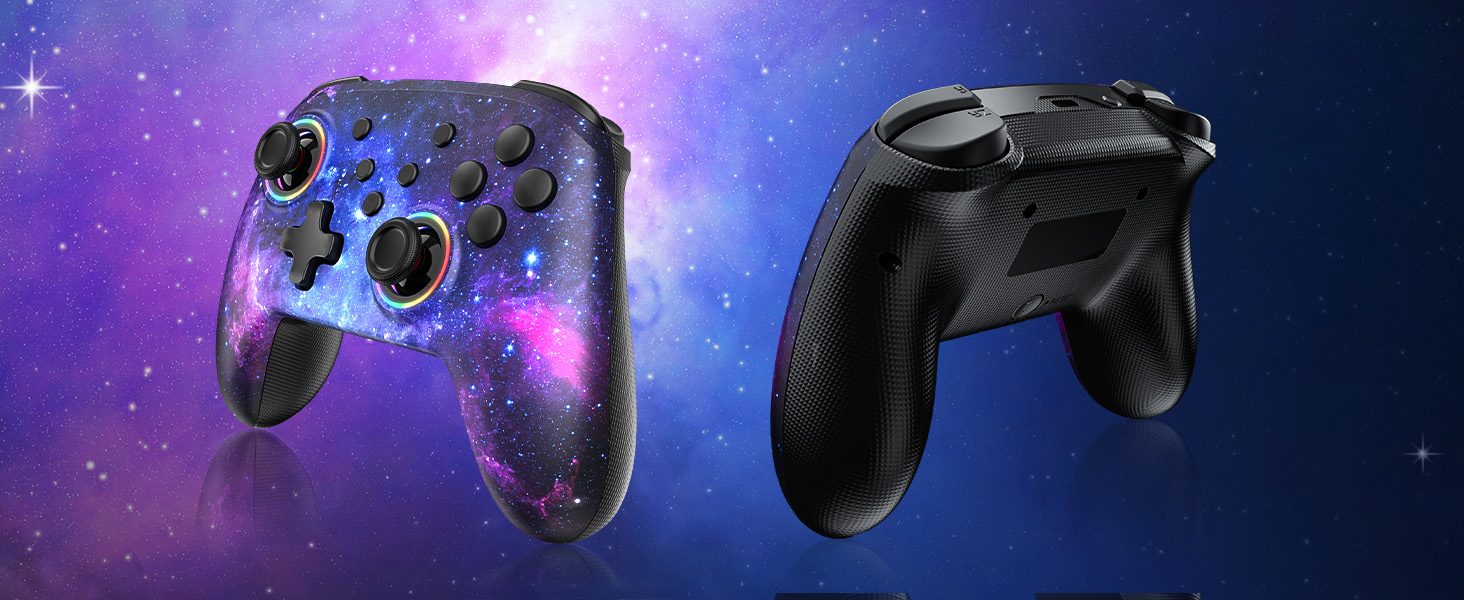
Colorful Ring Light
Customize your controller with your favorite colors to enhance your gaming experience.
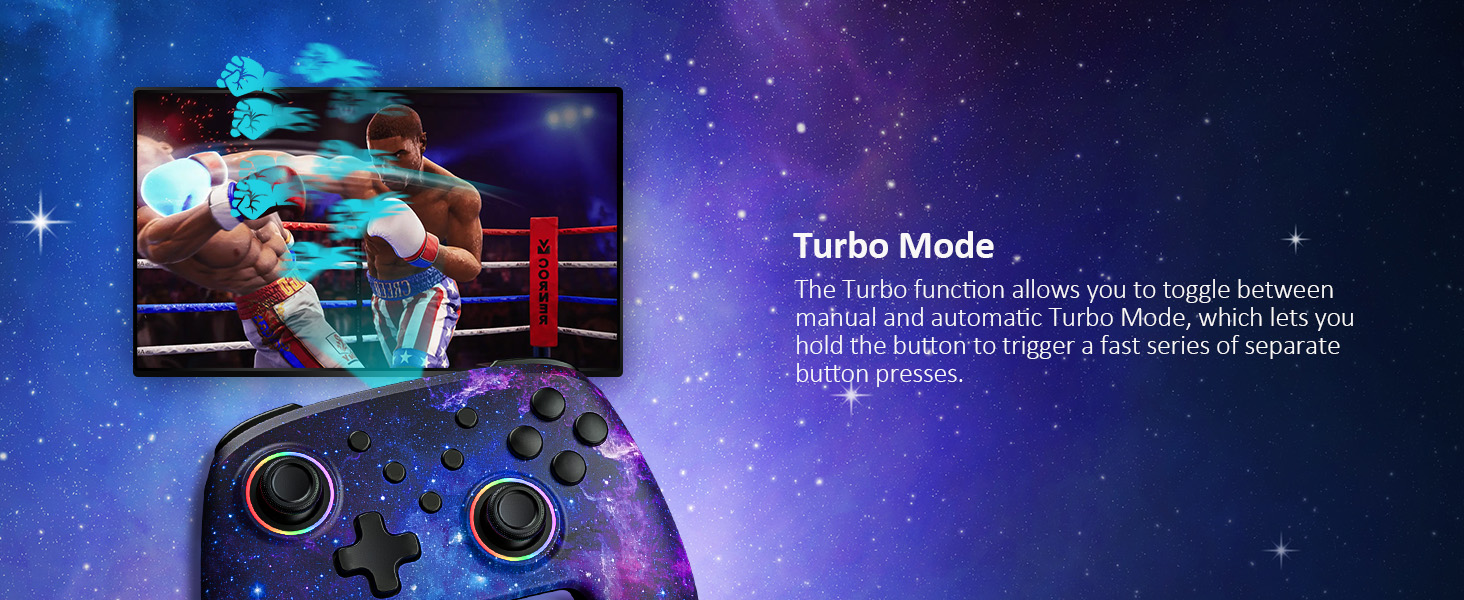
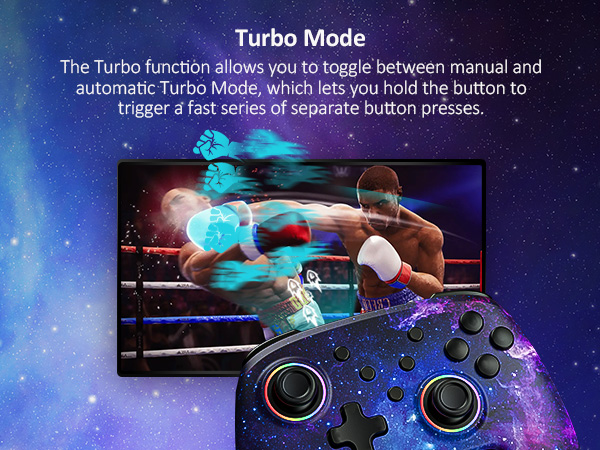
Turbo Speed Adjustment
Press the "Turbo" button and the "+/-" key at the same time to increase/decrease the turbo speed.
NexiGo Comparsion Table
Wireless Controller | Wireless Controller | Hall Wireless Controller | Hall Gripcon (Gen 2) | Gripcon (Gen 2) | Hall Gripcon w/ Dock | Hall Gripcon |
|---|---|---|---|---|---|---|
| Customer Reviews | ||||||
| — | — | — | — | — | — | — |
| Price | ||||||
| — | — | — | — | — | — | — |
| Compatibility | ||||||
| Nintendo Switch 1/2/Lite/OLED | Nintendo Switch 1/2/Lite/OLED | Nintendo Switch 1/2/Lite/OLED | Nintendo Switch/OLED | Nintendo Switch/OLED | Nintendo Switch/OLED | Nintendo Switch/OLED |
| Charging Ports | ||||||
| At Top of Controller | At Top of Controller | At Top of Controller | At Bottom of Controller | At Bottom of Controller | At Top of Controller | At Bottom of Controller |
| RGB Lights | ||||||
| ? | ? | ? | ? | ? | ? | ? |
| HDMI Port | ||||||
| ? | ? | ? | ? | ? | ? | ? |
| Game Slots | ||||||
| — | — | — | — | — | 2 | — |
| Connectivity Tech | ||||||
| Wireless or Wired | Wireless or Wired | Wireless or Wired | Wired | Wired | Wired | Wired |
| Programmable Buttons | ||||||
| — | — | — | 2 Programmable Buttons | 2 Programmable Buttons | 2 Programmable Buttons | 4 Programmable buttons |
| Play While Charge | ||||||
| ? | ? | ? | ? | ? | ? | ? |
| Feature | ||||||
| RGB Lights, Turbo | RGB Lights, Turbo | Hall Sensor, RGB Lights | Hall Effect, Mapping | Ergonomic Design, Mapping | Hall Effect, Mapping, USB3.0 | Hall Effect, Mapping |
| Colors | ||||||
| Cosmic Nebula | Violet Unicorn | Lightstorm, Atomsphere | Cosmic Nebula | Cosmic Nebula | Black, Purple, Blue | Black, Blu-Red |
How do I use the RGB lighting function on the joysticks?
Press and hold the "Turbo" button, then press either joystick to change the lights' colors. Press and hold the "Turbo" button, then double-tap one of the joysticks to activate the special RGB lighting mode.
Does this controller work with Switch OLED?
Yes, this controller is compatible with Switch OLED, as well as Nintendo Switch and Switch Lite.
How do I adjust the vibration strength?
Press the "Turbo" button, and simultaneously nudge the joystick backward/forward to decrease/increase the vibration strength.
How do I calibrate the motion controls?
Use the console's built-in system menu to calibrate the motion controls. Go to System Settings > Controllers and Sensors > Calibrate Motion Controls.
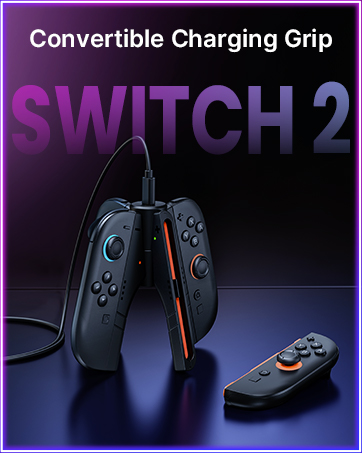
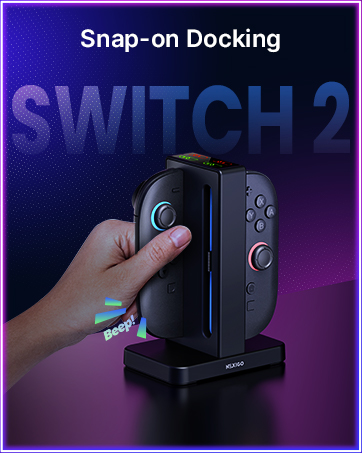
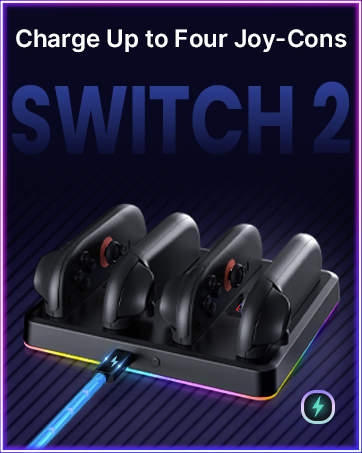
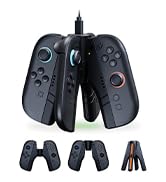
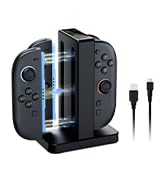
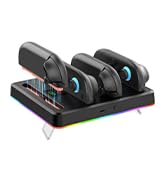
Charging Docks for SWITCH 2
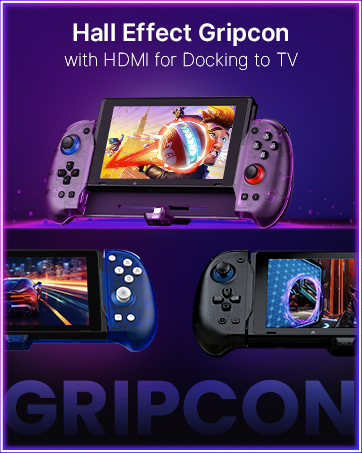
HDMI Out for TV Docking
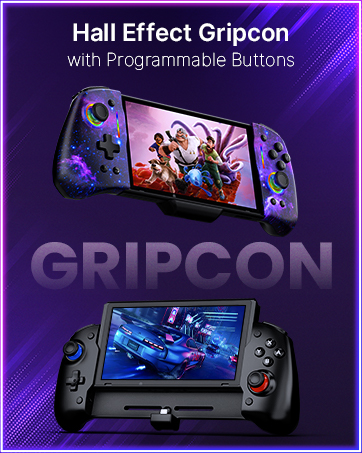
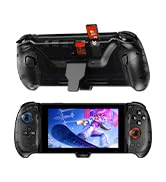
Programmable Buttons
Customizable RGB