


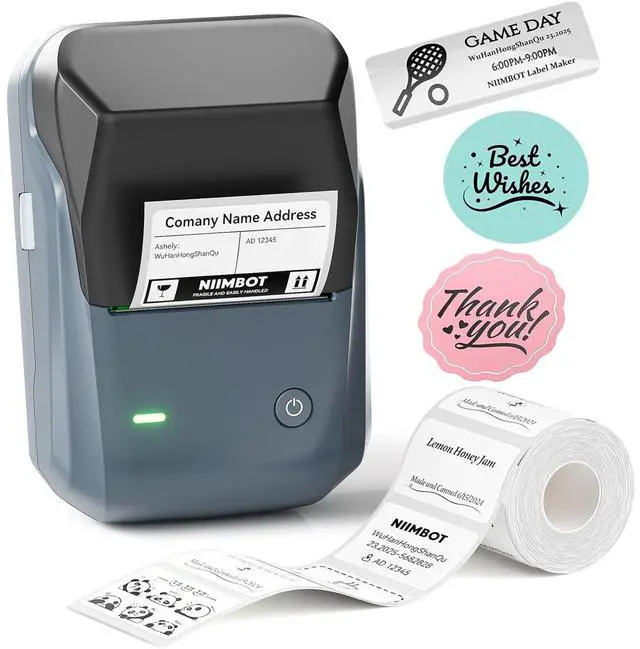
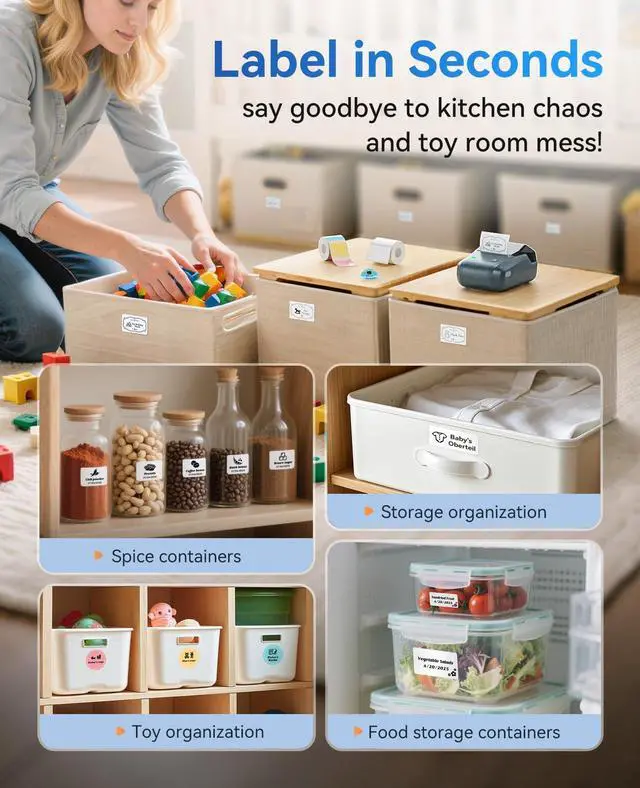
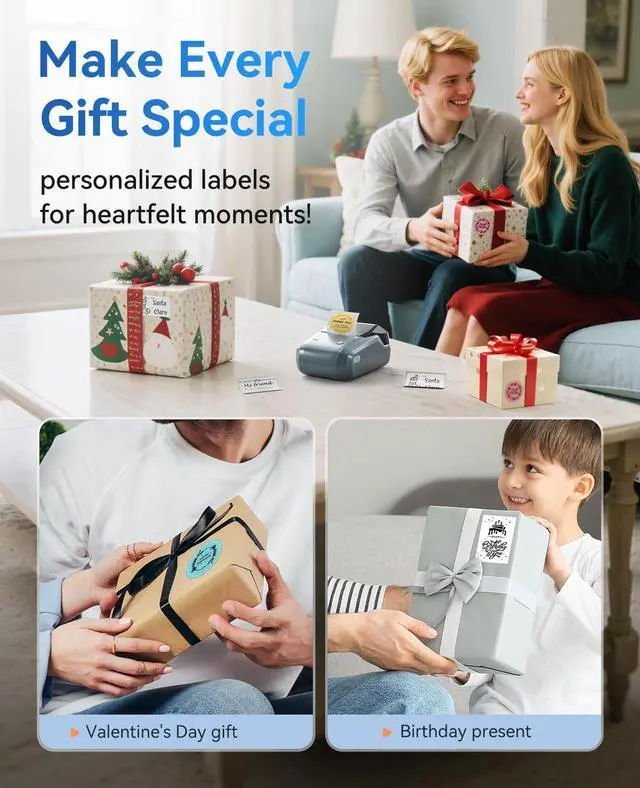
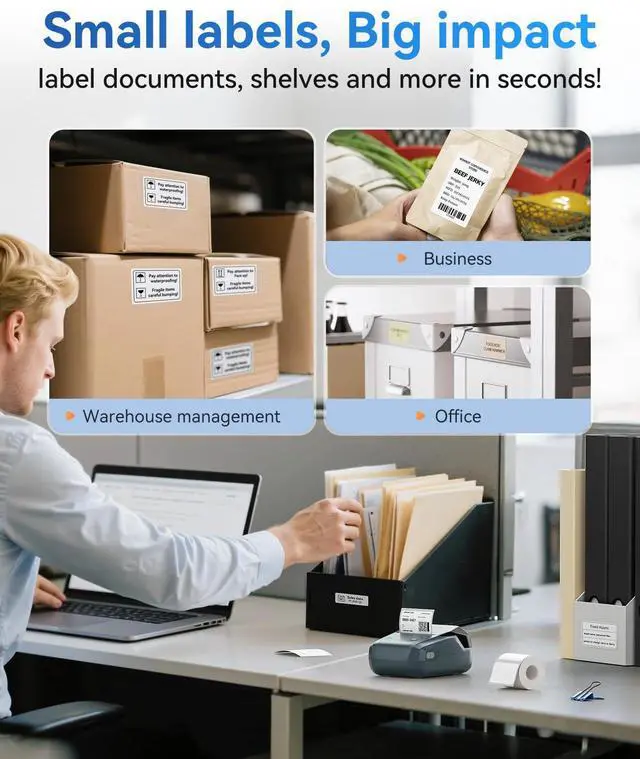
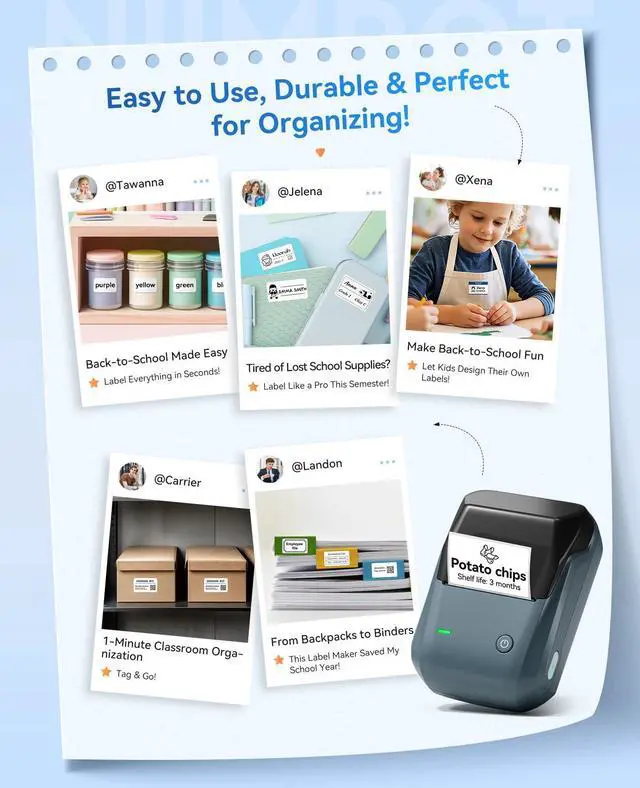


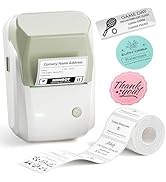
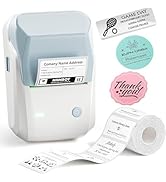
NIIMBOT B1 Label Maker Machine with Tape for Your Small Business


B1 Label Maker and Various Labels Always be with You
 B1 Label Maker | 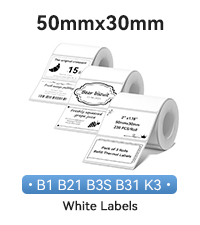 Labels for B1 B21 B21 Pro |  Labels for B1 B21 B21 Pro |  Labels for B1 B21 B21 Pro |  Labels for B1 B21 B21 Pro |  Labels for B1 B21 B21 Pro | |
|---|---|---|---|---|---|---|
Customer Reviews | — | — | — | — | — | — |
Price | — | — | — | — | — | — |
Auto Recognition Label Paper | ? | ? | ? | ? | ? | ? |
Print Width | 2 Inch | 2 Inch | 1.34 Inch | 2 Inch | 2 Inch | 1.57 Inch |
Size | 5.2''x3.6''x2.4'' | 2''x1.18'' | 1.34''x1.34'' | 2''x1.18'' | 2''x 3.15'' | 2''x0.8'' |
Battery | 1500mAh | NO | NO | NO | NO | NO |
BPA FREE | ? | ? | ? | ? | ? | ? |
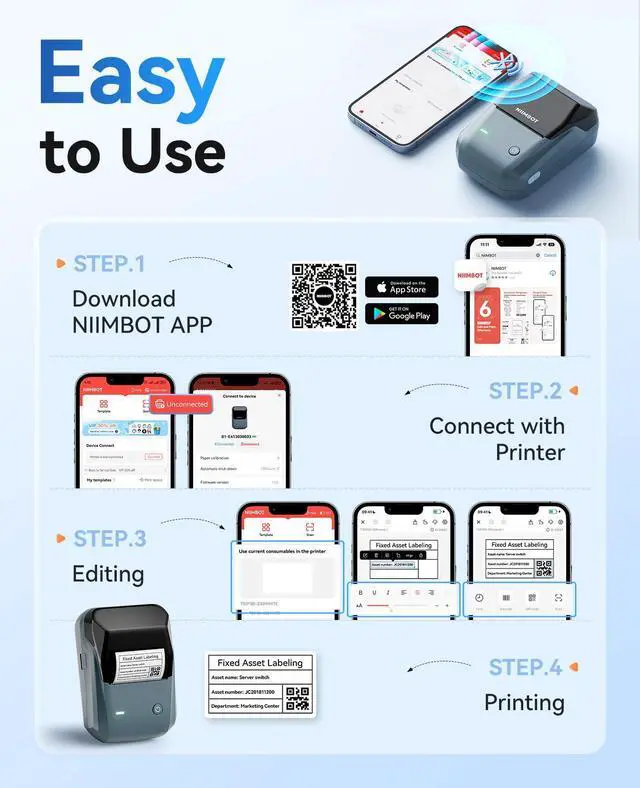
How to set up B1 label maker to connect Bluetooth?
1. Connecting Bluetooth via "NIIMBOT" APP.
2. Download the App "NIIMBOT" from the Apple Store/Google Play.
3. Turn on Bluetooth on your phone, long press to turn on the B1 label printer, and open the "NIIMBOT" app to link to Bluetooth.
What system does B1 label maker support?
This label maker compatible with both Phone (iOS & Android) and Computer (Windows7&10)
How to set up B1 label printe on computer via USB cable?
1. Before installation, power on printer and connect it to computer via USB cable.
2. Visit "niimbot.com" Install the "NIIMBOT" application, then open the desktop version APP
3.There is a detailed video on the product details page, please watch it.
Notice: What can you do if the printing is not clear?
1. Connect B1 through Bluethooth on APP "Labelnize".
2. Click on "Me- "My device"-"Firmware version" -and update to 3.02 immediately.
3. The printer emits a "beep" sound, indicating that the firmware upgrade is successful.
Can I use other brands' labels with this machine?
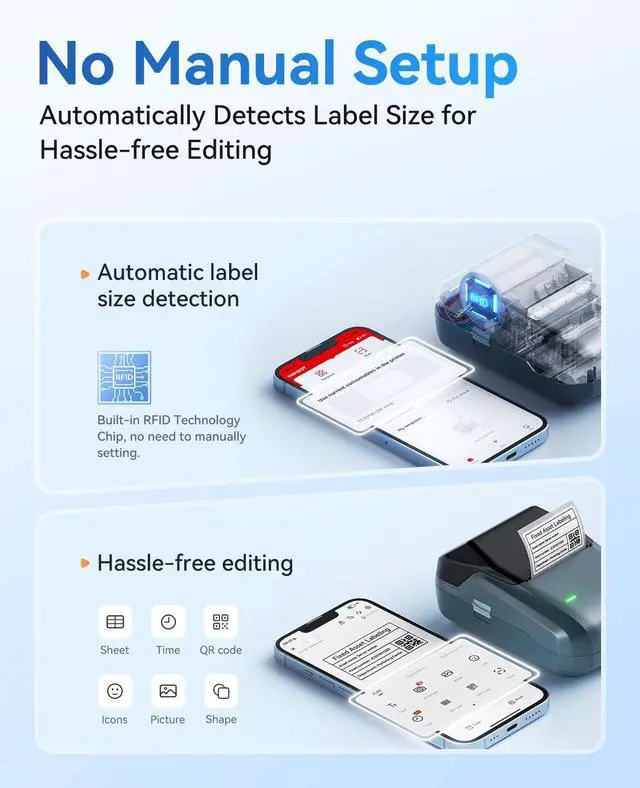
Our printing system utilizes patented label detection technology that only recognizes authentic NIIMBOT labels. Third-party labels lack the required RFID, for optimal performance, always use genuine NIIMBOT labels (sold separately)

About NIIMBOT
NIIMBOT is a domestic leading service provider with intelligent identification solutions.
NIIMBOT held the mission of “The Simpler, The Better” and established three product systems with the core of Intelligent Hardware, NIIMBOT Cloud Service Platform of printing and Efficiency Management System.
We are working on product life-cycle management and be the reliable enterprise for almost millions users in the world.
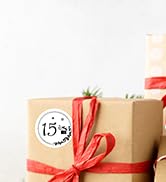
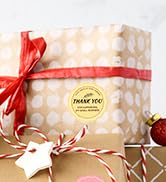

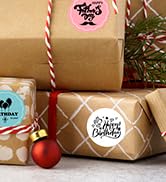
Label papers for Gifts
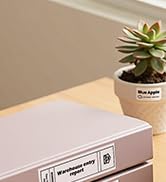
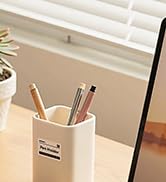
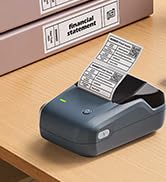
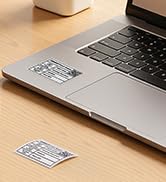
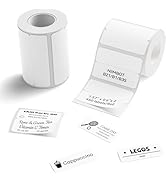
Labels for B1/B21/B21 Pro/B3S
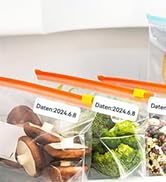
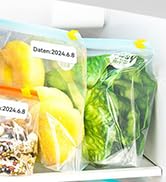
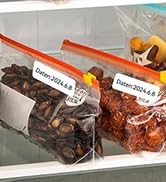
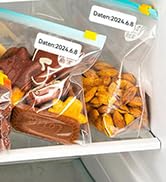
Labels for B1/B21/B21 Pro/B3S
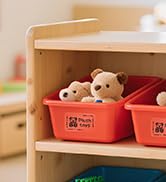
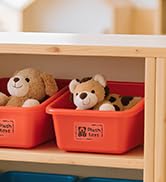
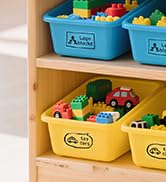
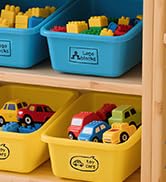
Transparent labels for Nursery
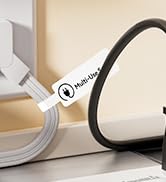

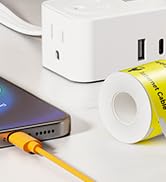
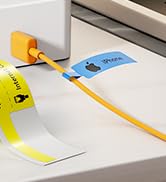
Cable labels for B1/B21/B3S
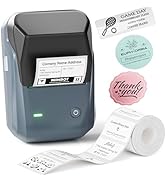
NIIMBOT B1 LABEL PRINTER
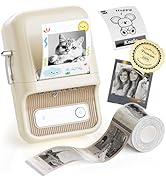
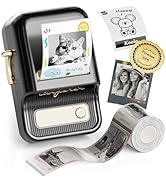
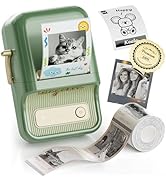
NIIMBOT B21 Pro LABEL MAKER
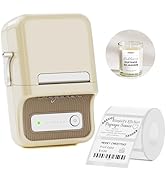
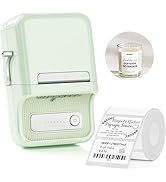
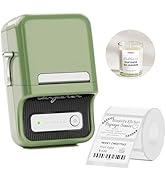
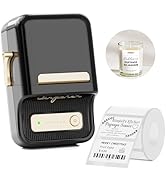
NIIMBOT B21 LABEL PRINTER
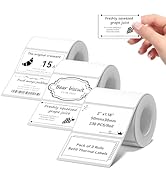
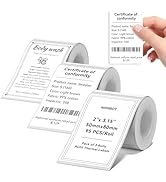
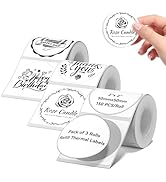
3 Roll label for B1/B21/B21Pro
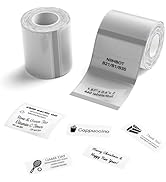
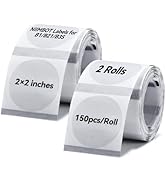
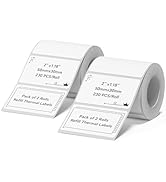
2 Roll label for B1/B21/B21Pro
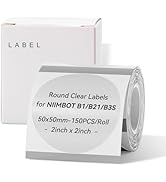
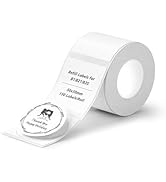
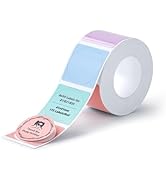
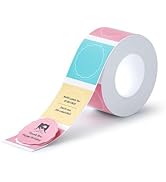
labelsticker for B1/B21/B21Pro
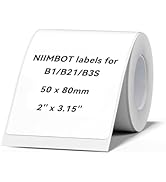
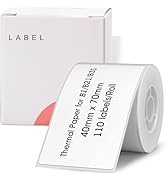
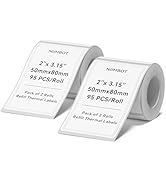
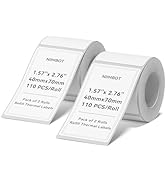
labelsticker for B1/B21/B21Pro
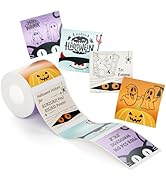
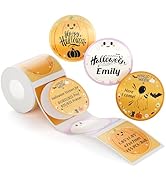
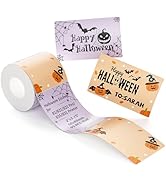
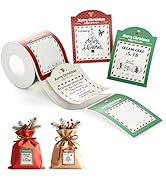
Halloween Labels for B1/B21

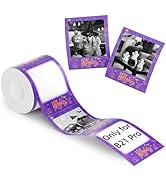
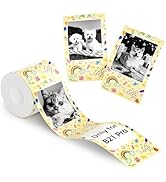
Halloweenlabel Only for B21Pro


NIIMBOT B1 Label Maker Machine with Tape for Your Small Business


Garage Organization: Label Maker & Tool Labels


?Print Labels in Seconds – Organize Like a Pro
?Smart Tags for Every Need (Even the ‘Hands Off’ Stuff)
?‘Dad’s Tools – DO NOT TOUCH’ | ‘Motor Oil – 5W-30’ | ‘Socket Set – 1/4" Drive’


B1 Label Maker and Various Labels Always be with You
B1 Label Maker | Labels for B1 B21 B21 Pro | Labels for B1 B21 B21 Pro | Labels for B1 B21 B21 Pro | Labels for B1 B21 B21 Pro | Labels for B1 B21 B21 Pro |
|---|---|---|---|---|---|
| Customer Reviews | |||||
| — | — | — | — | — | — |
| Price | |||||
| — | — | — | — | — | — |
| Auto Recognition Label Paper | |||||
| ? | ? | ? | ? | ? | ? |
| Print Width | |||||
| 2 Inch | 2 Inch | 1.34 Inch | 2 Inch | 2 Inch | 1.57 Inch |
| Size | |||||
| 5.2''x3.6''x2.4'' | 2''x1.18'' | 1.34''x1.34'' | 2''x1.18'' | 2''x 3.15'' | 2''x0.8'' |
| Battery | |||||
| 1500mAh | NO | NO | NO | NO | NO |
| BPA FREE | |||||
| ? | ? | ? | ? | ? | ? |
How to set up B1 label maker to connect Bluetooth?
1. Connecting Bluetooth via "NIIMBOT" APP.
2. Download the App "NIIMBOT" from the Apple Store/Google Play.
3. Turn on Bluetooth on your phone, long press to turn on the B1 label printer, and open the "NIIMBOT" app to link to Bluetooth.
What system does B1 label maker support?
This label maker compatible with both Phone (iOS & Android) and Computer (Windows7&10)
How to set up B1 label printe on computer via USB cable?
1. Before installation, power on printer and connect it to computer via USB cable.
2. Visit "niimbot.com" Install the "NIIMBOT" application, then open the desktop version APP
3.There is a detailed video on the product details page, please watch it.
Notice: What can you do if the printing is not clear?
1. Connect B1 through Bluethooth on APP "Labelnize".
2. Click on "Me- "My device"-"Firmware version" -and update to 3.02 immediately.
3. The printer emits a "beep" sound, indicating that the firmware upgrade is successful.
Can I use other brands' labels with this machine?
Our printing system utilizes patented label detection technology that only recognizes authentic NIIMBOT labels. Third-party labels lack the required RFID, for optimal performance, always use genuine NIIMBOT labels (sold separately)
About NIIMBOT
NIIMBOT is a domestic leading service provider with intelligent identification solutions.
NIIMBOT held the mission of “The Simpler, The Better” and established three product systems with the core of Intelligent Hardware, NIIMBOT Cloud Service Platform of printing and Efficiency Management System.
We are working on product life-cycle management and be the reliable enterprise for almost millions users in the world.
Label papers for Gifts
Labels for B1/B21/B21 Pro/B3S
Labels for B1/B21/B21 Pro/B3S
Transparent labels for Nursery
Cable labels for B1/B21/B3S
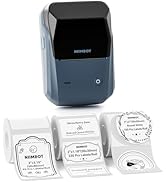
NIIMBOT B1 LABEL PRINTER
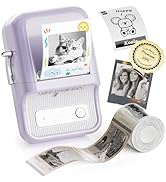
NIIMBOT B21 Pro LABEL MAKER
NIIMBOT B21 LABEL PRINTER
3 Roll label for B1/B21/B21Pro
2 Roll label for B1/B21/B21Pro
labelsticker for B1/B21/B21Pro
labelsticker for B1/B21/B21Pro
Halloween Labels for B1/B21
Halloweenlabel Only for B21Pro